Enterprise-grade security, built for manufacturing





Keep every signature
in spec
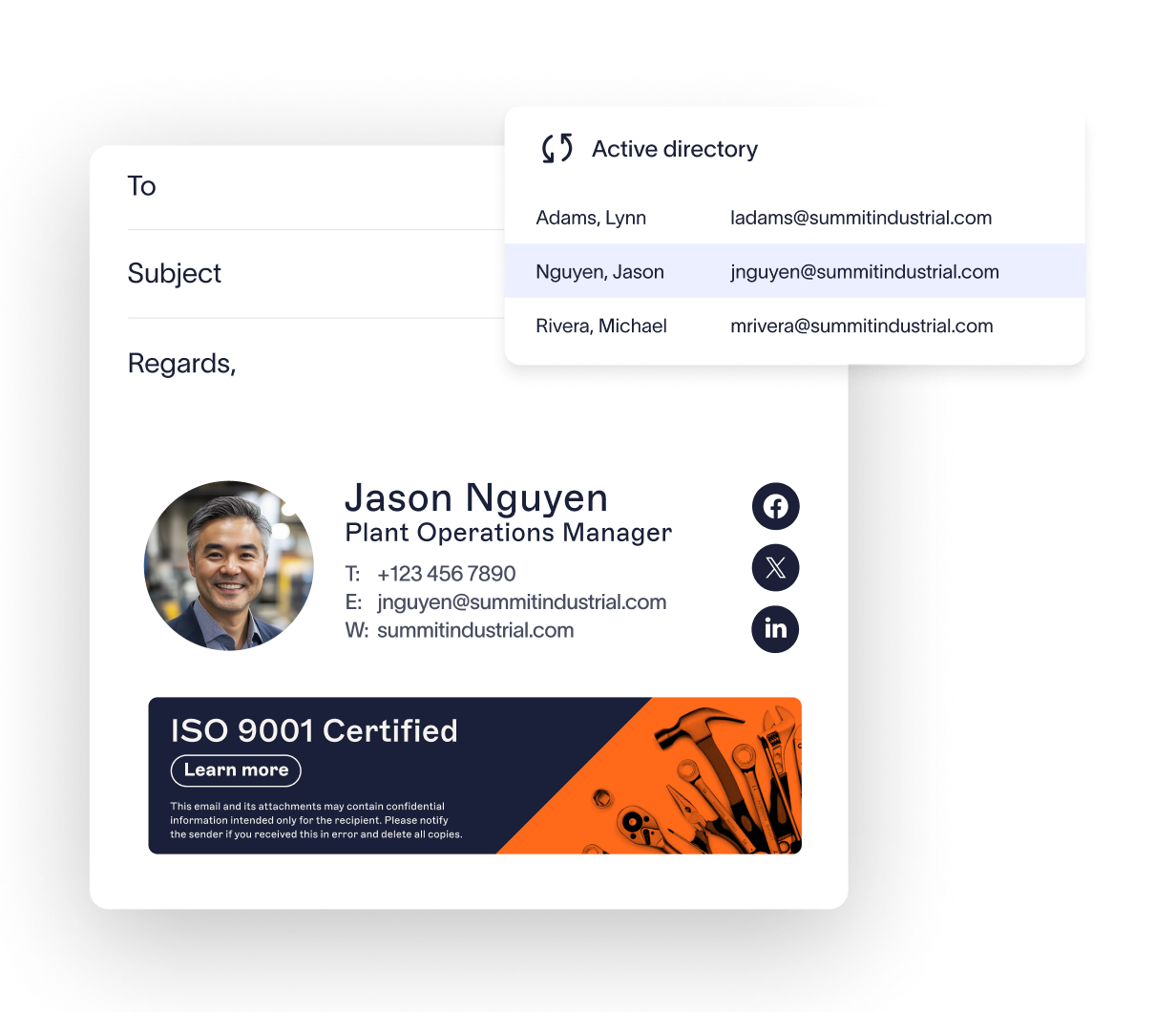
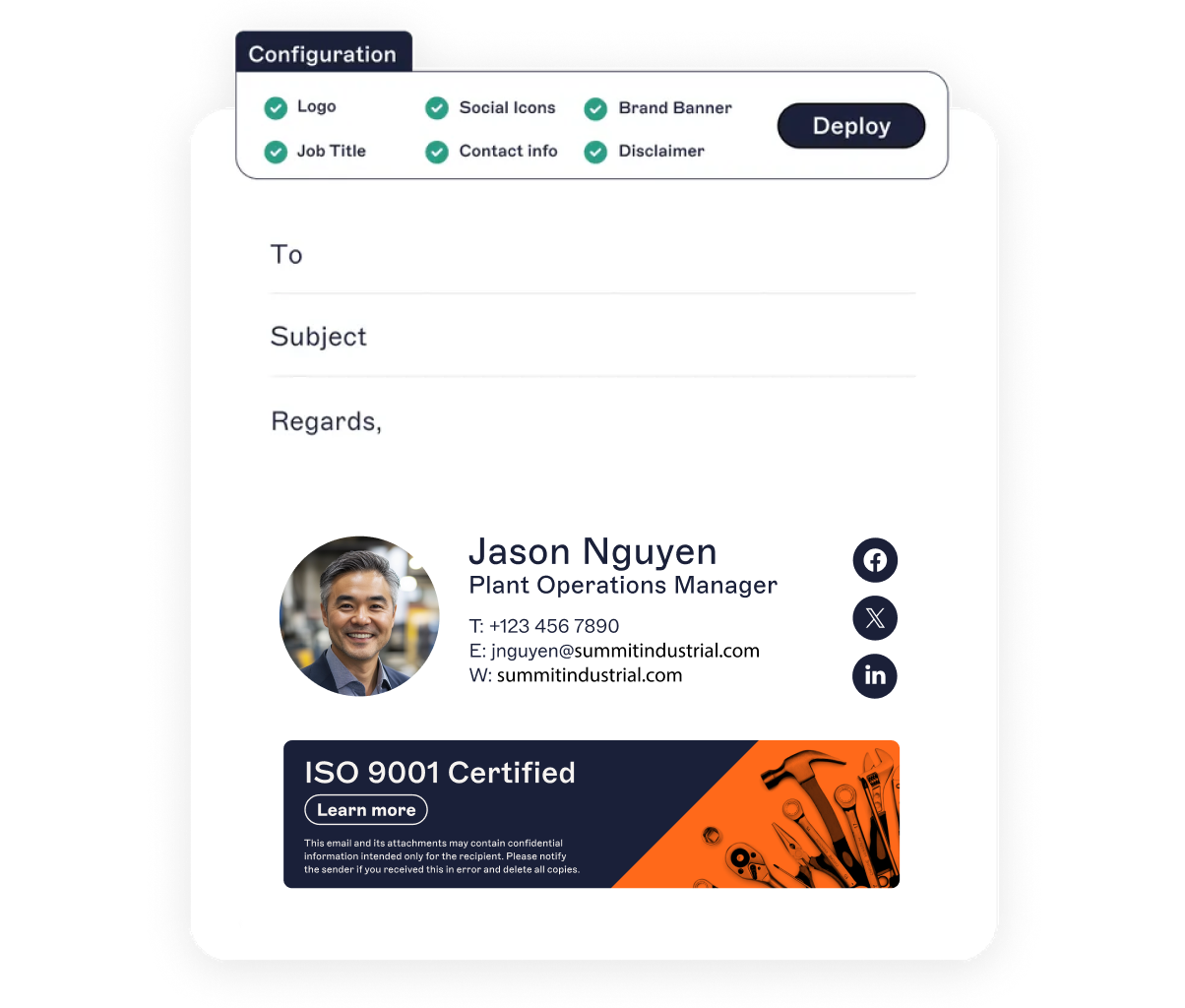
Apply safety notices, compliance disclaimers, and export control statements to every email, automatically. Supports OSHA, ITAR, REACH, and more.
Ensure contact details stay accurate as staff move between sites, shifts, or roles. Automatic directory sync means no outdated info.
Lock down signatures with server-side control. Prevent unauthorized changes that break your branding or expose you to legal risk.
Get complete visibility for audits and compliance checks. Every login is tracked, timestamped, and fully traceable.
:format(webp)/)
You’re in safe hands
We’re the proud holders of multiple industry certifications for our security and compliance standards.





Seamless integration with your email platform
Centrally manage email signatures across Microsoft 365, Google Workspace, and Microsoft Exchange.

Microsoft 365

Microsoft Exchange

Google Workspace

How our email signature manager works
Sync contact info from Entra ID (Azure AD) or Google Directory. When people join the company, change roles, or transfer between facilities, their signatures update automatically.
Assign signatures by site, role, or department so every email meets your brand and regulatory standards across all regions.
Whether sent from an office, mobile device, or shared terminal, every signature is on-brand and accurate. No exceptions.
Use server-side deployment for hands-off control, client-side for user previews, or a hybrid setup for both.
Exclaimer is secure by design. With 99.99% uptime, TLS encryption, and active-active global hosting, it’s built for firms that can’t risk downtime or data exposure.
There's a better way to manage your email signatures


Score 4.6 / 5
"Excellent service, takes all the hassle out of Office 365 Signatures!"
Read more

Frequently asked questions
Yes. Exclaimer is engineered with enterprise-grade security protocols. We use TLS encryption, DDoS protection, and intrusion prevention systems (IPS), all hosted within Microsoft Azure’s highly available environment. Data residency options and role-based access controls give you full oversight; critical for IT teams operating across global manufacturing sites.
Absolutely. Whether you need to display OSHA notices, ITAR/REACH disclaimers, export control warnings, or ISO certifications, Exclaimer ensures the right messaging appears on every outbound email. We’re certified to SOC 2 Type II, ISO 27001, ISO 27018, GDPR, CCPA, and Cyber Essentials standards — helping you meet internal, industry, and client compliance requirements.
Most manufacturing organizations are fully operational within a few hours. Just connect your Microsoft 365 directory (or Google Workspace), design your signature using our drag-and-drop editor, apply smart rules for location or role-based use, and deploy — without disrupting operations or requiring custom scripts.
Yes. Exclaimer is designed for complex, multi-entity organizations. Whether you manage thousands of users across production lines, business units, and global offices, our platform delivers centralized control, high availability, and flexible policy enforcement — perfect for IT operations in large-scale manufacturing environments.
Yes. In addition to Microsoft 365 and Google Workspace, Exclaimer can work with on-prem Exchange and hybrid infrastructures — ideal for manufacturers transitioning to the cloud or managing mixed environments across regional plants and legacy systems.
Yes. Every signature change, application, and rule is logged — creating a detailed audit trail. This helps manufacturing firms meet traceability standards and streamline internal or external audits related to quality systems, compliance, or customer-specific requirements.