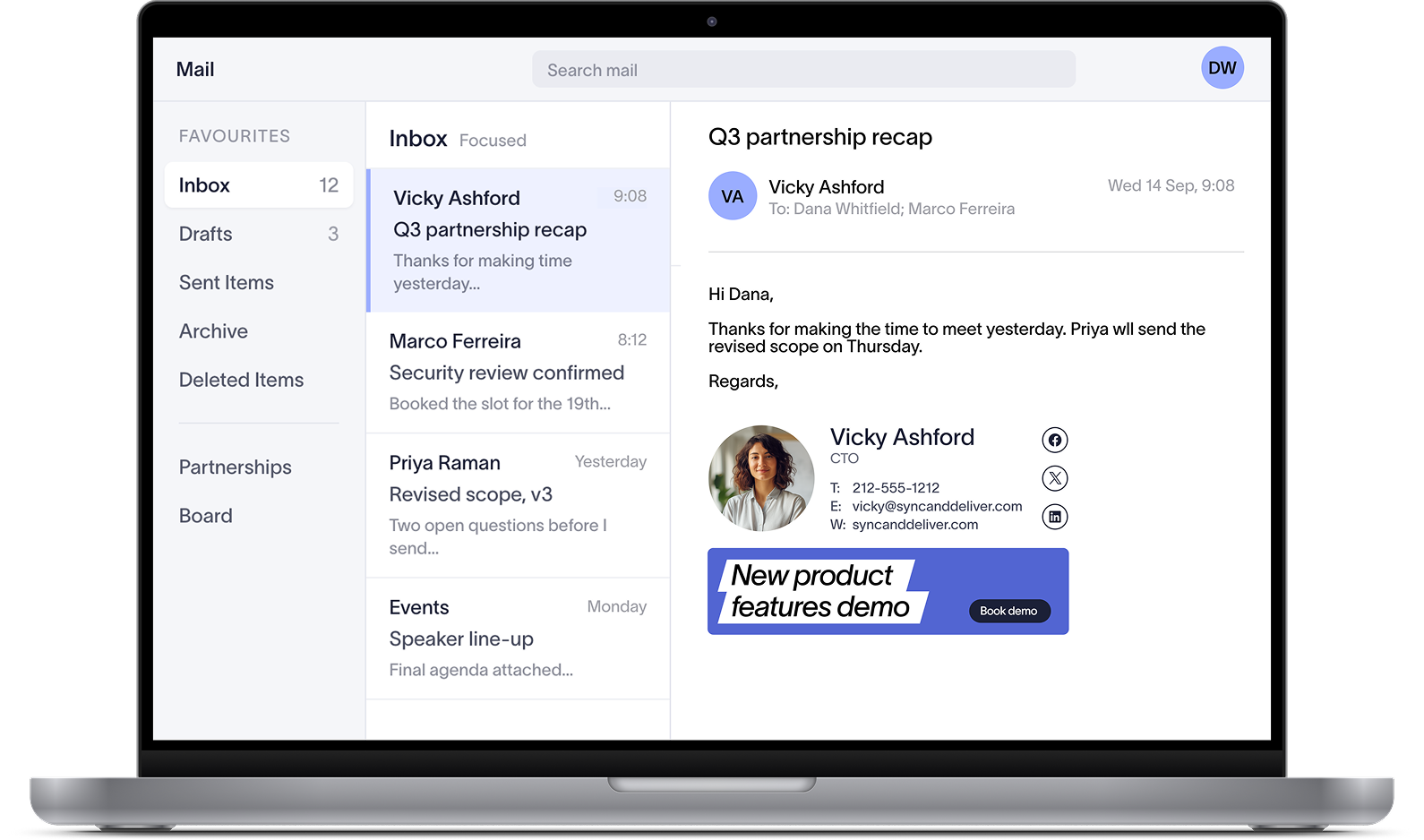

Centralized email signature management, without ongoing IT tickets
Exclaimer enforces on-brand, compliant email signatures across every employee message. Works natively with Microsoft 365, Google Workspace, and Microsoft Exchange.
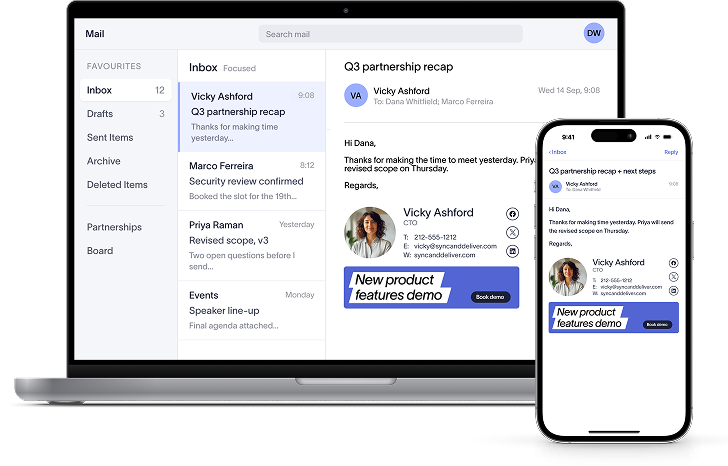
Deploy company-wide in under an hour
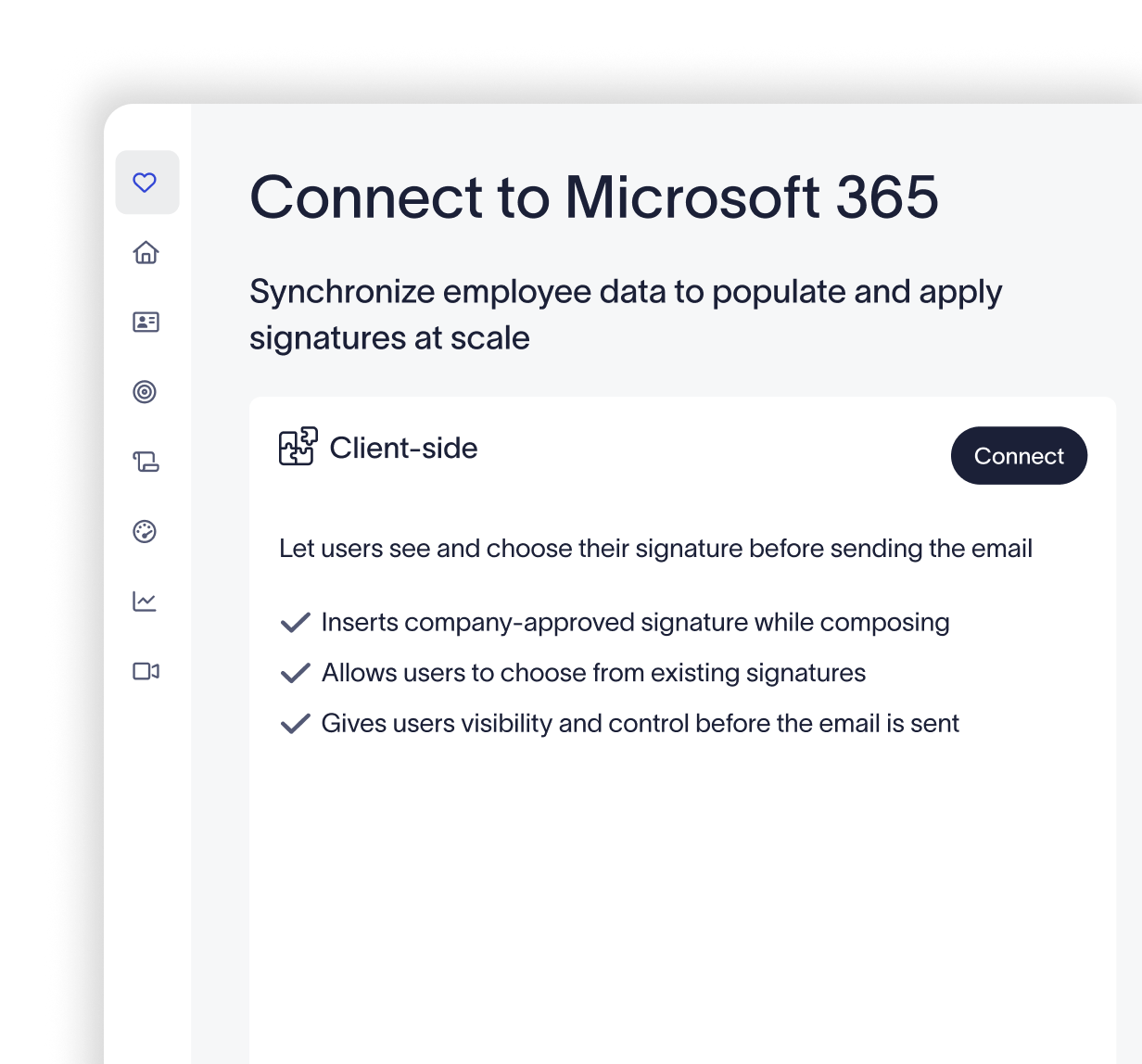
Connect Exclaimer to your email environment
Connect directly to Microsoft 365, Google Workspace, or Microsoft Exchange. Your directory syncs automatically, so every signature stays accurate from day one.
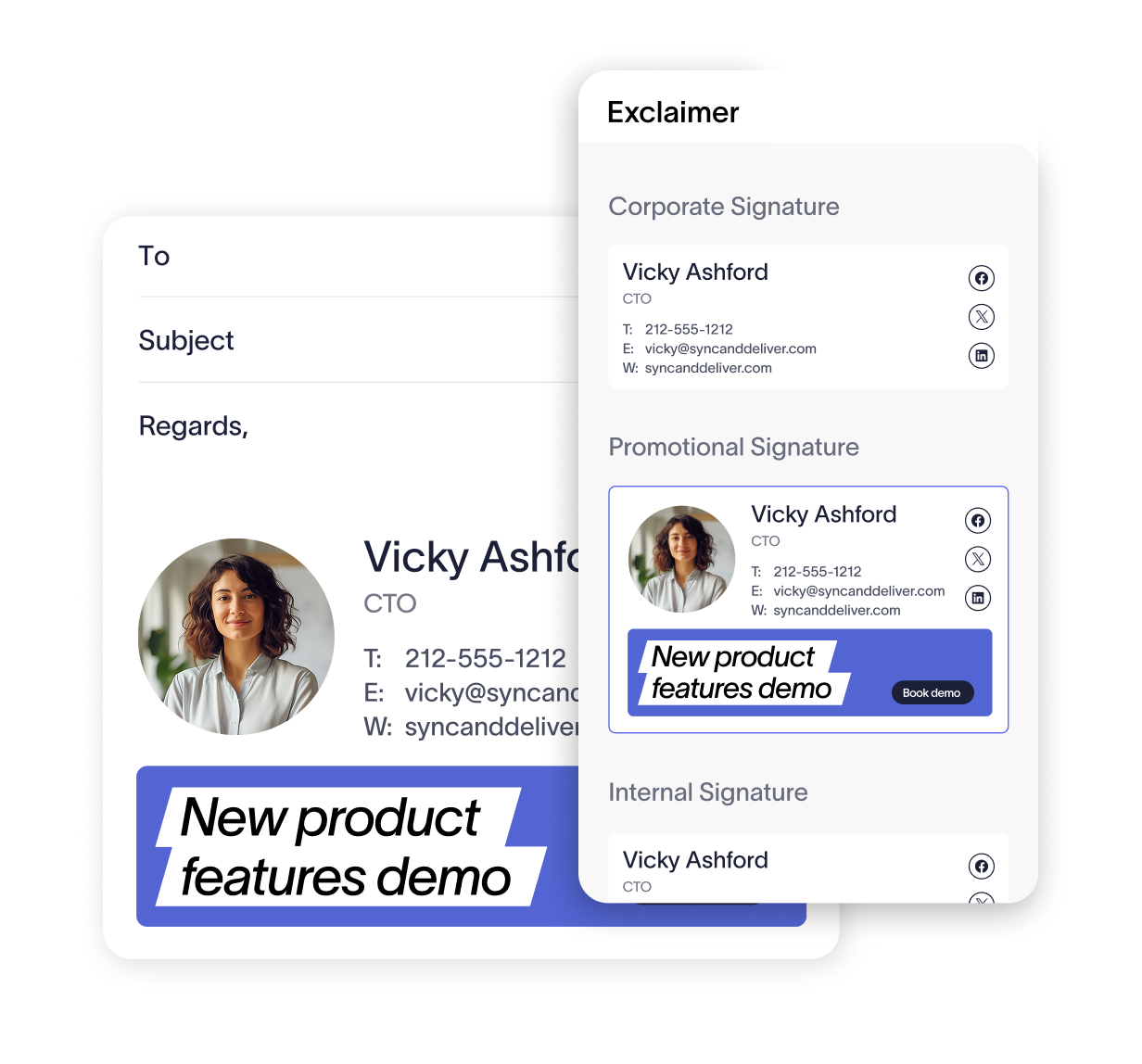
Design your signature
Build professional, on-brand email signatures with a drag-and-drop designer. Choose from ready-made templates or build your own.
Deploy to your users
Roll out to everyone or target specific groups by directory attributes like department, location, or role. No action needed from end-users.
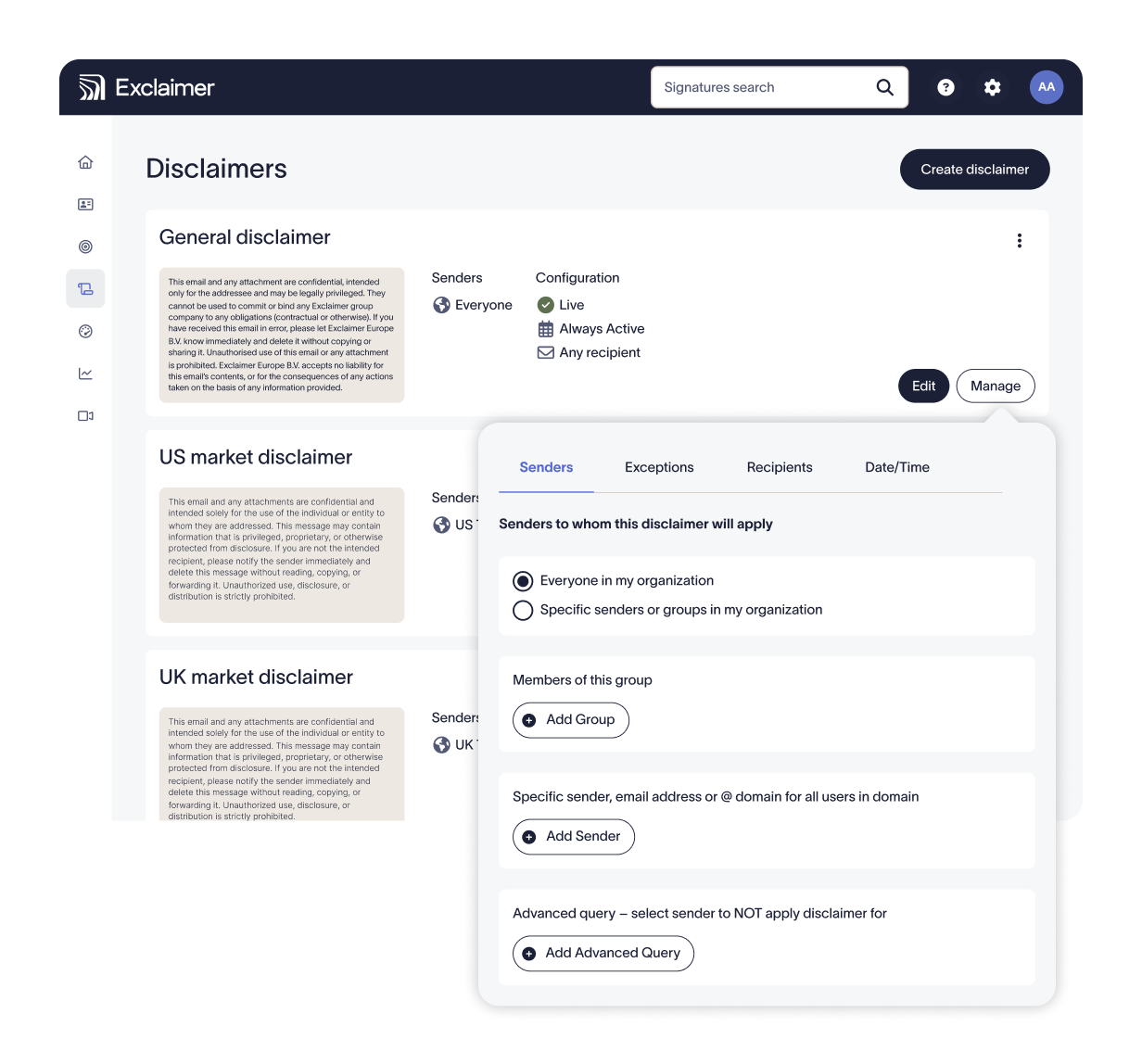
Consistent, compliant, automated signatures
Exclaimer connects to your existing directory, enforces compliance rules, and deploys automatically — so IT stays in control without becoming the bottleneck.
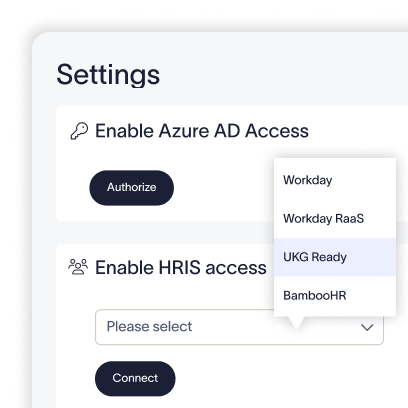
Accuracy without the upkeep
Employee data syncs from Entra ID, Google Workspace, Okta, and leading HRIS tools. When records change, employee names, titles, and numbers update automatically.
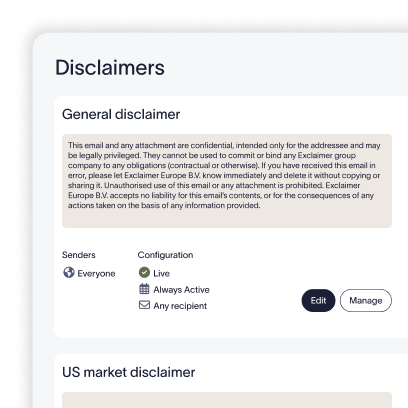
Every outgoing email covered
Legal disclaimers and the correct signature apply on every send, for every employee, automatically. No IT verification needed, no employee action required.
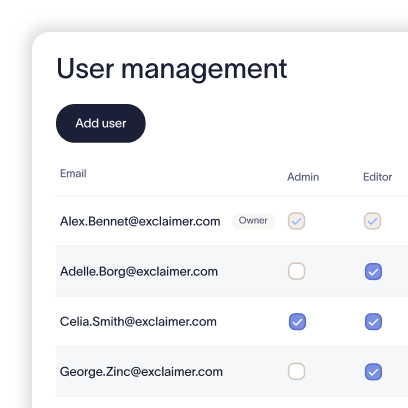
Delegation without the risk
Marketing runs campaigns. HR adds company updates. IT sets the rules they work within. No update requests, no bottleneck, no loss of oversight.
Brand updates don't create IT work
Rebrands don't become IT projects. New email signatures roll out automatically, no manual work required.
Email signature deployment methods
Server-side imprinting | Client-side | Hybrid | |
|---|---|---|---|
How it works | Applied in the cloud after send, via mail-flow routing | Exclaimer app on each device adds the signature as you compose | Server-side enforcement plus client-side preview |
| Signature applied | Cloud | Device | Cloud + device |
| Covers every device and email client automatically | |||
| Guaranteed coverage and compliance enforcement | |||
| Signature preview while composing | |||
| Sender sees signature before sending | |||
| Runs locally on the device | |||
| Best for | Universal coverage and compliance | Sender visibility and previews | Both coverage and visibility |
Trusted by 80,000+ businesses worldwide







Interactive product demo
Built for IT. Powerful for business.
Centralized control over every email signature your organization sends, from one place.

Every employee covered from day one, across managed devices, remote workers, BYOD, and mobile.
When employees join, change roles, or leave, email signatures update automatically.
Other departments can manage their signatures with role based access. IT always keeps the oversight and sets the limits.
Certified to ISO 27001, ISO 27018, and SOC 2 Type II. Built to pass your security review, not complicate it.

Other teams get what they need, without having to wait for IT.
Marketing can launch targeted email signature campaigns and measure performance directly in the platform.
HR can add working hours, pronouns, and company announcements to every employee's email signature.
Sales can add headshots, booking links, and credibility signals to every outgoing email.
Brand assets stay centrally managed. Teams use only what's been approved.
Connects natively with leading CRMs, social platforms, booking tools, and more.


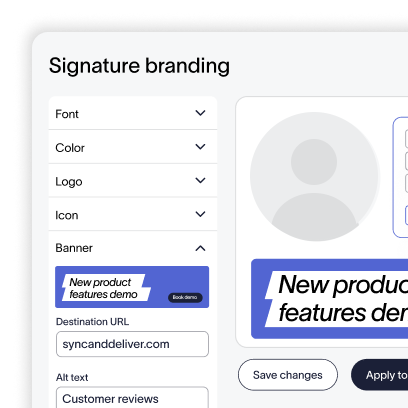
Build professional signatures without HTML

Centralize, apply & edit brand assets across communications
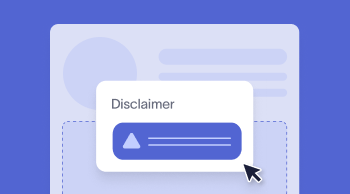
Automatically apply compliant legal text on every communication

Carry over the same consistency you rely on for signatures to your video meeting themes
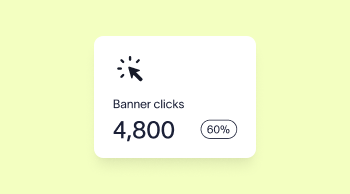
Measure performance and optimize signature campaigns
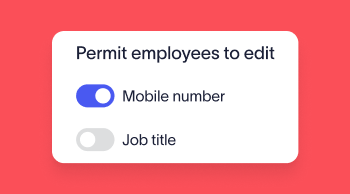
Allow users to make controlled updates without losing governance


Score 4.6 / 5
"Excellent service, takes all the hassle out of Office 365 Signatures!"
Read more

Frequently asked questions
Server-side deployment applies the email signature after the email is sent, at the cloud level, through mail-flow routing. It covers every device and email client automatically — Outlook desktop, OWA, mobile, and Gmail — with nothing for employees to configure. Client-side deployment shows employees their email signature as they compose, using the Exclaimer app or Outlook Add-In. Hybrid deployment combines both: server-side for guaranteed coverage, client-side for a better sender experience.
Exclaimer works for organizations of 10 users and above, and the platform scales without any change to how it's configured. Signature Rules, directory sync, Role-Based Access Controls, and all deployment options are available regardless of organization size. Exclaimer is trusted by more than 80,000 organizations worldwide, from small businesses to global enterprises.
Yes. Exclaimer works natively with Microsoft 365, Google Workspace, and Microsoft Exchange. For Microsoft 365 environments, Exclaimer uses Exchange Online mail-flow connectors to apply signatures server-side. For Google Workspace, it uses Gmail routing. Both environments support directory sync (Microsoft Entra ID, Google Workspace Directory, Okta, and leading HRIS tools) to keep employee data in email signatures current without manual updates.
A standard Exclaimer deployment for Microsoft 365 or Google Workspace typically takes 30 to 60 minutes. Setup includes connecting to your directory, configuring mail-flow routing or client-side deployment, building signature templates, setting signature rules, and testing output. Complex or hybrid deployments with multiple mail environments, custom rule logic, or staged rollouts may take longer. Exclaimer deploys without changes to your existing mail infrastructure.
Yes. Exclaimer applies legal disclaimers, confidentiality notices, and regulatory disclosure text server-side on outbound email, based on rules you configure. Rules can target by sender, recipient, department, region, or entity, so different teams or subsidiaries carry different disclaimer text. Disclaimers are applied after the email is sent and cannot be altered or removed by the employee, giving organizations consistent legal language across all outbound communications.
Exclaimer syncs employee data directly from your identity directory (Microsoft Entra ID, Google Workspace Directory, Okta, or leading HRIS tools) and populates email signature fields including name, job title, department, phone number, and office location automatically. When an employee's record changes, their email signature updates without any manual IT intervention. New starters receive the correct email signature from their first send.
Exclaimer holds ISO 27001, ISO 27018, and SOC 2 Type II certifications. ISO 27018 directly supports GDPR compliance, covering how Exclaimer processes personally identifiable employee data in the cloud. For HIPAA, WCAG, and ADA requirements, Exclaimer's Trust and Security page sets out the full compliance position and documentation available for vendor assessment.
Get started in under an hour
Try Exclaimer free or speak to our team about your setup.