
Trusted by professional services firms around the world






Branded, compliant, and easy to manage
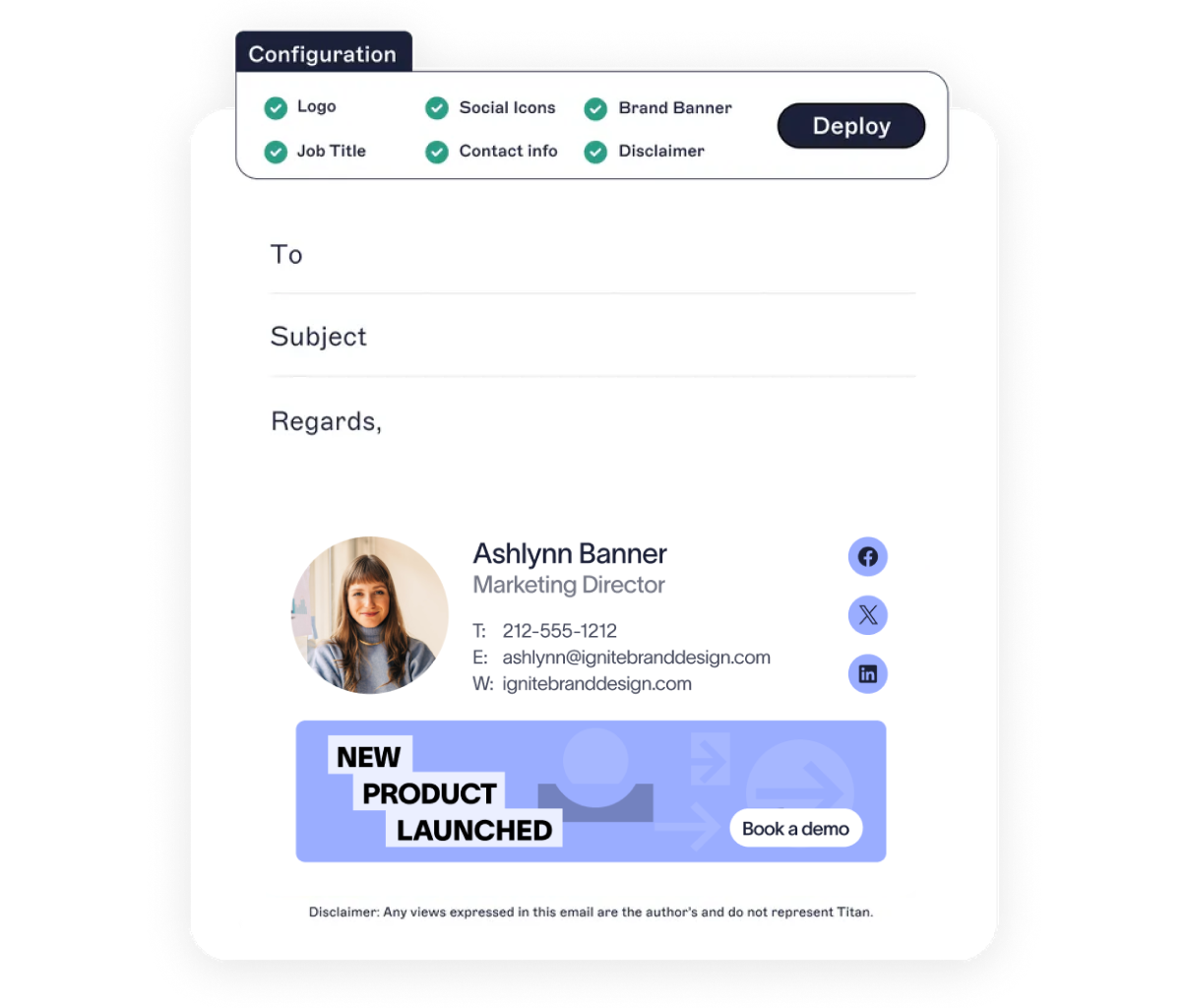
Create polished, on-brand signatures that highlight your firm’s value—no design or coding skills required.
Use our drag-and-drop editor to customize signatures with credentials, testimonials, and thought leadership content.
Apply legal disclaimers or industry-specific disclosures firmwide to support compliance.
Keep signatures accurate with directory sync—when users switch roles or locations, their details update automatically.
:format(webp)/)
You’re in safe hands
We’re the proud holders of multiple industry certifications for our security and compliance standards.








Seamless integration with your email platform
Centrally manage email signatures across Microsoft 365, Google Workspace, and Microsoft Exchange.

Microsoft 365

Microsoft Exchange

Google Workspace

How our email signature manager works
Sync contact info from Entra ID (Azure AD) or Google Directory. When someone joins the company, changes roles, or transfers to another location, their signature updates automatically.
Assign templates based on practice area, office, or seniority, so the right message reaches the right client.
Whether an email is sent from the office, remote laptops, or mobile devices, every signature is on-brand and accurate. No exceptions, no manual steps.
Deploy server-side for zero disruption, client-side to support user previews, or go hybrid for both control and flexibility.
Exclaimer is secure by design. With 99.99% uptime, TLS encryption, and active-active global hosting, it’s built for firms that need reliability and data protection.
There's a better way to manage your email signatures


Score 4.6 / 5
"Excellent service, takes all the hassle out of Office 365 Signatures!"
Read more
