Email Signature Management Solution Buyer's Guide (4th Edition)
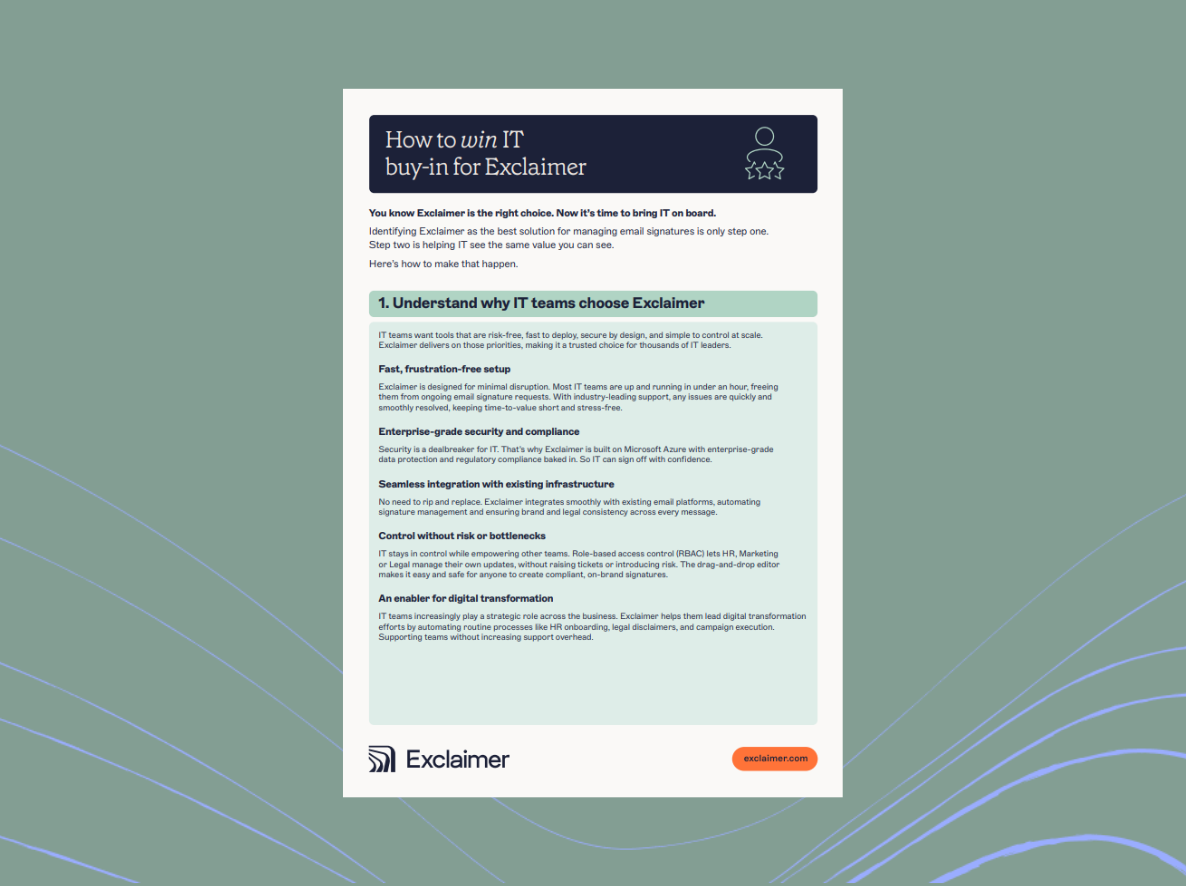
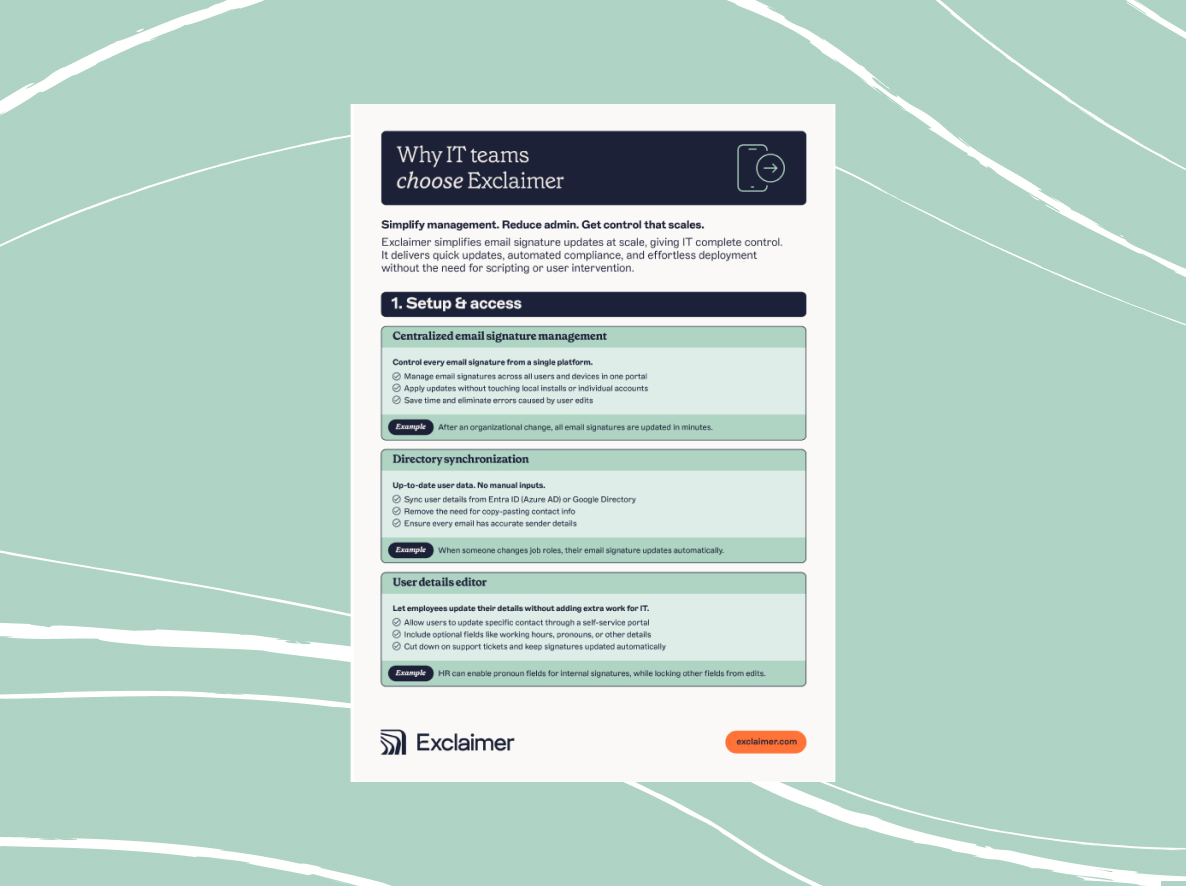
Read our guide to find out what you should be looking for in an email signature solution and determining what's right for your organization.
Every company goes through the exact same issues as they grow–initially, everyone uses their own email signature template. At some point in this growth, an executive decides everyone needs to have a uniform signature. IT then provides documentation on how to set up the organization’s standard signature. This kind of one-off, manually-accomplished signature–despite the end result being a pretty uniform template across the company–fails to meet the needs of organizations with far more complex signature needs.
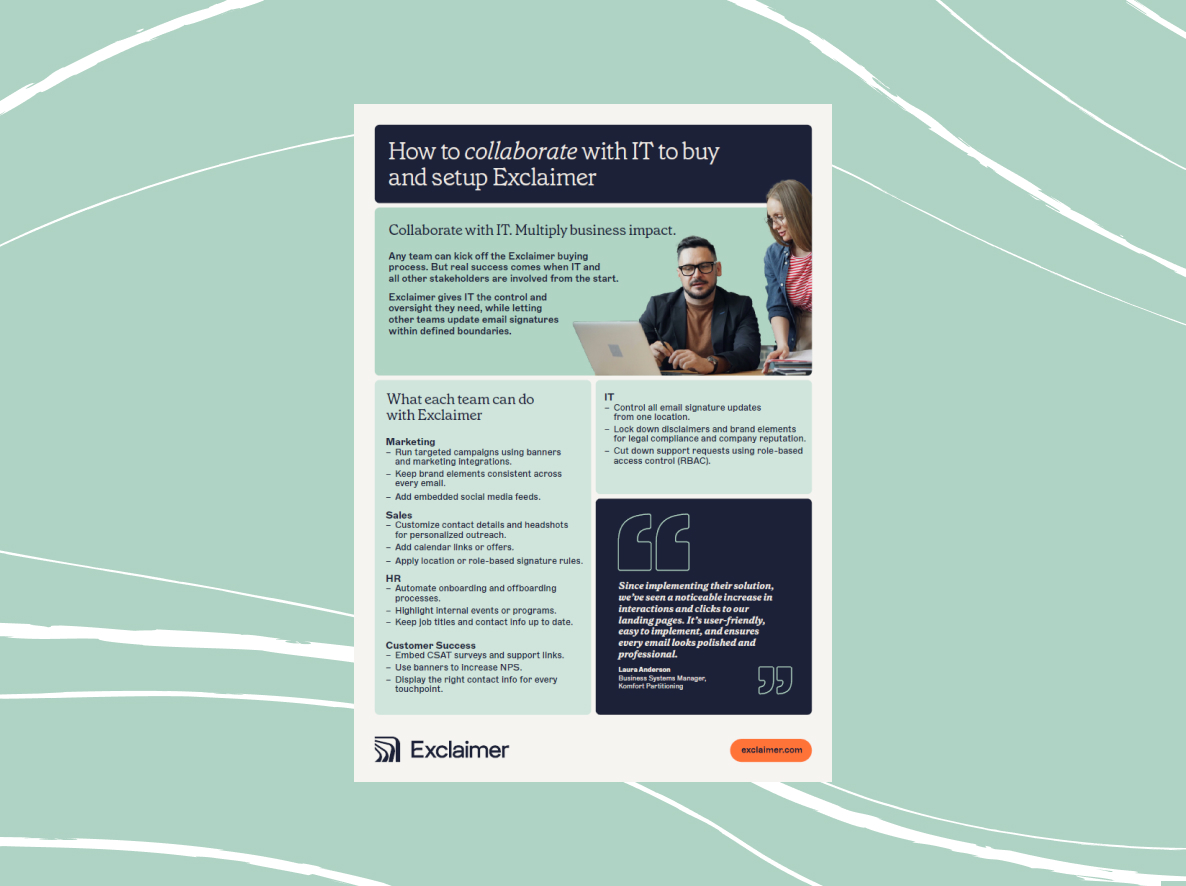
You’re reading this Buyer’s Guide because you already know you have several departments that have specific signature needs. Marketing likely has some branding guidelines and leaving it to the individual employee is no longer either feasible or reliable.
So, you need an email signature solution – one that not only automates the process of deploying signatures, but also simplifies their creation. More advanced solutions will even go as far as to actually empower email signatures to be a tool that enhances customer relations, increases prospect engagement, and improves corporate communications.
The question then becomes, how do you select the right solution that meets your specific needs? In this Buyer’s Guide, I’ll cover the critical (and not-so critical) email capabilities found in today’s email signature solutions and provide worksheets that will help you determine which of the solutions on your shortlist are right for your organization.
How to use this Buyer’s Guide
Conversational Geek Buyer’s Guides help you assess and choose the right solution for your organization.
We do this by breaking the guide into two parts.
Buying criteria
We first provide you with a number of important buying criteria to consider here in this PDF. Each criteria section focuses on a particular set of features and capabilities available by solutions today. Those capabilities are then broken down into two distinct categories:
Required: The capabilities listed in this criteria category are those that are fundamental for purchase consideration. Any solution you consider on your shortlist should have the capabilities listed at a minimum.
Optional: The capabilities listed in this criteria category are features that will enhance your use of the solution but aren’t part of the core required capabilities. An optional capability might be considered innovative in nature or simply be of value but only to organizations with specific needs.
Evaluation worksheets
We then provide you with a URL that points to an online Evaluation Worksheet designed to let you evaluate each solution you are considering – and determine a winner.
Read the rest of our buyer’s guide, written by Microsoft MVP Nick Cavalancia, by filling in the form opposite.
About Nick Cavalancia
Nick Cavalancia has over 25 years of enterprise IT experience, is an accomplished consultant, speaker, trainer, writer, and columnist, and has achieved industry certifications including MCSE, MCT, Master CNE and Master CNI.
Follow Nick on Twitter @nickcavalancia, @Techvangelism, or @ConvGeek.