Naimh is a seasoned marketer of 12 years, including in SaaS and tech. She’s an expert at simplifying complex technology concepts, bridging the gap between IT and marketing. Naimh specializes in turning tech speak into actionable insights, helping marketers get the most out of their tools and technology.
Professional email signature examples: Formats, templates, and tips by role
TL;DR
A professional email signature should identify the sender, provide reliable contact details, and reinforce the company brand. Include one optional action element at most, such as a booking link, CTA, or social profile.
Required elements
Full name
Job title
Company name
Direct phone number
Business email address
Company website
Optional elements
Company logo
LinkedIn or other professional social profile (limit to 1–3 active profiles)
Calendar booking link
Promotional CTA or banner
Legal disclaimer, where required
Certification, award, or license number, where relevant
Example
Sarah Mitchell Senior Account Executive | Exclaimer +44 (0) 20 7000 1234 |
[email protected] https://www.exclaimer.com |
LinkedIn: linkedin.com/in/sarahmitchell
Book a demo: https://exclaimer.com/request-demo
A professional email signature identifies the sender, provides reliable contact details, and reinforces the company brand. Getting one email signature right is a design task. Keeping every employee's email signature right is a different problem: in Exclaimer's State of Business Email 2025 research, 92% of IT leaders agreed that consistent, well-managed email signatures build trust, yet 80% still rely on manual updates or user self-service to get there. This guide covers both: what to include in a single email signature, and what changes once you're standardizing one across a team.
This guide covers what a professional email signature should include, how to format it, and real-world examples across job roles and industries. Whether you're setting up your own email signature or standardizing templates across your organization, the same principles apply. The difference is how you enforce them at scale.
What is a professional email signature?
A professional email signature is a standardized block of content that appears at the bottom of an email. It typically includes the sender’s name, job title, company, and contact details.
Beyond contact information, professional email signatures can also include appropriate quotes, company logos, appointment booking links, promotional banners with CTAs, social media icons, legal disclaimers, one-click feedback buttons, certifications and awards, and animated GIFs.
Essential elements of a professional email signature
The most critical components of a professional email signature, ranked by importance:
Full name and job title: identifies who is sending the message
Company name and logo: reinforces brand identity
Phone number and email address: enables direct communication
Website URL: drives traffic to your site
Social media icons: extends your digital presence
Legal disclaimer: protects against liability
Promotional banner or CTA: highlights key messages
That list works for one email signature. It stops working the moment a second person builds their own version of it. A logo sized slightly differently, a disclaimer someone forgot to paste in, a job title that's a year out of date: none of that shows up when you're reviewing your own email signature. It shows up when a customer receives five emails from five people at the same company and none of them look related. Once you're managing more than a handful of people, the question stops being "what should a good email signature include" and becomes "how do you make sure every email signature stays that way." That question is answered later in this guide, once the design fundamentals are covered.
"Brand consistency at scale is an ongoing governance challenge. Email and video meetings are high-volume, high-visibility channels where inconsistency shows up fast and can damage trust. When branding is managed manually across hundreds or thousands of communications, inconsistency becomes inevitable."
Why are professional email signatures important?
A properly formatted email signature improves communication, enhances professionalism, and supports branding efforts. For IT admins and brand managers, the goal is ensuring that standard applies to every user, not just the ones who update their own settings.

In a 2026 Exclaimer consumer study, 58% of respondents said a professional, branded email signature makes them trust an email from a business more. Professional email signatures are designed to:
Establish credibility and trust
Deliver consistent branding
Act as digital business cards
Promote campaigns and company news
Improve legal compliance
Offer convenient ways to engage with your company
They're especially important in industries with high customer interaction, legal requirements, or a strong focus on brand consistency. In those sectors, IT admins typically own the email signature standard and enforce it centrally rather than relying on individuals.
For organizations managing email signatures across a large team, maintaining those standards requires more than a style guide. Without centralized control, you get inconsistent layouts, outdated contact details, and off-brand designs regardless of how clear the policy is.
Email Signatures for Dummies guide
Find best practices for creating high‑impact designs. Our official Email Signatures for Dummies guide covers everything from design basics to execution.
What should a professional email signature include?
To create an effective email signature format, include:
Priority | Element | Include when | Best-practice format |
|---|---|---|---|
Required | Full name | Always | First and last name; no nicknames unless used professionally |
Required | Job title | Always | Use official title, e.g. "Senior Account Executive" |
Required | Company name | Always | Use legal or public brand name |
Required | Phone number | External emails | Include country code, e.g. +1 (555) 123-4567 |
Required | Email address | Always | Use a clickable mailto link |
Required | Website | Always | Use root domain or a short landing page URL |
Recommended | Company logo | Most branded signatures | Optimized PNG, max 100–200px wide, below 100KB (see note below on file formats) |
Optional | LinkedIn/social icons | Customer-facing roles | Limit to one to three active professional profiles; icons 16–24px |
Optional | Calendar booking link | Sales, recruiting, consulting, support | Use "Book a meeting" or "Schedule a call" as link text |
Optional | CTA/banner | Marketing or campaign emails | One CTA only; track with UTM parameters; banner approx. 600x100px |
Conditional | Legal disclaimer | Regulated industries or jurisdictions | Keep short or link to full policy |
Conditional | Certifications/licenses | Legal, finance, healthcare, real estate | Link to public verification where possible |
Professional email signature vs. personal email signature
Understanding the difference between professional and personal email signatures helps ensure you're using the right format for each context:
Feature | Professional email signature | Personal email signature |
Purpose | Business communication and branding | Casual, personal correspondence |
Required elements | Full name, job title, company, contact info, logo | Name and optional contact info |
Branding | Must follow company brand guidelines | Flexible, reflects personal style |
Legal disclaimers | Often required for compliance | Rarely needed |
CTAs and banners | Common for marketing purposes | Uncommon |
Tone | Formal and consistent | Informal and customizable |
"It surprises me sometimes when I receive and read an email message wherein the content comes across as professional, and then I glance at the signature which screams 'amateurish,' 'unprofessional' and/or 'blah.I also find that unprofessional email signatures jar my perception of the sender and the company they're associated with. One moment I get an email that has a signature and the next I get the ‘Sent from my iPhone’ mobile flavor of the email."
What is the best format for a professional email signature?
Professional email signatures typically include contact details, social media icons, images, and marketing materials. The right format depends on your role and industry. If you're managing a team, it also comes down to what your organization needs to enforce consistently.
 A corporate email signature can be customized to match your formality, audience, and industry. Here are some key tips to optimize your email signature:
Highlight important details: place key information like contact details or meeting links where they stand out to catch attention.
Keep it clean and responsive: a clutter-free email signature design makes your template professional and readable on all devices. Media-query support for responsive layouts is inconsistent across email clients, particularly Outlook, so "responsive" here mostly means choosing layouts and stacking patterns that hold up on their own rather than relying on CSS to reflow the design.
Stick to brand fonts and colors: follow company brand guidelines to reinforce your visual identity in every email.
Use PNG for logos and images, not SVG: SVG files aren't reliably supported in email signatures. Microsoft retired inline SVG image rendering in Outlook for the web and the new Outlook for Windows between September and October 2025, and support elsewhere in the inbox is inconsistent even where it exists. More on the export settings below, in the logo section.
Limit to seven lines: keep it brief to highlight key information at a glance.
Avoid relying on images: some email clients block images. Keep all contact details in text format.
Test across devices: check how your email signature renders in Gmail, Outlook, and Apple Mail before rolling it out. If you're standardizing email signatures on Microsoft 365 or Google Workspace, a dedicated management solution applies consistent formatting for every user automatically, without depending on individuals to configure their own.
Does an email signature need a dark mode design?
Increasingly, yes. Dark mode can mute or shift colors and make light-background images harder to read once an email client inverts or adjusts the display. A logo designed on a white background can lose its edges entirely against a dark background.
Tip
Bake a white background into the logo file itself rather than relying on transparency, and add a subtle stroke or outline to text-based logos and wordmarks so the shape holds up regardless of what's behind it.
Test signatures in both light and dark mode in Gmail, Outlook, and Apple Mail before rolling them out, the same way you'd test across devices.
Email signature technical specs
Element | Recommended spec |
|---|---|
Signature length | 4–7 visible lines |
Logo width | 100–200px |
Promotional banner | Approx. 600x100px |
Social icons | 16–24px |
Headshot | 300x300px square crop |
Image file size | Below 100KB |
CTA count | One primary CTA per email signature |
Social profile links | 1–3 active profiles |
GIF animation length | Under 5 seconds |
Font sizing
Image dimensions get most of the attention in email signature specs, but font sizing follows its own hierarchy, and it's easy to get wrong because email clients render text in points, not pixels. If you're designing in a tool that works in pixels, convert before you finalize the template.
This matches the spec table in Exclaimer's 17 dos and don'ts of email signatures:
Text | Recommended size |
|---|---|
Name and job title | 11–12pt |
Contact details (phone, website) | 8–10pt |
Disclaimer or low-priority text | 7–8pt |
Stick to web-safe fonts such as Arial or Calibri, or list a fallback font stack, since a recipient without your brand's custom font installed will otherwise see a generic system substitute.
Want to create your own professional email signature?
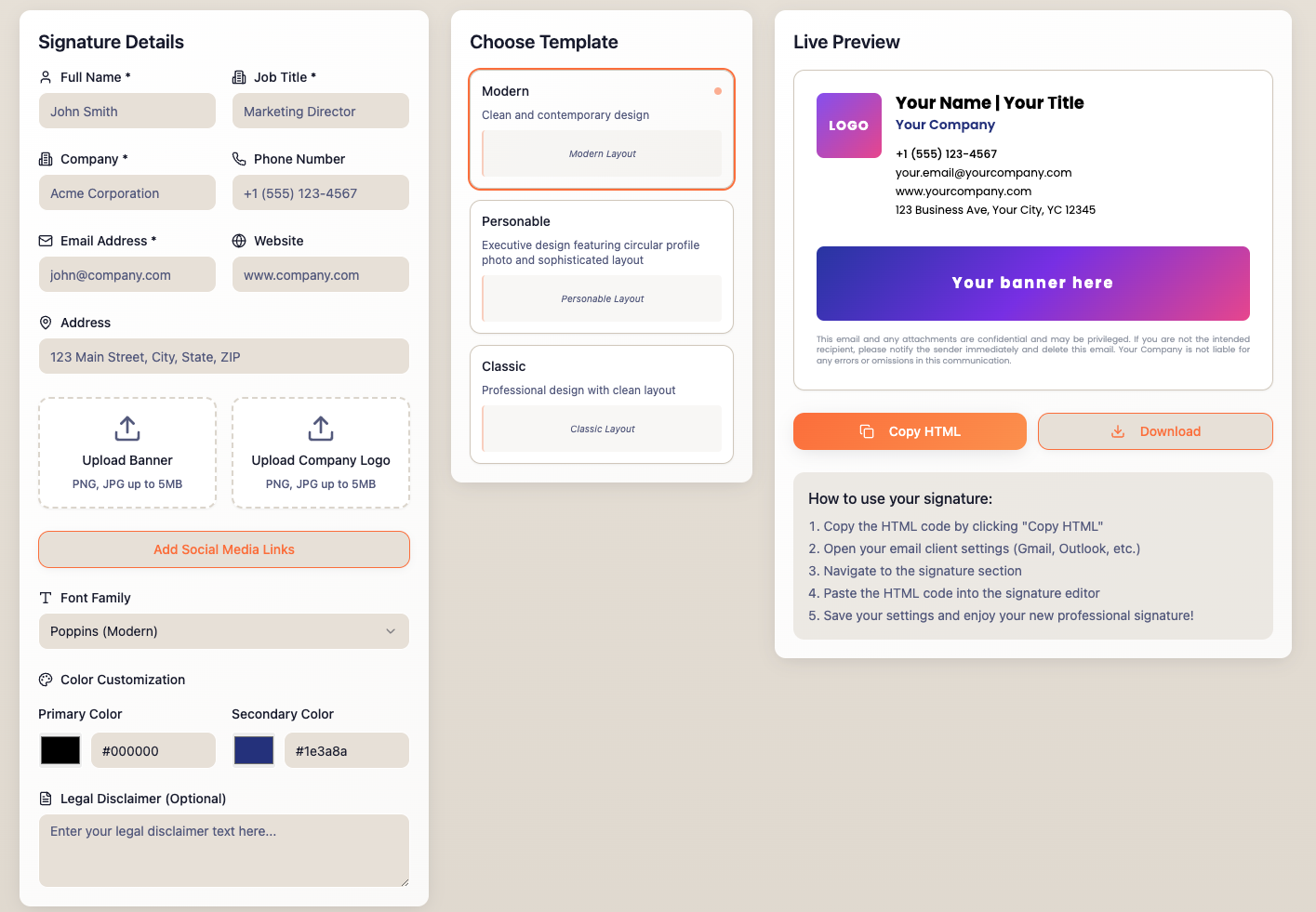
Try our email signature generator, perfect for centralized control, dynamic updates, and consistent branding.
What contact information should you include in an email signature?
Your professional email signature is only effective if the contact details are accurate and easy to read. A sender's full name is the most basic requirement and one of the most frequently missing elements.

Here's a breakdown of the essential contact information every email signature block should include:
The employee's full name: include your first and last name (no nicknames). This helps maintain professionalism and lets the recipient know who the message is coming from.
Job title: your job title provides context. It helps recipients understand your role and how you fit into your organization's structure.
Company name: always include your company name. While plain text works, using your official company logo reinforces your brand identity and looks more polished.
Direct phone number: list the best number to reach you, whether it's a direct line or business mobile. Avoid generic or switchboard numbers unless necessary.
Email address: your email address may be visible in the header, but it's smart to include it again in the email signature. Add a mailto link so contacts can easily respond or forward it.
Website URL: drive traffic to your business by linking to your company's website.
Should you include a photo in your professional email signature?
Adding a professional headshot to your email signature personalizes your communications and builds familiarity with recipients over time, particularly for customer-facing roles where trust matters from the first exchange.

You can include a photo in your internal email signature, an external one, or both. It's up to you.
Headshot best practices
Use a square 1:1 crop at 300x300px, displayed smaller in the signature
Use JPEG or PNG; keep the file below 100KB
Use a neutral background and professional lighting
Add descriptive alt text, e.g. "Jane Doe, Senior Account Executive at Acme Corp"
Use professional, high-resolution images, not social snaps
Choose friendly and approachable expressions
Should you add a quote to your professional email signature?
Including a favorite quote in your email signature can effectively add personality, spark conversation, and even convey information.
 Email signature quotes are popular additions to include. However, remember to keep the quote professional. Think of an industry leader, expert, or respected figure. Place these in the white space below the sender's contact information and social media links.
Can you add a call-to-action to a professional email signature?
Calls-to-action (CTAs) can be included as part of a professional email signature. These can include social media and website links, feedback surveys, or marketing assets like videos or commercial links.
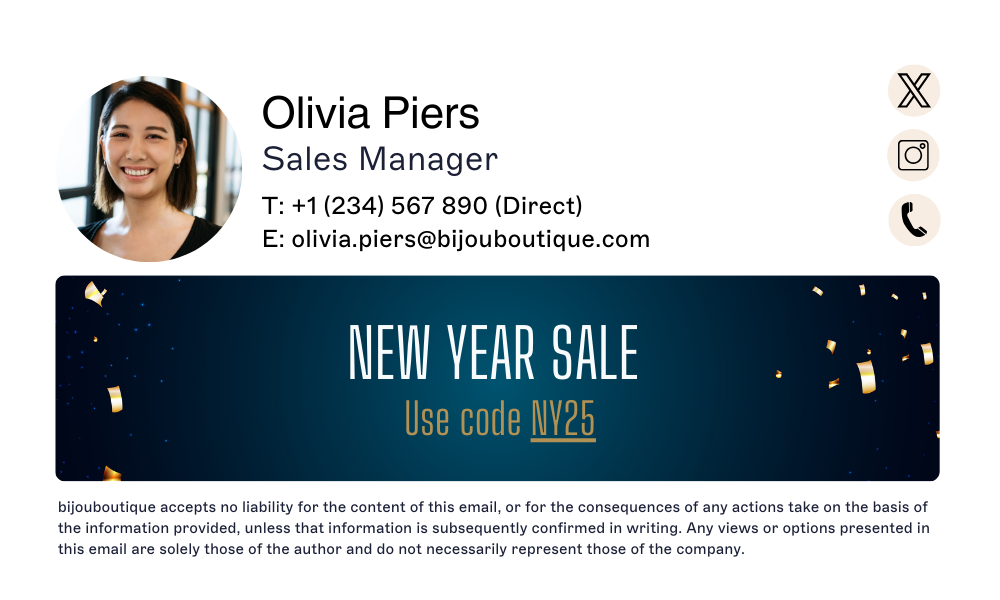 The key to a compelling email signature call-to-action is to make what the user needs to do clear. Encourage them with eye-catching images or incentivizing copy.
Examples can include:
"Book a meeting"
"Download our whitepaper"
"Leave a review"
Should you include your company logo in your email signature?
Images are essential to a company's reputation, as consistency and familiarity are key to maintaining a strong brand identity. This includes email signatures, which must always align with your brand guidelines.

Professional email signature blocks reflect your brand just as much as any other branded material. Including your corporate logo not only reinforces brand identity but also enhances professionalism.
Export the logo as a PNG rather than an SVG. It's a common assumption that SVG is the safer choice, since it's the standard for crisp logos on the web, but email signatures are a different rendering environment. As Jasmine Hotham-Tunnadine, one of Exclaimer's template design engineers, puts it:
"Sadly, we can't use SVGs, scalable vector graphics, which are perfect for websites, but sadly not supported at all on email signatures."
Can you add a calendar booking link to your email signature?
Using calendar booking links in your email signature makes it easier for your recipients to schedule meetings with you.
 All they need to do is click on the scheduling link and choose a time that works best for them. This avoids lengthy email conversations and makes scheduling your time much more straightforward.
You can also use the booking link to communicate your working hours, so recipients always get helpful scheduling information from your business email signature.
Professional email signatures are a powerful way to share marketing material without triggering spam filters. Add eye-catching banners with great design, compelling sales copy, and clickable links to promote campaigns, events, or product launches.
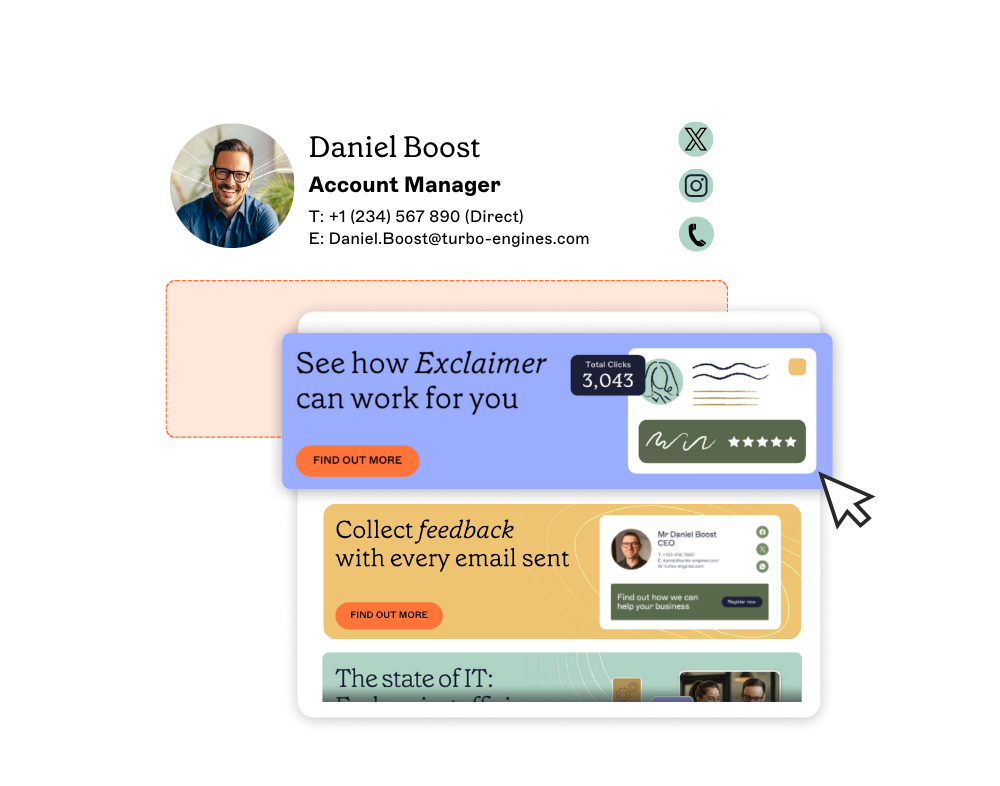
The middle section of your email signature template is ideal for displaying an email banner. Use this space for clear calls-to-action, such as promoting white papers, special offers, or discounts. Update banners regularly to keep messaging relevant.
Tracked banner example
Use UTM parameters on your banner link to measure clicks and campaign performance:
https://www.company.com/event?utm_source=email_signature&utm_medium=email&utm_campaign=q3_event
Recommended banner specs:
Approximately 600x100px
Compressed image file
Descriptive alt text
Single linked CTA
Measure:
Banner click-through rate
Demo requests or form completions driven by the email signature
Conversions by campaign period
Tips for email signature banners
Keep the design simple: place banners below contact details. Use clean, focused visuals to enhance credibility and message clarity.
Tailor messages by audience: show buyers special offers, promote regional events locally, or highlight upsell opportunities.
Use banners for internal communications: share job openings, training, events, or reminders to keep employees informed without overwhelming them.
Avoid outdated banners: update banners as part of your marketing campaigns to keep messaging consistent and relevant.
Track performance: add tracking codes to monitor engagement and refine designs based on results.
Are there legal requirements for business email signatures?
Email disclaimers are the legal copy included at the bottom of signatures on emails. They protect the sender against any legal consequences associated with how the recipient uses the content of the email.
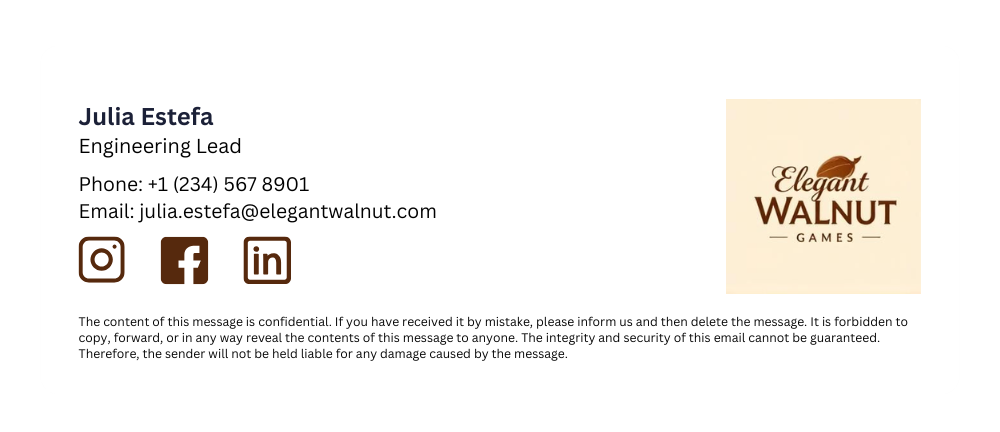
Businesses typically include their legal details, such as name, address, and registration info, in email disclaimers. While they may seem outdated, organizations still use them for legal and safety reasons.
Email disclaimer best practices
Place the disclaimer below the logo and display banner, separate from the main email signature.
Use a small font to avoid overwhelming the email with text.
The content of disclaimers may vary depending on the recipient and context; parts may need to be tailored to specific rules.
How do feedback buttons work in a professional email signature?
Turning a professional email signature into a customer feedback channel and a marketing one is easy.
 You can gather valuable customer insights with email signature surveys using simple one-click feedback buttons.
How to add a survey to your email signature
Use intuitive, non-invasive surveys with satisfaction scales (e.g., emoticons or stars).
Customers can click a button to provide feedback or be directed to a landing page for additional comments.
Keep survey buttons discreet yet noticeable; avoid making them too large or distracting.
Should you add certifications or awards to your email signature?
Corporate certifications and company awards in professional email signatures often provide value. However, they need to be managed and used correctly.
 Adding achievements to email signatures highlights employees' expertise and boosts their morale. The same is also true if you win an industry award. It tells recipients that you are the best at what you do and that your industry has recognized you.
Adding social media icons to your email signature extends your audience reach and gives recipients a direct path to your active channels.
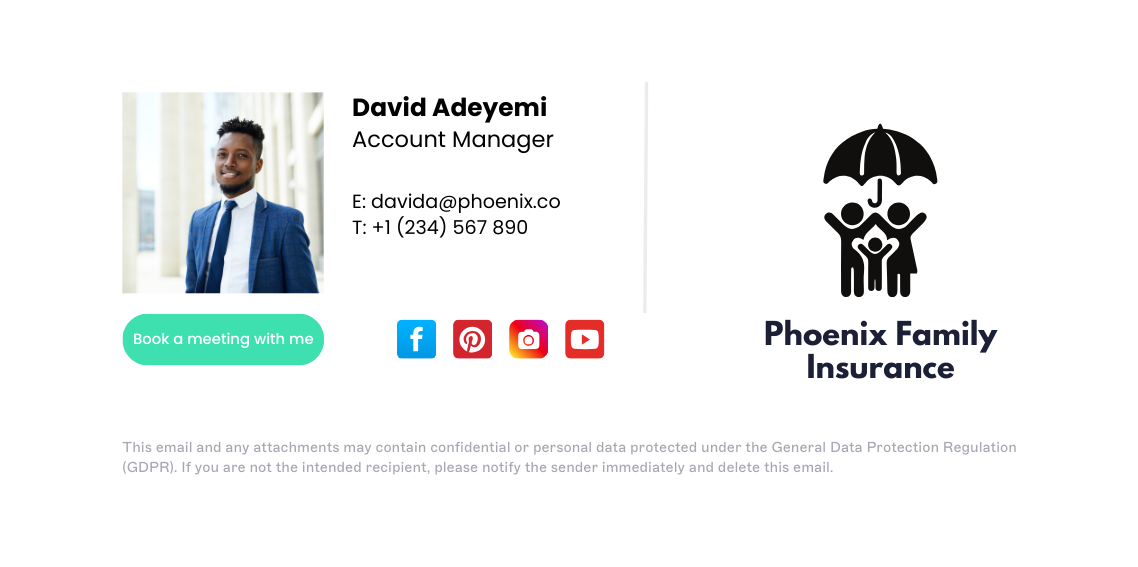 Adding social media icons to your email signature can grow your audience, boost marketing reach, and build customer loyalty.
Social icons in email signatures best practices
Include small icons under your contact details for quick access to your social channels.
Provide an additional connection point for recipients to engage with your company.
Use situational relevance: your existing audience is more likely to check out your social media after reading your email.
Keep content relevant and updated: link only to active and current profiles for a better recipient experience.
Keep social icons to one to three active professional profiles. Use icons sized at 16–24px and confirm each one links directly to the correct profile URL.
Can you use animated GIFs in a professional email signature?
Animated GIFs in email signatures are eye-catching when used strategically. They add movement and visual interest without overwhelming the reader.
Examples can include:
A pulsing "Book a demo" CTA
A looping logo animation that reinforces brand recognition
A short animation showing a product in action
A holiday greeting animation to add a personal touch
Used sparingly, animated GIFs draw attention to key brand messages while keeping the email signature itself clean and professional. They work best when they align with your brand's tone and don't distract from core contact information.

Animated GIFs in email signatures best practices
Keep animation under 5 seconds
Keep the file size as small as possible using a compressed GIF
Make the first frame meaningful: some email clients, including Outlook, display only the first frame
Add descriptive alt text
Avoid flashing or rapidly looping animation
Test rendering in Gmail, Outlook, and Apple Mail before deploying
Use Litmus or Email on Acid for cross-client rendering tests
Common email signature mistakes to avoid
Even well-intentioned email signatures can undermine professionalism if they contain common errors. Here are the key pitfalls to avoid:
Using too many fonts or colors: stick to one or two fonts and your brand's color palette. Excessive variety looks cluttered and unprofessional.
Including outdated contact information: regularly verify that phone numbers, email addresses, and job titles are current. Outdated details erode trust and cause missed connections.
Embedding oversized images: large image files slow email load times and may not display correctly. Compress logos and photos to under 100KB.
Overloading with too many links: limit social media icons and CTAs to the most relevant options. Too many links dilute focus and overwhelm recipients.
Forgetting mobile optimization: signatures that look great on desktop may break on mobile devices. Always test across screen sizes.
Assuming SVG works everywhere: it doesn't. Use PNG for logos and images in signature templates.
Professional email signature examples
Explore these real-world professional email signature examples tailored to different roles. Each one shows what a well-structured template for that role should include. Use them whether you're setting up your own email signature or building a template library for your organization.
1. Marketing Manager email signature: Building brand presence with booking links
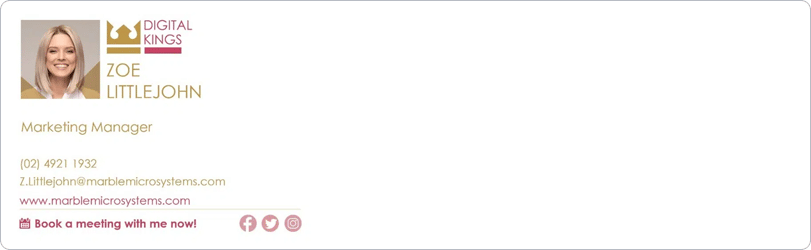
What's included:
Headshot photo
Company logo
Job title and contact details
Social media icons
Website link
Calendar booking link
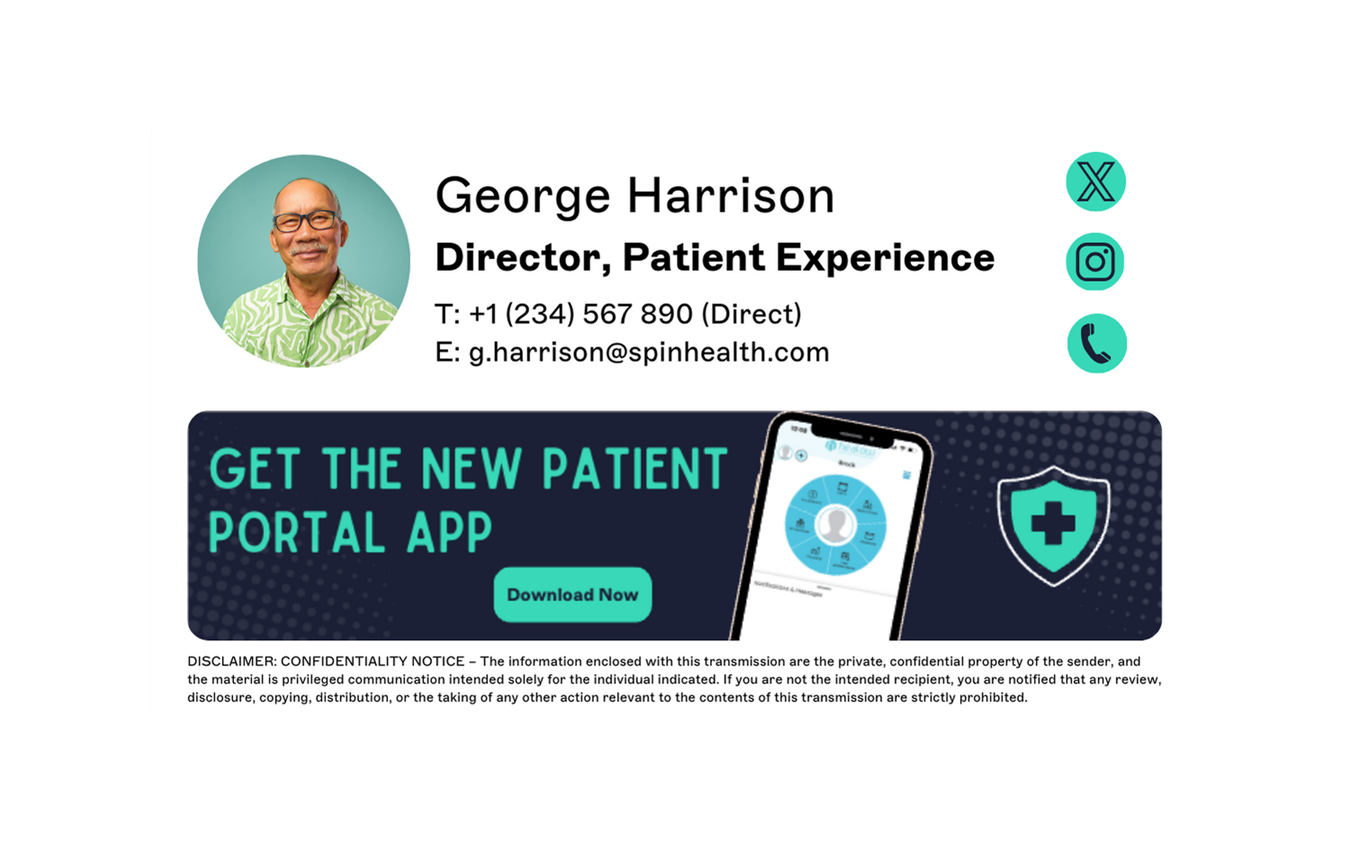
Why it works: This signature highlights the Marketing Manager's professional identity while personalizing the communication with a headshot. It reinforces the brand through the logo and offers an easy scheduling option with a calendar link. Social icons extend engagement across platforms, creating a well-rounded and approachable digital presence.
2. Marketing Executive email signature: Maximizing social media engagement

What's included:
Full name and title
Logo and brand colors
Contact details
Social media icons linked to active accounts
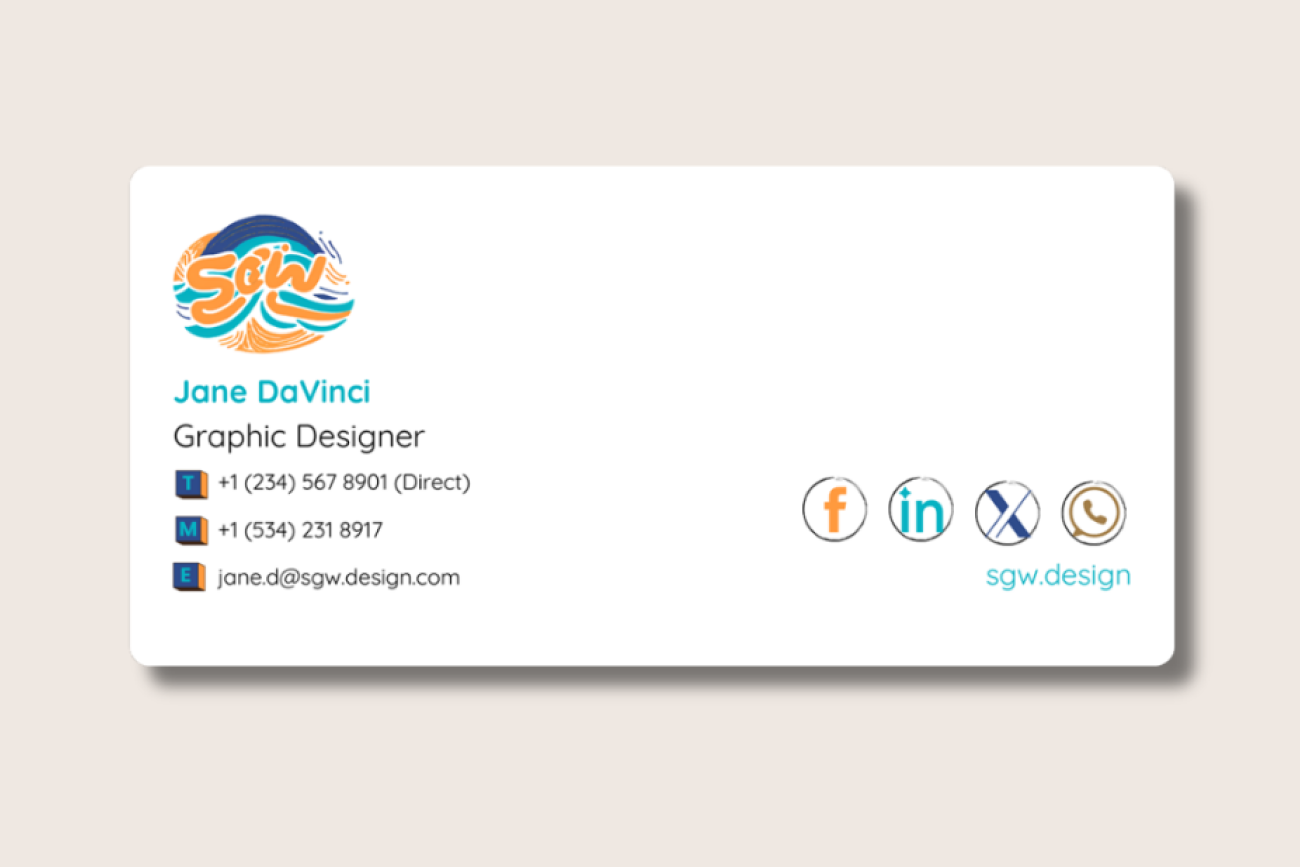
Why it works: Strong branding elements combined with multiple links to marketing channels help boost visibility and engagement. The presence of social icons encourages interaction and positions the sender as a digital-savvy professional.
3. Sales Manager email signature: Driving conversions with promotional CTAs

What's included:
Contact details with a direct phone line
Promotional banner or CTA
Booking link for demos or consultations
Why it works: Designed for conversion, this signature gives customers multiple paths to connect. The use of a promotional banner helps drive campaign visibility while facilitating quick action.
4. Head of Sales email signature: Building trust with professional headshots

What's included:
Professional headshot
Name, title, and department
Company branding
Social media icons
Why it works: Adds a personal element that fosters trust. The visual identity helps recipients connect the message with a real person in leadership, enhancing credibility.
5. CEO email signature: Conveying executive authority and brand prestige

What's included:
Name and executive title
Company logo and official domain
Awards or recognitions
Optional quote or CTA
Why it works: When the CEO communicates, it carries weight. A clean, polished CEO email signature maintains authority while promoting brand value. Including recognitions enhances corporate prestige.
6. Founder email signature: Showcasing authenticity and personal brand

What's included:
Personal headshot
Simple layout with strong branding
Direct contact link or social handle
Why it works: Offers authenticity while promoting the personal brand of the founder. Minimalist design keeps the message clear and human-focused.
7. Author email signature: Promoting publications and building readership

What's included:
Book link or latest publication
Headshot and brief credentials
Website or Amazon author page
Why it works: Authors can promote their work without being intrusive. Links to published materials support conversions and provide direct access to products or portfolios.
8. Software Developer email signature: Linking to portfolios and newsletters

What's included:
Job title and contact email
GitHub or portfolio link
Newsletter signup CTA
Why it works: A simple, text-friendly design ensures fast loading while still directing recipients to learn more through external links. A newsletter CTA builds audience retention.
9. Product Manager email signature: Incorporating sustainability messaging

What's included:
- Green email signature footer
Full contact block
Company logo and role
Why it works: Reinforces corporate responsibility by encouraging eco-conscious behavior. A clear email signature block ensures all key info is accessible.
10. Event Specialist email signature: Highlighting awards and event promotions

What's included:
Award or event banner with hyperlink
Contact details
Brand styling
Why it works: Promotes upcoming or past successes, drawing attention to achievements. Hyperlinked banners provide more detail, increasing visibility and engagement.
Professional email signature quick checklist
Use this to confirm your email signature includes all essential elements:
Full name and job title included
Company name and logo present
Phone number with direct line
Email address with mailto link
Website URL linked
Logo saved as PNG, not SVG, and optimized for email display (under 100KB)
Alt text added to all images
Social media icons link to active profiles
Design tested on mobile devices, and in dark mode
Legal disclaimer included (if required)
Contact information is current and accurate
Signature limited to seven lines or fewer
Why professional email signatures matter
Before the last section, on managing all of this at scale, here's what's been covered so far, from format through to the ten examples:
Accurate contact information: provide essential details clearly and concisely.
User photos: humanize email communication with centrally managed headshots.
Company logo and branding: reinforce brand identity consistently across all departments.
Promotional banners: highlight campaigns, testimonials, or offers to increase visibility.
Social media links: encourage recipients to connect with your brand on multiple platforms.
Calendar booking links: make it easy for prospects to schedule meetings or demos.
Legal disclaimers: help your emails meet global compliance standards.
Awards and certifications: build credibility and reinforce industry recognition.
Feedback buttons: collect real-time insights from customers quickly and effortlessly.
Each element does its own job: some inform, some convert, some protect the company legally.
How do you centrally manage professional email signatures at scale?
Managing email signatures across an organization means handling different roles, departments, and users on different devices, all while keeping branding, legal disclaimers, and contact details consistent. Without a centralized solution, you rely on individuals to update their own settings, which leads to version drift, outdated information, and off-brand designs.
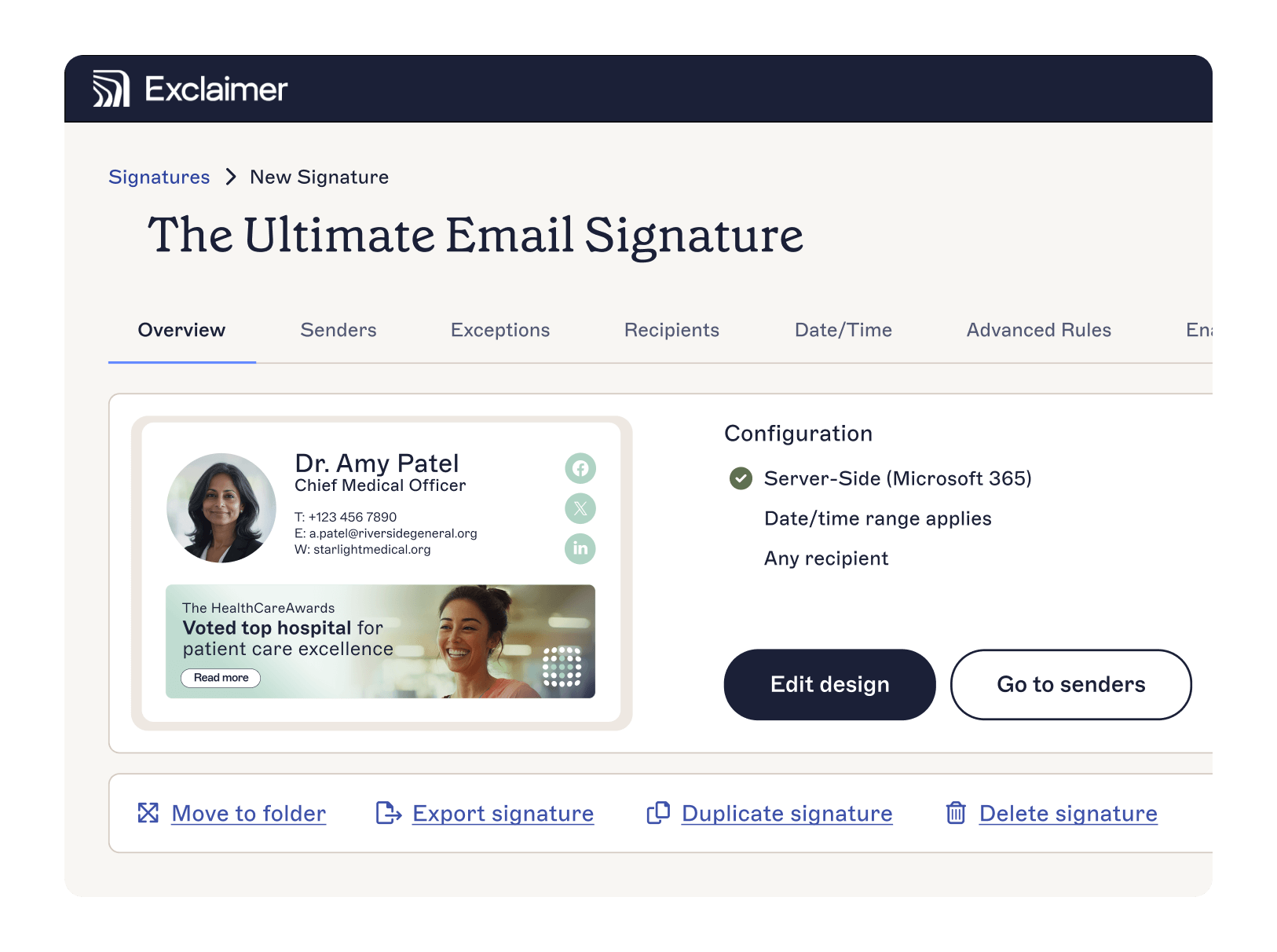
This is the problem flagged earlier in this guide: 80% of organizations still manage email signatures manually, even though 92% of IT leaders agree consistency matters. A style guide and good intentions don't close that gap on their own. Design principles don't guarantee every signature in this guide's examples gets built correctly by every employee who tries them.
With Exclaimer's cloud solution, IT admins and marketing teams work from the same platform:
Signature Rules apply the right email signature template to every user based on role, department, or location, automatically, across Microsoft 365 and Google Workspace
Brand Kits store approved logos, fonts, colors, and banners centrally, so a brand update applies everywhere it's linked instead of requiring a template-by-template edit
Campaigns let marketing teams schedule and swap promotional banners without needing IT involvement
Directory sync keeps names, job titles, and contact details accurate as your team changes
Role-based access control (RBAC) lets IT delegate design and content permissions to marketing, HR, or compliance without giving up governance
Built-in analytics track banner clicks and email signature engagement across your organization
Paul Hammond, Exclaimer's Chief Product and Technology Officer, has pointed to exactly where the "directory sync" bullet above earns its place:
"Every hire, every promotion, every role change has to be manually reflected across email signatures and meeting branding. That's a maintenance burden that compounds as organizations grow, and it's where errors creep in."
"Every hire, every promotion, every role change had to be manually reflected across email signatures and meeting branding. That's a maintenance burden that compounds as organizations grow, and it's where errors creep in."
Kersia International standardized email signatures across more than 30 global locations and 3,165 employees, reaching 100% brand consistency, deployed globally in a matter of hours. Exclaimer's own rollout playbook walks through how deployment breaks down into that kind of timeline.
Try Exclaimer free and discover how easy it is to take full control of your professional email signatures.