Clear view of user signature management access

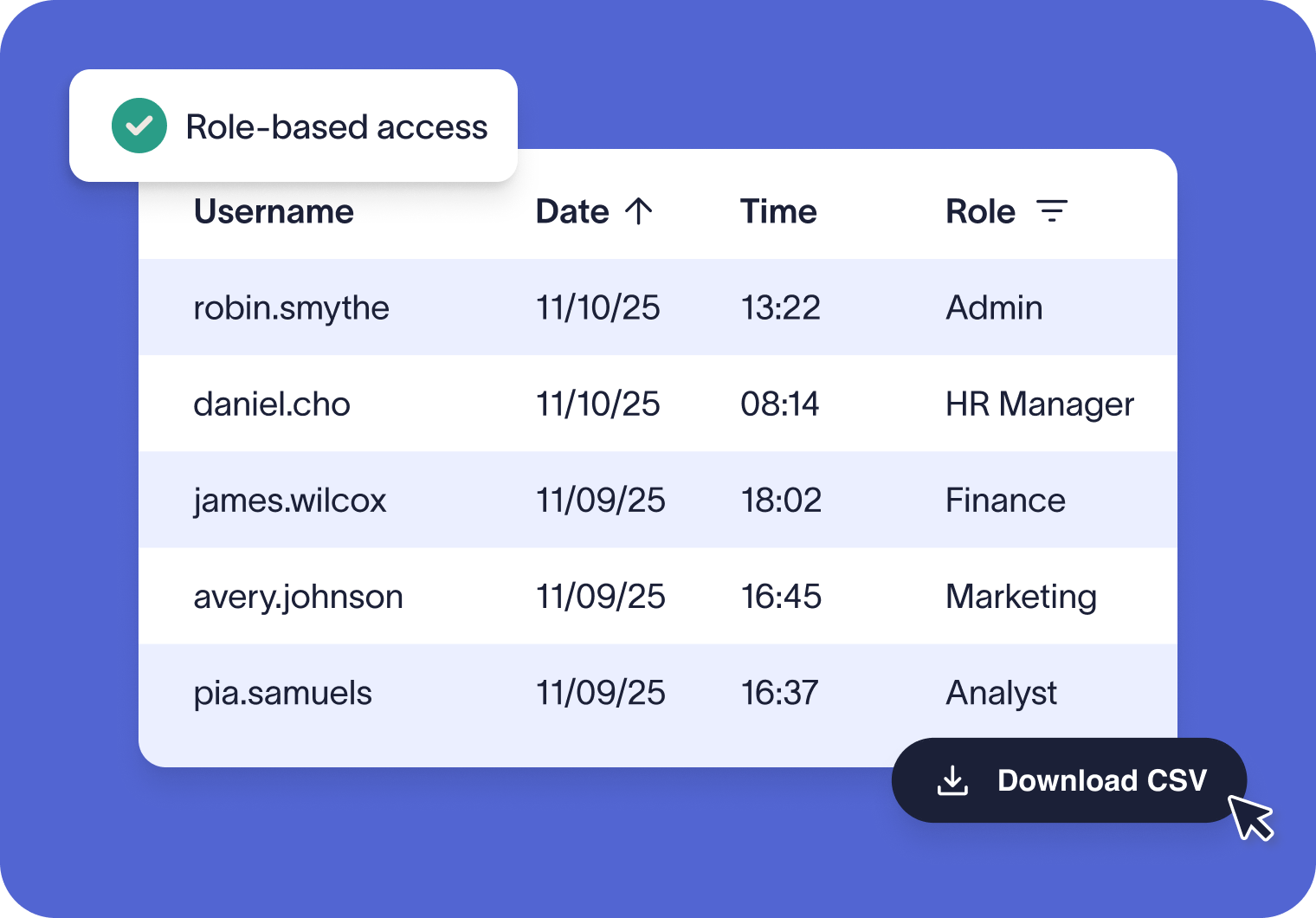
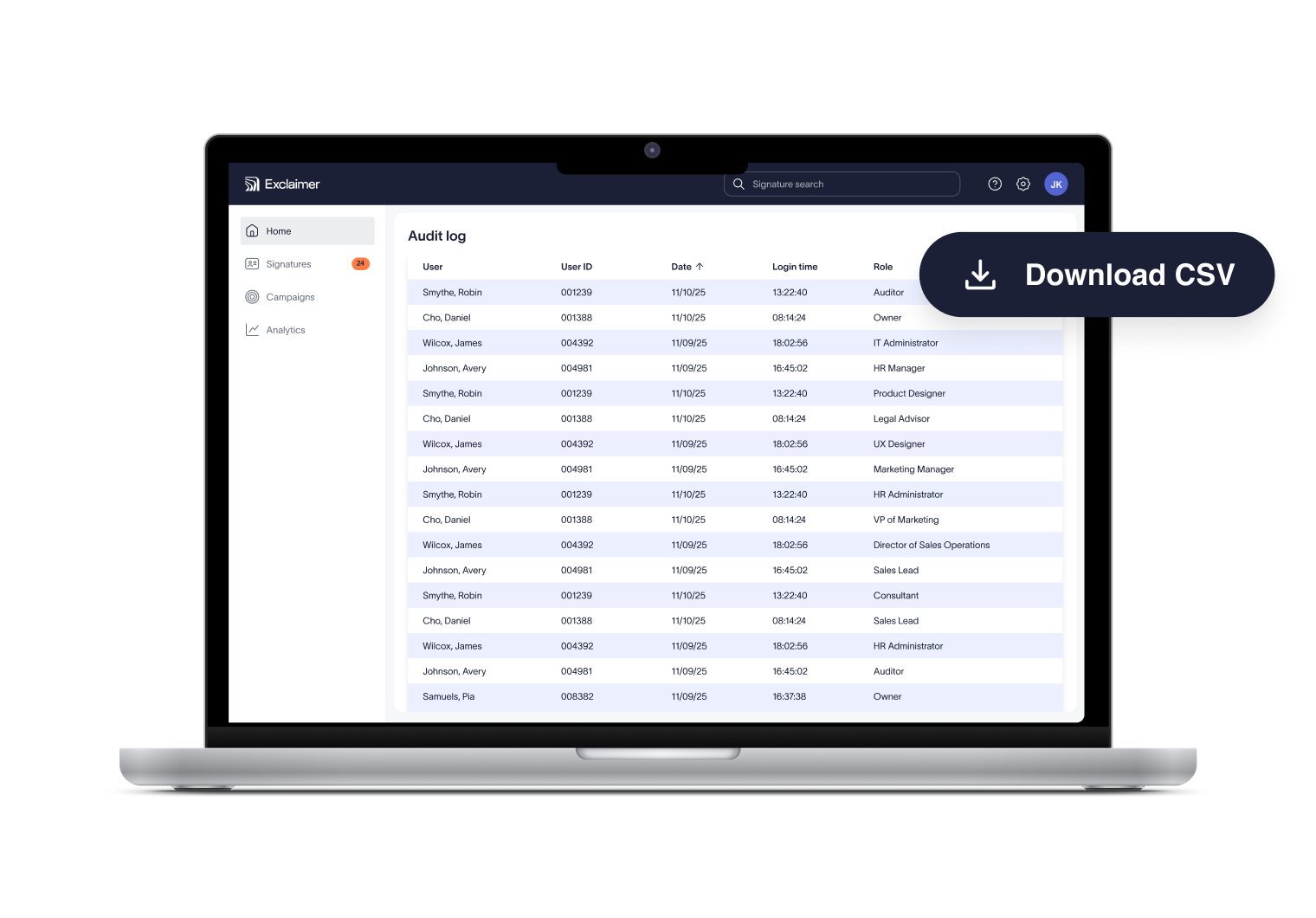
The Audit Log provides time-stamped records in a simple CSV file. Secure, role-restricted access ensures the right people can check system activity whenever required.

Hero Image

Clear visibility into login activity

Verifiable records, ready when you need them

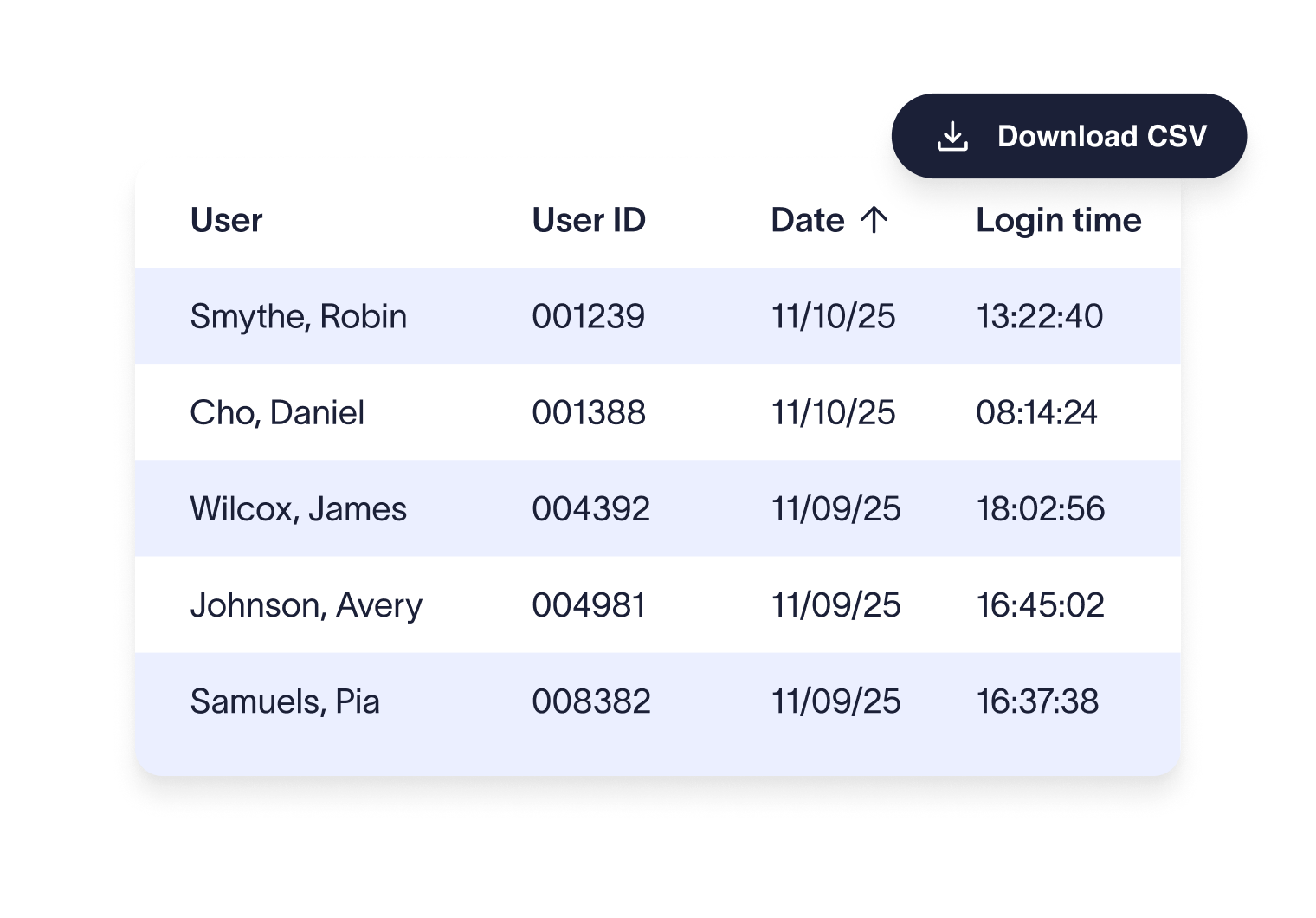
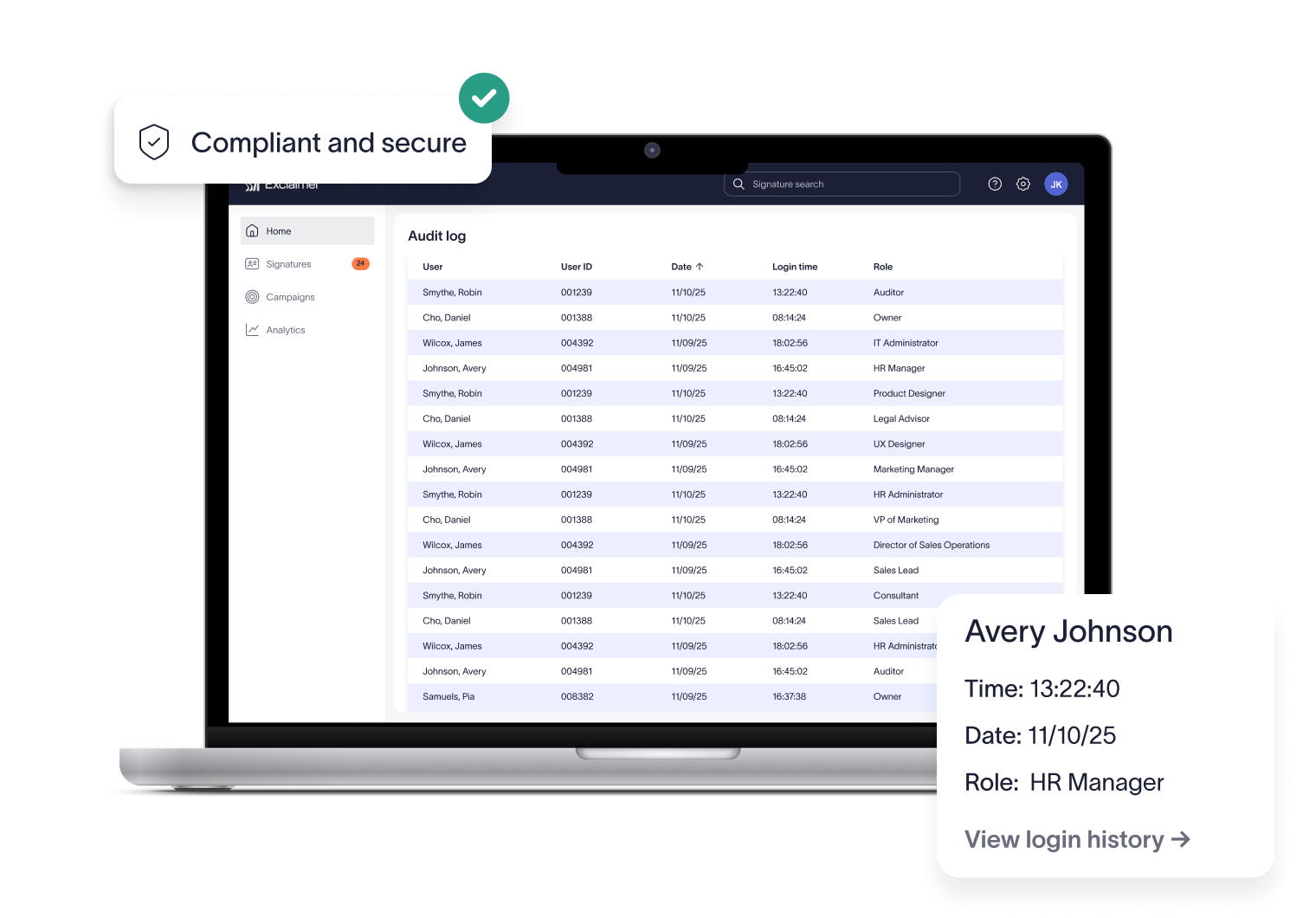
Downloadable CSV reports give IT and compliance teams a precise, time-stamped record of every user login to Exclaimer. You’ll always know who accessed the system and when—making it easier to monitor security and keep a reliable audit trail.

Access to the Audit Log is restricted to Owners and Auditors only. This role-based control helps organizations meet GDPR and other data privacy requirements while giving auditors verified evidence of system access.

No more digging through logs or raising support tickets. The Audit Log provides instant access to login data, saving your team valuable time and keeping IT focused on higher-priority work.

How the Audit Log works

Access the log

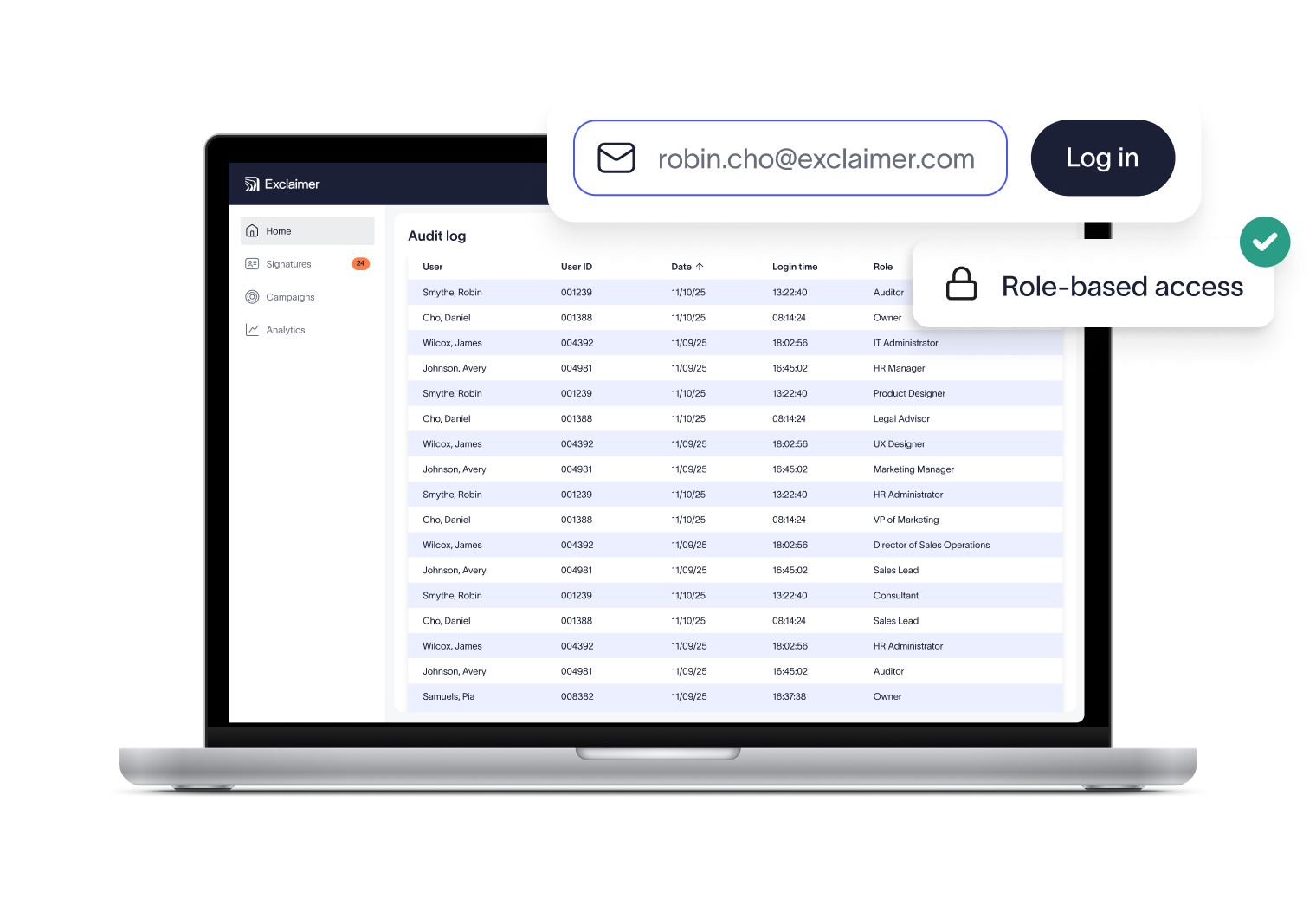
Owners and Auditors can open the Audit Log directly from their Exclaimer account. Role-based access ensures only authorized people see this sensitive information.
Generate an on-demand report

Create a downloadable CSV with one click. The file captures all login activity across your account, giving you a complete record in seconds.
Review for compliance and security

Check the report to see who signed in and when. This provides a clear, verifiable trail for internal audits, external compliance checks, or day-to-day security monitoring.
Why industry leaders choose Exclaimer

Score 4.5 of 5

"A signature management tool that works faultlessly"

Prior to discovering Exclaimer Cloud, our small business was using homemade templates in Microsoft365 which failed to produce the results we wanted across the range of devices our...

See all G2 reviews

Score 9.2 of 10

"Decent email signature manager with great flexibility"

Our company basically has 4 separate business units that need to appear "somewhat" cohesive while also still remaining separate and free to create their own email signatures. Excla...

See all TrustRadius reviews

Score 4.6 of 5

"Excellent service, takes all the hassle out of Office 365 Signatures!"

Simple pricing shown on their website rather than having to request a quote. Simple to set up with automated systems to configure your account and Office 365, linking the two toget...

See all SourceForge reviews

Score 4.5 of 5

"Auto organisational signatures, bye bye messy signatures"

The integration with Office 365 is excellent. The template editor lets you have different signatures for different users, departments or groups. You can change the email signatures...

See all Software Advice reviews

Score 4.5 of 5

"Professional signatures, very versatile"

The features I most use are the signature tester and troubleshooters, which can help you to determine what signature a particular user will get when sending to certain recipients....

See all Capterra reviews

Trusted by 9 million email accounts worldwide

Frequently asked questions

What information does the Audit Log provide?

The Audit Log generates a CSV file showing user login details, including date, time, username, and role. This gives IT and compliance teams a clear, time-stamped record of platform access.

Access is limited to Owners and Auditors in Exclaimer. This role-based control keeps sensitive login data restricted to the right people.

The Audit Log creates a verifiable trail of system access, showing exactly who signed in and when. This ensures only authorized users can access sensitive data and helps demonstrate GDPR compliance through strict role-based controls.

During audits, organizations often need to show evidence of system access. The Audit Log provides time-stamped records that can be downloaded instantly, making it straightforward to prove that access is restricted, monitored, and documented in line with financial, healthcare, or other industry regulations.

Audit Log data is secured with encryption and strict access controls, ensuring only authorized personnel can view or download reports.

Not at this time. Reports are generated on demand so you’re always working with the latest login data when you need it.

The Audit Log is available on Pro plans only, and access is limited to users with the Owner or Auditor role.

Exclaimer has been the leading signature management solution for 25 years. We are the only solution that has a 100/100 security scorecard. Our modern technology will save your team time, save your business money, and allow you to easily implement disclaimers and brand requirements across signatures.


Related articles

The email compliance guide: Everything you need to know

The email compliance guide: Everything you need to know

Learn about email compliance, its importance, best practices, potential consequences of non-compliance, and how to avoid common pitfalls. Discover the tools that can help streamlin...

Dave Willis

Dave Willis

Senior Content Manager

Email disclaimer examples and templates (25+ ready to use)

Email disclaimer examples and templates (25+ ready to use)

Discover 25 + practical disclaimer statement examples for email and web. Copy, paste, and customize templates to stay compliant.

Dave Willis

Dave Willis

Senior Content Manager

The 4 biggest risks of non-compliant email signatures (and how to avoid them)

The 4 biggest risks of non-compliant email signatures (and how to avoid them)

Discover the biggest risks of non-compliant email signatures, from legal fines to cyber threats. Learn how to control email signature compliance issues with Exclaimer.

Dave Willis

Dave Willis

Senior Content Manager

Confidence in every email signature

Exclaimer removes the manual burden of email signature management. With centralized control, IT saves time while compliance teams gain confidence that every email meets requirements.