Design
Achieve a consistently professional appearance for emails on all clients and devices.
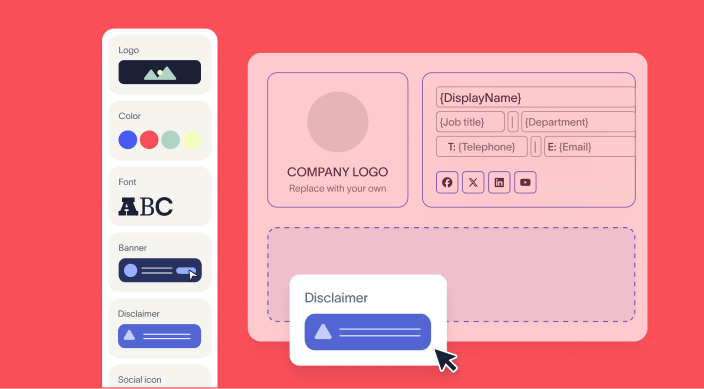
Customize polished signature designs intuitively, with no need to code HTML.
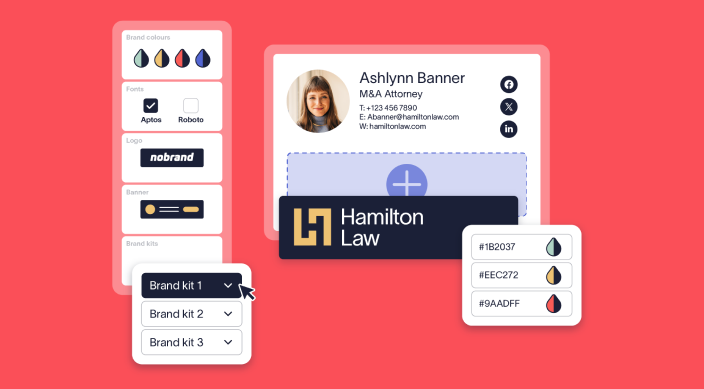
Centrally govern your brand across every touchpoint. Control logos, fonts, colors, and more for email signatures and meeting themes.

Schedule banner campaigns in just a few easy clicks that deliver highly personalized messages to your audience at the most optimal time.

Display your three latest LinkedIn or Facebook posts in your email signature to increase social media engagement.
Deployment
Automate email signatures, guaranteeing use of your corporate signature on every email.
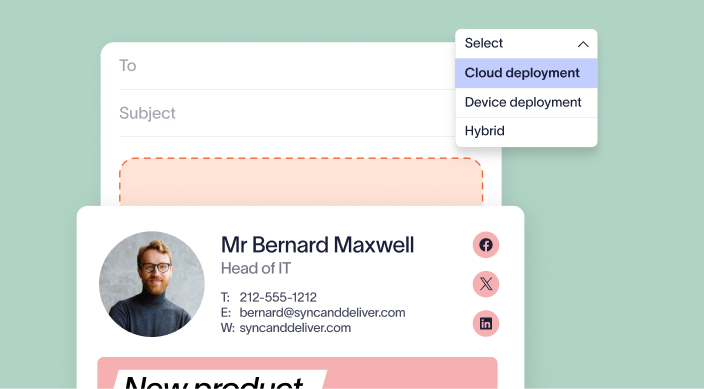
Guarantee consistency across all your emails, securely applying email signatures automatically as part of the mail routing process.
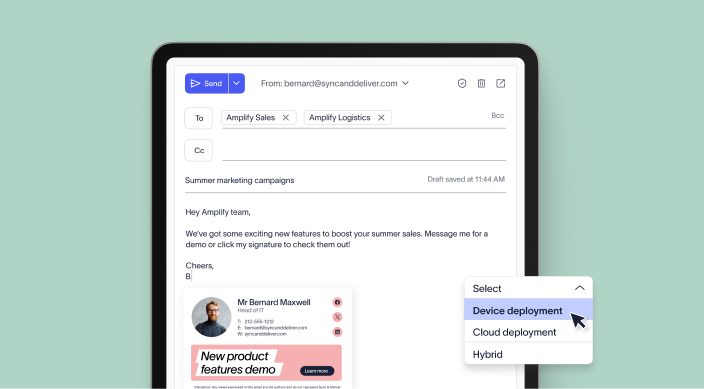
Apply centralized signatures whilst composing emails in supported email clients (Outlook or Gmail), offering a familiar end-user experience.
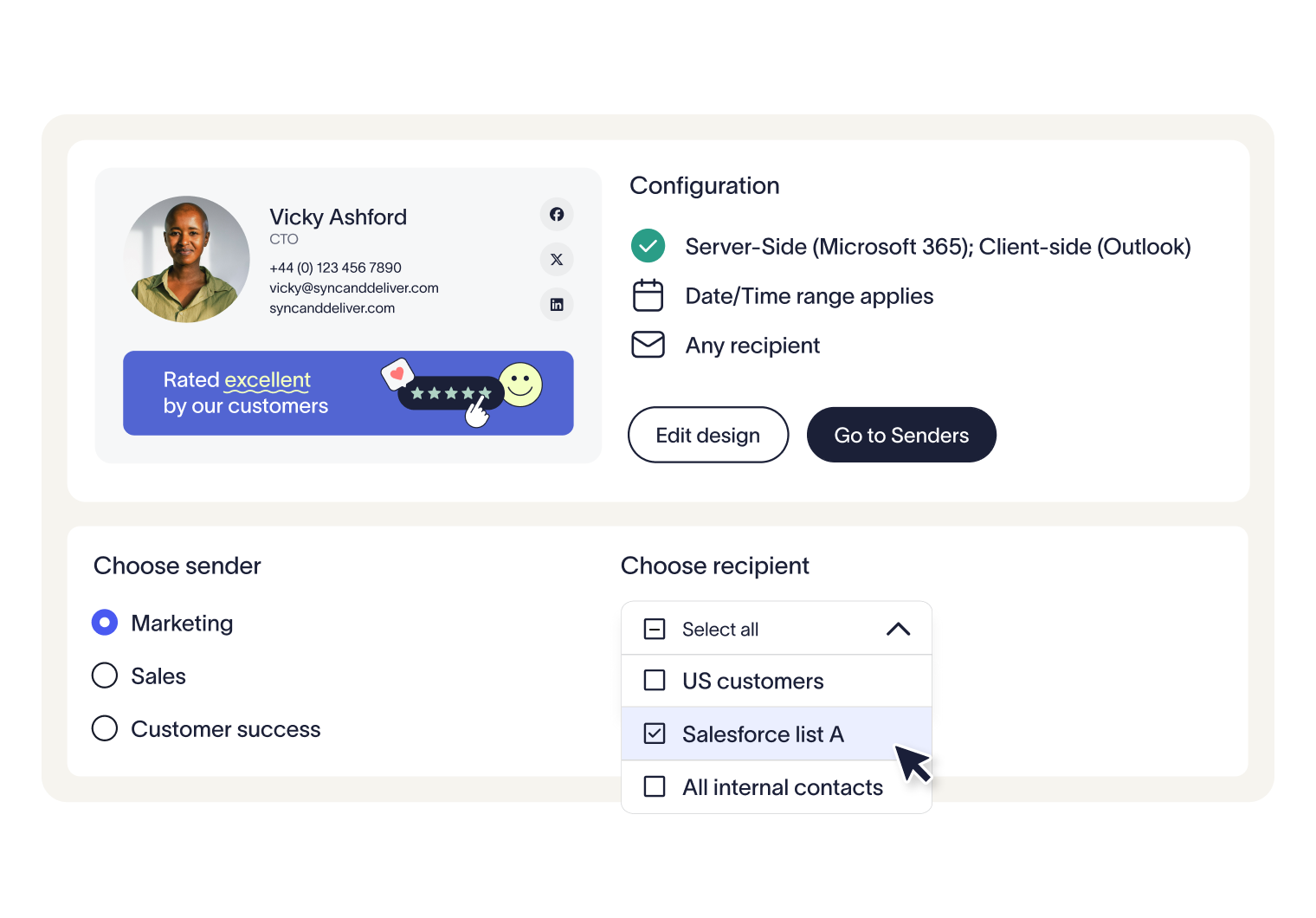
Set dynamic rules to decide which recipients see which signature.

Give every employee a polished, professional look with branded backgrounds and personalized nametags, all managed from a single platform.
Compliance
Centrally control all email signatures, ensuring every email meets regulatory requirements.
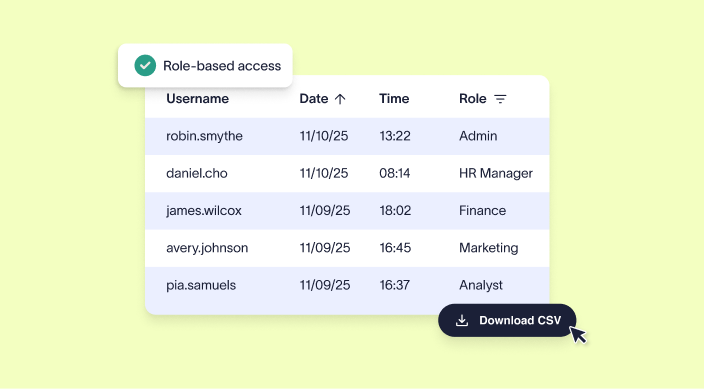
Access your audit data instantly without support ticket processes and manual log searches.
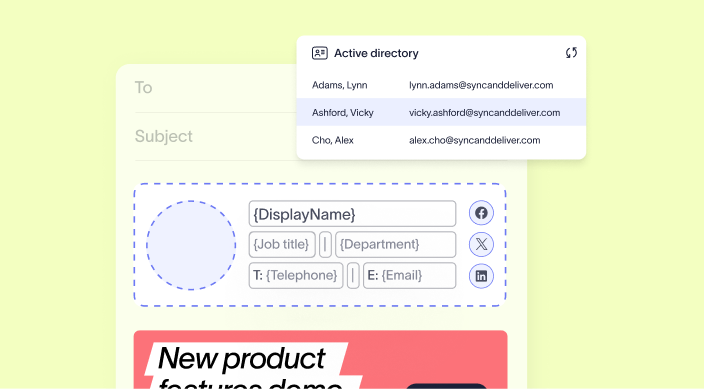
Enable Exclaimer to securely read user data from your active directory and populate it in real-time to your email signatures.

Allow end-users to edit the personal details associated with their user profile such as contact information, working hours, pronouns, and more.
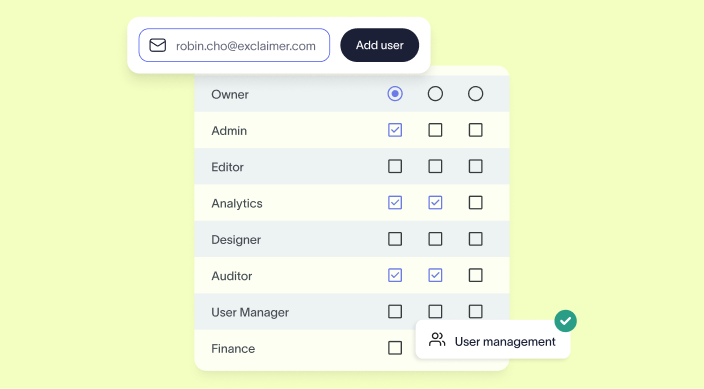
Let administrators assign specific access rights based on users’ roles, so only authorized personnel can make changes to email signatures.
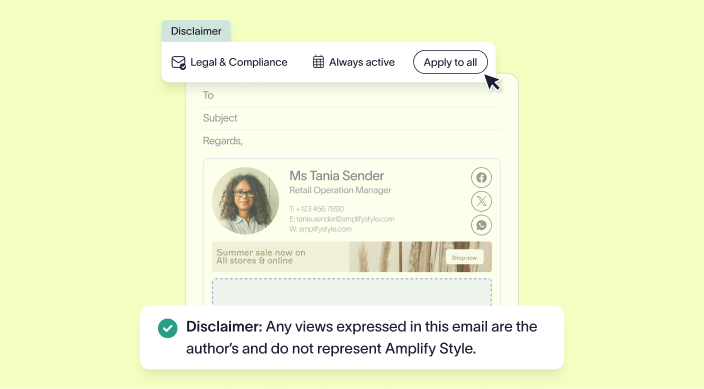
Manage your company's disclaimers simply and easily, ensuring legally complaint emails without the headache.
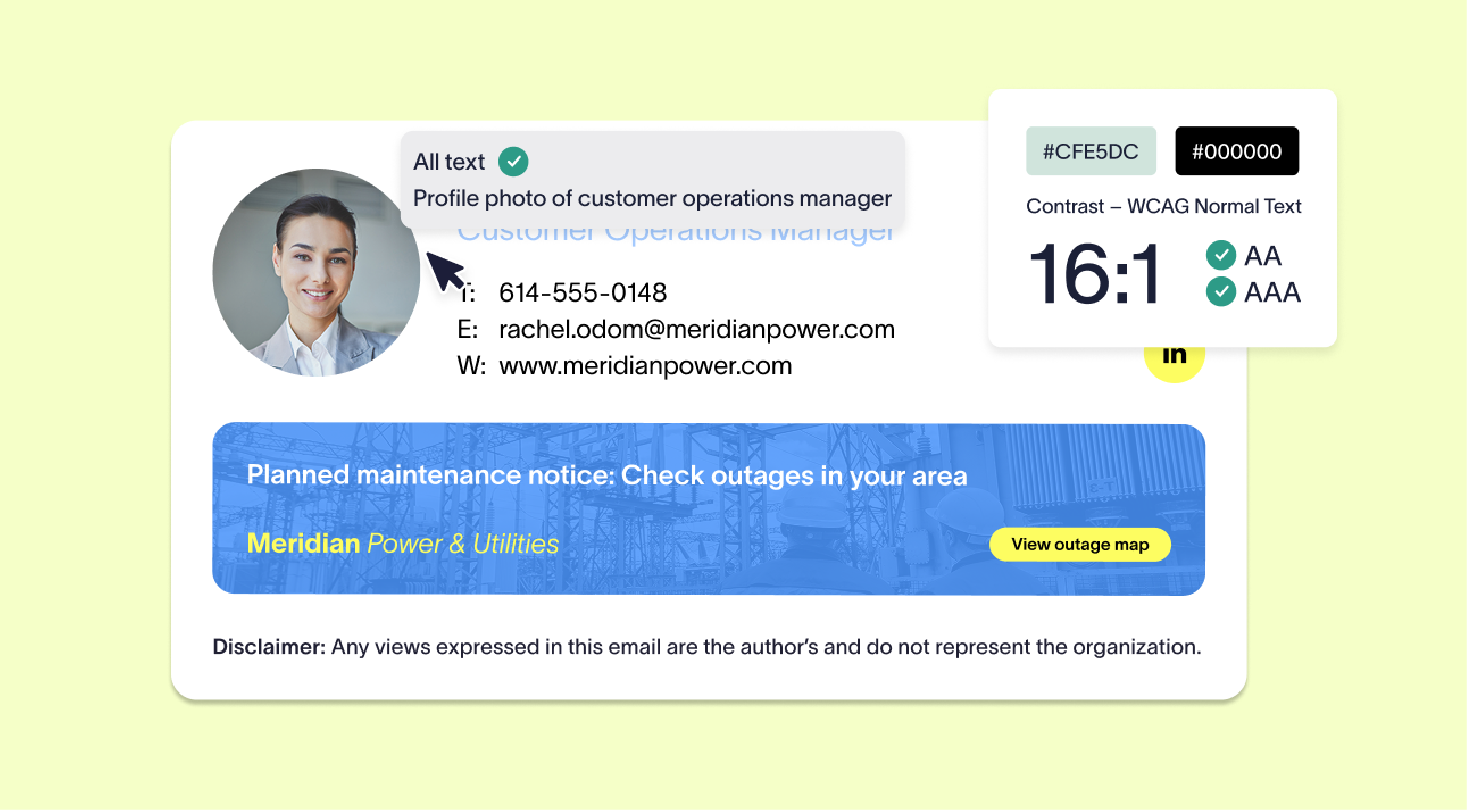
Design, deploy, and manage WCAG compliant signatures from one dashboard, with accessibility built in from the start.
Measurement
Track signature engagement with built-in analytics to measure impact and optimize performance.
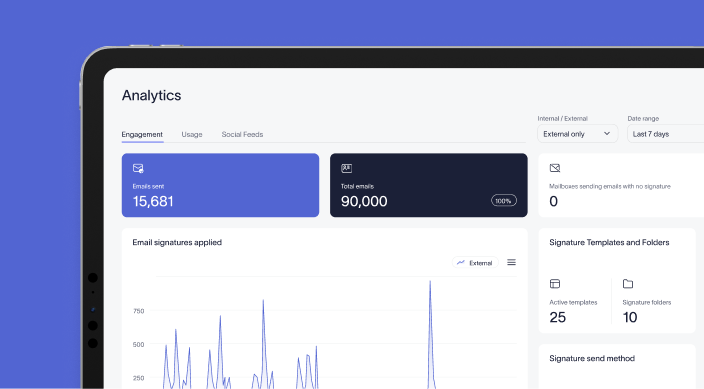
Get a clear and comprehensive overview of your email signature performance with our upgraded analytics dashboard.
Explore Exclaimer integrations



You’re in safe hands
We’re the proud holders of multiple industry certifications for our security and compliance standards.










Get started for free
Try the most trusted email signature software on the market