
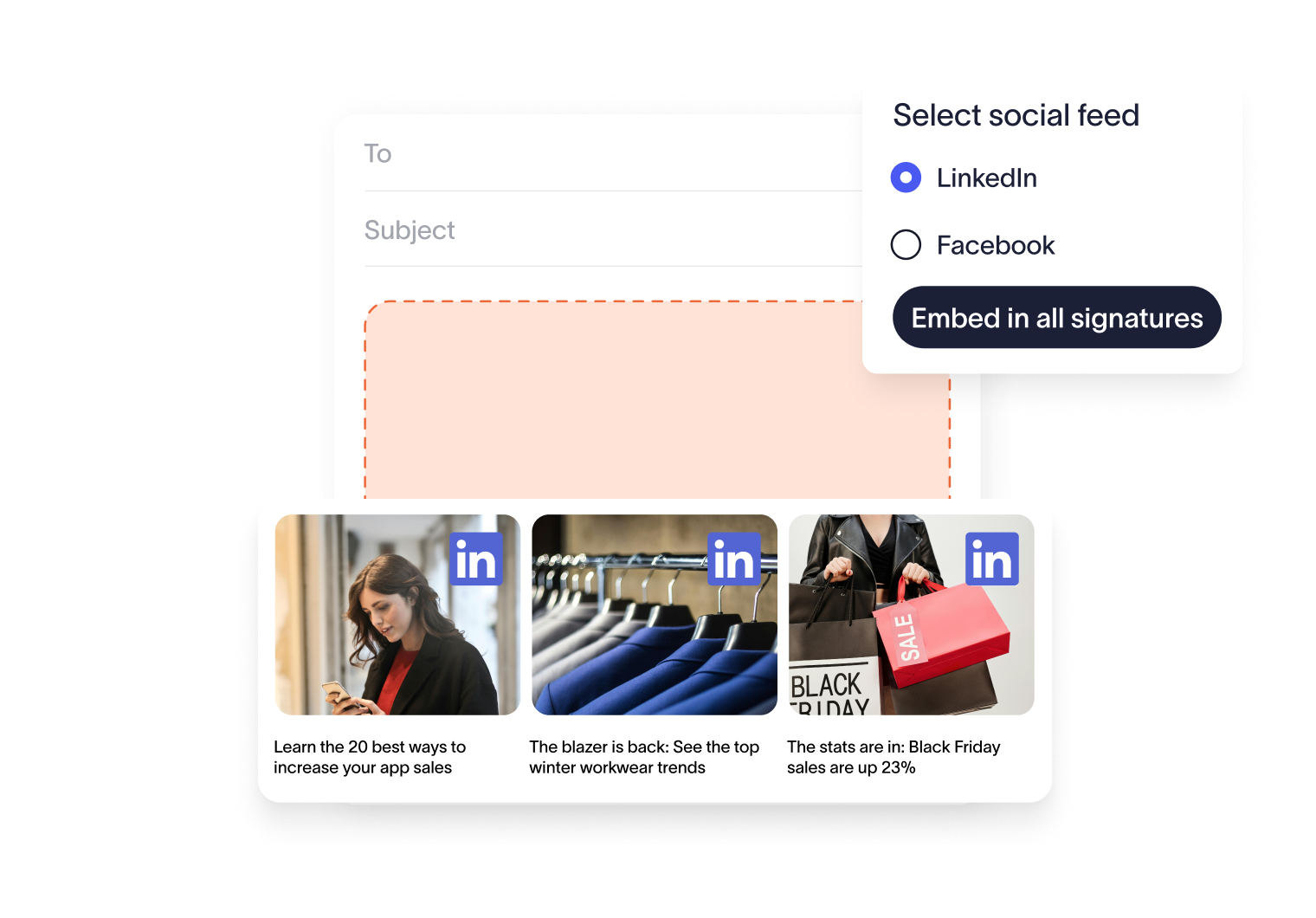
Add social feeds to emails to grow your audience
Each post in your signature is clickable, taking engaged recipients straight to your business’s social profiles. This means more engagement, more followers, and a growing online community — without any extra lift from your team.
See exactly how your social content performs when placed in email signatures. Track clicks, compare results, and use those insights to refine future campaigns with confidence.
How Social Feeds works
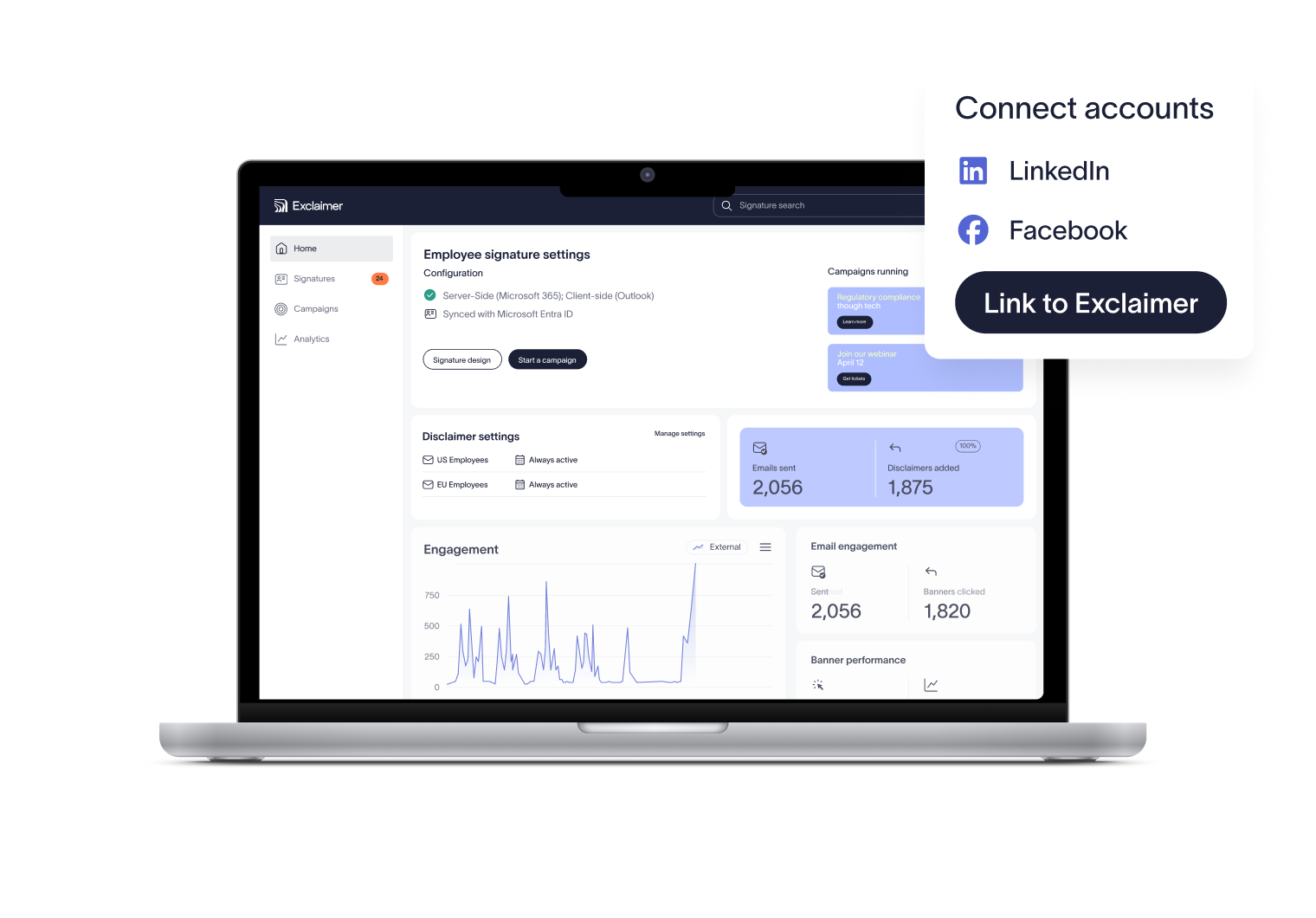
Connect your accounts
Link Exclaimer to your company’s LinkedIn or Facebook profiles. Setup takes just a few clicks.
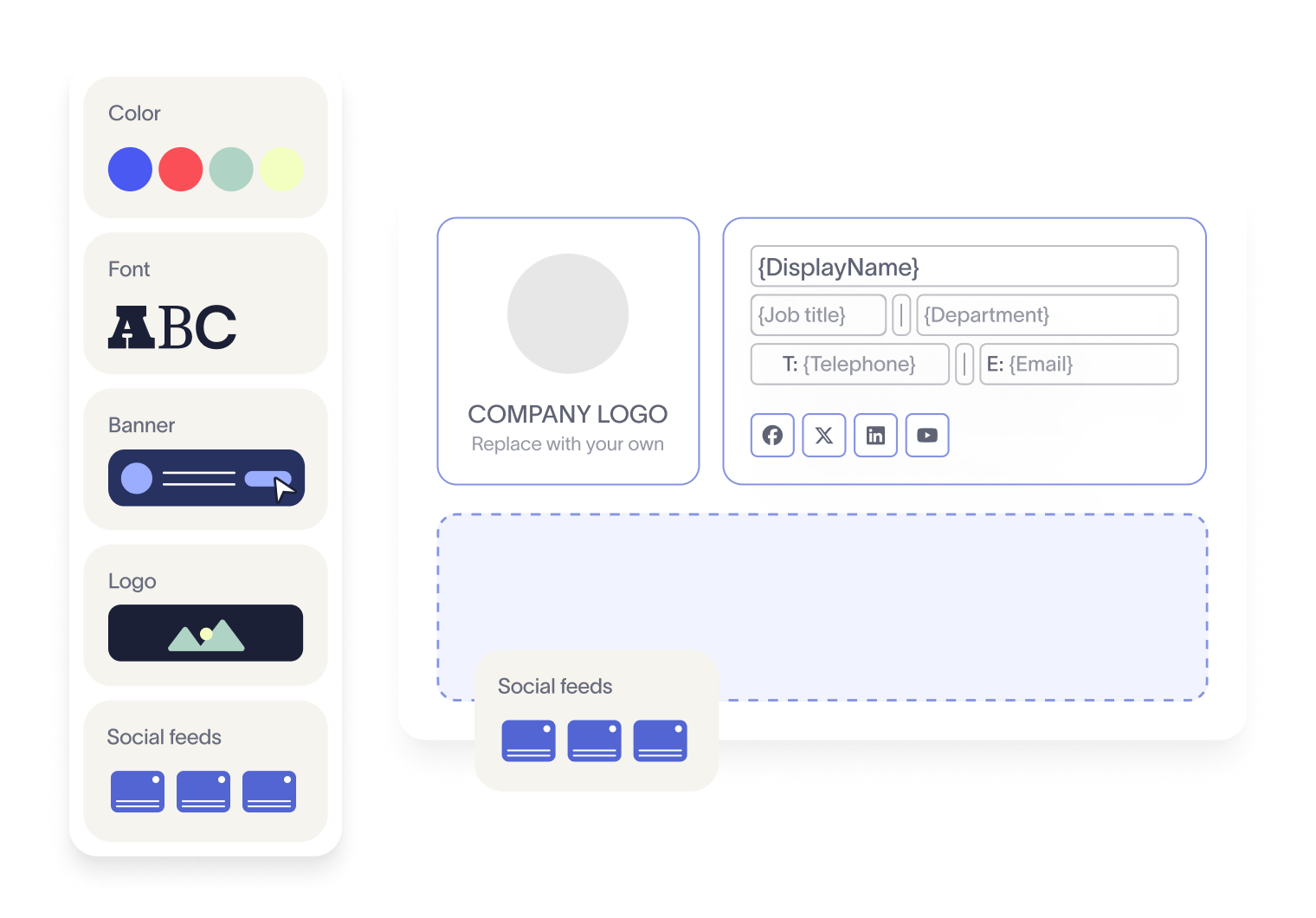
Add the Social Feeds element
In the Signature Editor, drag and drop the Social Feeds block into your template—right where you want your posts to appear.
Let the posts roll in
Exclaimer automatically pulls in your latest social media updates, displaying them in every employee email signature.



Score 4.6 / 5
"Excellent service, takes all the hassle out of Office 365 Signatures!"
Read more

Trusted by 10 million email accounts worldwide






Frequently asked questions
Yes. Email signatures are valuable real estate for promoting your social presence. Traditionally, you’d add clickable icons linking to your profiles. With Exclaimer Social Feeds, you can go further — automatically embedding your company’s latest LinkedIn or Facebook posts.
Simply connect Exclaimer to your company’s LinkedIn or Facebook account. Then, in the Signature Editor, drag and drop the Social Feeds element into your template for employee use. From there, your latest posts will appear automatically.
No. Social Feeds has minimal impact on loading times. Your emails will still send and open quickly, while carrying your latest social content.
Yes. Exclaimer provides analytics so you can see exactly how many clicks your embedded posts receive. This makes it easy to measure engagement and prove the positive impact of adding Social Feeds to your email signatures.
No. Once connected, Social Feeds automatically pulls in your latest social updates. Your signatures always show the most recent posts—no extra work required from your team.
Exclaimer has been the leading signature management solution for 25 years. Our modern technology will save your team time, save your business money, and allow you to easily implement disclaimers and brand requirements across all user signatures.
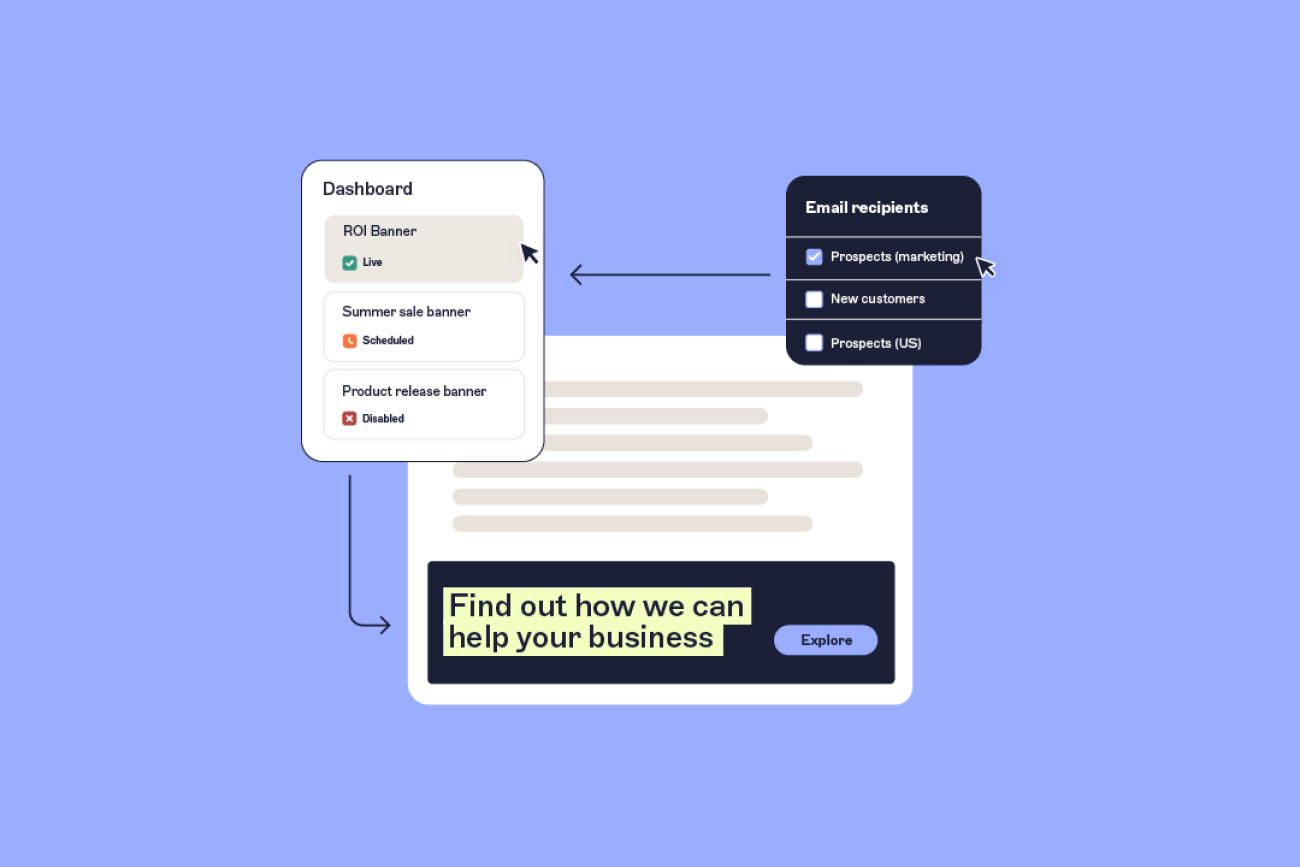


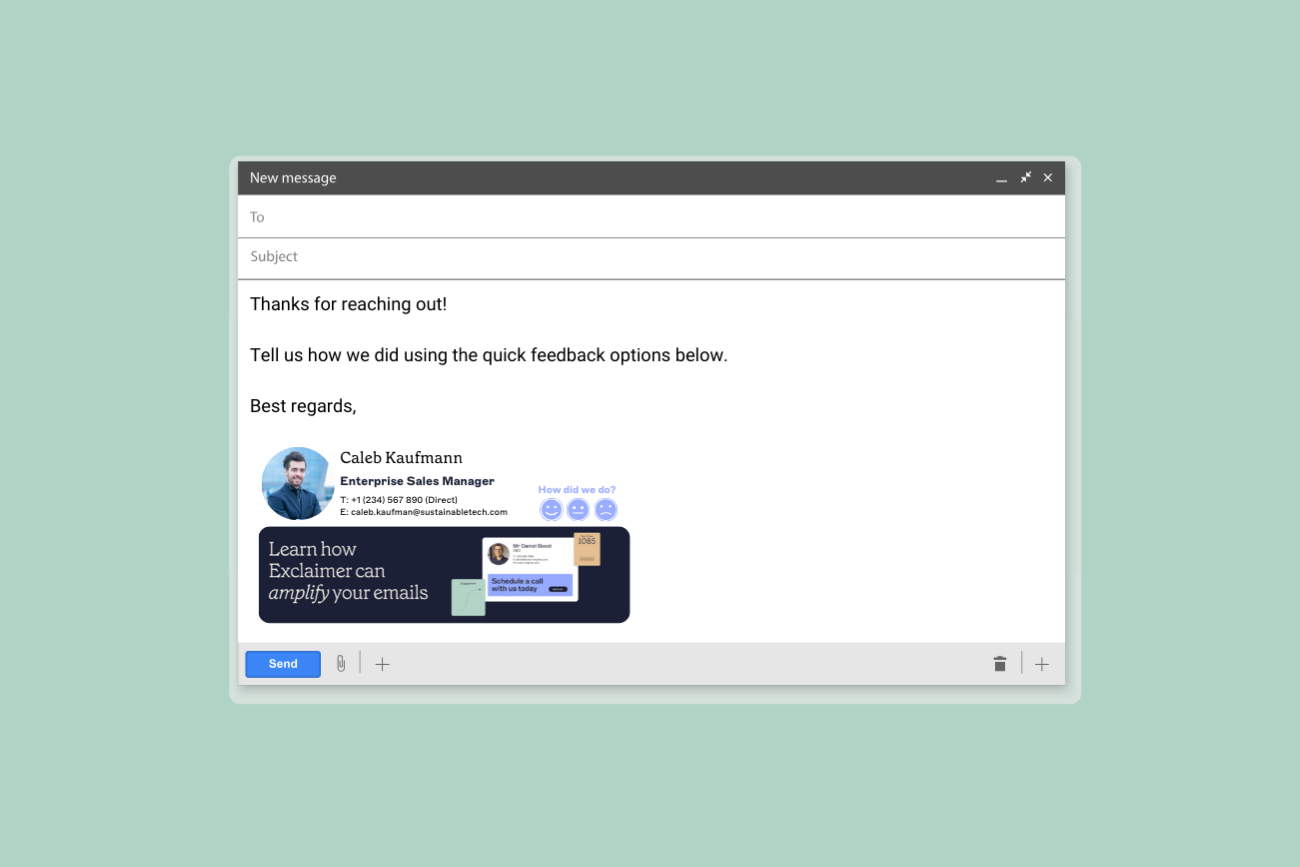
Put your brand in every inbox
With Exclaimer, every email signature becomes an automated & flexible space for campaigns and social content — consistent, measurable, and working for you around the clock.