Naimh is a seasoned marketer of 12 years, including in SaaS and tech. She’s an expert at simplifying complex technology concepts, bridging the gap between IT and marketing. Naimh specializes in turning tech speak into actionable insights, helping marketers get the most out of their tools and technology.
Email signature marketing: 7 myths that hurt your brand
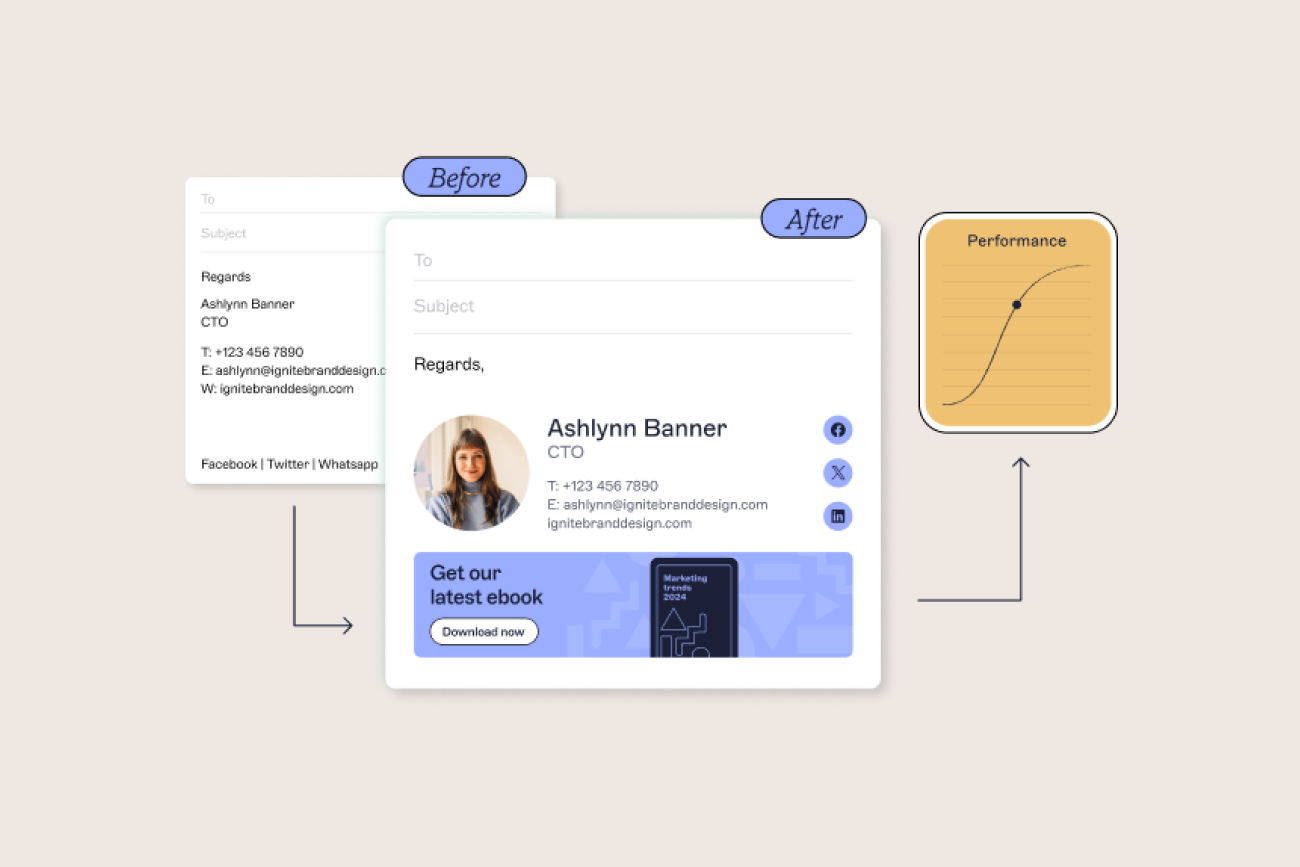
Email signatures might not be the first marketing asset that comes to mind, but they're one of the most efficient and cost-effective channels available.
Every employee email presents an opportunity to reinforce your brand, share timely campaigns, and build trust with customers. With the right approach, email signature marketing turns everyday business communication into a measurable driver of engagement and ROI.
That said, success depends on doing it properly. Each email shapes how your organization is perceived, and poorly managed signatures can damage credibility as quickly as well-managed ones can enhance it.
In this article, we’ll explore seven common misconceptions about email signature marketing and set the record straight.
1. “Email signatures aren’t important.”
The truth is, the only thing worse than a poorly designed email signature is not having one at all. Too often, email signatures are dismissed as just a block of text with a name, title, and maybe a logo.
In reality, they are a critical touchpoint in one of the most important business communication channels: email.
Every day, your employees send emails not only to colleagues and partners but also to potential customers, new stakeholders, and prospective business partners. Each of those interactions represents an opportunity to reinforce your brand.
When managed properly, email signature marketing turns this overlooked space into a consistent, professional showcase for your organization. From cross-sell messages to case studies, blog promotions, or awareness campaigns, every signature becomes a reliable, low-cost channel for brand visibility and engagement.
2. “If I give employees a template, they’ll all use it correctly.”
Relying on every employee to manage their own signature is a recipe for inconsistency. Even with a shared template, staff can—and often will—make changes that undermine professionalism. Job titles might be exaggerated, layouts get distorted, or required disclaimers are left out altogether.
 The result? Multiple versions of the same signature circulating internally and externally, with no way to track who is using what. Marketing teams can’t roll out updated banners or promotional messages on time, and IT is left firefighting formatting issues.
Without centralized management, email signature marketing simply doesn’t work. To be effective, signatures must be controlled at the organizational level, ensuring every message carries the right design, disclaimers, and campaigns without relying on employees to self-manage.
3. “The more contact details I include, the better.”
Overloading an email signature with phone numbers, addresses, and links doesn’t increase engagement. The more clutter you add, the harder it is for recipients to spot the information that matters.
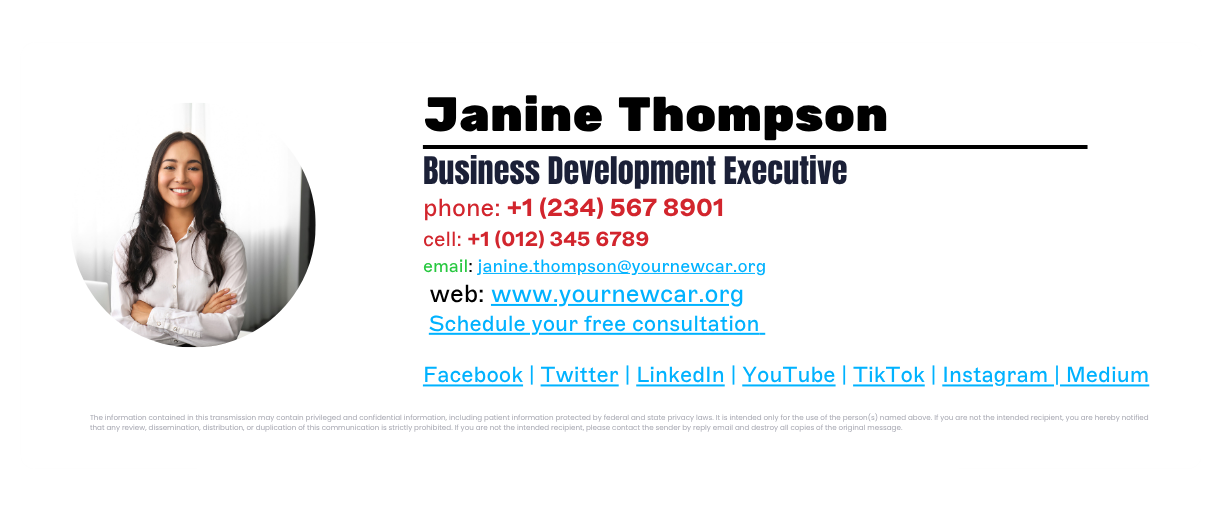 A professional email signature should highlight only essential details: full name, job title, main phone number, and company email address. Beyond that, think carefully about what’s relevant by department, role, or region. For instance, a sales rep in one country might benefit from including a direct dial number, while another in a different region may need a local office address.
Keeping your design simple not only makes it more readable, but it also strengthens your email signature marketing activities. Campaign banners, case study links, or promotional CTAs stand out clearly when the signature isn’t buried in unnecessary text.
4. “Adding an inspirational quote makes my emails more engaging.”
Inspirational quotes might work on social media, but they don’t always belong in professional email signatures. What one person sees as uplifting, another may view as inappropriate—or even offensive. Instead of reinforcing your brand, personal quotes can distract from it.
 More importantly, a quote reflects the views of an individual employee, not the company as a whole. This inconsistency can quickly erode professionalism and create reputational risk.
Centralized email signature management eliminates the problem. By removing the ability for staff to add personal content, you ensure every email signature supports your brand, maintains compliance, and keeps your email signature marketing consistent.
5. “Comic Sans shows off my personality.”
Fonts matter more than many people realize. Comic Sans was designed for children’s software in the 1990s, not for professional business communication. Using it in an email signature may be eye-catching, but it damages brand credibility and undermines any email signature marketing campaigns you’re running.
 There’s also a technical risk: if a recipient doesn’t have the font installed, your carefully designed signature may render incorrectly—or worse, become unreadable.
Best practice is simple: stick to your organization’s approved brand fonts, and never mix multiple fonts in one signature. A clean, consistent design ensures your message is taken seriously and that your brand is represented professionally in every email.
6. “Bold colors will make my signature banner stand out.”
In practice, overly bright or heavy colors rarely translate well in email. Against the plain white background of most inboxes, bold shades can look harsh, distracting, or even unprofessional. They may render differently across devices and monitors, creating an inconsistent experience for recipients.
 For effective email signature marketing, banners should follow the same design principles as any other branded asset: clean, accessible, and aligned to your company’s visual identity. Stick to brand-approved colors, maintain strong contrast for readability, and test how banners display across devices before rolling them out.
Consistency, not shock value, is what makes an email banner successful.
7. “An animated GIF will make my signature more engaging.”
While animated GIFs might display correctly in some email clients like Gmail or Apple Mail, they don’t work everywhere. In Outlook, for example, GIFs are rendered as static images due to the way the editor processes emails. Other animation methods—such as JavaScript or Flash—aren’t supported at all.

This inconsistency makes animated elements unreliable for professional use. Instead of strengthening your brand, they can create a broken or unpolished impression.
For effective email signature marketing, keep visuals simple and universally supported. Use static, optimized banners that display consistently across devices and clients. This ensures your campaigns look professional to every recipient without the risk of technical glitches.
Turning email signature marketing into a strategic advantage
Email signature marketing is often misunderstood, but when done right, it’s one of the most cost-effective and impactful channels your organization can use. Avoiding common mistakes—like cluttered contact details, personal quotes, or unprofessional design choices—ensures that every email reflects your brand consistently and professionally.
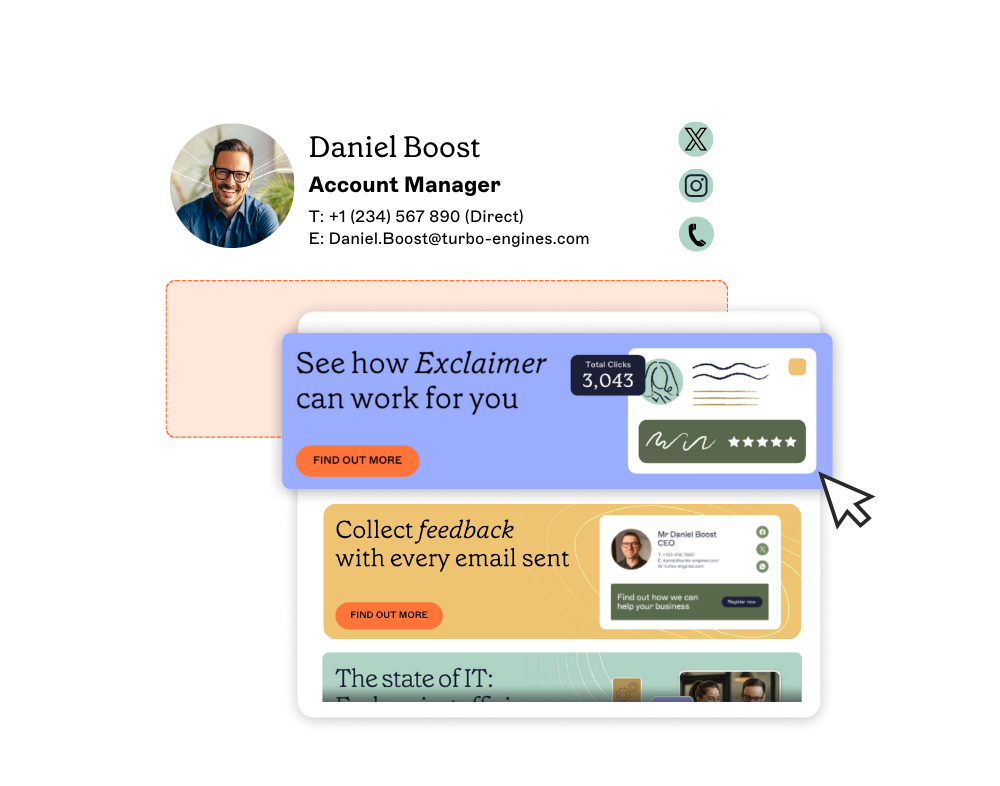 With centralized control, email signature marketing becomes more than an afterthought. It transforms into a reliable way to promote campaigns, reinforce compliance, and strengthen trust with every recipient.
Exclaimer makes this process simple. Our email signature platform gives IT teams full oversight while empowering Marketing and other departments to update banners and campaigns without risk.
The result: every email leaving your organization is consistent, compliant, and optimized to deliver measurable value.