Trusted by 80,000+ businesses worldwide







Benefits of centralized email signature management
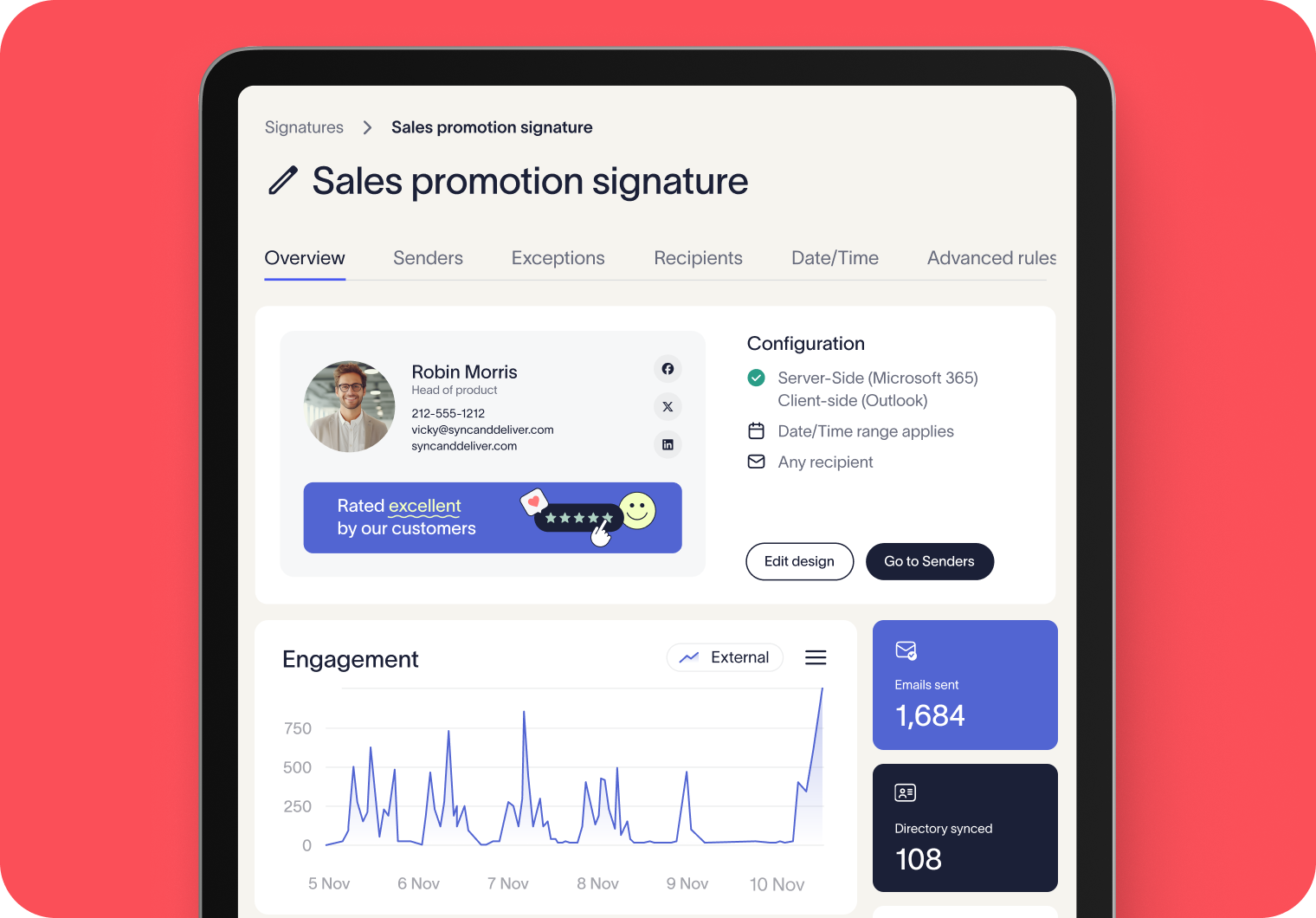
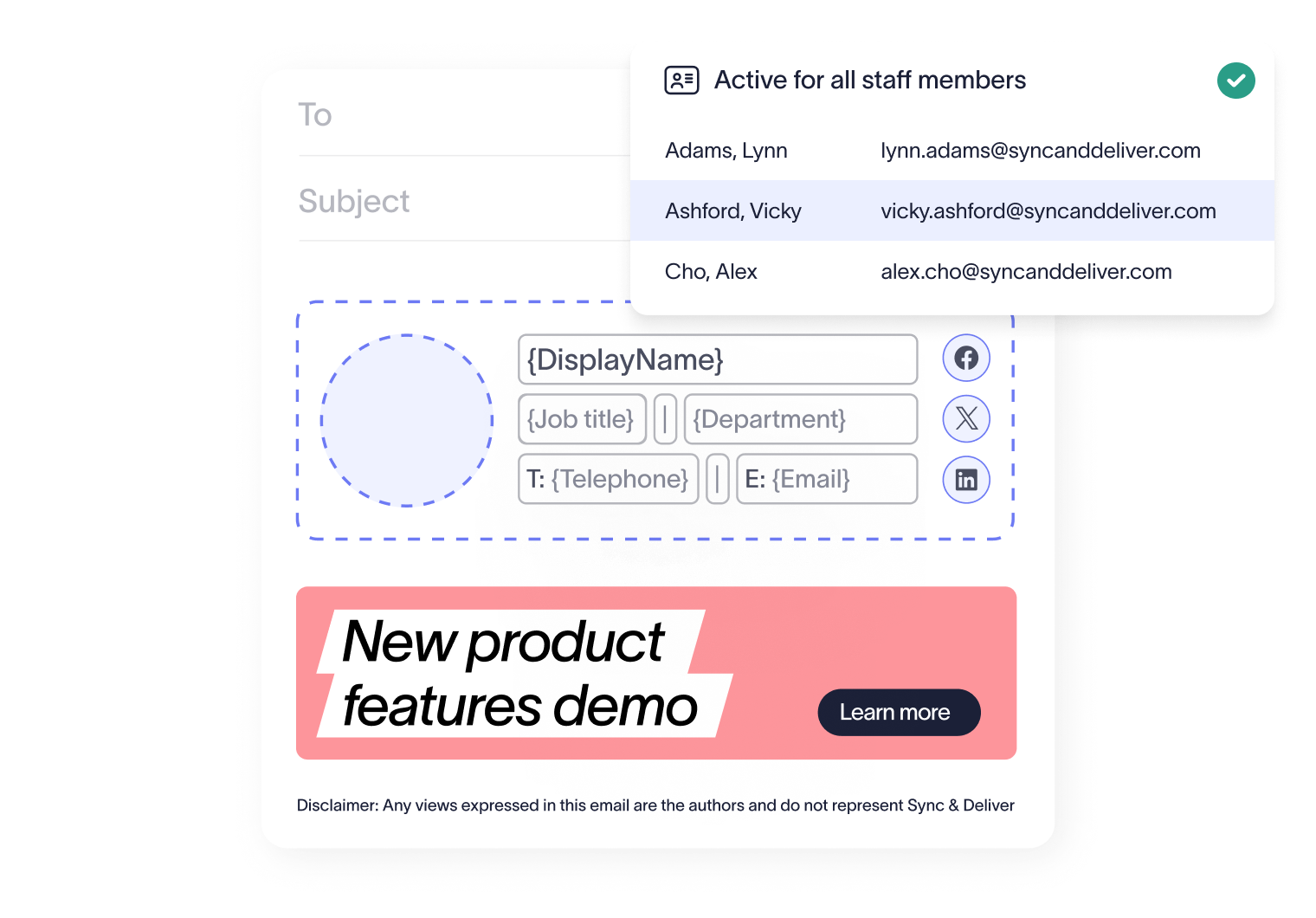
Ensure your organization’s branding is reflected in every employee email, with logos, fonts, and colors applied with uniformity to every email, saving time and effort, especially when building or scaling your business.
Give your team the freedom to update certain fields, such as mobile number or pronouns, while core information and brand elements remain centrally managed by IT. Our User Details Editor enables staff to update specific, pre-approved fields through a simple, secure portal - giving your team the right balance of control and flexibility.
You’re in safe hands
Exclaimer holds multiple industry certifications for security and compliance, including ISO 27001 and ISO 27018.








Seamless integration with your email platform
Centrally manage email signatures across Microsoft 365, Google Workspace, and Microsoft Exchange.

Microsoft 365

Microsoft Exchange

Google Workspace
Why small teams love using Exclaimer
Your team might use a mix of laptops, phones, and tablets. Exclaimer ensures their signatures look the same on every device, so emails always project a consistent, credible image — wherever they’re sent from.
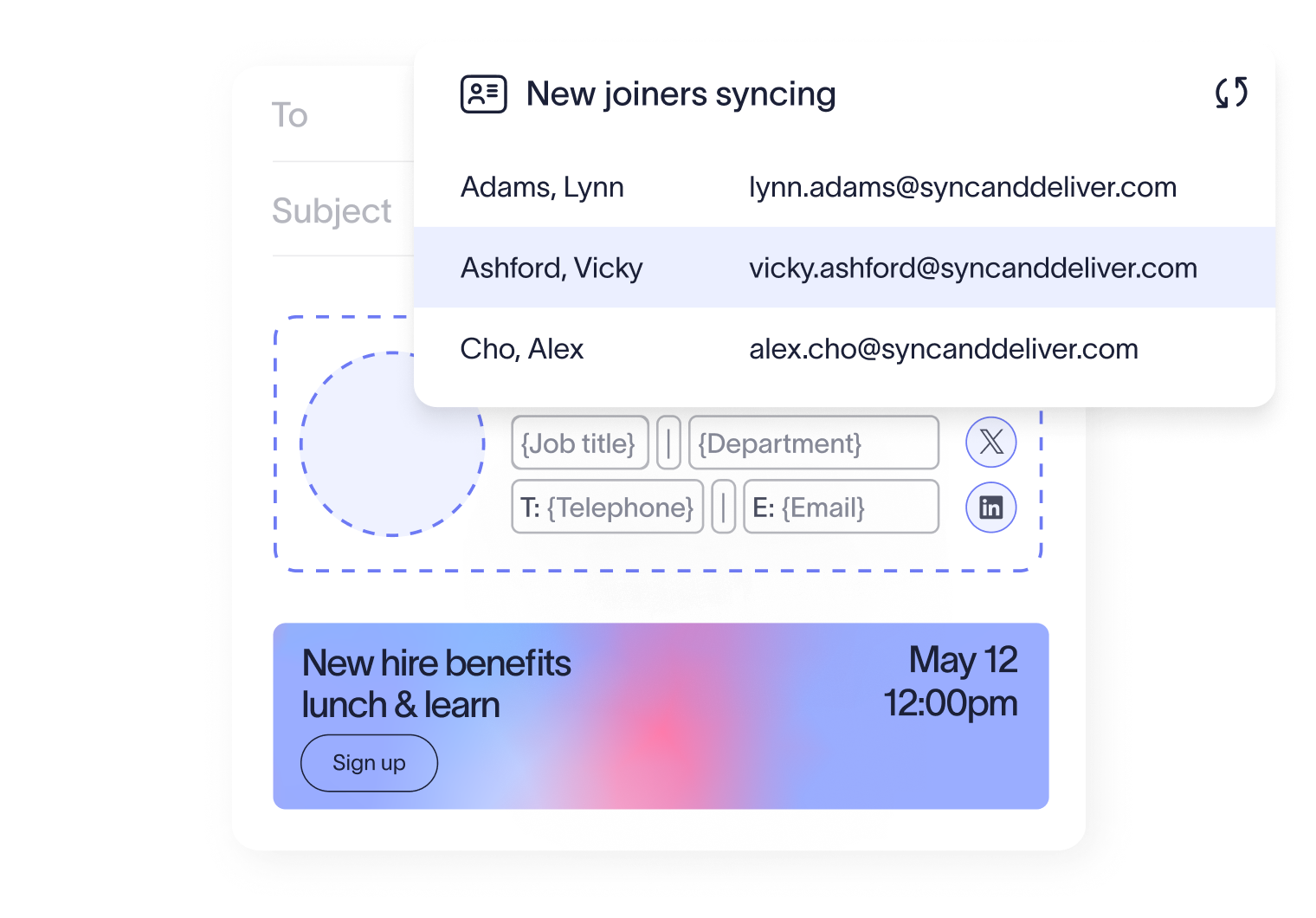
Whether it’s a new campaign, event, or announcement, Exclaimer ensures your signatures always carry the correct message to the correct audience — without extra effort. Dynamic signature options like social feeds for example, pull in company social posts — ensuring customers see your most recent updates automatically.
Changing a logo or updating brand colors doesn’t have to mean editing every single signature. With Exclaimer, you update your assets once, and the changes roll out everywhere instantly. What used to take hours now takes minutes.
Email signature management for growing teams

Frequently asked questions
Exclaimer offers a range of plans and pricing to meet your company’s needs. The Standard plan is our most popular as it adds the ability to create multiple signature templates for different teams, plus gives you access to our Campaigns feature which allows you to run timely banners as an extension of your marketing strategy.
For growing businesses with broader needs, the Pro plan unlocks everything Exclaimer offers, including integrations with Salesforce and HubSpot, video meeting backgrounds, Social Feeds in signatures, advanced analytics, and more.
Exclaimer plans start at 10 seats. Even if your business is smaller right now, this gives you room to grow without needing to upgrade straight away. Many SMBs find the extra seats useful for contractors, new hires, or future expansion.
While email signatures may feel like a small detail, professional and consistent email signatures help your brand build credibility with customers. Additionally, our integration with existing directories and automatic updates save your team time on admin work, and ensure your brand remains sharp and consistent as you grow.
Yes. With server-side deployment, Exclaimer applies signatures after an email is sent, so they appear consistently on every email whether your team is using a desktop, laptop, tablet, or phone. No missing signatures or messy formatting, regardless of device.