Trusted by 9 million email accounts worldwide







What marketers do with Exclaimer
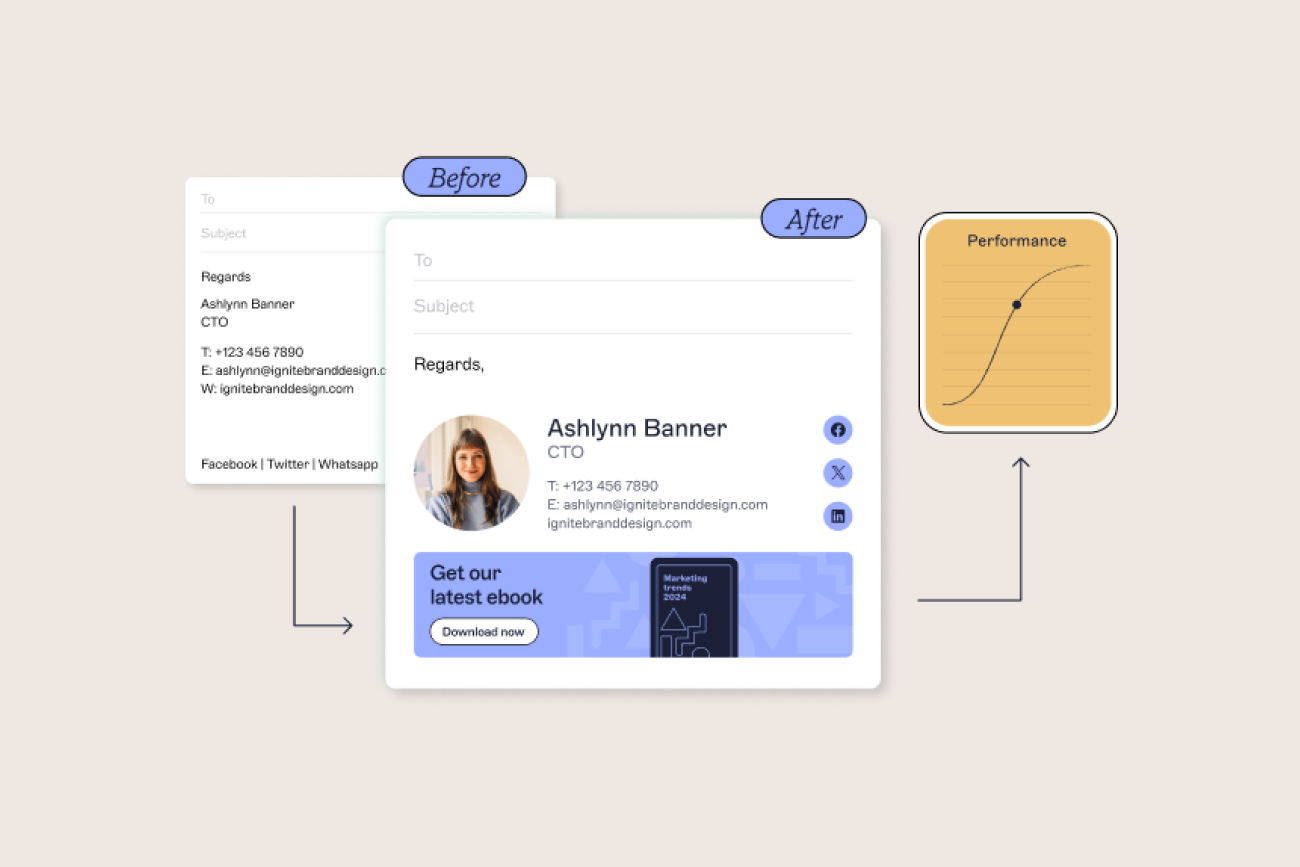
Logos, fonts, and brand colors are centrally managed in Exclaimer. That means every signature across your business stays on-brand, no matter who sends the email. Role based access controls enable marketing teams to control branding while IT handles the deployment—ensuring consistency never slips.
Your email signature can do more than just link to social profiles. With Exclaimer, you can add live social feeds to every signature, driving traffic to your channels and increasing engagement with your latest content on every message.
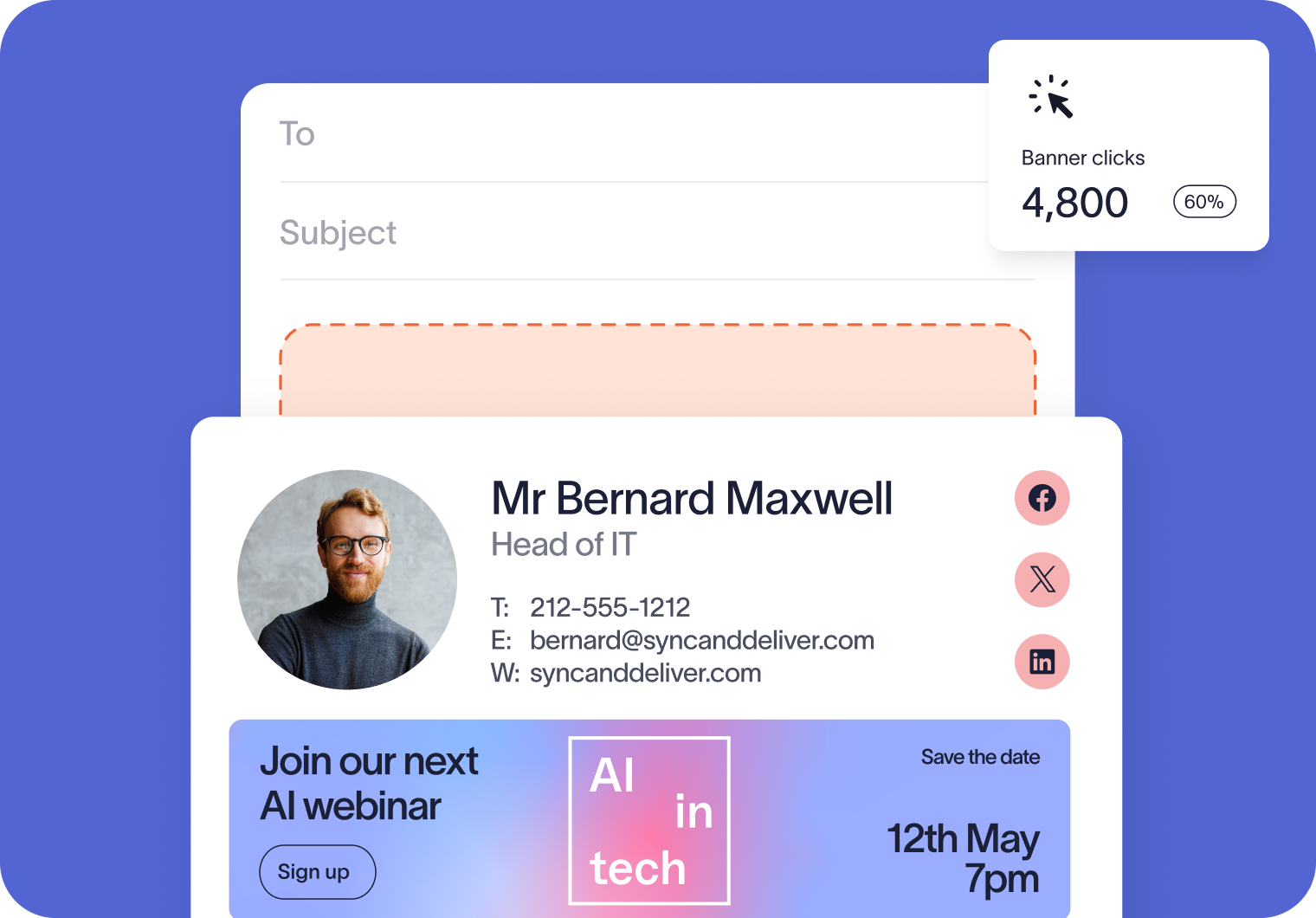
Marketers need results they can measure. Our analytics tool measures how many times email signatures and banners are seen and clicked - enabling your team to refine campaigns, report on performance, and demonstrate value to leadership.
You’re in safe hands
We’re the proud holders of multiple industry certifications for our security and compliance standards.








Seamless integration with your email platform
Centrally manage email signatures across Microsoft 365, Google Workspace, and Microsoft Exchange.

Microsoft 365

Microsoft Exchange

Google Workspace

How marketing teams use Exclaimer
Rebrands and mergers come with endless details and changes to manage, and email signatures are often overlooked. Exclaimer makes sure 100% of emails show the right brand from day one. Whether it’s a new logo, new colors, or updated disclaimers, your new identity lands exactly as intended.
Customer trust is what turns interest into action. With Exclaimer, you can showcase reviews, awards, and client logos directly in your email signatures — keeping proof points front and center in every conversation.
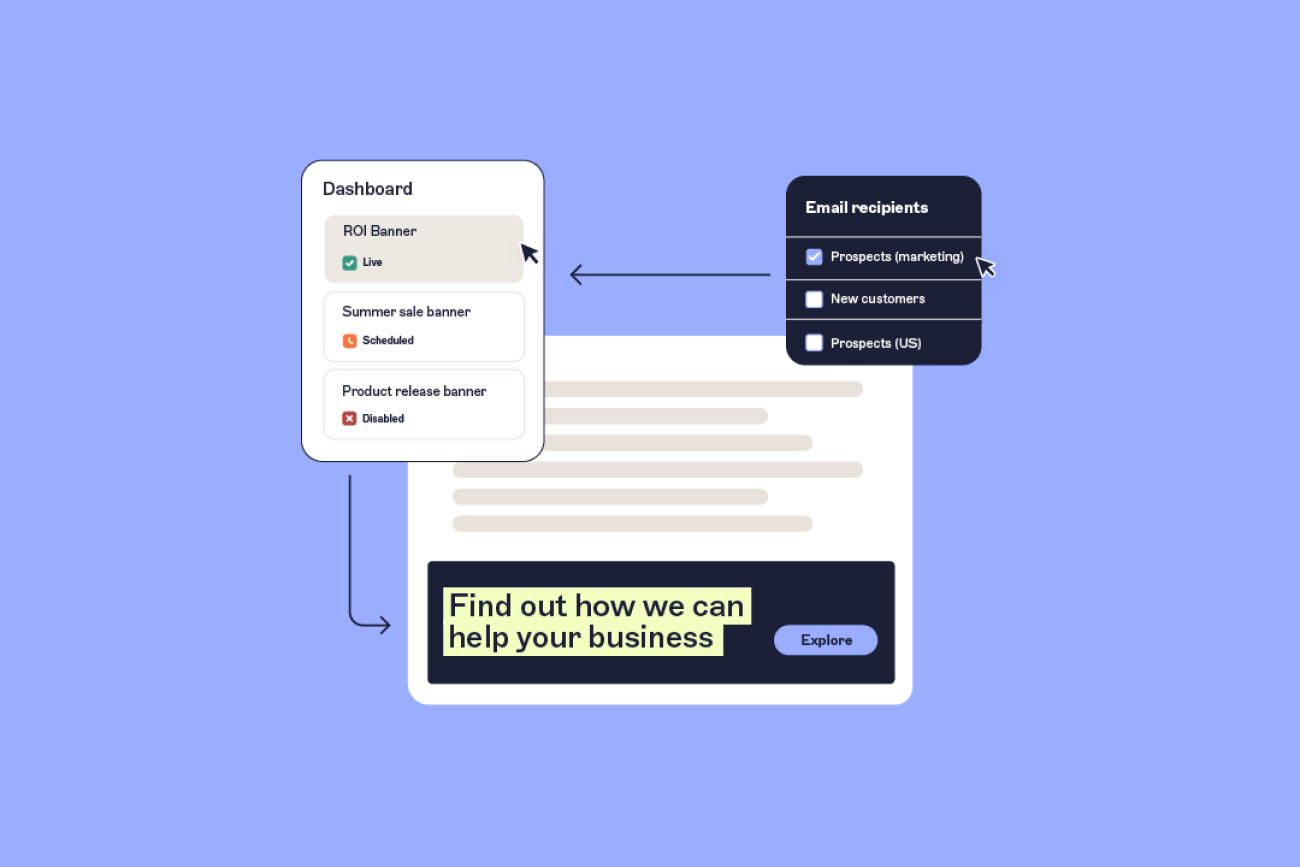
Exclaimer lets you transform every email into a personalized sales tool. Whether it’s a custom invite for a target account, or tailored messaging for an industry vertical, you can deliver account-specific banners in employee email signatures. This way, every touchpoint supports your ABM strategy, at scale!
Turn everyday emails into campaign touchpoints

Frequently asked questions
In Exclaimer, go to the Campaigns section and select New campaign. From there, you can upload your banner design, set the target URL, and choose the date and time period you want it to run. You can also apply rules so specific audiences see the banner. Once published, banners update automatically across all employee emails.
Yes. Business emails are one of the most reliable ways to reach customers and prospects because they’re part of everyday communication. By adding banners or social feeds to signatures, you can extend the visibility of your campaigns without extra budget. With Exclaimer Analytics, you can then see how many times those banners were viewed and clicked, giving you a clear picture of the impact.
Absolutely. Exclaimer lets you apply targeting rules so recipients see the most relevant content — for example, event invites only go to contacts in that region, while product updates go to existing customers.
Exclaimer tracks sends and clicks across all banners and social feeds, so you can see exactly how campaigns are performing. You also get insights into which domains are engaging with your emails. For deeper reporting, you can add UTMs so results flow straight into your existing analytics tools alongside other channels.
Exclaimer has been the leading signature management solution for 25 years. Our modern technology will save your team time, save your business money, and allow you to easily implement disclaimers and brand requirements across all user signatures.