Ensure every video meeting looks professional

Maintain a polished appearance on meetings, with personalized nametags and custom backgrounds deployed across your business in minutes.

Hero Image
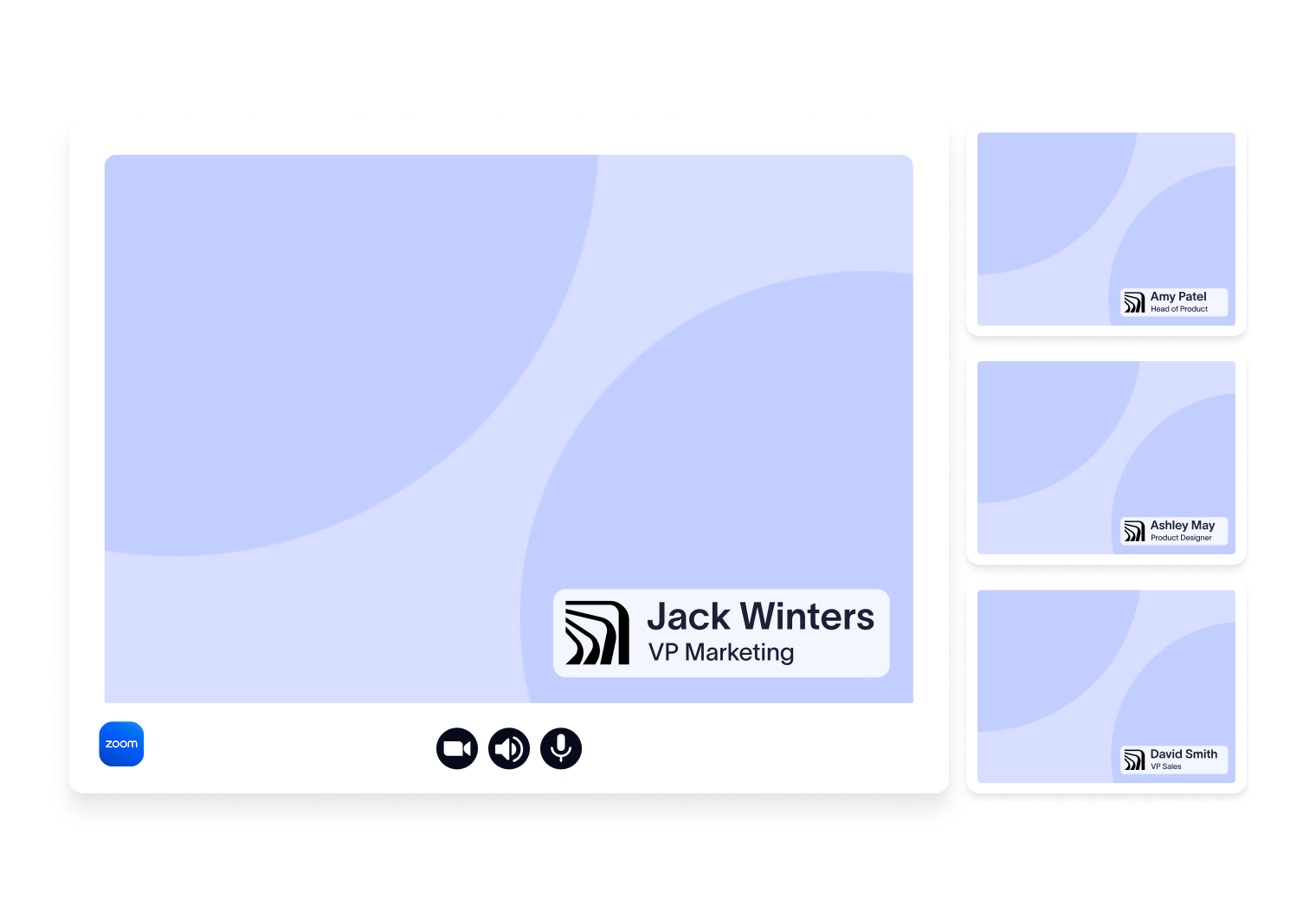
Video conference interface showing a large screen labeled "Jack Winters, VP Marketing" and three smaller participant screens on the right.

Extend your brand: from email to video meetings

Bring consistency to every call

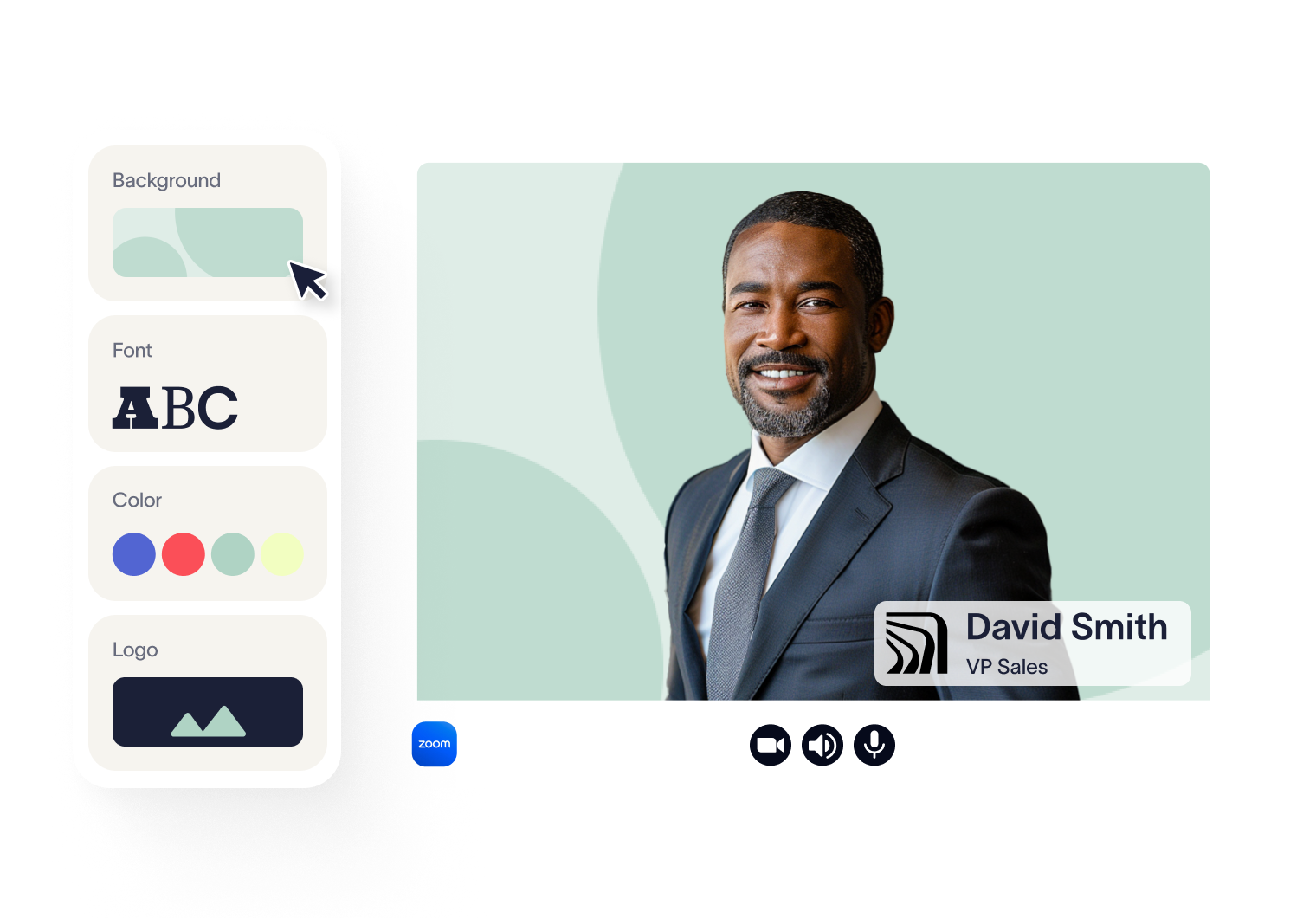
Create and deploy professional meeting themes using your brand assets and directory data. Every employee gets a consistent, on-brand nametag and background.

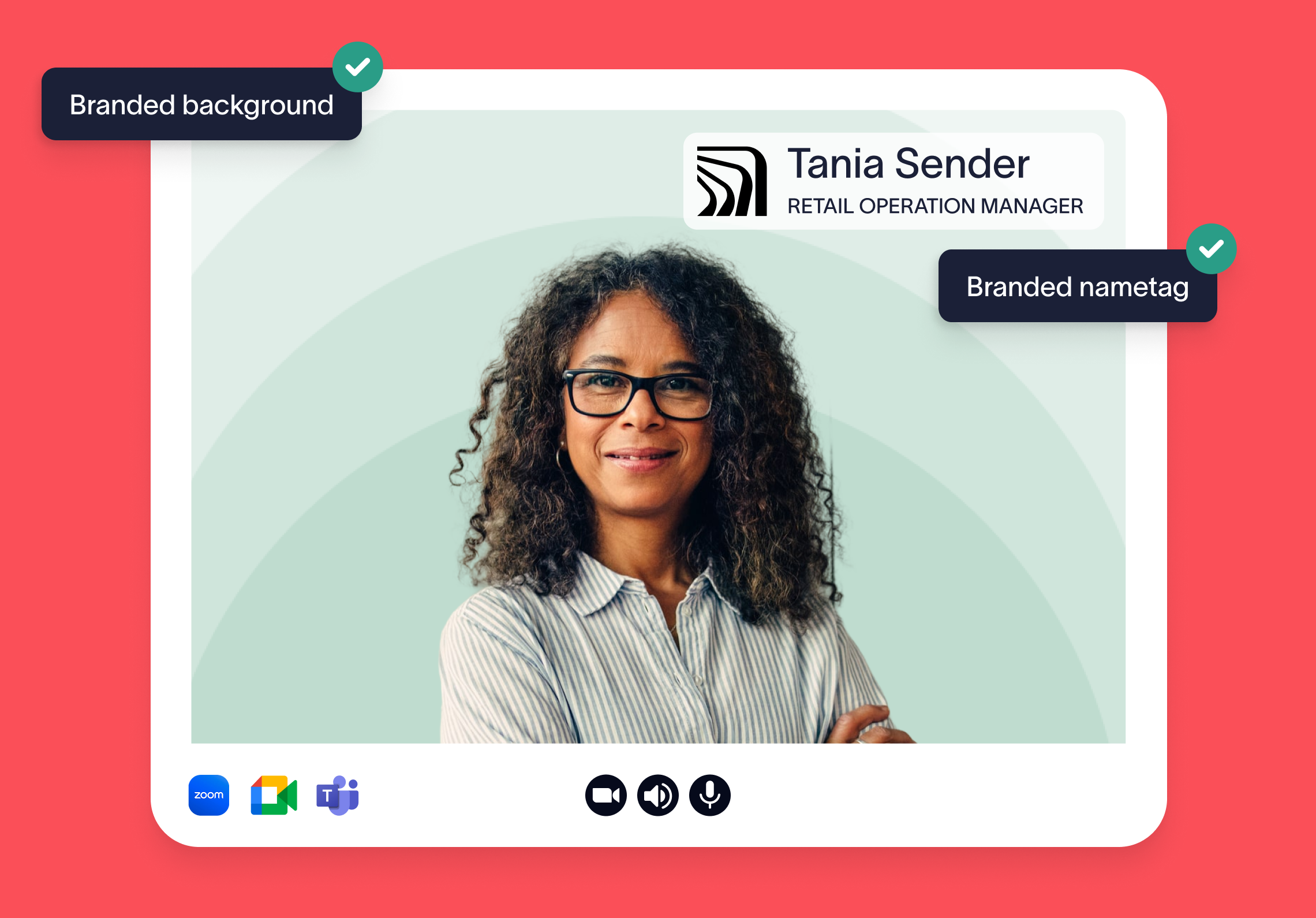
Displaying names and roles prominently makes it easier to keep track of participants — especially in larger meetings or when speaking with new clients. It’s a small detail that keeps conversations clear, focused, and productive.

When your logo, colors, and brand style appear in every meeting, it builds trust, familiarity, and recognition. It’s a low-effort, high-impact way to elevate how your business shows up.

How Meeting Branding works

Sync your user directory

Meeting Branding uses the same directory connection as your email signatures. No new setup required — your synced user data is used to personalize each theme automatically.
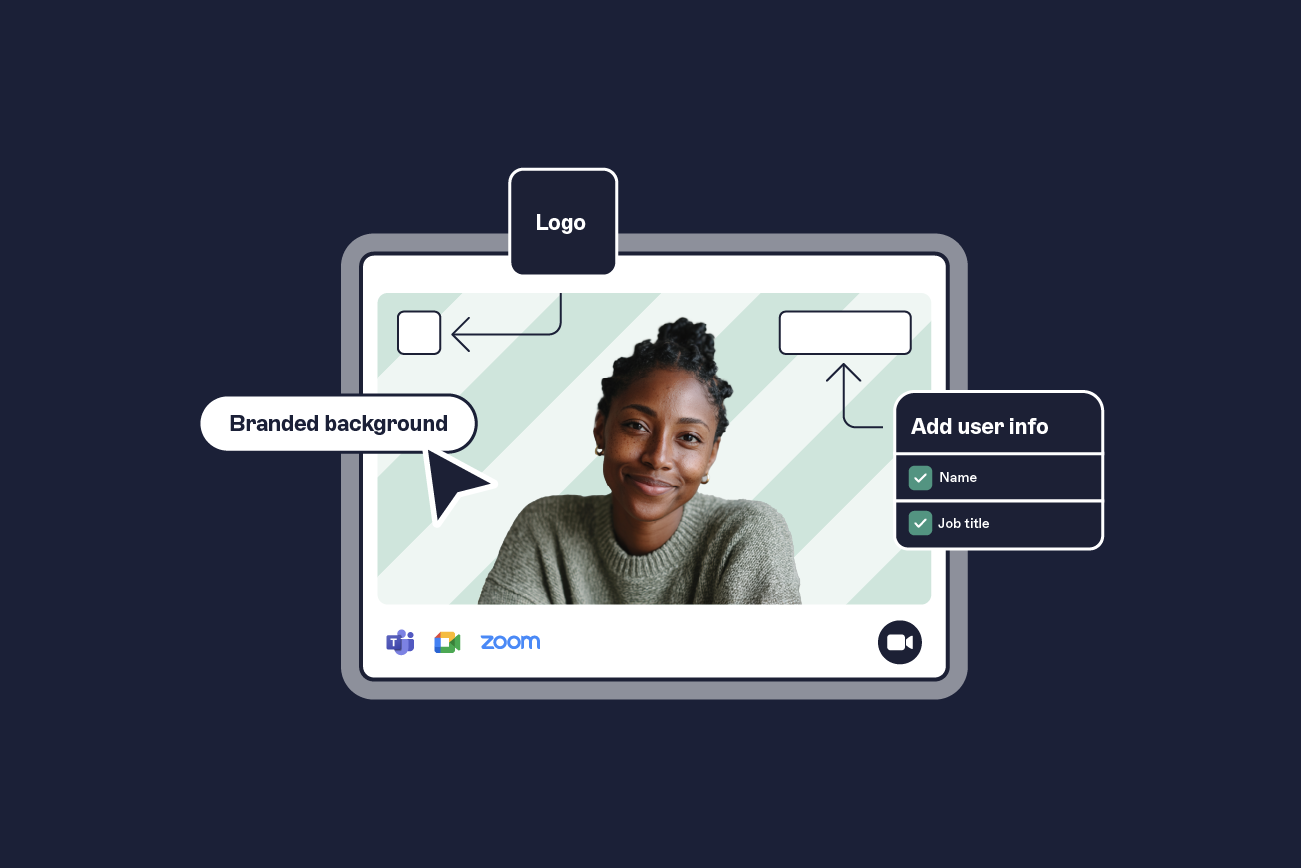
Customize your theme

Add your logo and optional background image, then select your fonts and colors. Exclaimer automatically combines this with user details to generate a personalized meeting theme for every employee.
Deploy via Zoom integration

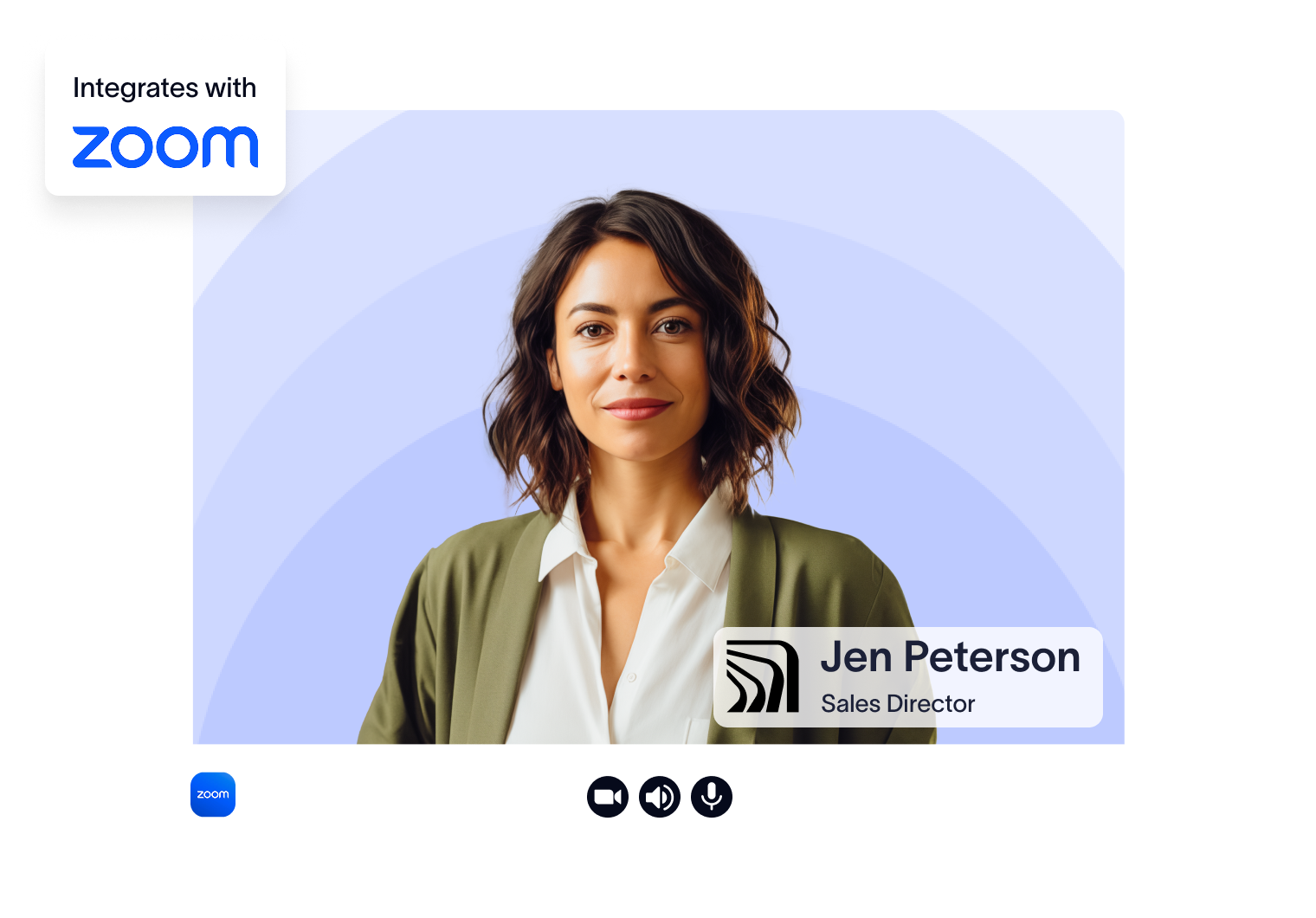
Install the Exclaimer app from the Zoom Marketplace to automate deployment. Each user authorizes the app once, and their theme is applied automatically in meetings.
Support for all other meeting platforms

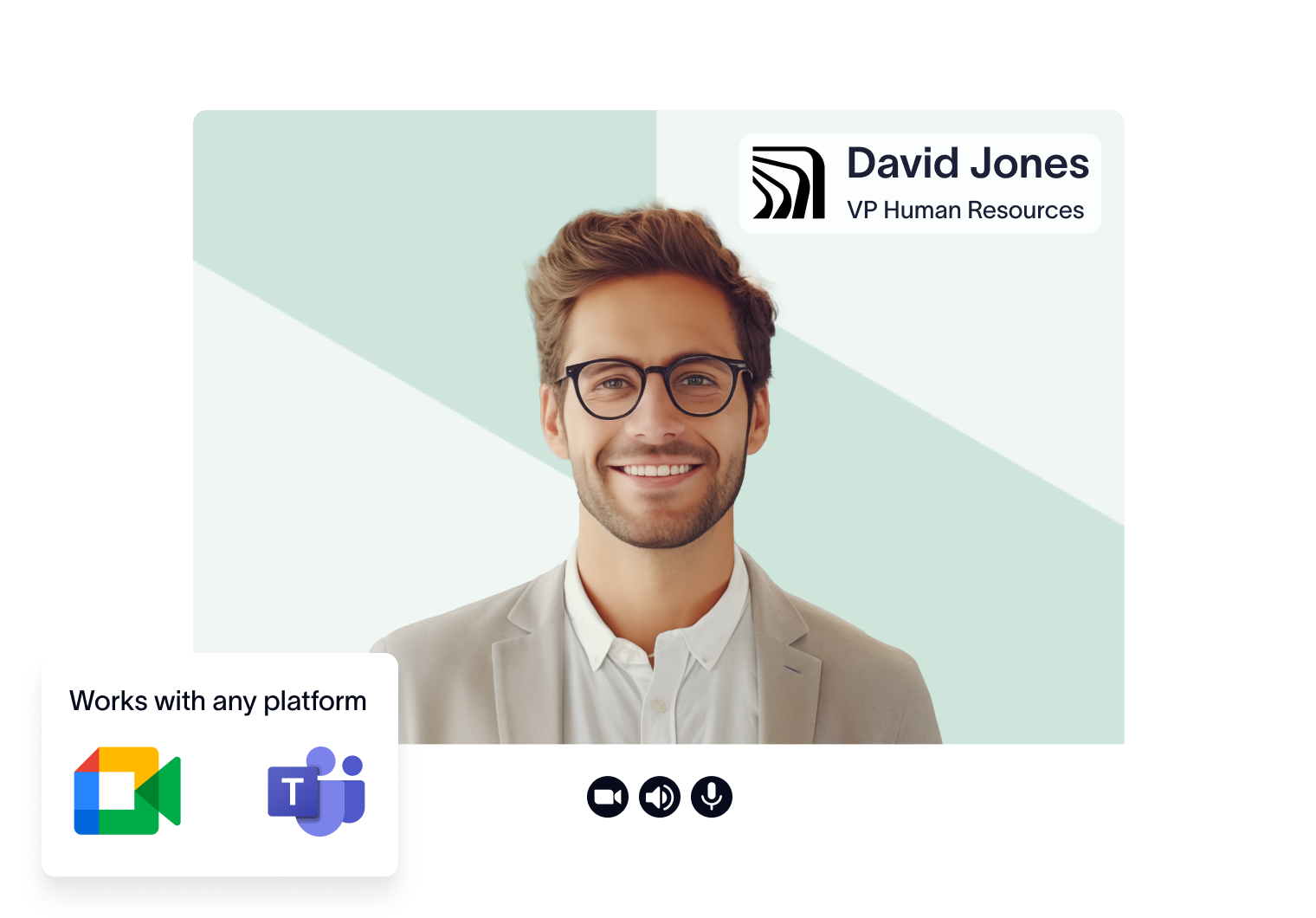
For Teams, Google Meet, or any other platform, users can access their personalized themes via the User Details Editor. It takes seconds to download and apply using each platform’s built-in background settings.
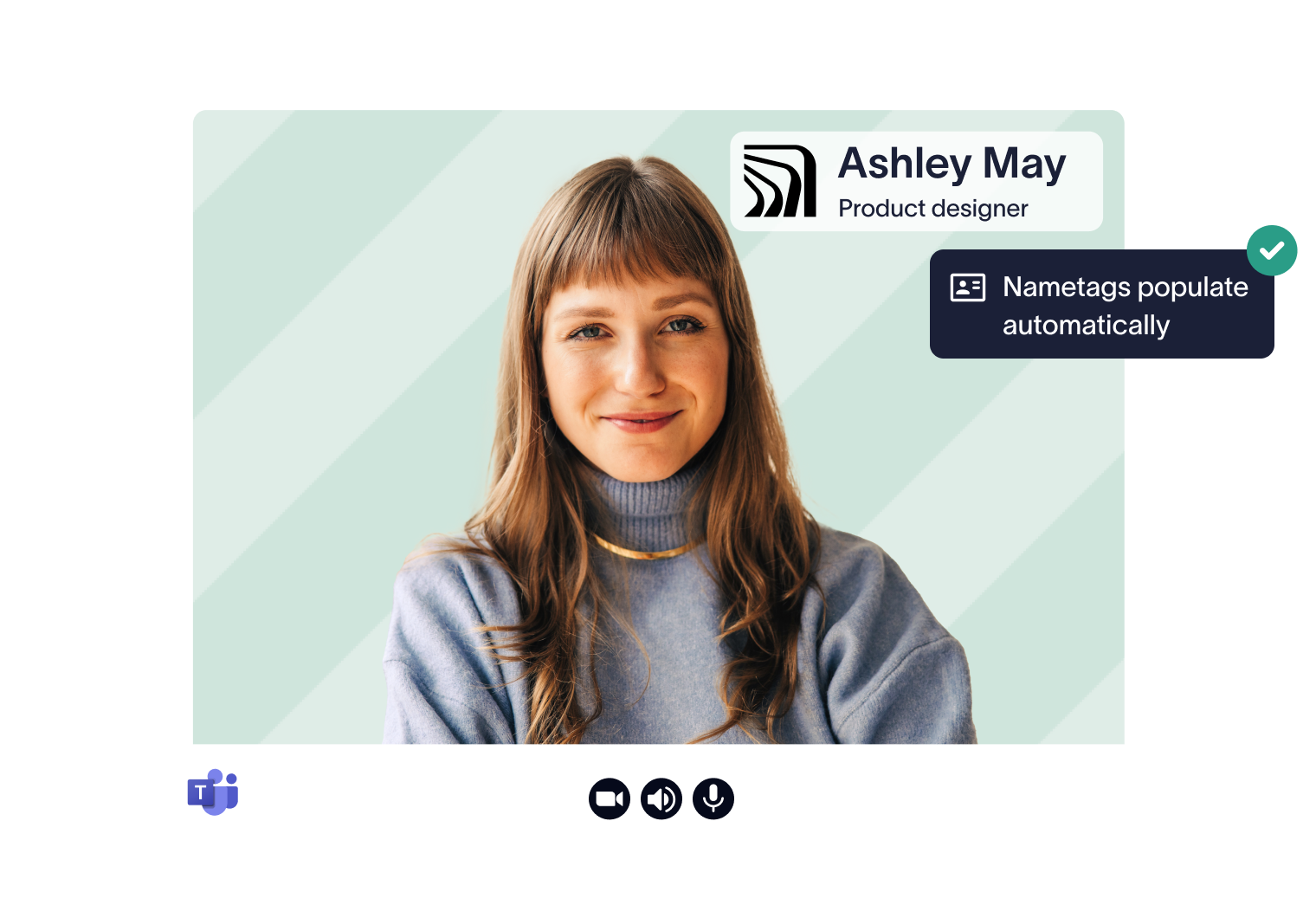
A woman in a video call interface with the name "Ashley May" and title "Product designer" displayed. A notification reads, "Nametags populate automatically."
Man in a suit on a video call screen with customization options for background, font, color, and logo on the side.
A woman with shoulder-length hair in a virtual meeting interface labeled "Jen Peterson, Sales Director." The screen shows a Zoom integration.
Smiling man in glasses on a video call screen, labeled "David Jones, VP Human Resources." Icons show compatibility with Google Meet and Microsoft Teams.

Works with

Why industry leaders choose Exclaimer

G2

Score 4.5 / 5

"A signature management tool that works faultlessly"

Read more
TrustRadius

Score 9.2 / 10

"Exclaimer the one-stop shop for Signature Management"

Read more
SourceForge

Score 4.6 / 5

"Excellent service, takes all the hassle out of Office 365 Signatures!"

Read more
Software advice logo
Software Advice

Score 4.5 / 5

"Auto organisational signatures, bye bye messy signatures"

Read more
Capterra

Score 4.5 / 5

"Professional signatures, very versatile"

Read more

Trusted by 9 million email accounts worldwide

On brand, everywhere

Ensure your company's emails and video calls look professional.

Frequently asked questions

How does Meeting Branding work with different video platforms?

There are two ways Meeting Branding is delivered, depending on which platform your users rely on: 

Zoom users benefit from full automation. Once the Zoom integration is enabled, Exclaimer automatically pushes personalized video themes to users via the Zoom app. 

All other platforms (like Microsoft Teams, Google Meet, and Webex) are supported through a platform-agnostic model. Users access and download their personalized theme from the Exclaimer User Details Editor (UDE), and manually upload it to their meeting platform using built-in virtual background settings.

Zoom users need the Exclaimer Zoom App, this can be centrally deployed by admins. Once deployed, users set the app to auto-run, which allows their personalized theme, including background, to be applied automatically. 

For all other video conferencing platforms, no installation is required. Users simply download their theme and apply it using their platform’s standard virtual background settings.

Exclaimer adds dynamic details like name and job title to each nametag, so employees look professional and make a clear first impression. It also helps everyone know who they’re speaking with and what role they hold, making conversations smoother.

If a user’s name or job title changes, Exclaimer automatically updates their theme. Zoom users will receive the update automatically; for other platforms, users can log into the User Details Editor to download the latest version.

Meeting Branding is included with our Pro plan and is also available during our 14-day free trial.


Related articles

Brand consistency guide: why it builds customer trust

Brand consistency guide: why it builds customer trust

Brand consistency does more than keep things tidy. It makes your business easier to recognize, reinforces credibility, and helps people trust what you say. Here’s how it works—and...

Naimh Bennett

Naimh Bennett

Content Marketing Manager

New feature: Bring your brand to every video call with Meeting Branding

New feature: Bring your brand to every video call with Meeting Branding

Centrally manage branded video call backgrounds with Exclaimer Meeting Branding. Works across Zoom, Teams, and Google Meet.

James Wayne

James Wayne

Senior Product Marketing Manager

Company email signatures: Boost your brand’s credibility 

Company email signatures: Boost your brand’s credibility 

Understand and master the art of company email signatures. Boost the credibility of your brand today with corporate email signatures, templates and ideas.

Naimh Bennett

Naimh Bennett

Content Marketing Manager

Keep every email legally compliant

Automate disclaimers company-wide with Exclaimer. Simple setup, long lasting business protection