Trusted by educational institutions around the world







Consistent, compliant signatures for every interaction
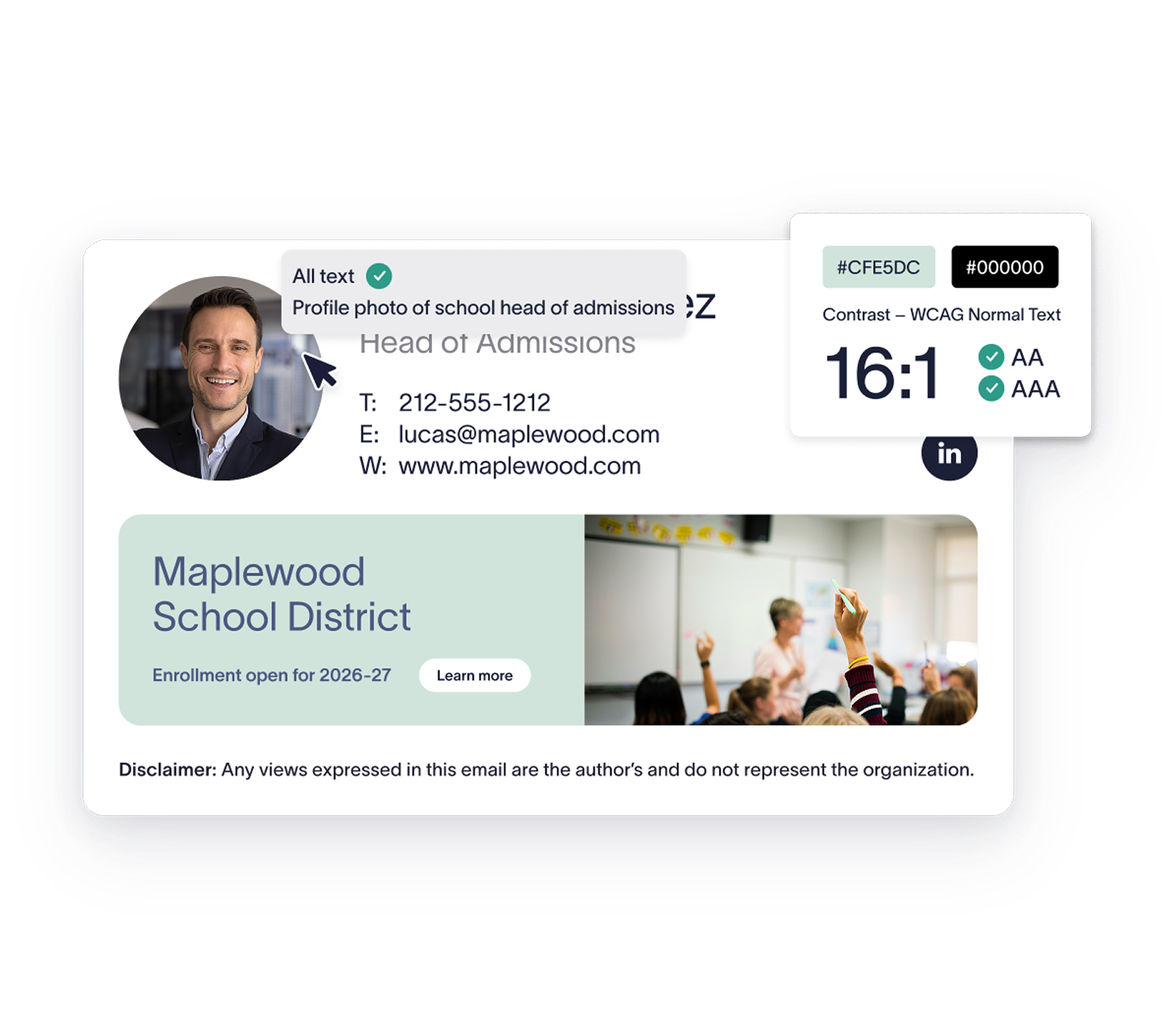
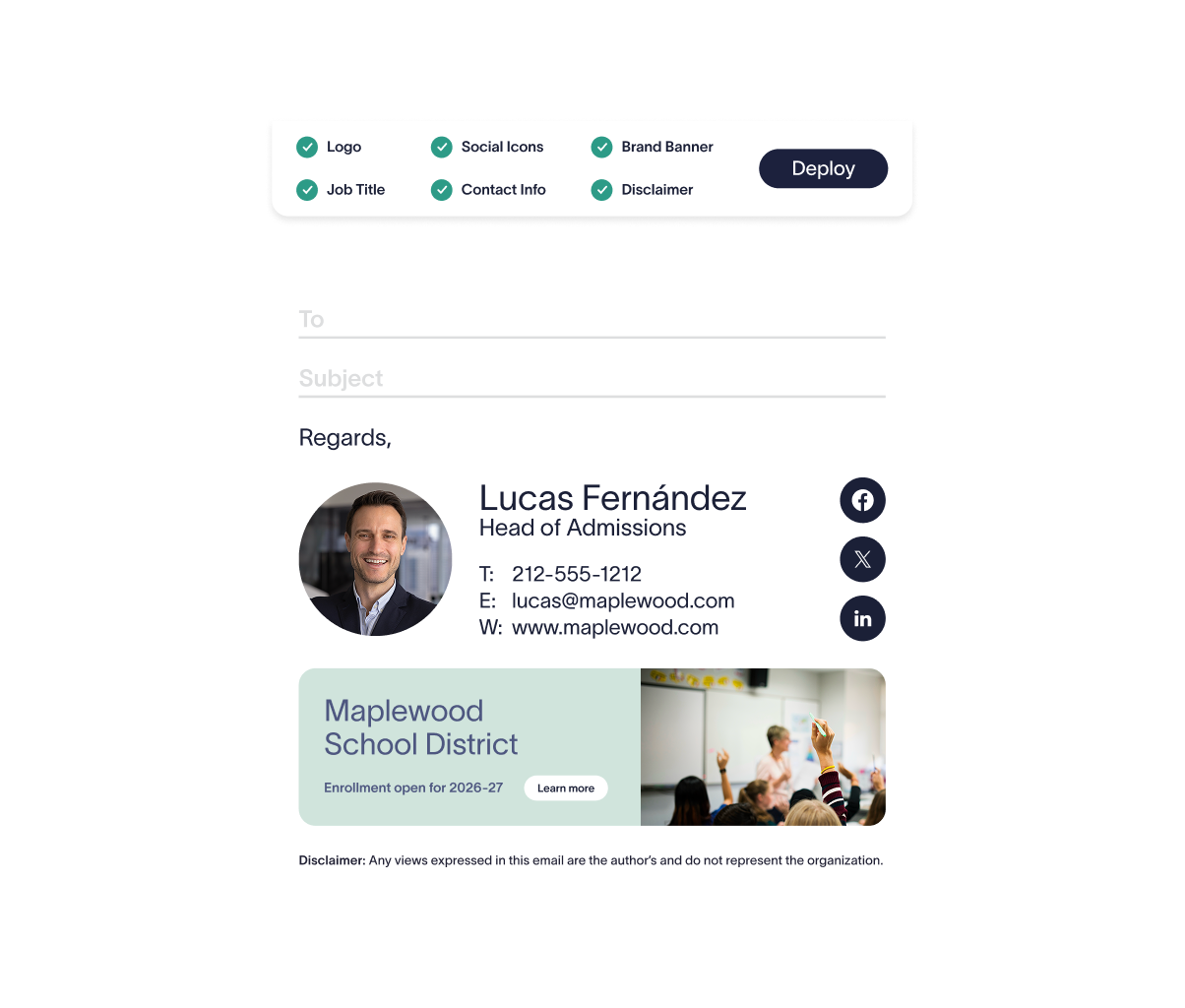
Automatically apply the right disclaimers and accessibility notices on every email — supporting your obligations under FERPA, COPPA, and WCAG, across every school and campus.
Connect to Entra ID (Azure AD) or Google Directory to keep staff details accurate across departments, sites, and year groups — without manual updates.
Lock down signature formatting and content with server-side enforcement, so every email meets your institution's brand standards regardless of who sent it or what device they used.
Maintain a clear audit log of all signature changes and administrator actions to support compliance reviews, governors' reports, and district-level oversight.
:format(webp)/)
You’re in safe hands
Exclaimer holds multiple industry certifications for security and compliance, including ISO 27001 and ISO 27018.






Seamless integration with your email platform
Centrally manage email signatures across Microsoft 365, Google Workspace, and Microsoft Exchange — whichever platform your district or institution runs on.

Microsoft 365

Microsoft Exchange

Google Workspace
How our email signature manager works
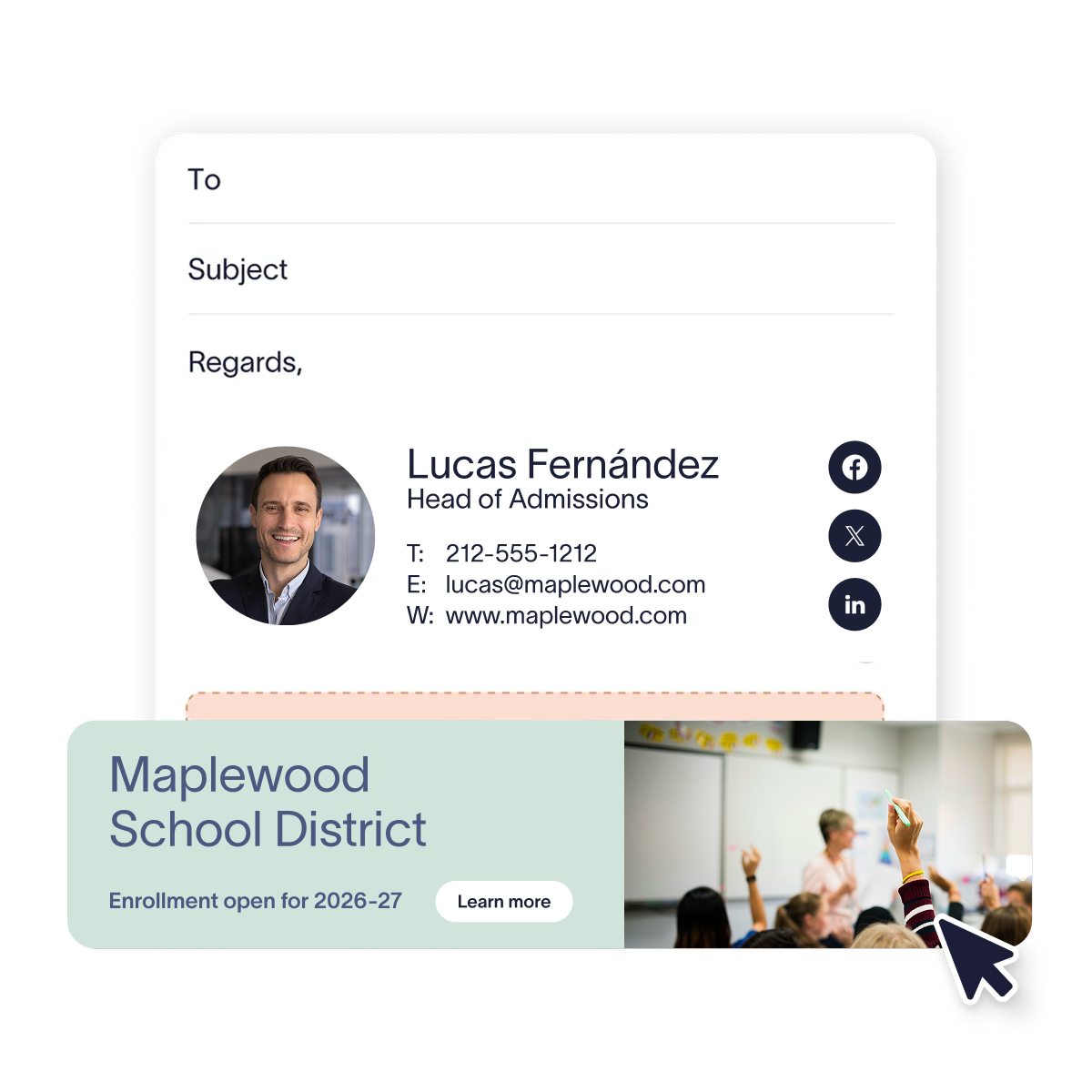
Pull staff information directly from Entra ID (Azure AD) or Google Directory. New hires, role changes, and school transfers update automatically — no manual intervention needed.
Route the right signature to the right person based on school, department, job role, or campus. Set the logic once and apply it everywhere — from classroom teachers to senior leadership.
Every email stays accurate and on-brand, whether it's sent from a school PC, a staff laptop, or a mobile device. No exceptions, no workarounds.
Use server-side deployment for hands-off control across the entire institution, client-side for staff previews, or a hybrid setup to cover both.
Exclaimer is secure by design. With 99.999% uptime, TLS encryption, and active-active global hosting, it's built for institutions that can't afford downtime, data exposure, or compliance gaps.
There's a better way to manage your email signatures


Score 4.6 / 5
"Excellent service, takes all the hassle out of Office 365 Signatures!"
Read more

Frequently asked questions
Yes. Exclaimer is built for organizations with strict data protection obligations. Hosted on Microsoft Azure, it uses TLS encryption, DDoS protection, and around-the-clock monitoring. We hold SOC 2 Type II, ISO 27001, ISO 27018, and Cyber Essentials certifications — and our infrastructure is designed to meet the requirements of institutions handling sensitive student and staff data under FERPA and COPPA.
Yes. Exclaimer automates the application of legal disclaimers, accessibility notices, and safeguarding statements across every outbound email. You can assign signatures by school, department, or role to align with your specific compliance and governance requirements — including FERPA, COPPA, and WCAG accessibility standards.
Most education IT teams are up and running within a few hours. Connect Exclaimer to your Microsoft 365 or Google Workspace directory, build your signature templates, set your deployment rules, and go live. No scripting or custom development required.
Yes. Exclaimer is built for complex, distributed organizations. Whether you're managing thousands of staff across a school district, a multi-academy trust, or a university with dozens of departments, you get centralized control with flexible rule-based deployment and high availability.
Yes. Exclaimer supports Microsoft 365, Google Workspace, on-premises Exchange, and hybrid setups — making it ideal for institutions in the process of moving to the cloud or maintaining existing infrastructure.
Yes. Exclaimer maintains a full record of every signature update, policy change, and deployment action. Your IT and compliance teams have a verifiable audit trail ready for governors' reviews, district inspections, or regulatory assessments — without any additional manual effort.