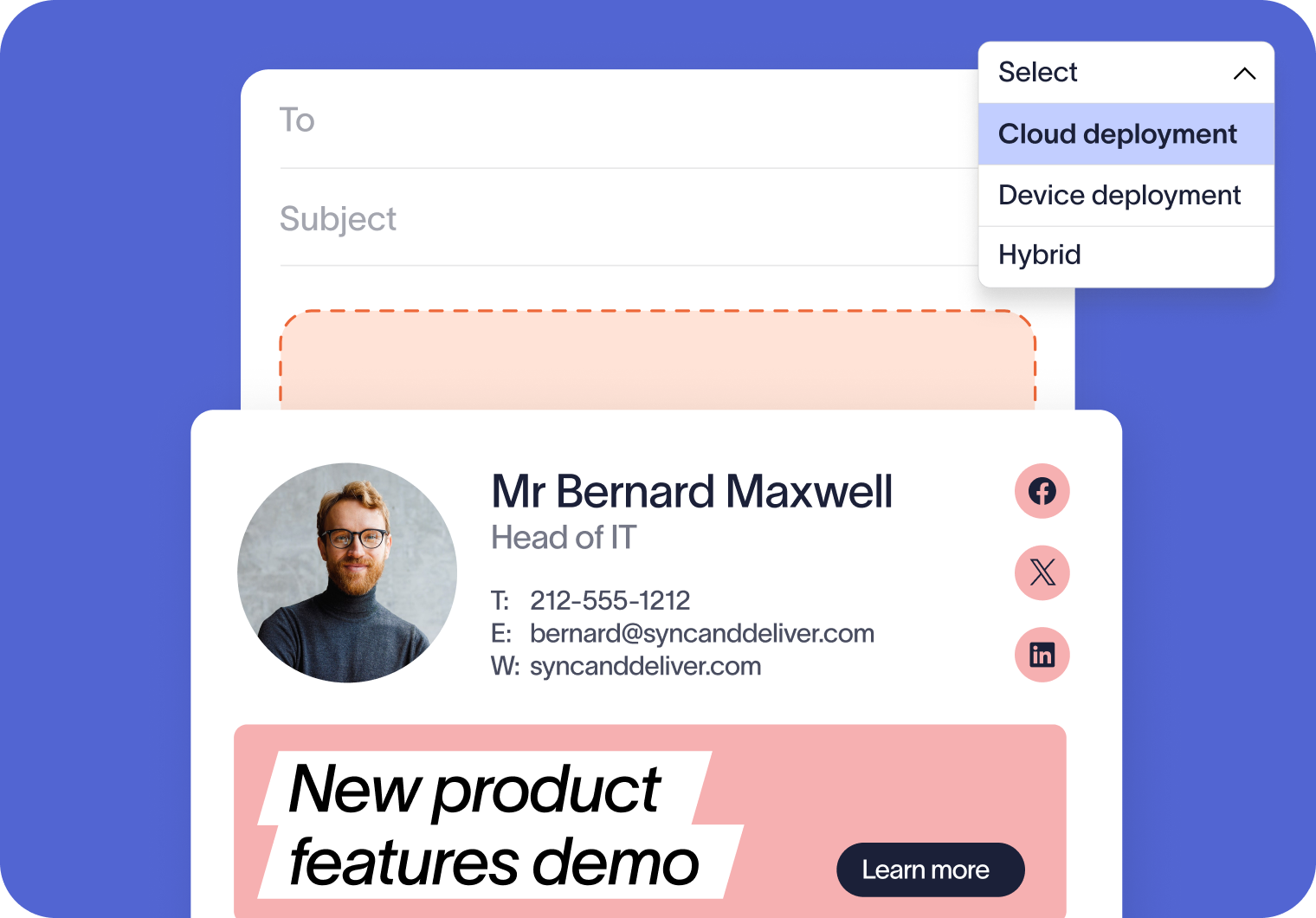
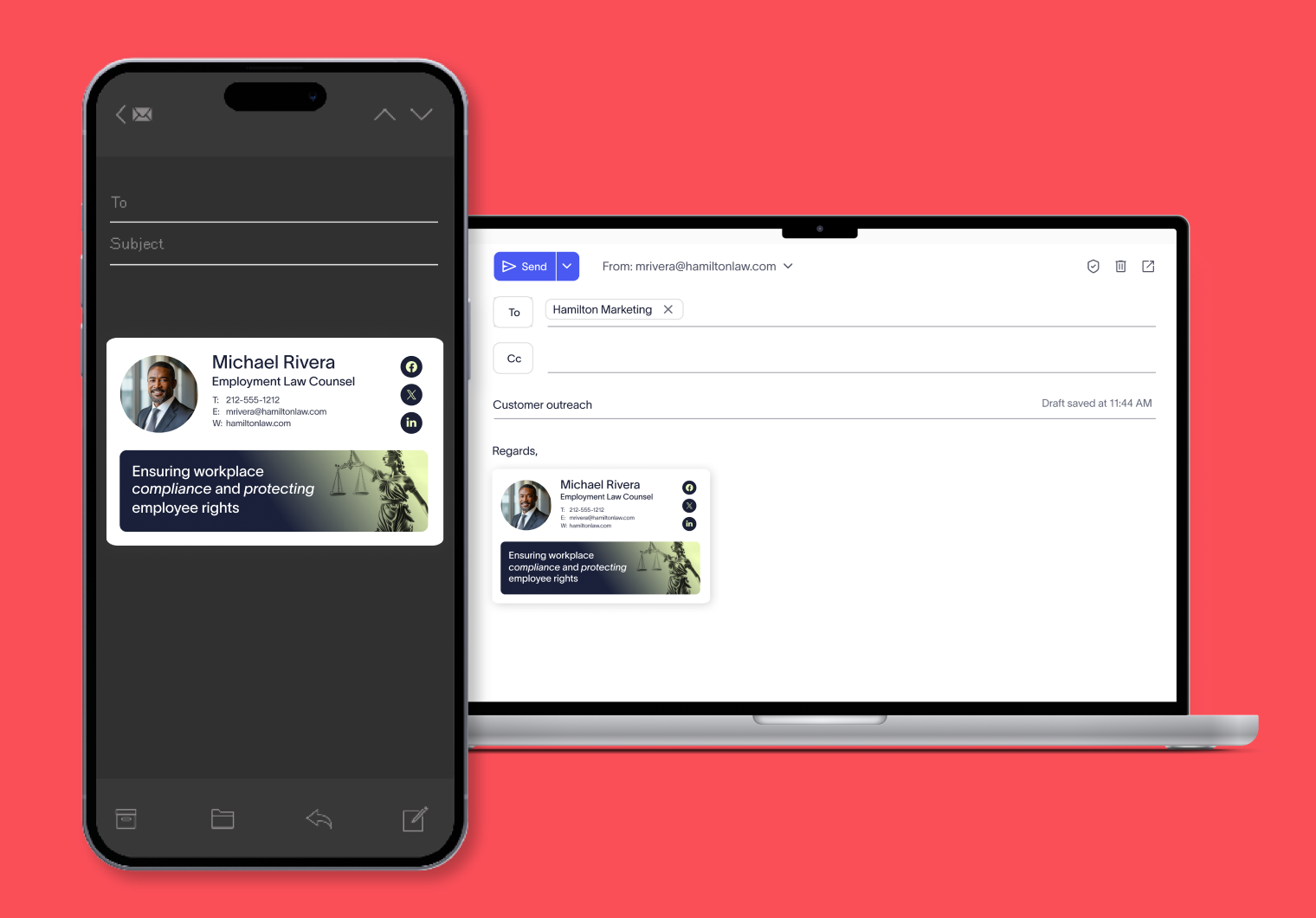
Implement email signature consistency
Add mandatory disclaimers, regional compliance text, or industry-specific notices to every employee email. With server-side deployment, you can be confident nothing will slip through the cracks.
Take employee signature management off IT’s plate. Centrally apply signatures and disclaimers server-side across all emails automatically, accurately, and securely in one dashboard.
How email signature cloud deployment works
User sends email
Employees send emails from any device or client.
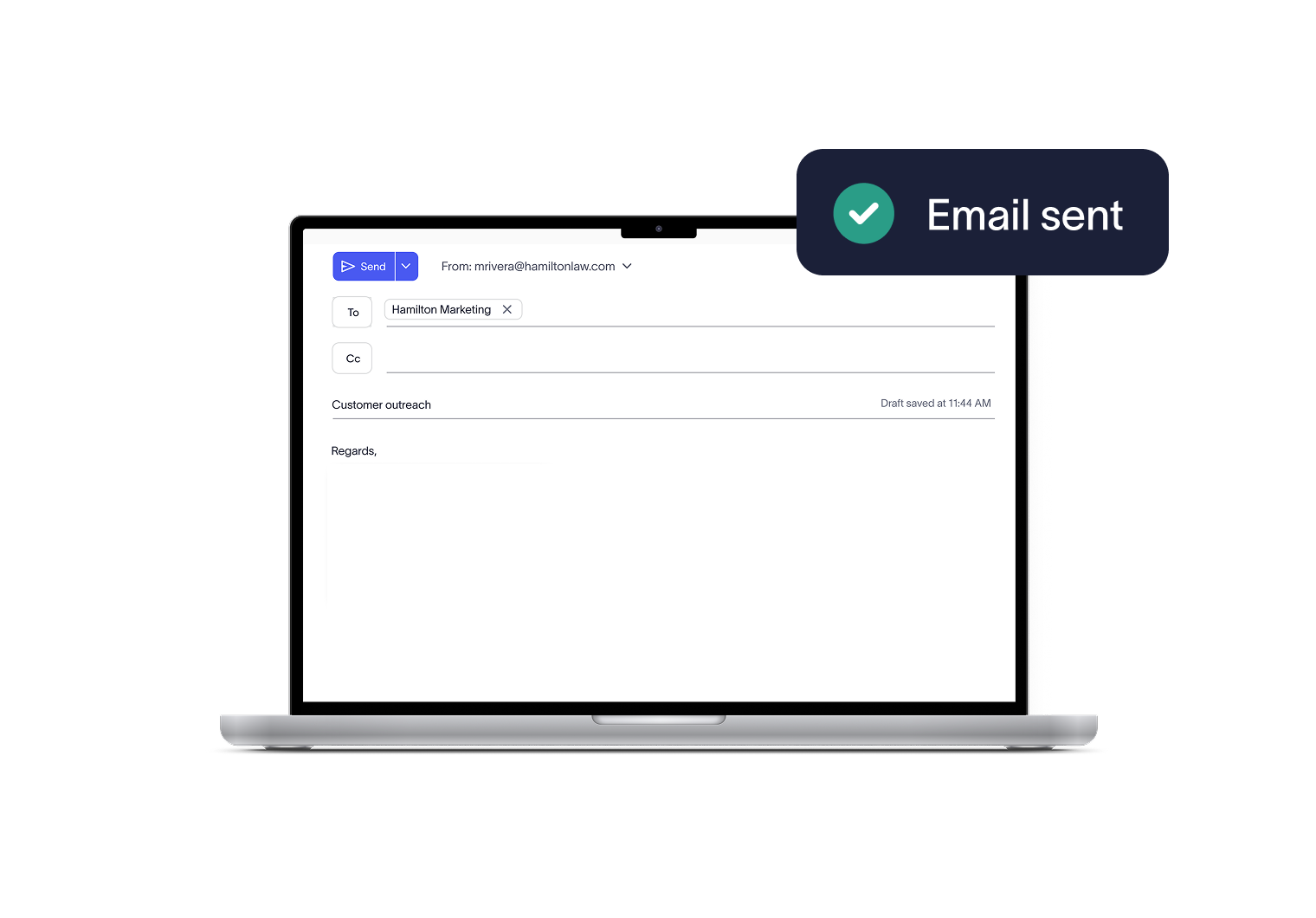
Email routed through Exclaimer
The email passes securely from your email platform to our Microsoft Azure datacenters.
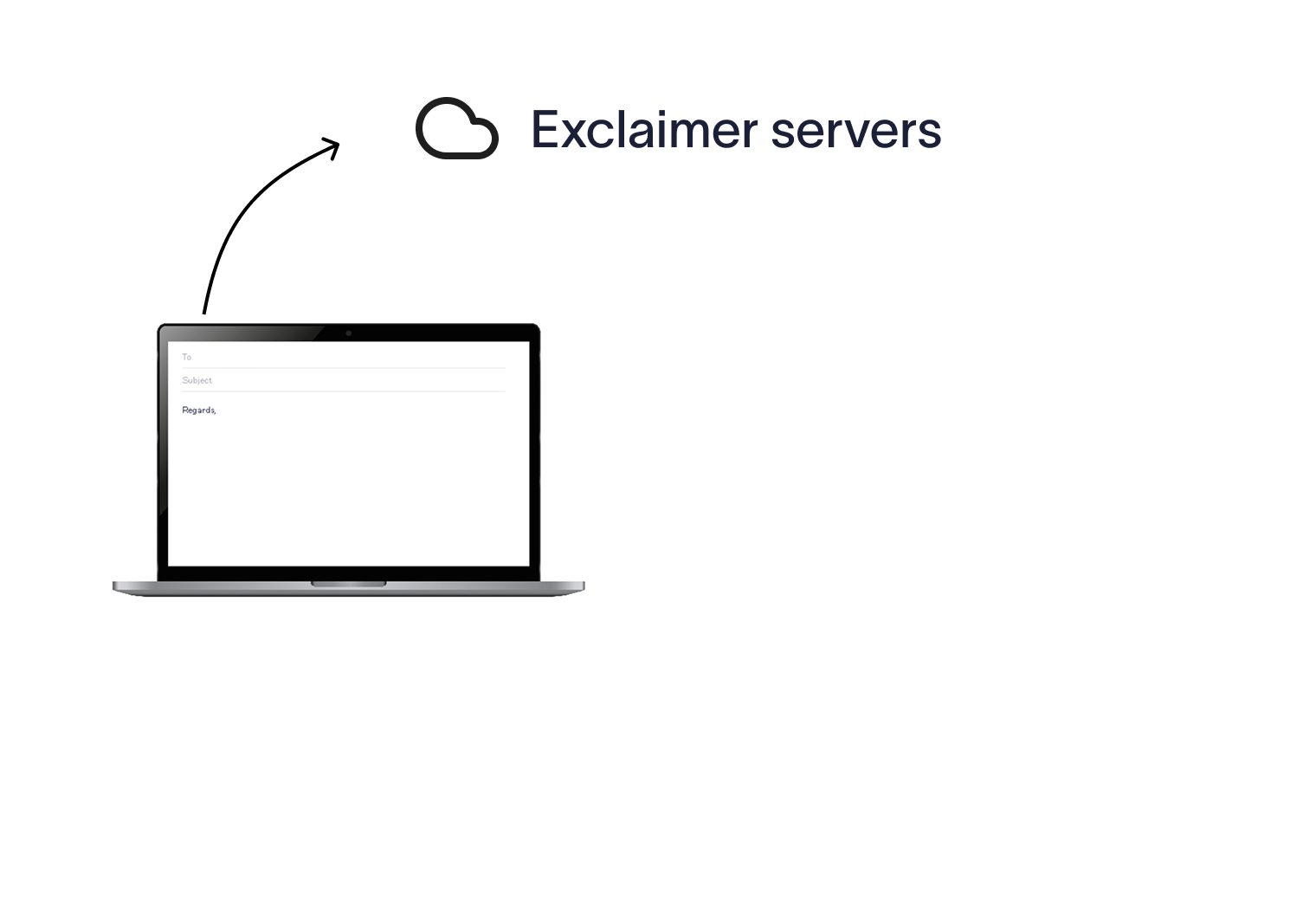
Email signature is applied
Exclaimer applies the correct signature and disclaimers server-side, based on the rules you’ve set.
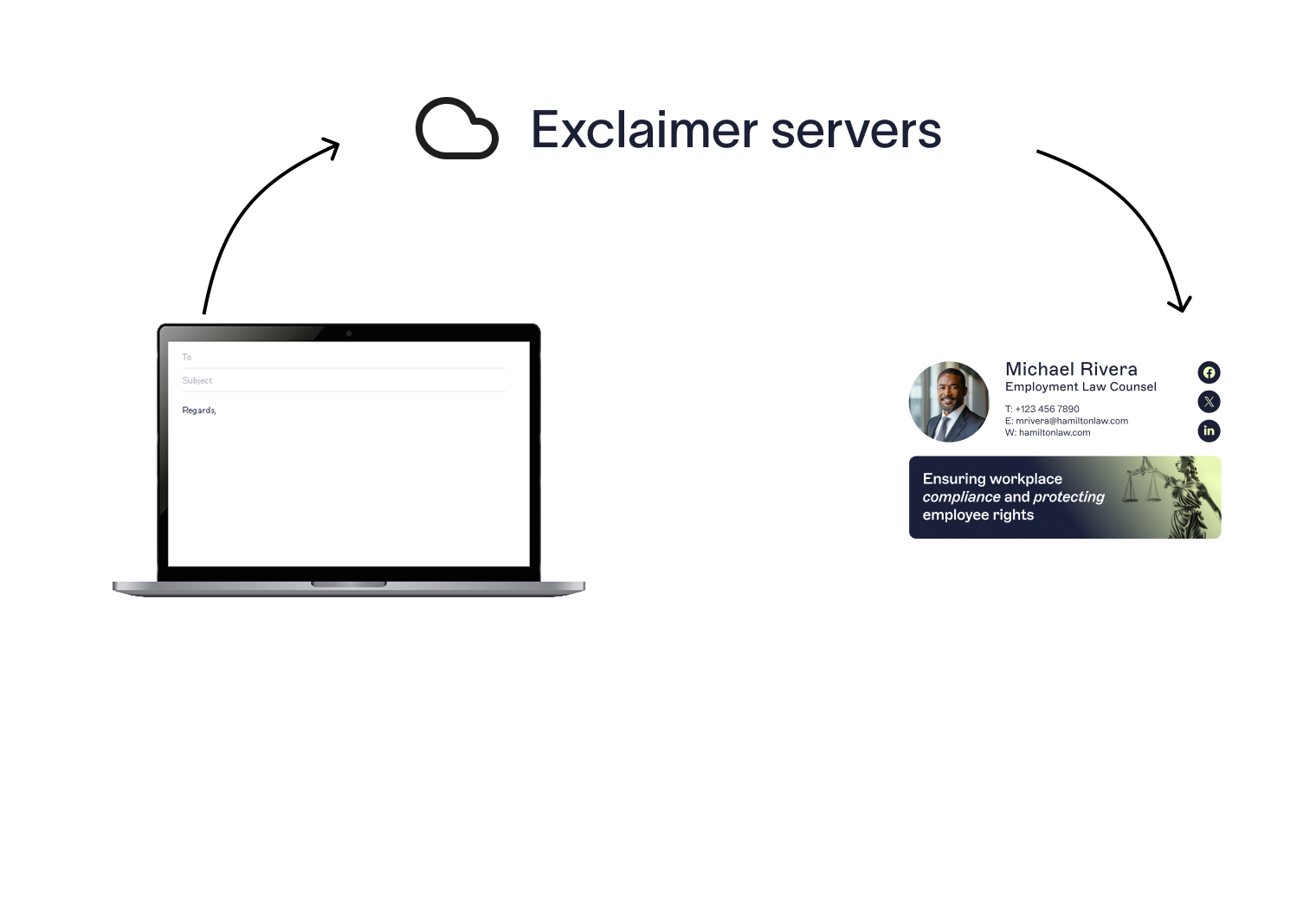
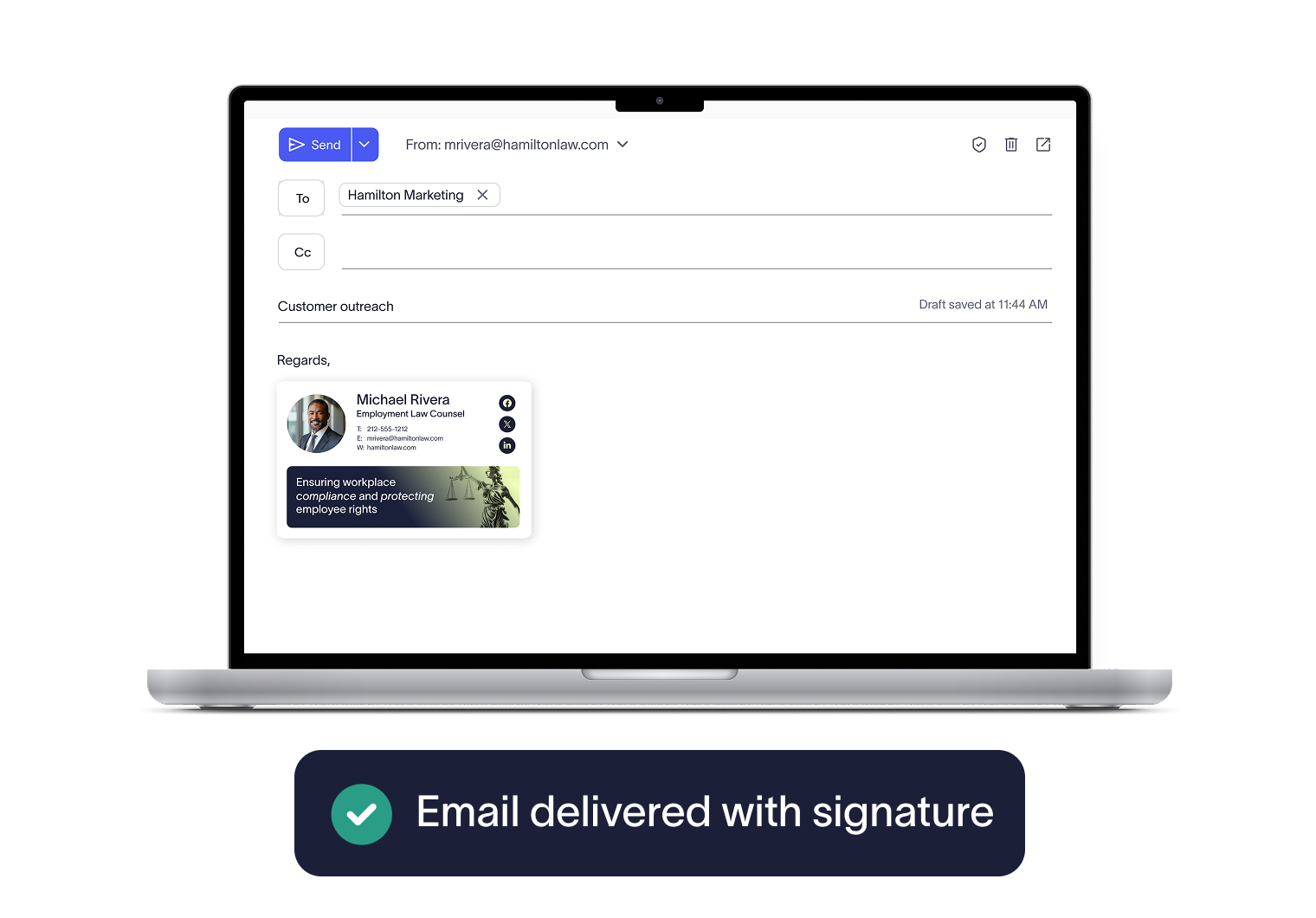
Signed email securely delivered
The signed email is routed back into the main email platform and is then sent to intended recipient with an approved user signature.


Score 4.6 / 5
"Excellent service, takes all the hassle out of Office 365 Signatures!"
Read more

Trusted by 9 million email accounts worldwide






Frequently asked questions
No. Emails are routed through Exclaimer’s Azure-based service within your local region, using email platform connectors. No email content is stored, and security standards such as ISO 27001, ISO 27018, and GDPR compliance are built in.
Data is encrypted end-to-end with TLS protection, and advanced security measures such as firewalls, intrusion prevention systems (IPS), and active DDoS protection are in place to defend against cyber threats.
No. Because signatures are applied server-side after the email is sent, end users can’t alter or bypass them. This guarantees that every message carries the approved signature and required disclaimers.
Because signatures are applied in the cloud, they aren’t visible while the user is writing their message. However, Exclaimer Cloud can also be paired with our Outlook add-in or Google Workspace app. This gives users a live preview of their signature as they type, while still ensuring the approved signature is applied server-side after sending. However, applied signature visibility in the sent items folder can be toggled on in your mail flow settings for both M365 & Google Workspace.
Yes. Email delivery is never interrupted. Our 24/7/365 monitoring automatically detects any service alerts, with escalation chains that notify Exclaimer’s senior technical team immediately.
In the highly unlikely event that the signature service at a regional datacenter is affected, your organization’s emails will not be lost. As soon as the issue is resolved, email continues to be sent as normal, with signatures resuming automatically.
Exclaimer also uses high-availability clusters, automated load balancing, and continuous data synchronization to ensure seamless failover. Scheduled updates are deployed during off-peak hours, and the service is stress-tested to guarantee reliability.
Exclaimer has been the leading signature management solution for 25 years. We are the only solution that has a 100/100 security scorecard. Our modern cloud-based technology will save your team time, save your business money, and allow you to easily implement disclaimers and brand requirements across signatures.





Automate email signatures in just 10 minutes
Keep every signature accurate and consistent with zero manual updates. Save IT time and let your directory do the work.