
Naimh is a seasoned marketer of 12 years, including in SaaS and tech. She’s an expert at simplifying complex technology concepts, bridging the gap between IT and marketing. Naimh specializes in turning tech speak into actionable insights, helping marketers get the most out of their tools and technology.
How Exclaimer solves IT’s email signature challenges

Email signature management shouldn’t be one of IT’s biggest time drains. Yet, according to Exclaimer’s State of Email 2025 report, 35% of IT professionals rank it among their most time-consuming responsibilities. That's right up there with hardware issues and software updates
So why does something as routine as managing email signatures still cause so many issues?
And more importantly, how can IT leaders eliminate this hidden workload and turn it into a secure, scalable process?
What the data shows: IT email signature challenges in 2025
Our State of Email 2025 report makes one thing clear: managing email signatures is no longer a low-effort admin task.
Manual processes dominate: IT teams spend hours maintaining templates, scripting updates, and troubleshooting formatting issues.
Decentralized control: 31% cite a lack of centralized governance, leading to inconsistent layouts and conflicting designs.
Brand inconsistency: 32% say inconsistent branding across devices damages credibility.
Security risks: Over half identify email as a major attack surface, yet only 47% feel confident their email signature processes meet compliance standards.
Marketing opportunity gap: 31% say they can’t support campaigns via email signatures due to limited technical resources.
These findings reveal why IT email signature management has become a persistent challenge—and why automation and integration are now essential.
How Exclaimer removes IT’s biggest email signature challenges
Every major pain point flagged by IT leaders in our State of Email 2025 report has a direct solution within Exclaimer.
1. Manual scripting → Automated management
No more PowerShell scripts or user intervention. Exclaimer automates updates across your entire organization This saves IT time and eliminating errors through centralized, policy-driven automation.
Learn about email signature automation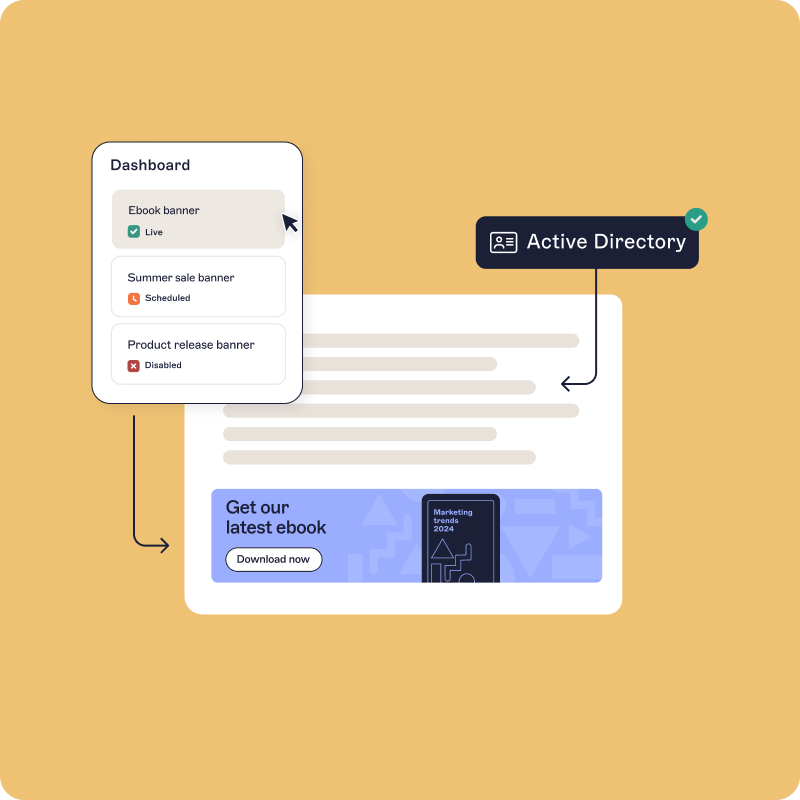
2. Fragmented ownership → Role-based access control (RBAC)
Give marketing the freedom to update banners while IT retains compliance oversight. With RBAC, Exclaimer ensures the right people can make updates without compromising system integrity.

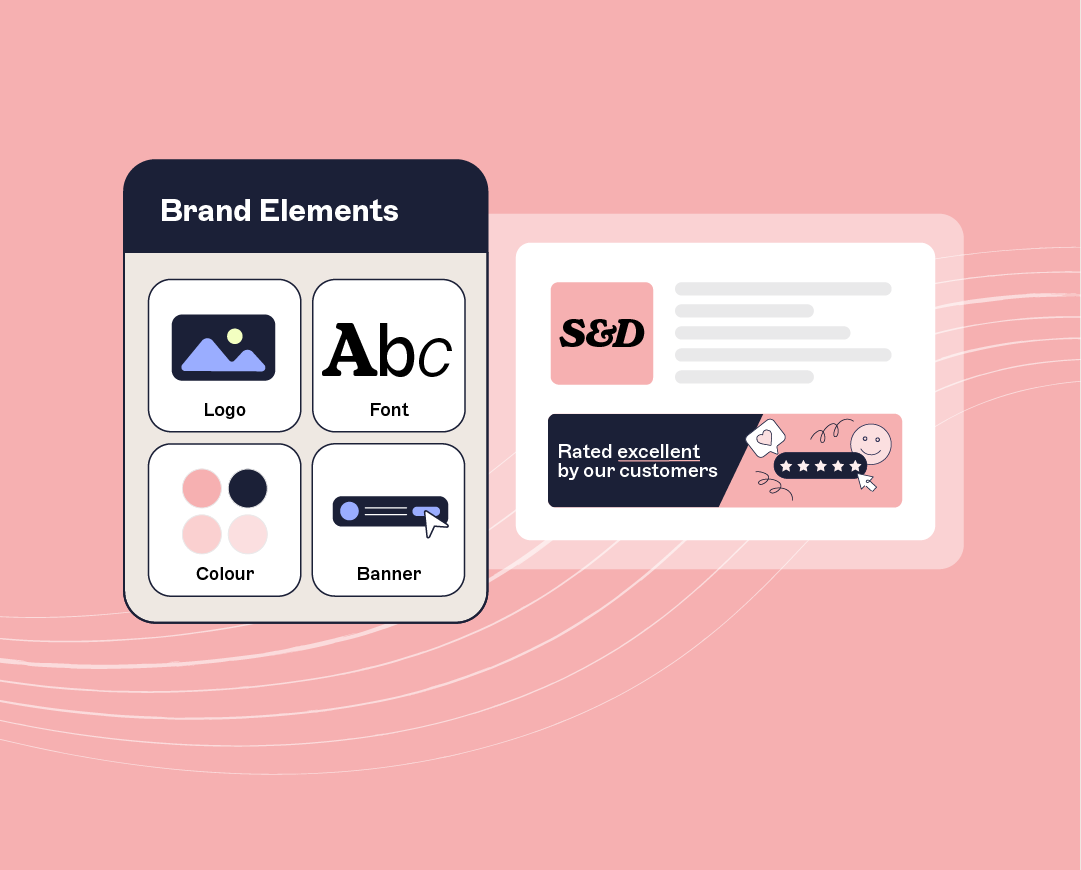
3. Inconsistent branding → Centralized email signature management
Ensure every message—desktop, mobile, or webmail—uses a consistent, professional layout. Exclaimer applies signatures server-side for cross-device consistency that scales across global teams.
See branding consistency in action
4. Low marketing visibility → Dynamic banners & CRM integrations
Turn email signatures into a marketing channel with dynamic banners, personalized CTAs, and integrating with CRM platforms like Salesforce and HubSpot.
Discover email signature marketing campaigns
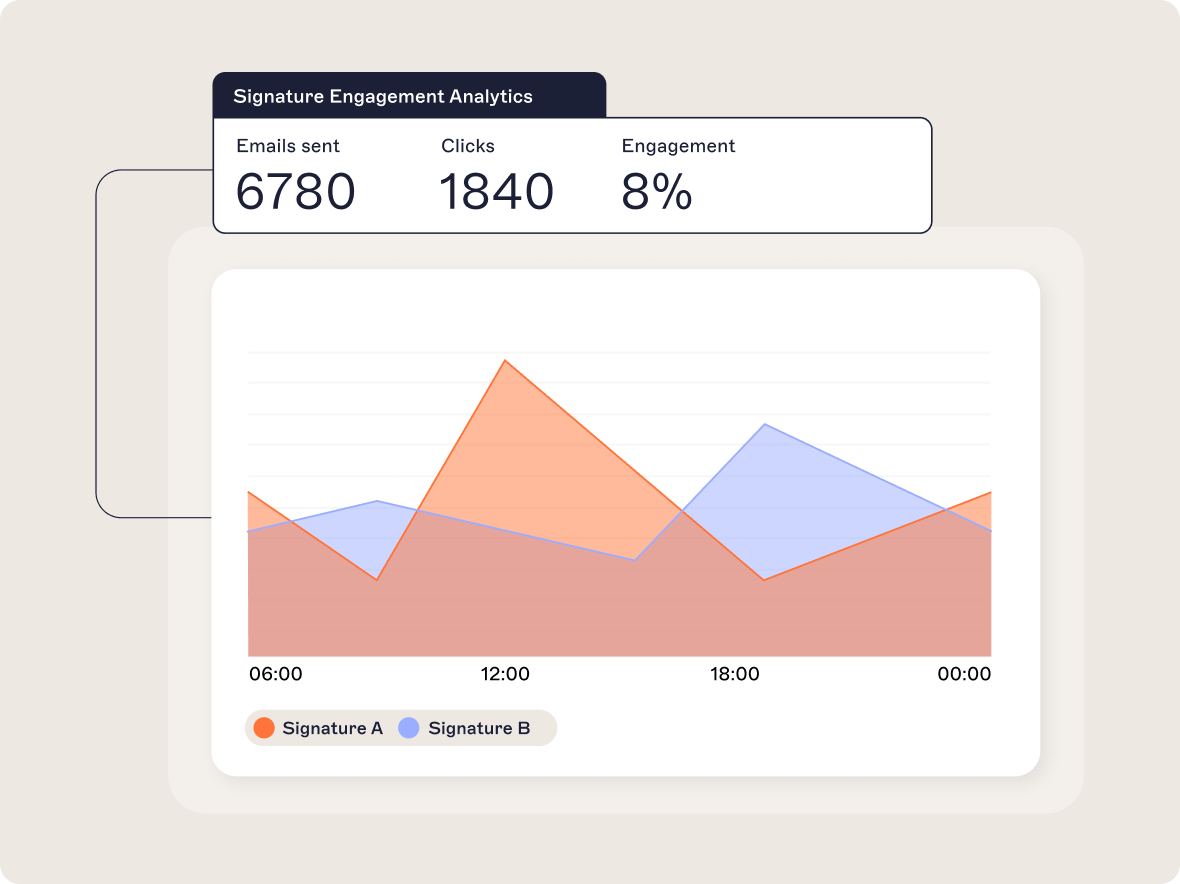
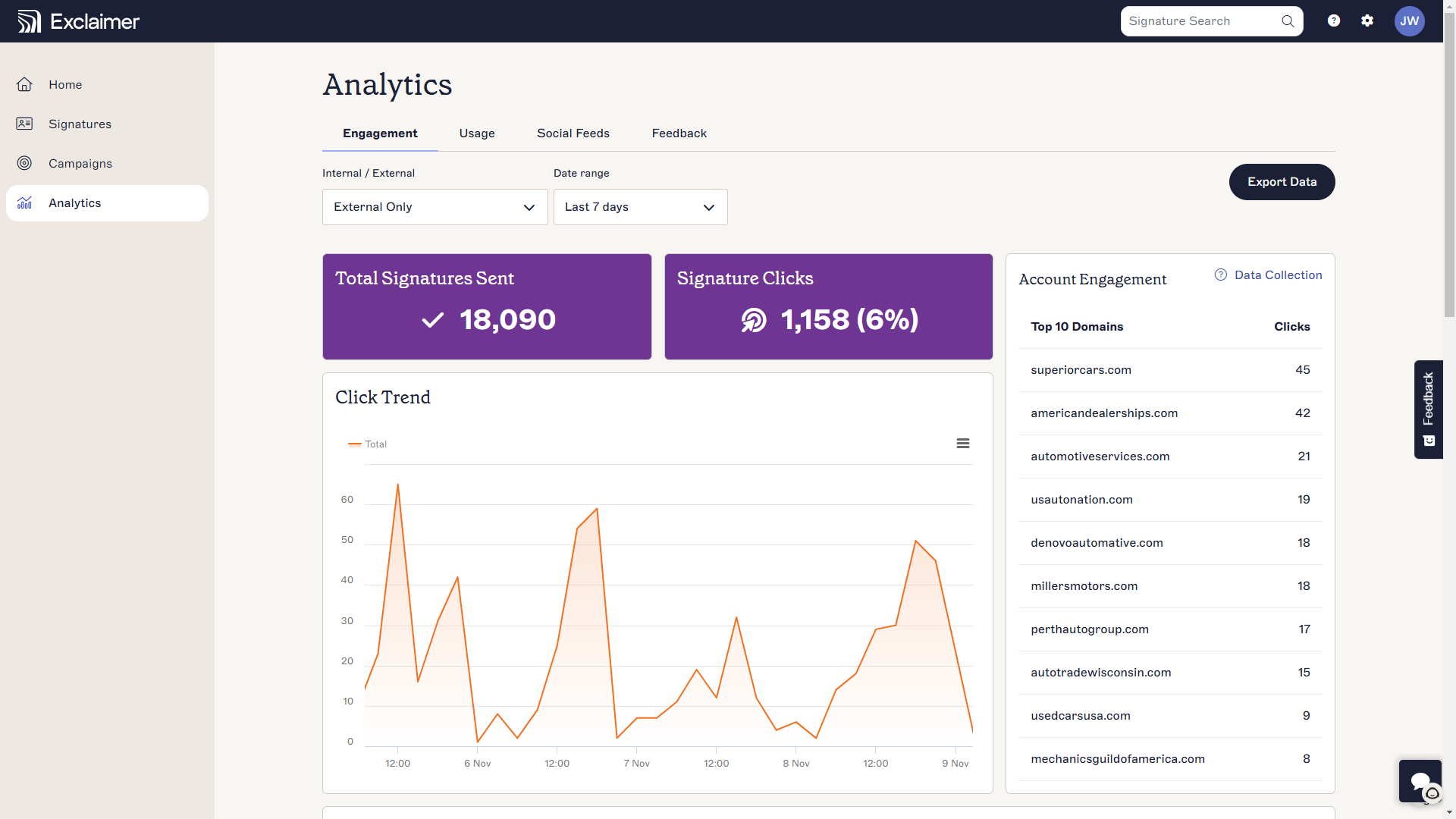
5. Lack of visibility → Built-in analytics
Track performance across departments. Exclaimer provides analytics dashboards for click-through rates, impressions, and campaign engagement. This turns email signatures into data-driven assets.
Discover signature analytics features
6. Compliance uncertainty → Audit trails & legal enforcement
Exclaimer enforces legal disclaimers, captures full audit trails, and meets top compliance standards including SOC 2, ISO 27001, HIPAA, and GDPR.
Review Exclaimer's security credentials
Integration-first architecture: Built for IT ecosystems
Nearly half of IT leaders (48%) say they need tighter integration between their email signature tools and existing systems.
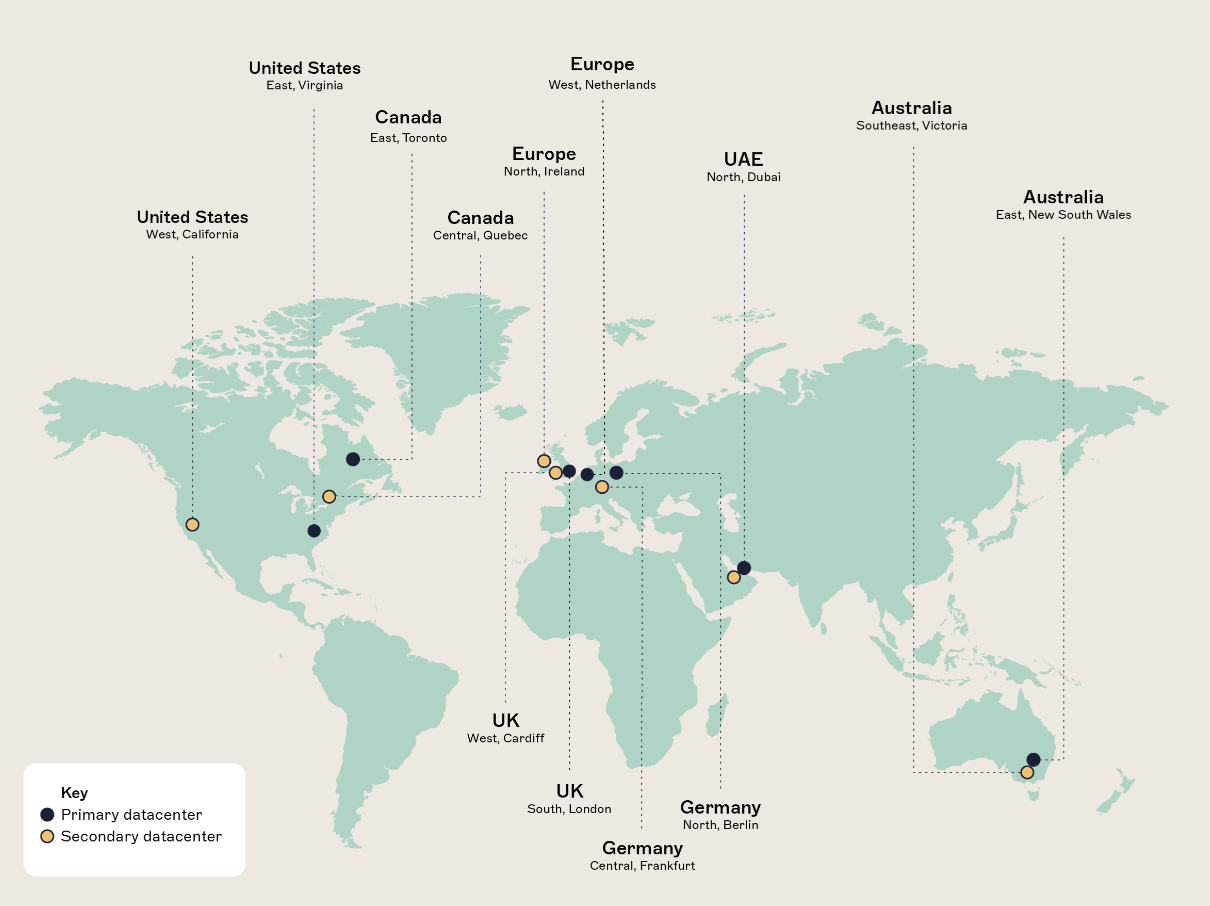
Exclaimer’s email signature software is built to integrate directly with the tools IT teams already rely on.
Directory sync with Entra ID (Azure AD) and Google Directory keeps data current.
CRM and calendar integrations (Salesforce, HubSpot, Calendly, Microsoft Bookings) enable contextual content.
Server-side processing guarantees consistent deployment across all devices.
By removing manual workarounds and unifying control, Exclaimer makes enterprise-scale deployment fast, secure, and low-touch for IT.
Why IT teams are moving now
Despite clear ROI, only 20% of organizations currently use a dedicated email signature management solution. The rest still rely on manual processes, which creates compliance gaps, brand inconsistencies, and hidden security risks.
With Exclaimer, updates are instant. In our research, 38% of IT leaders said email signature changes only happen after an audit or security incident. Exclaimer flips that paradigm, replacing reactive fixes with proactive governance.
Built on SOC 2 and ISO 27001-certified infrastructure and compliant with HIPAA, CCPA, and GDPR, Exclaimer delivers peace of mind for IT leaders who manage regulated environments.
What this means for IT teams
When email signature management isn’t a manual chore, IT teams get back time, control, and strategic focus.
With Exclaimer:
Repetitive updates are replaced by automation.
Compliance becomes continuous, not occasional.
Branding remains consistent across every platform.
Marketing, HR, and Legal can self-manage updates without escalating tickets.
Analytics provide real usage insights, turning every email into a measurable channel.
For IT, centralized email signature management means fewer tickets, stronger governance, and more strategic bandwidth.
Taking control of IT email signature challenges
Email signature management used to be a hidden burden for IT—manual, repetitive, and full of risk.

Now, with Exclaimer’s centralized platform, IT teams can:
Eliminate repetitive work
Ensure compliance automatically
Protect brand integrity at scale
It’s time to take back your time, reduce risk, and modernize how your organization manages email communication.