
Trusted by 9 million email accounts worldwide






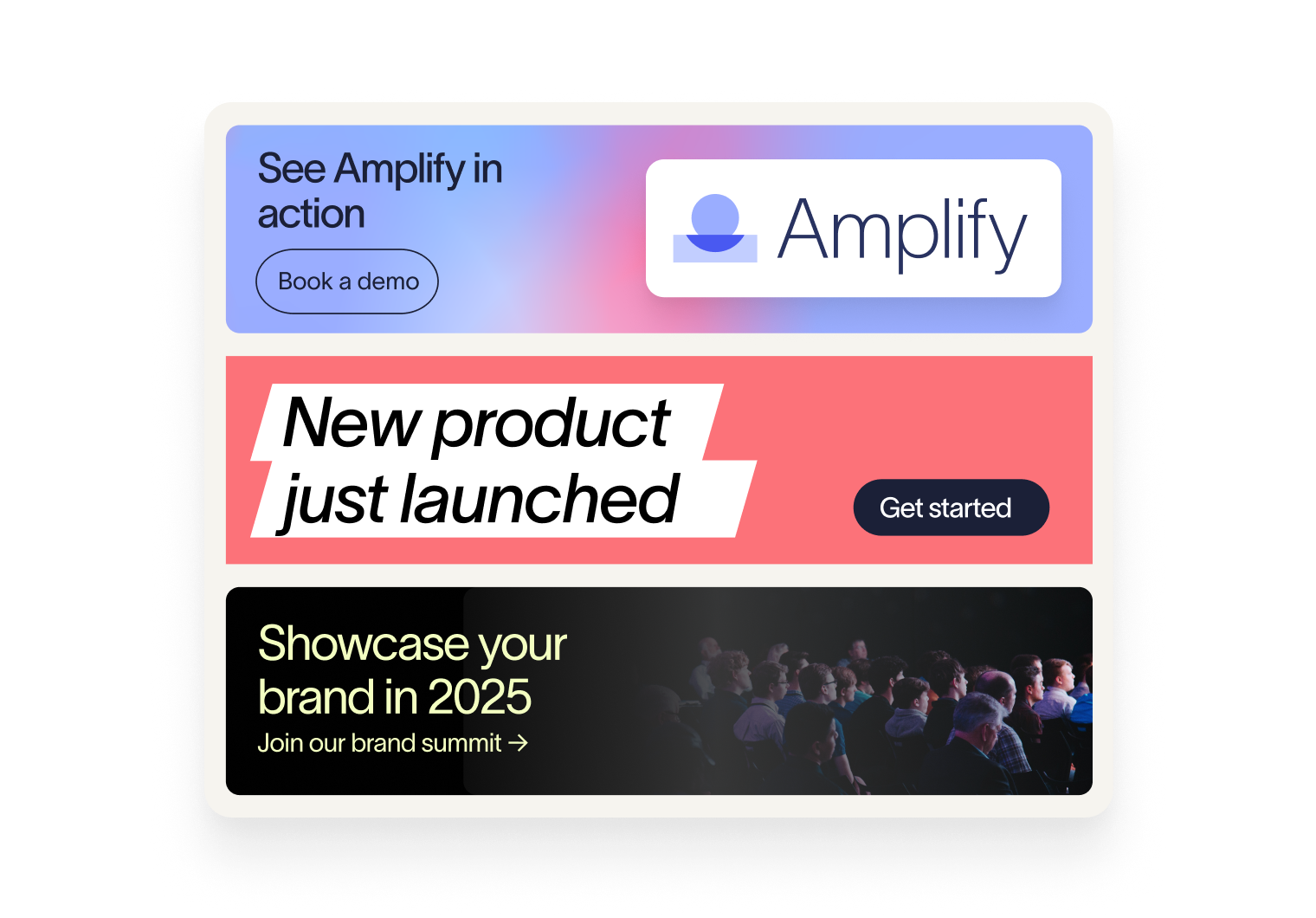
How Exclaimer helps sales teams win deals
Every email should reinforce trust. Exclaimer automatically applies the correct logos, disclaimers, and contact details, ensuring Sales messages always look professional and unified. The result is communications that feel credible and reliable at every touchpoint.
Exclaimer integrates with Salesforce and HubSpot, enabling you to tailor messaging by account, industry, or territory. Signatures adapt automatically, reducing manual effort, and helping Sales teams to deliver the most relevant outreach.
See exactly what drives deals forward. Exclaimer Analytics tracks banner engagement, clicks, and campaign performance, giving Sales leaders quantitative, granular data to measure impact and optimize future campaigns.
You’re in safe hands
We’re the proud holders of multiple industry certifications for our security and compliance standards.








Seamless integration with your email platform
Centrally manage email signatures across Microsoft 365, Google Workspace, and Microsoft Exchange.

Microsoft 365

Microsoft Exchange

Google Workspace

How sales teams use Exclaimer
Exclaimer makes it easy to run highly targeted campaigns by connecting to Salesforce or HubSpot. Ensure every prospect sees only what’s most relevant to them with messaging and CTAs that are automatically adapted based upon territory, industry, sales stage, or key account status.
Signatures provide a valuable channel to highlight case studies, reviews, or customer success stories at scale. Every email builds trust by putting proof of your solution’s value directly in front of prospects.
Booking links from Calendly or Chili Piper can be embedded directly in signatures. Enable prospects to schedule time instantly, keeping deal momentum high and cutting out unnecessary back-and-forth.
Turn every email into a revenue opportunity

Frequently asked questions
Yes. After the initial setup (usually handled by IT), Sales and Marketing teams can manage signatures and campaigns without needing technical support thanks to role-based access controls. This means Sales can launch targeted messaging quickly, while IT remains in control of security and governance.
Marketing usually designs and uploads banners, while Sales decides when and where they should appear. With Signature Rules, you can target campaigns by account, territory, or industry, ensuring outreach supports both Sales pipeline goals and Marketing brand consistency.
Yes. By integrating with Salesforce or HubSpot, Exclaimer allows you to target signatures and banners based on CRM data. This makes it easy to deliver account-specific messaging, showcase relevant proof points, or support account-based marketing (ABM) initiatives.
Yes. Exclaimer Analytics tracks banner sends, clicks, and engagement. Sales leaders can see which campaigns generate the most activity, giving you clear evidence of how everyday emails contribute to pipeline growth.