Trusted by 9 million email accounts worldwide






Bring control and consistency to legal communications
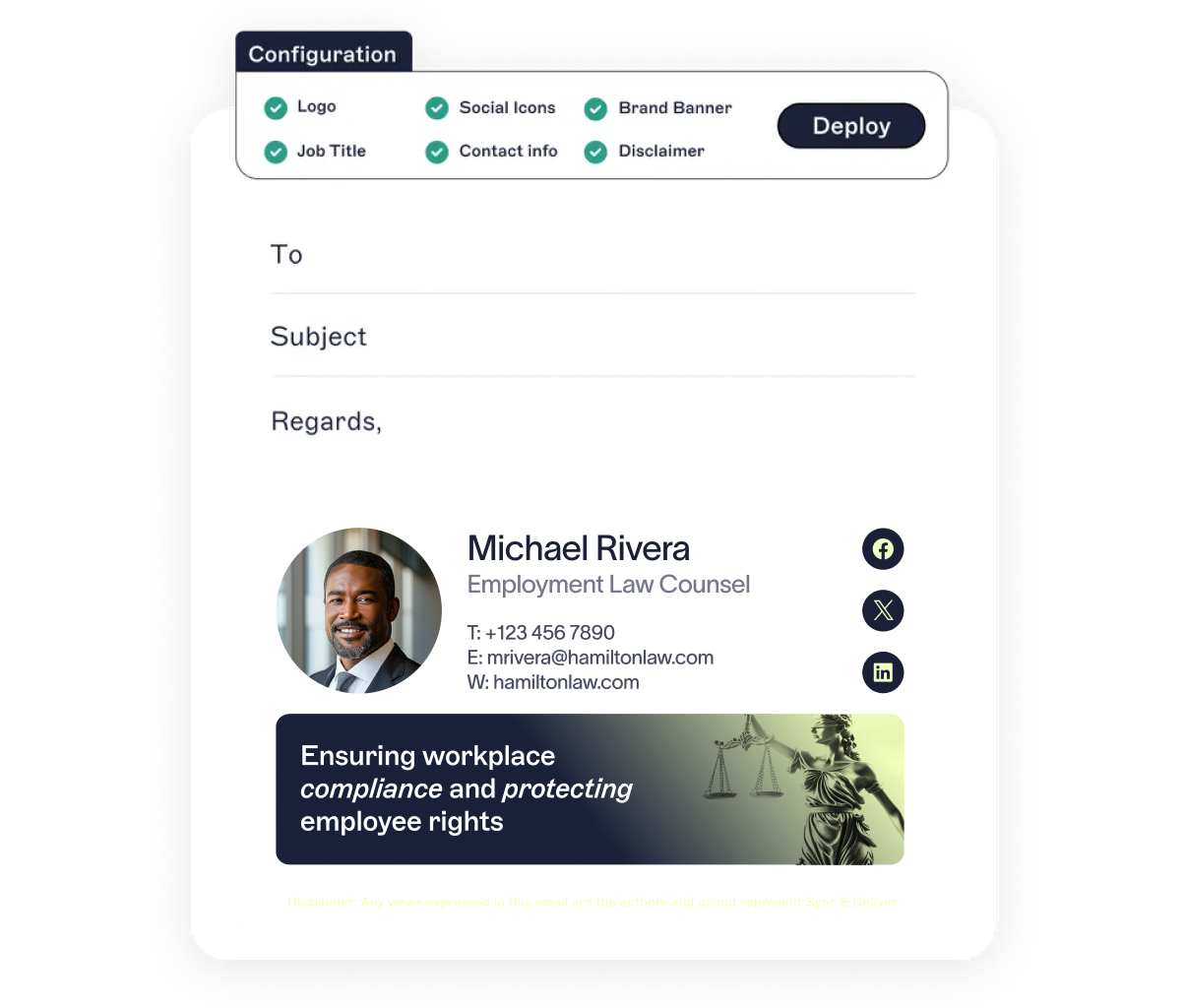
Add jurisdiction-specific disclaimers to every message automatically. Supports GDPR, HIPAA, CCPA, PCI, and more.
Save time and effort by automating title updates, role changes, and onboarding. No more relying on IT for minor signature edits.
Lock down signatures so attorneys, paralegals, and staff can’t alter key details. Keep messages accurate and compliant across the firm.
Maintain clear audit logs of every admin login to simplify eDiscovery, regulatory reviews, and internal audits.
:format(webp)/)
You’re in safe hands
We’re the proud holders of multiple industry certifications for our security and compliance standards.








Seamless integration with your email platform
Centrally manage email signatures across Microsoft 365, Google Workspace, and Microsoft Exchange.

Microsoft 365

Microsoft Exchange

Google Workspace

How our email signature manager works
Connect to Entra ID (Azure Active Directory) or Google Directory to automatically pull in employee details. If someone changes roles or offices, their signature updates automatically.
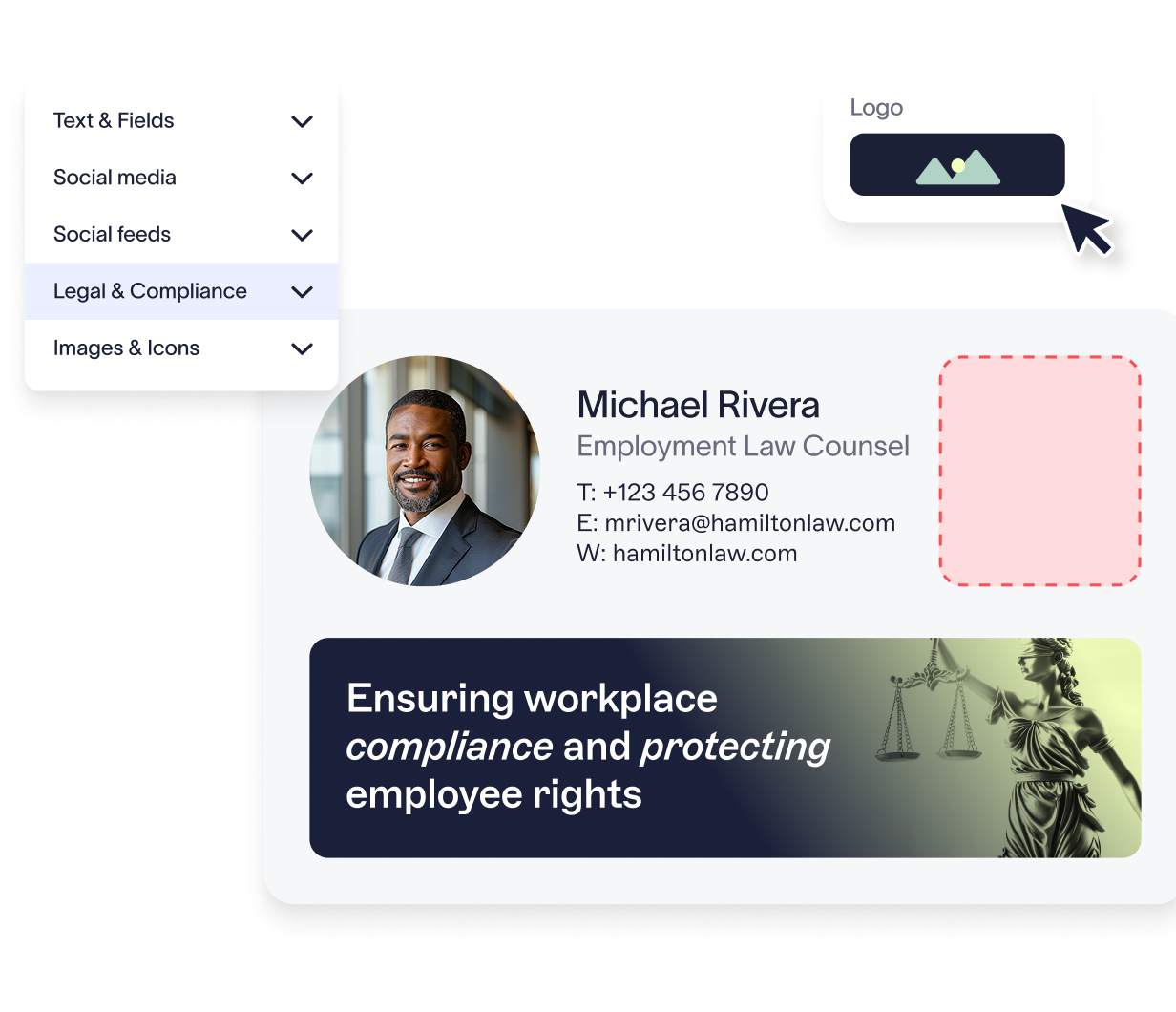
Assign signatures dynamically based on practice area, jurisdiction, seniority, or location, ensuring every email is relevant and fully compliant.
From paralegals on mobile to partners on Outlook, every signature stays correctly formatted and all disclaimers are applied—across every device and email client.
Deploy server-side for zero disruption, client-side to support user previews, or go hybrid for both control and flexibility.
Exclaimer is secure by design. With 99.99% uptime, TLS encryption, and active-active global hosting, it’s built for firms that need high availability and low risk.
There's a better way to manage your email signatures


Score 4.6 / 5
"Excellent service, takes all the hassle out of Office 365 Signatures!"
Read more

Frequently asked questions
Yes. Exclaimer is built with enterprise-grade security to support regulated environments. All data is encrypted in transit using TLS, with additional protection from intrusion prevention systems (IPS), firewalls, and active DDoS mitigation. Hosted in Microsoft Azure, Exclaimer ensures data stays within your designated jurisdiction, supporting data protection and client confidentiality standards.
Absolutely. Exclaimer enables firms to automate the application of legal disclaimers, enforce standardized signature policies, and maintain audit-ready records for regulatory review. With compliance certifications like SOC 2 Type II, ISO 27001, ISO 27018, GDPR, and Cyber Essentials, Exclaimer is a trusted solution for law firms and in-house legal teams.
Most firms can be fully set up in just a few hours. You’ll connect Exclaimer to your directory (e.g., Azure AD or Google Directory), design signatures with our intuitive editor, apply rules for who gets which templates, and choose your preferred deployment method.
Yes. Exclaimer is designed for multi-office and large, distributed legal environments. Hosted in up to 14 Microsoft Azure datacenters in 7 global regions, our platform provides high availability, load balancing, and centralized control. Whether you’re managing 50 or 5,000 users, Exclaimer simplifies compliance and branding while giving IT full visibility and control.