Trusted by 80,000+ businesses worldwide







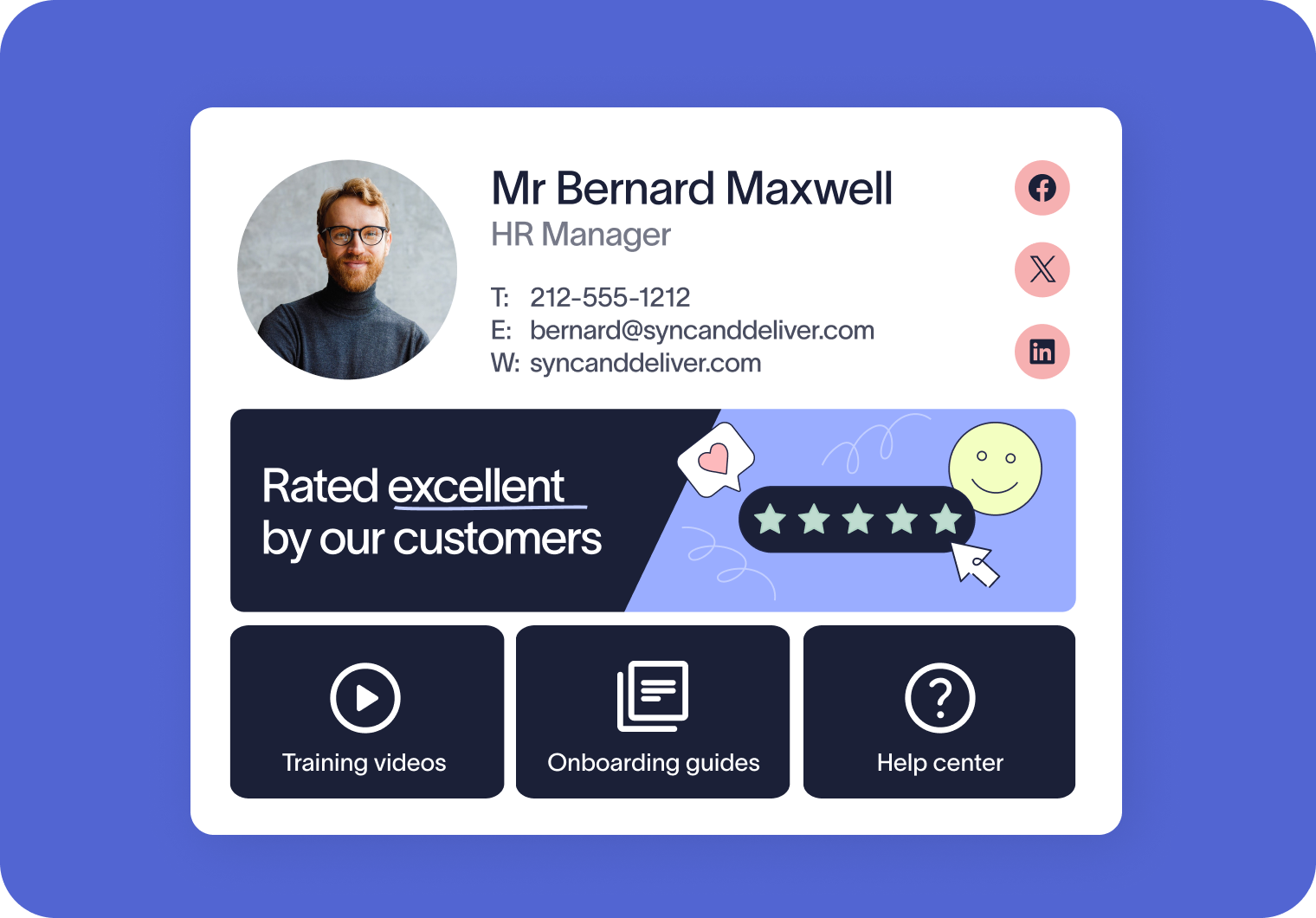
Exclaimer’s impact on Customer Success
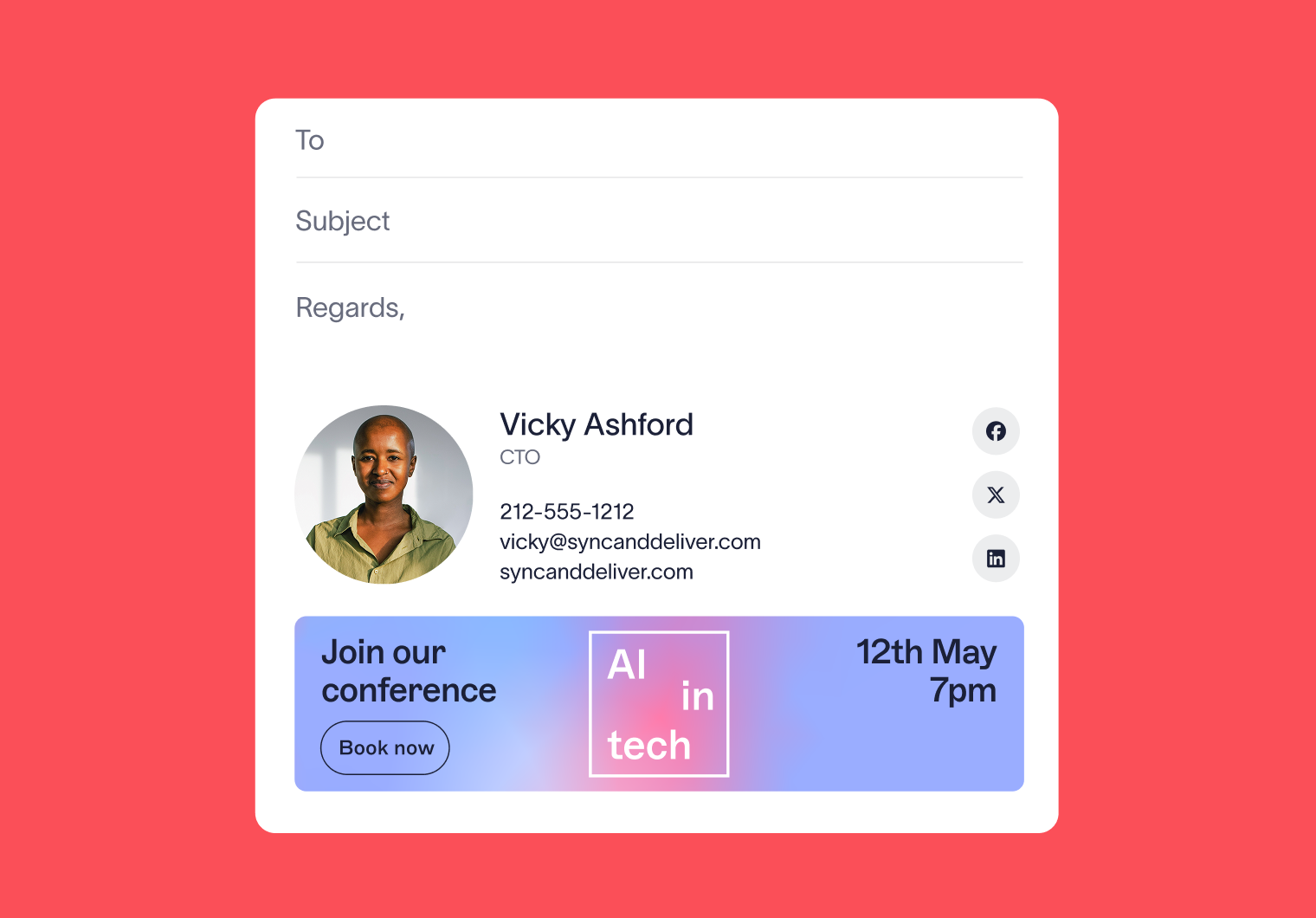
Upsell and cross-sell opportunities don’t have to feel forced. With Exclaimer, you can highlight new features, events, or offers in everyday conversations, making it easier to drive retention and expansion.
Every email becomes a trust-building touchpoint. Consistent, professional signatures enable your team to reinforce brand credibility, and creates a polished experience that strengthens relationships across the entire customer base.
Exclaimer Analytics shows which messages land best with your customers. That means Customer Success teams can prove the impact of their efforts, refine communications, and align with Sales and Marketing to drive measurable outcomes.
You’re in safe hands
We’re the proud holders of multiple industry certifications for our security and compliance standards.








Seamless integration with your email platform
Centrally manage email signatures across Microsoft 365, Google Workspace, and Microsoft Exchange.

Microsoft 365

Microsoft Exchange

Google Workspace
How Customer Success teams use Exclaimer
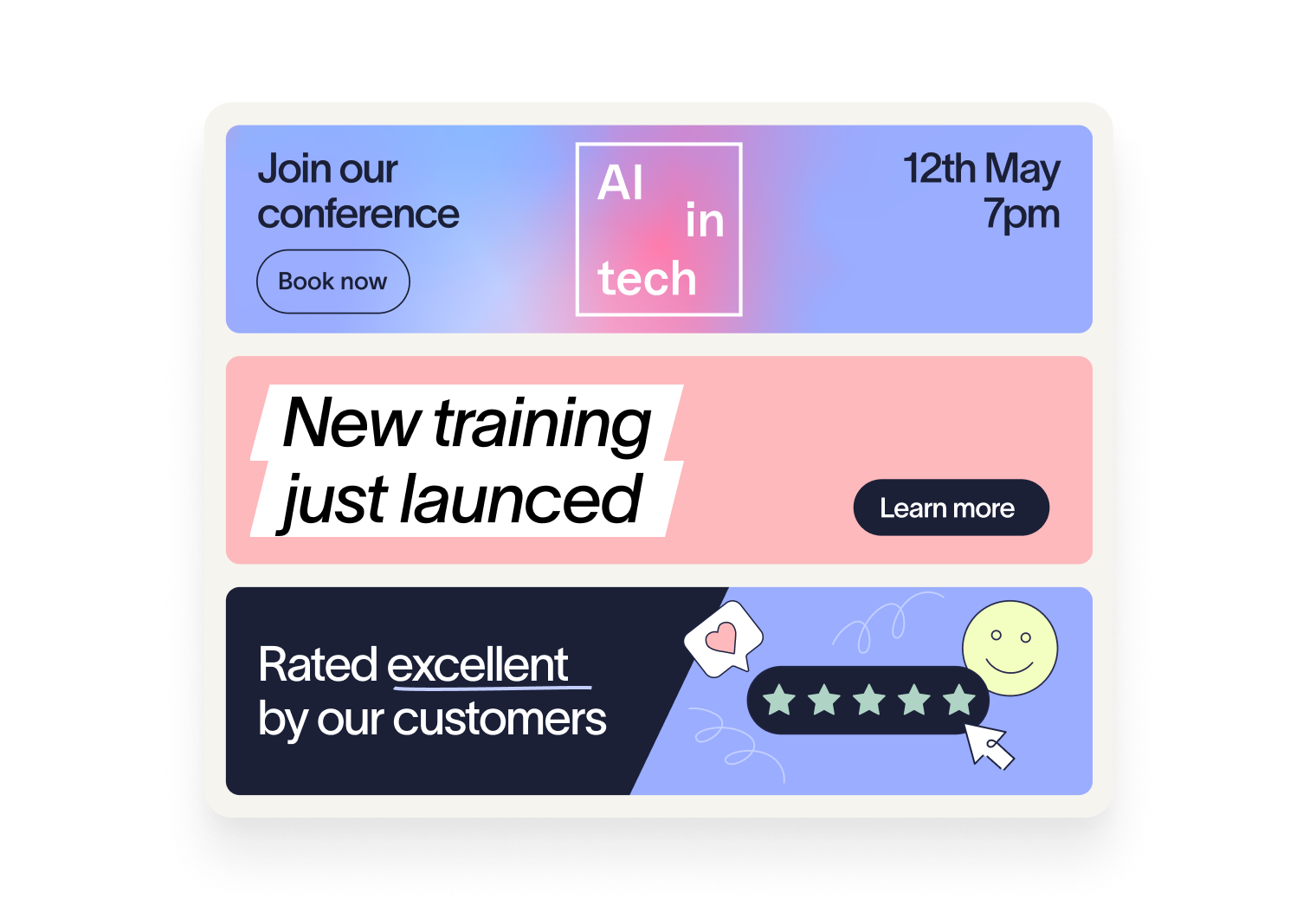
Drive awareness of features customers haven’t yet explored. With targeted banners, you can highlight relevant tips, tutorials, or webinars, helping customers realize more value and adopt your product faster.
Happy customers are your most valuable growth engine. Exclaimer makes it easy to promote referral programs, case study opportunities, or review site links directly in signatures, inviting advocates to share their experience at the right moment.
Keep renewals top of mind without a heavy push. Exclaimer enables you to highlight new product tiers, add-ons, and customer success events in everyday emails, so expansion opportunities feel like a natural part of the conversation.
Turn emails into a natural Customer Success touchpoint

Frequently asked questions
IT teams usually handle the initial setup, configuring things like the directory sync and mail flow configuration. After that, Customer Success, Marketing, or other teams can manage banners and campaigns directly, without relying on IT.
Yes. You can set start and end dates for campaigns, so banners automatically switch when a promotion, event, or program changes. No manual updates required.
Yes, Exclaimer offers three deployment methods, and works with Microsoft 365, Google Workspace and Microsoft Exchange. Signatures can be applied at the server level, so customers see the same professional signature whether emails are sent from desktop, mobile, or webmail.
Yes. Exclaimer’s Disclaimers feature enables you to create fully customizable disclaimers that can be targeted by department, region, or recipient.