Trusted by 9 million email accounts worldwide






Why HR teams rely on Exclaimer
Automate the everyday tasks that slow HR down. HRIS integrations mean employee signature details sync directly from your preferred directory, while employee data stays where it belongs, with HR. New starters look professional from day one, and updates happen automatically, without waiting on IT.
Exclaimer ensures every email carries the correct brand, accurate employee details, and required disclaimers — so your organization always looks polished and stays compliant.
You’re in safe hands
We’re the proud holders of multiple industry certifications for our security and compliance standards.







Seamless integration with your preferred directory
Automatically sync employee details from the directories and HRIS tools your business already runs on.

Entra ID

Google Directory

Workday

UKG Ready
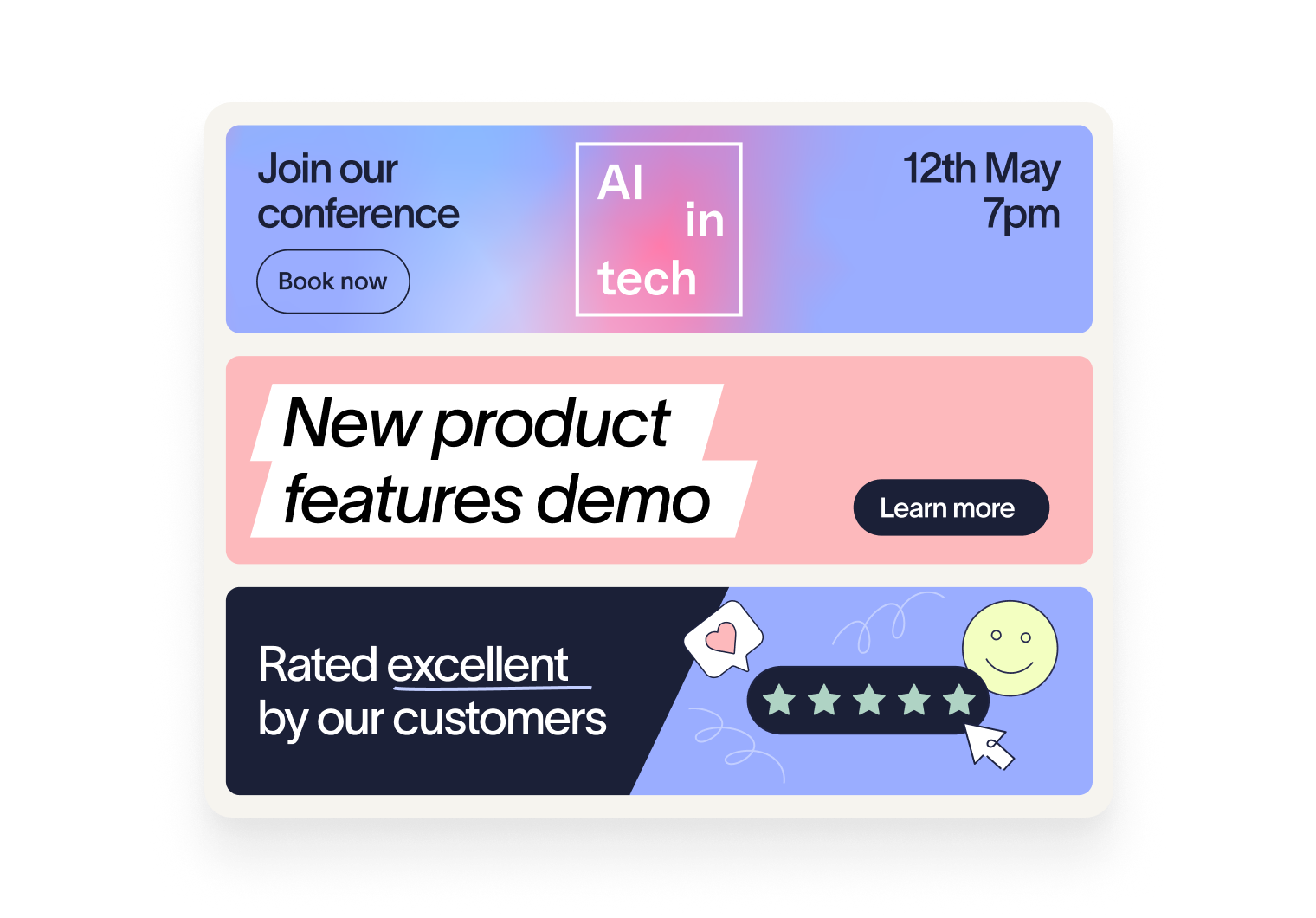
How HR teams use Exclaimer
New employees get an official, compliant signature the moment they’re added to your directory or HRIS. No chasing, no IT tickets, just consistency and accuracy from day one.
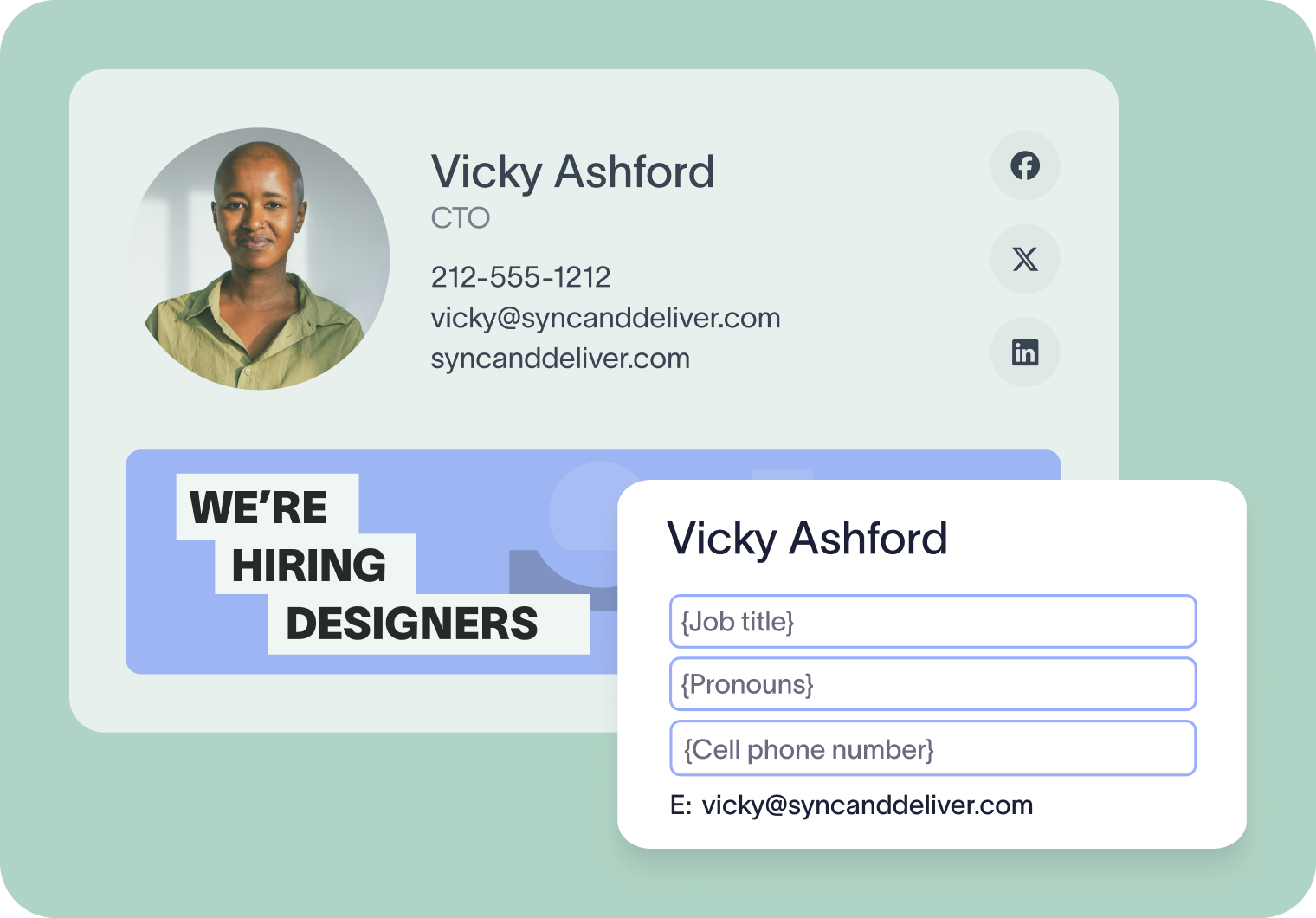
Give employees an easy way to display their chosen pronouns in their signatures. With the User Details Editor, staff can add and manage their pronouns themselves, helping HR to promote inclusivity and support DEI.
Managing employees across different regions can create compliance complications. With Exclaimer, you can apply rules that control when and how disclaimers appear, ensuring every email meets requirements without relying on employees to add them manually.
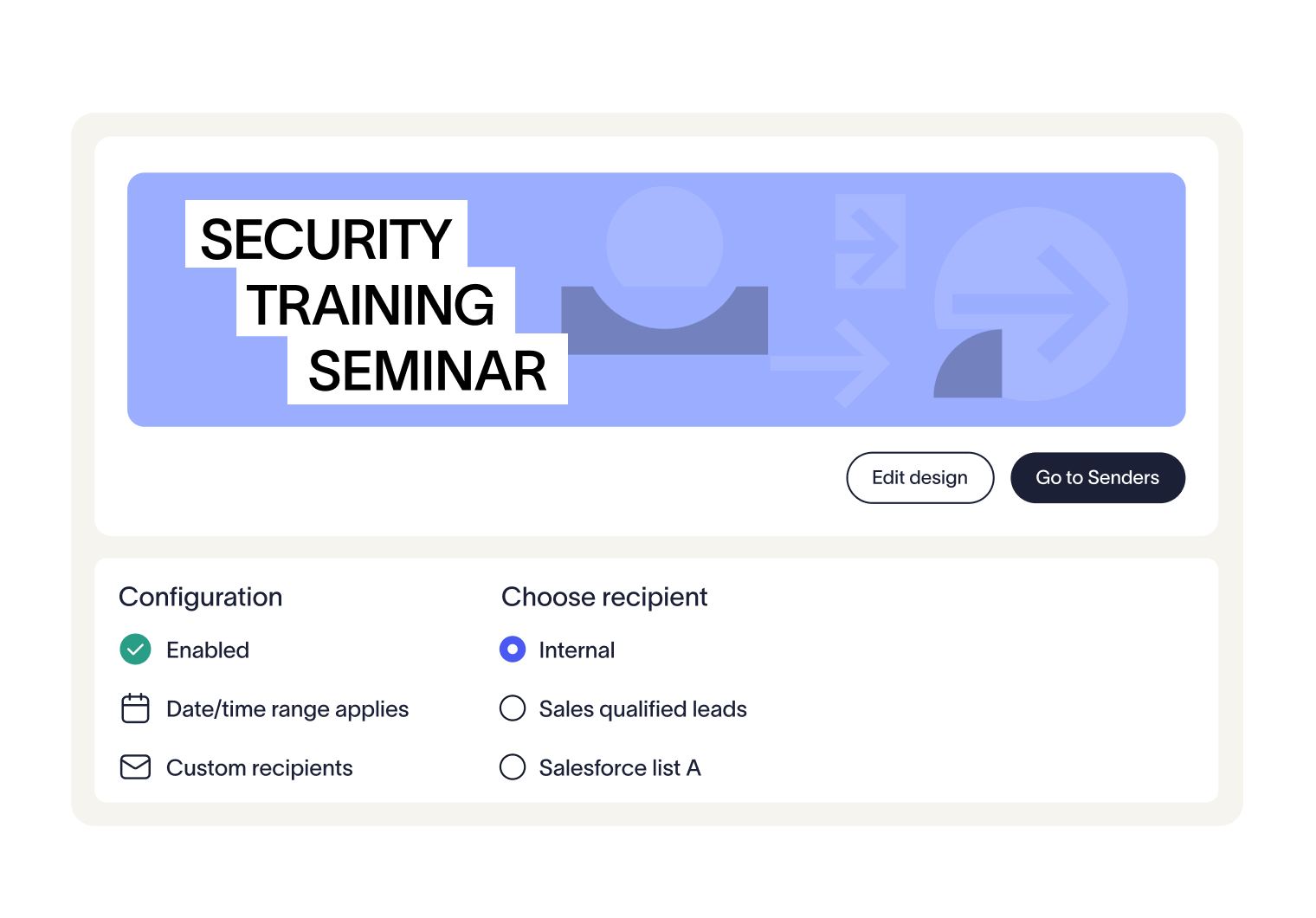
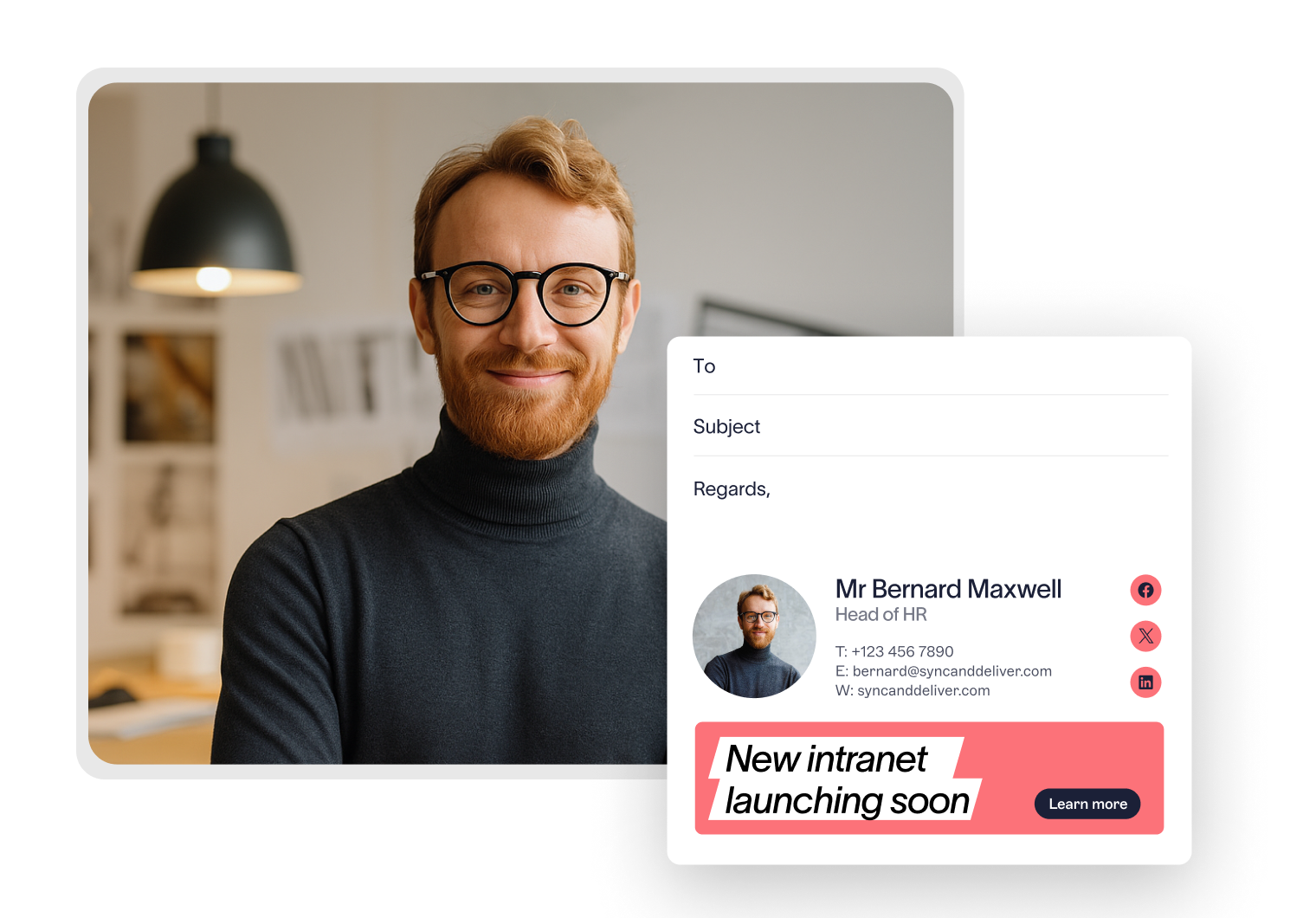
Turn everyday emails into an HR communication channel
Frequently asked questions
Typically, IT handles the initial setup and connects Exclaimer to your email platform and directory. Once in place, HR and other teams can manage their own signatures and campaigns without needing technical support by using role-based access controls. For organizations using an HRIS platform, Exclaimer can worjk with your system admin to connect directly to your preferred HRIS, giving HR teams ownership of the employee data that powers every signature without relying on IT to maintain a separate directory.
Disclaimers work much like campaigns. You can create a standardized footer, then apply unique rules to control when and where it appears, such as by sender, recipient, department, or location. This ensures the right compliance text is automatically included on every email.
Yes. Once Exclaimer is set up, role-based access controls enable HR to manage signatures, campaigns, and disclaimers directly through an intuitive dashboard. Changes apply instantly across the organization, with no need for individual, manual updates.
Yes. Exclaimer uses the groups already configured in your directory, making it simple to tailor signatures or banners by department, location, or role. For HR, that means you can promote different programs to different employee groups without extra admin work.
Exclaimer has been the leading signature management solution for 25 years. Our modern technology will save your team time, save your business money, and allow you to easily implement disclaimers and brand requirements across all user signatures.