Why choose device deployment
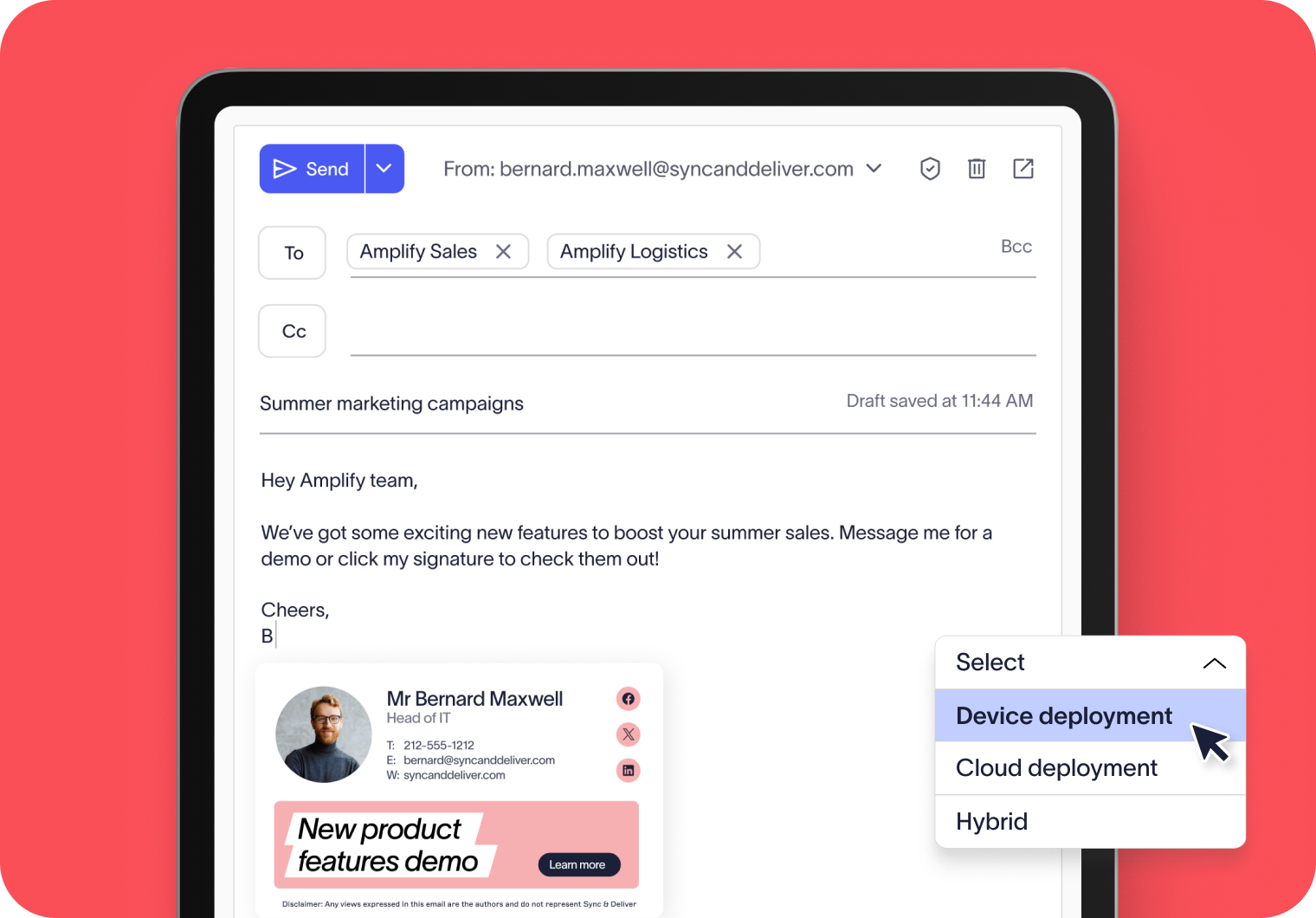
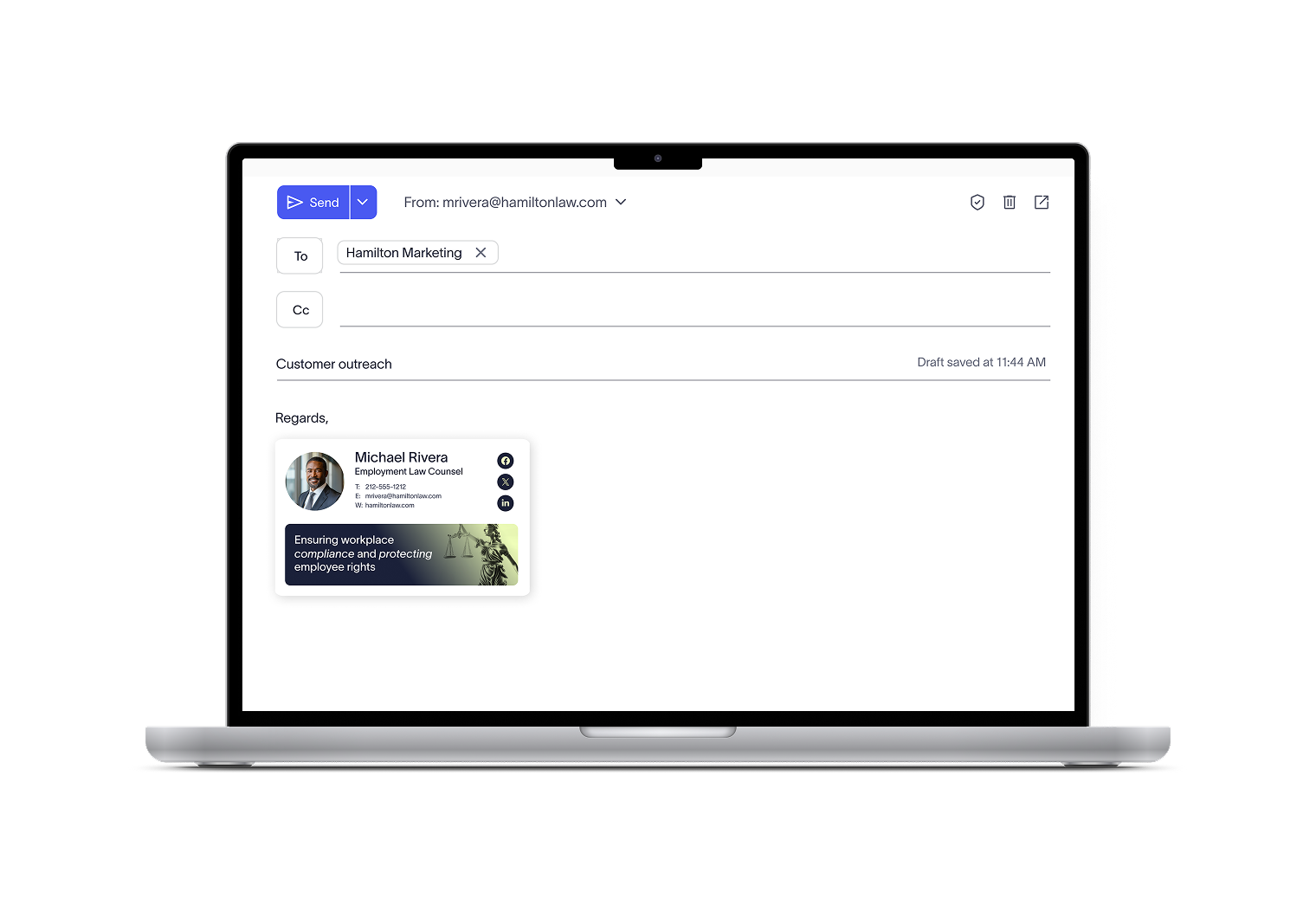
Keep the signature process on user devices instead of routing through the cloud. This option is a great fit for regulated and security-focused companies that want tighter oversight and assurance their data stays close to home.
Combine device-side deployment with cloud deployment to cover every angle. Employees see their signature in real time as they compose emails, while IT knows every message — sent from any device or platform — still carries the correct, compliant signature at delivery.
How device deployment works
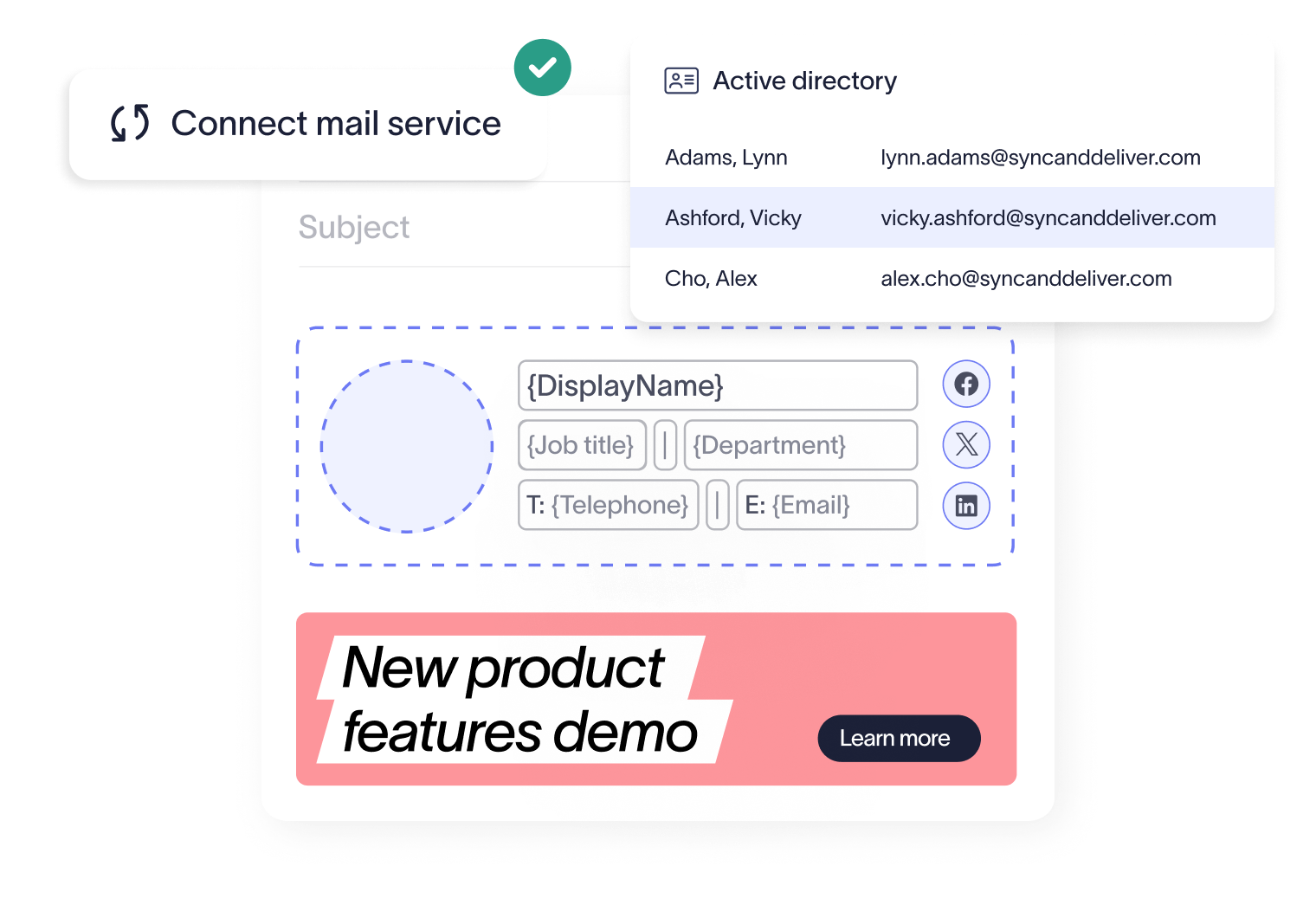
Connect your mail service
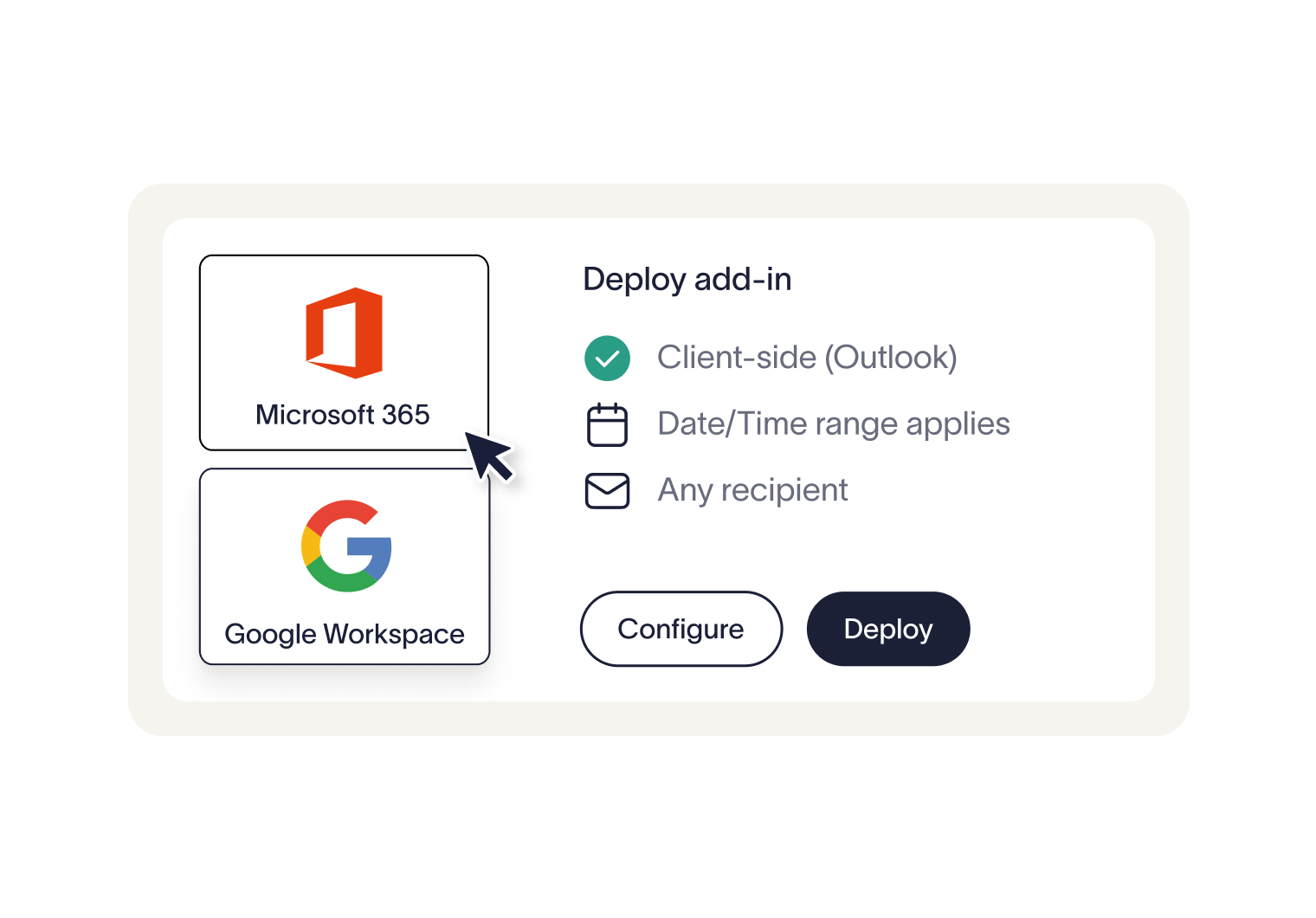
Exclaimer securely connects with Microsoft 365 or Google Workspace, using directory data to automatically keep signatures accurate and up to date.
Configure client-side deployment
In the Exclaimer portal, choose to enable client-side signatures, ensuring they sync directly with user devices.
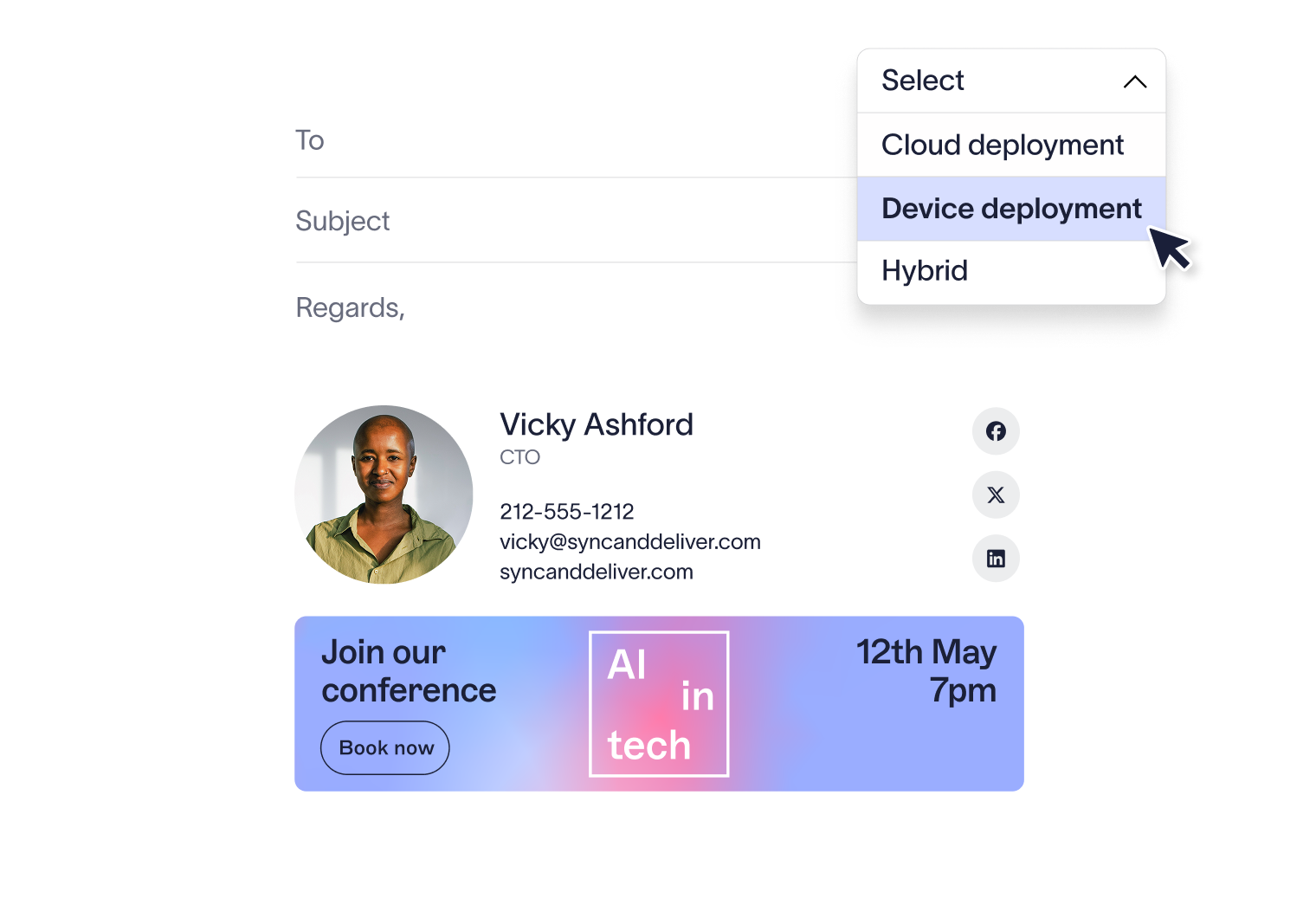
Deploy the add-in
An Outlook add-in (for Microsoft 365) or a Google Workspace app (for G-Suite) is deployed so signatures can be applied inside users’ email clients.
Sync and apply signatures
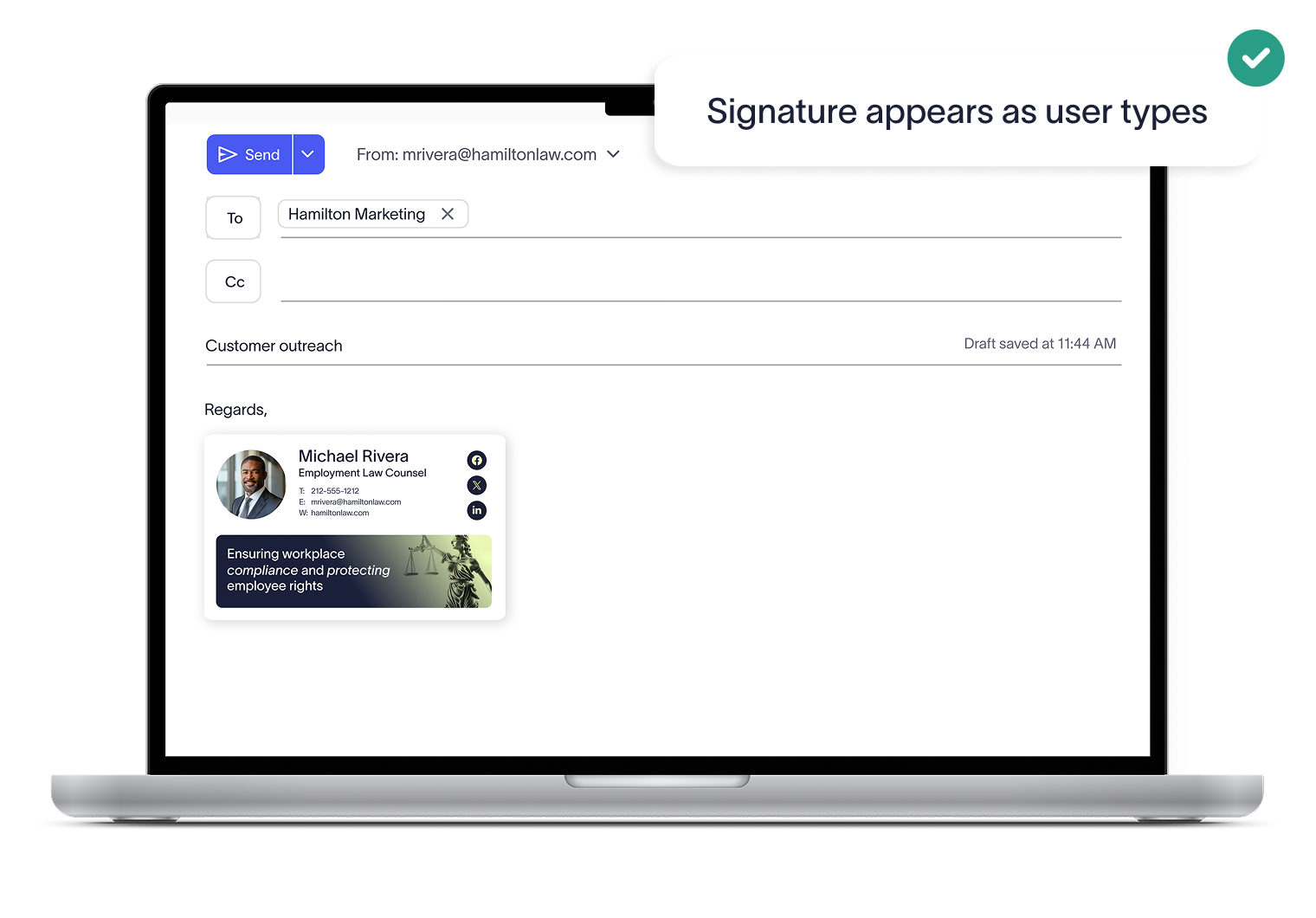
Once enabled, the chosen signature templates automatically synchronize to Outlook and Gmail, appearing instantly as users compose their emails.


Score 4.6 / 5
"Excellent service, takes all the hassle out of Office 365 Signatures!"
Read more

Trusted by 10 million email accounts worldwide






Take control of every email signature
Standardize, manage, and update signatures across your entire company with ease.

Frequently asked questions
With device deployment, signatures are applied locally on user devices. Some organizations prefer this option for the familiar experience and added assurance; However, Exclaimer’s cloud deployment is just as secure.
Our platform is SOC 2 Type II compliant, and we are the only email signature platform to achieve a 100/100 Security Scorecard rating — meaning every element of our product has been designed and independently validated to meet the highest security standards.
No. While it may take a brief moment for a signature to appear in the compose window, the Outlook and Gmail add-ins do not cause slowdowns or interfere with the user’s email experience.
Yes, with device deployment, users see their signature directly in Outlook or Gmail as they type. With cloud deployment, signatures are appended at the point of sending, ensuring they are always present and compliant — even if the user doesn’t see them during composition.
Absolutely. Many organizations choose a hybrid approach. This gives employees real-time visibility of their signatures, while also ensuring every email — regardless of device or platform — has the correct, compliant signature applied after sending.
Exclaimer has been the leading signature management solution for 25 years. We are the only solution that has a 100/100 security scorecard. Our modern technology will save your team time, save your business money, and allow you to easily implement disclaimers and brand requirements across signatures.




Simplify signature management for IT
Eliminate manual updates, reduce support tickets, and keep every email on-brand and compliant—all from one centralized platform.