Dave is a marketing expert with 15 years experience in the tech and SaaS world. He specializes in educating IT and channel audiences, with a focus on security, privacy, compliance, and marketing technology. With a talent for storytelling and a deep understanding of the industry, Dave transforms complex IT topics into clear, engaging, and impactful narratives.
Why native email signature tools don’t work for enterprise IT

TL;DR
- Native email signature tools in Microsoft 365, Exchange, and Google Workspace weren’t designed for the scale and governance needs of enterprise IT
- They lack centralized control, auditability, compliance automation, and multi-device consistency
- Enterprise email signature management platforms like Exclaimer eliminate manual work, secure branding, and enforce compliance across every user and device
- With Exclaimer, IT gains automation, visibility, and control—all from one cloud-based platform built for global scale
Enterprise IT doesn’t deal with simple requests. It deals with distributed infrastructure, conflicting priorities, layered permissions, and global compliance. This means that there’s a constant trade-off between agility and control. Every IT system needs to be able to scale and adapt.
For enterprise IT teams managing thousands of users across multiple regions, email signature management is one of those deceptively simple tasks that quickly becomes a governance nightmare.
Every department wants something different— marketing campaigns, legal disclaimers, brand updates—and every request lands on IT’s desk. What should be a routine update turns into hours of scripting, troubleshooting formatting errors, and chasing users to fix broken templates.
Outlook 365 signatures with broken images and incomplete contact details. Google Workspace email signatures that don’t personalize and have HTML code limits. No dynamic data. No visibility. No guaranteed outcomes.
And because these email signature tools don’t scale, IT ends up scripting workarounds, sending user companies instructions, or chasing inconsistent results across devices. This shouldn’t be the norm for enterprise companies.
Manual processes slow teams down and increase risk
In enterprise environments, a simple email signature update can turn into a full-scale operational project. What starts as a branding or compliance request from Marketing or Legal often becomes a multi-region rollout involving dozens of teams. And every step adds to IT’s workload.
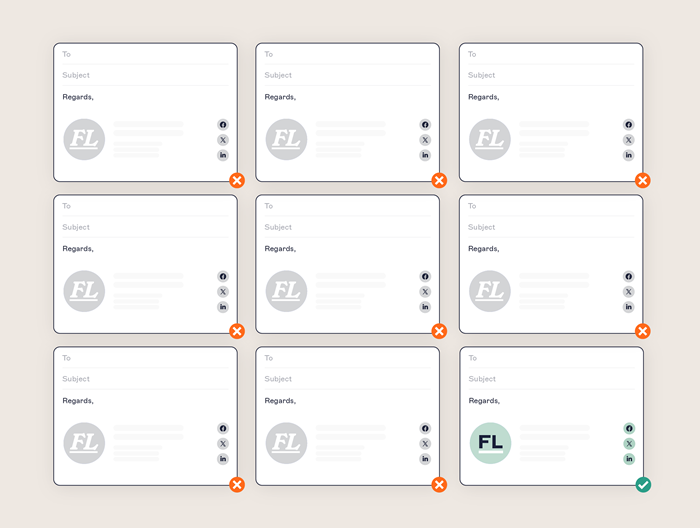 Because native email signature tools don’t support centralized governance, IT ends up working reactively. Each request means validating data, writing scripts, pushing updates, and verifying whether those updates have even worked. It’s slow, manual, and full of friction.
And in large, distributed organizations, those manual processes create both risk and inefficiency:
Inconsistent rendering: Templates display differently across devices and email clients.
Formatting errors: Manual HTML editing often breaks design consistency.
No audit trail: IT can’t verify when or where changes were made.
Rising support tickets: Every department creates new requests for fixes.
According to our State of Business Email 2025 report, the scale of this problem is clear:
35% of IT professionals rank email signature management among their most time-consuming responsibilities.
31% cite the lack of central control as their top challenge.
Over 50% say their current tools don’t meet compliance requirements
These issues increase the risk of non-compliance, reputational damage, and wasted IT time. Every unmanaged email signature represents a potential exposure point that enterprise IT teams can’t afford.
Discover key insights from 4,000+ IT leaders
Our State of Business Email 2025 report reveals why email remains the backbone of enterprise communication and why unmanaged systems continue to drain IT time.
Explore how IT leaders are modernizing email governance, strengthening compliance, and reducing operational overhead with centralized management.
Read the reportUncontrolled email signatures introduce risk where it’s hardest to detect
In enterprise environments, thousands of emails are sent daily both internally and externally. But when there’s no control over the email signatures that go with them, risk follows.
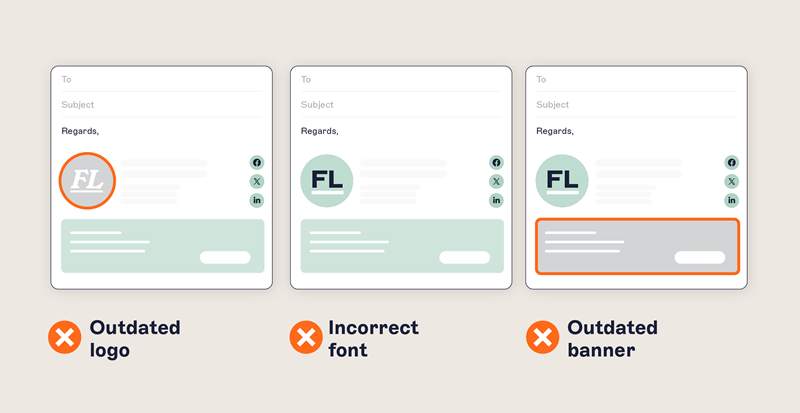
How? One email has incomplete contact information. Another is missing an email disclaimer that’s legally required. The third doesn’t have a signature at all. Not because someone removed it, but because it wasn’t applied properly in the first place.
And these issues multiply. The business has no idea what’s being sent or what to do when something goes wrong. But it’s a given that IT will need to get involved and often take the blame.
This lack of control leads to cascading risks:
Regulatory exposure: Missing or altered legal disclaimers can violate GDPR, HIPAA, or financial regulations.
Brand and reputational damage: Inconsistent logos, colors, or contact details erode credibility across customer-facing emails.
Security vulnerabilities: Rogue or unverified signatures increase the likelihood of phishing, impersonation, and data leakage.
No audit trail or remediation path: Without version tracking, IT can’t confirm when changes were made or by whom.
The bigger the enterprise, the harder these issues are to contain. Without centralized email signature management, risks go unnoticed until they become visible in the worst possible way—during an audit, a customer complaint, or a security incident.
Native email signature tools don’t support enterprise governance
The core issue with native email signature tools is that they were never designed for centralized control across large, distributed environments.
While they can handle basic templates for small teams, they fall apart when applied to global, multi-region environments that require compliance, version control, and auditability.
In Microsoft 365
Microsoft 365 includes basic mail flow rules and local Outlook settings, but they don’t scale.
Mail flow rules can append legal disclaimers, but aren’t designed for complex HTML.
Email signatures are added at the bottom of the entire thread, not under replies.
Outlook desktop signatures are stored locally and managed per user.
There’s no way to test email signatures in advance, so changes need to be made during IT downtime or outside of working hours.
No central visibility into which email signature is being used or where it’s applied.
In Google Workspace
Google Workspace’s built-in “Append Footer” feature offers even less flexibility.
Only one static template per organizational unit (OU) can be applied.
User details like names, roles, and phone numbers can’t be pulled from Google Directory.
HTML formatting is limited and only allows for 10,000 characters.
Images must be hosted externally and may be blocked by recipients.
No role-based access control or preview functionality for admins to validate changes.
The result: Governance gaps and IT overload
These limitations make it difficult to enforce branded email signatures across departments, regions, and platforms.
This leads to:
Wasted resources: Large enterprises can spend hundreds of IT hours each quarter on manual signature updates.
Inconsistent branding: Teams end up creating their own versions, leading to fragmented email experiences.
Compliance risk: Missing disclaimers and incorrect layouts expose the organization to legal and reputational harm.
Ongoing IT workload: Manual deployment and troubleshooting lead to persistent help desk tickets.
This all leads to the clear conclusion that native tools don’t offer the centralized control, auditability, or automation enterprise IT needs to manage compliance at scale.
Exclaimer stops email signature updates from landing on your desk
You didn’t get into IT to spend hours updating email signatures. You’re here to drive digital transformation, support complex infrastructure, and deliver real value to the business. But instead, you’re stuck fixing formatting, writing PowerShell scripts, and chasing down users who didn’t follow instructions.
 Exclaimer’s enterprise email signature software replaces that with a system built for scale. It gives IT full control, while removing the day-to-day burden of managing updates across regions, teams, and tools.
How Exclaimer simplifies enterprise email signature management
With Exclaimer, control and automation coexist:
Every signature is applied server-side, so emails sent from any device or platform always include the correct, compliant version.
Live sync with Entra ID (Azure AD) or Google Directory ensures that user details are accurate without manual input or spreadsheets.
Role-based access allows marketing or legal to own content updates, while IT retains governance and control.
Dynamic rules and targeting let you assign templates by region, team, or domain—supporting different brands, subsidiaries, or regulatory zones.
Scheduling and version control allow you to roll out changes safely, with a full audit trail for accountability.
Enforcement policies prevent users from editing or removing required elements like legal text or security credentials
Exclaimer turns email signature management from a recurring IT chore into a secure, automated workflow.
Native tools vs. Exclaimer: A side-by-side comparison
Even in large enterprises, many IT teams still rely on native email signature tools within Microsoft 365, Exchange, or Google Workspace.
Here’s how they compare to a centralized, enterprise-ready solution like Exclaimer.
| Capability | Native tools (Microsoft 365 / Google Workspace) | Exclaimer (Enterprise email signature management) |
|---|---|---|
| Centralized management | Limited. Signatures managed locally or by organizational unit with no unified dashboard. | Full centralized control across users, regions, and devices from one cloud platform. |
| Cross-device consistency | Formatting differs by device and email client; mobile often unsupported. | Server-side application ensures consistent formatting across desktop, mobile, and webmail. |
| Directory integration | Manual data entry; limited or no sync with directory services. | Live sync with Entra ID (Azure AD) or Google Directory for automatic, accurate user data. |
| Compliance management | No audit trail, policy enforcement, or proof of compliance. | Audit-ready version history, legal disclaimer automation, and role-based governance controls. |
| Security & reliability | Dependent on user configuration; high chance of misapplication or spoofing risk. | Enterprise-grade security with ISO 27001, ISO 27018, SOC 2 Type II certifications and 99.999% uptime. |
| Brand consistency | Users can edit or alter templates, leading to inconsistent designs. | Enforced templates and locked fields guarantee on-brand communication in every email. |
| Marketing integration | No analytics or targeting capability. | Dynamic banners, campaign scheduling, and engagement analytics built in. |
| IT workload | Manual scripting, testing, and troubleshooting for every update. | Automated deployment reduces IT support tickets and administrative time. |
What this looks like in practice
Exclaimer is trusted by IT teams in complex, highly regulated industries where consistency, compliance, and efficiency are non-negotiable. Here’s what changes when enterprise email signature management stops being manual and starts being centralized.
Healthcare
- Automatically add required HIPAA, GDPR, and other disclaimers to avoid violations.
- Guarantee consistent, professional messaging across all teams and locations.
- Include appointment links, forms, or surveys to boost efficiency and engagement.
Financial services
- Keep client communications professional across regions and subsidiaries.
- Build trust with accreditations, QR codes, and helpful links in emails.
- Add required disclaimers, disclosures, and audit trails like SOC 2 or ISO 27001.
Professional services & legal
- Highlight credentials, awards, or expertise in every email signature to boost client confidence.
- Use secure, encrypted messaging to protect confidential client information.
- Quickly update titles, contact info, or disclaimers during promotions, departures, or mergers.
Manufacturing
- Ensure consistent email signatures across all locations, including post-acquisition.
- Automatically update contact info with data from Microsoft 365 or Google Workspace.
- Turn employee emails into a tool to promote product launches, events, or certifications.
Email signature management shouldn’t be on your list
Enterprise IT manages mission-critical infrastructure, global networks, and security frameworks. Email signature updates shouldn’t compete for your time. With Exclaimer, they don’t.
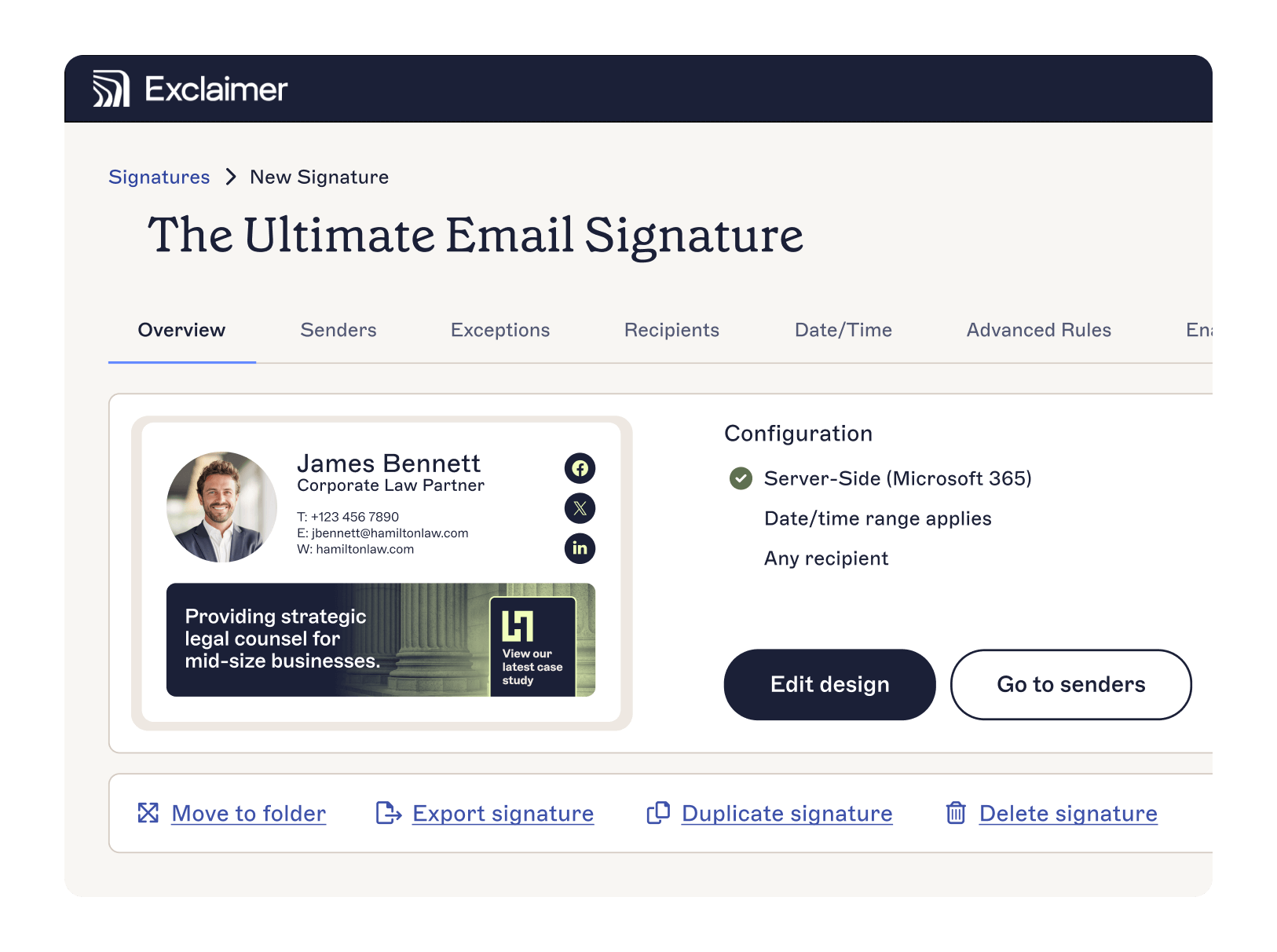 You get full control without the overhead. No more manual fixes. No more formatting issues. No more time-consuming email signature updates.
Discover how Exclaimer helps enterprise companies automate compliance and protect brand integrity, while giving IT professionals back precious time.
💡
See how Exclaimer transforms enterprise email governance
Speak with our team to learn how Exclaimer helps global IT departments automate compliance, standardize branding, and protect business communications—while giving time back to IT.
Contact Sales