Dave is a marketing expert with 15 years experience in the tech and SaaS world. He specializes in educating IT and channel audiences, with a focus on security, privacy, compliance, and marketing technology. With a talent for storytelling and a deep understanding of the industry, Dave transforms complex IT topics into clear, engaging, and impactful narratives.
The true cost of manual email signature management (updated for 2026)
TL;DR
Manual email signature management is the process of individually creating, distributing, and updating employee email signatures without centralized automation.
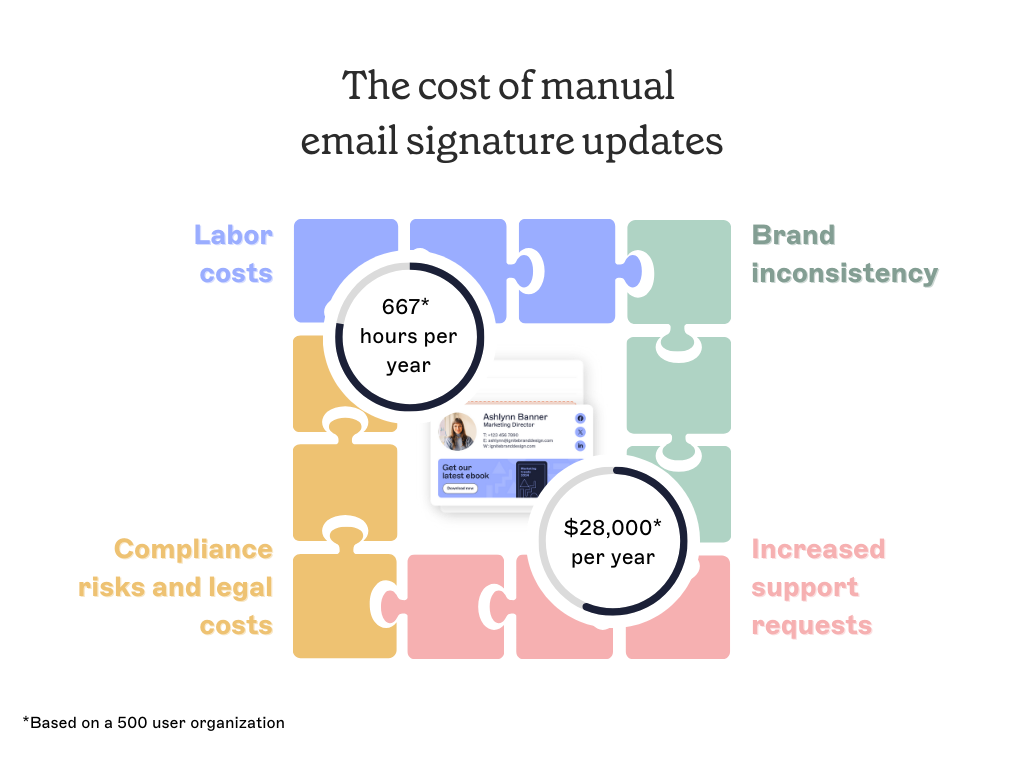
Manual email signature management costs a 500-person company around 667 IT hours and $28,000 a year in direct labor, based on Exclaimer's benchmarking.
Hidden costs include compliance exposure from unverified disclaimers, brand inconsistency from formatting drift, and missed marketing reach from slow update cycles.
Centralized email signature management eliminates per-user admin work by applying templates automatically through rules, giving IT, Legal, Marketing, and HR the controls each function needs.
Manual email signature management costs a 500-person company roughly 667 hours of IT time and $28,000 a year, according to Exclaimer's benchmarking. That figure only counts the work you can see.
Those hours go on tasks that each seem trivial: a new template, a campaign banner, a new hire who needs the right format. None of them are hard on their own. Repeat them across departments and devices, all year long, and the time adds up fast.
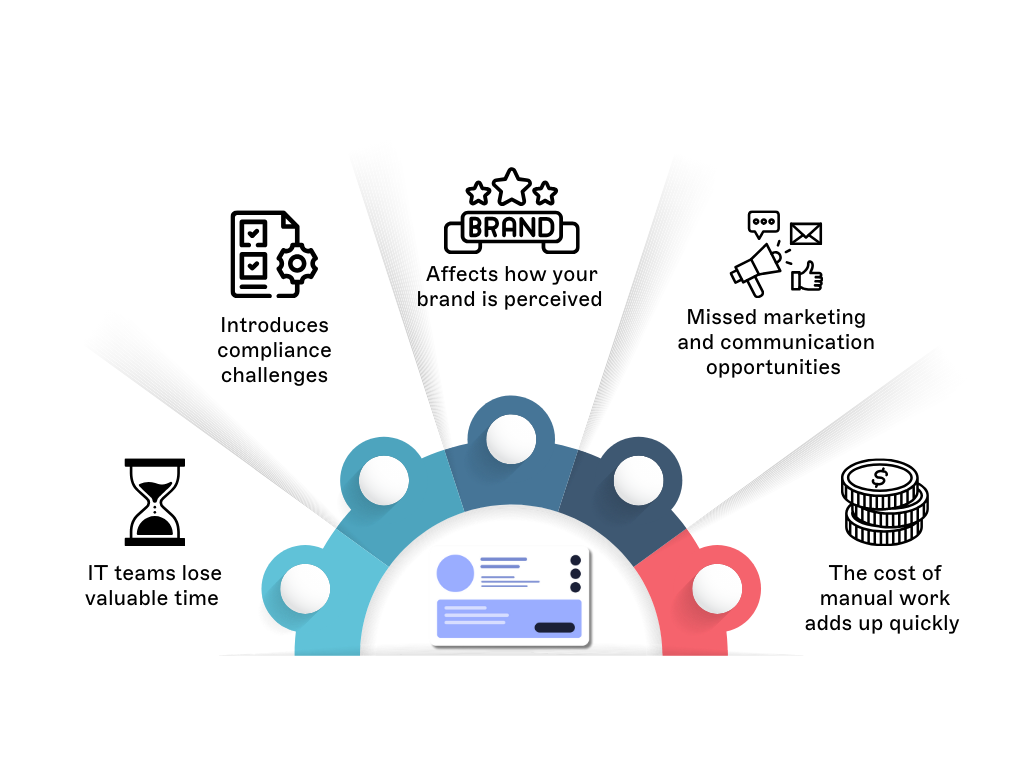
The visible labor is only part of it. Manual processes also create compliance risk when disclaimers go unverified, brand damage when formatting drifts, and missed marketing reach when email signatures can't be updated quickly enough to matter.
This guide walks through each of those costs, then covers what changes when email signature management is centralized and automated.
What are the costs of manual email signature management? |
|
IT teams lose valuable time on preventable admin work
Where the hours go
Most email signature requests look minor in isolation: a department needs a new template, Marketing wants to add a campaign banner, or a new hire needs the right format before their first day. Handled once, none of these is a problem.
The cost shows up in repetition. A typical request involves some mix of:
Applying or updating email signatures across multiple platforms and clients
Helping users add brand elements correctly
Fixing formatting that breaks on a new device
Answering tickets from employees who lost their email signature
Resending templates after a policy or legal change
Exclaimer's benchmarking breaks the time down to roughly four updates per user each year, around 20 minutes each. That's 80 minutes per user annually, before you count onboarding or error-fixing. You can run the numbers for your own headcount to calculate the true cost of manual email signature management.
The projects that get pushed aside
The hours matter less than what they displace. According to Exclaimer's State of IT Report, nearly two-thirds of IT leaders spend most of their time on support tasks. More than a third are working to cut the time they spend on repetitive work like email signature updates. Smartsheet's Automation in the Workplace report puts the broader benchmark at over 40% of workers losing at least a quarter of their workweek to manual, repetitive tasks, with email-related work among the most time-consuming categories.
Every block of time spent reformatting HTML or pushing out a template is time not spent on patching, infrastructure, or security monitoring. Email signature maintenance rarely shows up as a budget line, so the trade-off stays invisible. The team finishes the work, but doing so pushes higher-priority IT projects to the back of the queue.
Compliance risk grows when email signatures aren't centrally controlled
For regulated industries like financial services, healthcare, and legal, the email signature carries the legal disclaimer required by regulation. If that disclaimer is missing, wrong, or out of date, the email itself is non-compliant. The organization carries the legal exposure either way.
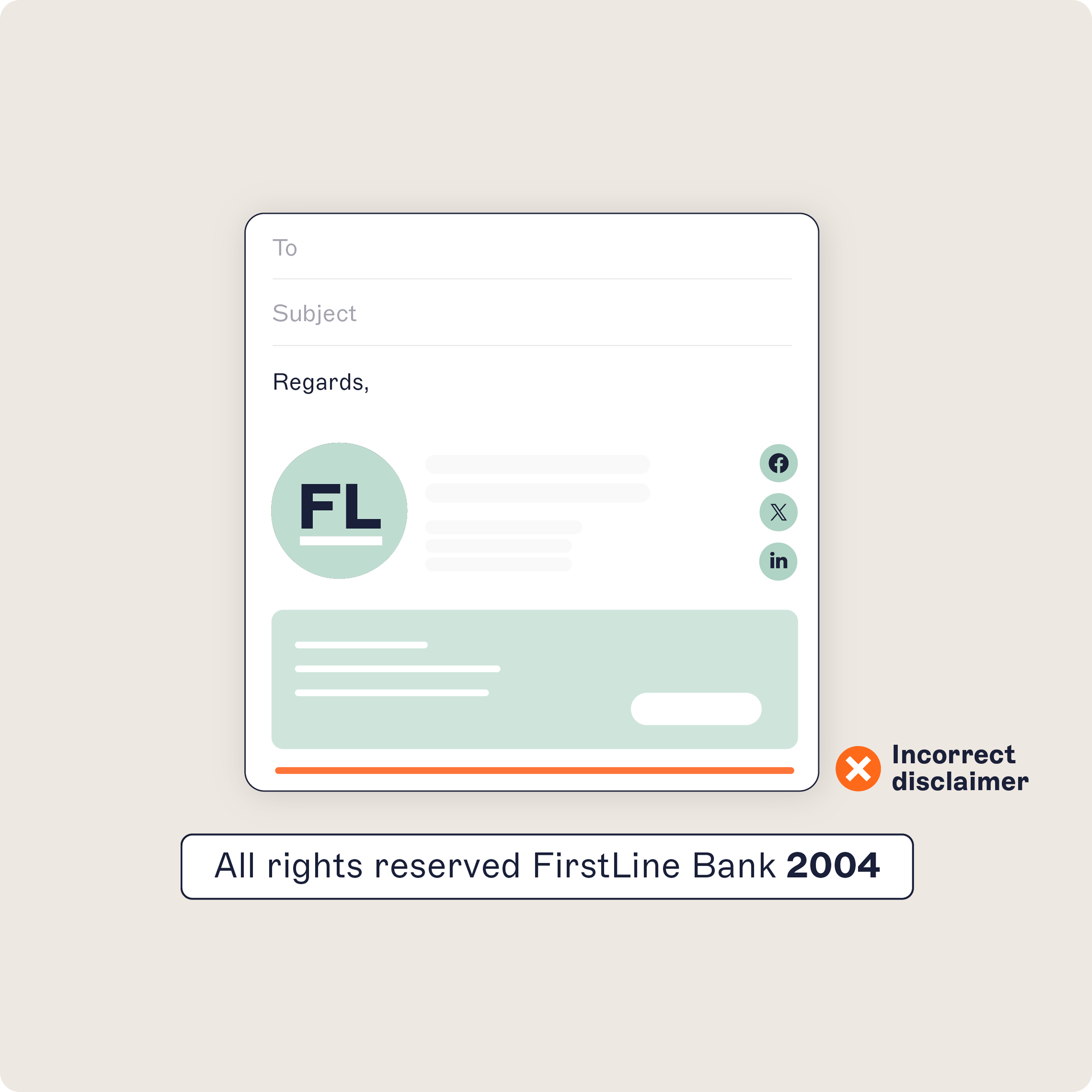
Manual distribution puts that responsibility on every user. Each person has to apply the template, keep it intact, and update it when policy changes. IT has no way to verify which users did, and which didn't, until something surfaces in an audit.
Disclaimers go missing or out of date
When employees control their own email signatures, a user can delete, shorten, or replace the disclaimer with a single edit. Common failure modes include:
Disclaimer text removed to tidy up a long email signature
Old disclaimer language still in use months after a policy change
Inconsistent wording across business units or regions
Mobile clients dropping the disclaimer on reply or forward
New hires missing the disclaimer entirely on day one
Each failure is small in isolation, but combined they leave the circulating disclaimers out of step with the version Legal approved.
There's no audit trail to prove enforcement
For regulators, a written policy means little without proof that it was enforced. Manual processes don't produce that proof. There's no record of which template each user had, when it changed, or whether the change took effect.
When auditors ask Legal or Compliance to demonstrate enforcement during a dispute, the answer comes back as a best guess. That gap leaves the organization exposed to penalties centralized control would have prevented.
Inconsistent email signatures erode brand credibility
Every email an employee sends shapes how customers see the brand. Email signatures are among a company's highest-frequency customer touchpoints. When they drift, recipients see a different visual identity from one message to the next.
Formatting drift fragments the brand
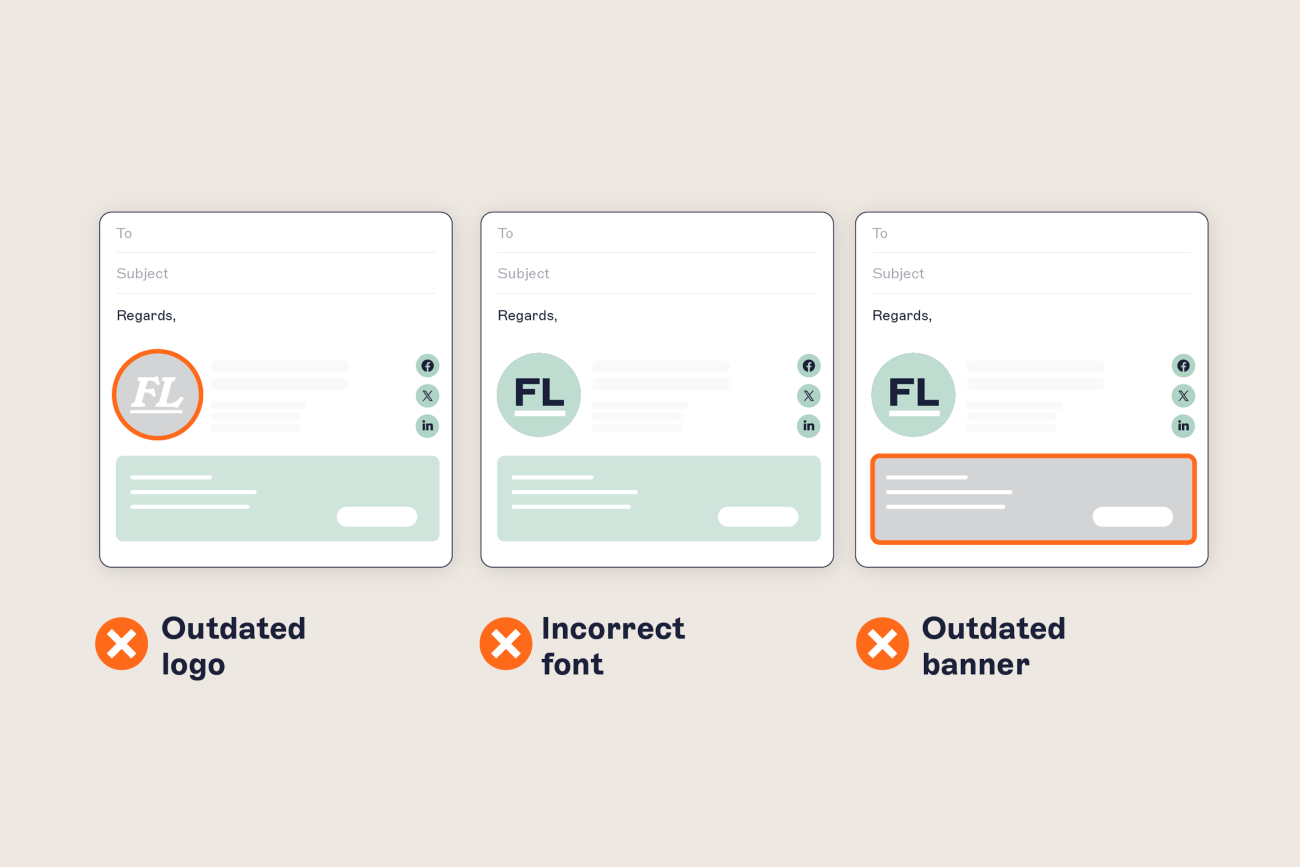
Without centralized control, what lands in recipients' inboxes rarely matches the brand guidelines. In a typical workforce, you'll see:
Two or three versions of the company logo in active circulation
Different fonts and sizes between departments
Outdated taglines or promotional banners still attached to live email signatures
Templates that render correctly on Outlook desktop but break on mobile or in Gmail
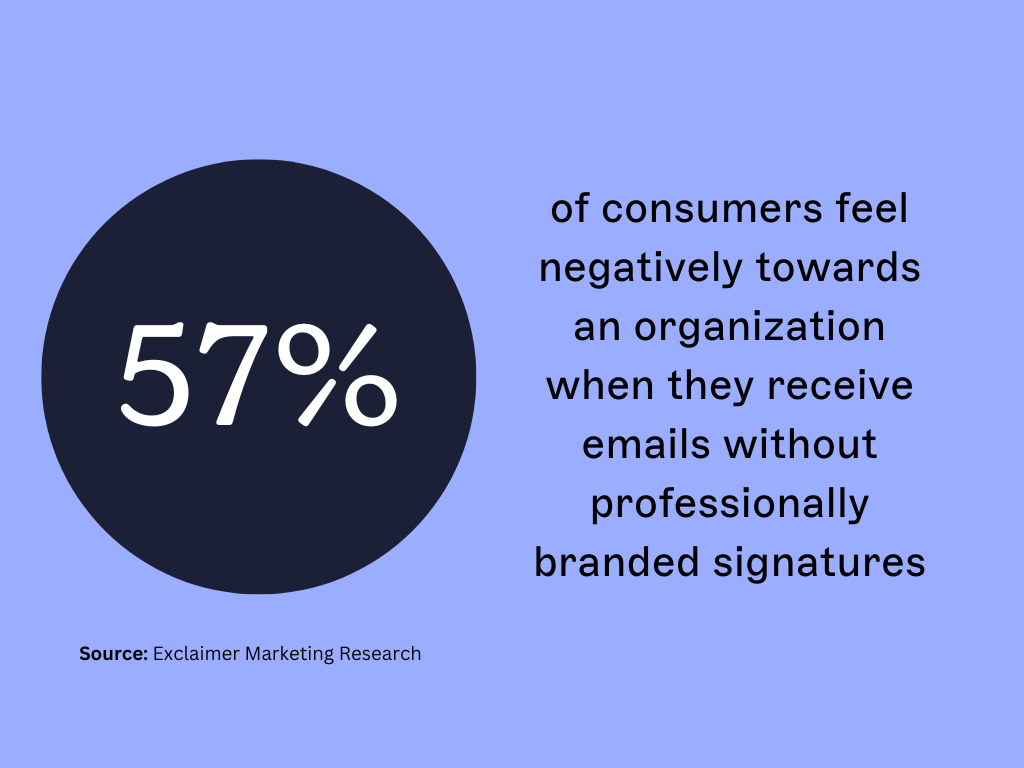
A prospect getting emails from two employees of the same company shouldn't see two different visual identities. Exclaimer's marketing research found that 57% of consumers report a negative impression of organizations whose emails arrive without a consistent, branded email signature. The flipside is also documented: Lucidpress's brand consistency research has linked consistent brand presentation across channels to revenue increases of up to 23%.
Remote work makes consistency harder to enforce
Hybrid teams add more places where email signatures can drift. Employees access company email from a mix of devices, platforms, and locations. Many configure their own email signature in Outlook or Gmail, hold onto an old template from a previous role, or skip an update request that landed mid-week.
Without central oversight, IT and Marketing have no practical way to push a change and confirm it took effect. A formal email signature policy helps, but adoption is patchy, and there's no easy way to spot the gaps.
Manual email signatures leave marketing reach on the table
Email is the highest-volume external channel most organizations operate, and every message already carries an email signature. Manual processes mean the space is there, but no one can use it on a campaign schedule.
Campaigns can't keep pace with manual updates
In a manual setup, rolling out a new banner means briefing IT, building the template, distributing it, and chasing users to apply it. The cycle takes weeks. For time-sensitive moments (a launch, a webinar, an event), the campaign window often closes before the new email signatures reach inboxes.
With centralized management, marketing teams can use the space for:
New product or feature announcements
Event and webinar invitations on a fixed run-date
Customer story highlights tied to current sales conversations
Survey or Net Promoter Score (NPS) links for feedback campaigns
Targeted social or content downloads, scheduled by department or region
Each of these campaigns works only when the email signature can move at campaign speed.
Manual email signatures produce no performance data
Without a managed platform, there's no measurement layer behind the email signature. Marketing teams can't see how many recipients clicked a banner, which departments drove the most engagement, or which creative performed best.
The standard optimization tools fall away too. A/B testing banner variants, segmenting messages by audience, and proving channel performance to the business all rely on data the manual model doesn't produce. The reach is real, but the impact stays invisible.
The full cost of manual email signature management
The IT labor figure is one part of the cost. The harder costs sit in compliance, brand, and marketing, where dollar amounts are difficult to pin down. They surface later, hit different budgets, and land under different owners.
What the labor cost leaves out
In a 500-person company, the IT labor cost lands at around $28,000 a year. That's the figure that's straightforward to defend in a budget review. The harder numbers behind it include:
Compliance: legal disclaimers that can't be audited, plus the staff time absorbed when an audit lands
Brand: customer impressions shaped by inconsistent email signatures, weakening recognition and credibility over time
Marketing: campaign space that goes unused every quarter the manual process is in place
Combined, these account for most of what manual email signature management costs the business.
The cost compounds as the business grows
Manual email signature management struggles to scale. As the organization grows, three things push the cost up:
Headcount: more employees means more devices, more onboarding events, and more ad hoc requests
Regulation: new disclosure rules, jurisdictional differences, and updated privacy requirements all flow back through the email signature
Channel use: as marketing and sales push more activity through email, an email signature that can't be updated at speed costs more in lost reach each quarter
Without automation, the manual workload grows roughly in line with the business.
How centralized email signature management changes the picture
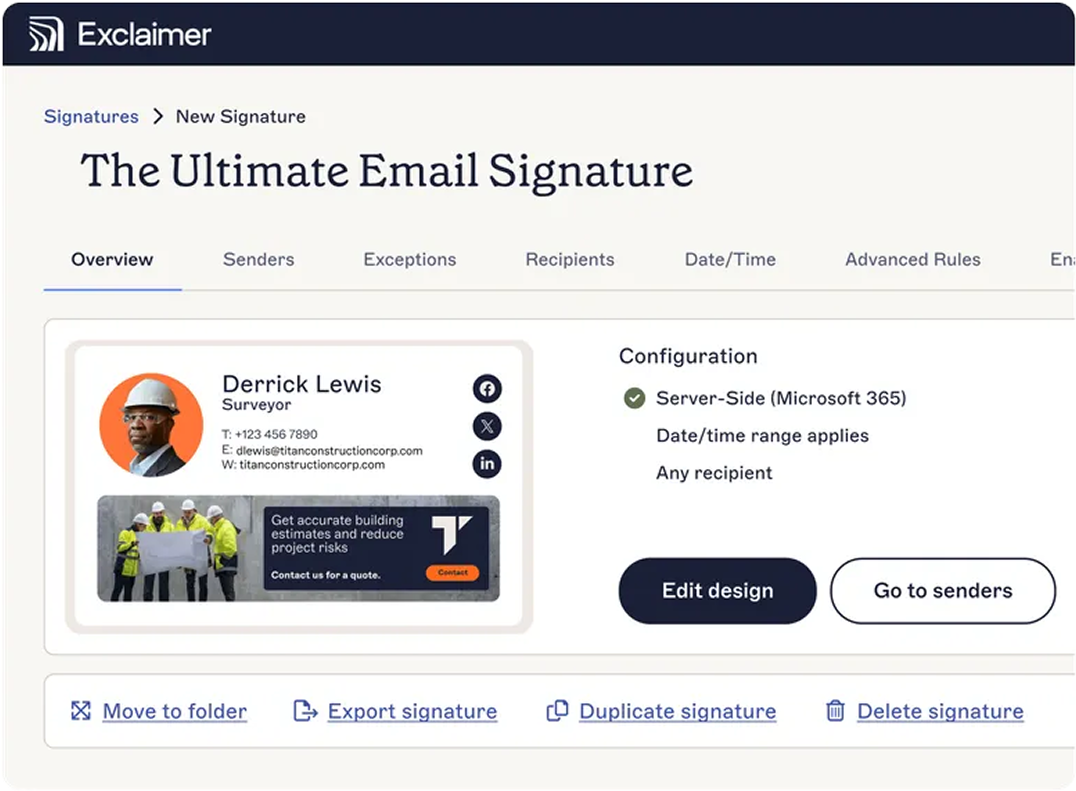
Centralized email signature management replaces manual distribution with rules. The platform pulls user data from Microsoft 365 or Google Workspace and applies the right template based on department, role, or location. When the source data changes, the email signature updates automatically. IT defines the rules once and the platform handles every email from there.
How centralized email signature management works
Centralized email signature management follows a straightforward implementation process:
Connect to your directory: Link the platform to Microsoft 365 or Google Workspace to sync user data automatically.
Create signature templates: Design branded templates with placeholders for dynamic fields like name, title, and department.
Define assignment rules: Set rules to apply specific templates by department, role, location, or other attributes.
Configure disclaimers: Add legal disclaimers that apply consistently to all outgoing emails.
Schedule campaign banners: Set start and end dates for promotional banners without IT involvement.
Monitor and report: Track engagement metrics and verify compliance across the organization.
Rules apply email signatures automatically
A managed platform takes a single template and applies it across the business according to defined rules:
Live data sync with the directory, so contact details, job titles, and team assignments stay current
Automatic template assignment by department, location, or role
A single central disclaimer applied to every outgoing email
Banner schedules that control when campaigns go live and when they come down
Role-based access for Marketing and Legal to manage their own templates without IT
Work moves from per-user updates to per-template rules. The same change that took weeks in a manual setup applies in minutes.
The benefits show up across the business
A centrally managed platform reduces work for IT, and the impact reaches further. Each function gets something specific:
IT: repetitive admin removed, including the per-user troubleshooting that fills support queues
Legal and Compliance: consistent disclaimers, with logs that demonstrate enforcement during audits
Marketing: a campaign-ready channel with engagement data behind it
HR: the right email signature is applied automatically when new hires start
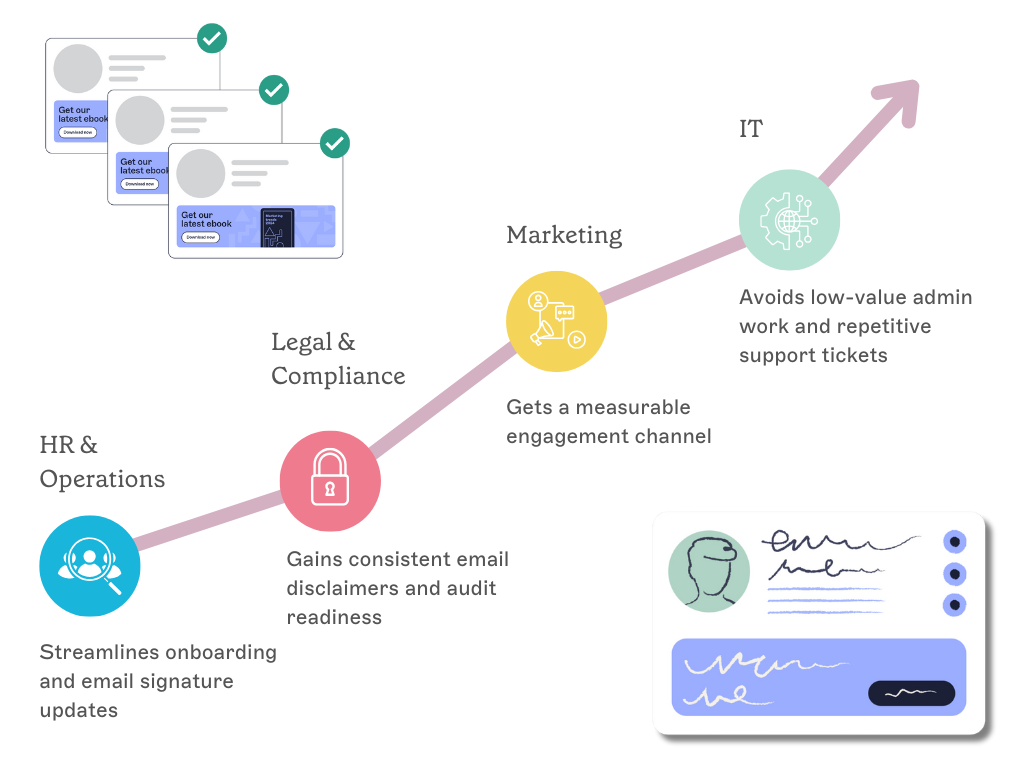
A side-by-side view
Manual email signature management | Centralized email signature management | |
Who applies the template | Each user | The platform, automatically |
Source of user data | Manual entry | Microsoft 365 or Google Workspace directory |
Time to roll out a change | Days to weeks | Minutes |
Audit trail for disclaimers | None | Logs available |
Marketing campaign banners | Slow, often miss the window | Scheduled and timed |
IT involvement per change | Significant | One-time rule setup |
The case for change
Manual email signature management costs more than the IT labor hours alone. Compliance exposure, brand drift, and unused marketing reach push the total higher, and each cost lands in a different budget. Together, they account for a recurring annual loss that doesn't show up on any single line item.
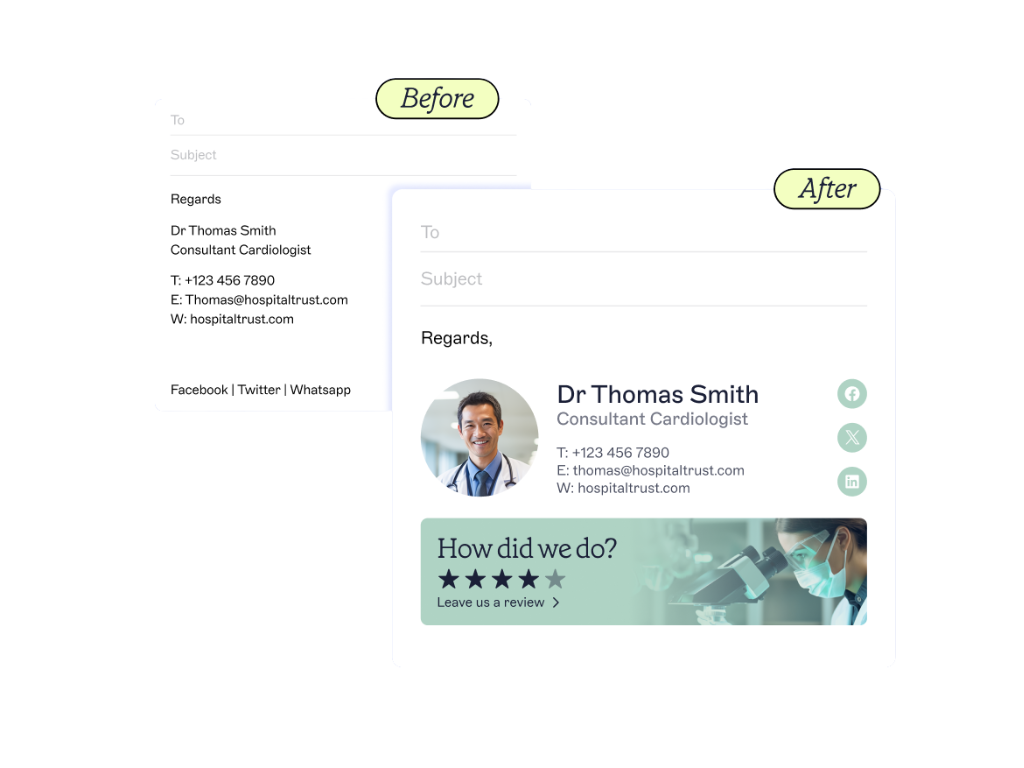 Centralized email signature management addresses each of them without adding to IT's workload.
Start simplifying your email signature management
Exclaimer is the email signature management platform trusted by 80,000+ organizations worldwide, including Sony, Mattel, Bank of America, NBC, and the BBC.
Exclaimer's cloud solution applies consistent, on-brand email signatures across Microsoft 365 and Google Workspace, with central control over disclaimers, campaign banners, and reporting.
Book a demo to see how Exclaimer handles email signatures at scale.