Trusted by 80,000+ businesses worldwide







The advantages of using Exclaimer with Workday
Workday holds the employee data your business depends on. Our Workday integration uses that data to automate email signature updates, so titles, departments, locations, and contact details stay accurate without manual fixes or directory workarounds.
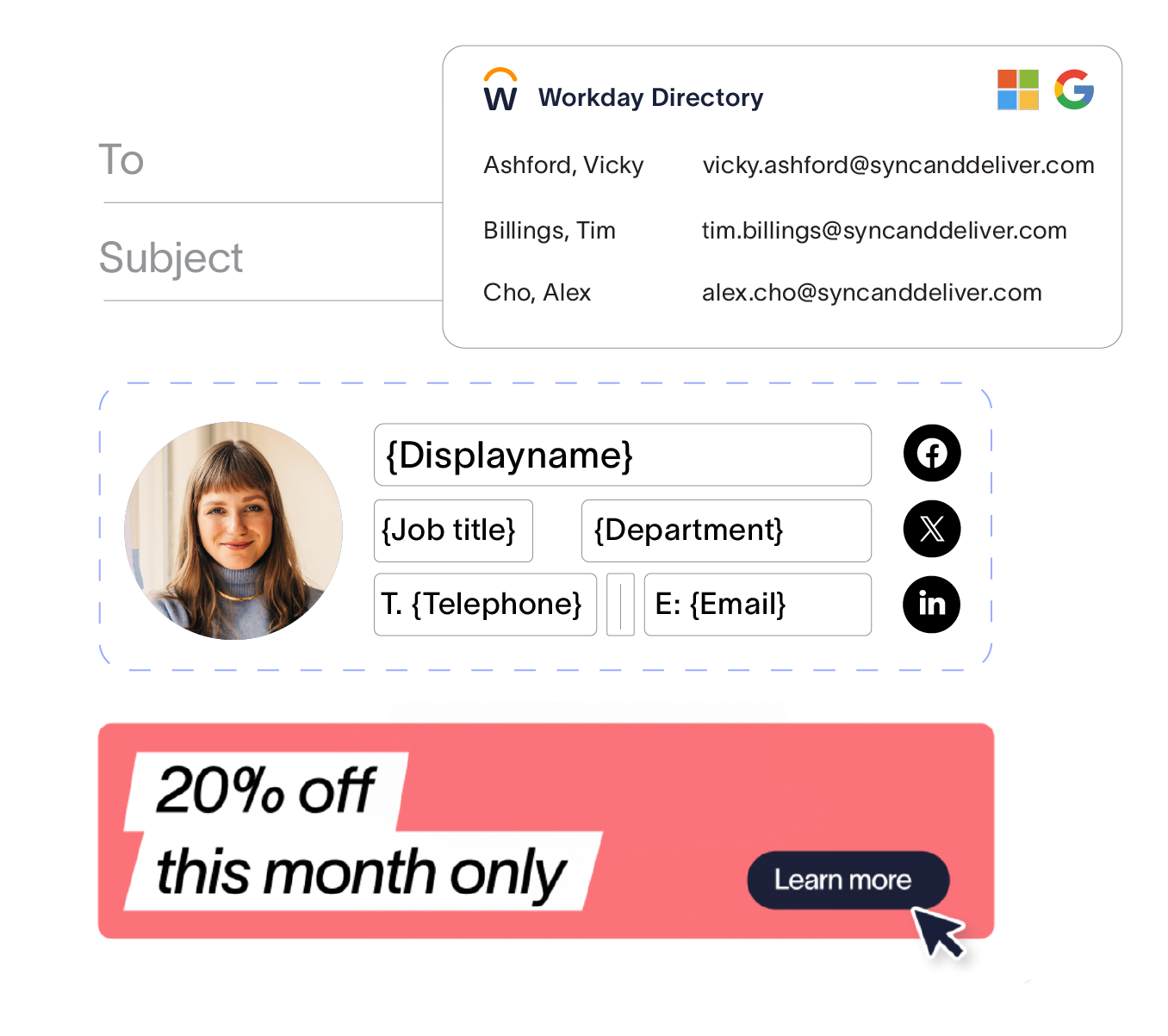
Use the data your teams already trust - Pull employee details from Workday instead of forcing HR-owned data into Entra ID or Google Directory. Keep signatures aligned with the system your organization already uses to manage people data.
Reduce admin for IT - When employee data changes in Workday, signatures update automatically. IT spends less time maintaining HR-owned attributes, uploading CSVs, or managing fragile sync processes.
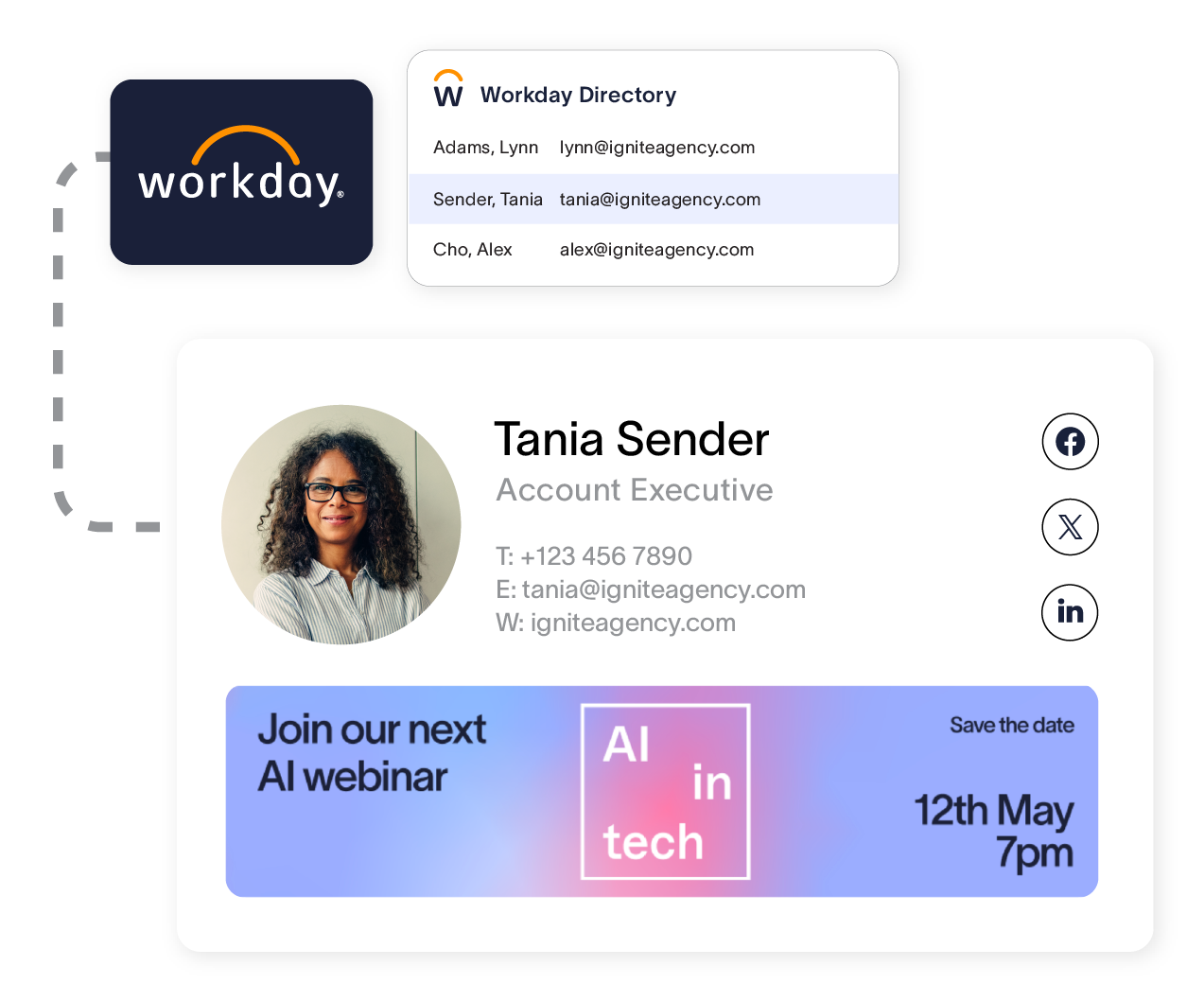
Keep every signature accurate at scale - New hires, role changes, department moves, and location updates happen constantly. Workday helps keep employee information current, so every email stays professional and up to date across the organization.
How it works
Exclaimer supports two ways to connect to Workday. Choose the configuration method that fits how your Workday environment is set up.

Create a Workday Integration System User (ISU) - Your Workday administrator sets up an Integration System User (ISU) in Workday and assigns the required permissions.

Connect Workday in Exclaimer - Add Workday as an employee data source in your Exclaimer subscription, then authenticate the connection.

Apply Workday data to signatures and meeting themes - Build email signature and meeting theme templates using mapped Workday attributes.

Stay up to date automatically - When employee records change in Workday, updates sync into Exclaimer automatically, so signatures and meeting themes reflect the latest details.
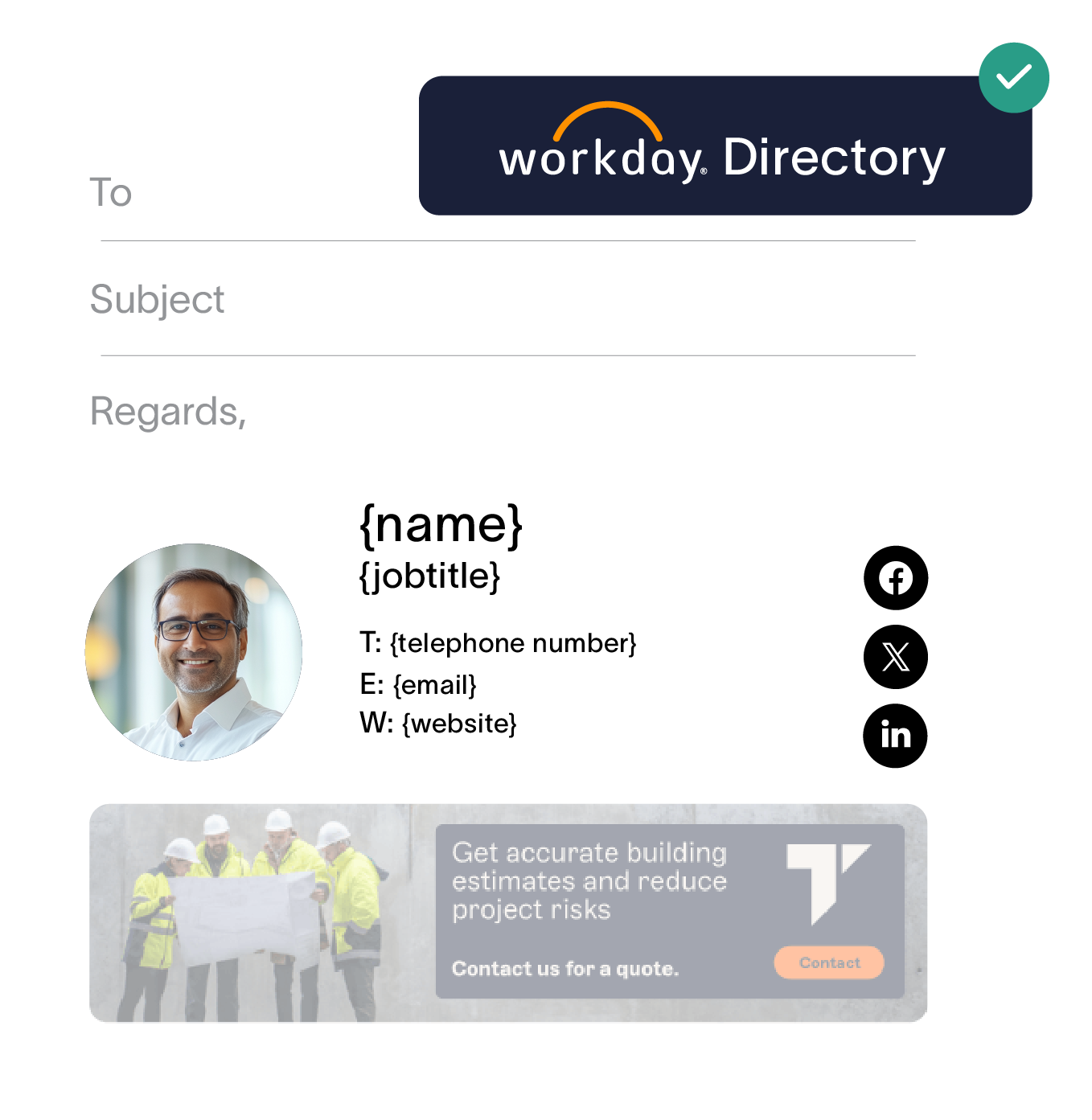
Set up Workday RaaS in Workday - Your Workday administrator creates an Integration System User, builds a custom Workday report enabled as a web service, configures security group permissions, and registers an API client.
Connect Workday RaaS in Exclaimer - Add Workday RaaS as an employee data source in your Exclaimer subscription. Provide your Workday tenant name, web services endpoint URL, refresh token, client ID, client secret, and custom report URL to complete the connection.
Apply Workday data to signatures and meeting themes - Build email signature and meeting theme templates using attributes from your custom Workday report.
Stay up to date automatically - When employee records change in Workday, updates sync into Exclaimer through your custom report automatically.
Keep employee details accurate across every email signature
Sync user details directly from Workday to ensure email signatures are up-to-date with no extra effort
Frequently asked questions
Both options sync employee data from Workday into Exclaimer. The standard integration connects to Workday through an Integration System User. Workday RaaS uses a custom Workday report published as a web service, giving administrators more granular control over which employee fields are shared with Exclaimer. The right option depends on how your Workday environment is configured. Contact our support team if you are not sure which method suits your setup.
To enable the integration, navigate to Sender Management in Exclaimer settings, then go to the Enable HRIS access section. From there, select either Workday or Workday RaaS as your HRIS provider and choose the option to connect.
During setup, you must grant Exclaimer read-only access to your Workday environment and select which data models you want to share. This ensures Exclaimer can retrieve employee data without modifying anything in Workday.
The Workday HRIS integration is available as part of the Exclaimer Pro plan.
'Workday' and the Workday logo are trademarks of Workday, Inc. Exclaimer is not affiliated with, or endorsed by, Workday, Inc. Our use here is simply to describe the integration.