Naimh is a seasoned marketer of 12 years, including in SaaS and tech. She’s an expert at simplifying complex technology concepts, bridging the gap between IT and marketing. Naimh specializes in turning tech speak into actionable insights, helping marketers get the most out of their tools and technology.
Strengthen your brand's credibility with company email signatures

Key takeaway
An email signature is a brand touchpoint like any other. An inconsistent or amateur one rarely costs you a deal outright, but it quietly makes buyers less confident along the way.
Get five things right: full name and job title, current contact details, your logo, no more than four social links, and one clear call to action.
Match every email signature to your current brand guidelines and manage it centrally, so nobody on the team is still sending last year's logo.
Consumers say a professionally branded signature makes them trust and respond to a business more, and more than half feel put off by a company whose emails don't have one.
A prospect who gets three emails from three people at the same company, each with a different logo, doesn't complain about it. They just get a little more careful about the deal. The email signature at the bottom of every message is doing more work than most businesses give it credit for.
Why does a professional email signature affect brand credibility?
Brand credibility isn't built by one polished campaign. It's built by every touchpoint holding the same line, and an email signature is one of the highest-frequency touchpoints a business has. A logo that's slightly out of date and a job title nobody updated after a promotion both do quiet damage over time, one small hesitation at a time.

Elisabeth Goossens, Director of Brand Communications at Exclaimer, has seen the mechanism up close.
"From a buyer's perspective, when they hear slightly different versions of what we do at each touchpoint, their confidence drops. And that doesn't show up as a complaint. It shows up as longer sales cycles, more clarification questions, and more internal validation on the buyer's side."

Exclaimer's own consumer research backs this up from the other side of the inbox. In The Power of Professionally Branded Emails, 47% of consumers said a professionally branded signature made them feel more confident about the sender. Over half (57%) said they felt negatively toward a company whose emails didn't have one.
What should a professional email signature include to look credible?
A company email signature earns credibility through completeness, current information, and readability. Five elements do the work:
Full name and job title. The part recipients actually use to place who they're talking to. Keep it in a font people can read without zooming in, and keep it accurate. A title that's a year out of date undercuts everything else on the page.
Current contact details. Phone number, email address, and a link to your website, formatted so a recipient can copy and paste in one move. If any of these change and the email signature doesn't, it starts working against you.
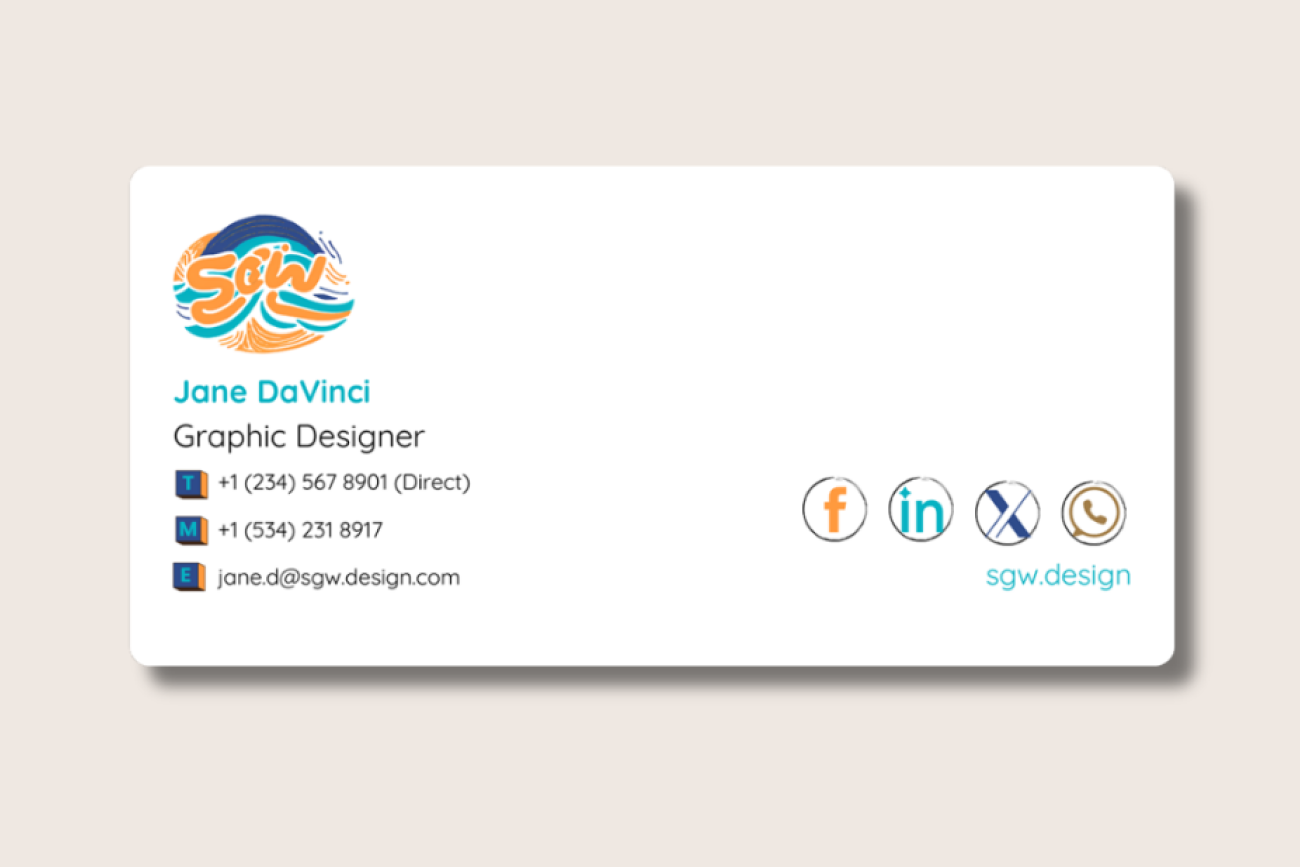
Your logo, correctly sized. A logo in the email signature comes across as more deliberate than a company name typed under a job title. It only works if the file is current and sized so it doesn't dominate the block or slow down the email's load time.
Social links, kept to four. Add icons for the networks your customers actually use, not every account the company has ever opened. Past four links, an email signature starts to look like a footer nobody's edited in years.
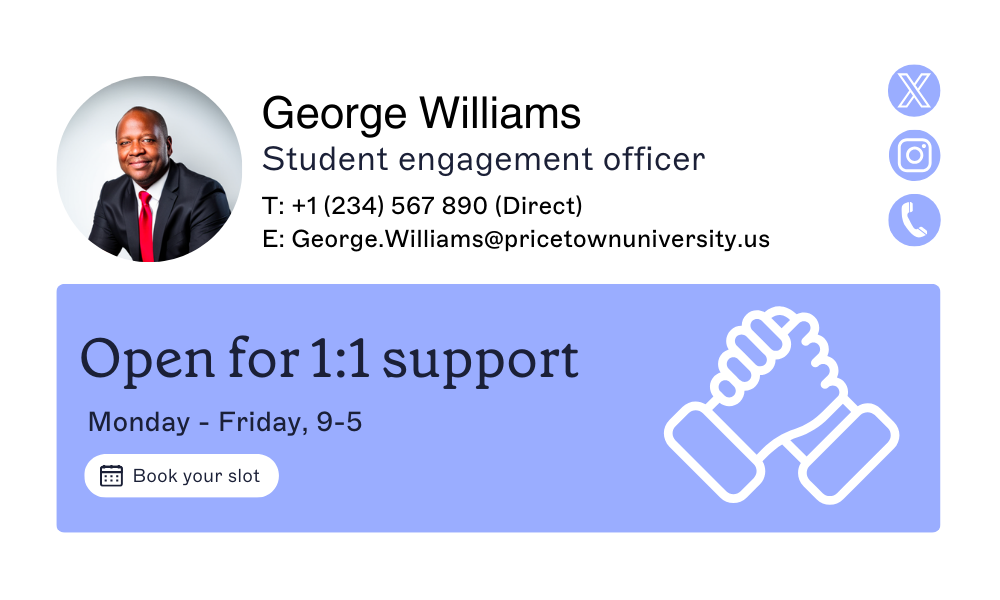
One clear call to action. Specific beats vague: a link to a new product page, an invitation to an event, a one-click feedback survey.
Tip
Loading an email signature with six competing asks gets none of them noticed. Pick the single most useful one for right now, and change it when priorities change.
How do you build brand trust with customers through everyday email?
Jim Turner, Chief Operating Officer at Exclaimer, puts it plainly. "The email signature is often the most visible part of your brand and one of the most neglected from an operational standpoint," he says. That gap between visibility and attention is exactly where credibility leaks out, because a customer never sees the operational side. They only see the email.

Asked what they actually want to see in an email signature, Exclaimer's research found contact information ranks well ahead of promotional links, social icons, or personalized offers, at 64%. Getting the boring parts right earns more trust than any clever flourish does.
Company email signature examples that build credibility
A few concrete moves, beyond the basics above, make an email signature work harder for the brand.
1. Promote brand values
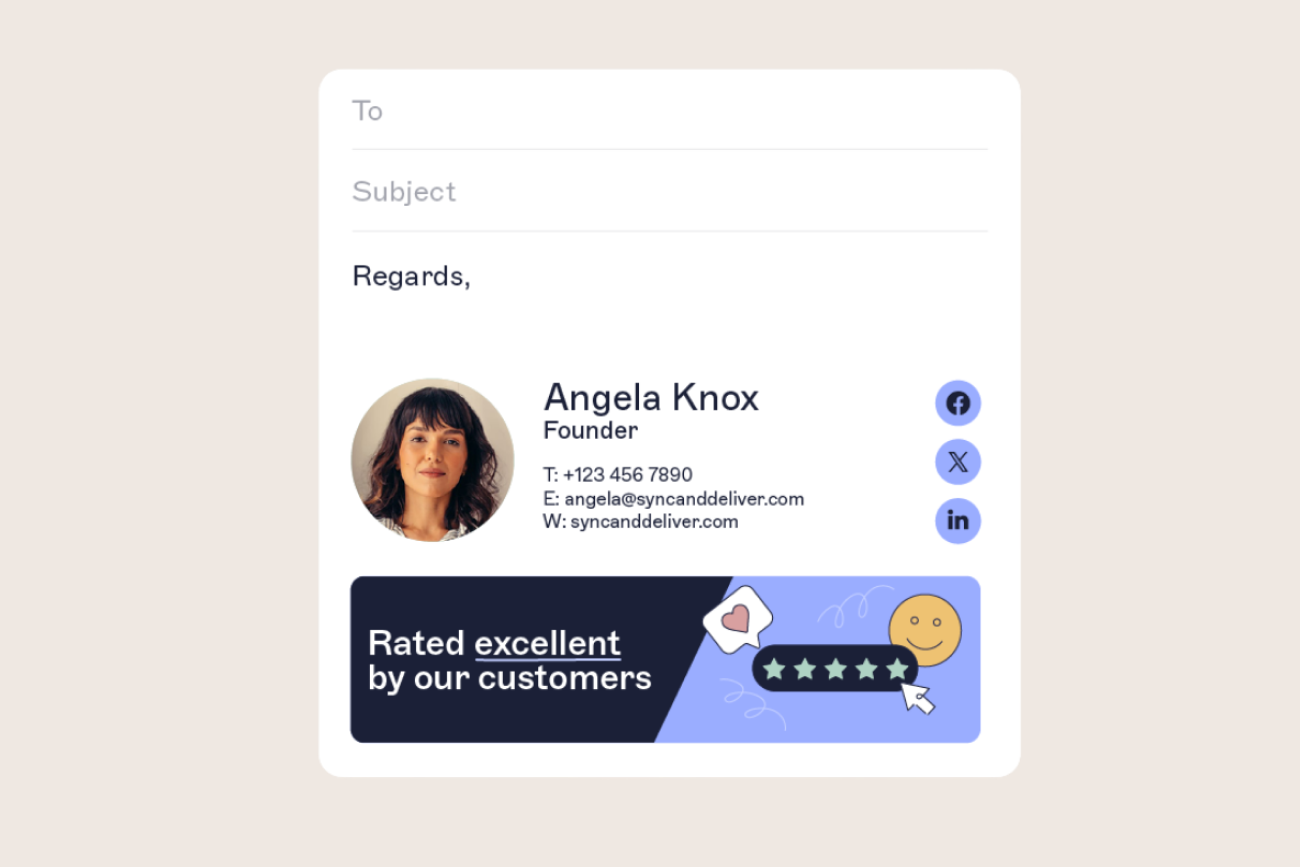
Putting your brand promise in a short line under the sender's name, in a distinct font or a small graphical banner, keeps the company's values in front of the reader without turning the email signature into an ad. Link it to more detail on the website and it becomes a quiet, repeatable piece of brand reinforcement rather than a one-off campaign.

2. Highlight industry credentials
Naming a recent award, certification, or accreditation gives the reader something specific and checkable, which a generic "trusted by thousands" line never does. That specificity is what makes a credential read as earned rather than claimed.
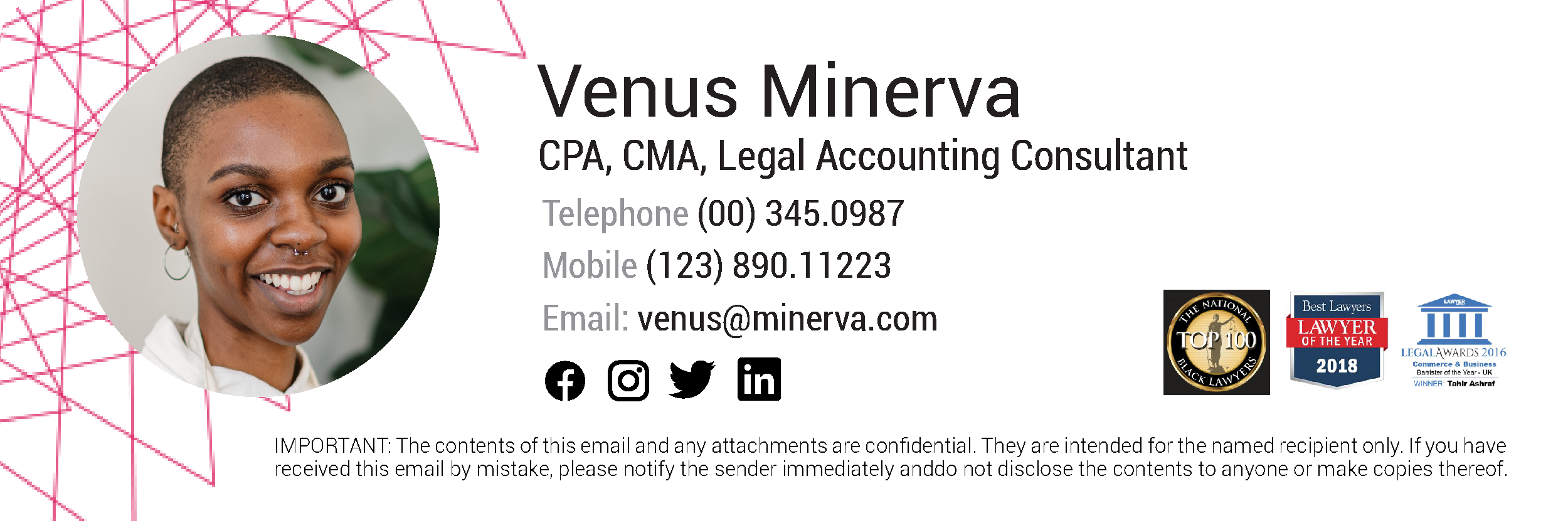
3. Using a professional photo
A professional headshot personalizes the exchange in a way text alone doesn't. It's a small thing, but a recipient who can put a face to a name treats the email that follows a little differently.

4. Contact information
Contact details deserve their own clean block: phone, email, and a physical address where that's relevant to the business. Buried contact information defeats the point of including it at all.

None of this holds if it's inconsistent from one employee to the next. A brand consistency guide helps set the standard, but a template that every employee has to copy and update manually is how that standard quietly falls apart.
Creating a company email signature template with software
Getting one person's email signature right is a design exercise. Getting everyone's email signatures right at the same time, through every rebrand and every new hire, takes something a template alone can't do: an update that applies to everyone automatically the moment it's made.
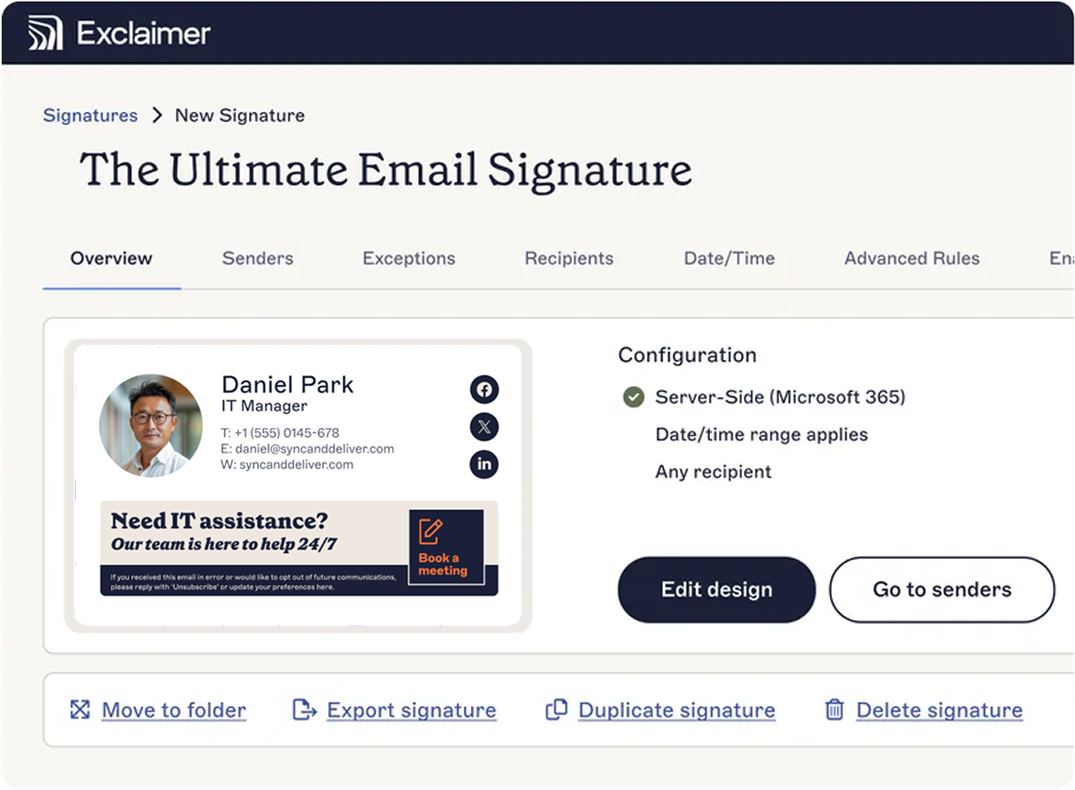
Exclaimer's email signature management software uses Brand Kits, a central store for a company's approved logo, fonts, and colors, so every employee's template pulls from the same place. Update the kit once, and a logo change or a new job title reaches every customer-facing email at once.
Take the interactive product tour to see how it works.