





Why use a branded Zoom background?
A consistent Zoom background helps you:
Present a more credible, polished appearance
Maintain visual consistency across teams without visual distractions
Support brand recognition in customer-facing calls
From sales calls to interviews to internal meetings, a branded video background keeps attention where it should be: on the conversation.
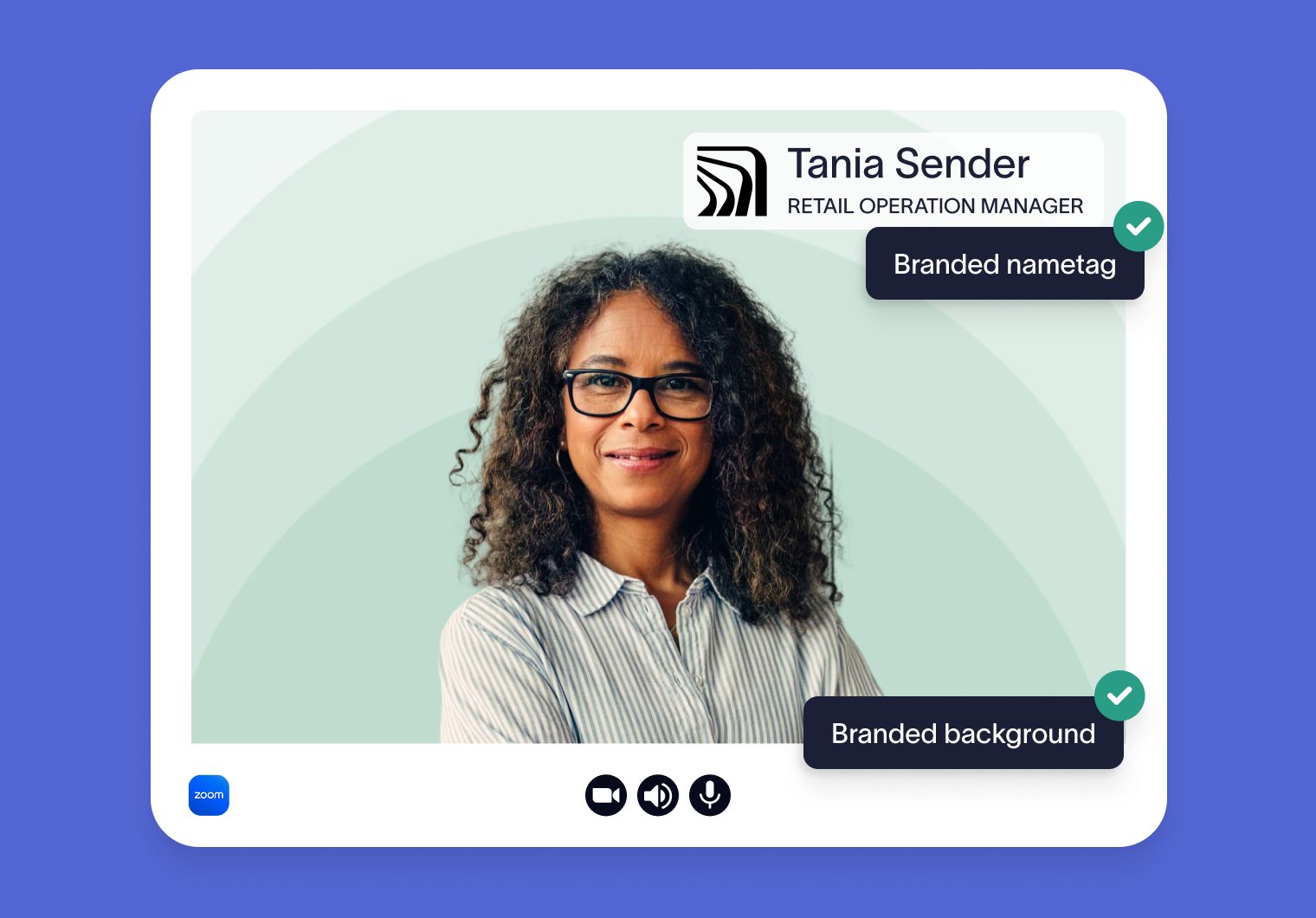
What you’ll get

Look professional
High-quality Zoom background image at 1920 × 1080

Always aligned
Correct 16:9 aspect ratio for Zoom

Branded identity
Personalized nametag combining your name, job title, and company logo

Immediate access
Instant download with no account required
How to use your Zoom background
Download your generated background
Open Zoom and go to Settings → Video & effects
Upload the image and apply it to your calls
Looking for detailed design tips, logo placement guidance, and common mistakes to avoid? Our guide covers everything you need to know.
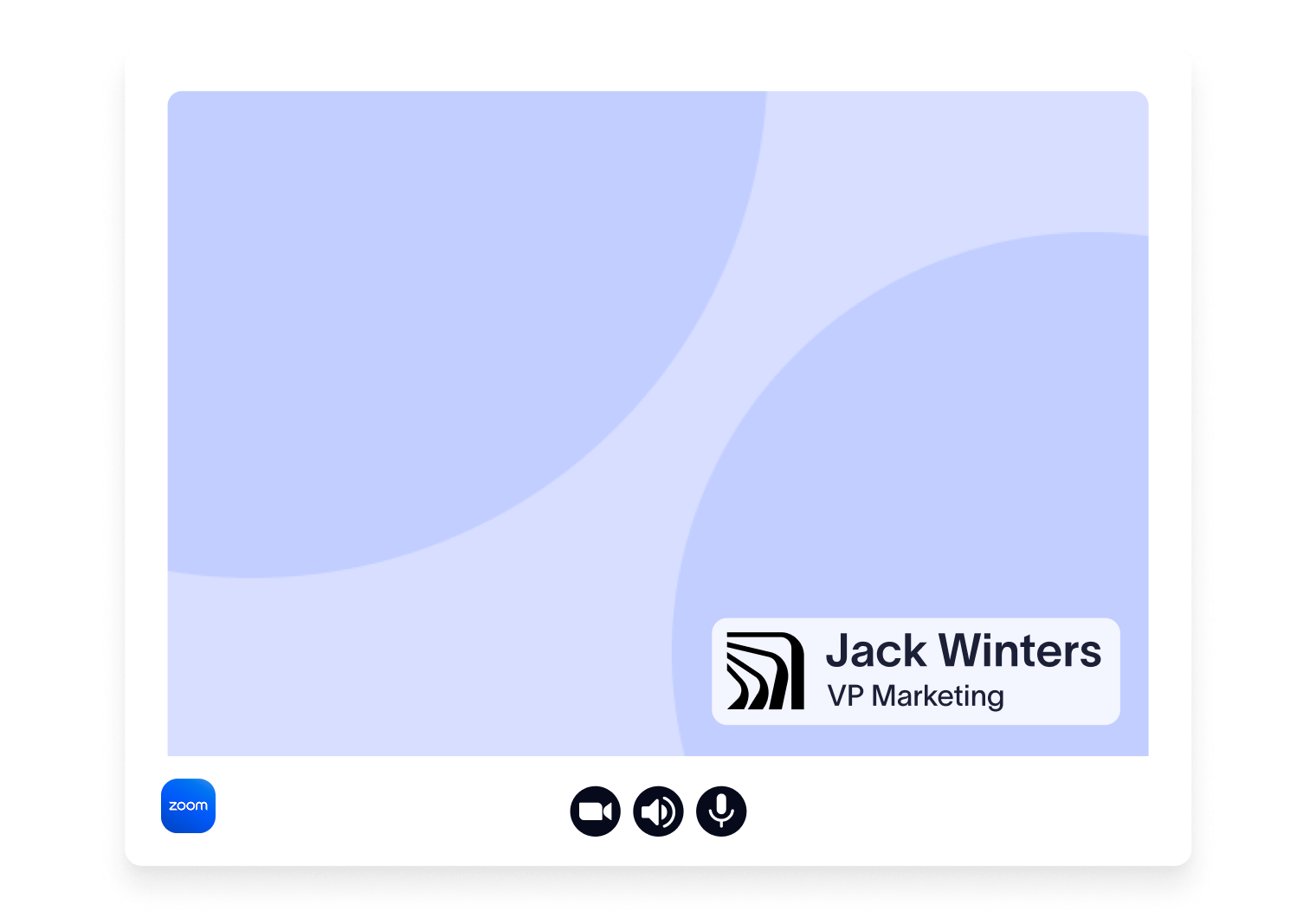
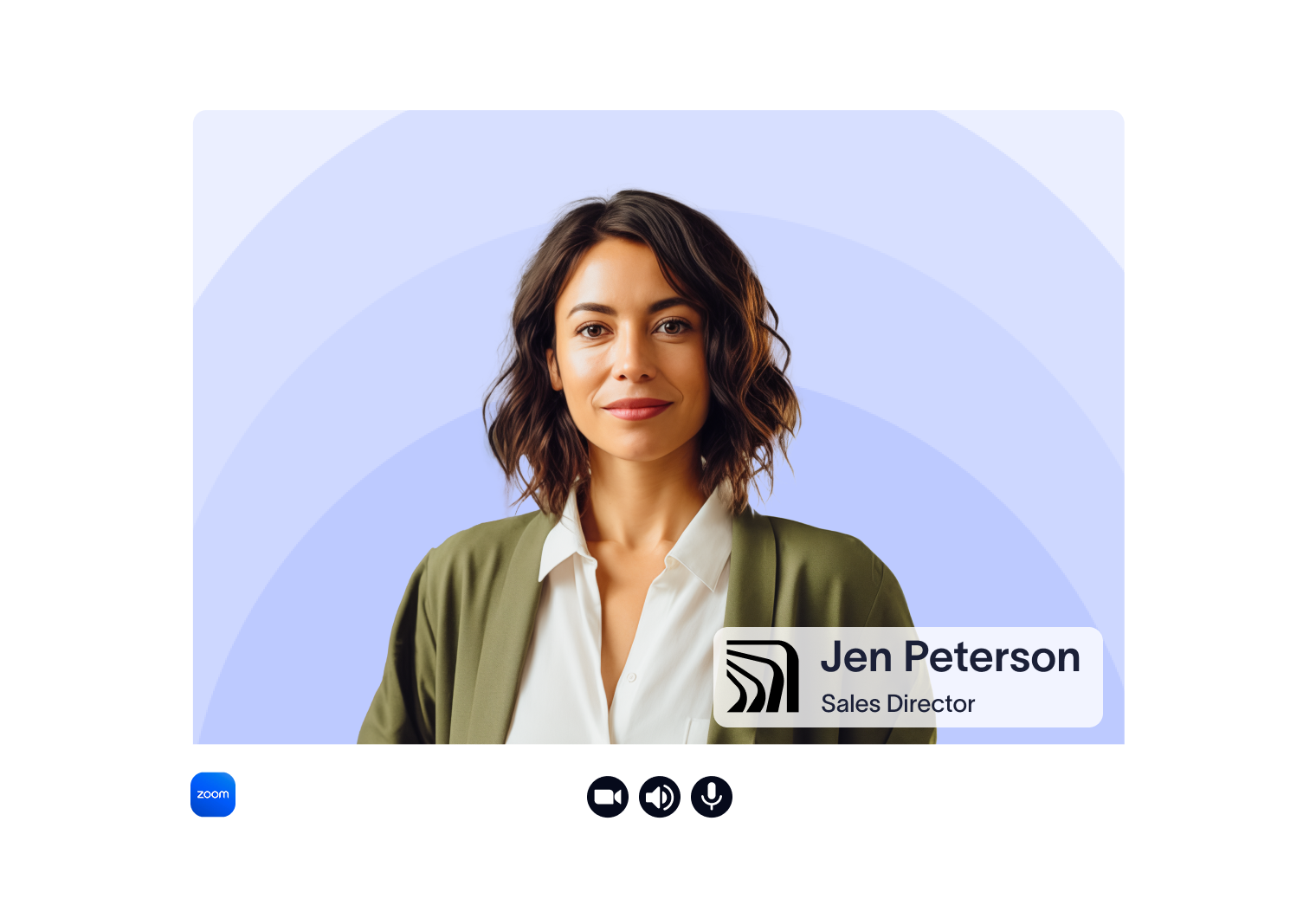
Get the best results on Zoom
For a professional look on camera:
Use even, front-facing lighting
Stay centered in the frame
Avoid busy or high-contrast surroundings
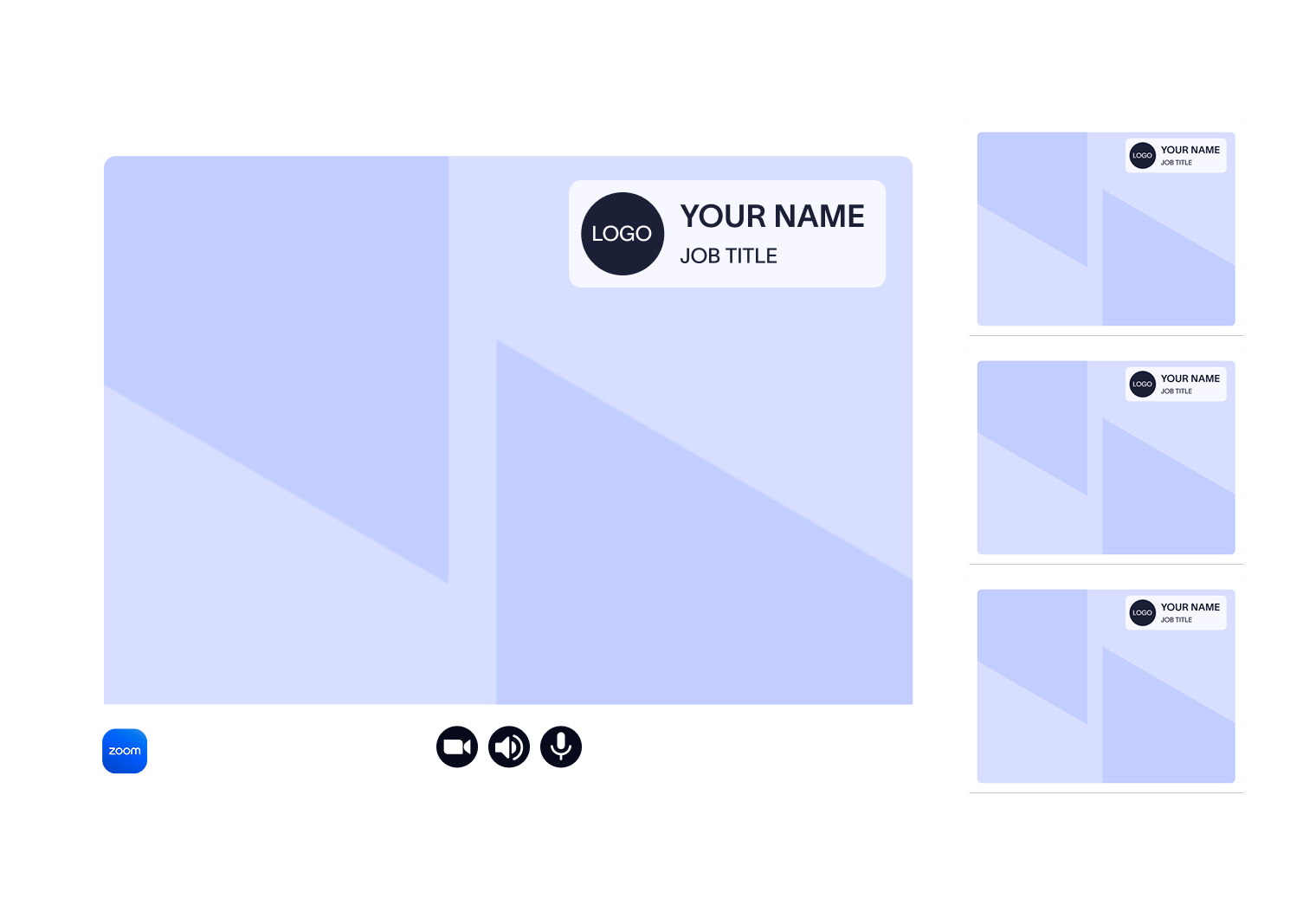
Creating a background for your team?
This free generator works well for one-off or individual Zoom backgrounds.
If you need to roll out branded video backgrounds at scale, or manage Zoom and Teams meeting branding centrally, Exclaimer can help you keep video calls consistent and under control for your whole business.
Frequently asked questions
Yes. You can also use the background on Microsoft Teams, Google Meet, and similar tools.
Yes. The tool is free to use.
Zoom mirrors your video by default, so what you see on screen is flipped left to right. This helps you appear more natural on camera, but it can make text or logos look reversed to you. Don’t worry. Other meeting participants see your background correctly. If you want to preview it as others see it, you can turn off Mirror my video in Zoom’s video settings.