





Why out-of-office messages matter
An out-of-office message sets expectations and reduces unnecessary follow-ups while you’re unavailable.
A simple message typically:
Confirms you’re away from email
States when you’ll return
Explains what to do in your absence
These small details matter, especially when someone’s contacting you for the first time.
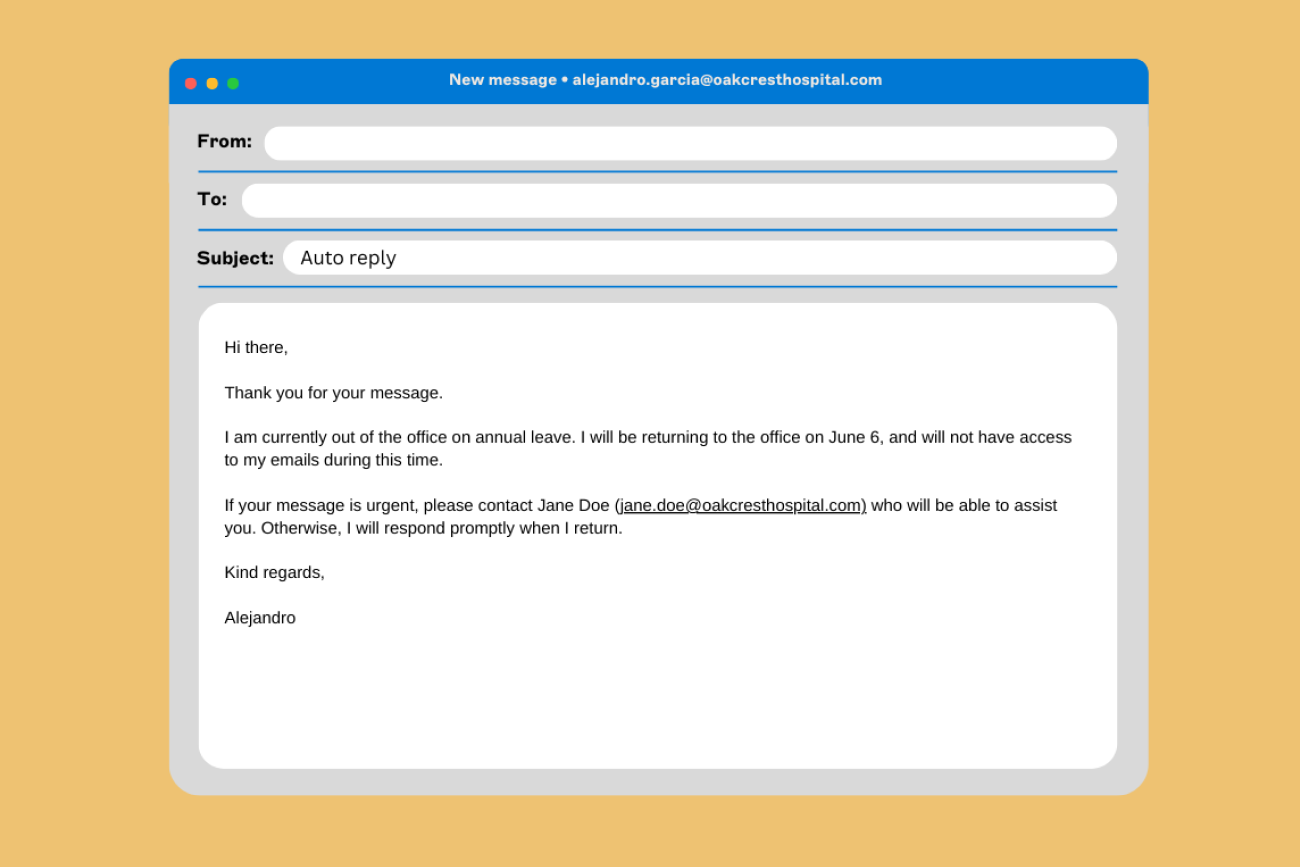
How to set an out-of-office message
Once you’ve generated your message, copy it and add it to your email account’s automatic reply settings.

Microsoft Outlook
Go to Settings
Select Automatic replies
Turn on automatic replies
Paste your message
Set your start and end dates, then save

Gmail
Go to Settings → See all settings
Open the General tab
Scroll to Vacation responder
Turn it on and paste your message
Set your dates, then save
Keep everyday email communication consistent with Exclaimer
Every email your organization sends should look professional and include the right information.
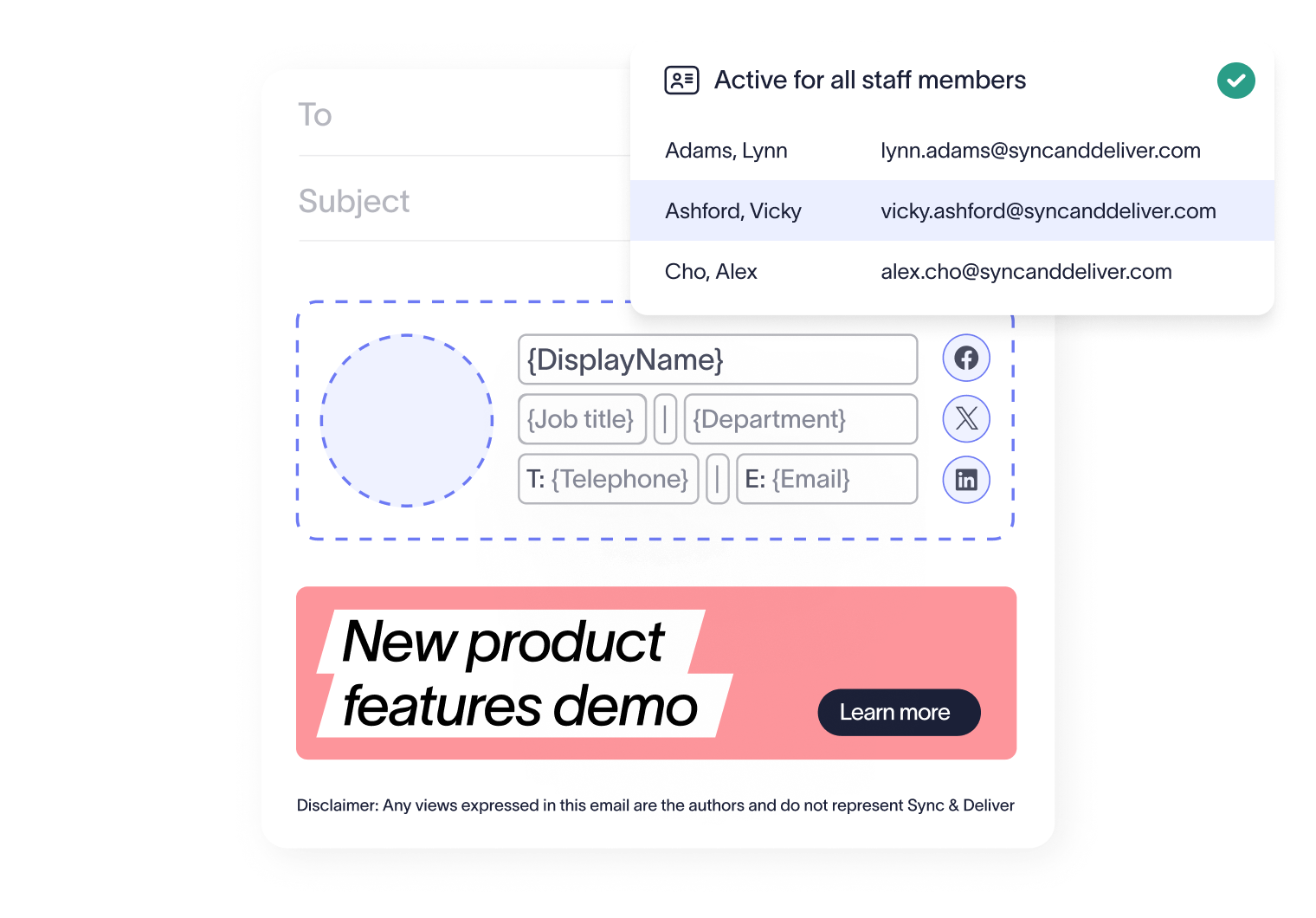
Exclaimer gives IT centralized control over email signatures, so updates are applied automatically and consistently across the business. Branding stays correct. Contact details stay accurate. Disclaimers stay in place. All with zero IT headaches.
Frequently asked questions
Some organizations do. If you’re unsure, keep your message clear, brief, and professional.
Yes. This tool is free to use, no signup required.