Trusted by 10 million email accounts worldwide






Compliant communications for every agent and office
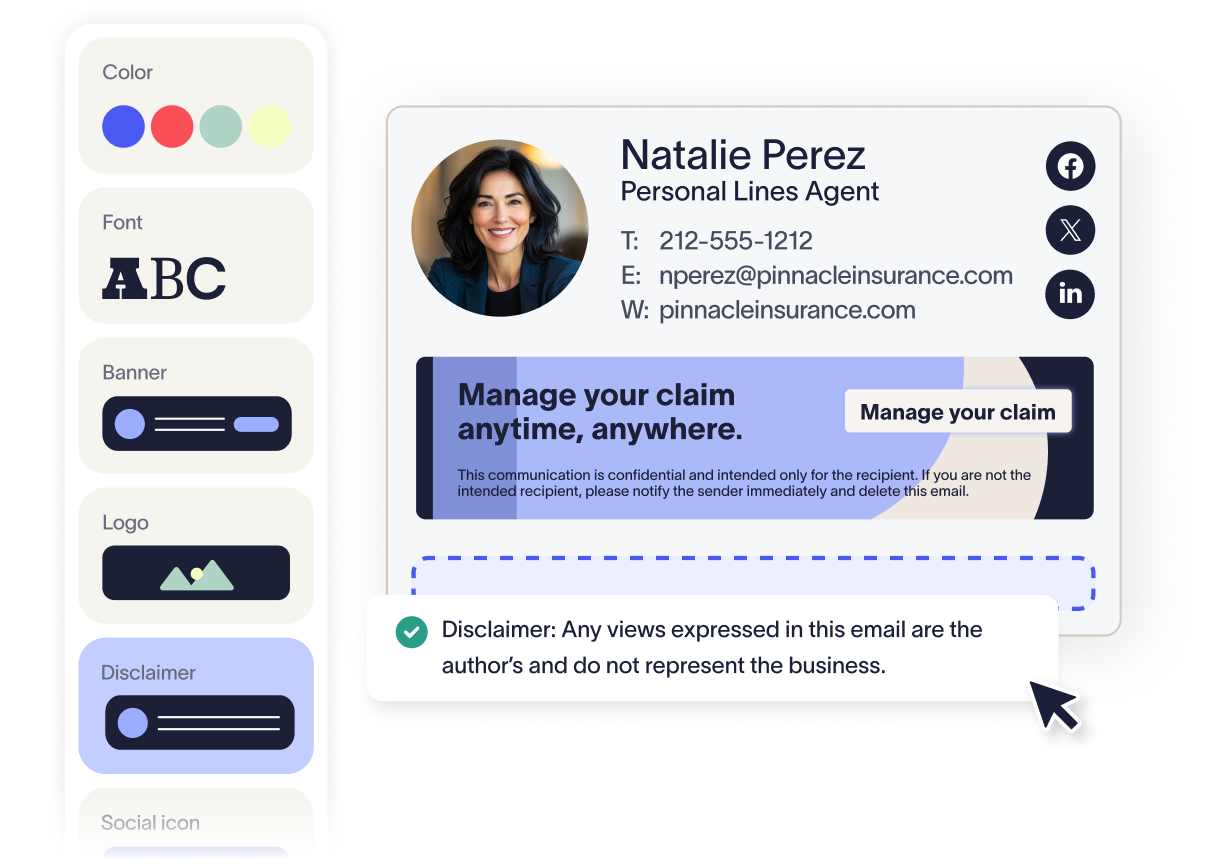
Automate legal disclaimers and disclosures for GDPR, FINRA, NAIC, and other insurance regulations—firmwide.
Eliminate manual updates with directory sync. Signatures stay accurate across agencies, adjusters, and remote teams.
Lock down branding and legal text with server-side control. Prevent edits that could compromise compliance or credibility.
Capture audit-ready compliance records with detailed logs to support legal reviews, regulator checks, and policy enforcement.
:format(webp)/)
You’re in safe hands
Exclaimer holds multiple industry certifications for security and compliance, including ISO 27001 and ISO 27018.








Seamless integration with your email platform
Centrally manage email signatures across Microsoft 365, Google Workspace, and Microsoft Exchange.

Microsoft 365

Microsoft Exchange

Google Workspace

How our email signature manager works
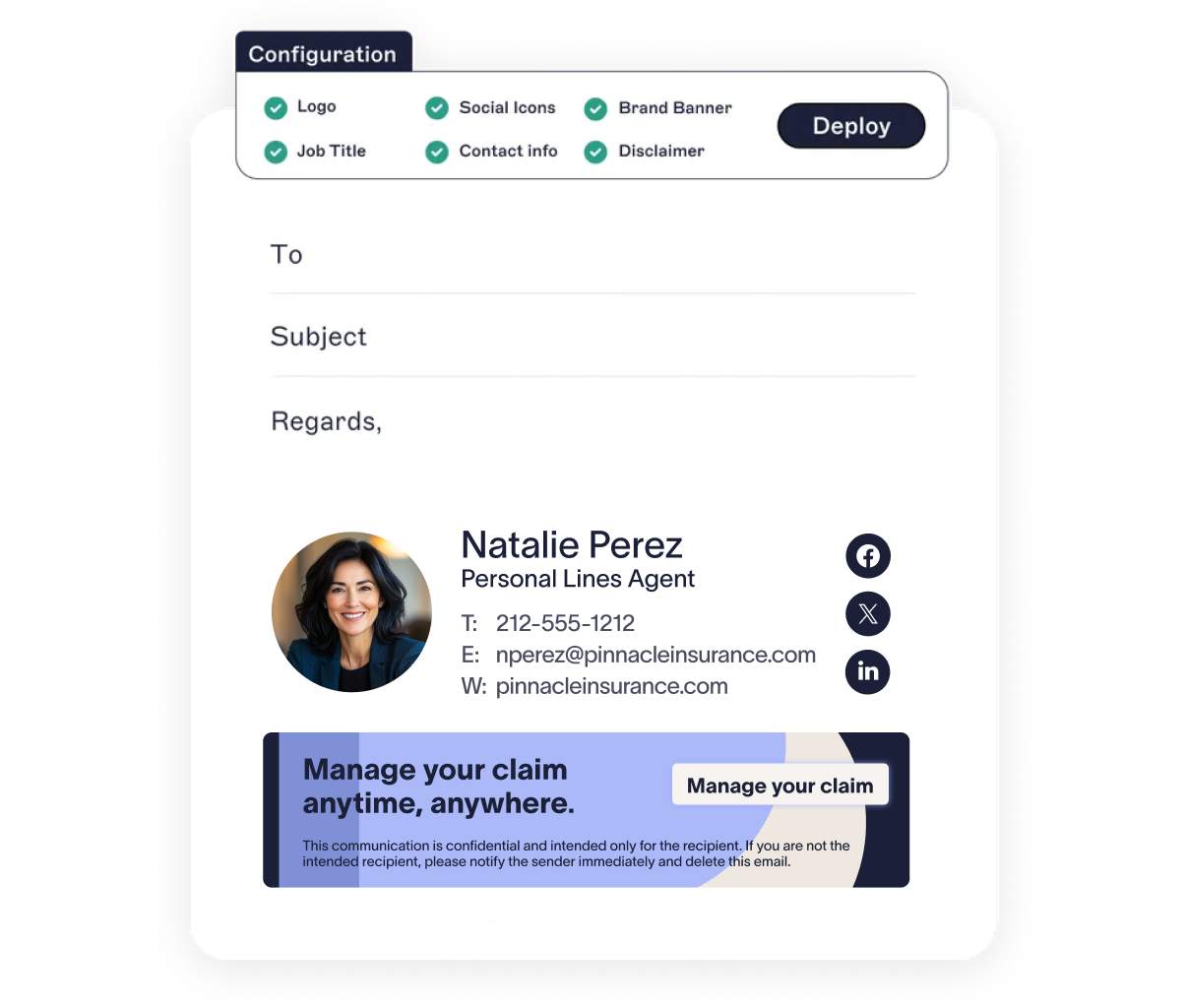
Sync contact info from Entra ID (Azure AD) or Google Directory. When someone joins the company, moves offices, or changes roles, their signature updates automatically.
Assign different templates based on department, region, or role. Make sure the right details show up on every message.
Every email stays accurate and on-brand, whether it’s sent from the office, a laptop, or a mobile device.
Go server-side for hands-off control, client-side for user previews, or hybrid for both.
Exclaimer is secure by design. With 99.99% uptime, TLS encryption, and active-active global hosting, it’s built for firms that can’t afford downtime or data exposure.
There's a better way to manage your email signatures


Score 4.6 / 5
"Excellent service, takes all the hassle out of Office 365 Signatures!"
Read more

Frequently asked questions
Yes. Exclaimer is built with enterprise-grade security in mind, including TLS encryption, intrusion prevention systems (IPS), firewalls, and active DDoS protection. With a DevSecOps approach, security is embedded into every layer of the platform. Exclaimer is hosted in Microsoft Azure, ensuring compliance with industry-standard security protocols and data sovereignty requirements.
Absolutely. Exclaimer supports regulatory compliance by enabling organizations to automatically apply legal disclaimers, enforce signature policies, and maintain audit-ready records of signature usage. The platform is independently audited and compliant with SOC 2 Type II, ISO 27001, ISO 27018, GDPR, and Cyber Essentials — making it ideal for highly regulated sectors like insurance.
Exclaimer is designed for quick and straightforward deployment. Most organizations can be up and running within a matter of hours. The setup process includes connecting to your directory (such as Azure AD or Google Directory), designing templates using the signature editor, setting rules for how and when signatures are applied, and selecting your preferred deployment method. Our onboarding team and extensive documentation help ensure a smooth rollout.
Yes. Exclaimer is built for scale and supports organizations with thousands of users across multiple regions. Its cloud-native architecture is hosted in up to 14 Microsoft Azure datacenters across 7 global regions, with features like automatic failover, load balancing, and regional redundancy. Centralized management, dynamic templates, and rule-based automation make it easy to maintain consistent signatures across even the most complex insurance IT environments.