






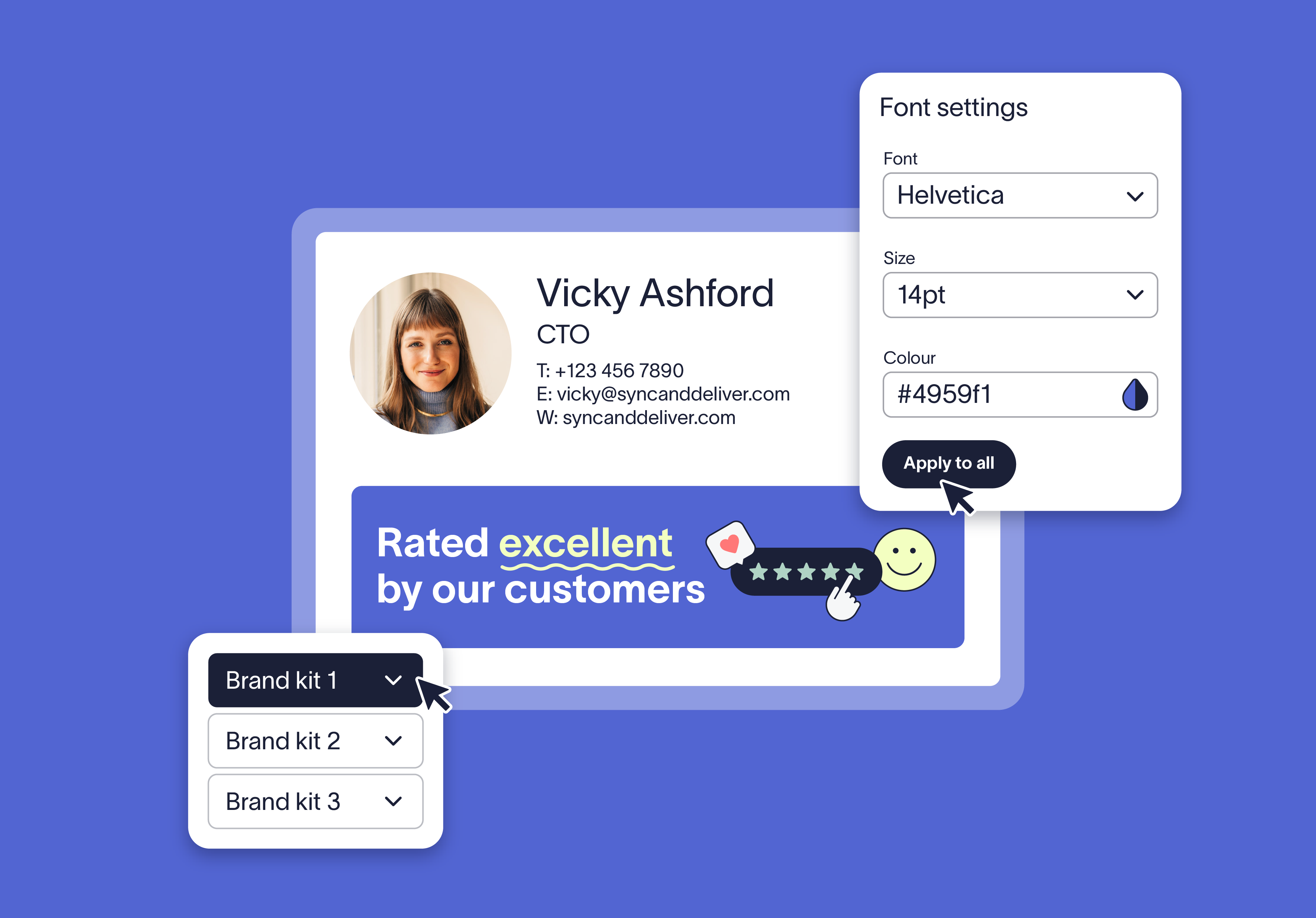
Keep your brand consistent in every email
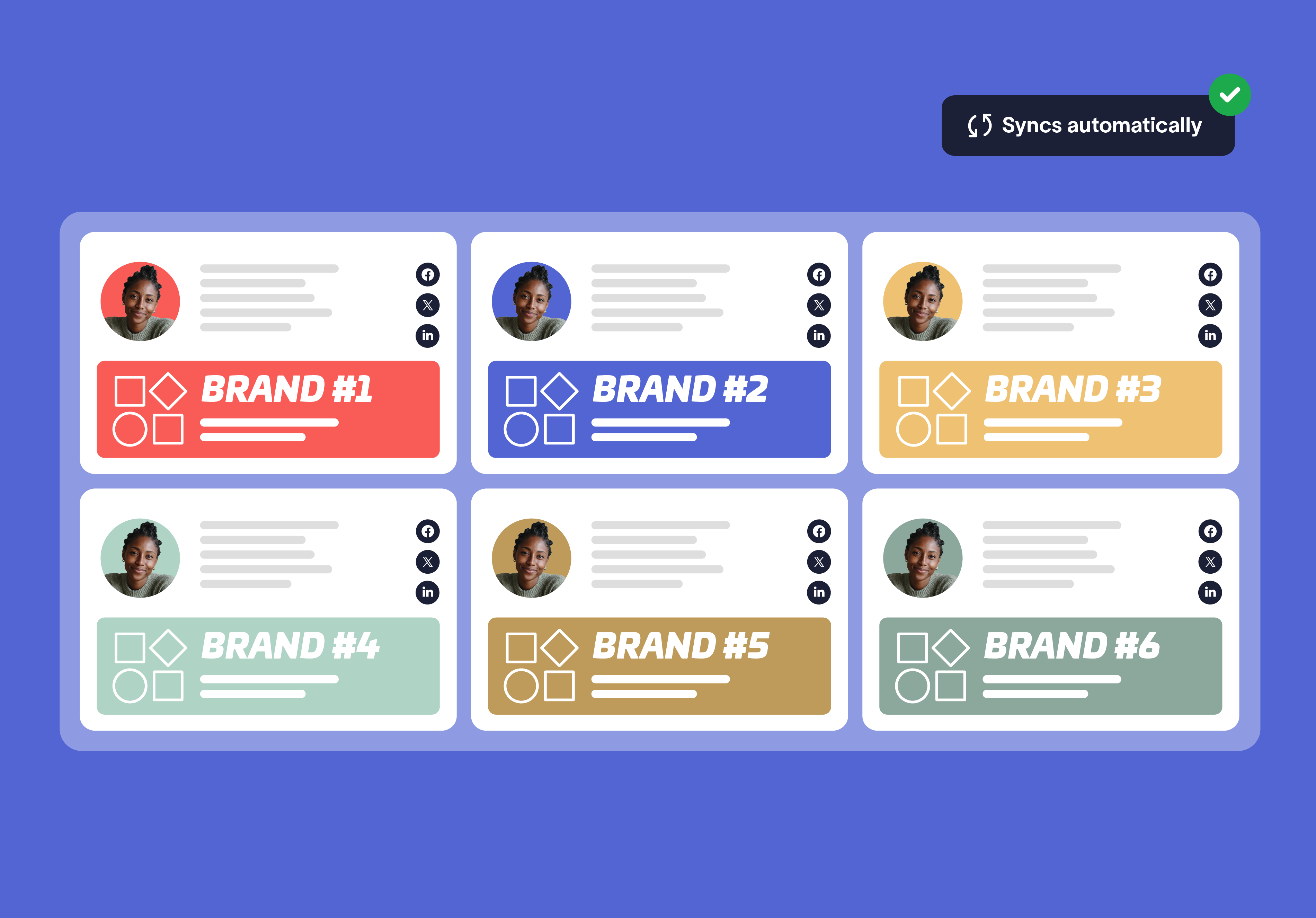
Update your Brand Kit once and every signature and meeting theme updates automatically. From logo refreshes to color changes, everything stays consistent—no manual updates required.
Replace scattered files and duplicated templates with centralized Brand Kits to reduce admin effort, avoid outdated visuals, and keep branding consistent at scale.


Score 4.5 of 5
"A signature management tool that works faultlessly"
Prior to discovering Exclaimer Cloud, our small business was using homemade templates in Microsoft365 which failed to produce the results we wanted across the range of devices our...


Score 9.2 of 10
"Decent email signature manager with great flexibility"
Our company basically has 4 separate business units that need to appear "somewhat" cohesive while also still remaining separate and free to create their own email signatures. Excla...


Score 4.6 of 5
"Excellent service, takes all the hassle out of Office 365 Signatures!"
Simple pricing shown on their website rather than having to request a quote. Simple to set up with automated systems to configure your account and Office 365, linking the two toget...

Score 4.5 of 5
"Auto organisational signatures, bye bye messy signatures"
The integration with Office 365 is excellent. The template editor lets you have different signatures for different users, departments or groups. You can change the email signatures...

Score 4.5 of 5
"Professional signatures, very versatile"
The features I most use are the signature tester and troubleshooters, which can help you to determine what signature a particular user will get when sending to certain recipients....
Trusted by 80,000+ businesses worldwide







Frequently asked questions
Brand Kits are perfect for organizations managing multiple brands, regions, departments, or subsidiaries—especially those going through rebrands, growth, or M&A activity.
Brand Kits are available with all Exclaimer plans. Log in to your Exclaimer account and go to Settings (Cog icon) > Brand Kits to create or edit your Brand Kits.
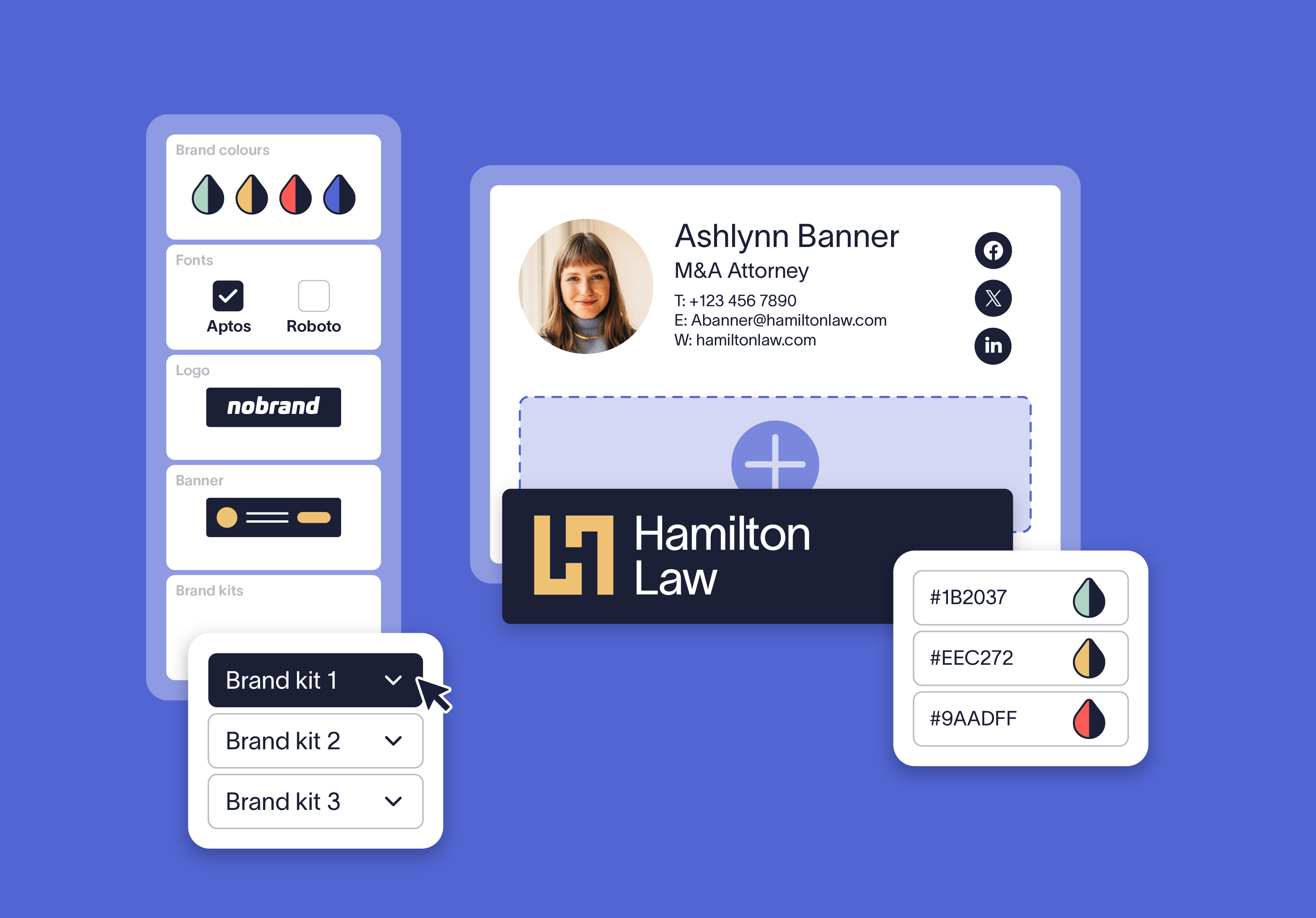
Regardless of how complex your organization's structure may be, brand assets are stored and managed in one place. When assigned to signatures, Brand Kits ensure every employee email follows the correct brand guidelines.
With Brand Kits, you can define logos, icons, fonts, colors, and banners for all of your brands, offices, regions etc. These assets are then available to use in any email signature design, for any of your teams.
Pro users can enjoy this same brand-consistency on their organization’s meeting backgrounds using our Meeting Branding feature.
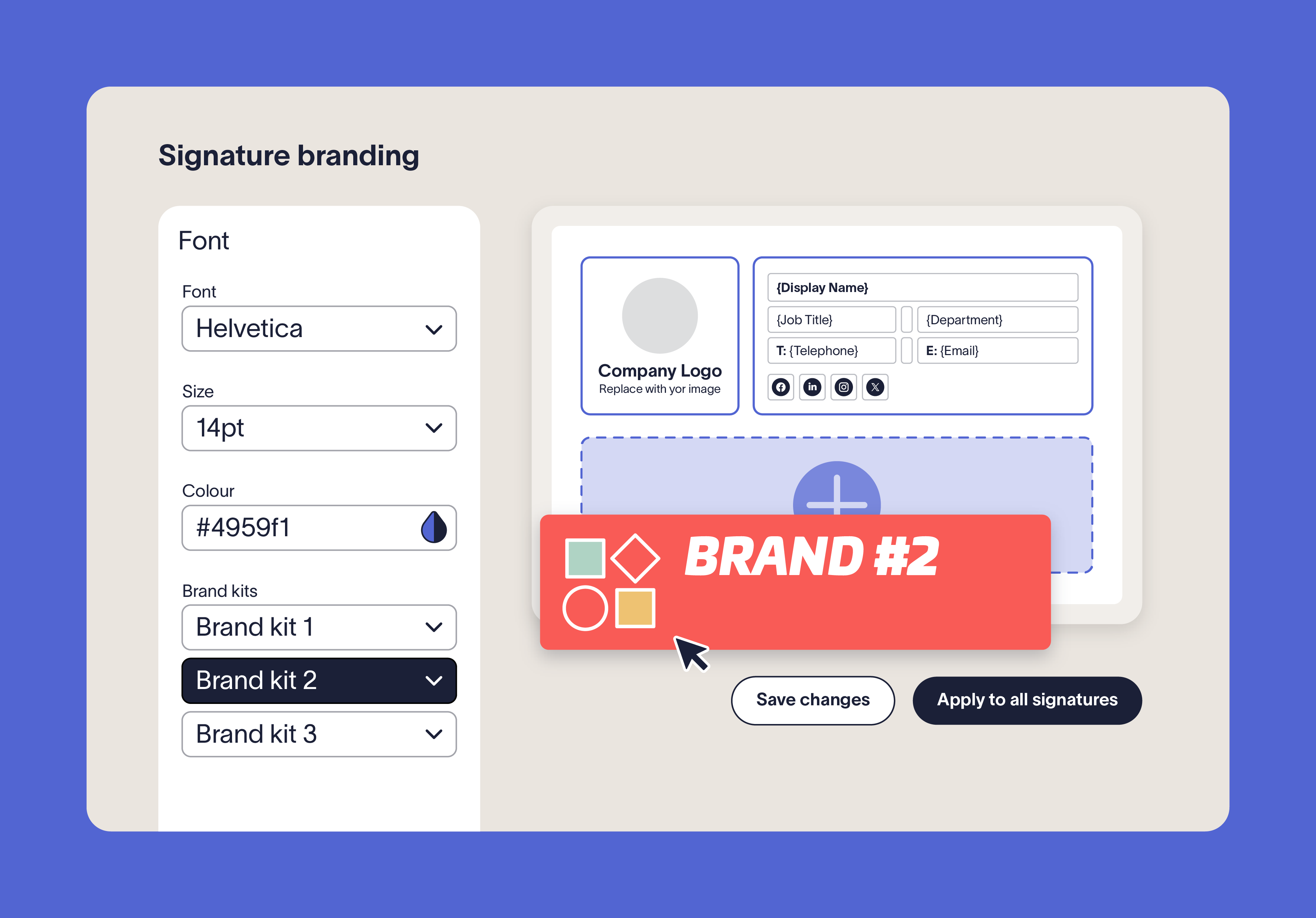
For each signature, select your brand kit from the dropdown. Then, when you add text or image assets in the Signature Designer, your assigned Brand Kit defaults (fonts, colors, and logos) are applied automatically. For example, when adding an Image/Logo element, simply select “Brand Image” as the source to choose from the pre-defined assets stored in the Brand Kit.
Within Brand Kits, you can upload up to three images in different shapes, add alt text and hyperlinks, and make them available for use in your signatures.
Yes. A placeholder appears will appear If there are currently no brand images defined. Once you upload your images to the assigned Brand Kit, they’ll automatically update in your design. For more information, see How to use Branding in a signature.
Yes. While updates apply automatically, you can review them in the Signature Designer to confirm everything looks correct before finalizing and deploying to your users.
Centralizing brand assets into set Brand Kits for each of your brands eliminates repetitive tasks like re-uploading the logos or defining colors and copying hex codes for every signature, across each of your brand's templates. Updates to every Brand Kit applies everywhere it is linked, reducing manual work, cutting down on errors, and streamlining brand management at scale.
Exclaimer has been the leading email signature management solution for 25 years and is the simplest way to manage email signatures at scale. Exclaimer is the only email signature management platform with Brand Kits—keeping assets in one place and updating them everywhere automatically.





Ready to simplify brand control at scale?
Trusted by 80,000+ organizations, Exclaimer keeps employee communications professional and on-brand with centralized assets and automatic updates.