






Trusted by 75,000+ businesses worldwide







What can you do with the Exclaimer Calendly integration?
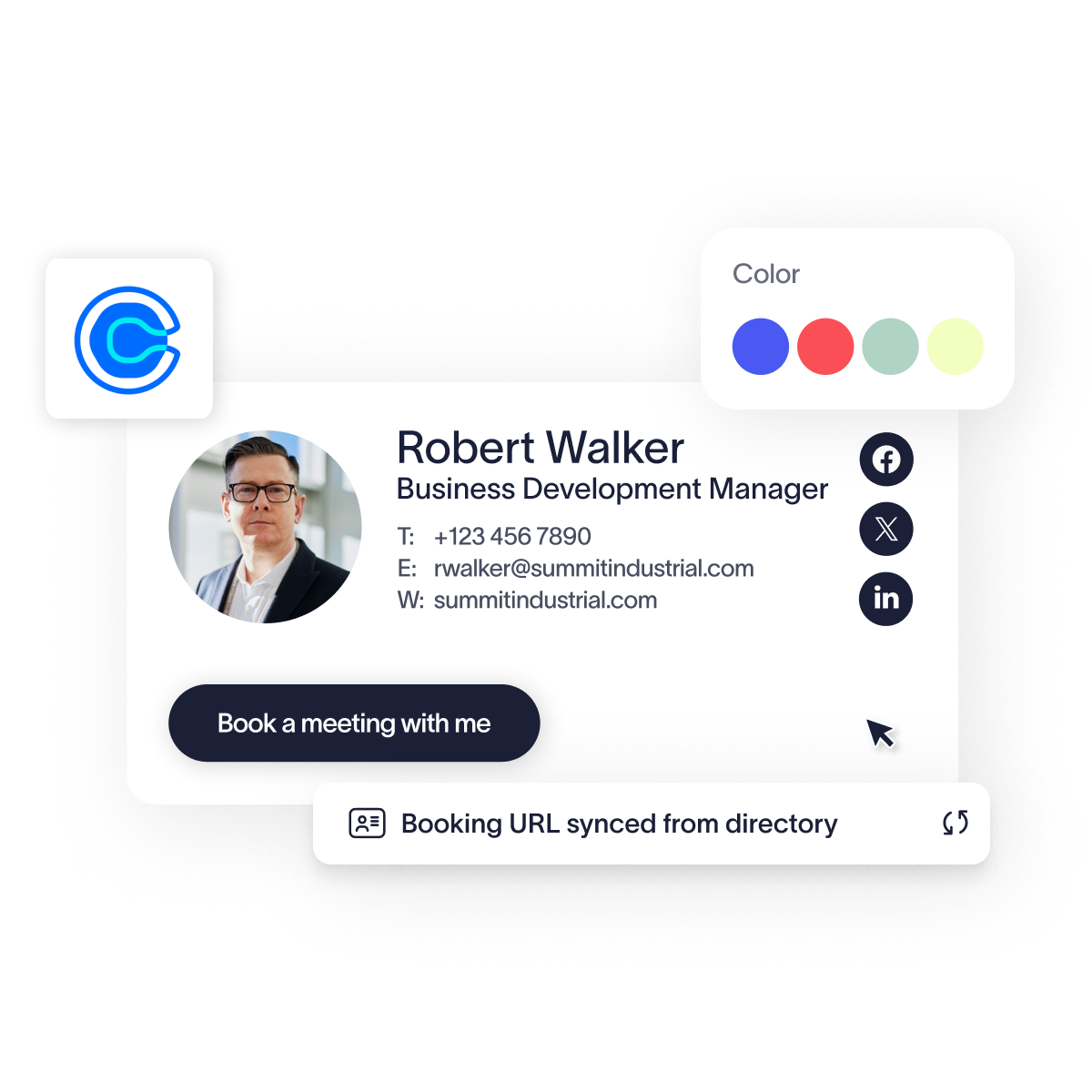
This integration synchronizes your team’s Calendly scheduling links with their email signatures, removing the manual work of updating templates individually. By mapping your user directory attributes directly to the signature designer, you ensure every employee has the correct booking link without requiring any end-user intervention.
Centralized scheduling control - Manage Calendly links for your entire team from a single dashboard, so customers and prospects can book time directly into the right calendar — without relying on users to update their own details.
Dynamic attribute mapping - Automatically pull unique URLs from your Azure AD or Google Directory to ensure the right link is assigned to the right user every time.
Brand-aligned automation - Deploy standardized, professional scheduling elements across the entire organization instantly, and ensure brand compliance with Brand Kits.
How it works
Access the signature template you wish to update within the Exclaimer platform.
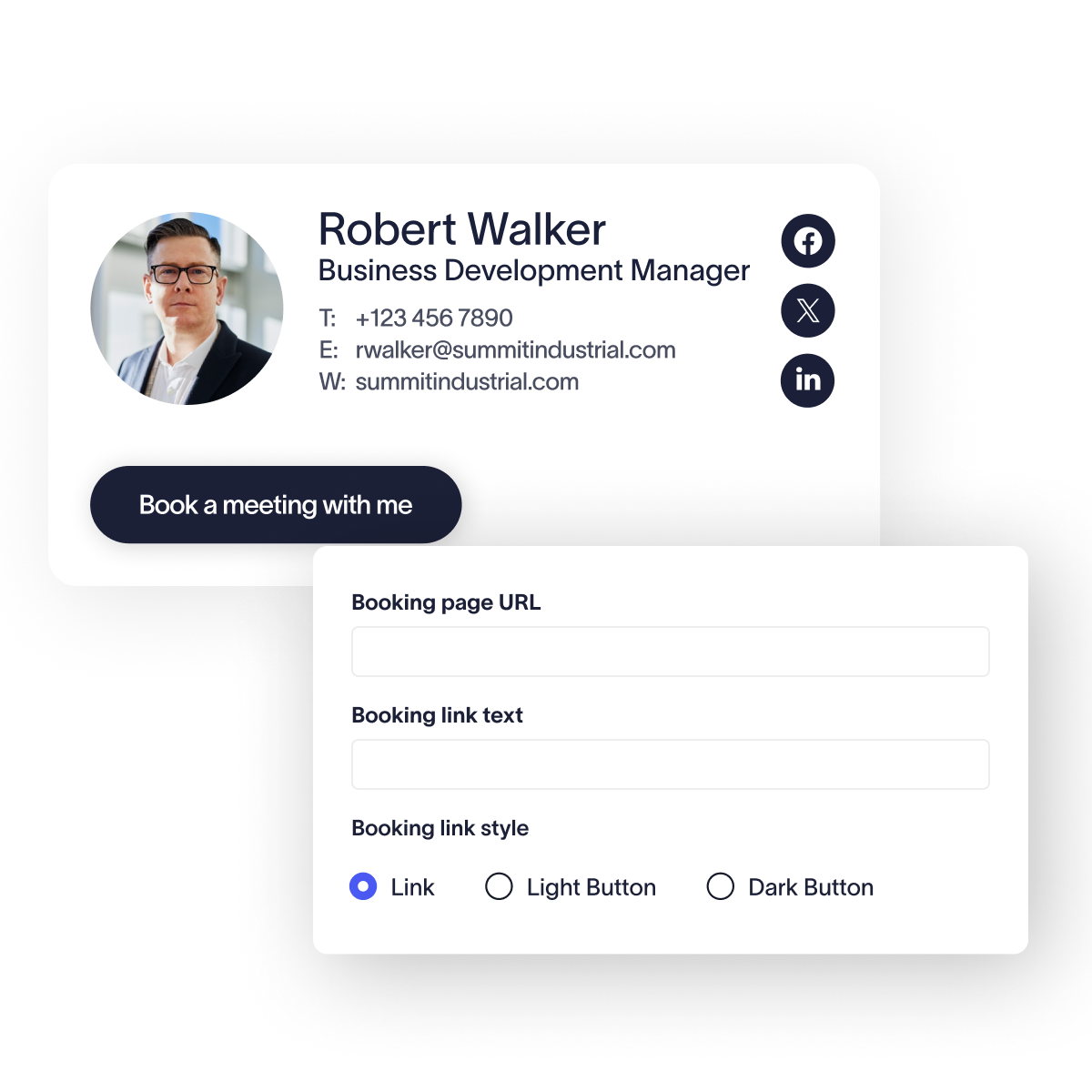
Drag the Calendly component from the Calendars section directly into your signature layout.
Use the URL property to select the directory attribute, such as {CustomAttribute1}, where your user links are stored.
Ensure your link is on-brand and save the template to push changes to all users.
Scale your scheduling automation without the manual effort
See how directory-integrated Calendly links remove the administrative burden of keeping every user’s signature up to date, while making it easy for customers, prospects, and partners to book meetings straight from your team's email signatures.
Frequently asked questions
You can set visibility rules so the Calendly element only appears if the specific directory field contains a value, preventing broken links.
Yes, you can customize the booking link to say whatever you want, even changing the call-to-action based on team or department using Signature Rules.
Yes, you can manually enter a static team URL or use directory mapping to route recipients to specific departmental booking pages.