





Design email signatures with confidence
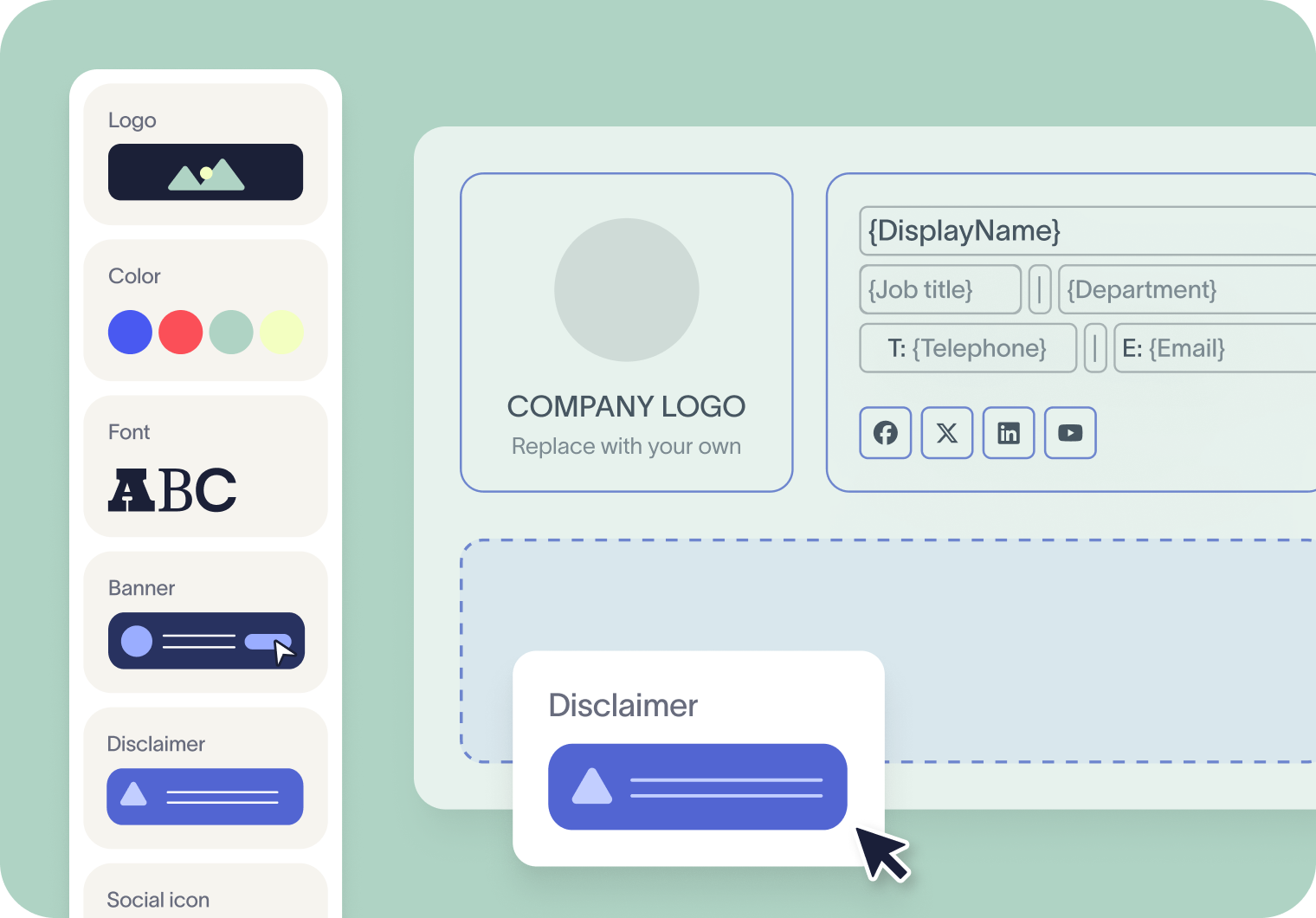
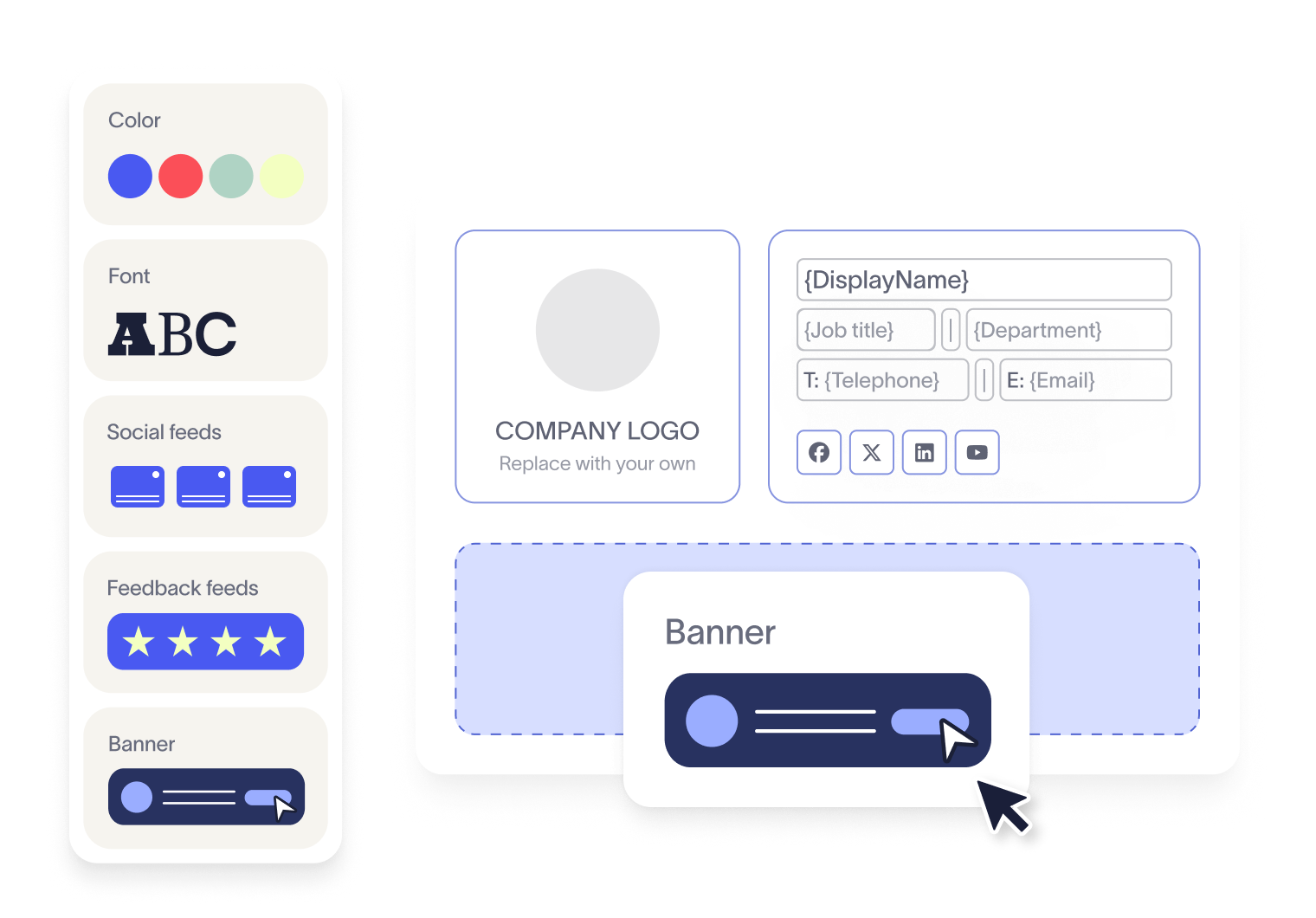
Go beyond text and logos. Add dynamic contact fields, social media icons, promotional banners, booking links, QR codes, and more. This flexibility means your signatures aren’t just consistent — they’re also powerful tools for brand promotion, lead generation, and engagement.
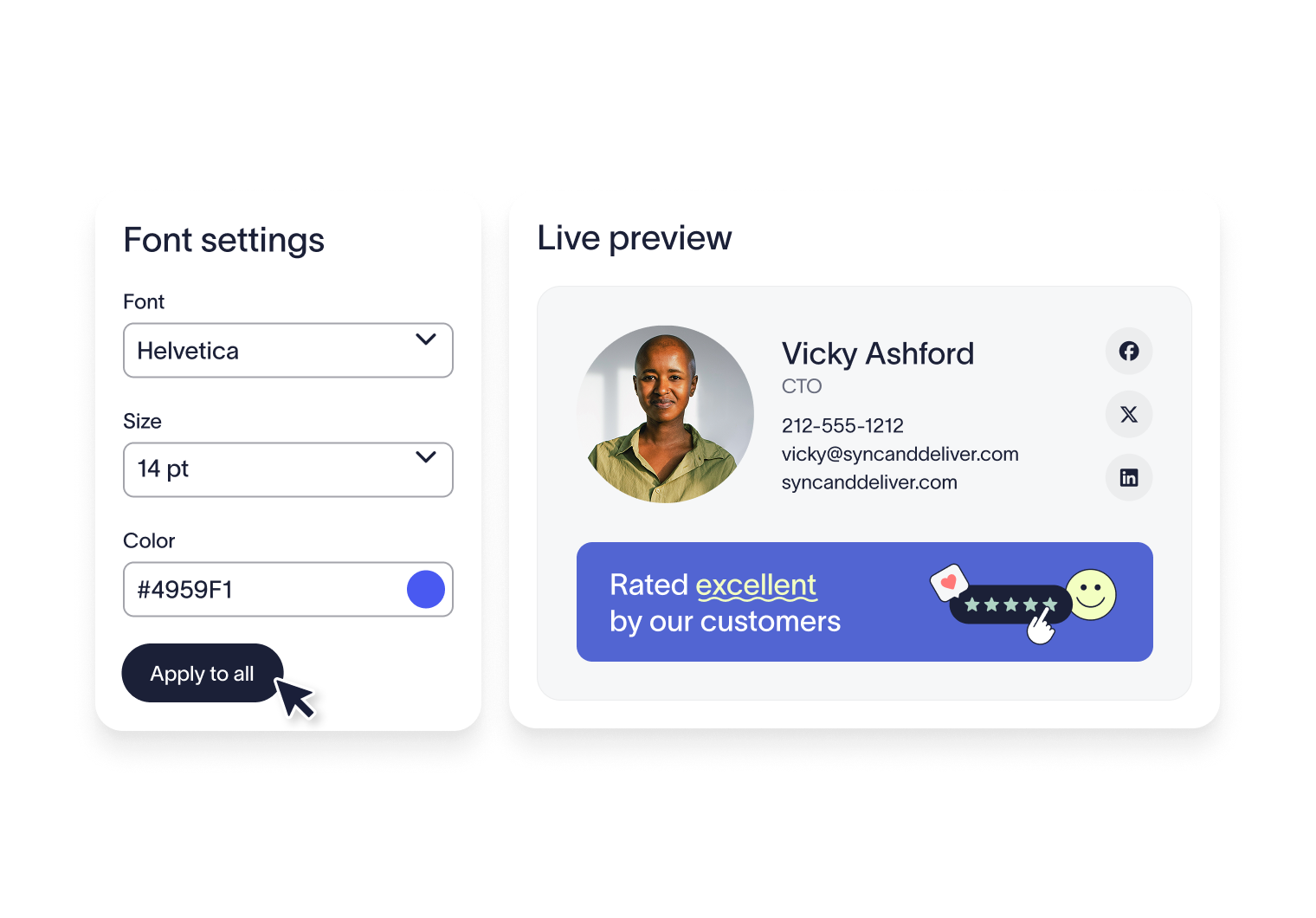
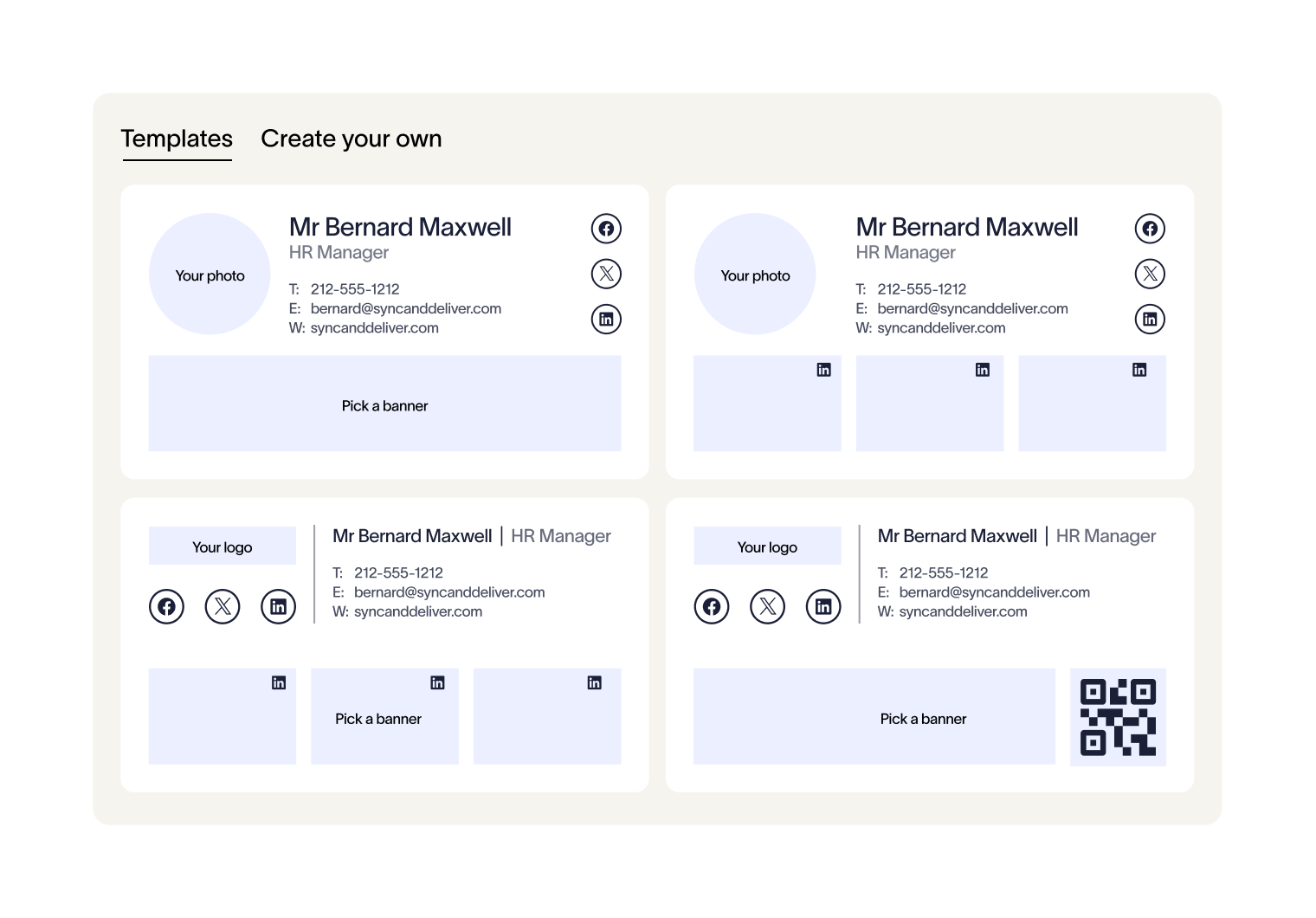
Adjust spacing, styling, and layout to get the exact look you want. The editor gives creative teams room to innovate, while built-in guardrails keep every signature professional, on-brand, and free from the risks of broken code.
Trusted by 9 million email accounts worldwide






Frequently asked questions
Yes. Non-technical teams can create and manage signatures independently, while IT retains control over deployment and compliance through Exclaimer’s centralized platform.
You can insert dynamic contact fields, logos, social media icons, banners, booking links, calendars, QR codes, disclaimers, and more — giving you flexibility to design both professional and engaging signatures.
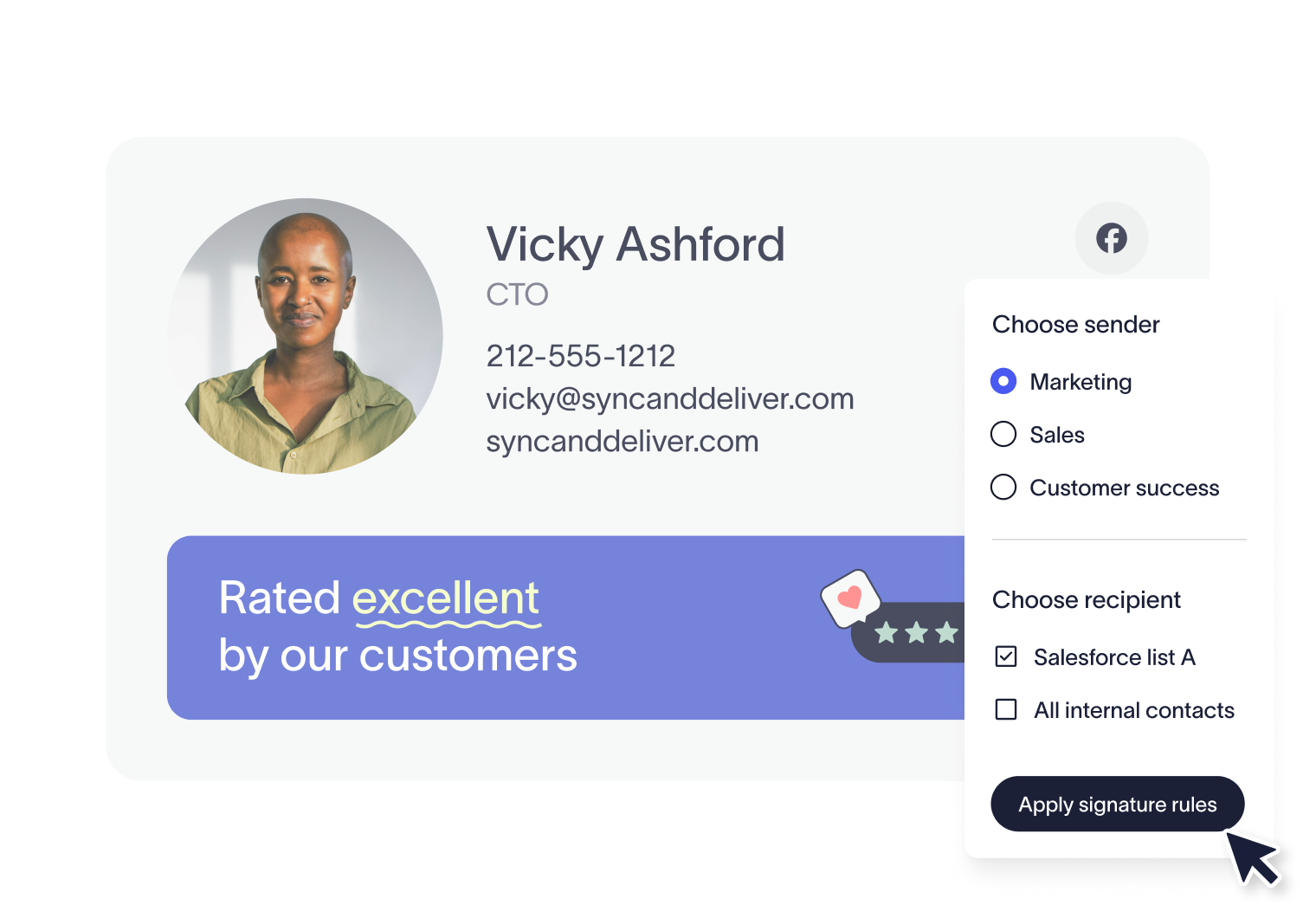
Absolutely. Once you’ve created a signature, you can apply powerful Signature Rules to target specific departments, groups, or individuals — ensuring the intended signature is always used in the right context.
Both approaches work well and provide the same level of design control. The difference lies in visibility. When you add disclaimers or banners directly in the editor, they’re included in every email where that signature is applied.
When using the standalone configurators, you can apply the same base signature across all emails but tailor disclaimers or banners dynamically, adjusting them based on the sender, recipient, or campaign.
Exclaimer has been the leading signature management solution for 25 years. Our modern technology will save your team time, save your business money, and allow you to easily implement disclaimers in email signatures to meet legal requirements.
Design powerful, engaging email signatures with ease
Exclaimer’s drag and drop editor makes it simple for anyone to create professional, on-brand signatures that drive impact — all from one centralized platform.