





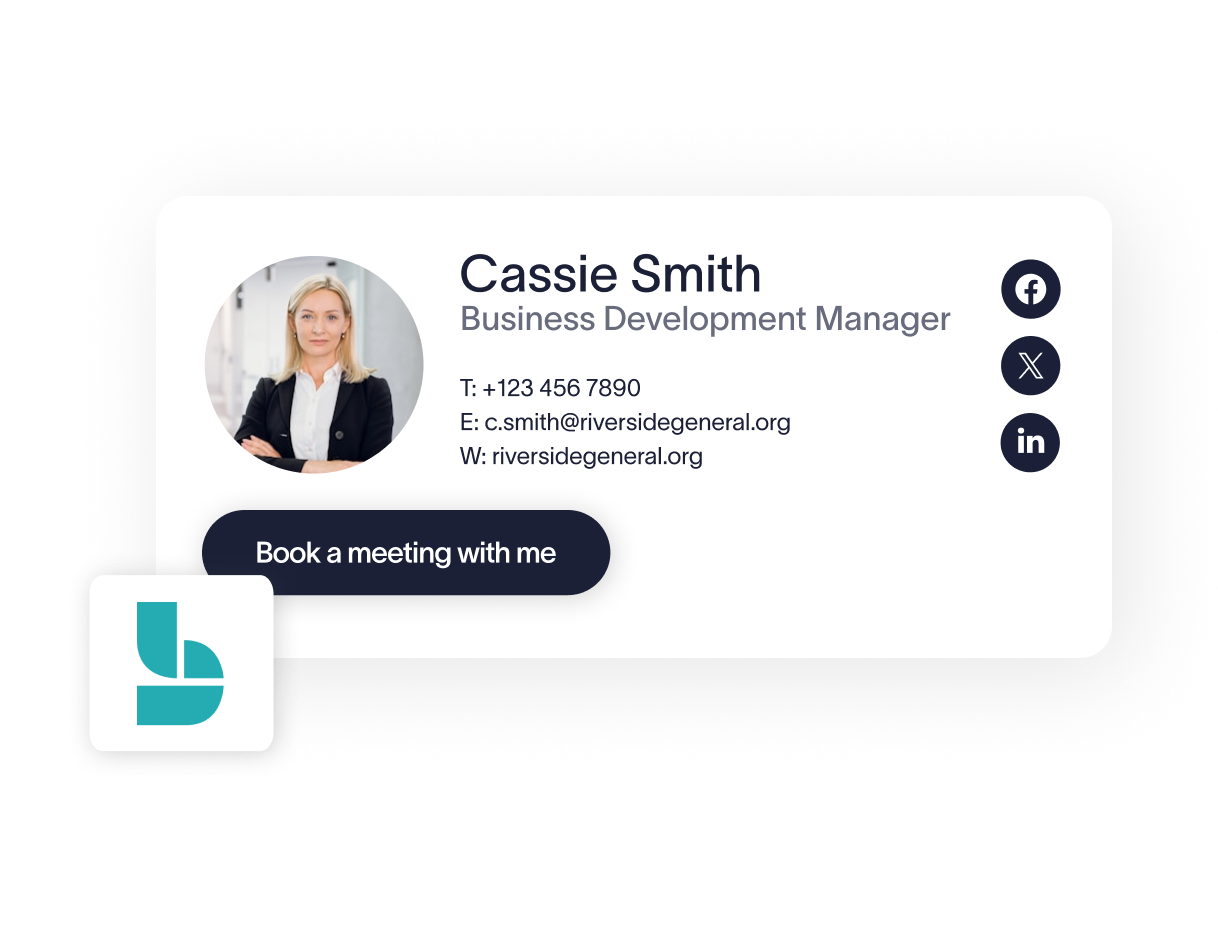
Trusted by 75,000+ businesses worldwide







What can you do with the Exclaimer Microsoft Bookings integration?
This integration allows IT teams to centrally deploy Microsoft 365 scheduling links within email signatures. By mapping Bookings URLs to user attributes, you ensure every employee has a functional, branded scheduling link without requiring manual updates at the end-user level.
Centralized link management - Manage Microsoft Bookings links for your entire organization from a single admin interface. Customers and prospects can schedule time directly into the right calendar — without relying on users to manage their own updates.
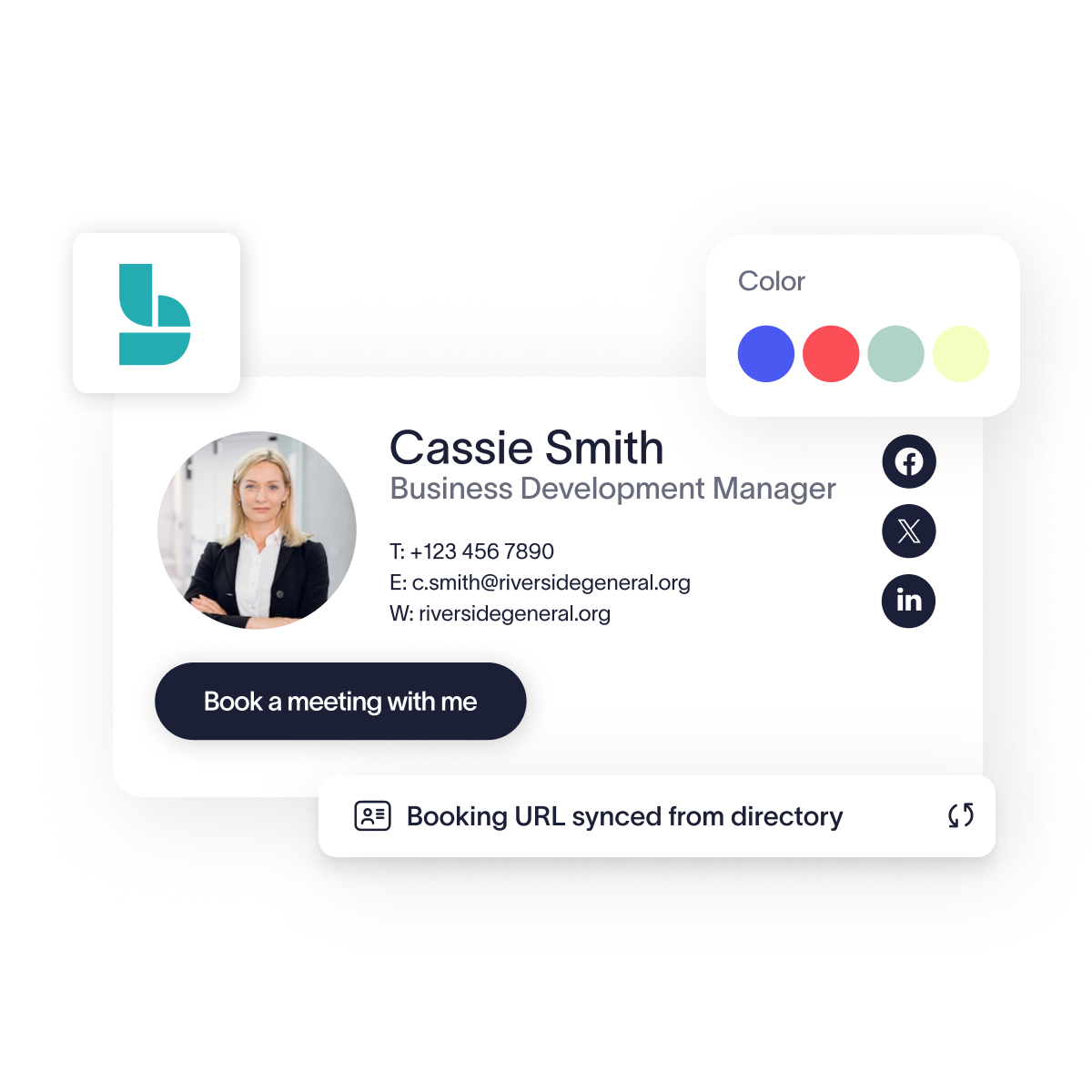
Entra ID data synchronization - Automatically populate unique booking links for every user by pulling data directly from your existing directory fields or custom attributes.
Standardized tenant branding - Maintain professional standards by ensuring every booking link follows your organization’s design and font requirements: enforced using Brand Kits.
How it works
Open your chosen template within the Exclaimer Signature Designer.
Drag the Bookings element from the Calendars section into your signature layout.
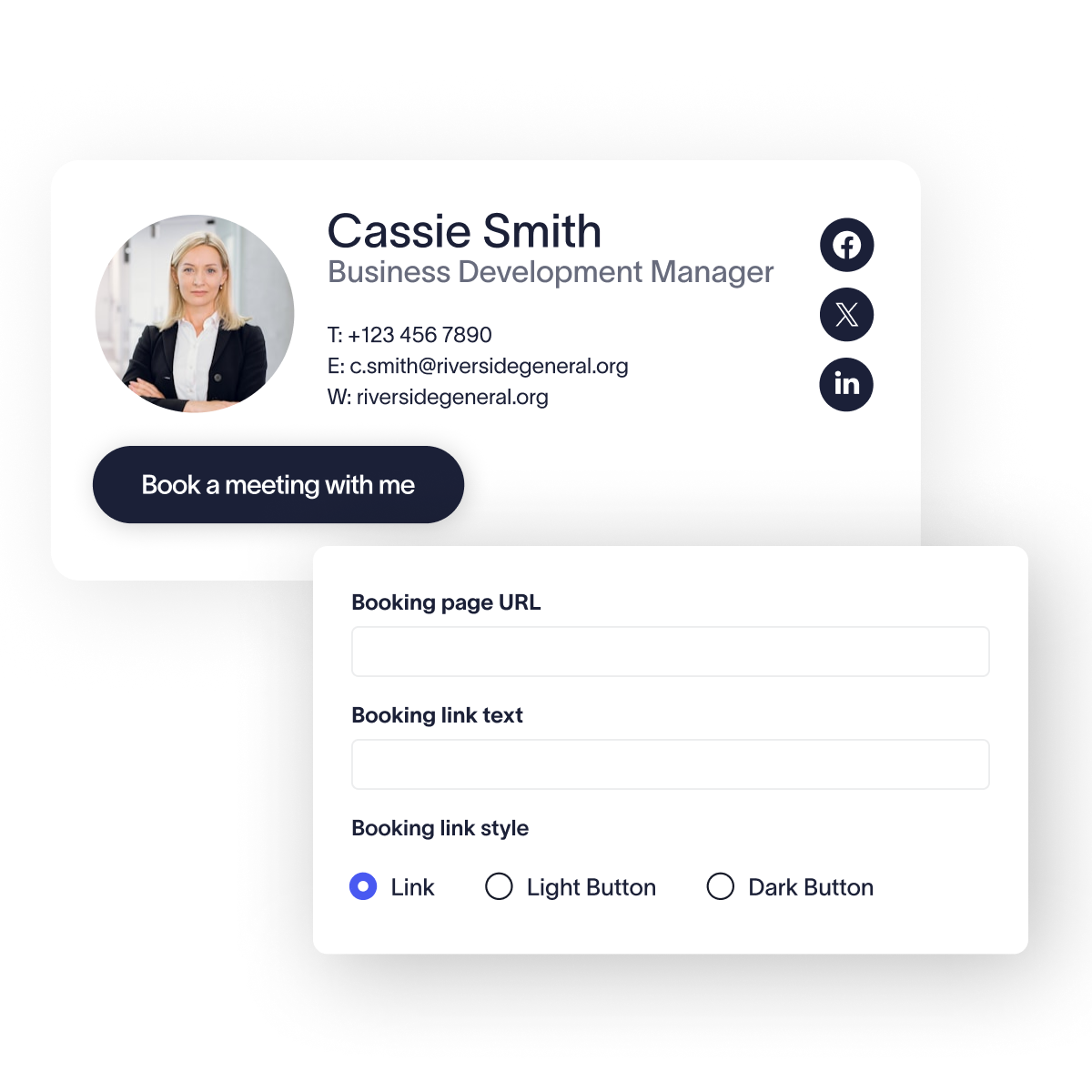
Instead of a static URL, use a placeholder, such as {CustomAttribute1}, that pulls unique Bookings links from your directory fields to support automated scaling.
Set your display text and brand styles and save your changes to push the update to all users.
Centralize and automate your tenant's scheduling links
Standardize every Microsoft Bookings URL across your organization to eliminate manual signature updates and ensure directory-level consistency.
Frequently asked questions
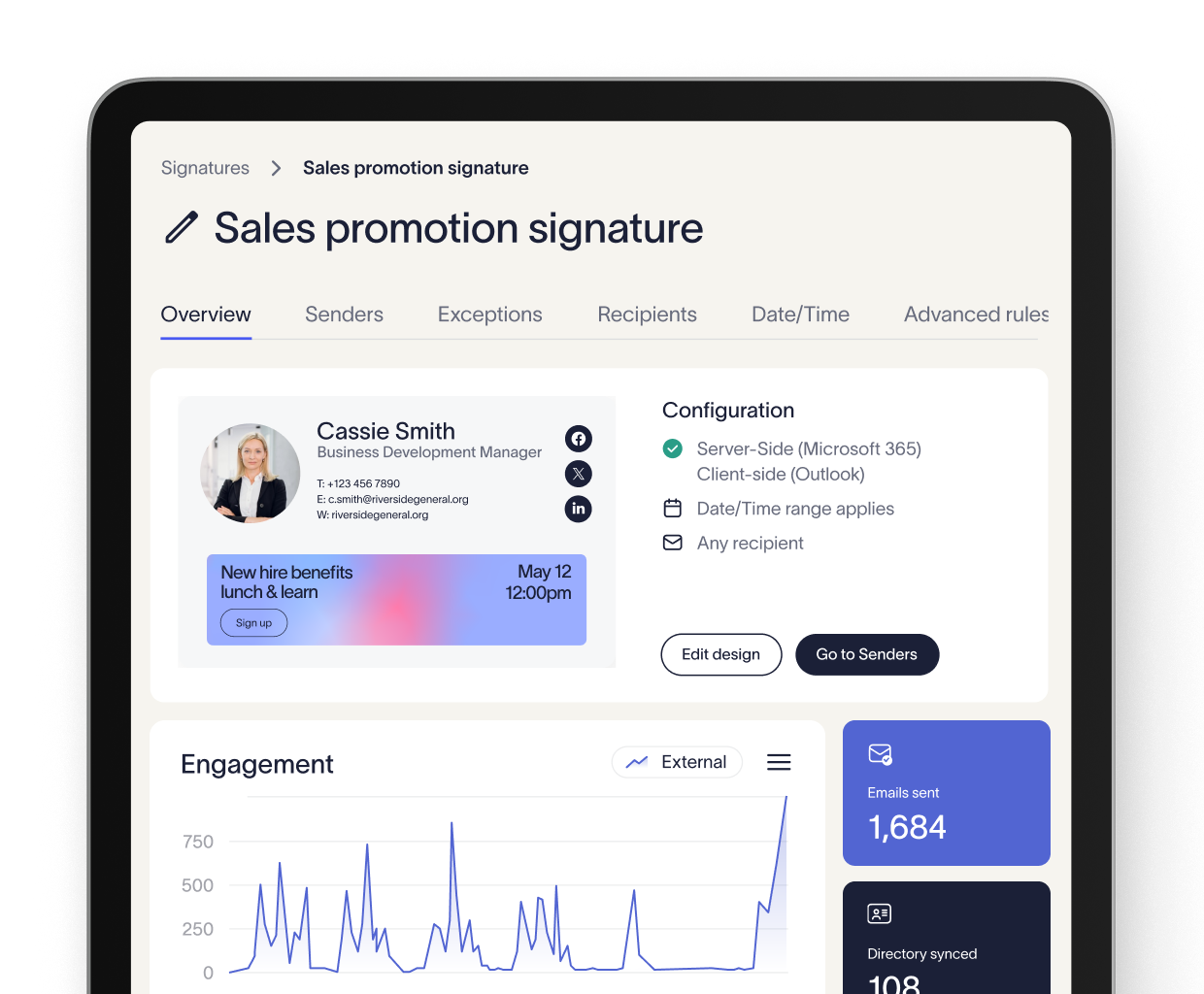
Yes, the Microsoft Bookings element is supported across all Exclaimer deployment methods, including server-side and client-side (Outlook Add-in).
You can use conditional visibility settings to hide the Bookings element entirely for users who do not have a link populated in their directory profile.
The designer allows you to set custom text, such as "Book a meeting," which can even be customized per department using Exclaimer’s signature rules.
No additional permissions are required beyond the standard integration, as Exclaimer simply renders the link based on the data provided in your directory.