





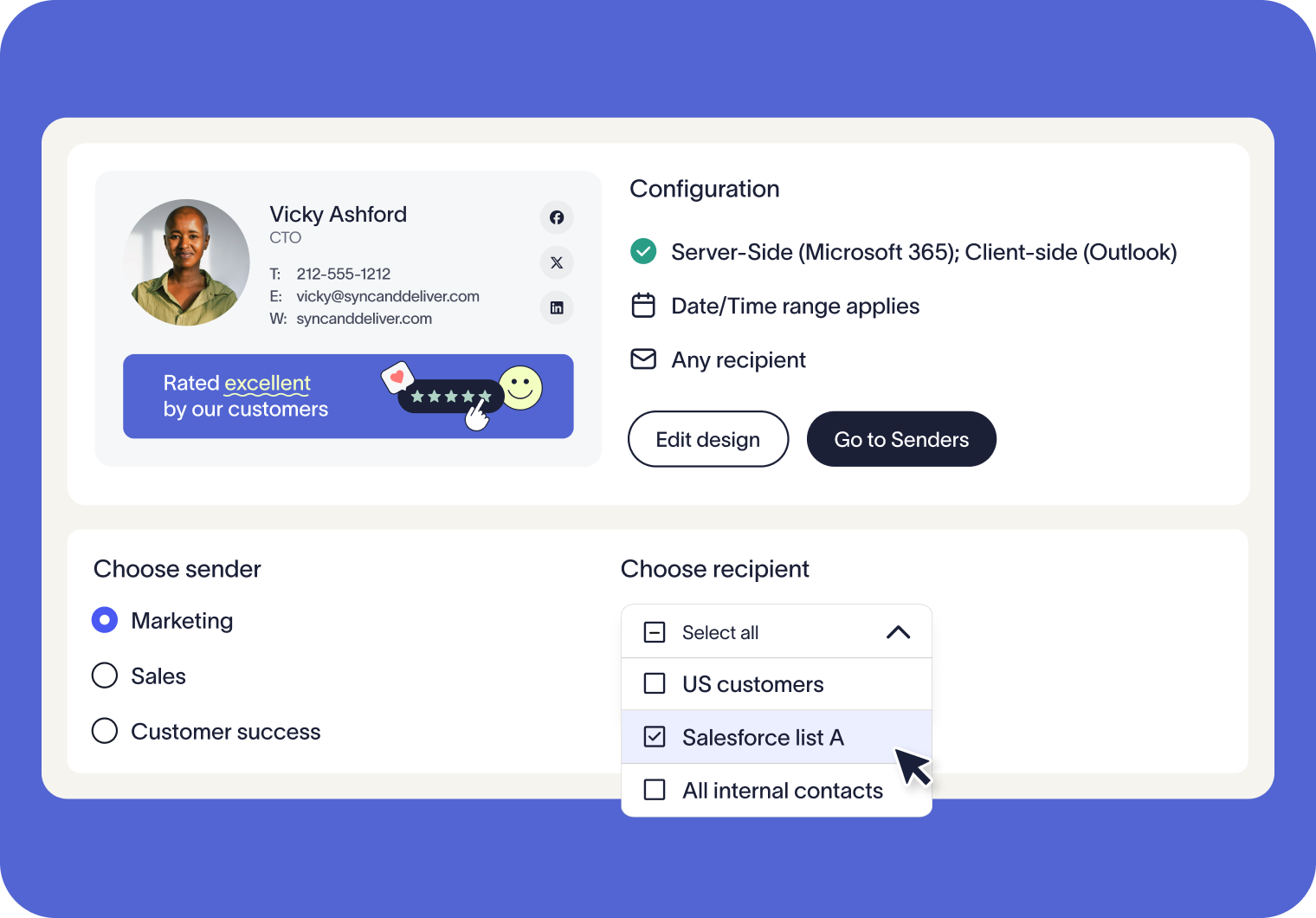

Targeted email signatures made simple
Give every team a signature that fits their purpose. Sales can showcase campaign banners, HR can share internal updates, and global offices can tailor signatures using regional details.
Manage when signatures are shown with flexible time and content rules. From planned campaigns to regional communications, you’ll always deliver the most relevant signature without relying on manual updates.
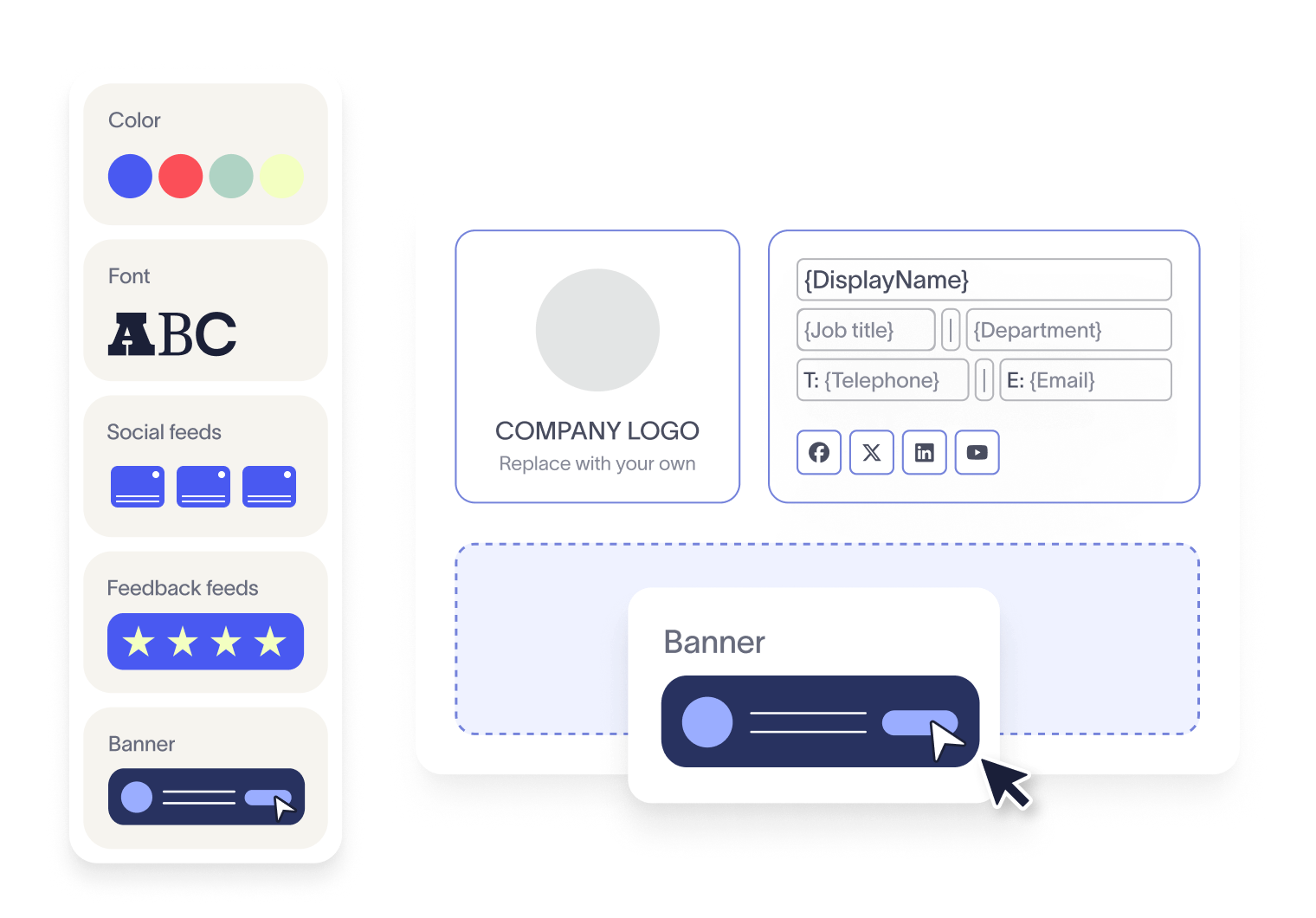


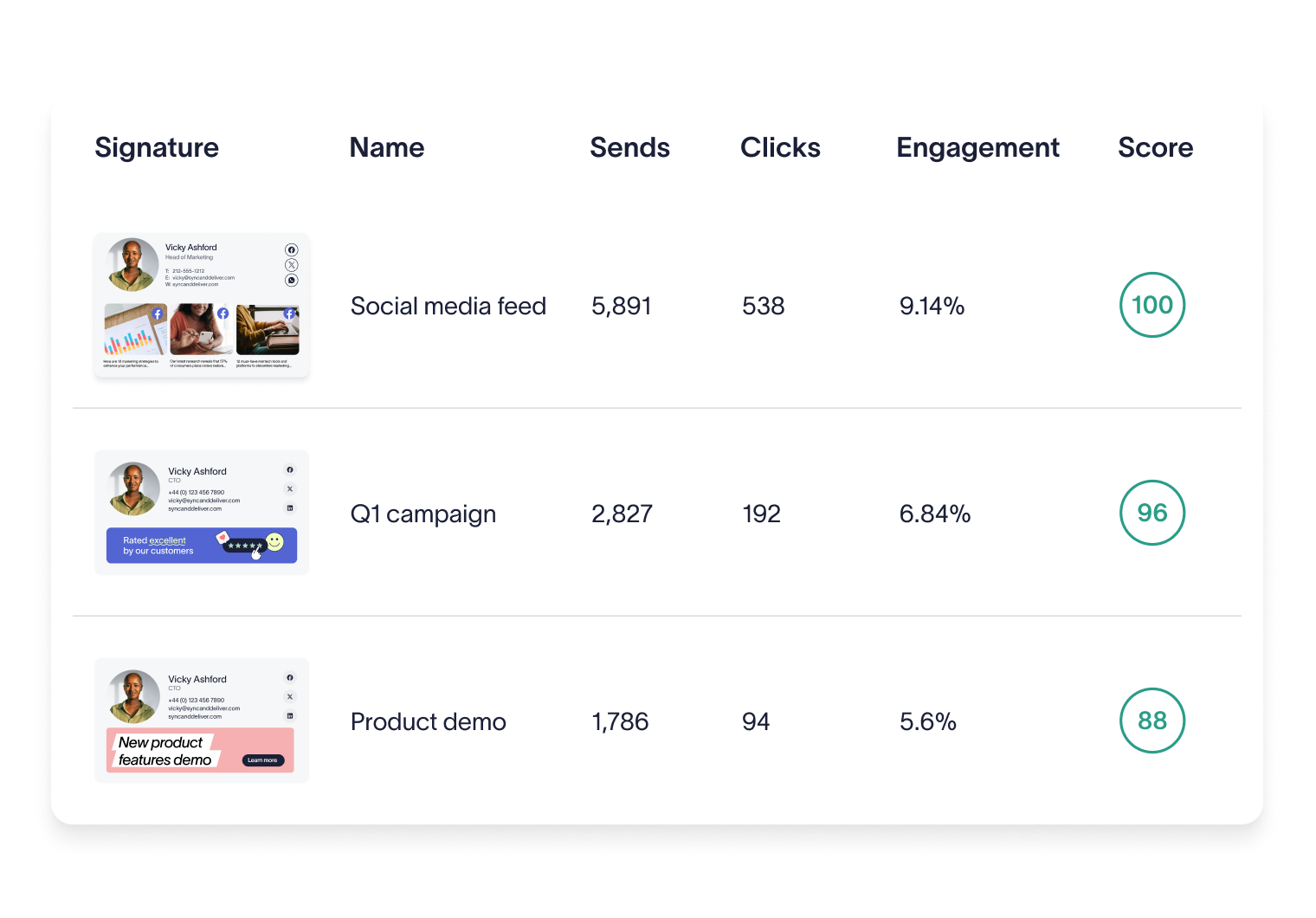
Trusted by 9 million email accounts worldwide






Frequently asked questions
No. Signature Rules are available on both our Standard and Pro plans, but not on the Starter plan.
Disclaimers are managed through Exclaimer’s dedicated Disclaimers feature, which uses its own rules. This keeps legal notices separate from marketing content, while still ensuring both are applied consistently.
Yes. You can set rules so signatures only apply during certain dates or times, for example during seasonal promotions or limited-time campaigns. You can even schedule them down to specific hours, giving you complete control over when each signature is used.
No. You can have as many — or as few — rules as needed. Exclaimer gives you total control over who sends and receives which email signature, and when. Keep it simple with a single rule, or set up more detailed targeting as your organization’s needs grow.
Yes. Exclaimer includes a Signature Rules Tester that simulates sending emails between chosen senders and recipients. It shows you exactly how rules are applied and which signatures will be used, so you can confirm everything works as expected before deployment.
Exclaimer has been the leading signature management solution for 25 years. Our modern technology will save your team time, save your business money, and allow you to easily implement disclaimers to meet legal requirements.
Simplify signature management
Create, schedule, and target email signatures without the manual work.