




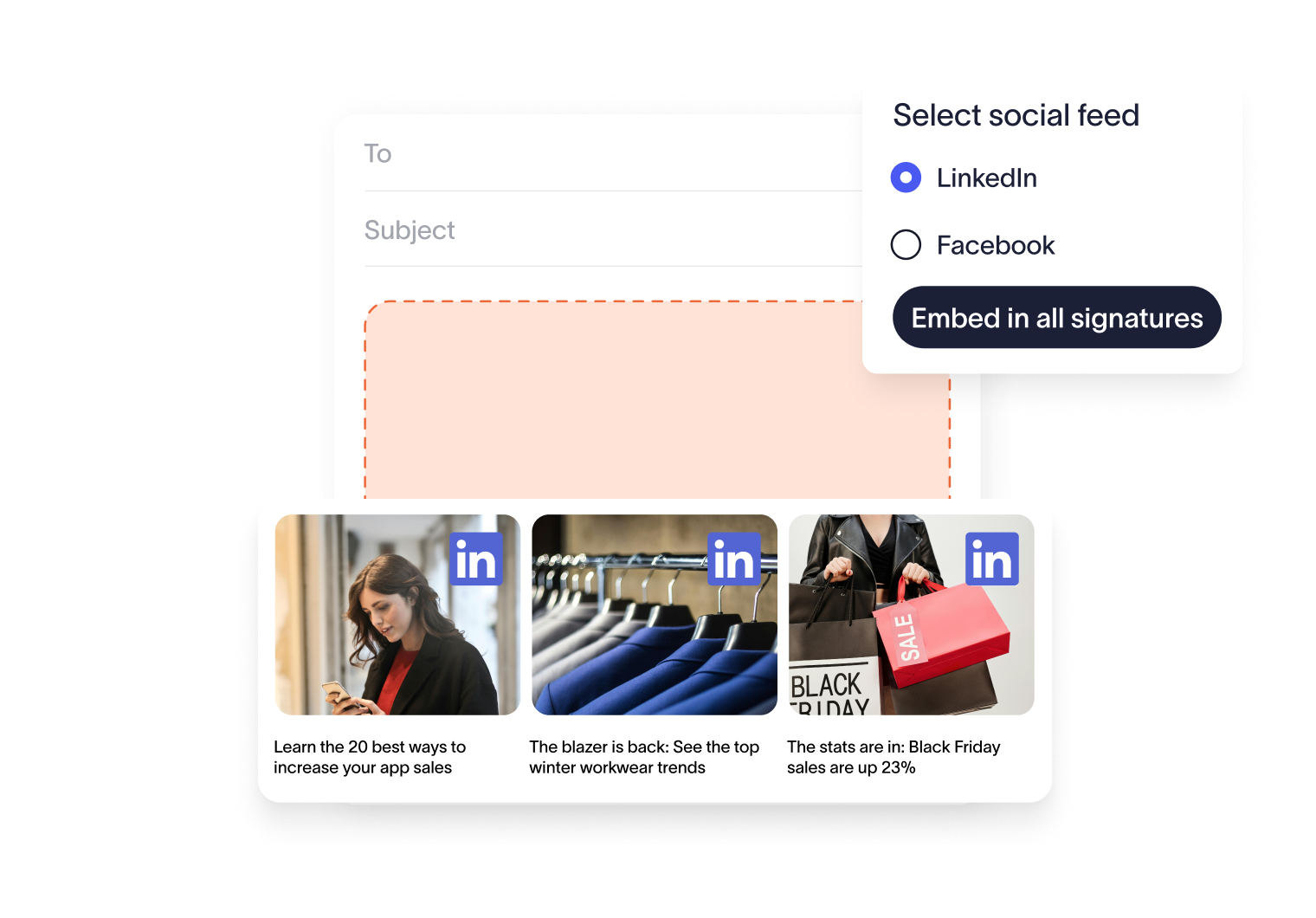
Add social feeds to emails to grow your audience
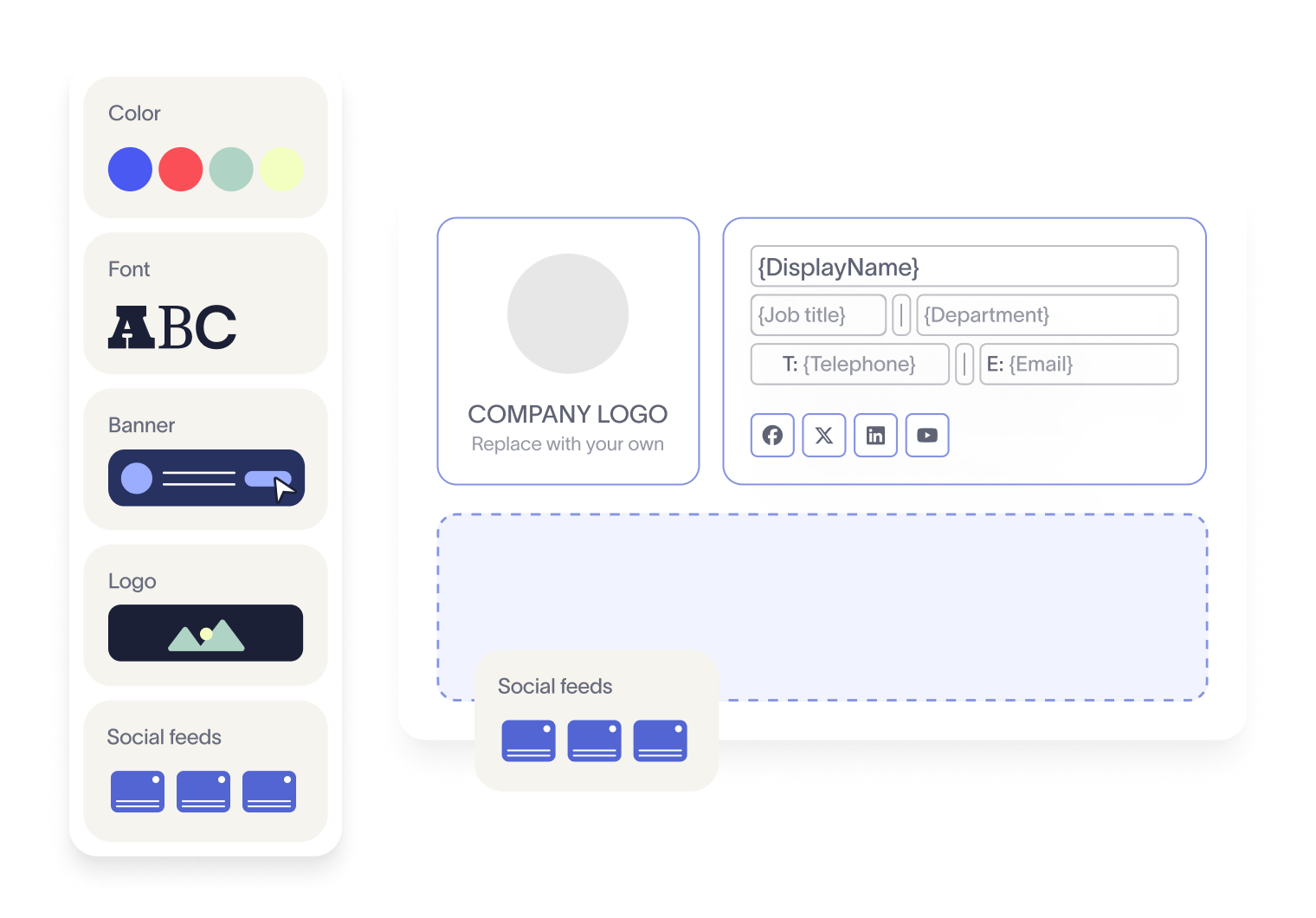
Each post in your signature is clickable, taking engaged recipients straight to your business’s social profiles. This means more engagement, more followers, and a growing online community — without any extra lift from your team.
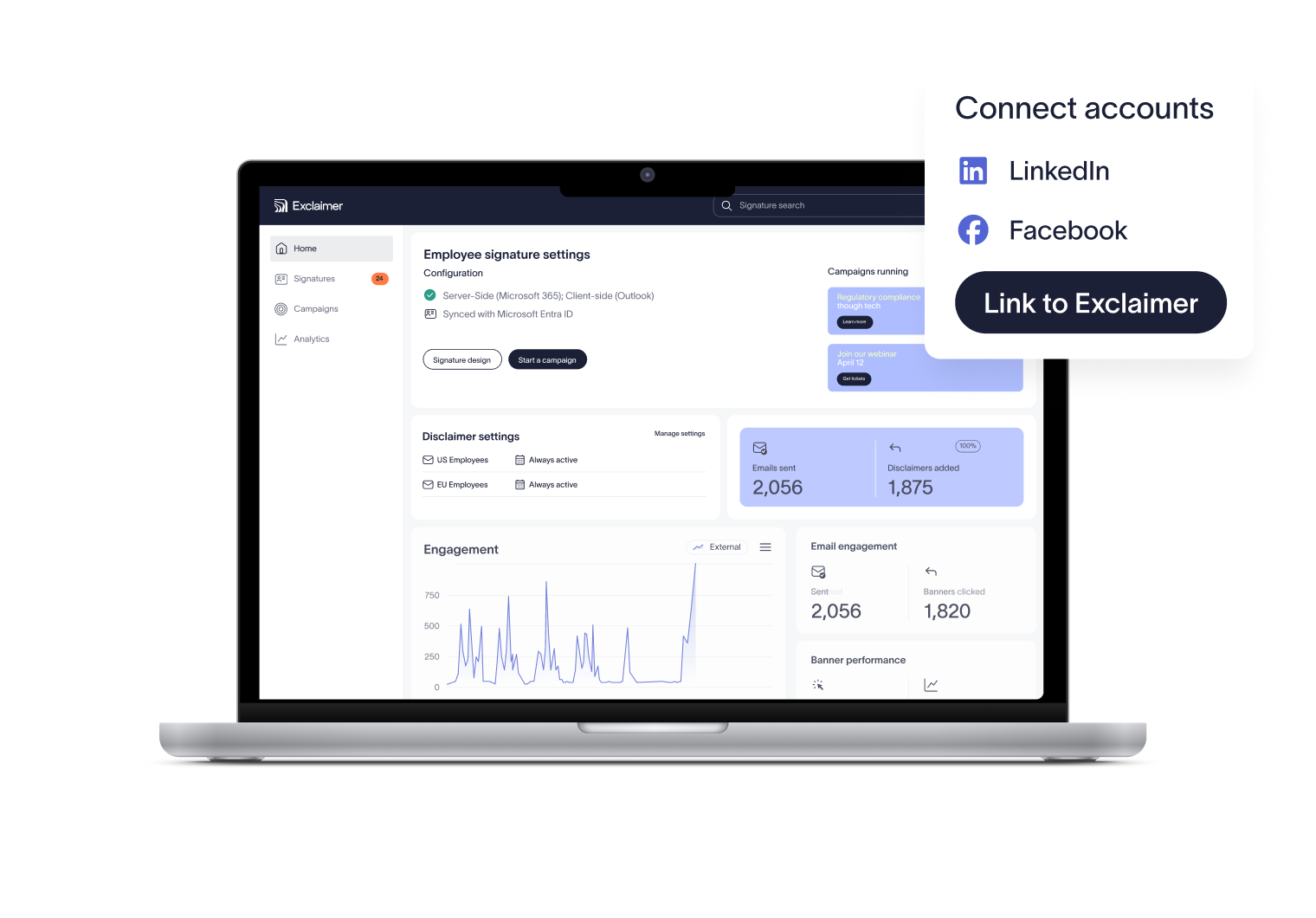
See exactly how your social content performs when placed in email signatures. Track clicks, compare results, and use those insights to refine future campaigns with confidence.



Score 4.5 of 5
"A signature management tool that works faultlessly"
Prior to discovering Exclaimer Cloud, our small business was using homemade templates in Microsoft365 which failed to produce the results we wanted across the range of devices our...


Score 9.2 of 10
"Decent email signature manager with great flexibility"
Our company basically has 4 separate business units that need to appear "somewhat" cohesive while also still remaining separate and free to create their own email signatures. Excla...


Score 4.6 of 5
"Excellent service, takes all the hassle out of Office 365 Signatures!"
Simple pricing shown on their website rather than having to request a quote. Simple to set up with automated systems to configure your account and Office 365, linking the two toget...

Score 4.5 of 5
"Auto organisational signatures, bye bye messy signatures"
The integration with Office 365 is excellent. The template editor lets you have different signatures for different users, departments or groups. You can change the email signatures...

Score 4.5 of 5
"Professional signatures, very versatile"
The features I most use are the signature tester and troubleshooters, which can help you to determine what signature a particular user will get when sending to certain recipients....
Trusted by 9 million email accounts worldwide






Frequently asked questions
Yes. Email signatures are valuable real estate for promoting your social presence. Traditionally, you’d add clickable icons linking to your profiles. With Exclaimer Social Feeds, you can go further — automatically embedding your company’s latest LinkedIn or Facebook posts.
Simply connect Exclaimer to your company’s LinkedIn or Facebook account. Then, in the Signature Editor, drag and drop the Social Feeds element into your template for employee use. From there, your latest posts will appear automatically.
No. Social Feeds has minimal impact on loading times. Your emails will still send and open quickly, while carrying your latest social content.
Yes. Exclaimer provides analytics so you can see exactly how many clicks your embedded posts receive. This makes it easy to measure engagement and prove the positive impact of adding Social Feeds to your email signatures.
No. Once connected, Social Feeds automatically pulls in your latest social updates. Your signatures always show the most recent posts—no extra work required from your team.
Exclaimer has been the leading signature management solution for 25 years. Our modern technology will save your team time, save your business money, and allow you to easily implement disclaimers and brand requirements across all user signatures.
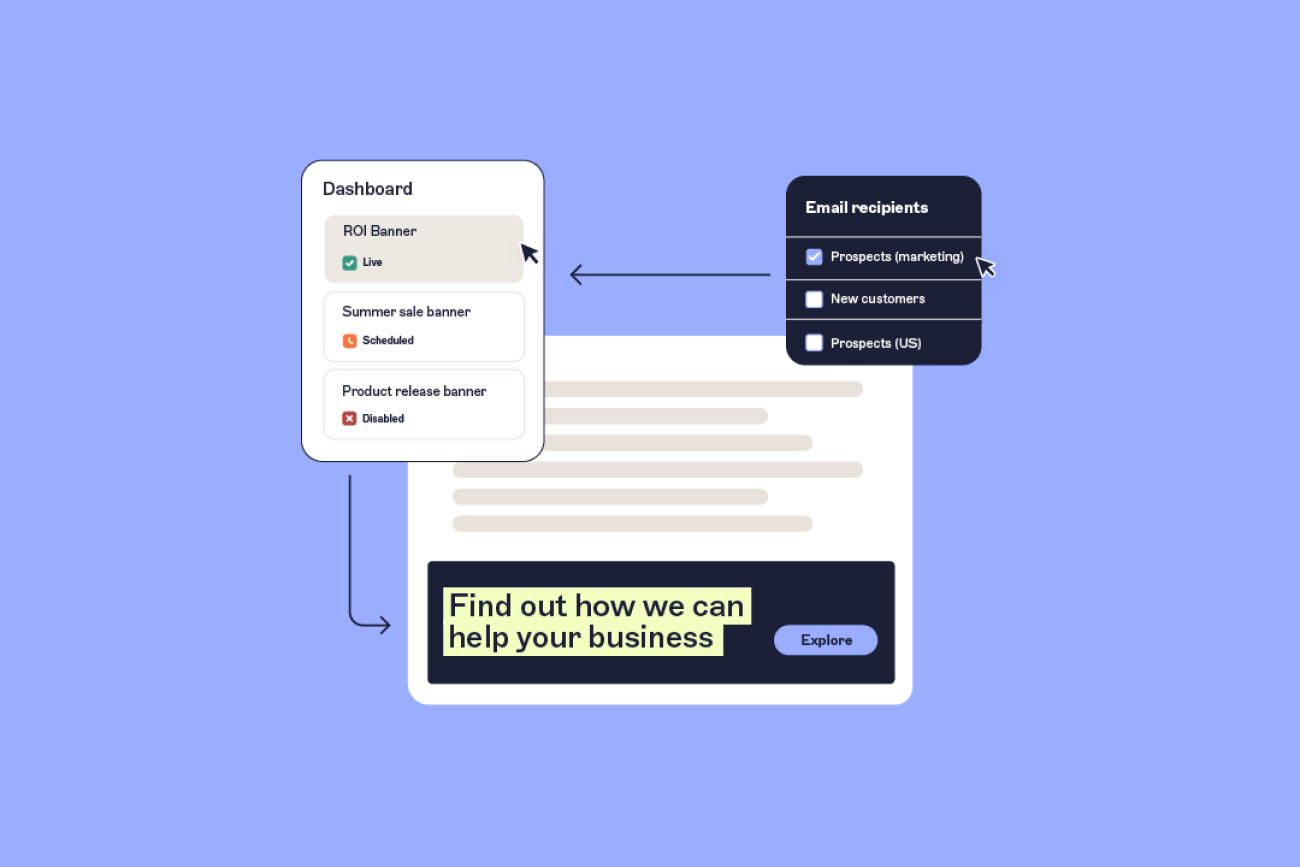


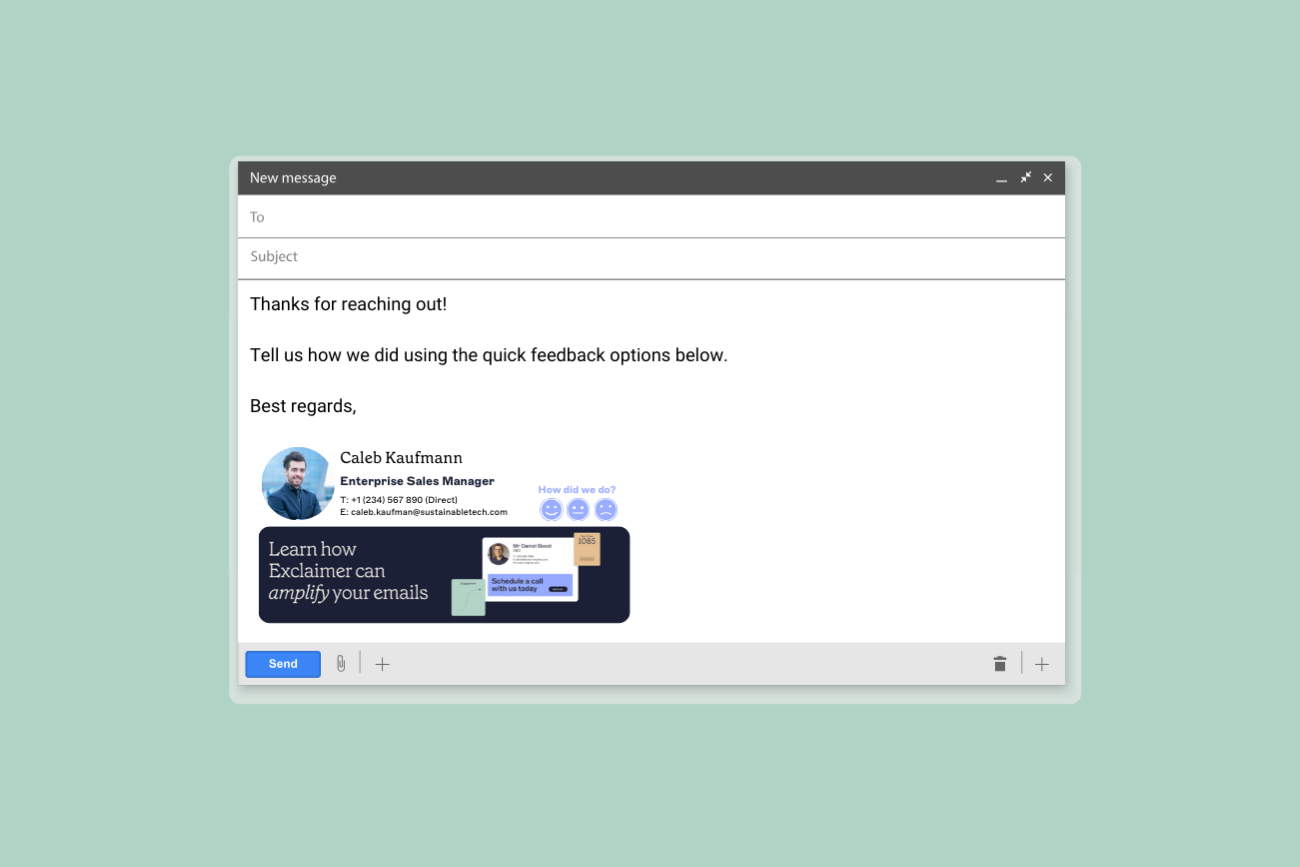
Put your brand in every inbox
With Exclaimer, every email signature becomes an automated & flexible space for campaigns and social content — consistent, measurable, and working for you around the clock.