Dave is a marketing expert with 15 years experience in the tech and SaaS world. He specializes in educating IT and channel audiences, with a focus on security, privacy, compliance, and marketing technology. With a talent for storytelling and a deep understanding of the industry, Dave transforms complex IT topics into clear, engaging, and impactful narratives.
How to keep employee contact details accurate in every email signature
TL;DR
Email signature platforms don't automatically know when someone changes role, moves office, or leaves, because that data lives in the employee directory or HR system instead.
Directory synchronization connects the two, so a change in Microsoft Entra ID or Google Workspace Directory updates the email signature automatically, with no template edits required.
Only 55% of organizations give IT direct ownership of email signature management, according to Exclaimer's State of Business Email 2025 research, dropping to 47% at enterprises.
Onboarding, role changes, and offboarding each break email signature accuracy in a different way, and centralized management is what covers all three from one place.
A customer calls the number in an email signature and reaches someone who left months ago. A prospect notices the sender's title doesn't match their LinkedIn profile. Both are small moments, but they come from the same place. The email signature was set up once and never connected to the systems that actually track who does what.
Closing that gap means connecting the email signature to data that already exists elsewhere, in the directory or the HR system, so the update happens once, upstream, and holds automatically from then on.
Why do employee contact details go stale in email signatures?
Most email signatures live in a template, applied once at setup and left alone. The employee directory or HR information system (HRIS), meanwhile, keeps changing underneath it: someone gets promoted, moves teams, or picks up a new direct line. Nothing tells the email signature to catch up, so the two drift apart quietly, and usually nobody notices until an outside recipient does.
“Job titles, names, pronouns, and reporting lines all seem simple, but the information is different for each employee and lives in different HR systems and directories. One team owns the data, and another owns the output, and without a system there's nothing connecting the two.”

A few patterns show up more than others:
Role and title changes get updated in the HR system the same week, but the email signature keeps the old title until someone edits it by hand, which can take months if it happens at all.
A new direct line or a relocated office often replaces the old one everywhere except the email signature.
New hires either get no email signature on day one, or someone enters their details by hand and gets a field wrong.
An account can stay active during a notice period or a transition, so a departing employee's outdated email signature keeps going out under the company's name.
The fields are easy enough to get right at setup; keeping them right for as long as the employee's record keeps changing is the actual challenge.
Common causes of outdated email signatures
Role and title changes: Promotions and department moves are updated in HR systems but don't trigger a signature update, leaving employees with outdated job titles in their communications.
Phone number and location changes: Direct dials and office addresses change without a centralized update process, causing clients to reach disconnected numbers.
Onboarding gaps: New employees receive no signature, or their details are entered manually and incorrectly, creating inconsistencies from day one.
Offboarding oversights: Former employees' accounts remain active with outdated titles or details, potentially misrepresenting the organization.
Getting email signature contact details right from the start is the necessary foundation. Keeping them accurate over time is the harder problem.
Who is responsible for email signature accuracy in a company?
Ask three different teams who owns email signature accuracy, and you'll get three different answers, which is itself the problem. IT runs the email platform day to day, but a role change rarely reaches IT until someone notices the email signature is wrong. The authoritative employee record sits with HR, a system IT typically can't see into. Branding standards come from Marketing, who has no way to touch the employee-level data that actually fills in a name or a title.
Exclaimer's State of Business Email 2025 research puts a number on the gap. Only 55% of organizations give IT direct ownership of email signature management, and that drops to 47% at enterprise scale, where more teams and more handoffs mean more places for a change to fall through. A third of organizations (33%) say employees ignore email signature guidelines outright, and 31% report they lack centralized control and visibility over what's actually going out.
“The most important thing is having one authoritative source of truth that everyone else calls from. The worst setup is multiple sources of truth with no clear hierarchy.”

How does directory synchronization work for email signatures?
Directory synchronization connects your employee directory (Microsoft Entra ID, Google Workspace Directory, or similar) directly to your email signature platform. When a field changes in the directory, the signature updates automatically, with no manual step required.
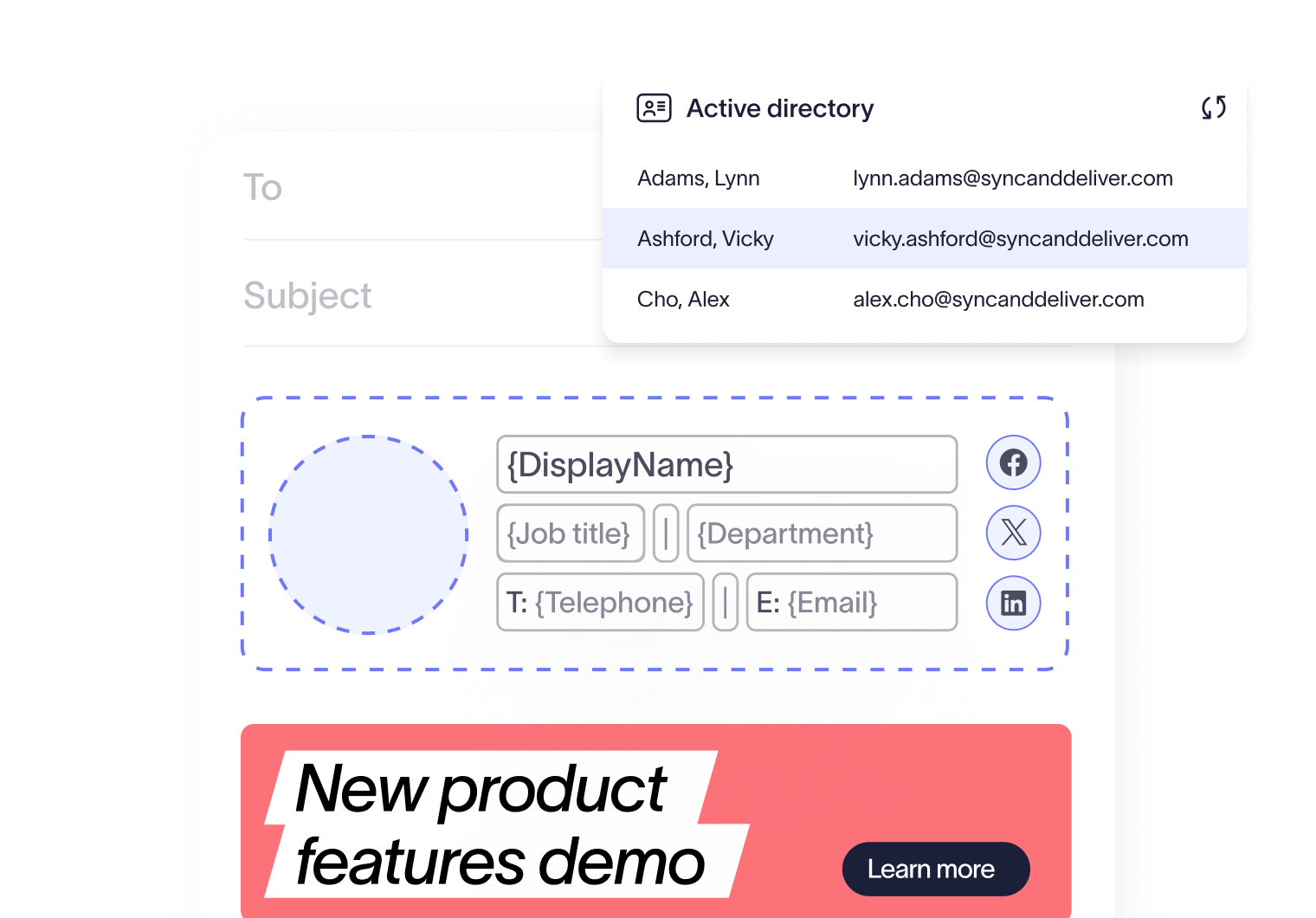
The mechanics are straightforward:
IT or HR updates user data in the source directory: Employee records are modified in Microsoft Entra ID, Google Workspace, or your HRIS.
The signature platform detects the change: The system picks up those changes on a regular schedule or in real time.
Updated details automatically populate in the signature template: The next email the employee sends carries the correct information.
Accuracy then stops being a task someone has to remember, and becomes a byproduct of keeping the directory current, which most IT and HR teams are already doing anyway.
The difference shows up clearly against a manual process:
Criteria | Manual management | Directory synchronization |
|---|---|---|
Time per update | Five to 15 minutes per employee | Seconds, applied automatically |
Error rate | High (hand-entered data) | Low (one source of truth) |
Who's involved | IT for every single change | Nobody, once it's set up |
Tooling in practice (US) | 41% rely on IT scripts or workarounds; 41% leave it to employees | 18% run it through centralized, synced management |
That last row comes from the same State of Business Email 2025 research. The remaining 82% of US organizations are split almost evenly between improvised scripts and leaving email signature accuracy to whoever's updating their own template that week. Neither approach scales past a few dozen employees.
What are the compliance risks of inaccurate email signatures?
An out-of-date title is embarrassing. In some jurisdictions and industries, it's also a compliance problem. In the UK, the Companies Act 2006 requires limited companies to include their registered company name, registration number, and registered office address on business correspondence, and that includes email. Exclaimer's guide to UK email disclaimer rules covers what that means in practice, and comparable rules apply across the EU. Regulated sectors such as financial services, healthcare, and legal add their own requirements on top.
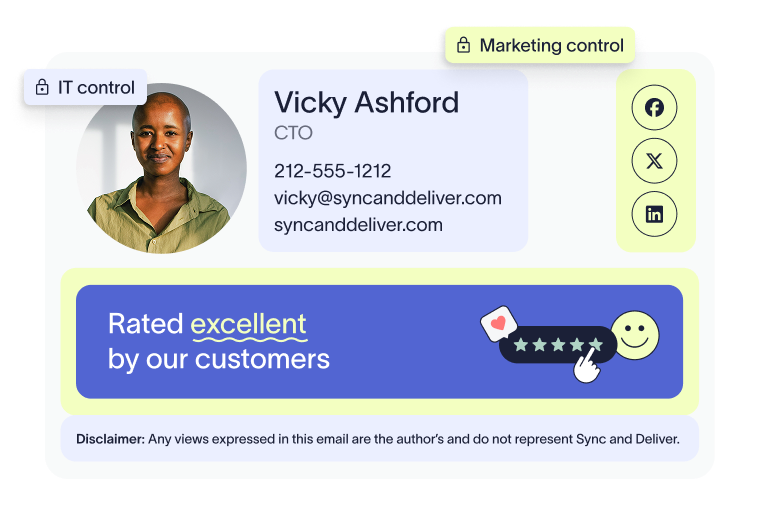
When an email signature carries an outdated role, a disconnected number, or a missing legal line, that's an email signature compliance gap that IT and legal teams are increasingly on the hook to manage.
There's a brand cost too, separate from the regulatory one. A client who dials a disconnected number, or notices a title that doesn't match reality, walks away with a worse impression of the whole company, and that impression rarely stays contained to the one employee who sent the email. That kind of dent in brand credibility is simple to prevent, and no company gains anything by risking it.
How do you update email signatures during onboarding, role changes, and offboarding?
Every point where an employee's status changes tests email signature accuracy, and each one breaks it in a different way.
Onboarding
If the directory record is incomplete when a new employee's account goes live, the email signature is either blank or carries placeholder text on day one. A User Details Editor lets employees fill in the details they're allowed to set themselves, such as a direct number or a preferred pronoun, without waiting on IT to enter it for them.
Role changes
With directory synchronization running, a title or department change flows through to the email signature the moment it lands in the directory. Without it, the update depends on someone remembering to make it by hand, and that step is easy to skip in the middle of everything else a role change involves.
Tip
Add an email signature check to whatever role-change checklist already lives in an HRIS such as Workday, or in the IT ticketing system. It closes the gap without adding a new process for anyone to remember.
Offboarding
An account often stays active for a transition period after someone leaves, which is exactly when an outdated email signature is most likely to go out under the company's name. Centralized management lets an administrator apply a modified email signature the moment someone's status changes, with no action required from the departing employee and no window where an out-of-date email signature keeps sending.
How does Exclaimer manage email signature contact details at scale?
Across onboarding, role changes, and offboarding, accuracy holds up when it's built into how the directory is already managed instead of depending on someone remembering a manual step.
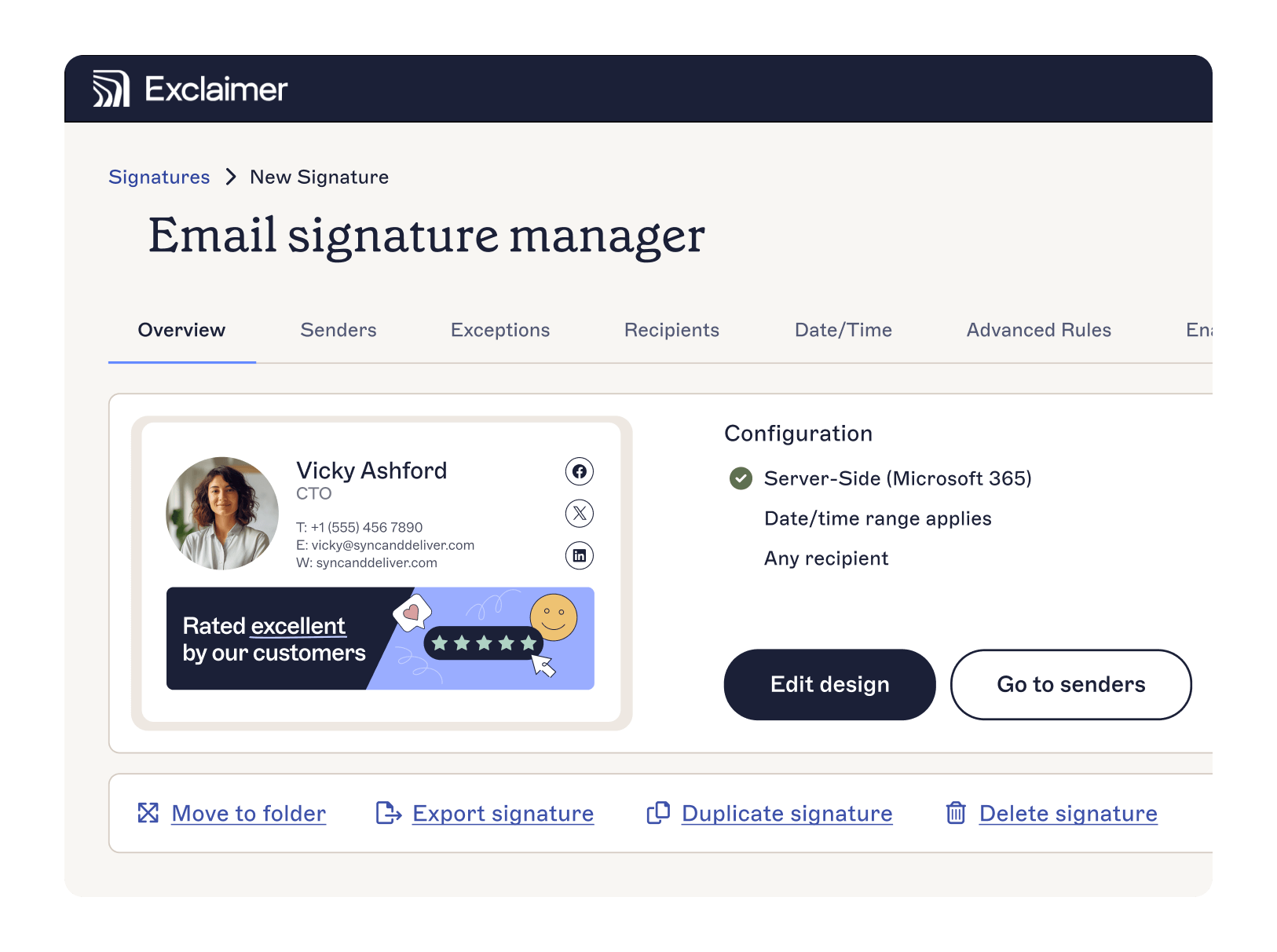 Exclaimer's directory synchronization connects to Microsoft Entra ID, Google Workspace Directory, or an HRIS like Workday, and keeps every employee's contact details current in their email signature without IT re-entering anything by hand.
Start a free trial to see it running against your own directory, or book a demo if you'd rather walk through it with someone first.