Dave is a marketing expert with 15 years experience in the tech and SaaS world. He specializes in educating IT and channel audiences, with a focus on security, privacy, compliance, and marketing technology. With a talent for storytelling and a deep understanding of the industry, Dave transforms complex IT topics into clear, engaging, and impactful narratives.
How to automate email signature updates in minutes, not days
TL;DR
Email signature management is one of IT's biggest time drains. 35% of IT leaders name it a top-two most time-consuming task, and 80% still handle it by hand.
Automating it moves enforcement to the email server, so the correct, current, on-brand email signature applies to every message, on every device, without depending on employees to copy a template correctly.
Exclaimer integrates with Microsoft 365 and Google Workspace for organization-wide rollouts, live in about an hour.
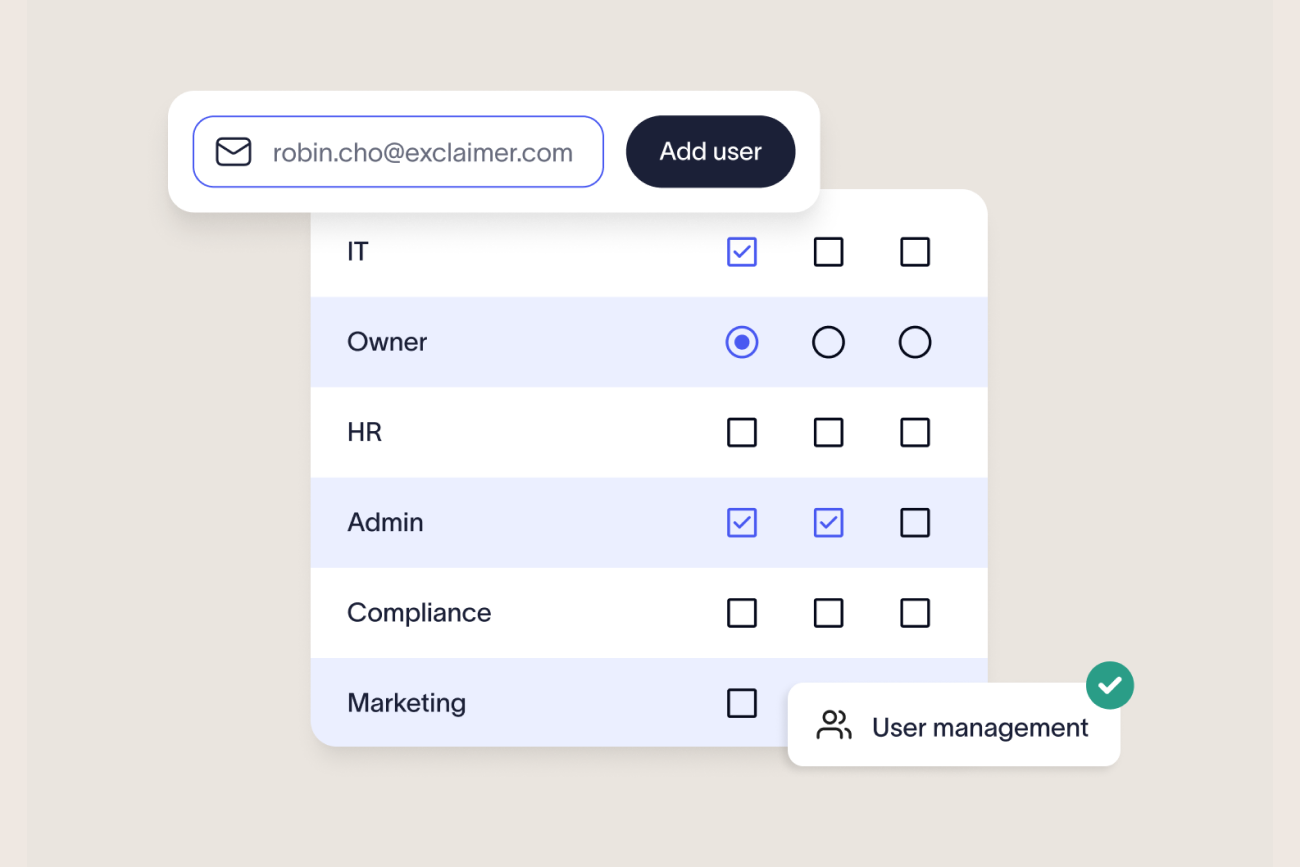
Role-based access lets Marketing and Legal update their own content while IT keeps system-level oversight.
Manually managing email signatures costs IT time and leaves no reliable way to prove the policy was actually followed. Automating them moves enforcement to the email server, so the correct, current, on-brand email signature applies to every message, on every device, regardless of what the employee does.
Keeping hundreds or thousands of employees on a consistent, compliant email signature is harder than it looks. According to Exclaimer's State of Business Email 2025 report, 35% of IT leaders name email signature management one of their two most time-consuming tasks, and 80% still handle it by hand.
Only 18% use a centralized tool. This guide covers how to automate email signature updates step by step, what changes once you do, and how Exclaimer applies it across Microsoft 365 and Google Workspace.
Manual vs. automated email signature management
Before automating anything, it helps to see exactly what's different. The comparison below reflects Exclaimer's own research into how organizations manage email signatures today.
Manual (template + copy-paste) | Automated (centralized platform) | |
|---|---|---|
Brand consistency | Drifts as employees edit their own logo, fonts, and colors | Every email signature follows one approved template, centrally maintained |
Coverage | Depends on the employee's device and whether they copied the template correctly | Applied server-side to every message, on every device and email client |
Time cost | One of the top two most time-consuming tasks for 35% of IT leaders, and every policy change restarts the process | One update applies everywhere, with no per-user work |
Verification | No reliable way to confirm who's actually compliant | Enforcement happens at the server, so compliance isn't optional |
Governance position | A policy nobody can show was followed is hard to defend at audit | A policy enforced by rule doesn't need reconstructing after the fact |
One Exclaimer customer needed three separate teams just to get a single email signature live. "It took three separate teams to roll out a single signature," says Jim Turner, Exclaimer's Chief Operating Officer. "IT had to write the script, HR provided the content, and legal had to add the disclaimer, and it still rendered incorrectly on mobile."
"Email signatures and disclaimers can be an underrated area. They look small, and we're all so used to seeing them at the bottom of a message, but they carry mandated information in a number of jurisdictions and industries, and that information is often determined by regulatory requirements. Not having them, or not being able to show you had them on particular communications, can cause you an evidence problem."

What email signature automation is
Email signature automation replaces a fragmented, manual process with a centralized, reliable system. Instead of making individual updates across accounts and devices, IT manages every email signature from a single platform and deploys changes instantly across the organization.
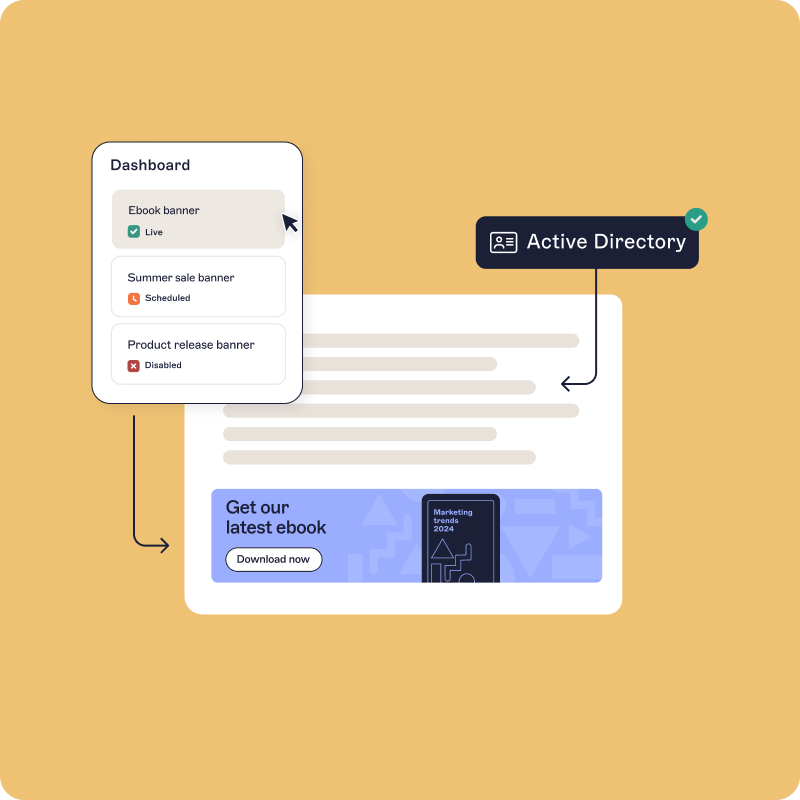
At its core, automated email signature management means consistency and control without the manual effort. Key aspects of automated email signature management include:
Centralized control: IT manages every employee's email signature from one place, with no scripts, mail flow rules, or local installs. Changes roll out organization-wide in minutes.
Brand consistency: Approved templates keep every message on the same design standard: logo, font, color, and layout. Exclaimer's own research found that 58% of consumers are more likely to trust a brand's email when it includes a professional, branded signature.
Security and compliance: Automated systems enforce legal disclaimers and standardize messaging across departments, so the correct wording applies to every outbound message instead of depending on what an employee pasted in. Exclaimer's Audit Log records who accessed the platform and when, giving administrators a record of system access for security reviews.
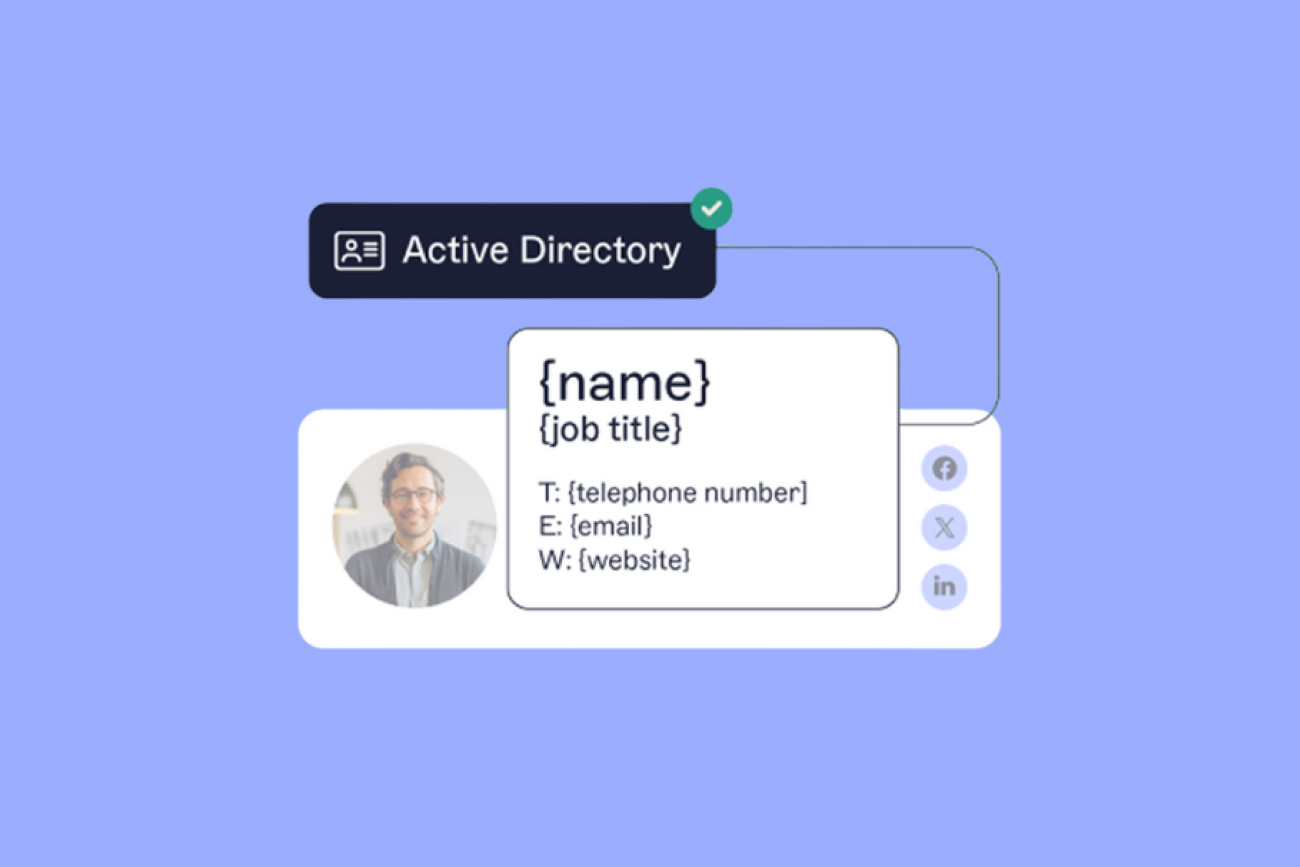
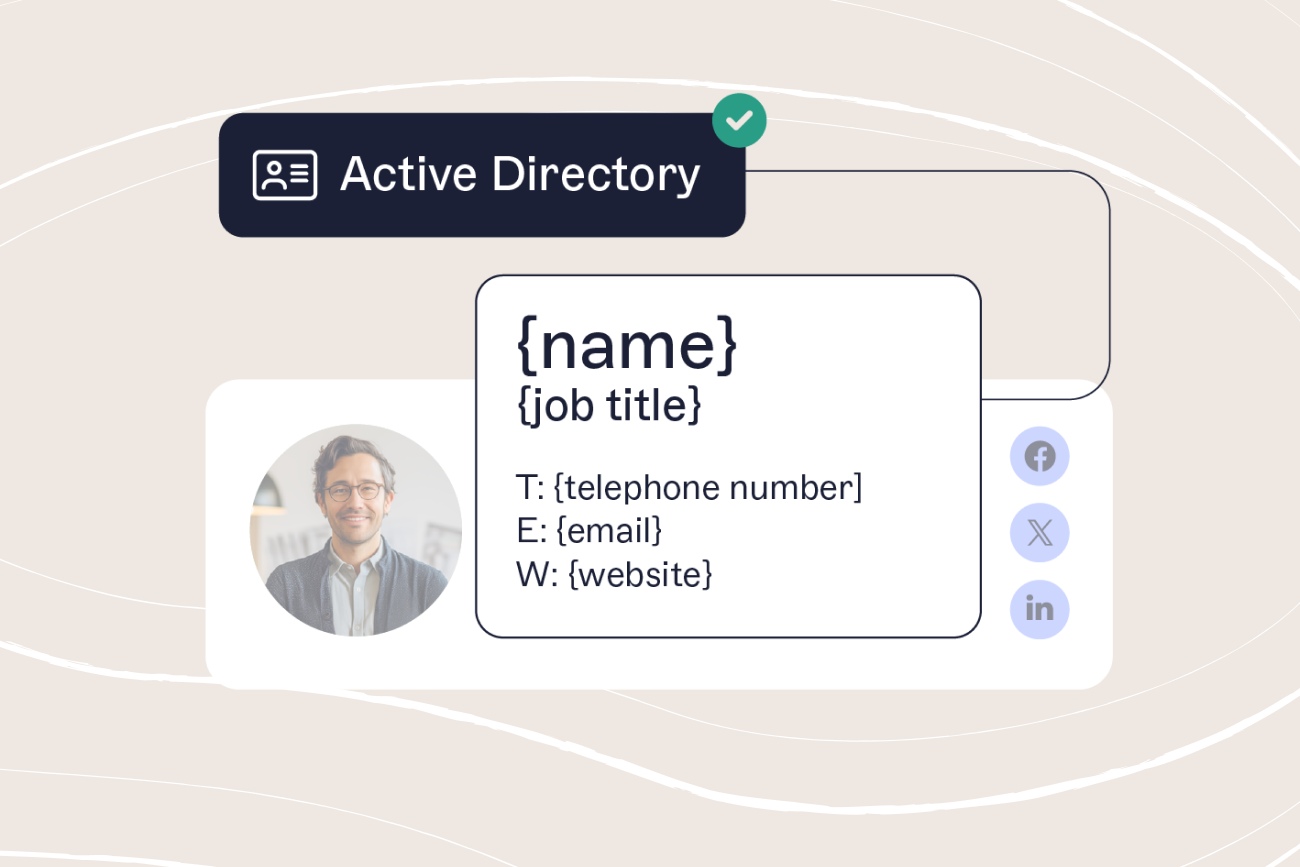
Automatic directory sync: Contact details such as names, job titles, and phone numbers update automatically by syncing with Microsoft Entra ID, Google Workspace Directory, or other HR systems.
With automation in place, IT stops doing repetitive manual work, Marketing keeps control over branding, and Legal gets disclaimers applied correctly without asking.
How to automate email signature updates in 5 steps
Moving from manual to automated email signature management doesn't need to be complex. With the right platform, IT teams can take full control and deploy consistent, compliant email signatures across every user and device in a few steps.
Here’s how to automate email signature updates effectively.
1. Review current email signatures and requirements
Before you start automating, take stock of your existing setup:
Which systems or processes are currently used to manage email signatures?
What disclaimers or legal statements are required by law or policy?
What logos, fonts, and colors are approved by Marketing?
Are there regional or departmental variations that need to be supported?
This assessment will help you define a structure that scales across your organization.
2. Select an email signature management tool
Not all solutions are created equal. Look for a platform that integrates with your existing infrastructure, provides role-based access for non-IT teams, and offers proven reliability at scale.
With over 80,000 customers worldwide, Exclaimer is trusted to deliver consistent, compliant email signatures at scale.
3. Integrate with your email environment
Connect the solution with your email system of choice. Exclaimer integrates directly with Microsoft 365, Google Workspace, or hybrid Exchange environments. Once linked, updates flow automatically to every user.
4. Create and test a template
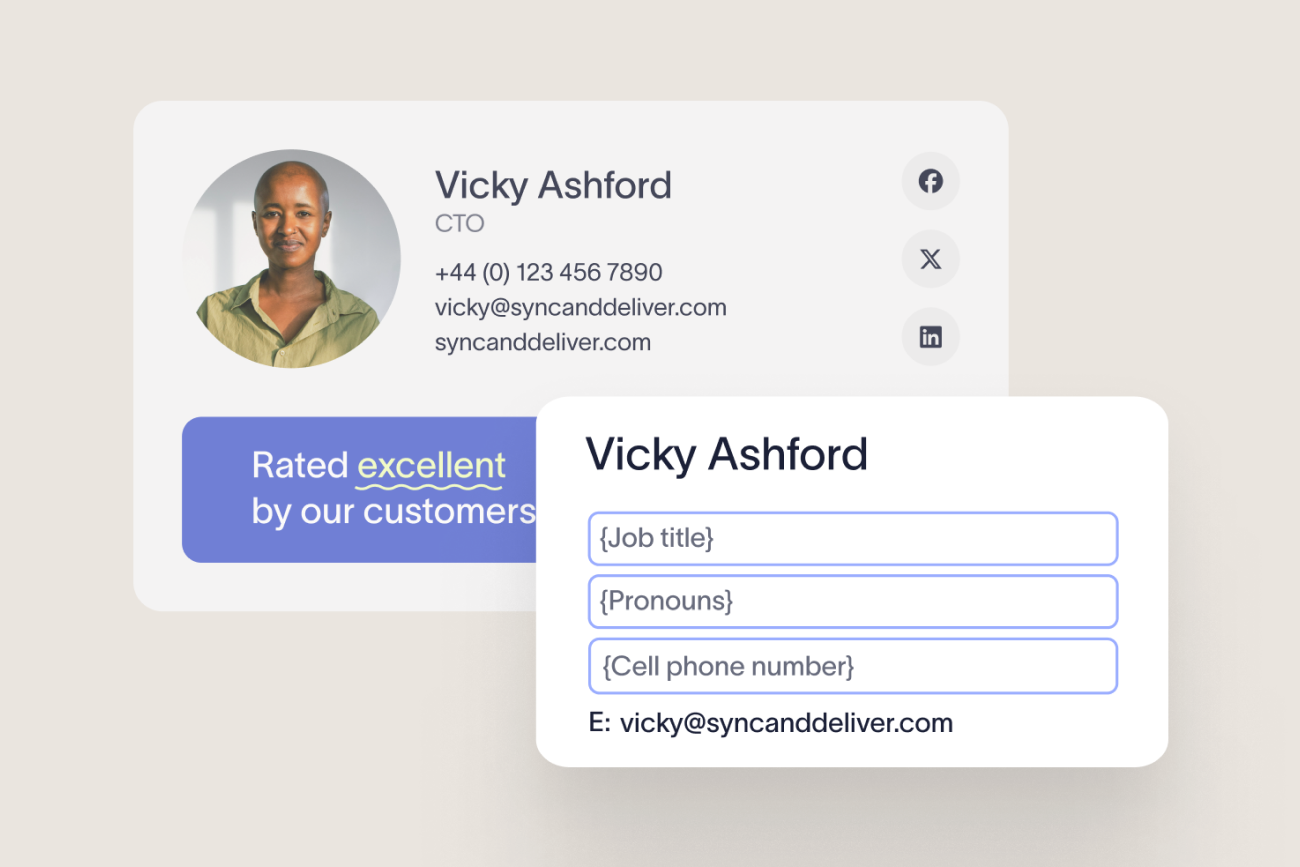
Use dynamic fields that sync with your directory. This ensures details like names and phone numbers are always correct. Test templates across multiple devices and email clients to confirm consistent formatting before deployment.
5. Roll out organization-wide
Once validated, the email signature can be applied instantly across every employee's inbox. IT keeps oversight, while Marketing and Legal teams can make updates without raising tickets. This removes bottlenecks and keeps the brand image consistent.
Most teams getting started with Exclaimer can have their first email signatures deployed in 10 minutes or less.
How to maintain email signature consistency
Once automation is in place, email signature management shifts from reactive to proactive. Updates that once took days or weeks can now be applied in minutes, so your organization's brand and compliance standards are never left behind.

Sync with HR and directory data: Every time an employee changes role, department, or location, their details automatically update through directory sync. This keeps contact information current across every email and removes the risk of outdated titles or incorrect phone numbers appearing in customer communications.
Plan ahead for campaigns and seasonal updates: With centralized automation, Marketing can schedule email signature banners to align with promotions, events, or announcements without depending on IT. Campaigns can run across every outbound email, whatever they're promoting.
Keep disclaimers current and compliant: Regulations evolve, especially for global organizations. Automated tools make it easy for Legal teams to update disclaimers by region or business unit. Changes apply instantly, so every message carries the correct legal wording, wherever it's sent from.
Delegate updates responsibly: Role-based access control (RBAC) lets Marketing manage brand visuals, Legal manage disclaimers, and IT retain system-level oversight. Each team can make changes within their remit, without compromising security or compliance.
"Disclaimers are a really big unseen risk. It's a true risk iceberg, because it's not a problem until it is, and when it is, it's a massive one."

Automation gives IT the oversight it needs while letting other departments act independently. The result is a governance model that's fast and flexible, without losing brand consistency.
How to measure the ROI of email signature automation
Automation delivers measurable outcomes across IT, Marketing, and Compliance. Once your automated email signature management system is running, track the results to show its impact on efficiency and consistency.

Here’s what to measure:
Fewer tickets: Automating typically cuts help desk requests like "Can you fix my signature?" or "My logo looks wrong." Exclaimer's City West Country deployment, for example, saw a 90% drop in signature-related escalations after centralizing management.
Uniform branding: Consistent formatting across every email reinforces professional presentation and builds trust with the people reading it.
Audit readiness: Because the email signature is enforced by rule rather than by employee compliance, IT can show what policy was in place and when, instead of reconstructing it from memory or scattered email threads.
Marketing metrics: Email signatures are also a valuable engagement channel. With clickable banners and promotional CTAs, Marketing can measure performance through click-through rates and conversions, turning email signatures into real campaign data.
Operational efficiency: Fewer IT tickets and centralized brand control add up to a measurable productivity gain. Exclaimer's own ROI calculation for a 500-employee organization puts manual signature management at roughly $28,000 a year in IT labor, against an estimated 418.52% ROI once it's automated.
"Automate the obvious, standardize the repeatable, and free the team up for the work that's going to move the business forward."
By tracking these metrics, IT teams can show exactly how automating email signature updates improves operations, strengthens governance, and enhances every outbound communication.
Quick tips to avoid email signature issues
Even with automation in place, following best practices will help IT, Marketing, and Legal teams get the most value from your email signature management platform.
Avoid reliance on scripts and mail flow rules: While PowerShell scripts or Exchange transport rules can work for small environments, they don't scale well and often break after software updates. A centralized, automated platform provides a more stable and secure long-term solution.
Optimize for mobile. A large share of business email is read on phones, so keep designs simple, avoid wide images, and test for readability on smaller screens.
Keep templates streamlined. An email signature should enhance a message, not overpower it. Focus on the essentials, like your logo and contact details. Add disclaimers only where required.
Automate disclaimers. Compliance is easier when disclaimers are automatically applied by department or region. With Exclaimer, email disclaimers can be locked, logged, and updated instantly.
Test before deploying updates: Whenever you introduce a new layout or disclaimer, test it thoroughly across devices and clients before organization-wide rollout. A few minutes of testing prevents display issues that could undermine your brand's presentation.
Is it worth automating your email signature updates?
Automating email signature updates turns a manual IT burden into a process that runs itself. No more chasing employees for changes, and no more scripts breaking every time Microsoft or Google pushes an update.
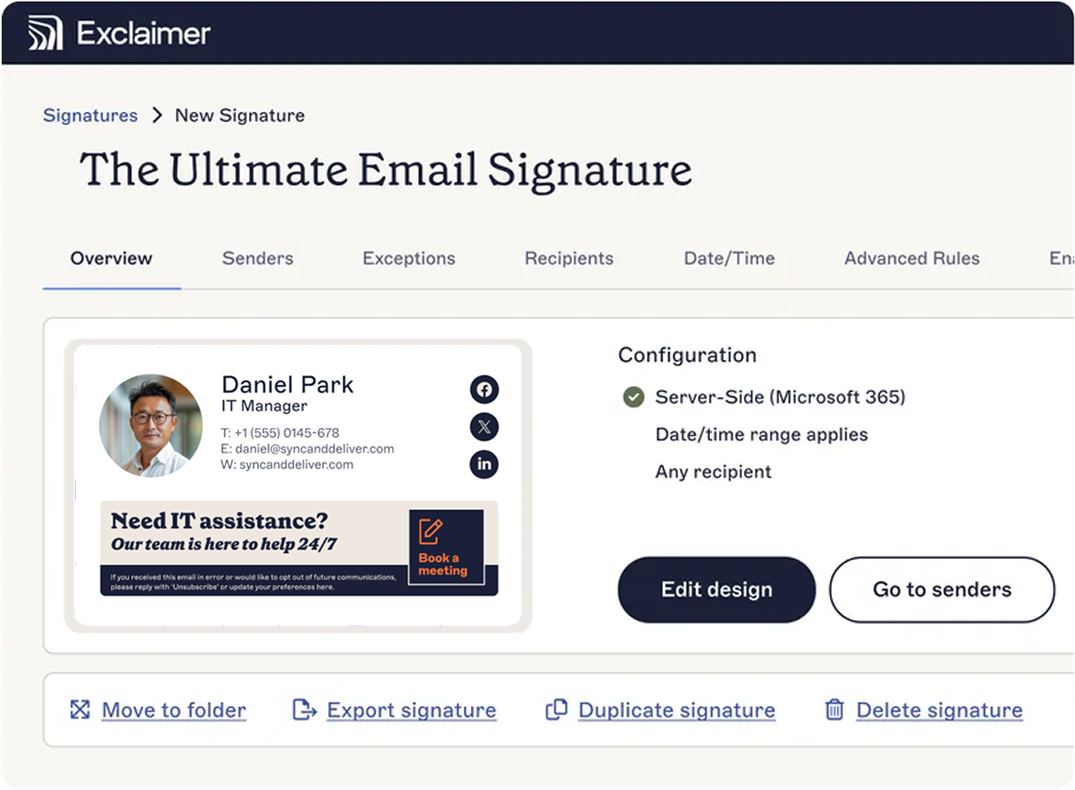
With automation, IT gains complete control through a single, centralized platform. Marketing can update campaign banners without relying on technical support. Legal can keep disclaimers accurate across regions. And employees never have to think about their email signature again.
With Exclaimer, organizations of all sizes can automate email signature management in minutes, not days. That means less time spent on updates and a lower chance that an outdated or off-brand email signature goes out.
Built on certified infrastructure (ISO 27001, ISO 27018, and SOC 2 Type II), Exclaimer keeps every message consistent and on-brand, no matter where it's sent from.
Next step: Discover the hidden costs of unmanaged email signatures and the difference Exclaimer can make.