Delegate signature management without sacrificing control

Role-Based Access Control (RBAC) enables you to share signature responsibilities across departments — while IT maintains ownership of security, data, and admin settings.

Hero Image

The benefits of Role-Based Access Control (RBAC)

Reduce IT bottlenecks

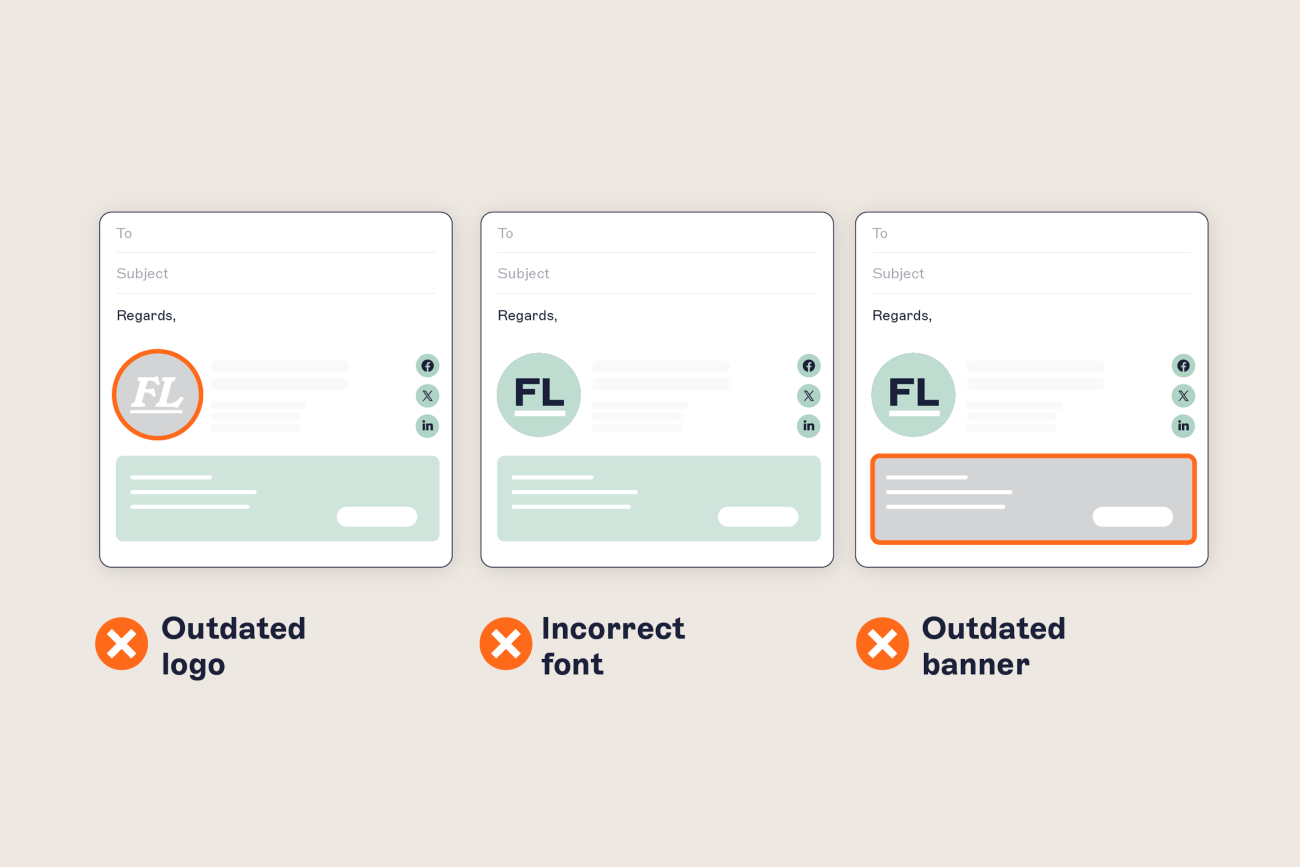
Free your IT team from constant signature update requests. RBAC lets you delegate everyday email signature changes to internal teams, while keeping critical settings locked down.

How RBAC works

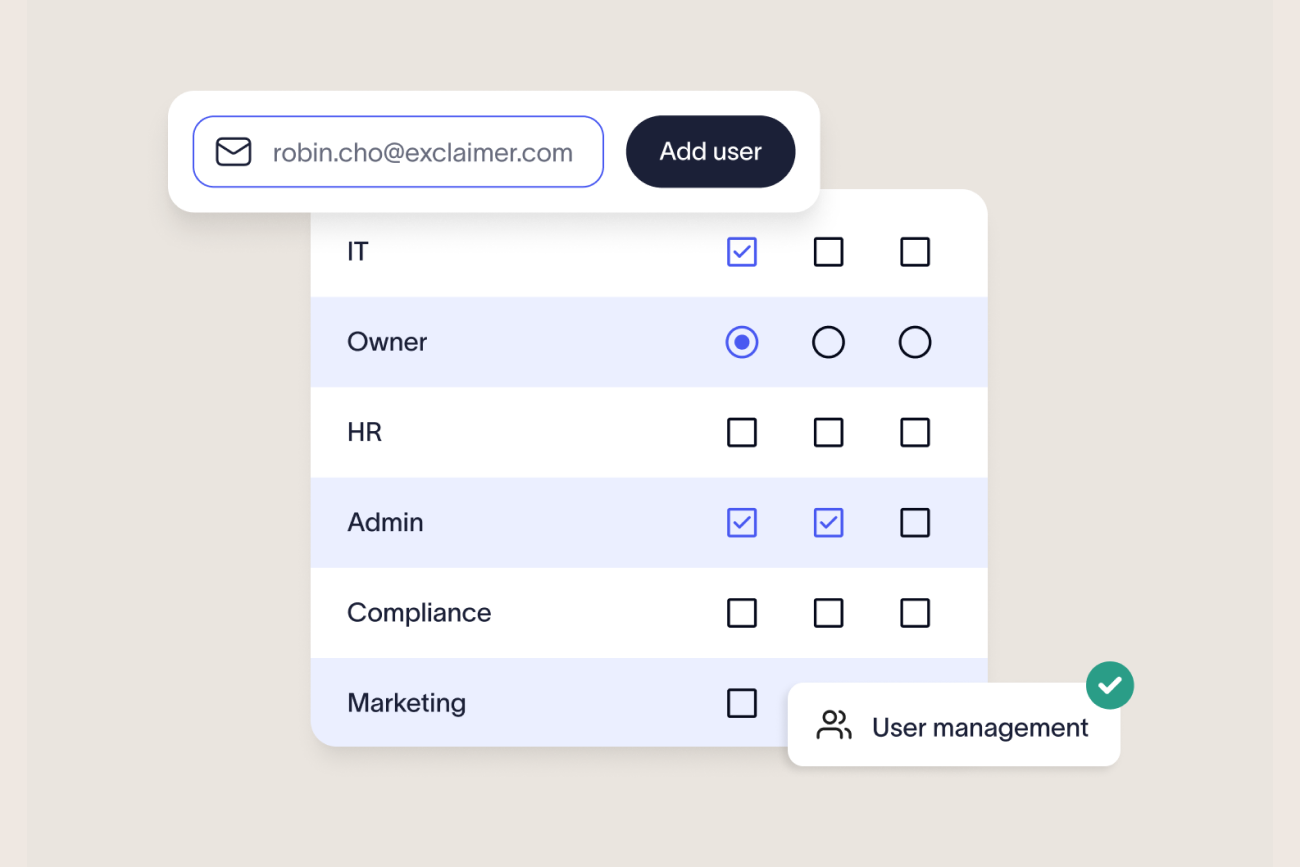
Manage users centrally

Add users, assign roles, and update permissions in Exclaimer’s User Management screen.
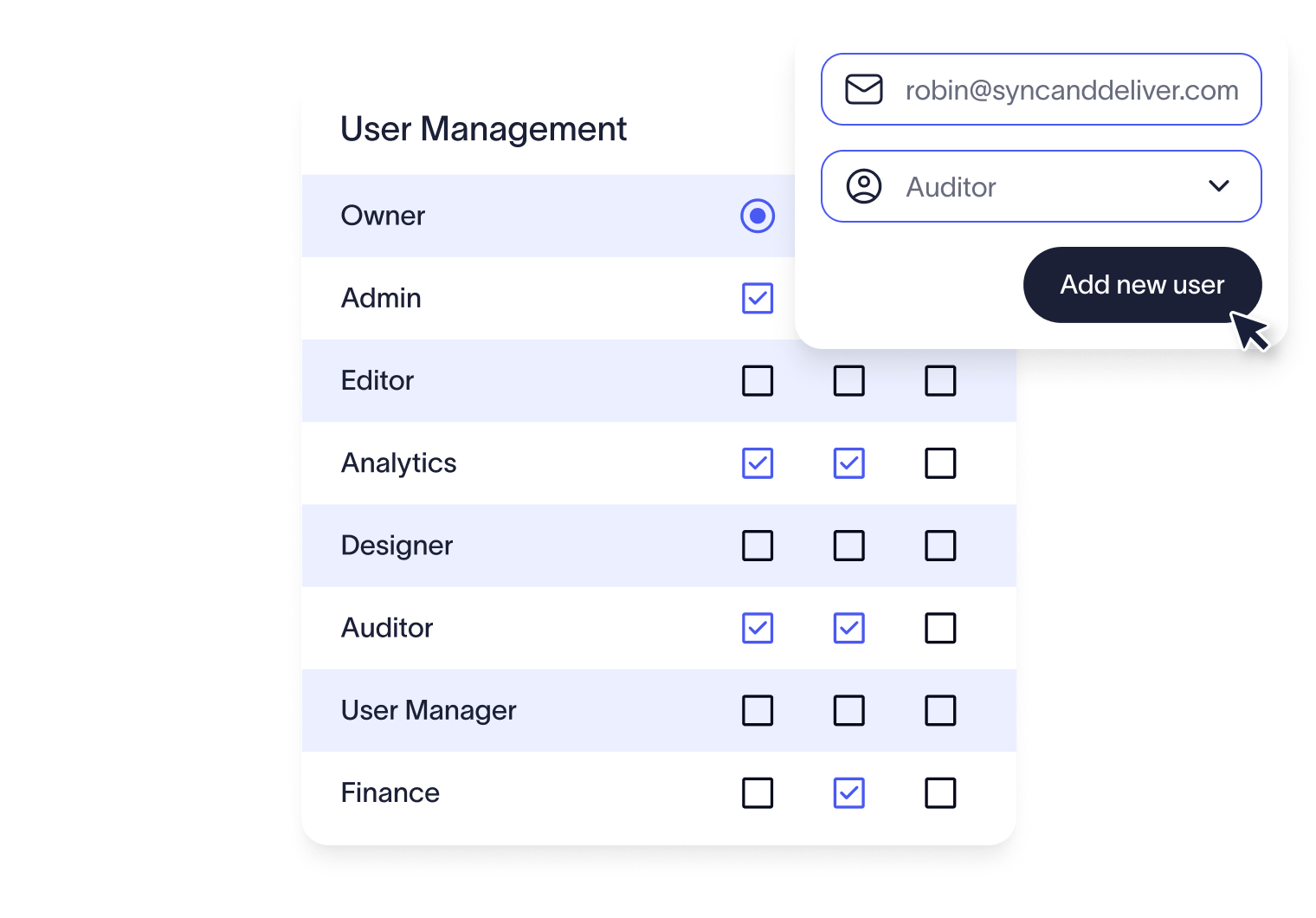
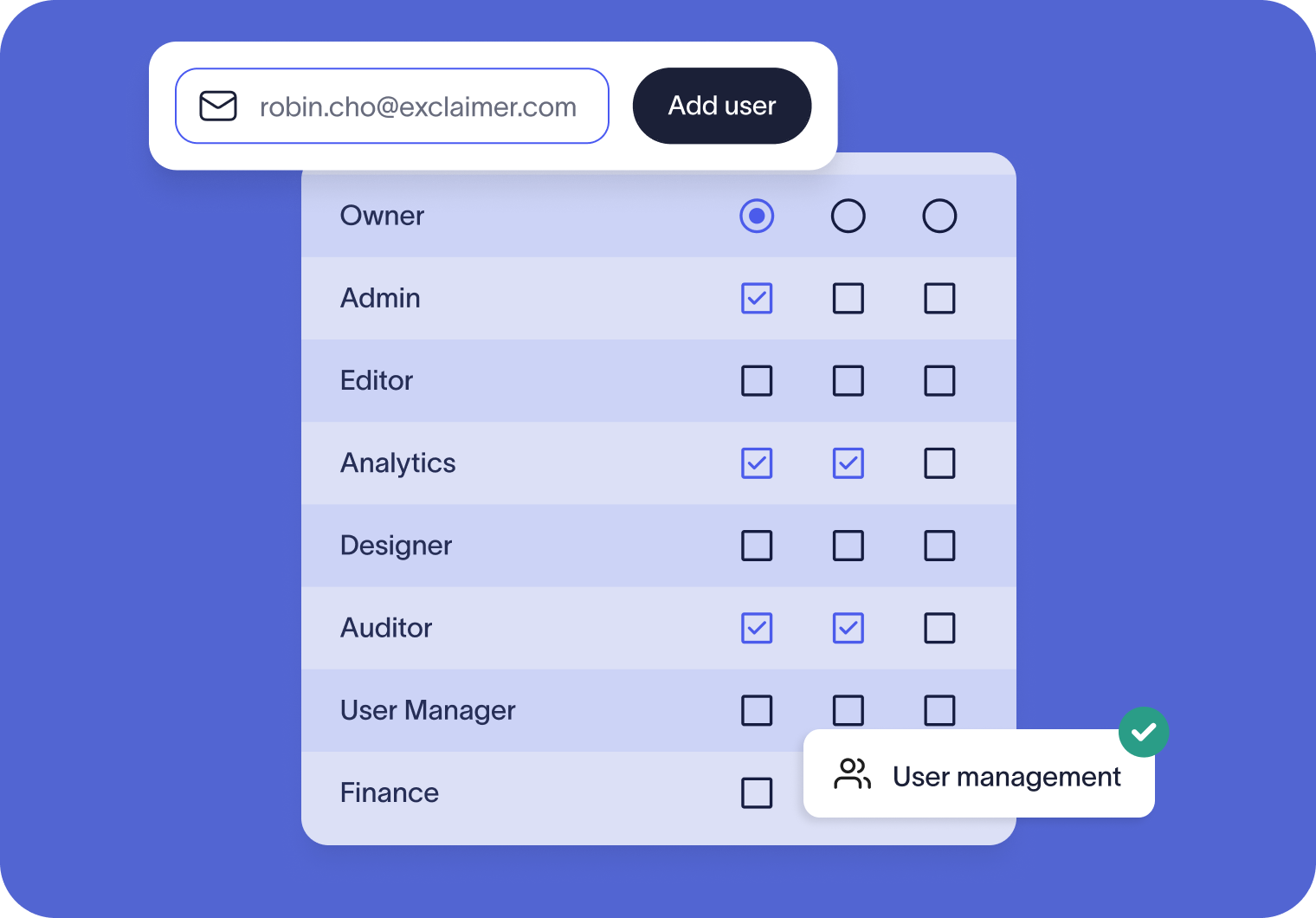
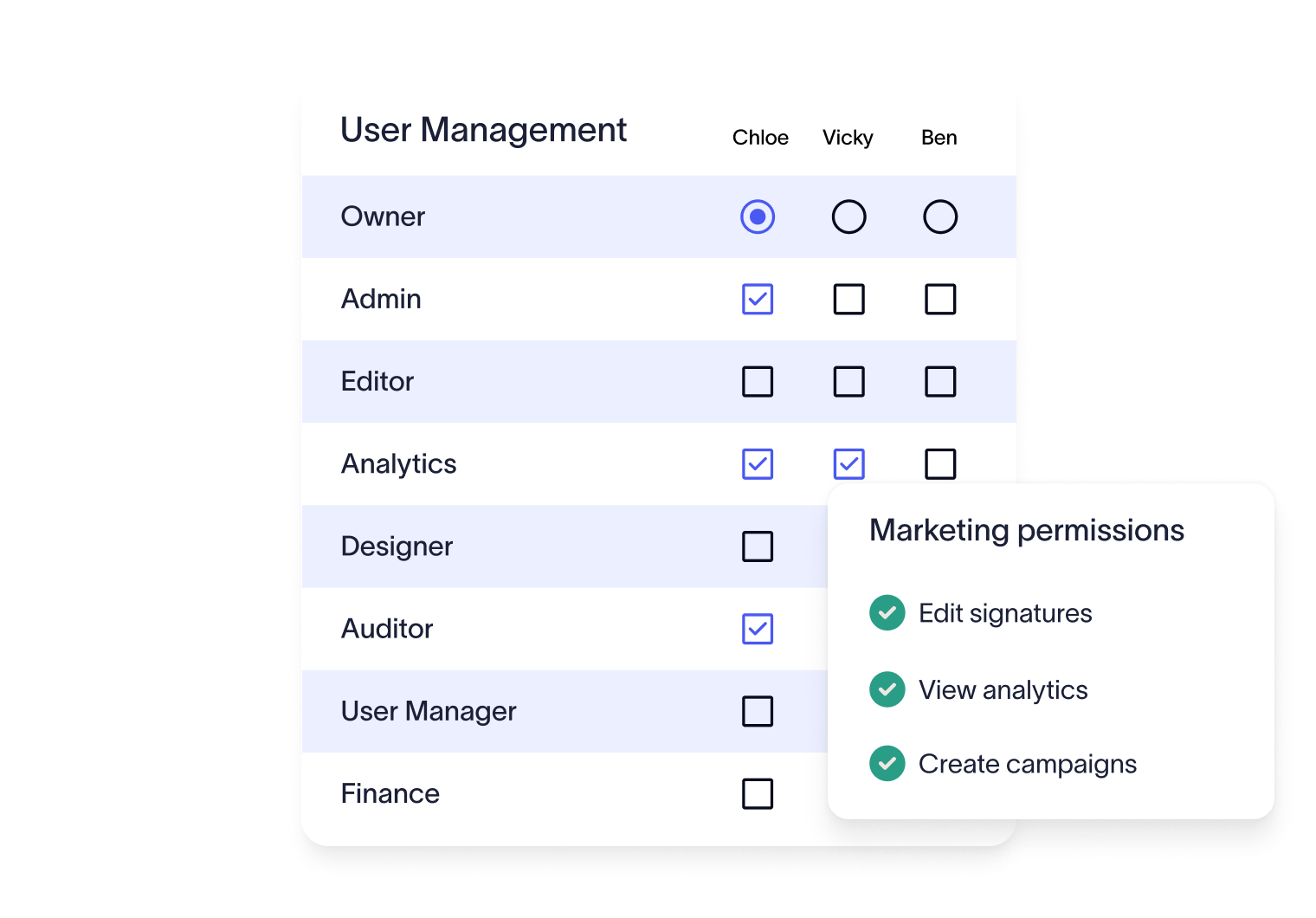
Assign roles

Match each user to the access they need—whether that’s full ownership or specific tasks like editing signatures, viewing analytics, or downloading invoices.
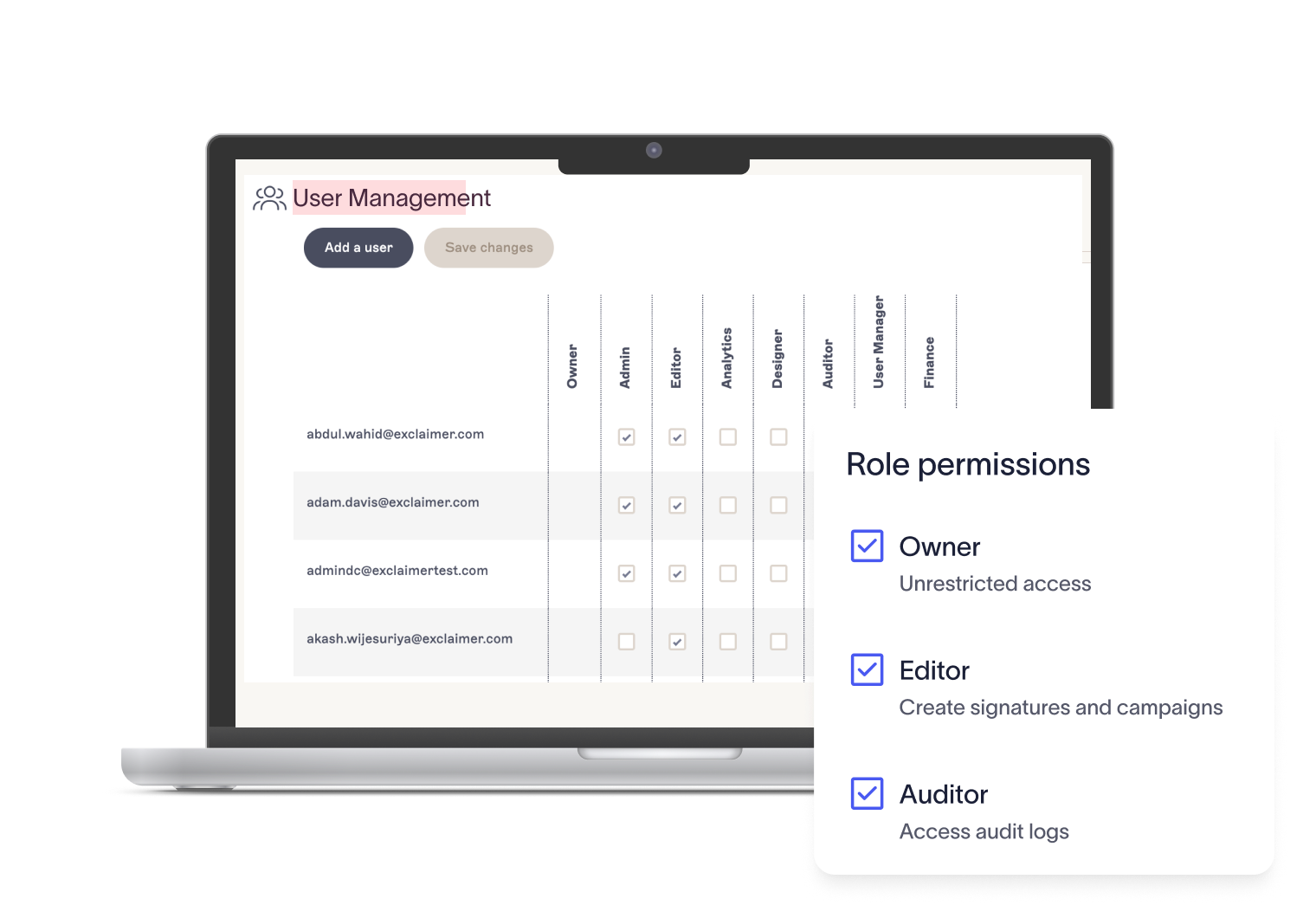
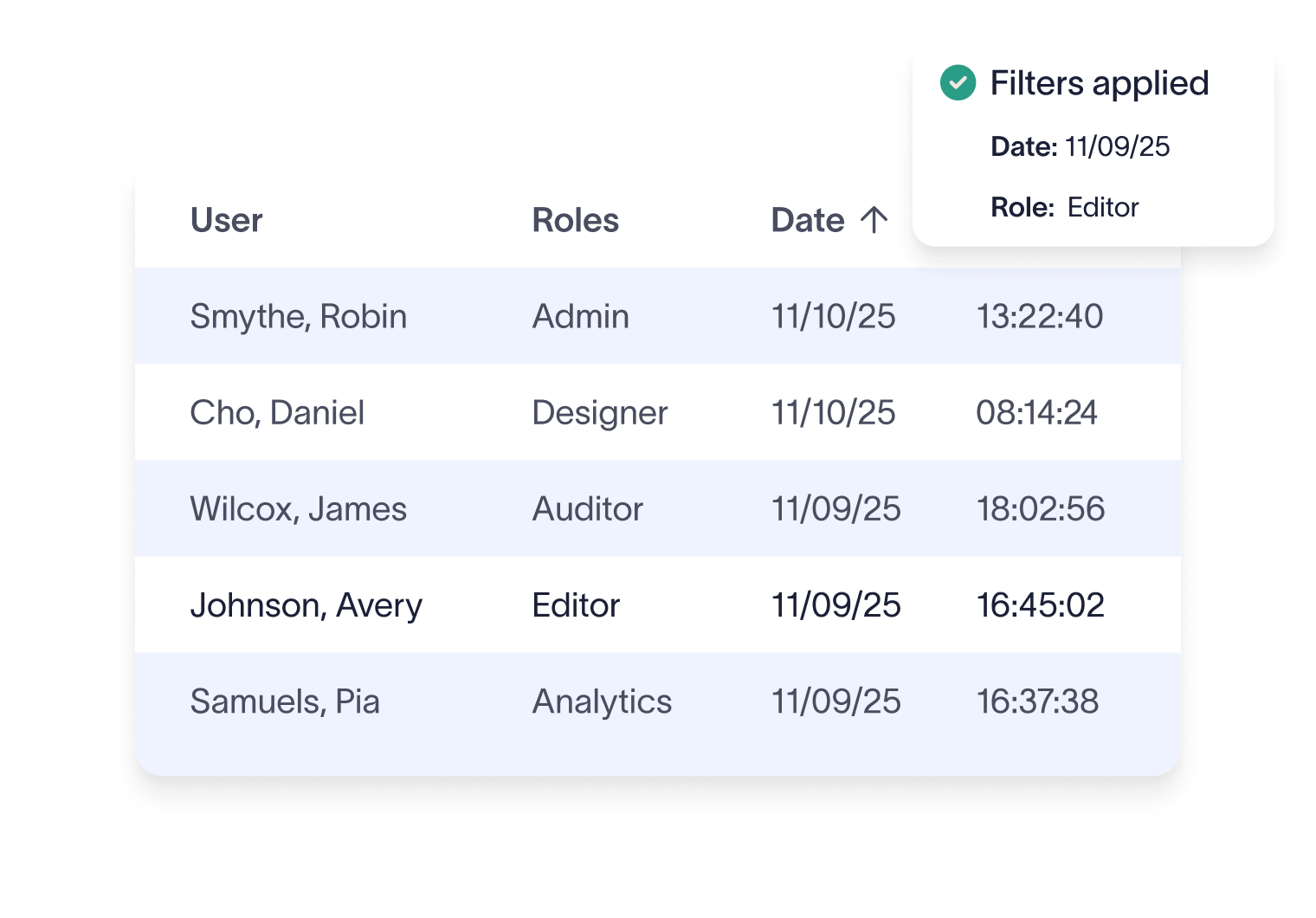
Monitor user access

Use the Audit Log to track log-ins and see which roles are assigned, giving both IT and compliance teams clear visibility.
Why industry leaders choose Exclaimer

Score 4.5 of 5

"A signature management tool that works faultlessly"

Prior to discovering Exclaimer Cloud, our small business was using homemade templates in Microsoft365 which failed to produce the results we wanted across the range of devices our...

See all G2 reviews

Score 9.2 of 10

"Decent email signature manager with great flexibility"

Our company basically has 4 separate business units that need to appear "somewhat" cohesive while also still remaining separate and free to create their own email signatures. Excla...

See all TrustRadius reviews

Score 4.6 of 5

"Excellent service, takes all the hassle out of Office 365 Signatures!"

Simple pricing shown on their website rather than having to request a quote. Simple to set up with automated systems to configure your account and Office 365, linking the two toget...

See all SourceForge reviews

Score 4.5 of 5

"Auto organisational signatures, bye bye messy signatures"

The integration with Office 365 is excellent. The template editor lets you have different signatures for different users, departments or groups. You can change the email signatures...

See all Software Advice reviews

Score 4.5 of 5

"Professional signatures, very versatile"

The features I most use are the signature tester and troubleshooters, which can help you to determine what signature a particular user will get when sending to certain recipients....

See all Capterra reviews

Trusted by 9 million email accounts worldwide

Frequently asked questions

How do I assign or change user roles in Exclaimer?

Roles are managed in the User Management screen. Subscription Owners and User Managers can add users, edit their assigned roles, and update permissions as needed.

Related articles

Role-based access control (RBAC) for centralized email signature management

Role-based access control (RBAC) for centralized email signature management

Learn how role-based access control (RBAC) helps IT teams manage email signatures securely and at scale.

Dave Willis

Dave Willis

Senior Content Manager

Centralized email signature management: A step-by-step implementation guide for IT

Centralized email signature management: A step-by-step implementation guide for IT

Learn how centralized email signature management lets IT teams standardize formats, streamline updates, and eliminate manual admin.

Dave Willis

Dave Willis

Senior Content Manager

The true cost of manual email signature management (updated for 2026)

The true cost of manual email signature management (updated for 2026)

Manual email signature updates waste IT time. Learn how centralizing and automating email signatures helps enterprises recover time, reduce risk, and improve communication.

Dave Willis

Dave Willis

Senior Content Manager

How Exclaimer solves IT’s email signature challenges

How Exclaimer solves IT’s email signature challenges

Learn how Exclaimer helps IT teams eliminate manual email signature updates, automate compliance, and maintain consistent branding across every device.

Naimh Bennett

Naimh Bennett

Content Marketing Manager

Take control of your email signatures

Give the right access to the right people—without giving up control.