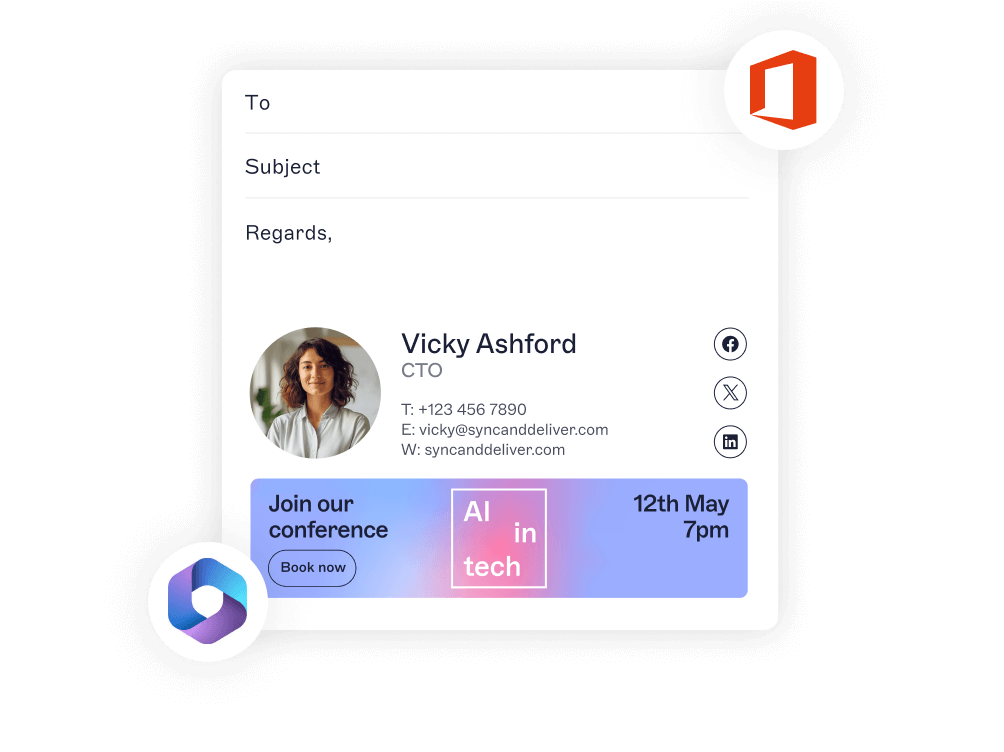
Control Outlook signatures with ease
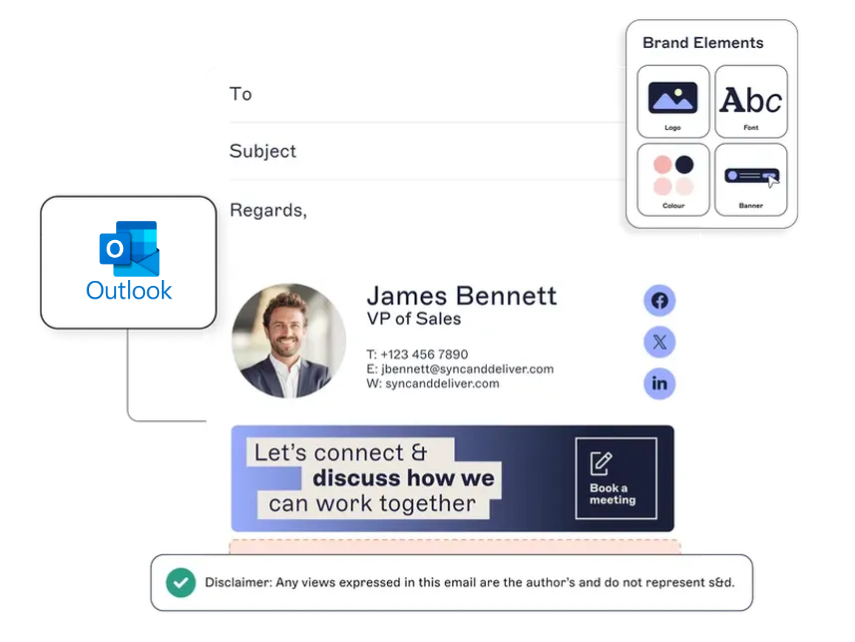
Manage every Outlook signature from a single platform.
Apply the right signature automatically based on department, role, or location.
Roll out updates quickly and keep signatures consistent across every device.
Outlook can’t scale signature management. Exclaimer can. Discover where native tools fall short—and how automation saves time, reduces risk, and ensures consistency.
Trusted by over 70,000 IT teams to keep signatures consistent, compliant, and under control.








Control every Outlook signature from one place—no workarounds, no manual updates.
Let marketing and HR update signatures without relying on IT or risking consistency.
Set smart rules that apply the right signature automatically based on sender, recipient, or message type.
Flexible deployment options to fit your Microsoft Outlook environment.

Manage every Outlook signature from a single platform.
Apply the right signature automatically based on department, role, or location.
Roll out updates quickly and keep signatures consistent across every device.

Add banners, logos, or links to promote key initiatives.
Collect instant customer feedback with one-click surveys.
Tailor messages by team or region—without risking brand consistency.

Sync with Active Directory (Entra ID) to keep contact details up to date.
Let users choose from approved signature options in Outlook.
Measure what works with A/B testing, usage data, and engagement insights.
Add Microsoft Bookings so customers can schedule time in one click.
Display live, synced signatures in Outlook as users compose emails—no local install required.
Works across devices, platforms, and CRMs like Salesforce and HubSpot.
Every year we securely process billions of emails for our customers using a system built on data-protection, reliability, and trust.
See customer stories
4.5 out of 5

"A signature management tool that works faultlessly"
Prior to discovering Exclaimer Cloud, our small business was using homemade templates in Microsoft365 which failed to produce the results we wanted across the range of devices our customers were using. After we made the switch to outsourcing, we have been delighted with the consistent results our customers experience, particularly as our signature includes a compliance statement that needs to be readily visible to all recipients.

9.2 out of 10

"Decent email signature manager with great flexibility"
Our company basically has 4 separate business units that need to appear "somewhat" cohesive while also still remaining separate and free to create their own email signatures. Exclaimer allows for a dedicated set of managers at each business unit to admin the users for that business unit, while also being able to duplicate/copy/modify signatures from other business units to allow for more cohesive brand styling between our business units and the parent company.

4.6 out of 5

"Excellent service, takes all the hassle out of Office 365 Signatures!"
Simple pricing shown on their website rather than having to request a quote. Simple to set up with automated systems to configure your account and Office 365, linking the two together without having to know anything technical! Simple to use, all through an online WYSIWYG editor.

4.5 out of 5
"Auto organisational signatures, bye bye messy signatures"
The integration with Office 365 is excellent. The template editor lets you have different signatures for different users, departments or groups. You can change the email signatures templates for individual members, groups or the entire organisation. The changes take effect immediately. Using Exclaimer means that staff no longer need to worry about setting up individual signatures.

4.5 out of 5
"Professional signatures, very versatile"
The features I most use are the signature tester and troubleshooters, which can help you to determine what signature a particular user will get when sending to certain recipients. You can have separate internal and external signatures or even change your signature details by recipient domain, so if you have a partner organisation that you're happy to share your mobile number with, but wouldn't give that out to the public, you can do that.
Choose a plan to fit your needs—each one built to keep signatures consistent, compliant, and easy to manage.

Our basic plan. Centralize and standardize email signatures across your organization.

Get everything in Starter, plus marketing features like rotating banners and one-click surveys.

All the control and marketing features, with added flexibility— advanced signature targeting and scheduling, social media feeds, and upgraded analytics.