Exclaimer Brand Kits: Centralize visual assets across teams and sub-brands
12 February 2026
0 min read
Managing brand consistency across email signatures and meeting backgrounds gets harder as organizations scale. Rebrands, regional teams, and multiple subsidiaries often lead to outdated logos, mismatched visuals, and hands-on updates that drain time from IT and Marketing.
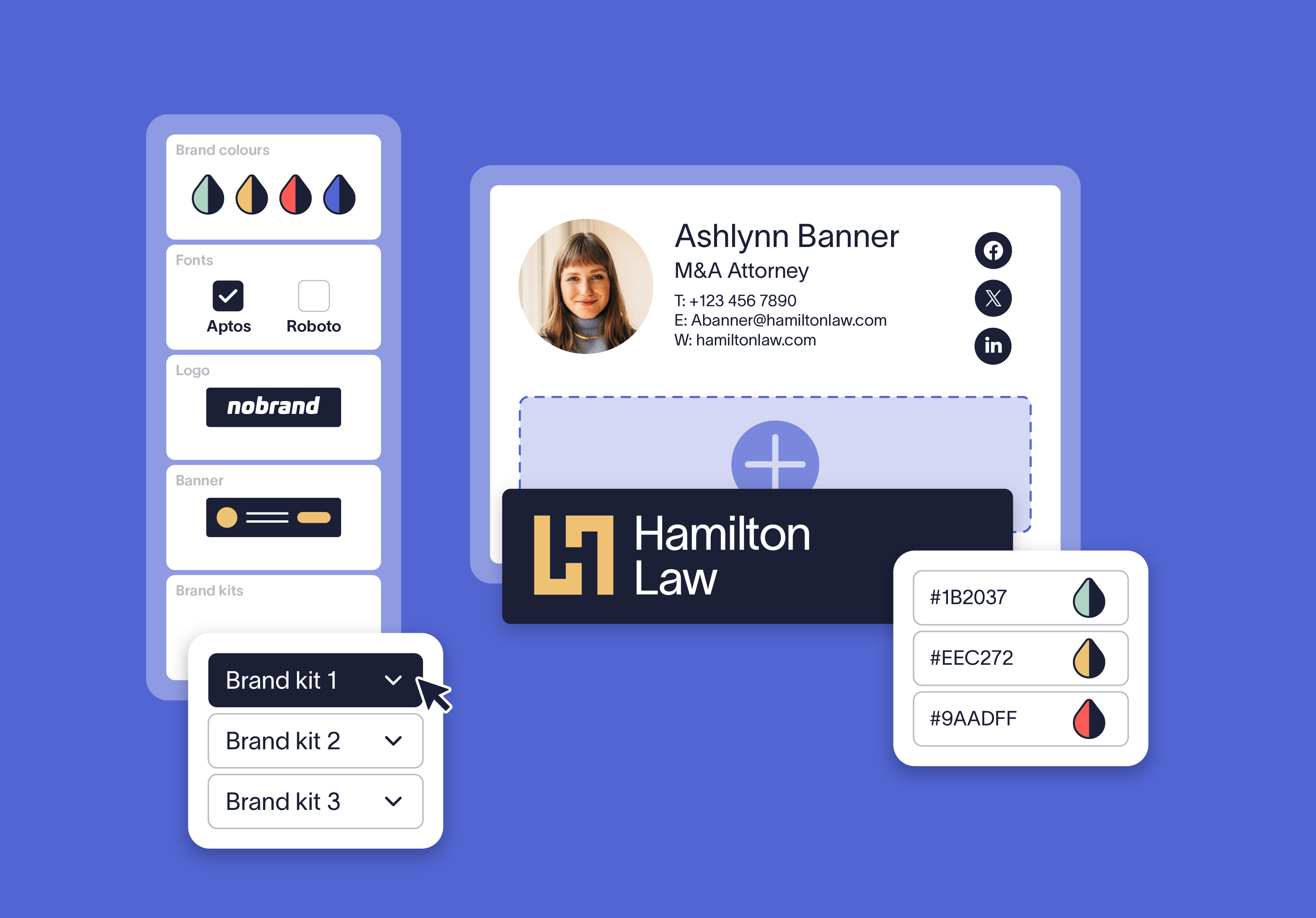
In this webinar, we introduce Brand Kits, Exclaimer’s centralized way to store and manage approved logos, fonts, and colors across employee communications. You’ll see real-world use cases and a short demo showing how Brand Kits assigns the right brand visuals to the right teams and keeps everything current without manual updates.
What you’ll learn:
What Brand Kits is and how Exclaimer manages multiple brand asset sets in one place
Common use cases, including multi-brand setups, rebrands, and regional branding
How Brand Kits cuts down manual updates for IT and Marketing
A live demo of creating, applying, and updating Brand Kits in Exclaimer
Key takeaways
1. Brand consistency breaks when the org gets complex
Most companies start with clean, consistent email branding. It slips when you add regions, sub-brands, departments, rebrands, and M&A. At that point, branding becomes an ongoing operational problem, not a one-time design task.
2. Email signatures are where brand drift shows up first
Signatures live in everyday, customer-facing email. They also tend to “set and forget,” so outdated logos, mixed fonts, and regional tweaks hang around long after the brand has moved on.
3. Templates don’t scale because version control becomes the job
Once teams start copying and editing templates, you get duplicates, near-duplicates, and “almost right” variants. Then updates turn into repetitive manual work for IT and marketing, plus more room for mistakes.
4. Good governance starts with a single source of truth
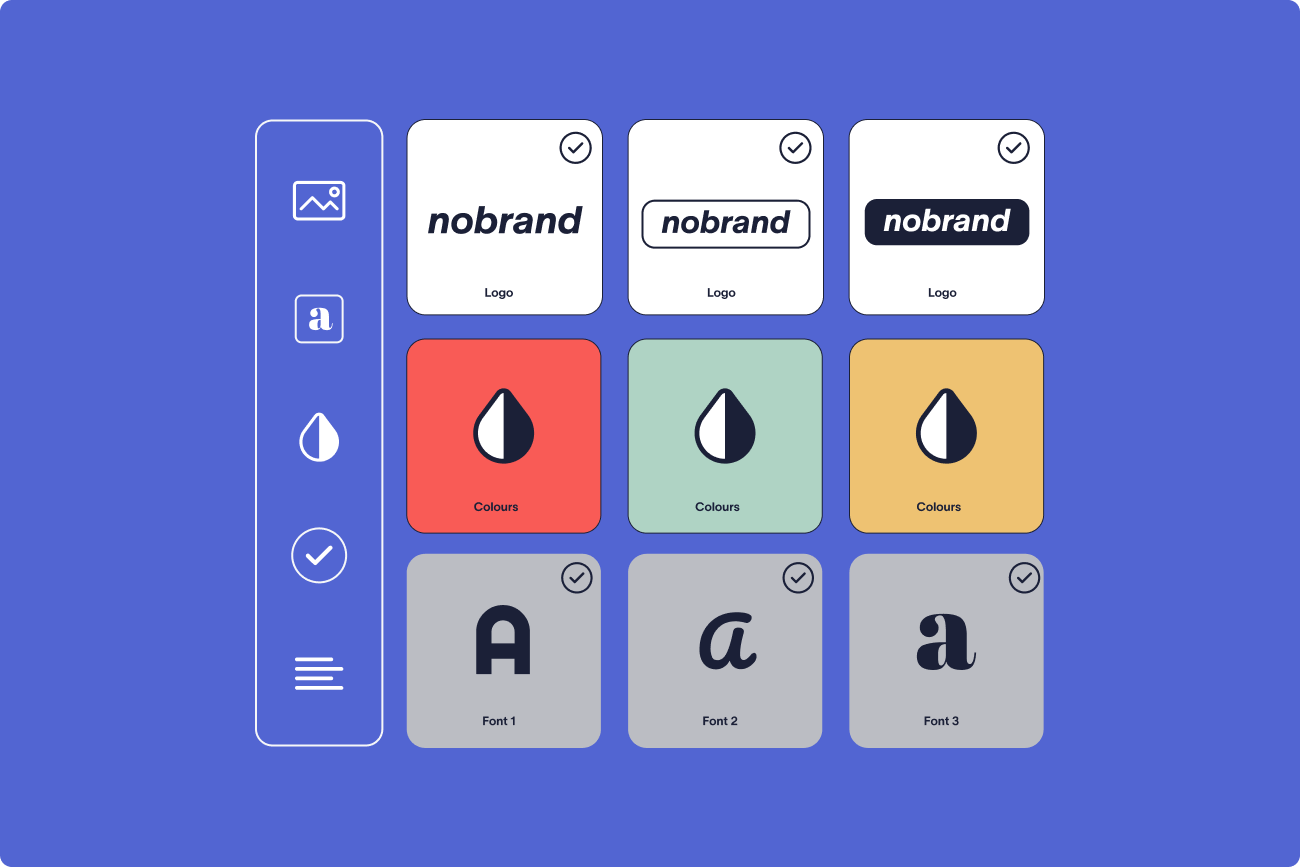
The goal is a central repository for brand assets (logos, fonts, colors, icons, banners, meeting backgrounds, and optional disclaimers). If everyone pulls from the same source, drift becomes much harder to introduce.
5. Separate brand styling from layout to remove repetition
Brand Kits work because they decouple “what the signature says and how it’s laid out” from “how it should look.” Update the Brand Kit once, and every connected signature or meeting theme inherits the change.
6. Brand Kits are built for real-world scenarios, not ideal org charts
They’re designed for multi-brand groups, regional variations, rebrands, and phased M&A rollouts. You can keep entities on their current identity, standardize later, and avoid rebuilding everything from scratch.
7. Changes roll out faster, with fewer errors
Centralized updates mean fewer places to break things. If someone makes a mistake (wrong logo, wrong color), you correct it once in the Brand Kit and the fix cascades, instead of hunting down dozens of templates.
8. Ownership becomes a choice, not an accident
Brand governance doesn’t have to default to IT. With role-based access, marketing can own brand standards and updates, while IT maintains platform control. Either way, responsibilities are clearer, and requests don’t pile up in someone’s inbox.
9. The bigger shift is to stop treating branding like a design task
The main mindset change is moving from “managing templates” to “managing a system.” When branding is governed as a system, it holds up through growth, change, and complexity without adding day-to-day overhead.