Dave is a marketing expert with 15 years experience in the tech and SaaS world. He specializes in educating IT and channel audiences, with a focus on security, privacy, compliance, and marketing technology. With a talent for storytelling and a deep understanding of the industry, Dave transforms complex IT topics into clear, engaging, and impactful narratives.
Can Exclaimer really integrate with our existing setup? Answering IT’s top questions
TL;DR
Exclaimer integrates with Microsoft 365, Google Workspace, and Exchange, with no MX changes or mail flow disruption
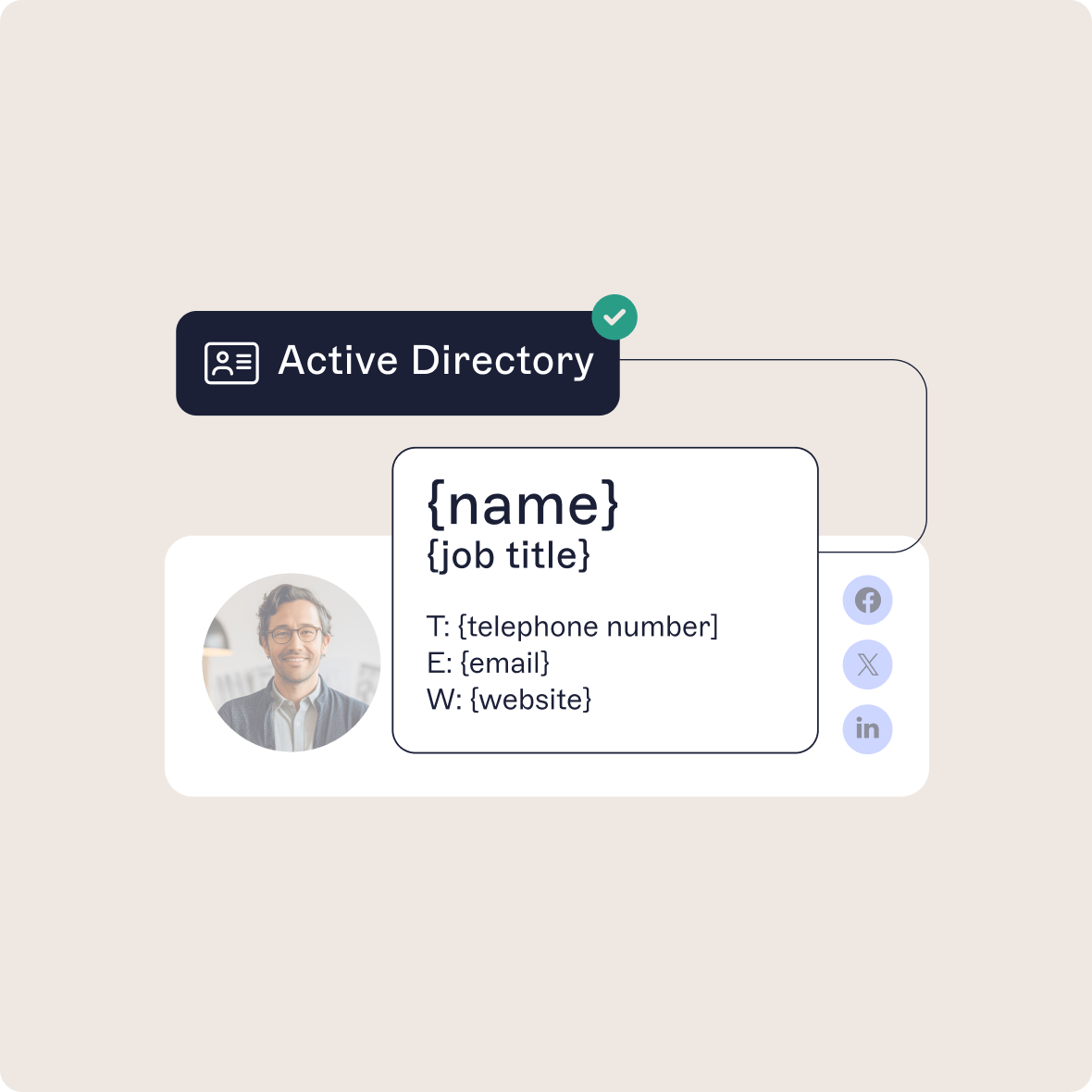
Email signatures are assigned automatically from directory data, with no manual updates
Built-in SSO, MFA, role-based access, and a user activity log support enterprise security and compliance standards
IT stays in control while Marketing and Compliance manage content through role-based access
Rolling out a new platform into any enterprise environment raises valid concerns, especially for IT teams responsible for security, scalability, and uptime. Email signature management is no different.
At Exclaimer, we hear these questions every day from IT leaders evaluating our solution. This guide addresses the most common technical concerns, so you can make a confident, informed decision.
Technical specifications at a glance
Specification | Value | Evidence |
|---|---|---|
Supported platforms | Microsoft 365, Google Workspace, Exchange on-premises and hybrid | System requirements |
Server-side requirement | Exchange Online. For on-premises mailboxes, Exchange Server 2016 CU18 and above, or 2019 CU1 and above. Google Workspace | System requirements |
Local software | None for Microsoft 365 or Google Workspace. The Exclaimer Exchange Transport Agent on each mailbox server for on-premises mailboxes | Transport Agent |
MX record changes | None | Mail routing domain |
Directory services read | Microsoft Entra ID (a free Entra tenant works for Exchange on-premises) and Google Directory | System requirements |
Directory sync schedule | Microsoft 365: twice a day, at 00:00 and 12:00 UTC. Google Workspace: every 12 hours. A manual sync by an Owner or Admin can take up to 3 hours | Synchronize user data |
Microsoft Graph permissions | Directory.Read.All (application), User.Read.All (application), User.Read (delegated) | Application permissions |
Email content stored | None. Sender address, recipient address, and email signature ID kept for up to 7 days for support | Security guide |
Encryption | TLS 1.2 or higher in transit. AES-256 at rest | SOC 2 |
Hosting | Microsoft Azure, 14 datacenters in 7 regional pairs | Security guide |
Availability | 99.99% availability SLA | Pricing |
Certifications | ISO/IEC 27001:2022 and ISO/IEC 27018:2019 (BARR Advisory, February 2026). SOC 2 Type II attestation (BARR Advisory, February 2026). Cyber Essentials (Cyber Aggress, November 22, 2025). Microsoft 365 Certification | Security |
Ratings and self-assessments | SecurityScorecard 100/100 (A). CSA STAR Level 1 self-assessment. PCI DSS self-assessment questionnaire | SecurityScorecard |
Roles | Owner, Admin, Editor, Designer, Auditor | User management |
User Activity Log | CSV of logins and roles for Owners and Auditors. Pro plans only | User Activity Log |
Support | 24/5 global technical support. Enterprise SLAs available | Support |
Scale | 80,000+ organizations. More than 20 billion email signatures a year | Customer stories |
Exclaimer and your existing infrastructure
Environment | Deployment Type | Local Install? | MX Changes? | Directory Sync |
|---|---|---|---|---|
Microsoft 365 | Server- or Client-side | No | No | Microsoft Entra ID via Graph API |
Google Workspace | SMTP relay or Client (Gmail) | No | No | Google Directory via OAuth |
Exchange On-Prem / Hybrid | Transport Agent + Cloud | Yes (MSI on each mailbox server) | No | Microsoft Entra ID, synced from on-premises Active Directory through Entra Connect |
Will Exclaimer work with Microsoft 365, Google Workspace, or Exchange?
Exclaimer supports:
Microsoft 365 (server- and client-side)
Google Workspace (via SMTP relay or Gmail add-on)
On-premises Exchange and hybrid environments (using our Exchange Transport Agent)
In hybrid deployments, email routes through Microsoft 365 connectors or the Exchange Transport Agent, depending on your configuration. Exclaimer applies the email signature on either path.
Do we need to install anything locally?
Not for Microsoft 365 or Google Workspace.
For on-prem Exchange or hybrid setups, you’ll install a lightweight MSI-based Transport Agent (~20MB) on each mailbox server. The agent supports high availability environments and can be updated quarterly or on request via remote deployment.
Will we need to update MX records or mail routing?
No. Your mail flow stays exactly as it is.
Exclaimer uses TLS-secured smart connectors that work within your existing routing and security stack. You don’t reroute traffic externally.
How does Exclaimer compare to built-in Exchange transport rules?
Built-in Exchange Online options add static text or HTML disclaimers. They lack templates, previews, dynamic field insertion, and targeting rules.
Exclaimer adds templates, previews, directory fields, and rules that target by sender and recipient.
Can Exclaimer sync with our directory (Microsoft Entra ID or Google Directory)?
Yes. Exclaimer syncs automatically with:
Microsoft Entra ID (Azure AD) via Graph API
Google Directory via secure OAuth
On-premises Active Directory, through Microsoft Entra Connect syncing it to Entra ID
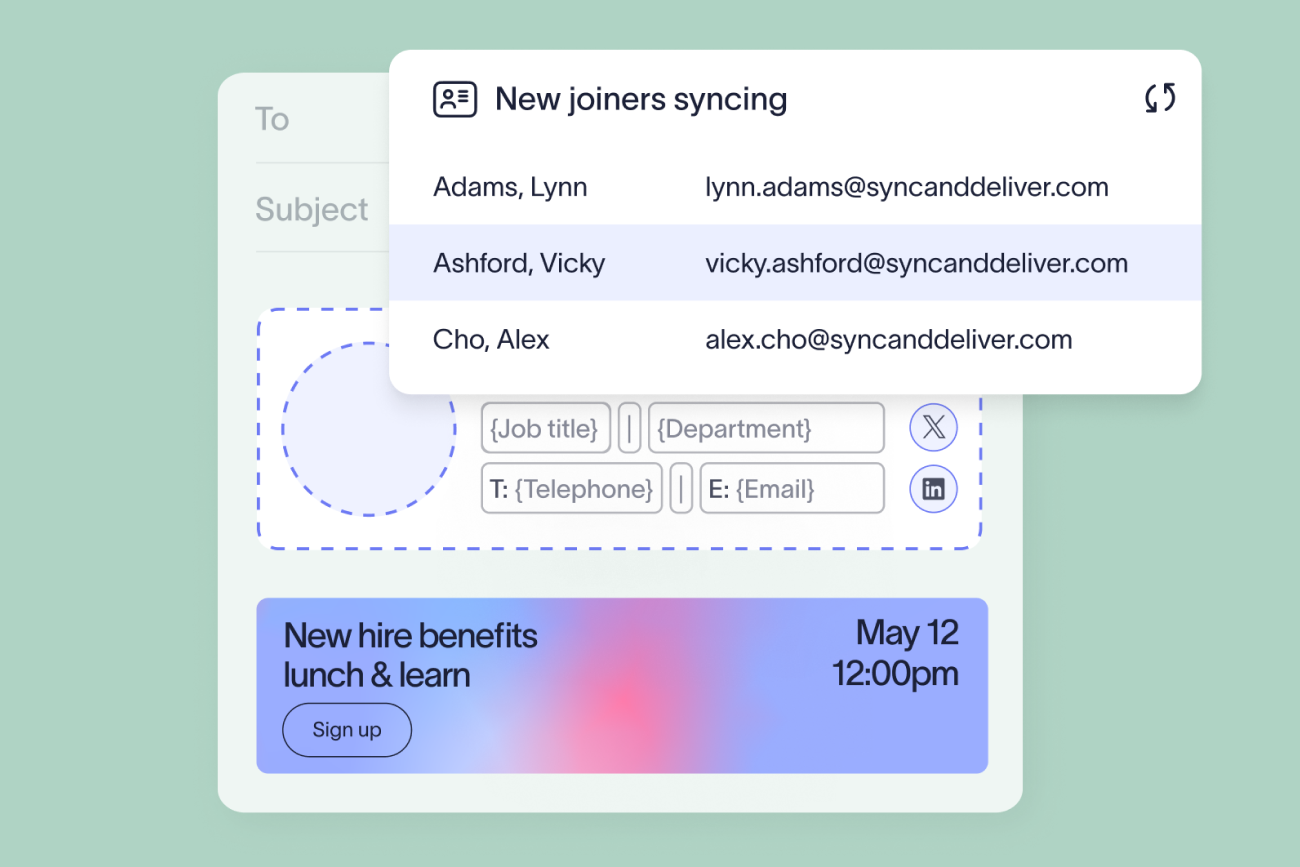
We pull only the fields needed for email signature assignment such as name, title, and department. Exclaimer syncs Microsoft 365 data automatically twice a day, at 00:00 and 12:00 UTC, and Google Workspace data every 12 hours. An Owner or Admin can start a manual sync. We support custom fields and extended attributes.
How does Exclaimer prevent duplicate signatures in hybrid deployments?
Exclaimer uses a text-match check mechanism when both client-side and server-side signatures are applied.
If the email already carries a client-side email signature, Exclaimer skips the server-side one.
Security and compliance
Is Exclaimer compliant with enterprise security standards?
Yes. Exclaimer is independently certified to:
A SOC 2 Type II attestation
ISO/IEC 27001:2022 and ISO/IEC 27018:2019
Cyber Essentials
BARR Advisory completed the ISO and SOC 2 Type II audits in February 2026. Exclaimer also publishes a CSA STAR Level 1 self-assessment, which isn't externally audited.
Exclaimer holds a Microsoft 365 Certification, which confirms the integration has passed Microsoft’s cloud security and compliance benchmarks, including data handling, access control, and infrastructure resilience.
We also hold a SecurityScorecard rating of 100/100 (A), a trusted metric for procurement and vendor risk teams.
Third-party penetration tests are performed annually, with summaries available via our Trust Portal.
What data does Exclaimer process, and where is it stored?
Only what’s needed to apply a signature:
Name, title, phone number, email, etc.
Exclaimer processes each email in memory to apply the email signature and doesn't store message content, subject lines, or attachments. It keeps the sender address, recipient address, and email signature ID for up to seven days for support.
Data is encrypted and stored in 14 regional Microsoft Azure datacenters, with replication across paired zones for high availability and compliance (GDPR, CCPA, ADGM, DIFC).
Can we apply signatures without routing mail through Exclaimer servers?
Yes. With client-side deployment, the email signature is applied before the email is sent, inside Outlook or Gmail.
The email isn’t routed externally, and the sender sees the email signature before sending. In Gmail, client-side deployment is supported in a web browser only. Analytics and headline content for client-side email signatures also need server-side configuration.
Does Exclaimer support SSO and MFA?
Yes. We support:
Single sign-on via Microsoft, Google, and SAML providers
Multi-factor authentication at the portal level
Passwords aren’t stored, and authentication tokens are encrypted end-to-end.
Deployment and management
How long does deployment take?
Microsoft 365 or Google Workspace: ~1 hour
Exchange hybrid: ~1–2 hours (including agent install)
You can roll out to pilot groups before going organization-wide. Deploying the Outlook Add-in to every user in a tenant takes about 12 hours.
Can we deploy to a test group first?
Yes. Target users, groups, or OUs to validate logic, preview layouts, and test campaign settings before publishing company-wide.
How do I configure Exclaimer in a hybrid mailflow environment with centralized transport?
If you use centralized mail transport, setup must follow this order:
Install the Exchange Transport Agent on-prem
Configure the hybrid send connector in Microsoft 365 to use a rule with lower priority
Add an exception via message header (e.g., X-SentonPremise) to avoid routing loops
Exclaimer’s rule then runs before the transporter takes over, so email signatures apply on every path.
For the directory side of a hybrid setup, see how email signatures work in a hybrid Active Directory environment.
Does Exclaimer work with mobile devices and shared mailboxes?
Yes. Server-side email signatures are applied centrally, so users send from mobile, desktop, webmail, and shared or delegated inboxes with the same email signature.
Shared mailboxes need one setup step. Disabled accounts aren't synced by default, so an admin has to turn on synchronizing disabled accounts and add the mailbox to the right email signature rule.
Can users see their signature in Sent Items?
Yes. Our optional Sent Items Update feature replaces the sent copy with the final email signature through the Microsoft Graph API. It’s scoped by admin consent and doesn’t affect mail delivery times.
In classic Outlook with Cached Exchange Mode enabled, the update can fail because the sent item may not have synced yet. If every sent item has to show the email signature, Exclaimer recommends client-side deployment.
Customers who use Sent Items Update need to reauthorize the service for Microsoft Graph, as Exclaimer's EWS article explains.
Can we automate who gets which signature?
Yes. You can build rules based on:
Department, job title, or location
Domain or business unit
Language preference or region
Rules support nested logic and priority ordering. For example:
“Apply Signature A if user is in Sales and based in New York and sending externally.”
Managing Exclaimer at scale
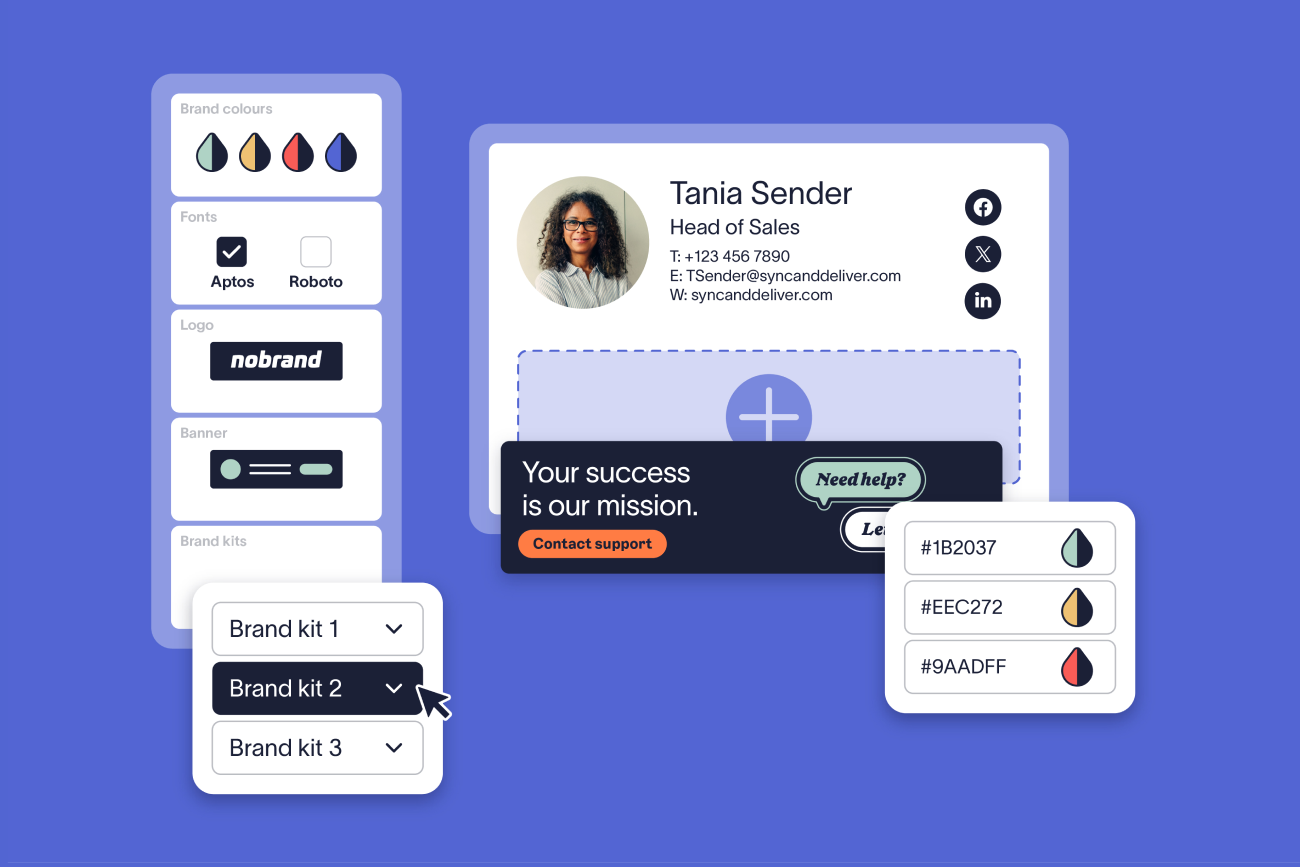
Can non-IT teams manage signature content?
Yes. With role-based access control, you can:
Let Marketing update banners or layout content
Give Compliance oversight of disclaimers
Keep IT in full control of deployment, security, and governance
Are updates applied in real time?
Changes take effect once published, across the entire organization or for selected users. The Outlook Add-in can take up to one hour to show a published design change, and directory changes appear on the next sync.
Can we support multiple brands or regions?
Assign unique templates by:
Email domain
Department or location
Brand or business unit
Each team or brand can have its own visual identity and regional disclaimers.
What happens when user roles change?
Exclaimer automatically applies the right signature based on synced directory attributes on the next sync. No manual reassignments or formatting needed.
Is there audit logging for changes and publishing?
Exclaimer records logins, not individual changes.
The User Activity Log is a CSV, available to subscription Owners and Auditors on Pro plans, that shows each login with a UTC timestamp and the user's role (Admin, Editor, or both). Role-based access controls who can edit email signatures and rules.
Exclaimer and marketing integrations
Can Exclaimer support campaign-driven marketing?
Marketing teams can:
Add banners and CTAs
Schedule campaign windows
Run regional or departmental promotions
No IT support needed. Templates can be updated any time.
Does it integrate with platforms like Salesforce, HubSpot, or Calendly?
Exclaimer works alongside these platforms. You can embed:
UTM-tracked links
Meeting scheduling buttons
Forms or surveys
Targeted banners
Social media feeds
Can we personalize messaging for different audiences?
Show different content depending on:
Sender’s department (Sales vs. Support)
Recipient type (internal vs. external)
Region or market segment
Recipient-based targeting (e.g., show CTA X for U.S. recipients and CTA Y for EMEA) is available in server-side mode and ideal for localizing campaigns. Recipient settings also apply at compose time with the Outlook Add-in.
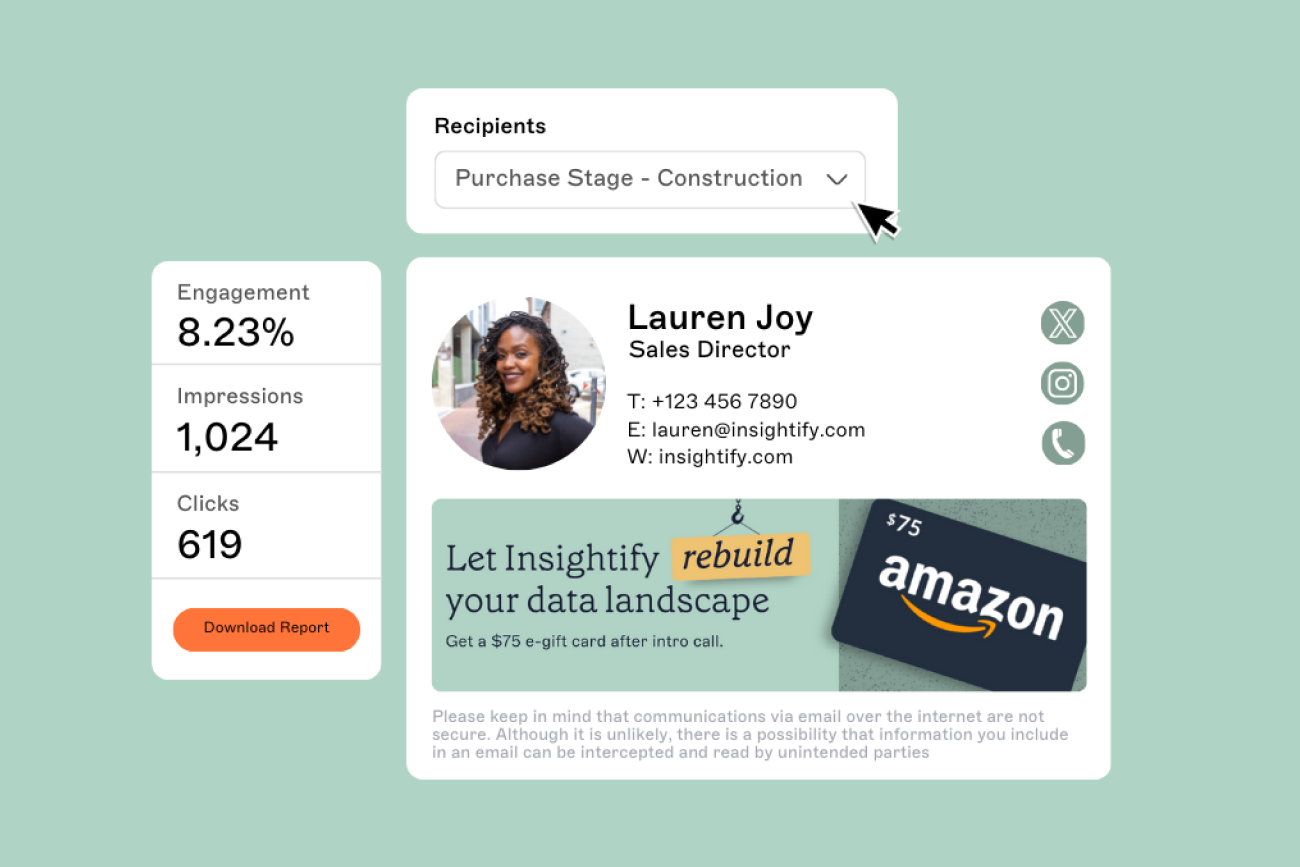
Are analytics available?
Analytics cover:
Banner click-through rates
Campaign performance
Audience engagement
Reliability, support and failover
What happens if Exclaimer experiences downtime?
We operate on Microsoft Azure’s active-active infrastructure using:
High availability clusters (HACs)
Cross-zone redundancy
Load-balanced failover between paired regions (e.g., East US / West US)
If one datacenter goes offline, traffic is automatically routed to the paired site.
Recovery Point Objective (RPO): <1 minute
Recovery Time Objective (RTO): <5 minutes
Region | Primary Datacenter | Secondary Datacenter |
|---|---|---|
USA | East US - Virginia | West US - California |
Canada | Canada Central - Toronto | Canada East - Quebec |
Europe | West Europe – Netherlands | North Europe - Ireland |
UK | UK South - London | UK West - Cardiff |
Germany | Germany W Central - Frankfurt | Germany North - Berlin |
Australia | Australia East - NSW | Australia Southeast - Victoria |
Middle East (UAE) | UAE North - Dubai | UAE Central - Abu Dhabi |
What happens if a directory attribute (like title or department) is missing?
Exclaimer has no single default-value setting. You build fallbacks with conditional visibility, which shows or hides an element depending on whether a field has data, so an alternate element appears when the field is blank. This Entra ID attributes guide shows how.
Admins can test rules in the Signatures Tester before publishing.
How are updates managed?
All releases go through:
Load/stress testing
Antivirus and malware scans
Regional rollouts during off-peak windows
Can we test changes before going live?
Yes. You can:
Preview layouts
Simulate logic and rules
Send test emails to different devices and groups
What kind of support is available?
- 24/5 global technical support
Enterprise SLAs available
Onboarding and Customer Success teams
Access to our knowledge base with hundreds of support articles
Yes, Exclaimer really can integrate with your existing setup
Exclaimer works with Microsoft 365, Google Workspace, and Exchange, in the cloud or on-premises, and IT keeps control of policy and deployment.
Trusted by 80,000+ organizations, including Sony, Mattel, Bank of America, the BBC, and the Government of Canada, Exclaimer delivers more than 20 billion email signatures every year.
Let us show you how Exclaimer fits into your setup with a custom walkthrough or free trial.