Microsoft Teams backgrounds vs Meeting Branding: What organizations need to know
30 March 2026
0 min read
TL;DR
Video meeting backgrounds shape first impressions and brand perception, not just privacy or aesthetics
Microsoft Teams backgrounds are user-controlled, which leads to inconsistent presentation across organizations
Lack of enforcement makes it hard to scale branding, maintain consistency, or manage updates
Exclaimer Meeting Branding applies centralized control across Teams, Zoom, and Google Meet
Standardized visuals improve professionalism, clarity, and trust in every meeting interaction
Video meetings have become a core part of business communication. Sales calls, customer check-ins, internal collaboration, and interviews all happen on platforms like Microsoft Teams, Zoom, and Google Meet.
Most organizations focus on what’s said in these meetings. Fewer think about how their people show up visually.
Backgrounds, name tags, and overall presentation shape first impressions. When they’re inconsistent, it creates friction. When they’re standardized, they reinforce trust.
This guide explains:
How meeting backgrounds work in Microsoft Teams
Where Teams’ backgrounds fall short for organizations
How Exclaimer’s Meeting Branding feature compares
What are video meeting backgrounds?
A video meeting background is the visual layer behind a participant during a call. It can be:
A blurred version of the real environment
A static image (office, home, branded design)
A custom uploaded background
These backgrounds serve two main purposes:
Privacy: Hiding personal surroundings
Presentation: Creating a more professional appearance
Video meeting backgrounds are often treated as a personal setting. But in a business context, they also influence how your company is perceived—every meeting becomes a visible representation of the brand.
How Microsoft Teams backgrounds work
Microsoft Teams approaches backgrounds as a user-level setting. Each individual controls how they appear in a meeting, with the option to choose from preset images or upload their own.
Users can apply backgrounds before joining a meeting or during a call, switching between options as needed. This makes it easy to adapt quickly, especially in remote or hybrid environments.
From an administrative perspective, Teams provides limited control. IT teams can upload a set of approved backgrounds and make them available to users. This helps guide behavior, but it doesn’t standardize it.
The key limitation is that Teams does not enforce usage. Employees still decide whether to use a background, which one to apply, or whether to upload their own. That flexibility is useful at an individual level, but it introduces variability across the organization.
Where Microsoft Teams backgrounds fall short
While Teams’ native background controls are sufficient for individuals, they create challenges when applied across larger organizations:
No guarantee of consistency
Even if approved backgrounds are provided, employees may not use them. Some will forget. Others may prefer their own setup. And if user details or branding elements change, not everybody will make the necessary updates. Over time, meetings start to look different depending on who is involved.
Scaling updates is difficult
If the organization rebrands or undergoes a merger, teams must distribute new assets, communicate updates, and monitor usage. This creates ongoing overhead—work that could be avoided entirely with an automated approach to meeting background control.
Teams backgrounds only apply within Teams
It sounds obvious, but it’s worth noting. If your organization uses multiple platforms for video calls, there’s no built-in way to maintain a consistent experience across them.
Individually, these issues could be manageable for smaller organizations. But together, they make it difficult to present a unified brand in meetings.
What is Exclaimer’s Meeting Branding feature?
Ideally, you’d manage how employees appear in video meetings at an organizational level, rather than leaving it to individual users.
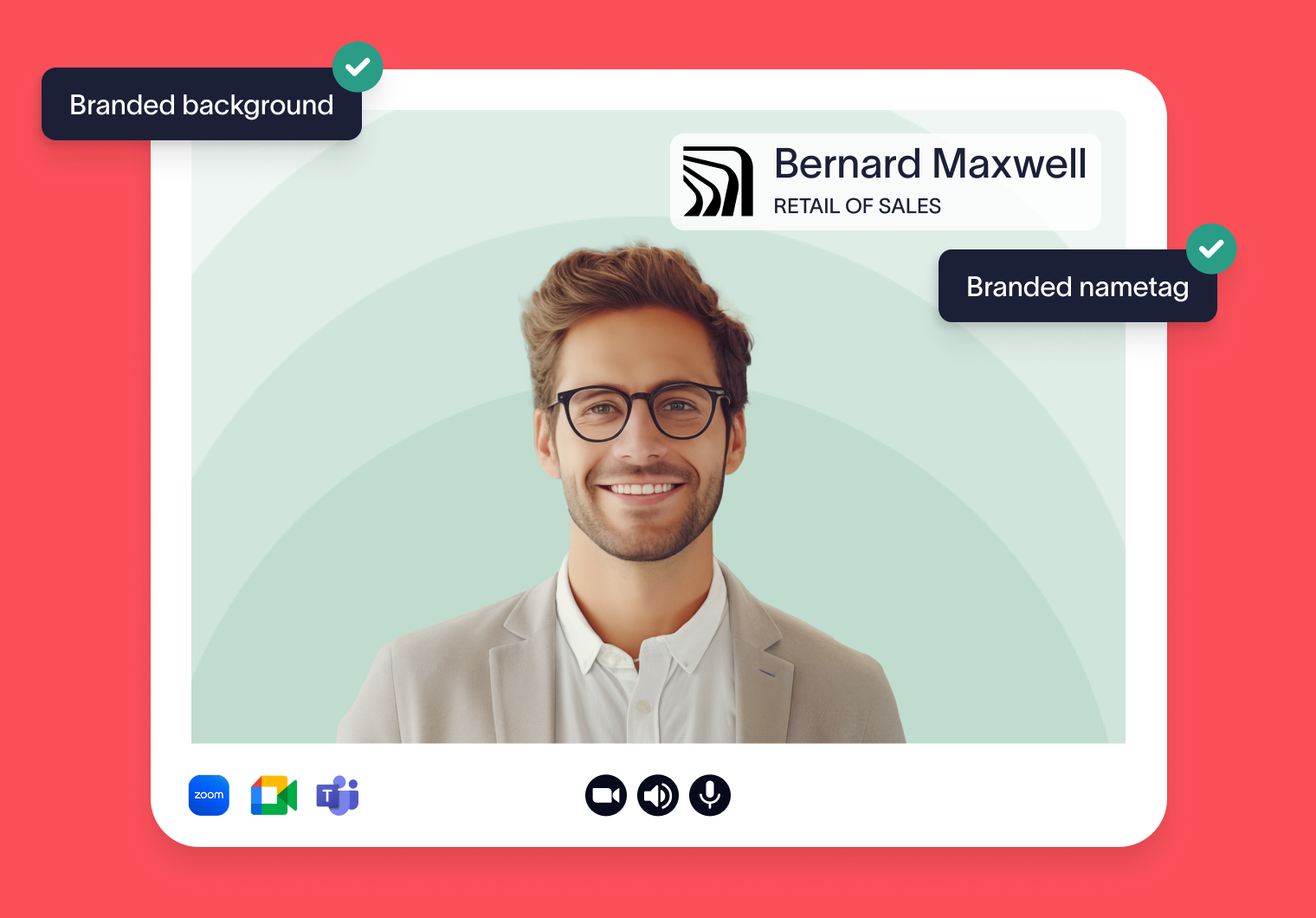
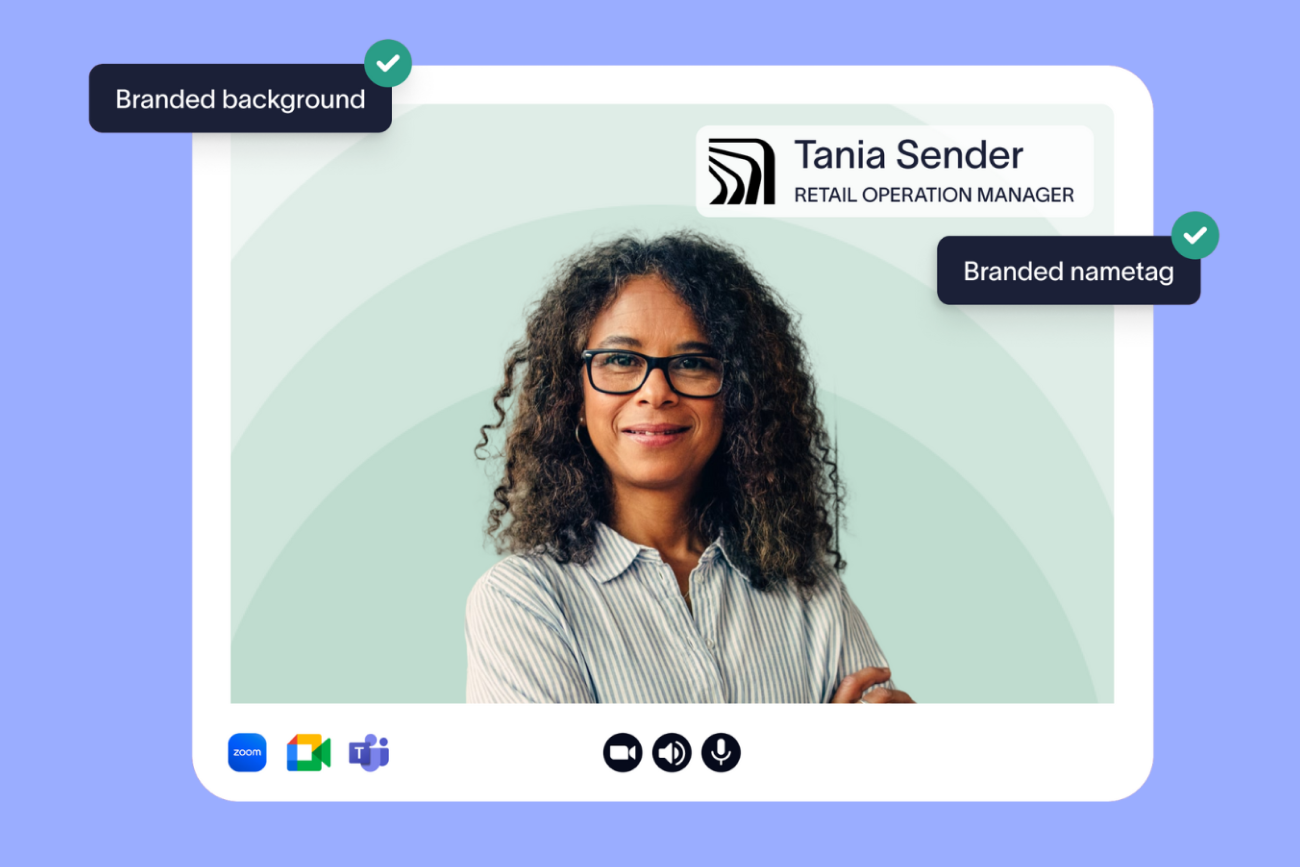
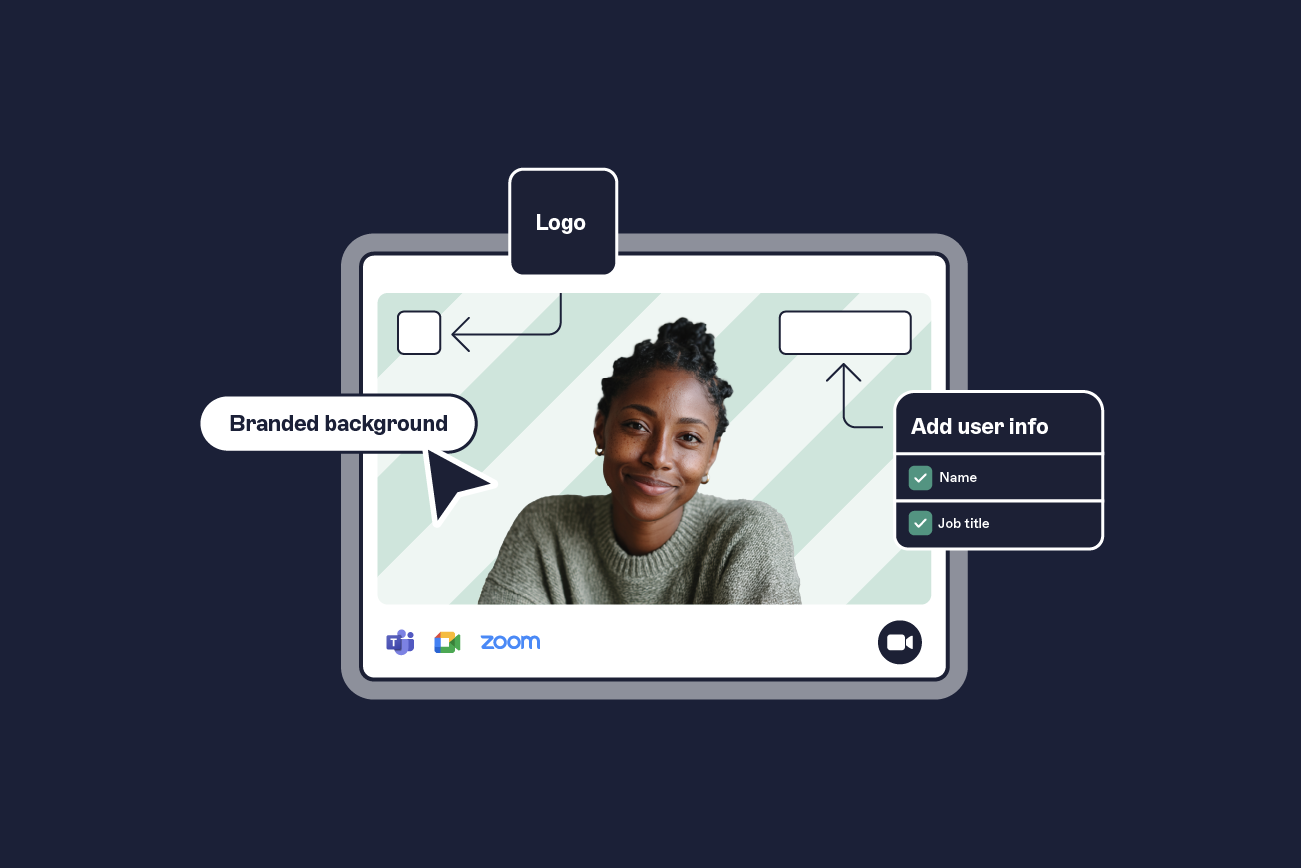
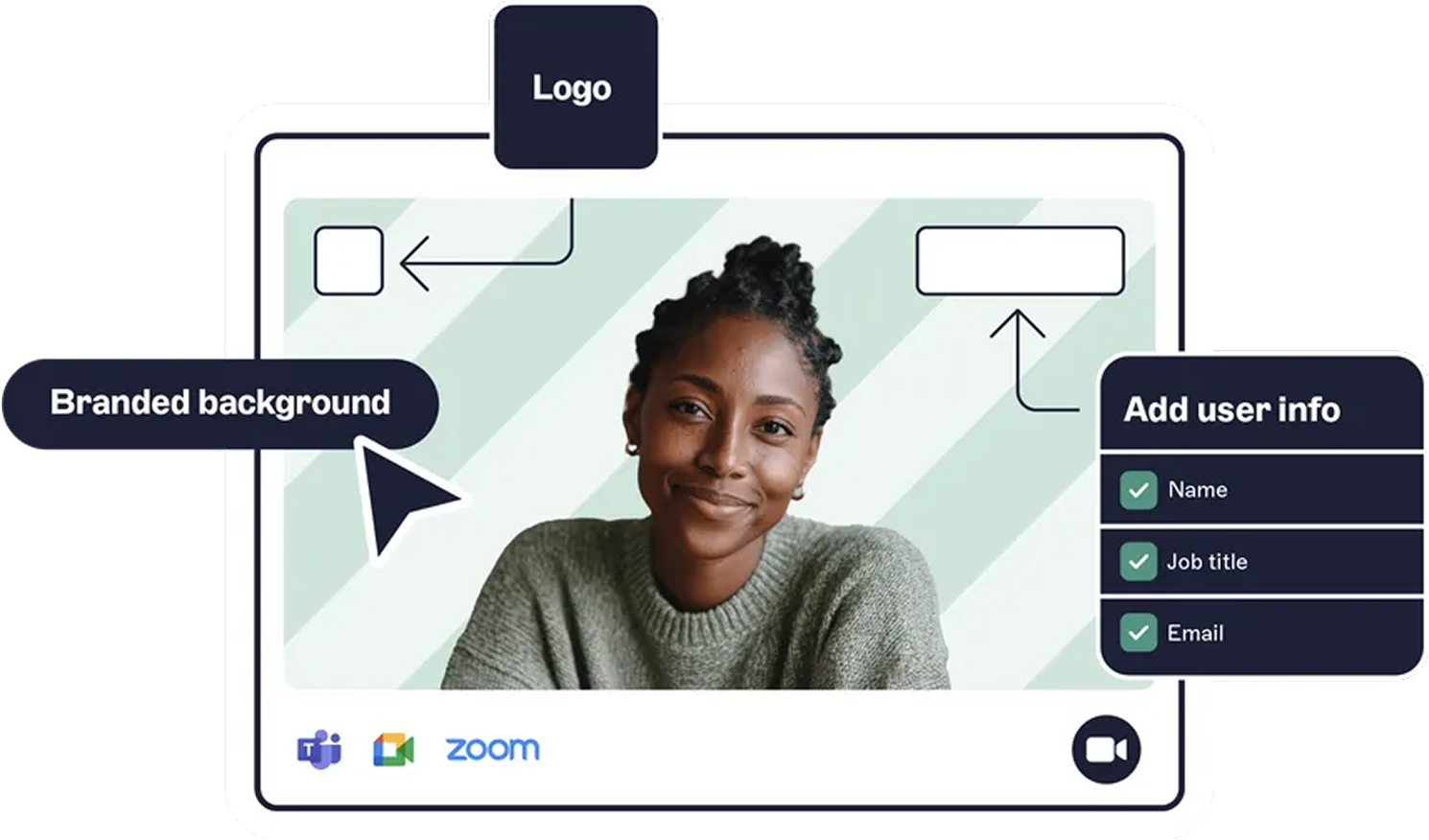
Exclaimer’s Meeting Branding feature does exactly that. It brings the same centralized control used for email signatures into video meetings, allowing organizations to manage how employees present themselves across platforms like Microsoft Teams, Zoom, and Google Meet.
Instead of relying on guidelines, Meeting Branding applies visual elements like backgrounds, name tags, and layouts consistently across all users. This shifts meeting presentation from a personal preference to a controlled part of business communication.
How Meeting Branding works
Exclaimer’s Meeting Branding centralizes the management of meeting visuals, removing the need for individual setup or ongoing manual updates.
Meeting Branding connects to existing directory systems, which means user details such as name, role, and contact information can be automatically applied to meeting name tags. Backgrounds and visual elements are configured once and deployed across users.
Because this approach is centralized:
Updates can be made in one place and applied instantly
Employees don’t need to configure or maintain their own settings
IT teams don’t need to chase adoption or troubleshoot inconsistencies
Meeting Branding also works across multiple platforms, allowing organizations to maintain a consistent presence whether meetings take place in Teams, Zoom, or Google Meet.
This extends brand control beyond email into meetings, creating a unified standard across communication channels.
Note: Meeting Branding is only available for users on Pro plans.
Why meeting branding matters for business communication
Video meetings are one of the most frequent and visible ways organizations interact with customers, partners, and internal teams. When these interactions are inconsistent, it affects how the organization is perceived.
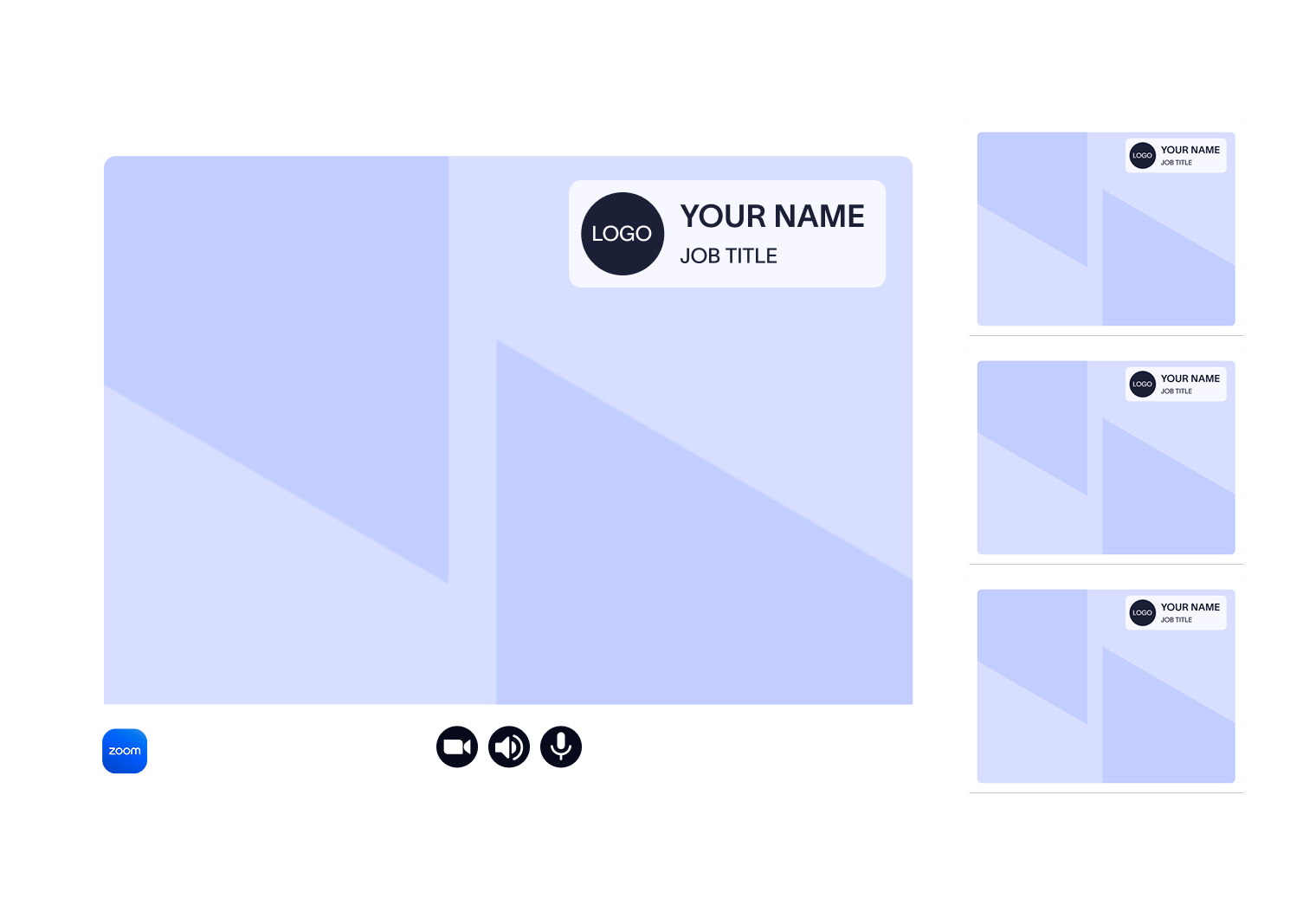 Without a standardized approach, different employees present themselves in different ways. Backgrounds vary. Roles are unclear. And the overall experience feels less cohesive. This can make meetings harder to follow and reduce the sense of professionalism.
Clear, consistent visuals improve both perception and usability. When participants are easily identifiable and the visual environment is predictable, conversations run more smoothly. It becomes easier to focus on the content of the meeting rather than the presentation around it.
Consistency also plays a role in building trust. When every interaction reflects the same standard, it reinforces credibility over time. Small details, repeated consistently, shape how a brand is experienced.
Exclaimer Meeting Branding vs Microsoft Teams backgrounds
Teams | Meeting Branding | |
Control and standardization | Optional, user-controlled | Centrally applied across users |
Brand consistency | Varies depending on user choices | Consistent across every meeting |
Cross-platform coverage | Limited to Microsoft Teams | Works across Teams, Zoom, and Google Meet |
IT workload | Manual distribution and ongoing management | Automated deployment with centralized control |
User experience | Flexible but inconsistent | Structured and consistent |
Business impact | Improves individual presentation | Strengthens brand identity across all communication touchpoints |
When to use Teams backgrounds vs Meeting Branding
Microsoft Teams backgrounds are suitable in environments where flexibility matters more than consistency. Smaller teams, informal settings, or organizations without strict brand requirements may find this approach sufficient.
But as organizations grow, the need for consistency increases. Customer-facing teams, regulated industries, and businesses operating across multiple regions often require a more controlled approach.
Meeting Branding becomes more relevant in these scenarios because it removes variability. It allows organizations to maintain a consistent presence without relying on individual behavior or manual processes.
The choice depends on how important consistency, scalability, and control are to your communication strategy.
Best practices for professional video meeting backgrounds
Whether you’re using Teams alone or a centralized solution, common design principles still apply:
Keep backgrounds simple and distraction-free. Straightforward, clean visuals reduce distraction and keep the focus on the conversation.
Keep visuals on brand. Backgrounds should align with brand guidelines, using consistent colors, logos, and layout. Make sure text and logos are readable.
Stay consistent across teams and departments. A well-designed background only delivers value if it’s applied consistently across the organization.
Even small details shape how your organization is perceived. Together, these practices create a more polished and consistent meeting experience.