Data Privacy Day 2026: Why email privacy still matters
19 January 2026
0 min read
This article looks at why Data Privacy Day matters and how it helps raise awareness around protecting personal and business data. With the 2026 theme, “You have the power to take charge of your data,” the focus is on awareness and accountability. It’s about understanding how data is used and making informed choices. For organizations, it’s a reminder to give employees and customers the right guidance and controls to handle data responsibly.
We’ll also cover key considerations around email risk and where email signature management fits into a broader data privacy approach. Email remains a common source of exposure, especially when disclaimers, sender details, or controls are inconsistent. Whether you’re managing a few inboxes or thousands, keeping sensitive data protected in everyday email communication matters.
What is Data Privacy Day?
Data Privacy Day takes place each year on January 28. It’s a global moment to focus on privacy, data protection, and responsible data handling. The goal is to help individuals understand how to protect their personal information, and encourage organizations to put clear, practical controls in place to protect the data they manage every day.
Data Privacy Day originated from Europe’s Data Protection Day, which commemorates the signing of Convention 108 on January 28, 1981. Convention 108 was the first legally binding international treaty on data protection. In 2009, the United States and Canada joined the effort, expanding the initiative into North America, where it’s now recognized as Data Privacy Day.
Why data privacy matters
Data privacy matters because it protects people, builds trust, and helps organizations stay compliant. It also reduces exposure to misuse, loss, or unauthorized access to data. When privacy is treated as a priority, both individuals and businesses can operate with more confidence in a digital-first world.
With that in mind, Data Privacy Day focuses on:
Protecting personal information across both online and offline interactions
Being transparent about how data is collected, stored, and used
Helping individuals make informed choices about their own privacy
What’s the role of email in data privacy?
Email is still one of the most heavily used communication channels in business. That also makes it a common entry point for data exposure, whether through human error, weak controls, or misuse. Emails often contain personal data, financial details, and sensitive business information, so even small gaps can carry real risk.

That’s why email plays such a critical role in data privacy:
1. Emails contain sensitive information
Personal data: Emails routinely carry personal details such as names, contact information, and financial data. When handled inconsistently, this information is easy to expose.
Business data: Contracts, internal discussions, and intellectual property are often shared by email. A single mistake can put confidential information in the wrong hands.
Legal and regulatory risk: Poor control over email content can lead to non-compliance with regulations like GDPR, HIPAA, or CCPA. That brings audit pressure, fines, and avoidable legal risk.
2. Rising threats of cyberattacks
Phishing: Email is the most common delivery method for phishing attacks. Attackers rely on convincing messages to trick recipients into sharing credentials or sensitive information.
Malware distribution: Links and attachments can carry ransomware or spyware, often disguised as routine business files. One click is sometimes all it takes.
Email spoofing: Threat actors impersonate trusted senders to make fraudulent messages look legitimate, undermining trust and increasing the chance of data exposure.
Account takeovers: Stolen login details can give attackers full access to an inbox, exposing ongoing conversations, attachments, and contact networks.
3. Email as a gateway to other systems
A compromised email account rarely stops at email. Once access is gained, attackers can move laterally into connected systems like cloud storage, collaboration tools, or financial platforms. What starts as a single inbox issue can quickly turn into a much wider exposure.
4. Privacy expectations and trust
People expect their emails to stay private. The same goes for customers, partners, and employees. When email privacy is compromised, trust erodes quickly and reputations take a hit.
Customers are increasingly aware of how their data is handled and are more selective about who they do business with. Organizations that show clear, consistent data protection practices are far more likely to earn and keep that confidence.
5. Regulatory compliance
Privacy laws like the GDPR in Europe or the CCPA in California mandate strict measures to protect personal data, including email communications. Non-compliance can result in severe penalties and legal repercussions.
6. Hybrid and remote work challenges
With more people working remotely, email has become even more central to day-to-day business communication. At the same time, it’s being used across home networks, personal devices, and shared environments. That increases exposure to risks like unsecured connections, unauthorized access, and accidental data leaks.
7. Business continuity
Maintaining email privacy and security ensures uninterrupted operations. Data breaches can disrupt workflows, impact customer relationships, and lead to financial losses.
11 privacy considerations for email and email signature management
When managing email and email signatures, privacy considerations are important for protecting sensitive information, staying compliant with privacy regulations and maintaining trust.
Here are the top privacy considerations for email and email signature management:
1. Secure email transmission
Encrypt emails both in transit, using TLS, and at rest to limit unauthorized access. Secure email gateways add another layer of protection by reducing the risk of interception and data exposure.
2. Data minimization in signatures
Avoid including unnecessary personal details in email signatures, such as phone numbers or physical addresses, unless they’re genuinely required. A centralized email signature solution helps control what information is shared, keeping signatures consistent and aligned with company policy.
3. Privacy laws and compliance
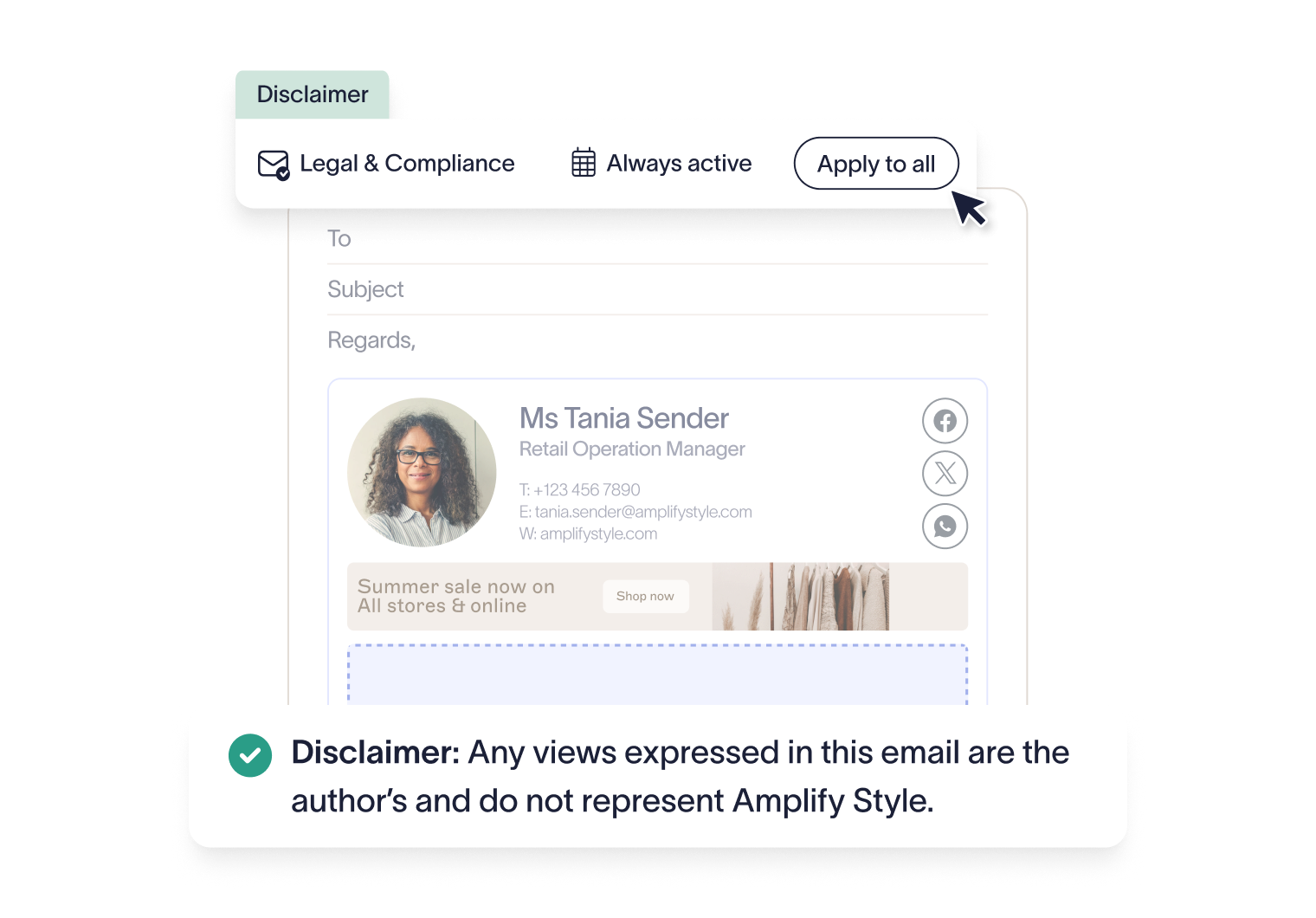
Make sure email and signature practices align with privacy regulations such as GDPR, HIPAA, or CCPA. Apply the right legal disclaimers in email signatures based on regional requirements, and manage them centrally so they stay accurate and consistent.
4. Protecting employee and customer information
Limit unnecessary exposure of employee email addresses by using shared or role-based inboxes where it makes sense. When personal or sensitive information is shared by email, handle it carefully and in line with your organization’s privacy policies and regulatory obligations.
5. Email signature security
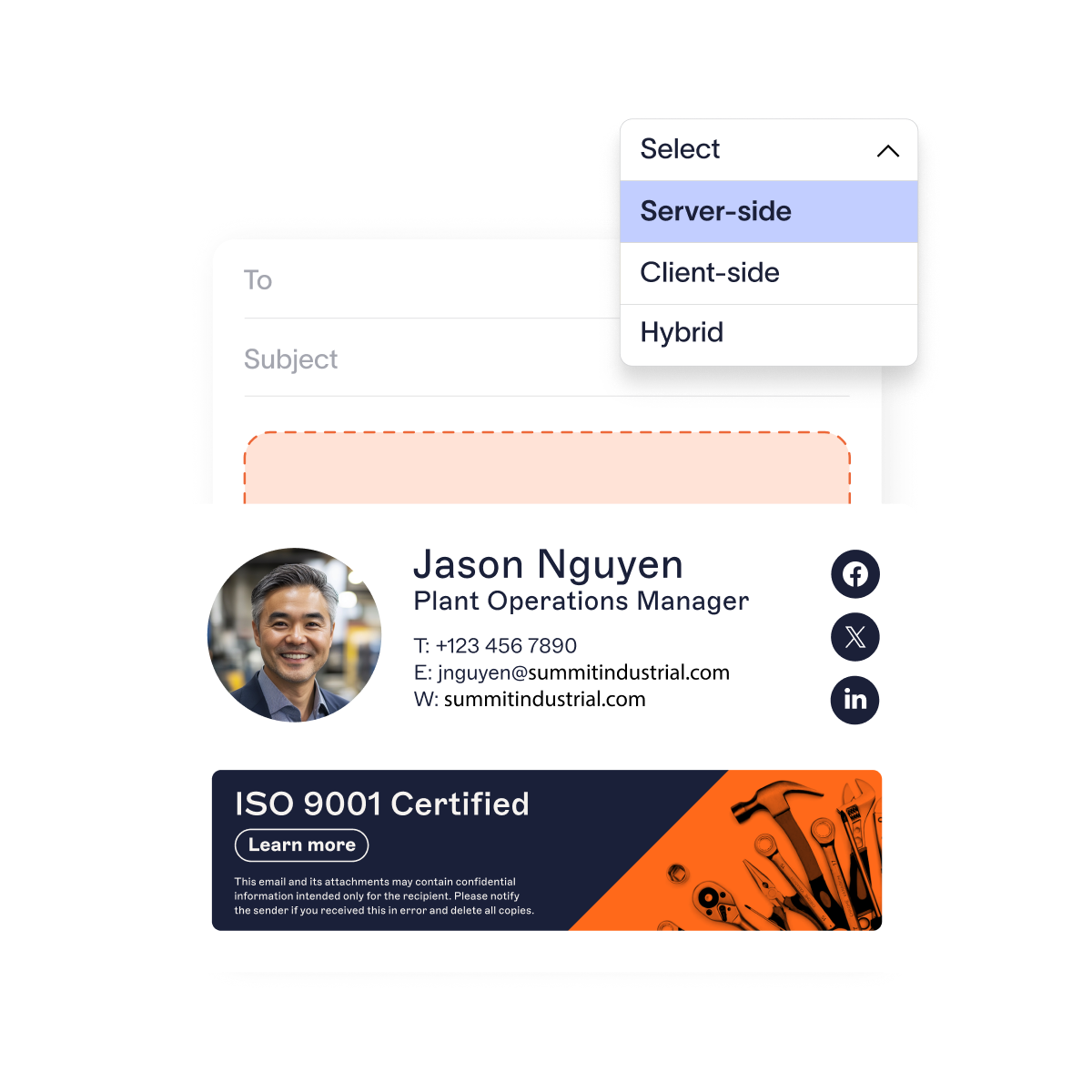
Use tools that secure the deployment and updating of email signatures to prevent unauthorized modifications. Protect embedded links in email signatures by ensuring they lead to secure and legitimate destinations.
6. Centralized email signature management
Implement centralized platforms like Exclaimer to manage email signatures securely across the organization. Prevent employees from manually editing signatures, reducing the risk of data leaks or non-compliance.
7. Access control
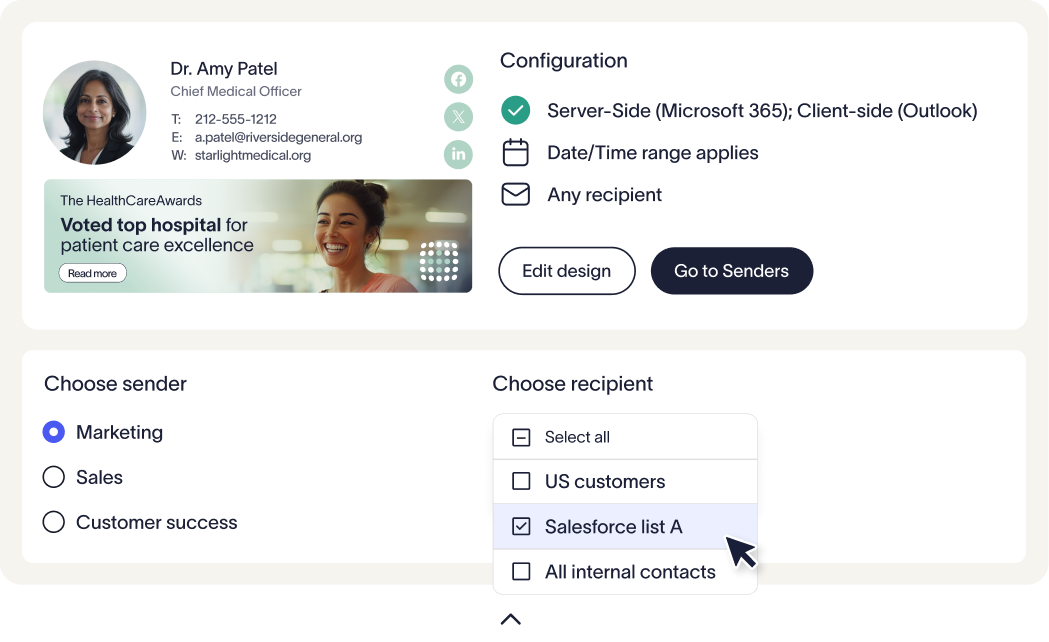
Limit access to critical systems, including email signature management, to the people who actually need it. Role-based permissions help keep control tight by giving employees access only to the data and tools relevant to their responsibilities.
8. Email monitoring and auditing
Regularly review email and signature usage to confirm they align with privacy requirements and internal policies. Auditing helps surface issues early, from unauthorized access to misuse of email systems, before they turn into larger risks.
9. Phishing and malware prevention
Avoid using personal email addresses or direct contact links in public-facing signatures, as they can make employees easier targets for phishing. It’s also important to remind employees to treat links and attachments with caution, even when emails appear legitimate or come from familiar senders.
10. Transparent privacy policies
Use email disclaimers to clearly explain your organization’s privacy approach. Let recipients know how their data is used, stored, and protected, using language that’s easy to understand and kept up to date as requirements change.
11. Backup and recovery
Regularly back up email systems to protect against data loss. Backups should be encrypted and access tightly controlled, so sensitive data stays protected even when it’s stored outside live systems.
By putting these privacy practices in place, organizations can reduce risk, stay compliant, and build a more secure and trusted email environment.
5 top tips to protect email privacy
Email privacy plays a central role in protecting sensitive information, maintaining trust, and meeting compliance requirements. It’s not only an IT concern. It’s a core part of how modern organizations communicate clearly, responsibly, and with confidence.
Here are some actionable tips you can undertake to strengthen your email privacy:
1. Consider encryption
Use encryption tools to secure emails during transmission and storage.
2. Enable strong authentication
Implement multi-factor authentication (MFA) to secure accounts.
3. Undertake awareness training
Educate employees and users about phishing and privacy best practices.
4. Secure your email signature management
Platforms like Exclaimer standardize email signatures, maintain compliance, and improve security.
5. Begin regular audits
Monitor and audit email systems to detect vulnerabilities and improve safeguards.
Action steps for businesses on Data Privacy Day 2026
Data Privacy Day 2026 is an excellent opportunity for businesses to reflect on their data protection practices, toughen cybersecurity, and demonstrate their commitment to privacy.
Here are actionable steps you can take to mark the day and strengthen their privacy initiatives:
1. Educate employees on data privacy
Run short, practical training sessions on data privacy basics, including how to spot phishing attempts and handle sensitive information.
Share clear updates on relevant privacy laws and what they mean for day-to-day work.
2. Conduct a privacy audit
Review how data is collected, stored, and shared to confirm it aligns with current regulations.
Identify where sensitive data may be overexposed and address gaps quickly.
3. Update privacy policies
Keep privacy policies current, clear, and easy to find for both employees and customers.
Explain how data is collected, processed, and protected, without legal overkill.
4. Strengthen data security measures
Update encryption practices for data in transit and at rest.
Run vulnerability assessments and fix weaknesses in systems and software.
Require multi-factor authentication for accounts with access to sensitive data.
5. Promote privacy awareness
Share simple privacy tips and resources through internal comms, blogs, or newsletters.
Use Data Privacy Day to reinforce your organization’s commitment to responsible data handling.
6. Review third-party vendors
Check that vendors and partners meet your privacy standards.
Update contracts to cover data protection responsibilities and breach notifications.
7. Update customer communication tools
Review email disclaimers to confirm they meet current privacy requirements.
Use tools like Exclaimer to standardize email signatures and keep privacy notices consistent and up to date.
8. Implement privacy by design
Make privacy a core consideration in product and process design.
Carry out data impact assessments for new tools or projects that involve sensitive information.
9. Create a response plan for data breaches
Maintain a clear response plan, so teams know exactly what to do if an incident occurs.
Test the plan with realistic scenarios and refine it based on what you learn.
10. Give customers control over their data
Offer clear opt-in and opt-out options and straightforward account settings.
Be transparent about how personal data is handled, using plain language and simple summaries.
Taking these steps on Data Privacy Day 2026 helps reduce risk, support compliance, and reinforce trust with customers, employees, and partners. It also shows that protecting sensitive data is part of how your organization operates every day.
How Exclaimer supports data privacy
Exclaimer supports data privacy by giving organizations a secure, compliant way to manage email signatures. That means sensitive information stays controlled, while branding and communication standards stay consistent across every email.
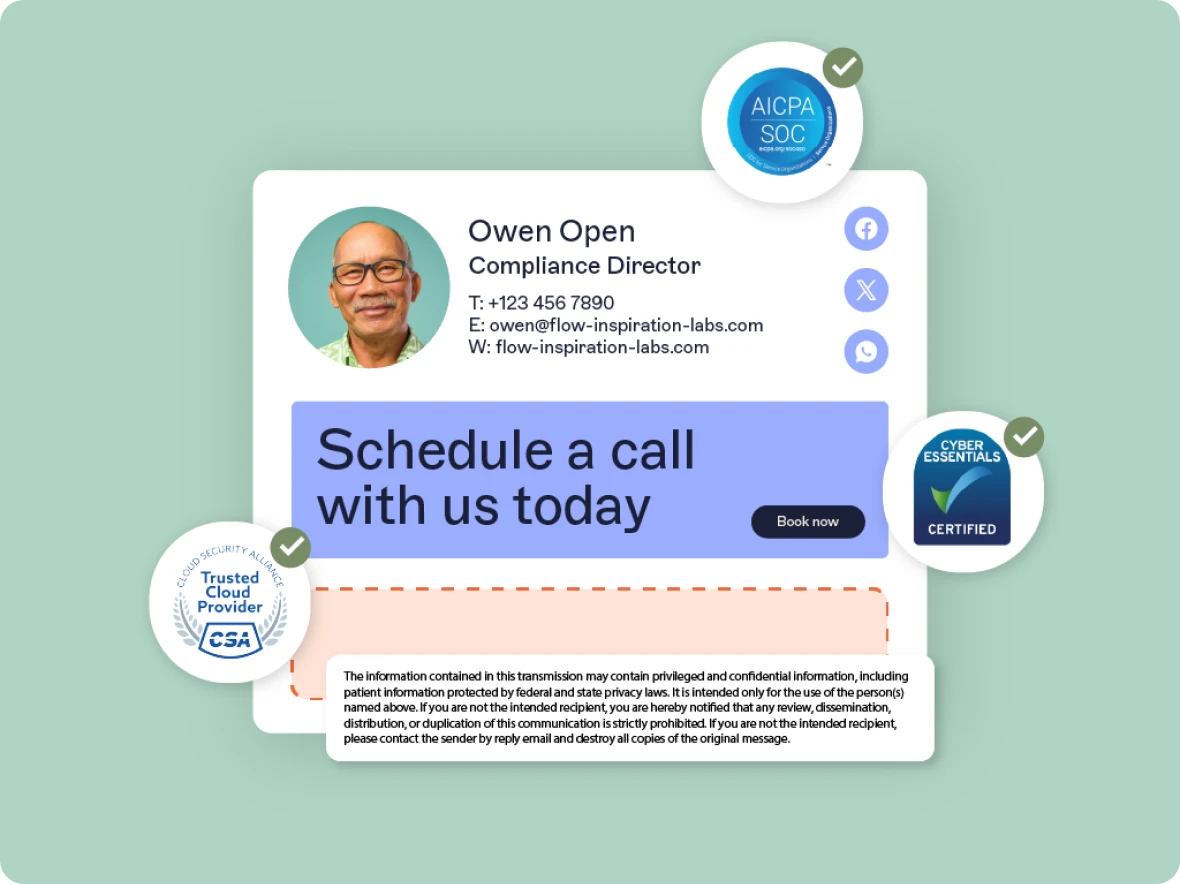
Here's how Exclaimer aligns with data privacy best practices:
1. Centralized email signature management
With a single, centrally managed platform, individual users don’t need to edit their own signatures. That removes guesswork and reduces the risk of accidental data exposure.
IT and marketing teams control what information appears in signatures, helping the organization stay aligned with privacy requirements and internal policies.
2. Data minimization
Exclaimer makes it easy to limit how much personal data appears in email signatures. Details like phone numbers, job titles, or social links can be included only where they’re appropriate.
This supports data minimization by sharing only what’s needed, based on policy and regional privacy rules.
3. Secure cloud infrastructure
Exclaimer runs on Microsoft Azure, using enterprise-grade cloud infrastructure built for reliability and security.
Data is encrypted in transit and at rest, reducing the risk of unauthorized access or interception during processing.
4. Regulatory compliance support
Email disclaimers and privacy notices can be applied consistently through Exclaimer, helping organizations meet regional legal requirements.
The platform is updated regularly to reflect changes in privacy laws and standards, so policies don’t fall behind as regulations evolve.
5. Role-based access controls
Access to signature templates and administrative settings is restricted using role-based permissions.
Only approved users can make changes, limiting unnecessary access to sensitive data and reducing internal privacy risk.
6. Data residency and localization
Exclaimer supports regional data residency by using local datacenters where required.
Organizations can choose where their data is processed and stored, which is critical for meeting regulations such as GDPR.
7. Governance to reduce email-related risk
Standardized signatures help maintain consistent branding and approved contact details across the organization.
By controlling signature content centrally, organizations reduce the chance of unapproved links, outdated information, or inconsistent messaging appearing in emails.
8. Audit trails and monitoring
Exclaimer logs changes to signature templates and settings, providing visibility into what changed, when, and by whom.
This supports internal reviews, audits, and accountability without relying on manual checks.
9. Support for hybrid and remote work
Whether employees are working remotely, in the office, or on shared devices, signatures stay consistent.
Automatic updates mean privacy standards are applied everywhere, without relying on end users to keep things up to date.
Now’s the time to prioritize data protection
Data Privacy Day 2026 is a reminder that data protection needs ongoing attention, not one-off fixes. Trust is hard to earn and easy to lose, especially when email is involved.
By reinforcing strong privacy practices, using clear controls, and staying aware of regulatory changes, organizations can protect sensitive data and build lasting confidence with employees, customers, and partners.