



Trusted by healthcare companies worldwide









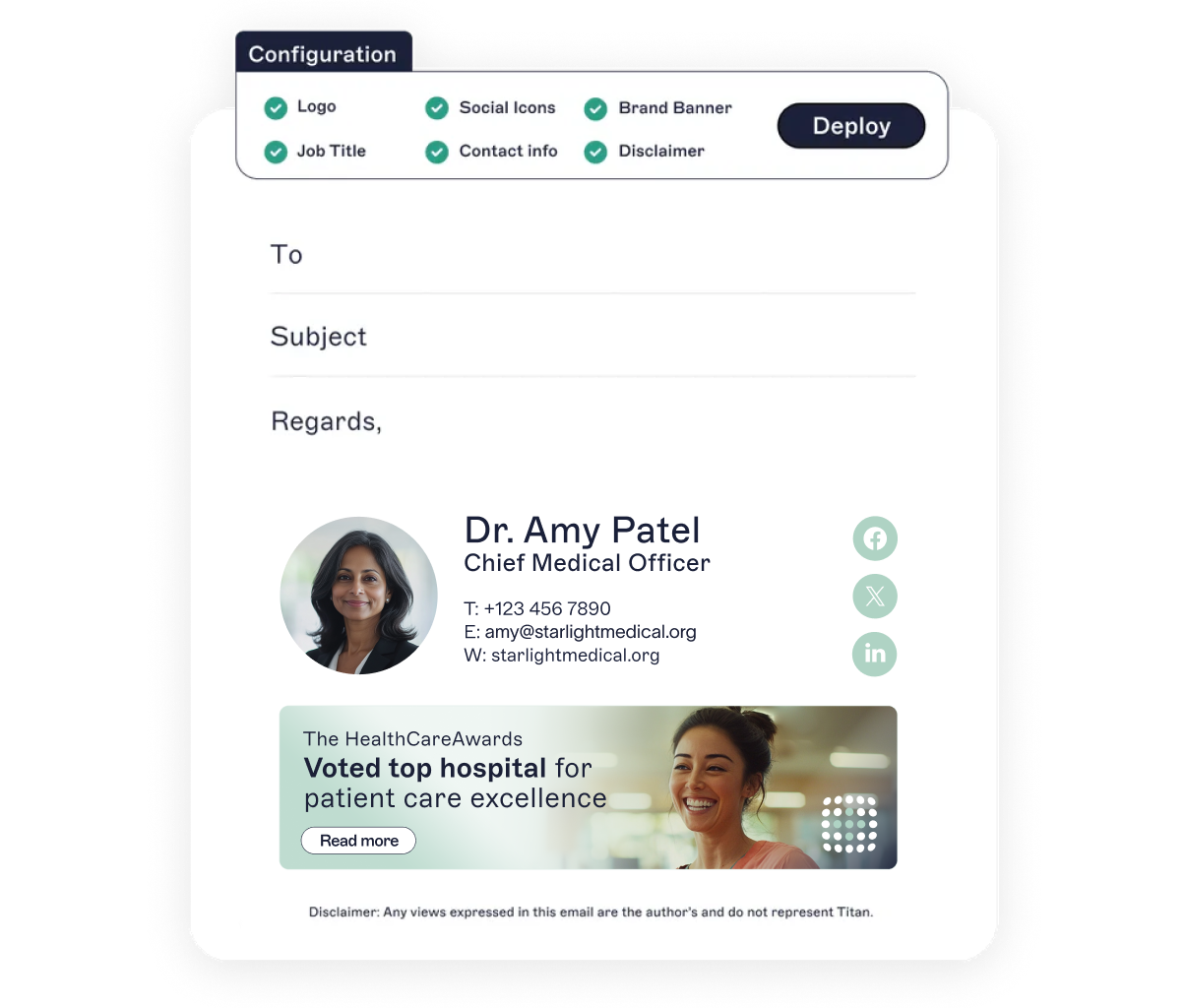
Ensure compliance is met across employee signatures
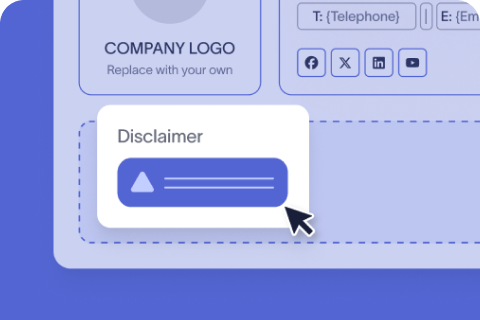
Automatically apply HIPAA, HITECH, and other critical disclaimers to every message on every device—no user action required.
Keep signatures up-to-date when users change roles, departments, or teams change. Contact info stays accurate, automatically.
Lock down formatting, legal language, and contact details. Nothing gets changed on the fly.
Get full audit trails to support inspections, incident reviews, and internal reporting.
You’re in safe hands
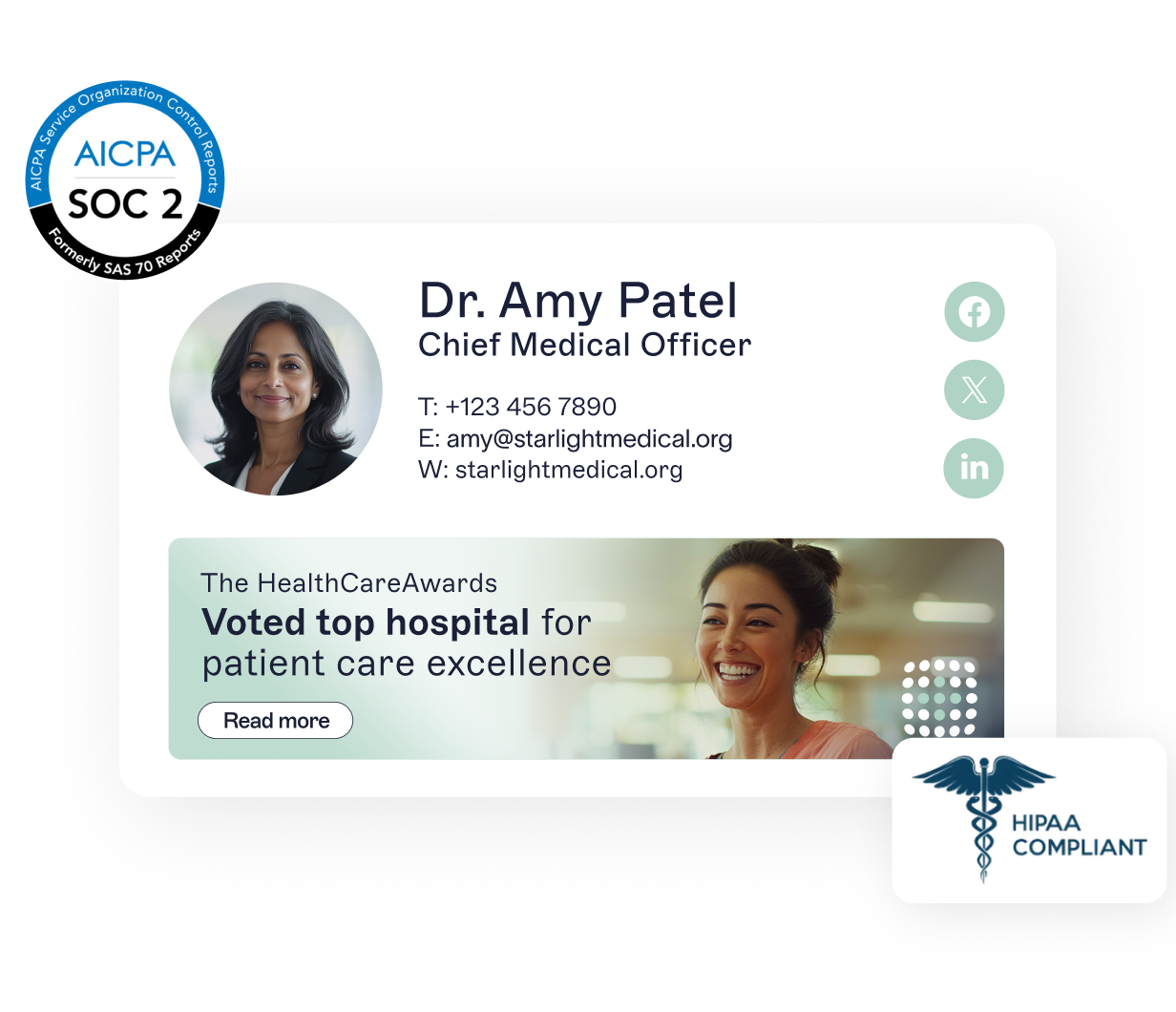
We’re the proud holders of multiple industry certifications for our security and compliance standards.







Seamless integration with your email platform
Centrally manage email signatures across Microsoft 365, Google Workspace, and Microsoft Exchange.

Microsoft 365

Microsoft Exchange

Google Workspace

How our email signature manager works
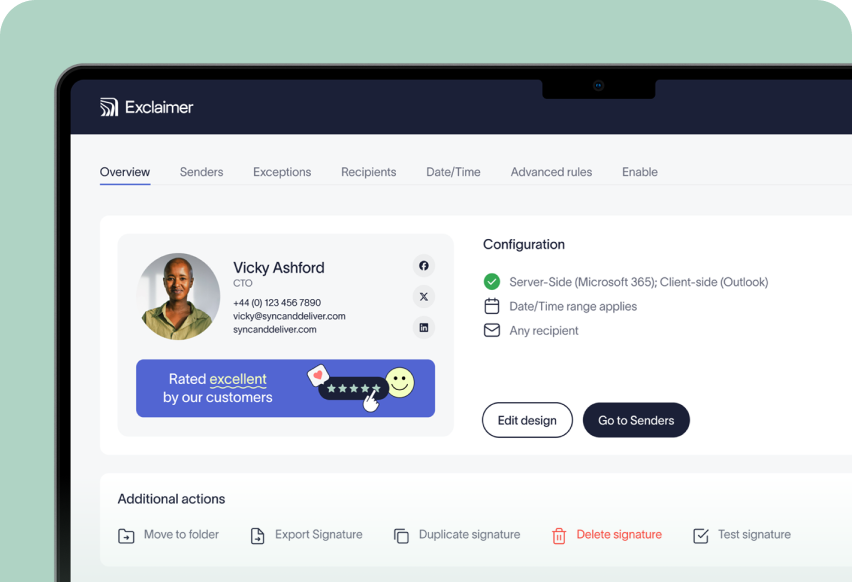
Sync contact info from Entra ID (Azure AD) or Google Directory. When someone joins the organization, changes roles, or moves to another location, their signature updates automatically.
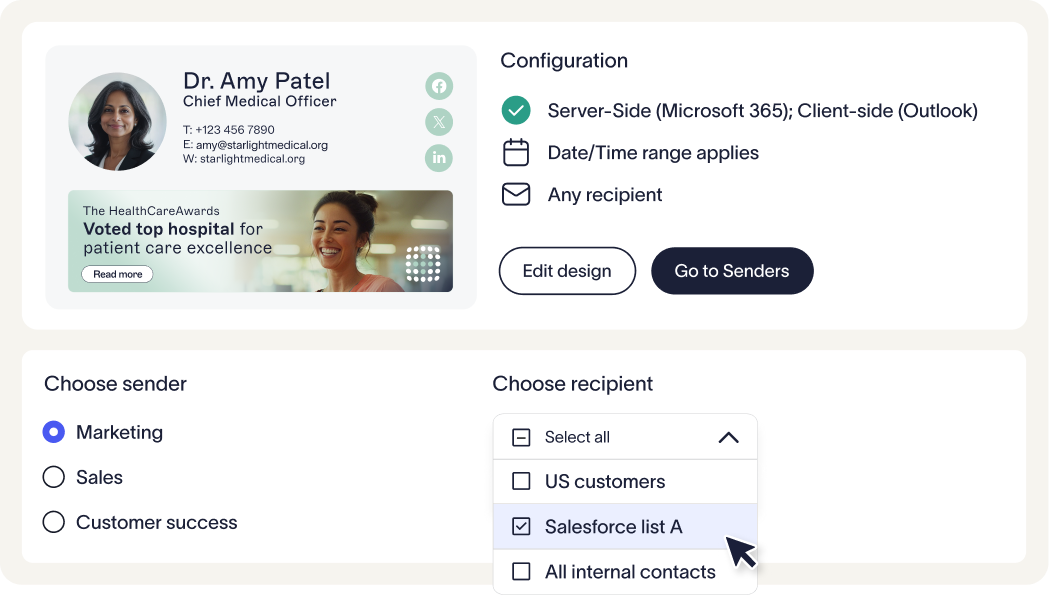
Assign different templates based on department, seniority, location, or role. Set the rules once and apply them everywhere.
Every email stays compliant and correctly formatted—whether it’s sent from the office, a laptop, or a mobile device.
Deploy server-side for no disruption, client-side for user previews, or a hybrid setup for both control and flexibility.
Exclaimer is secure by design. With 99.99% uptime, TLS encryption, and active-active global hosting, it supports complex healthcare environments that rely on reliability and protected communication.
There's a better way to manage your email signatures


Score 4.5 of 5
"A signature management tool that works faultlessly"
Prior to discovering Exclaimer Cloud, our small business was using homemade templates in Microsoft365 which failed to produce the results we wanted across the range of devices our...


Score 9.2 of 10
"Decent email signature manager with great flexibility"
Our company basically has 4 separate business units that need to appear "somewhat" cohesive while also still remaining separate and free to create their own email signatures. Excla...


Score 4.6 of 5
"Excellent service, takes all the hassle out of Office 365 Signatures!"
Simple pricing shown on their website rather than having to request a quote. Simple to set up with automated systems to configure your account and Office 365, linking the two toget...

Score 4.5 of 5
"Auto organisational signatures, bye bye messy signatures"
The integration with Office 365 is excellent. The template editor lets you have different signatures for different users, departments or groups. You can change the email signatures...

Score 4.5 of 5
"Professional signatures, very versatile"
The features I most use are the signature tester and troubleshooters, which can help you to determine what signature a particular user will get when sending to certain recipients....
Frequently asked questions
Absolutely. Exclaimer lets you tailor email signatures dynamically based on sender-specific attributes such as department, region, job title, hospital, or any other directory field. By syncing with your user directory (like Azure AD or Google Directory), Exclaimer automatically applies the correct signature template using rules you define — ensuring every email reflects the sender’s role and location while maintaining brand and compliance consistency.
Exclaimer offers server-side, client-side, and hybrid deployment options to manage signatures across Microsoft 365, Google Workspace, and Microsoft Exchange. Signatures are applied consistently on every device and email client, including Outlook, Gmail, and mobile. This means every message stays professional, includes the right disclaimers, and meets compliance standards like HIPAA and HITECH.
Yes. Exclaimer is built with enterprise-grade security for regulated environments. All data is encrypted in transit using TLS and protected by layered security controls including firewalls, DDoS mitigation, and intrusion prevention systems (IPS). Hosted in Microsoft Azure, Exclaimer ensures data residency, high availability, and support for compliance frameworks like HIPAA and ISO 27001.
Absolutely. Exclaimer helps healthcare organizations stay compliant by automating legal disclaimers, enforcing standardized signature policies, and maintaining audit-ready logs for internal reviews or inspections. With certifications including SOC 2 Type II, ISO 27001, ISO 27018, and Cyber Essentials, Exclaimer supports privacy obligations and healthcare compliance requirements with confidence. Exclaimer is also compliant with leading data privacy regulations such as GDPR and CCPA.
Yes. Exclaimer is designed for large, distributed healthcare environments with multiple sites and teams. The platform is hosted in 14 Microsoft Azure datacenters across 7 global regions, offering 99.99% availability, centralized control, and load balancing. This gives IT teams an easy way to manage email signatures at scale.