





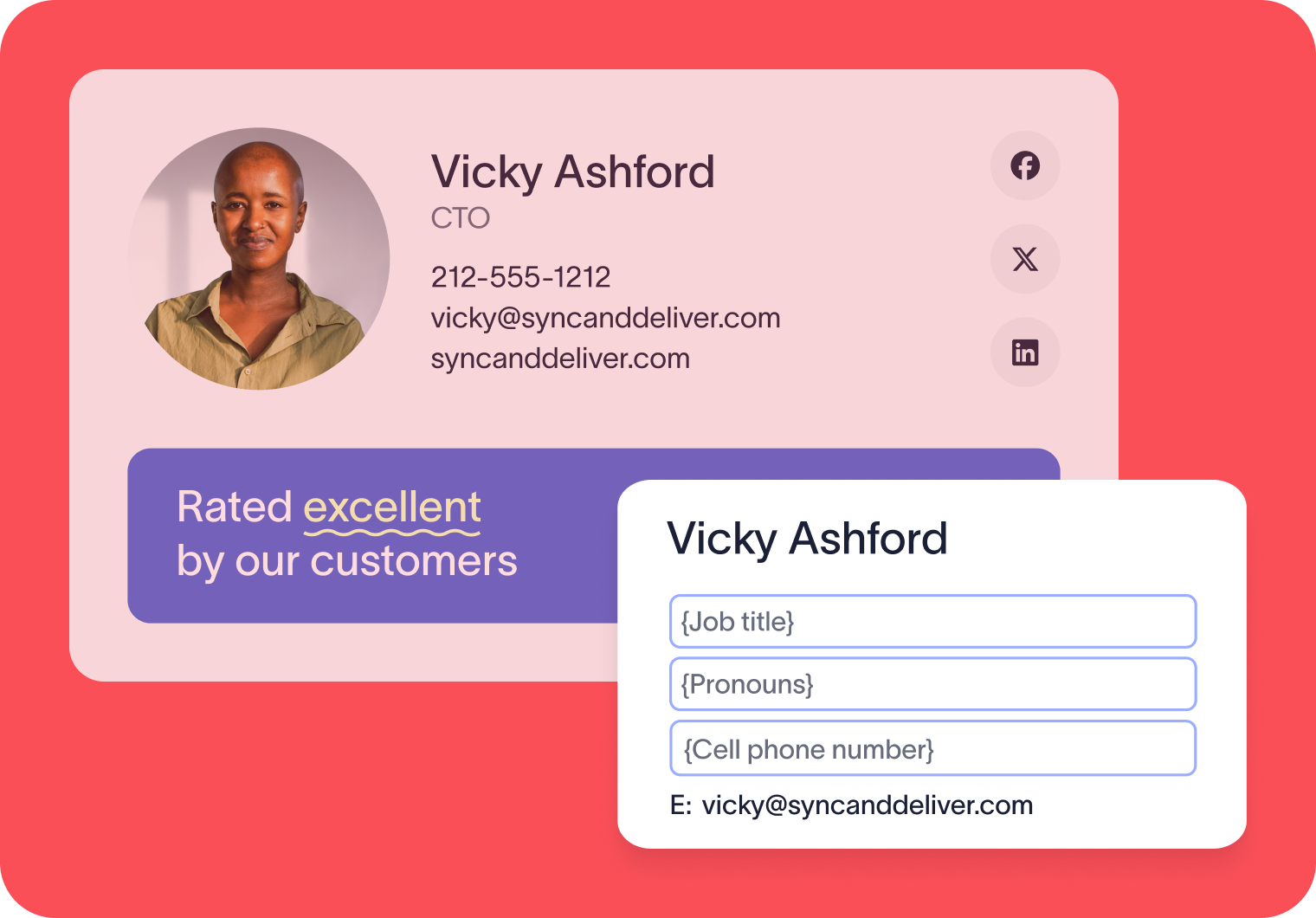
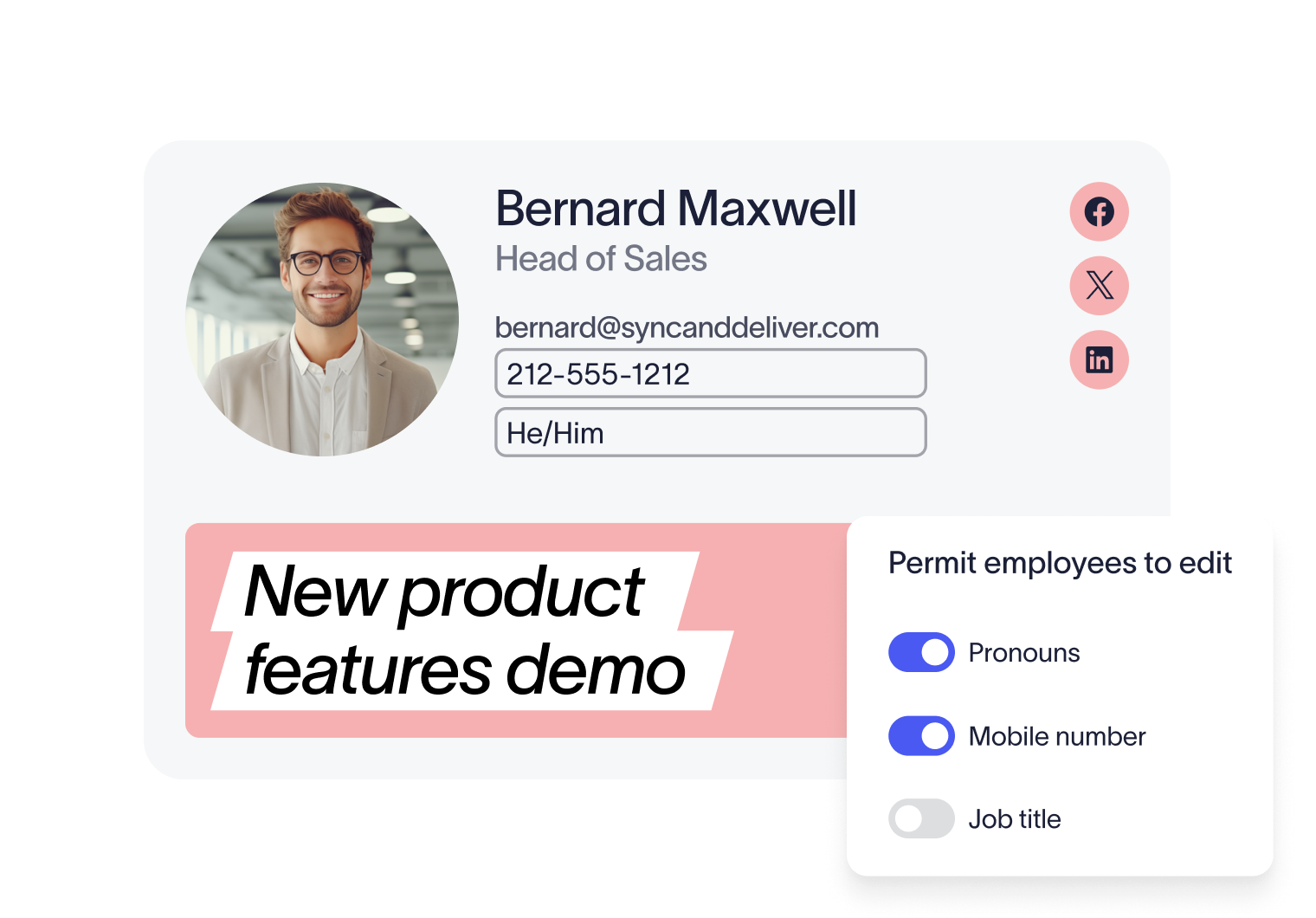
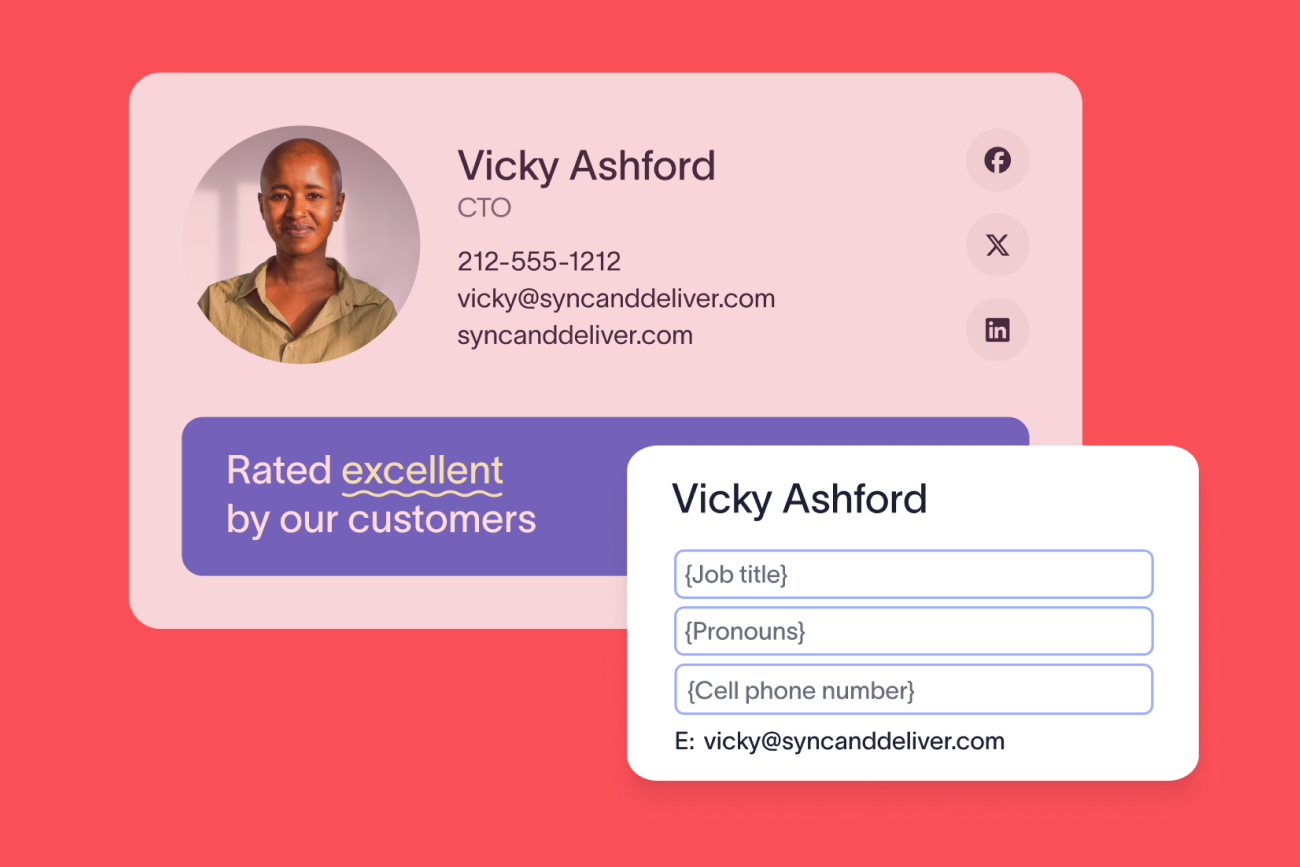
Users can edit certain details, IT maintains control
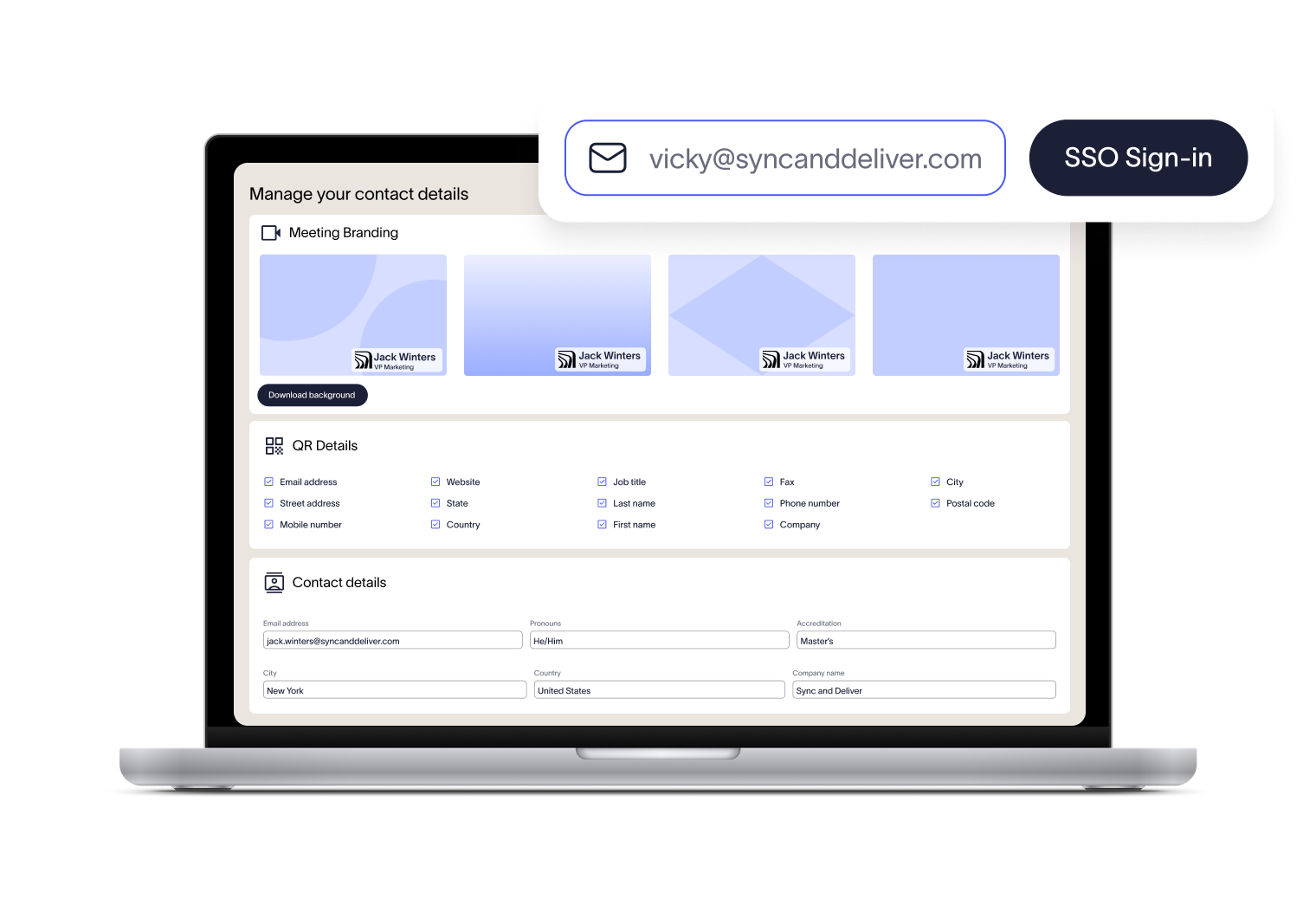
Every email signature can include a personalized vCard shared by QR code. The editor makes it simple for employees to select which details are shared in their vCard, ensuring every new connection has updated information at hand.
Alongside email signatures, employees can access a branded video background and nametag that displays their name and role. This helps participants put faces to names and ensures your brand identity shines through in every call.


Score 4.5 of 5
"A signature management tool that works faultlessly"
Prior to discovering Exclaimer Cloud, our small business was using homemade templates in Microsoft365 which failed to produce the results we wanted across the range of devices our...

Score 9.2 of 10
"Decent email signature manager with great flexibility"
Our company basically has 4 separate business units that need to appear "somewhat" cohesive while also still remaining separate and free to create their own email signatures. Excla...


Score 4.6 of 5
"Excellent service, takes all the hassle out of Office 365 Signatures!"
Simple pricing shown on their website rather than having to request a quote. Simple to set up with automated systems to configure your account and Office 365, linking the two toget...

Score 4.5 of 5
"Auto organisational signatures, bye bye messy signatures"
The integration with Office 365 is excellent. The template editor lets you have different signatures for different users, departments or groups. You can change the email signatures...

Score 4.5 of 5
"Professional signatures, very versatile"
The features I most use are the signature tester and troubleshooters, which can help you to determine what signature a particular user will get when sending to certain recipients....
Trusted by 9 million email accounts worldwide






Frequently asked questions
Updates made in the User Details Editor are applied during the next directory sync, which usually happens every 12 hours. Alternatively, a sync can be triggered manually by an admin if necessary.
Yes. IT or the ‘admin role’ decides exactly which fields are editable. Everything else continues to sync directly from the directory.
Employees log in via a secure link, typically using Single Sign-On (SSO), so there are no extra accounts or passwords to manage. The login URL is region-specific, and your exact link can be found in Exclaimer by going to Sender Management and looking for the User Details Editor section.
Exclaimer has been the leading signature management solution for 25 years. Our modern technology will save your team time, save your business money, and allow you to easily implement disclaimers in email signatures to meet legal requirements.

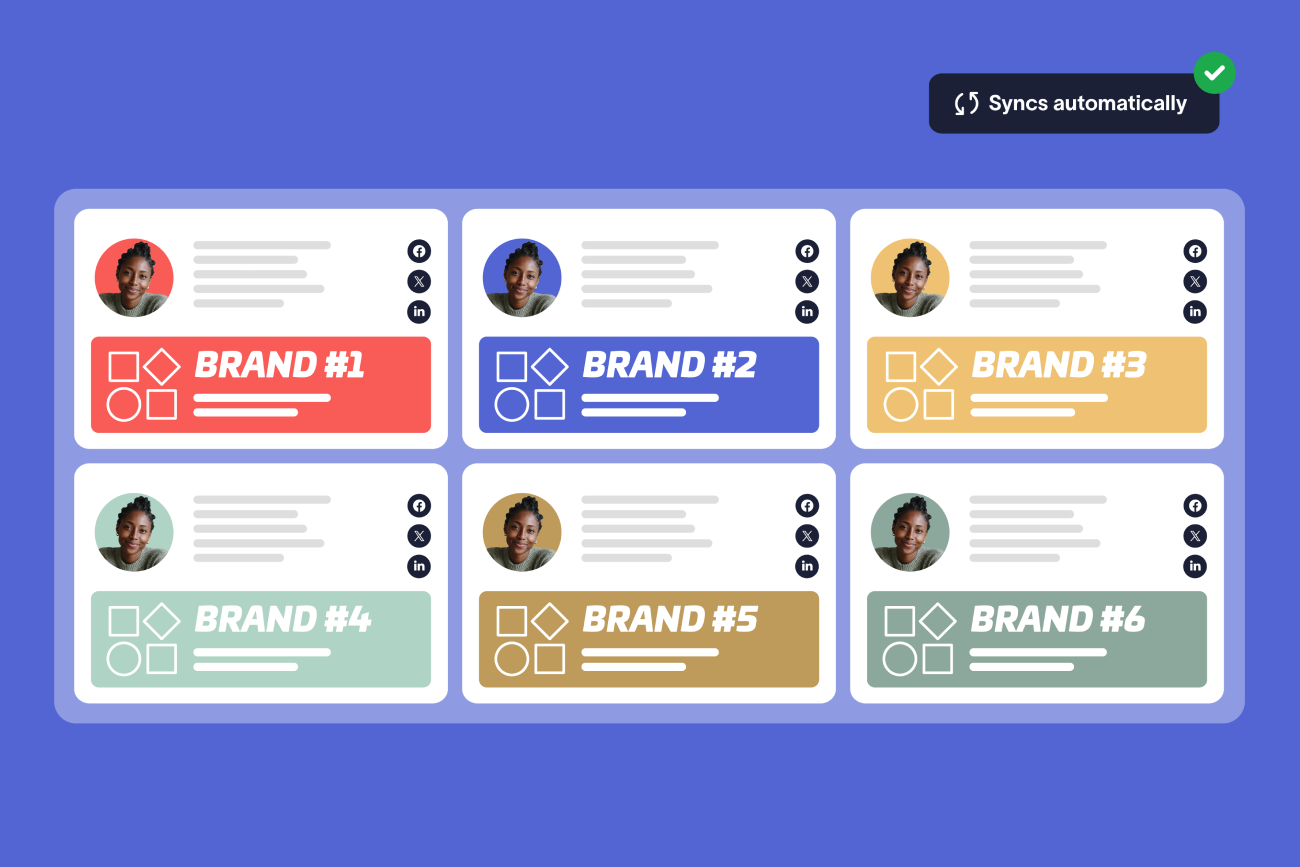


Keep signatures under control, company-wide
Centralize signature management in one platform. Apply rules, maintain compliance, and keep every employee on-brand with ease.