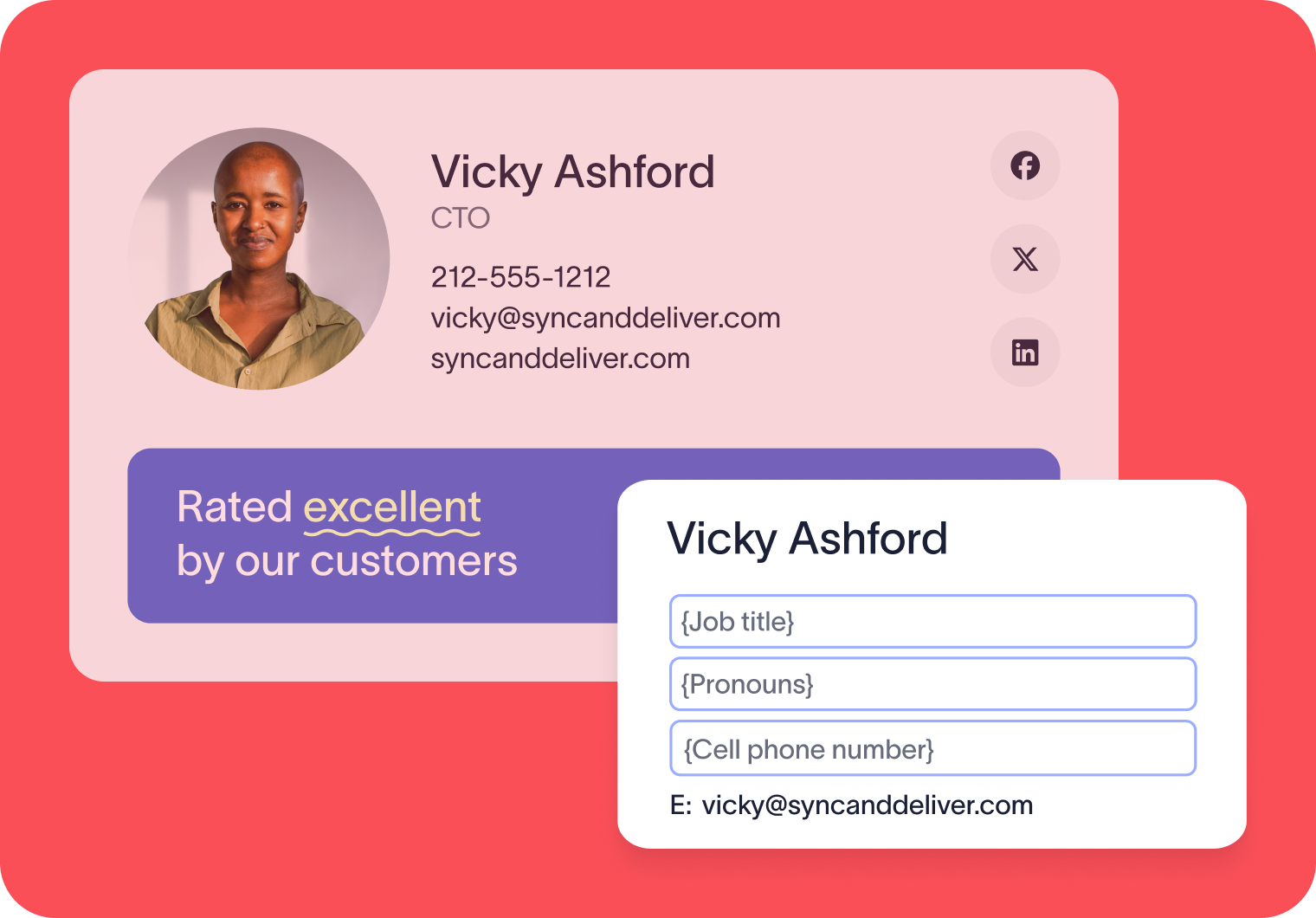
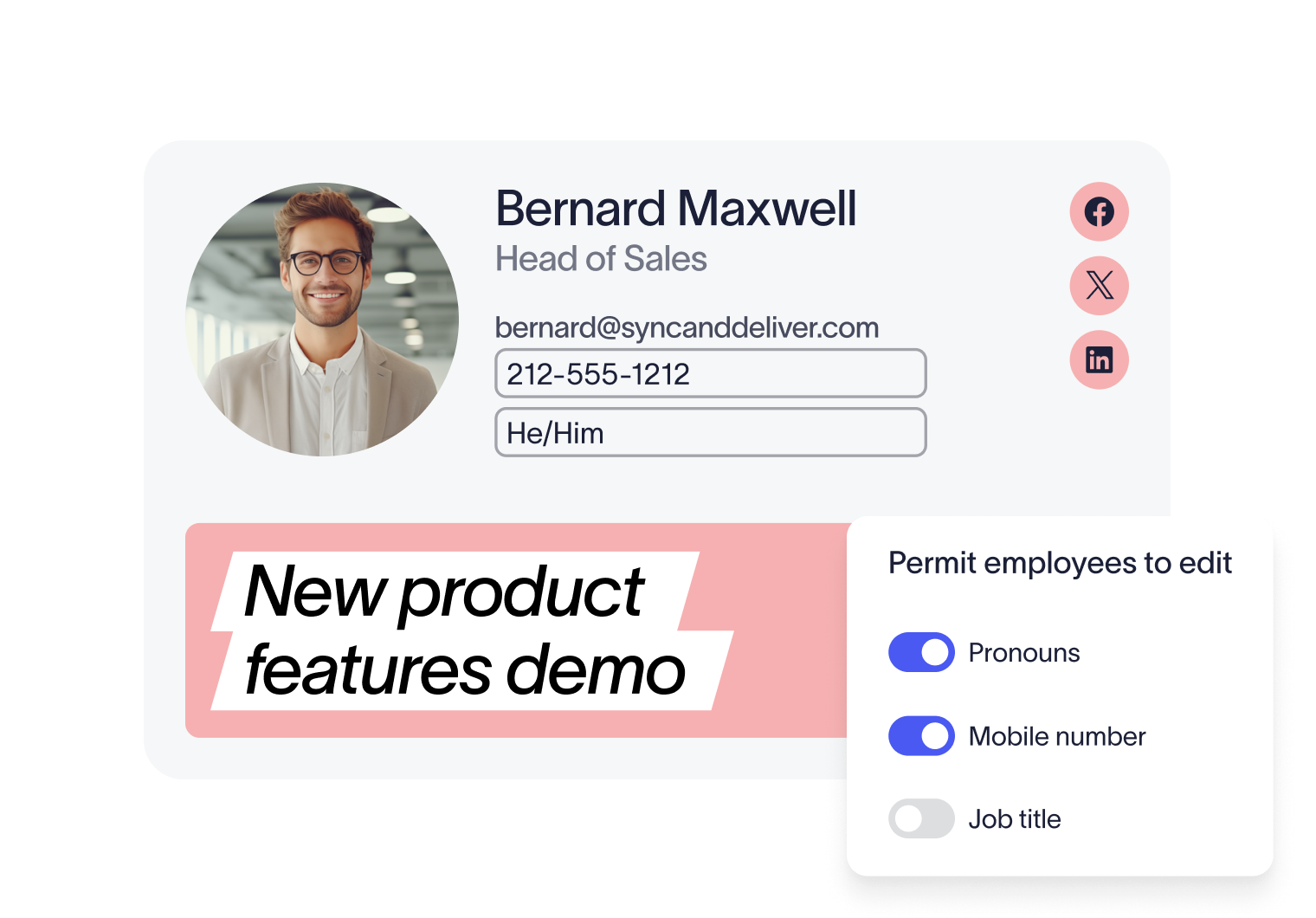
Users can edit certain details, IT maintains control
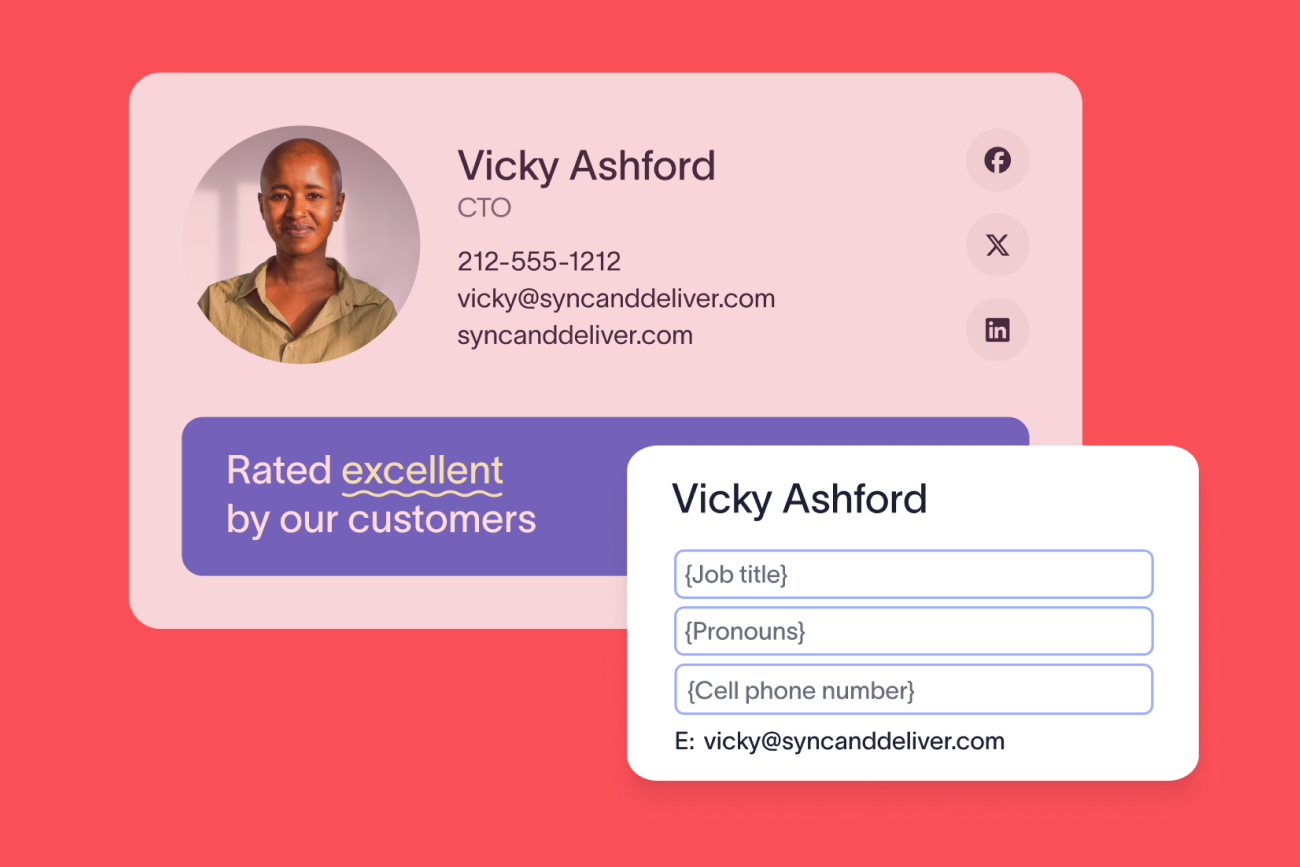
For Outlook users, employees can edit their specified profile details directly inside the Outlook add-in. No switching tabs, and no logging into a separate portal. Just accurate user information updated instantly.
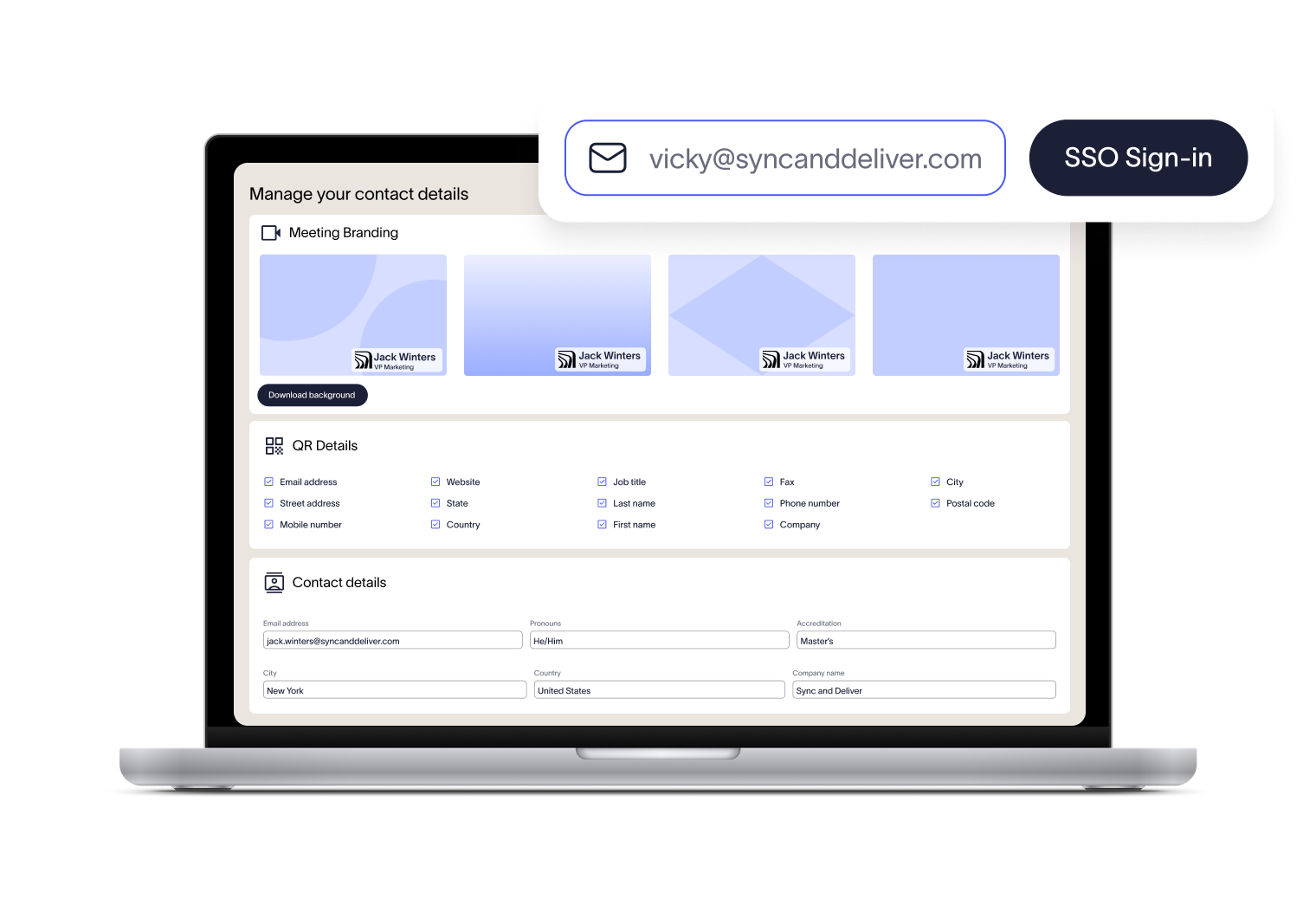
Every email signature can include a personalized vCard shared by QR code. The editor makes it simple for employees to choose which details appear in their vCard, so every new connection has accurate, up-to-date information.
Alongside email signatures, employees can access a branded video background and nametag showing their name and role. It helps people put faces to names and keeps your brand visible on every call.
How the User Details Editor works
Access with ease
Employees can edit IT-defined fields directly within the Outlook add-in or follow a secure web link and sign in using Single Sign-On (SSO). No extra accounts or passwords to remember.
Edit approved fields
Employees can update only the details IT has enabled — such as pronouns, cell phone numbers, or working hours. They can also personalize their vCard and download branded video backgrounds.
Sync changes automatically
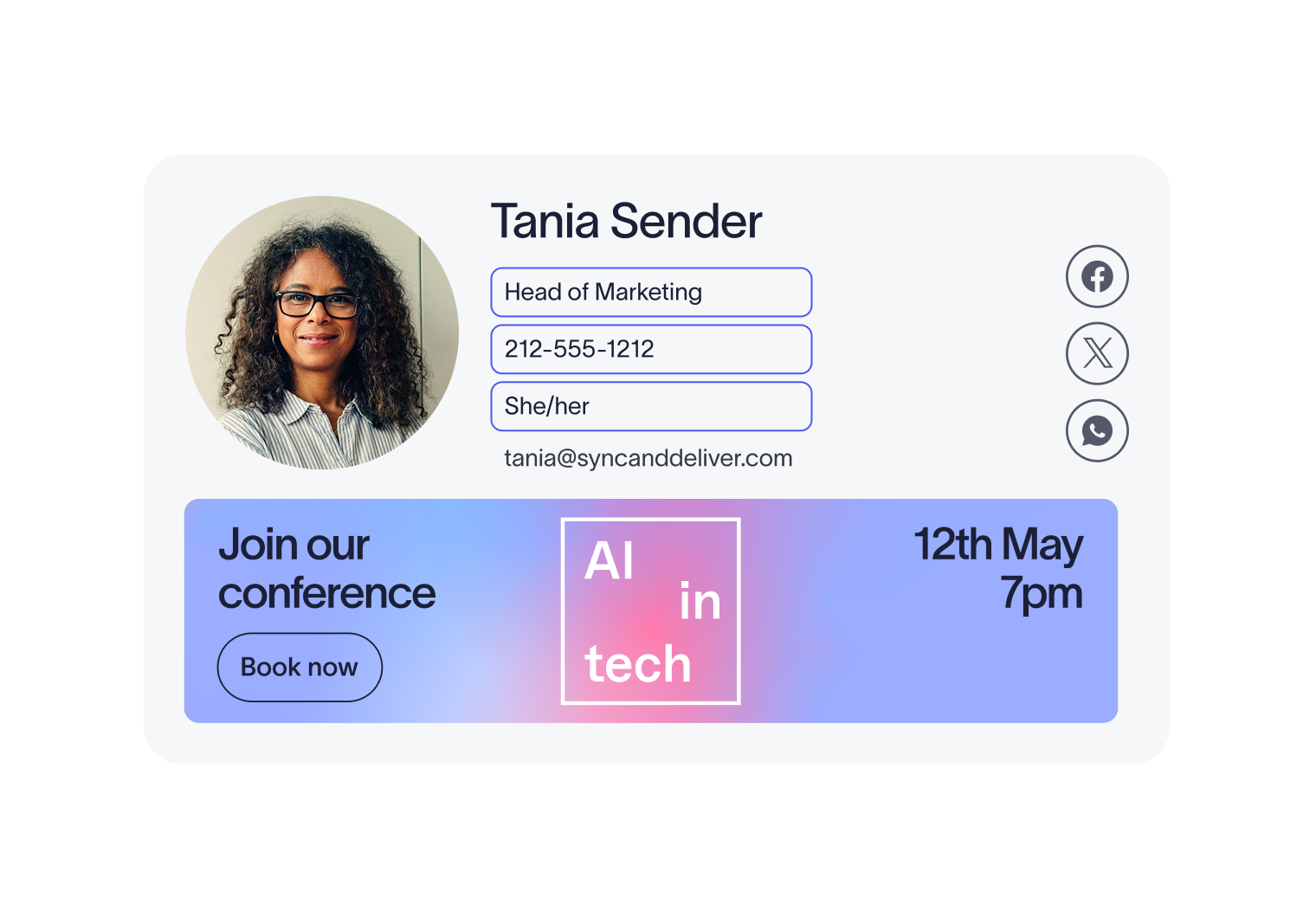
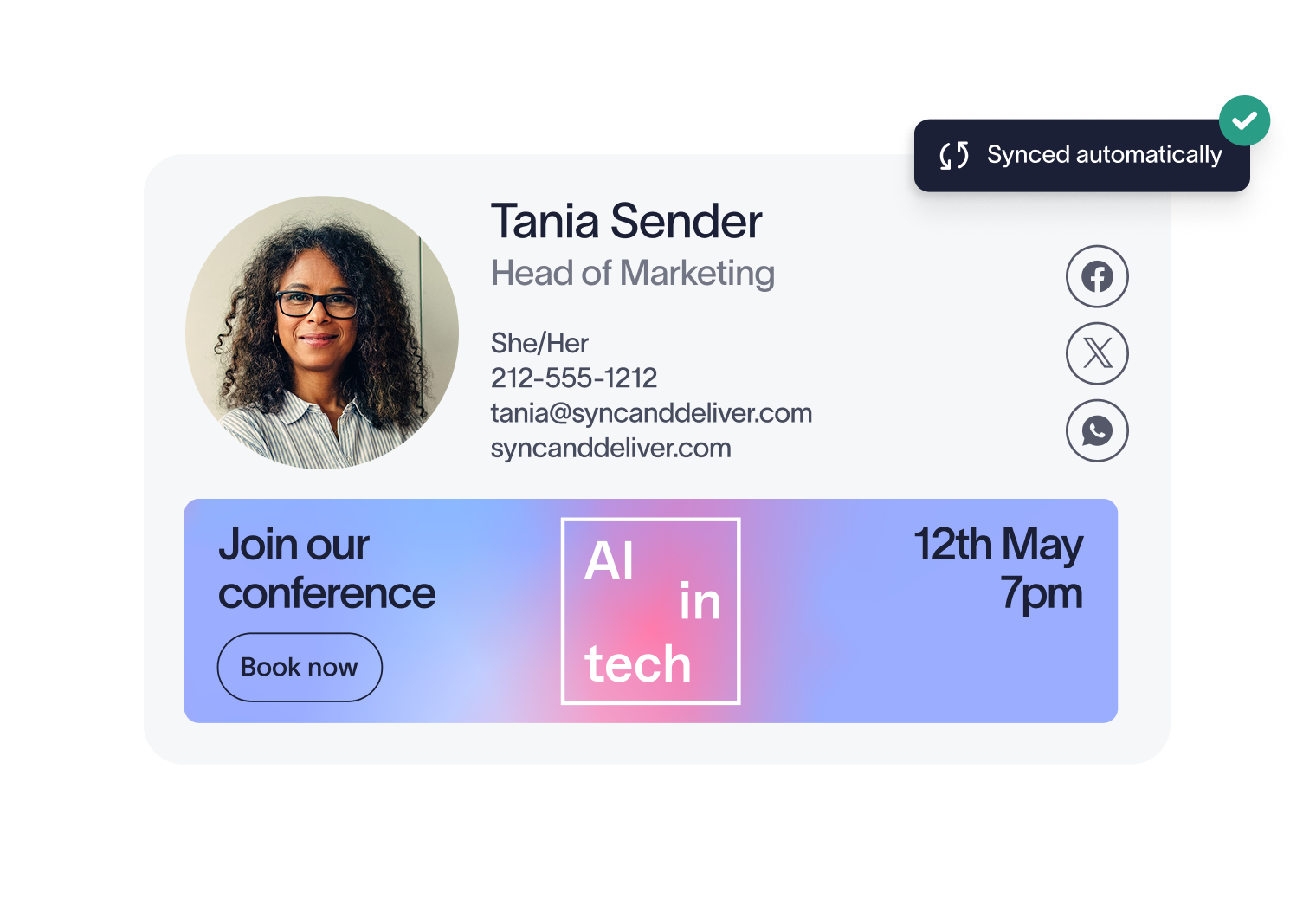
Any updates made apply to email signatures immediately. Signature and vCard details stay accurate without extra admin work.


Score 4.6 / 5
"Excellent service, takes all the hassle out of Office 365 Signatures!"
Read more

Trusted by 10 million email accounts worldwide





Frequently asked questions
Updates made in the User Details Editor, as well as those made within the Outlook add-in, are applied instantly. Employees stay accurate without any input from IT, and every email sent reflects the latest details.
Yes. IT, or a user with the Admin role, decides exactly which fields are editable. Everything else continues to sync directly from the directory. Within the Outlook Add-In, editable fields will be displayed clearly at the top, while the locked fields will be visible below under “Admin-managed details.”
Employees have two options to access the User Details Editor. Outlook users can edit their details directly inside the Outlook add-in without leaving their inbox, or all users can log in via a secure link using Single Sign-On (SSO). No extra accounts or passwords required. Your region-specific login URL can be found in the Exclaimer platform under Sender Management.
With 25 years at the forefront of email signature management, Exclaimer is used by 80,000+ organizations worldwide. Exclaimer provides one platform to govern every employee email at scale, without the unnecessary overhead or risk. Directory-driven accuracy, less manual work, fewer compliance gaps, and a brand that shows up consistently on every send.



Keep signatures under control, company-wide
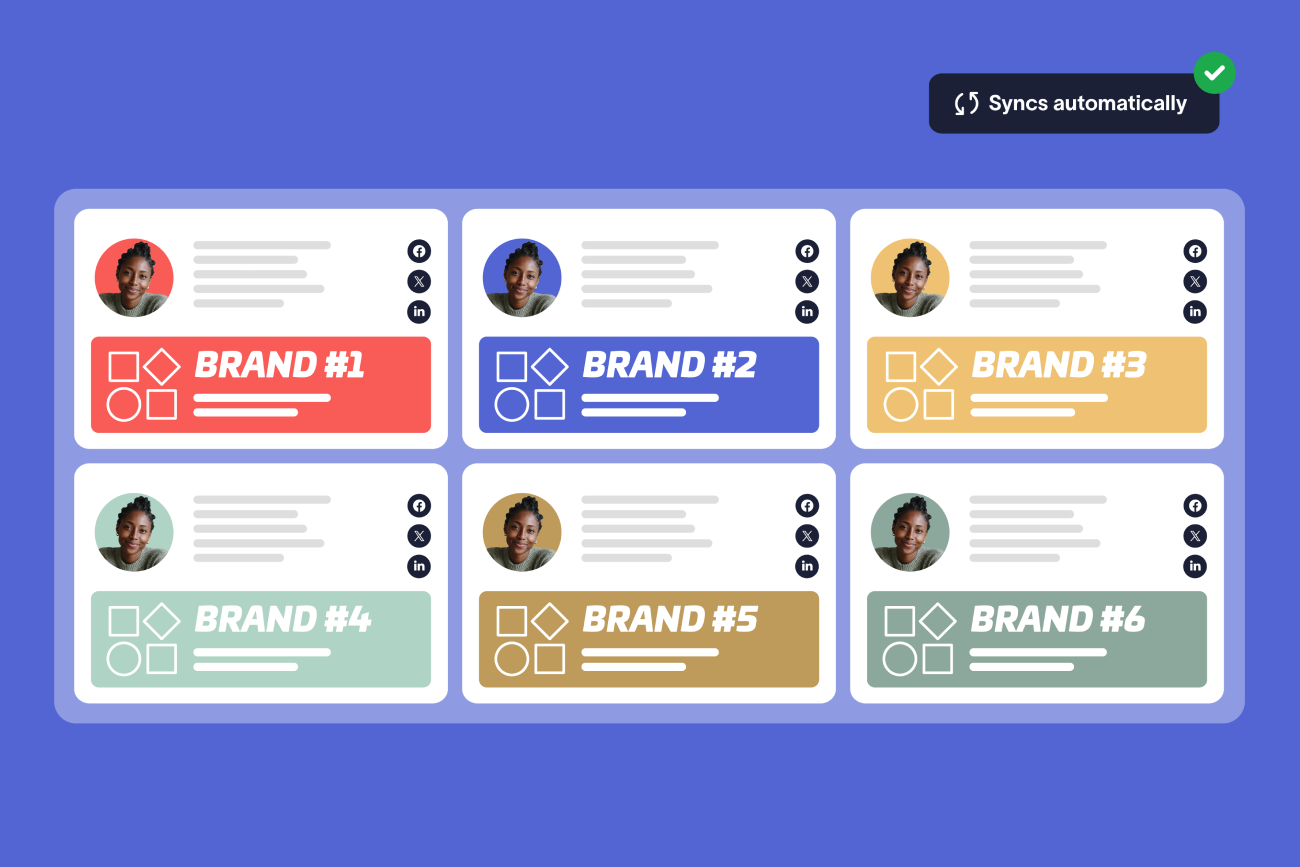
Centralize email signature management in one platform. Apply rules, maintain compliance, and keep every employee on-brand with ease.