
The right email signature, every time

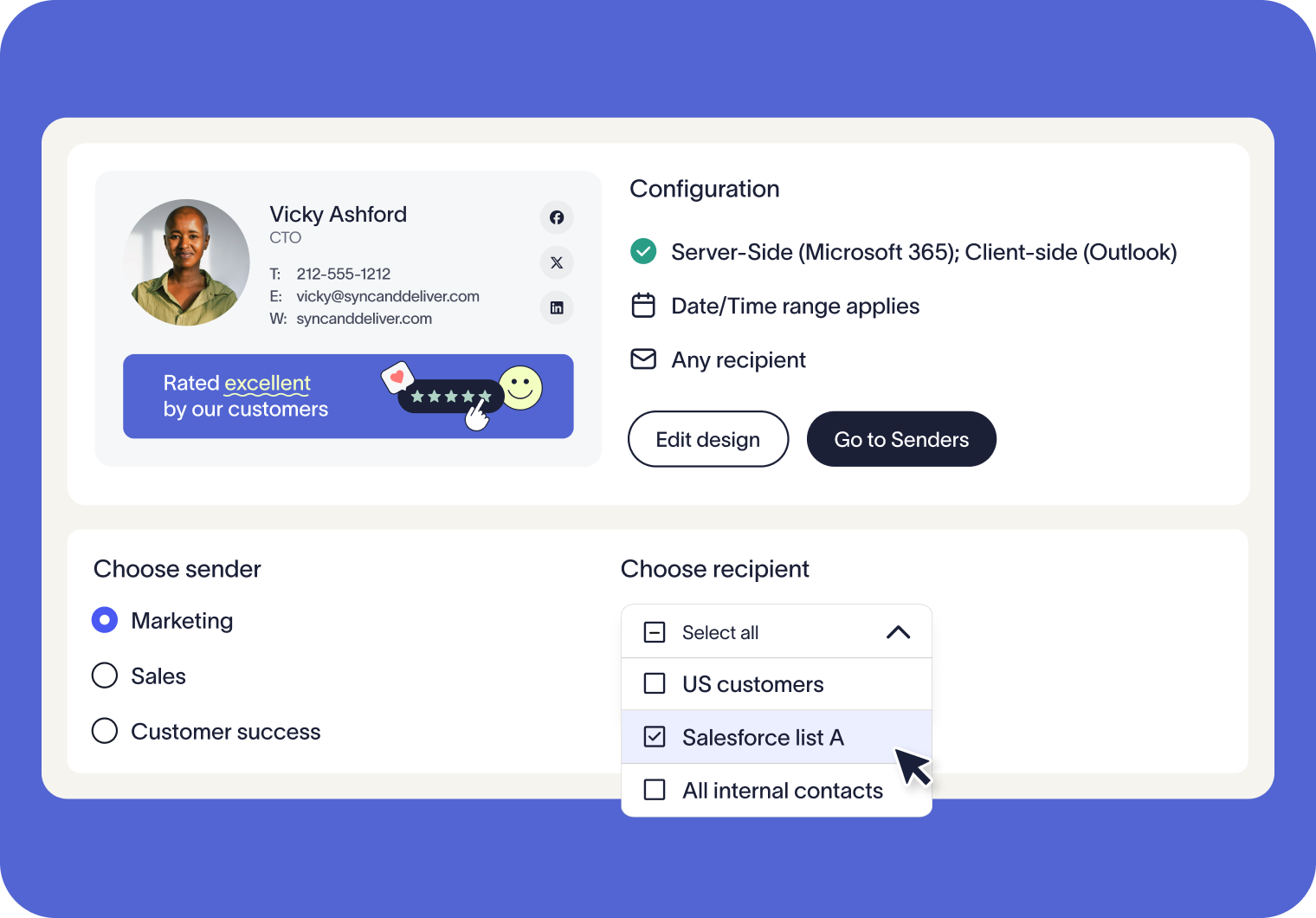
Set dynamic rules to decide which recipients see which signature. Deliver targeted campaigns, meet legal obligations, and keep every email consistent across your organization.

Hero Image

Targeted email signatures made simple

Dynamically change signatures based on audience

Use different rules for internal vs. external emails, target specific domains or addresses, or sync with Salesforce and HubSpot lists. Marketing can run tailored campaigns and promotions to specific audiences without creating extra work for IT.

Give every team a signature that fits their purpose. Sales can showcase campaign banners, HR can share internal updates, and global offices can tailor signatures using regional details.

Manage when signatures are shown with flexible time and content rules. From planned campaigns to regional communications, you’ll always deliver the most relevant signature without relying on manual updates.

How Signature Rules work

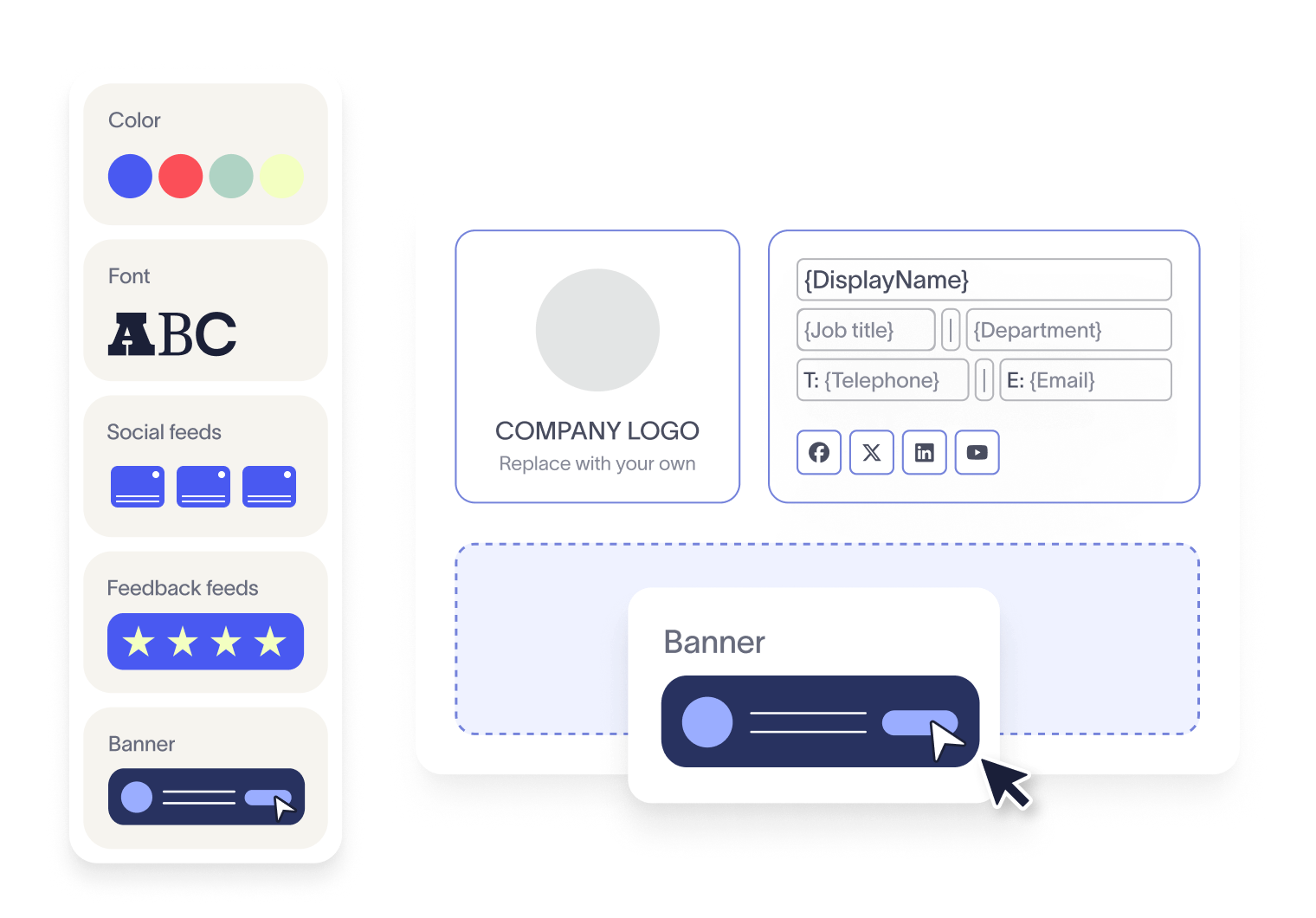
Design your signature

Use our drag-and-drop designer to create a professional, on-brand signature with logos, banners, social links, and more. No coding required.
Set your rules

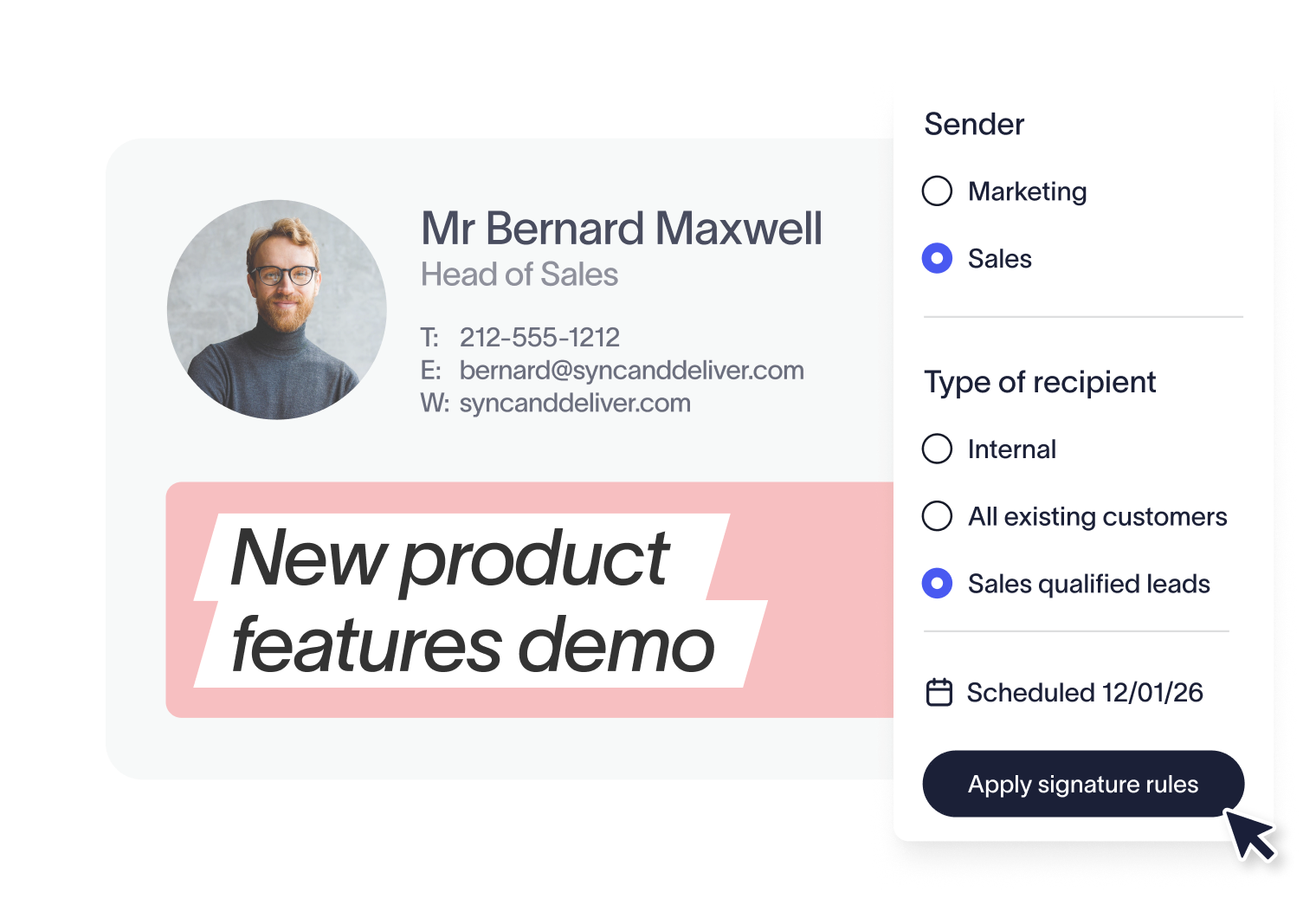
Choose exactly when and where the signature applies. Target by sender, recipient, date, or even email content.
Test before you deploy

Use the built-in Signature Rules Tester to simulate sending emails between chosen senders and recipients. Instantly see how your rules are applied, in what order, and which signatures will be used.

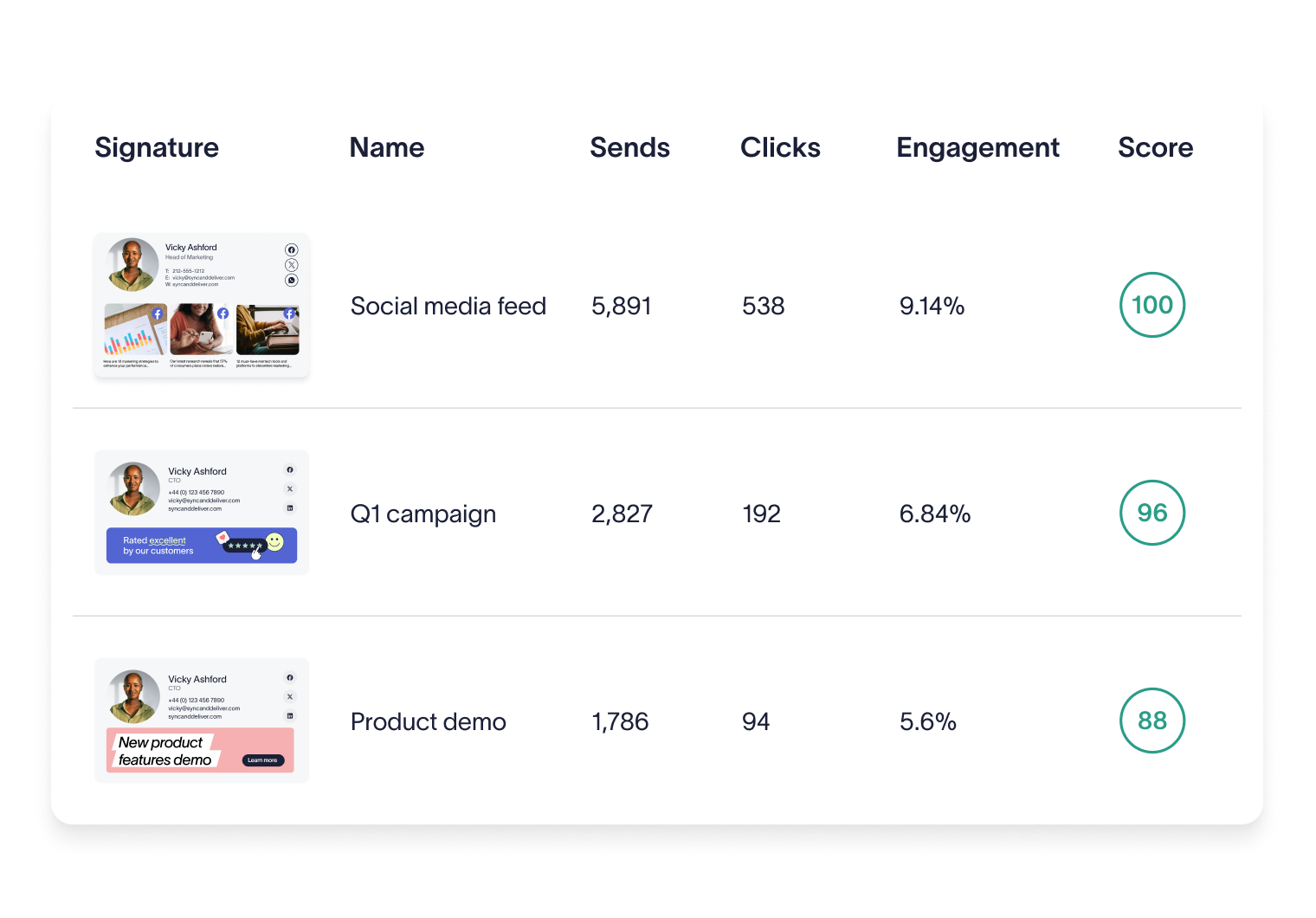
Track engagement with analytics

Measure performance by signature, or even by individual elements like banners or links. You can also monitor overall signature usage across your business.
Why industry leaders choose Exclaimer

Score 4.5 of 5

"A signature management tool that works faultlessly"

Prior to discovering Exclaimer Cloud, our small business was using homemade templates in Microsoft365 which failed to produce the results we wanted across the range of devices our...

See all G2 reviews

Score 9.2 of 10

"Decent email signature manager with great flexibility"

Our company basically has 4 separate business units that need to appear "somewhat" cohesive while also still remaining separate and free to create their own email signatures. Excla...

See all TrustRadius reviews

Score 4.6 of 5

"Excellent service, takes all the hassle out of Office 365 Signatures!"

Simple pricing shown on their website rather than having to request a quote. Simple to set up with automated systems to configure your account and Office 365, linking the two toget...

See all SourceForge reviews

Score 4.5 of 5

"Auto organisational signatures, bye bye messy signatures"

The integration with Office 365 is excellent. The template editor lets you have different signatures for different users, departments or groups. You can change the email signatures...

See all Software Advice reviews

Score 4.5 of 5

"Professional signatures, very versatile"

The features I most use are the signature tester and troubleshooters, which can help you to determine what signature a particular user will get when sending to certain recipients....

See all Capterra reviews

Trusted by 9 million email accounts worldwide

Frequently asked questions

Who can manage Signature Rules?

Any user with the “Editor” role assigned can create and manage rules. This allows Marketing, HR, and Compliance teams to work directly within the platform, while IT maintains overall control of email signatures through role-based permissions.

No. Signature Rules are available on both our Standard and Pro plans, but not on the Starter plan.

Disclaimers are managed through Exclaimer’s dedicated Disclaimers feature, which uses its own rules. This keeps legal notices separate from marketing content, while still ensuring both are applied consistently.

Yes. You can set rules so signatures only apply during certain dates or times, for example during seasonal promotions or limited-time campaigns. You can even schedule them down to specific hours, giving you complete control over when each signature is used.

No. You can have as many — or as few — rules as needed. Exclaimer gives you total control over who sends and receives which email signature, and when. Keep it simple with a single rule, or set up more detailed targeting as your organization’s needs grow.

Yes. Exclaimer includes a Signature Rules Tester that simulates sending emails between chosen senders and recipients. It shows you exactly how rules are applied and which signatures will be used, so you can confirm everything works as expected before deployment.

Exclaimer has been the leading signature management solution for 25 years. Our modern technology will save your team time, save your business money, and allow you to easily implement disclaimers to meet legal requirements.


Related articles

Email signature design guide: elements, layout & tips

Email signature design guide: elements, layout & tips

Email signature design for whole organizations: the elements, best practices, and how to apply one consistent, on-brand standard across every employee's email.

Dave Willis

Dave Willis

Senior Content Manager

Run targeted signature campaigns with new HubSpot integration

Run targeted signature campaigns with new HubSpot integration

Unlock personalized email communication with Exclaimer's HubSpot integration. Power up engagement with targeted, precision-based email signatures.

Naimh Bennett

Naimh Bennett

Content Marketing Manager

B2B personalized marketing in practice: How to effectively reach your target accounts

B2B personalized marketing in practice: How to effectively reach your target accounts

Discover how to use personalization data in B2B marketing with strategies from Exclaimer and Mutiny. Learn why personalization matters, how to scale efforts, and see real-world exa...

Naimh Bennett

Naimh Bennett

Content Marketing Manager

Simplify signature management

Create, schedule, and target email signatures without the manual work.