Whitepapers and Ebooks

Take control of email signatures in Microsoft 365

Gain consistency, compliance, and control of email signatures in Microsoft 365 in minutes.

Share this whitepaper

Every email your employees send is a reflection of your brand. But Microsoft 365’s native tools can’t centrally manage email signatures at scale—especially across hybrid environments, mobile devices, and remote teams.

Exclaimer for Microsoft 365 gives you centralized control of every signature. Sync data from Azure Active Directory, apply consistent branding and disclaimers, and push updates automatically—no scripts, no manual fixes, no user errors.

Microsoft 365 handles email. Exclaimer handles eve thing signatures should be.

View the guide

Ready to take control of email signatures in Microsoft 365?

Hero Image

Related articles

Image Placeholder
Deeper Learning

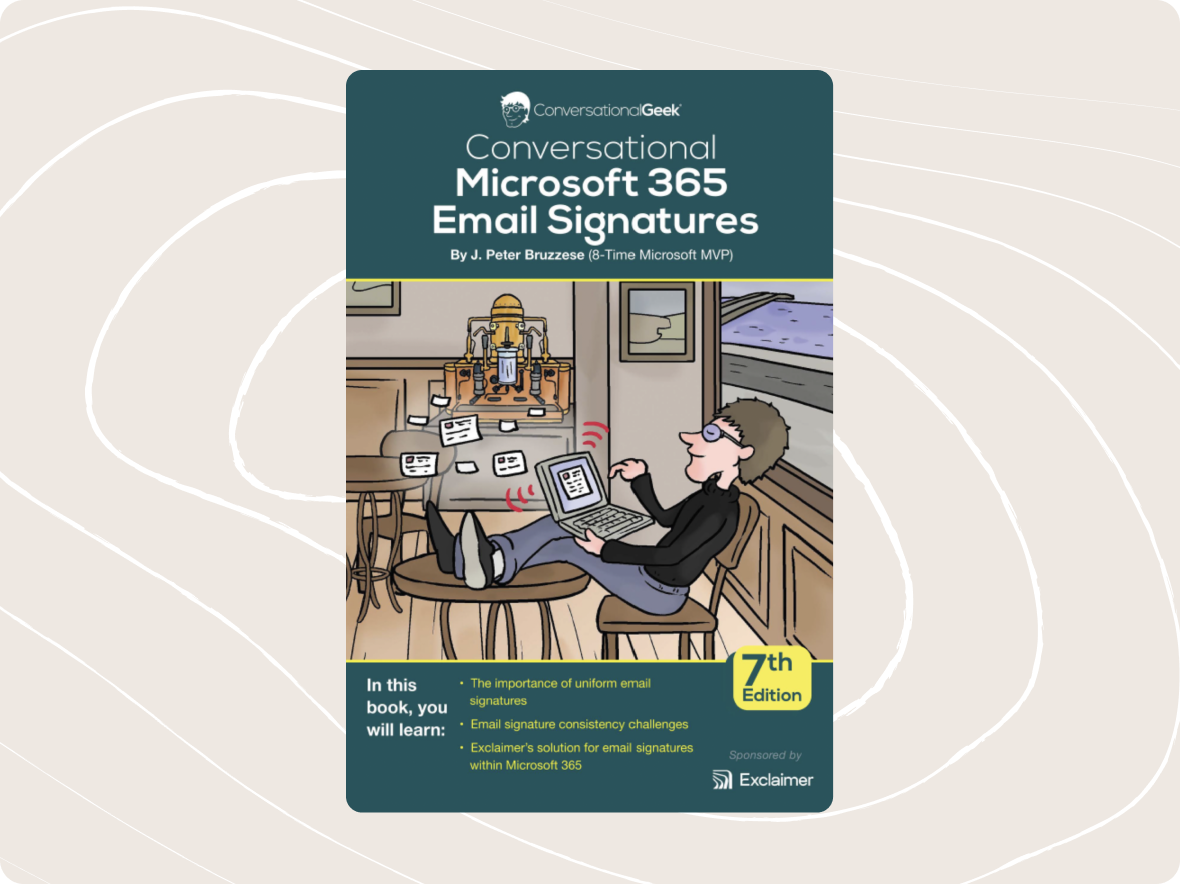
Conversational Microsoft 365 Email Signatures

Get our ebook to uncover the hidden value of Microsoft 365 email signatures and how to use them.

Read more
Image Placeholder
Deeper Learning

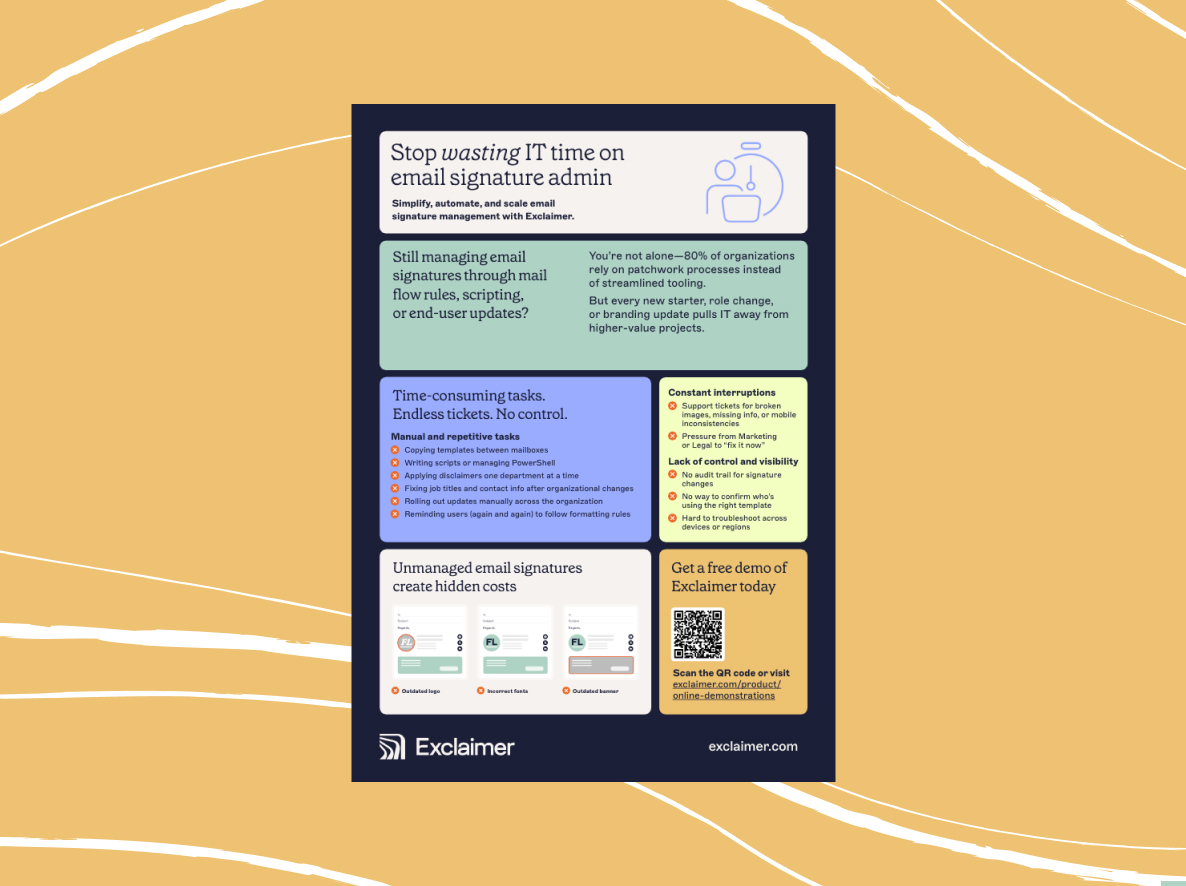
The risks of not using Exclaimer for email signature management

Understand the hidden costs of unmanaged email signatures and the difference Exclaimer can make.

Read more
Image Placeholder
Deeper Learning

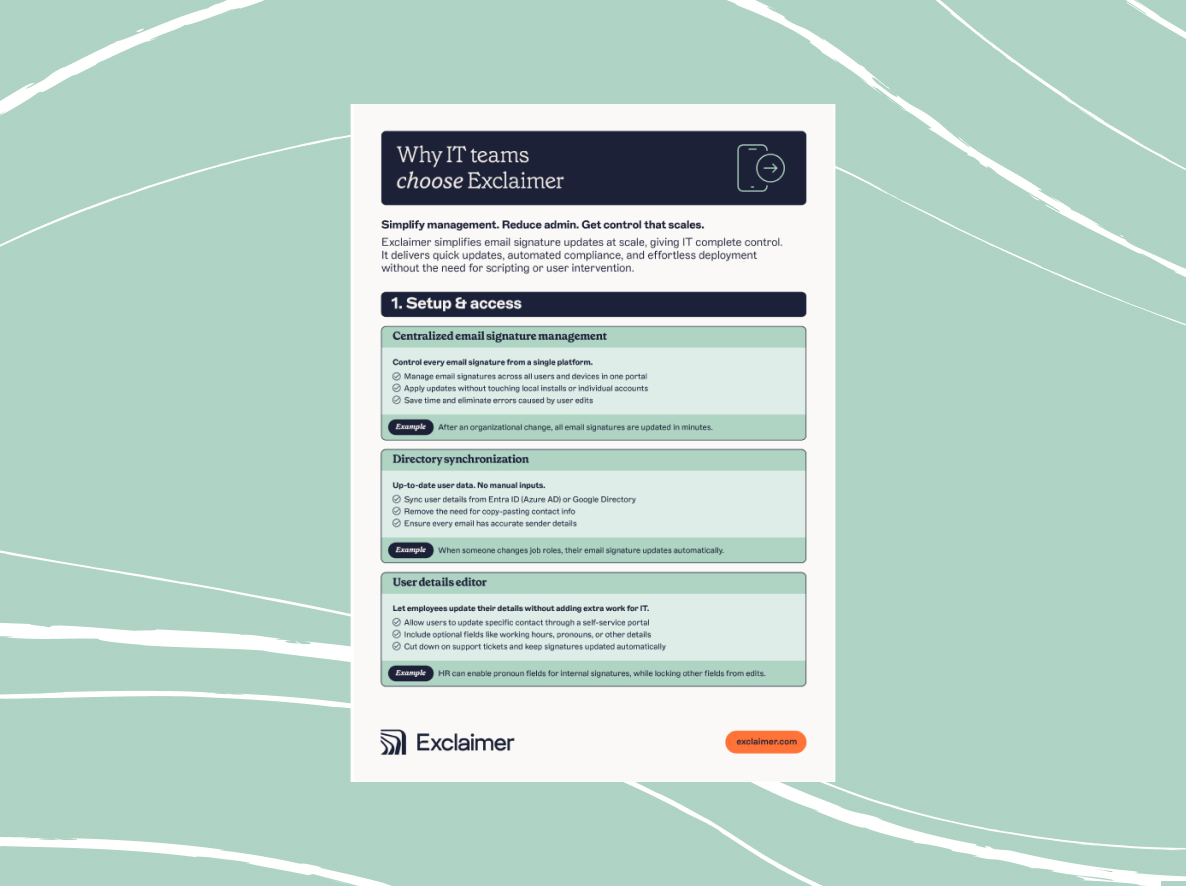
Why IT teams choose Exclaimer

Use this guide to better understand the technical capabilities of Exclaimer's email signature management platform.

Read more
Image Placeholder
Deeper Learning

Conversational Microsoft 365 Email Signatures

Get our ebook to uncover the hidden value of Microsoft 365 email signatures and how to use them.

Read more
Image Placeholder
Deeper Learning

The risks of not using Exclaimer for email signature management

Understand the hidden costs of unmanaged email signatures and the difference Exclaimer can make.

Read more
Image Placeholder
Deeper Learning

Why IT teams choose Exclaimer

Use this guide to better understand the technical capabilities of Exclaimer's email signature management platform.

Read more