How email signature updates became IT's problem and how to fix it
20 October 2025
0 min read
TL;DR
- Email signature updates have evolved from a simple admin task into a major IT responsibility—draining time and resources
- Native tools like Microsoft 365 and Google Workspace don’t offer full control, leading to manual fixes, inconsistency, and compliance risk
- Centralized, automated management lets IT update email signatures instantly, delegate safely, and maintain brand and legal consistency
- With Exclaimer, email signature updates become effortless, saving hours each week and eliminating repetitive support tickets
Email signatures used to be straightforward. Name, title, maybe a phone number—set once and forget. But as email became a core business communication channel, the signature evolved.
Now, it’s part brand asset, part compliance tool, and part marketing opportunity. And somewhere along the way, managing email signature updates became an IT job.
To understand why, let’s first look at how this shift happened—and why it’s still creating unnecessary workload for IT.
How email signatures have evolved
From simple to sprawling
IT didn’t ask to manage email signatures. But what started as a simple side task has grown into a tangled set of requests from across the business. Marketing wants to update email signatures to include new campaign banners. Legal needs disclaimers. HR needs consistency during onboarding. And when email signatures go wrong, support tickets land with IT.
Here’s how that shift happened:
Email clients became more complex, with multiple services and cloud options now the norm.
Organizations started using more devices, like mobile phones and tablets, which require consistent formatting across platforms.
More teams needed email signatures to do more, such as displaying promotional banners, survey buttons, and meeting links.
These needs introduced dependencies IT was never expected to own, creating complexity beyond simple contact details and legal disclaimers.
Now, when email signature updates fail or don’t sync properly, IT is expected to fix them—even when the issue originates in design, compliance, or last-minute content changes.
What this looks like in practice
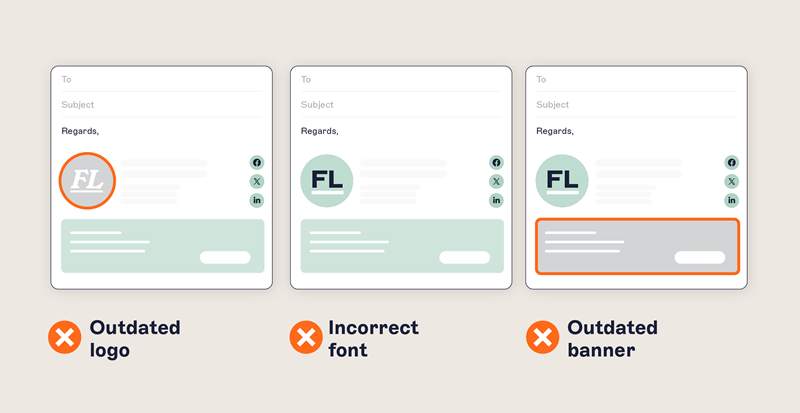
Inconsistent branding: Different departments create their own email signature templates. Old versions persist. Fonts and colors drift off-brand. Marketing sees the impact. IT gets asked to fix it.
Broken links and images: Hosted assets go missing. Click-throughs break. Layouts collapse on mobile. Campaigns lose effectiveness. IT fields the tickets.
HTML formatting issues: Users copy and paste from Word or Gmail. DIY edits introduce malformed HTML. Signatures render differently across devices. IT ends up troubleshooting code they didn’t write.
Onboarding and offboarding gaps: New hires don’t have email signatures. HR lacks the tools to enforce updates at scale. IT steps in for manual configuration.
Bottlenecks and dependencies: Every small tweak becomes a support ticket: title changes, banner swaps, campaign updates. IT becomes the bottleneck for brand consistency, compliance, and communication quality.
Native tools that make the problem worse
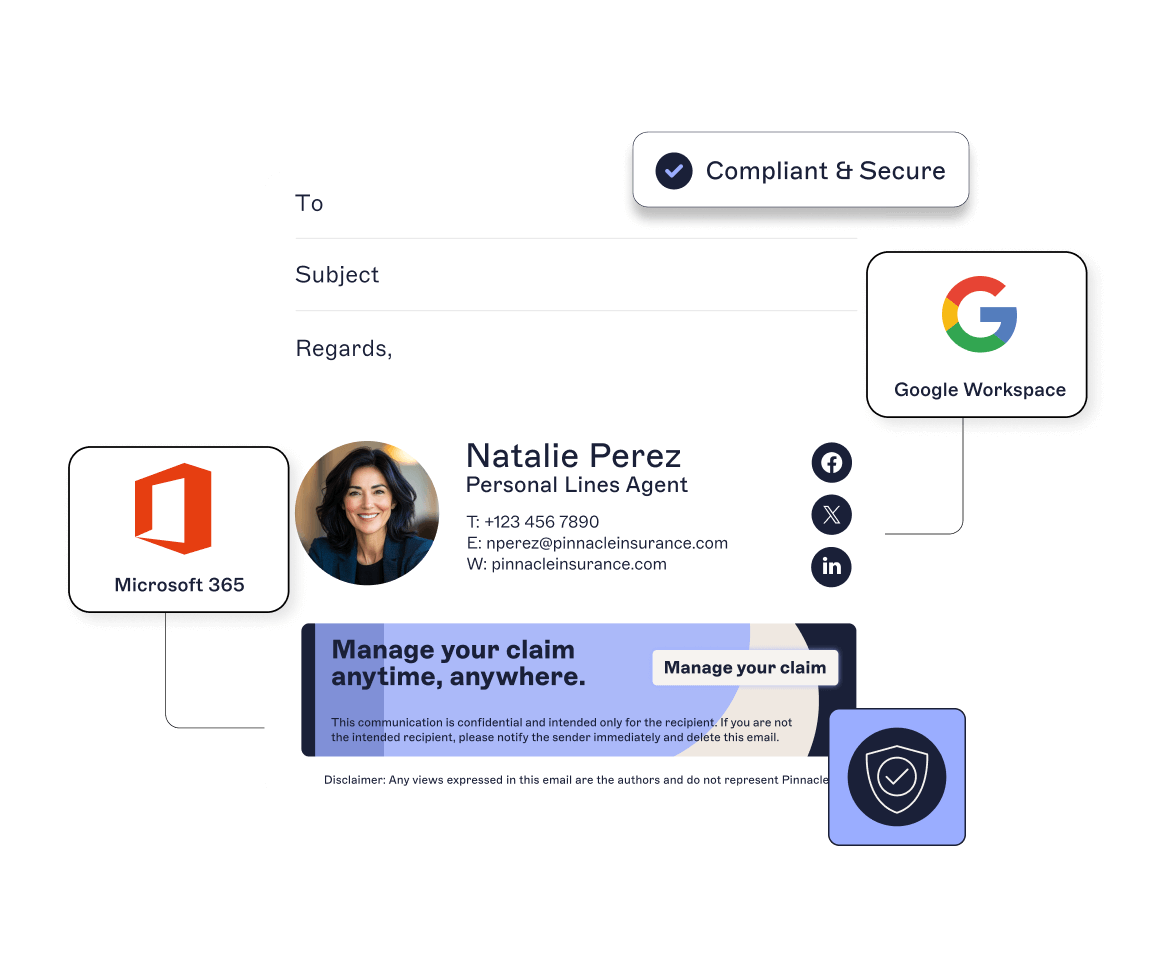
Even modern cloud platforms struggle with managing email signature updates at scale. Microsoft 365 and Google Workspace offer some built-in functionality, but neither provides a reliable or centralized way to update email signatures company-wide.
Without automation, IT teams get stuck writing PowerShell scripts, maintaining local templates, or manually deploying updates that don’t scale.
When teams bypass IT, the problem only gets worse: shadow IT tools, inconsistent branding, missing disclaimers, and compliance exposure. Each workaround adds risk—and more cleanup for IT.
What this costs IT
Without a centralized system, email signature updates create a constant stream of low-value IT tickets. Every mismanaged signature chips away at time, focus, and trust. And according to our research, 35% of IT leaders rank email signature management among their top operational drains.
Hours lost fixing formatting and syncing issues
Compliance risks from missing or incorrect disclaimers
Time wasted chasing departments for updated content
Distractions from core infrastructure and security priorities
This becomes a visibility and resource issue rather than just admin overhead. When IT is buried in email signature updates, it’s harder to focus on the work that actually drives the business forward.
Discover key insights from 4,000+ IT leaders
Our State of Business Email 2025 reveals why email remains the most critical business communication channel.
Get your copy to explore where email stands today, how it’s evolving, and what IT leaders must do next to reduce risk, improve control, and reclaim capacity.
Read the reportIs there a fix to the problem of email signature updates?
Yes, but it requires a shift in mindset. To stop email signature updates from draining IT time, leaders need to move from reactive gatekeeping to strategic enablement. That means modernizing control, handing off the right tasks to the right teams, and automating wherever possible.
Here’s what that looks like in practice:
Centralizing control
Implement one platform to manage and update every email signature across your organization. A single console ensures company-wide updates can be applied instantly, without scripts or manual formatting.
Integrate directly with Microsoft 365 or Google Workspace, apply rules based on your user directory, and automate changes by department, region, or role.
Centralization turns fragmented manual updates into one continuous, controlled process.
Automating updates
Use directory synchronization to pull job titles, departments, and locations from Entra ID (Azure AD), Google Workspace Directory or your HR system.
Campaign banners and seasonal messages run on schedule, not on request, freeing IT from repetitive tasks and guaranteeing consistency in every email sent.
Delegating safely
Give Marketing, HR, or Compliance role-based permissions to update banners, fields, or layouts without compromising security.
IT retains oversight of system governance, while other teams update email signature content independently and responsibly.
This delegation reduces bottlenecks and makes signature management a shared process rather than a technical burden.
Locking in compliance
Apply legal disclaimers and confidentiality notices organization-wide. Enforce consistent formatting and maintain audit logs for every change.
With centralized control, IT can prove compliance during audits, minimize legal exposure, and ensure signatures remain aligned with regional regulations.
Measuring impact
Track adoption, banner performance, and compliance from a single dashboard. Monitor engagement metrics, click-throughs, and update frequency.
Show stakeholders clear data on how a streamlined approach to updating email signatures saves time, maintains consistency, and strengthens the organization’s compliance posture.
Key capabilities to look for
Once you've decided to take control of your email signature updates and centralize your approach, the next step is choosing a platform that fits your IT environment and scales with your business.
Whether you're standardizing email signatures for the first time or upgrading from a legacy setup, look for enterprise-grade capabilities that reduce friction, strengthen governance, and let other departments contribute safely—without adding to IT’s workload.
Here’s what to look for:
Entra ID (Azure AD) / Google Directory sync: our platform should integrate directly with your organization’s directory. This ensures email signature updates happen automatically, with job titles, departments, and locations always in sync.
Role-based access control (RBAC): Give the right people the right level of access. Role-based permissions allow Marketing, HR, and Compliance to make approved updates safely, while IT retains full oversight and governance.
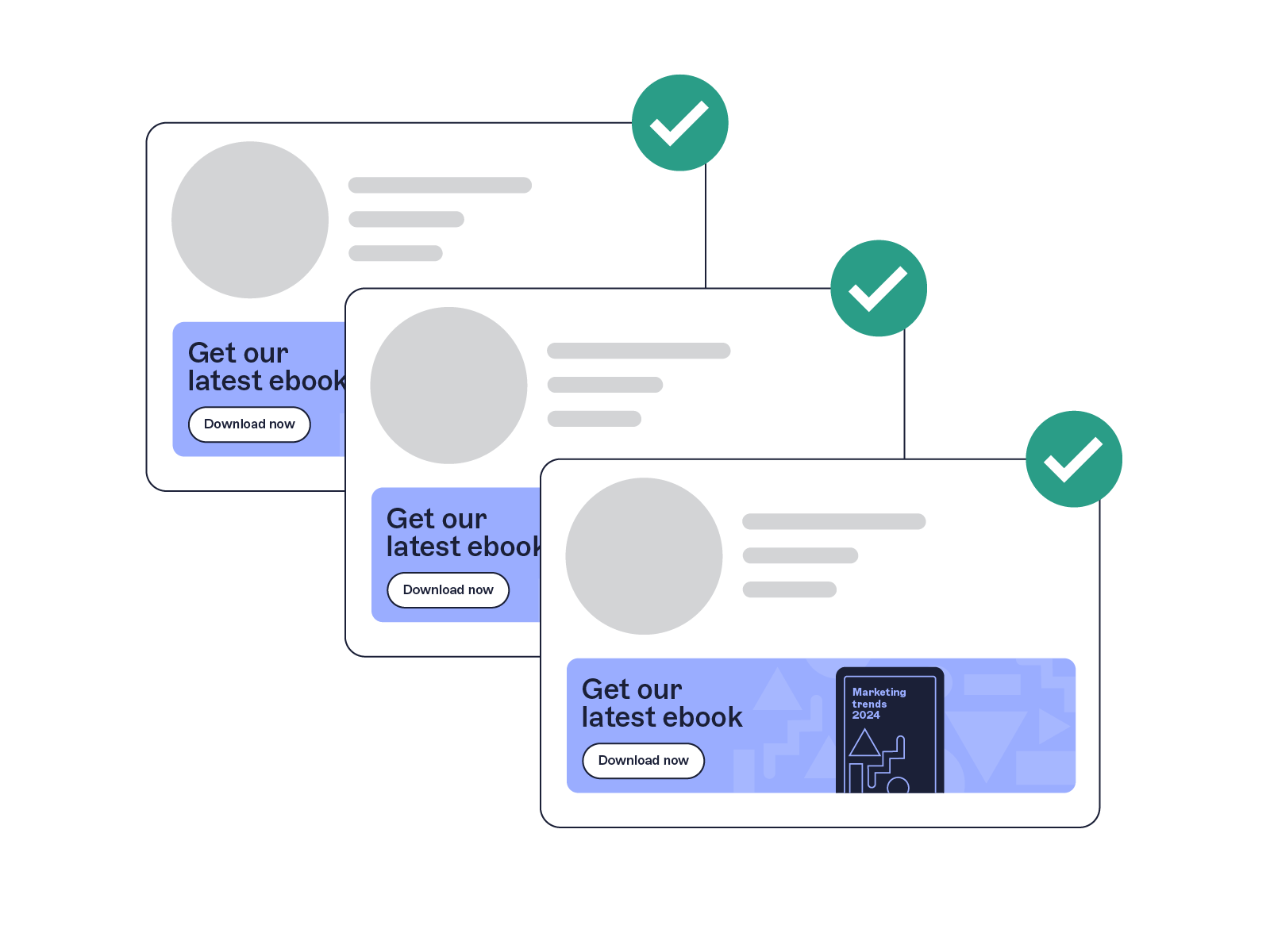
Campaign scheduling: Marketing shouldn’t have to wait on IT to update email signatures or launch a new banner. Look for scheduling features that let teams plan seasonal messages, event promotions, or product launches in advance—and swap them automatically when campaigns end.
Multi-tenant / multi-brand support: For organizations with multiple brands, regions, or subsidiaries, one platform should manage them all. No workarounds. No duplication. Just centralized email signature management that adapts to your business structure.
Signature previews by user or group: Preview what every user’s signature will look like before deployment. Live previews help spot formatting errors early and give business teams confidence that changes are correct before going live.
Analytics and reporting: Visibility matters. Track signature usage, banner impressions, and campaign performance over time. IT can monitor adoption rates and compliance, while Marketing measures engagement to prove the ROI of each email signature update.
Why this matters now
Email is still the backbone of modern business communication. It's used for client conversations, internal updates, and business-critical alerts. It’s reliable. It’s auditable. And every message you send reflects your brand, compliance posture, and customer experience.
That’s why, according to Exclaimer’s State of Business Email 2025 report, 89% of IT leaders rank one-to-one email as the most important communication channel.
But when email signature updates are inconsistent or unmanaged, that reliability becomes a risk at scale. Outdated layouts, missing disclaimers, and unapproved templates create compliance gaps and damage brand trust.
A centralized, automated platform changes that. It lets IT teams update email signatures instantly, enforce consistent branding, and maintain compliance—without manual work or ticket overload.
Email signatures don’t have to be an IT problem. With Exclaimer, they’re simple, compliant, and under control.
Want to take control of your email signature updates?
See how thousands of IT teams save hours each week with Exclaimer. Start your free trial today and move from manual updates to full automation.
Get your free trial