James is an experienced product specialist with a strong background in the IT and SaaS industry. As Senior Product Marketing Manager at Exclaimer, he plays a key role in showcasing the value of centralized email signature solutions and transforming them into a powerful communication tool for organizations.
What's new in Exclaimer: August 2026
Key takeaway
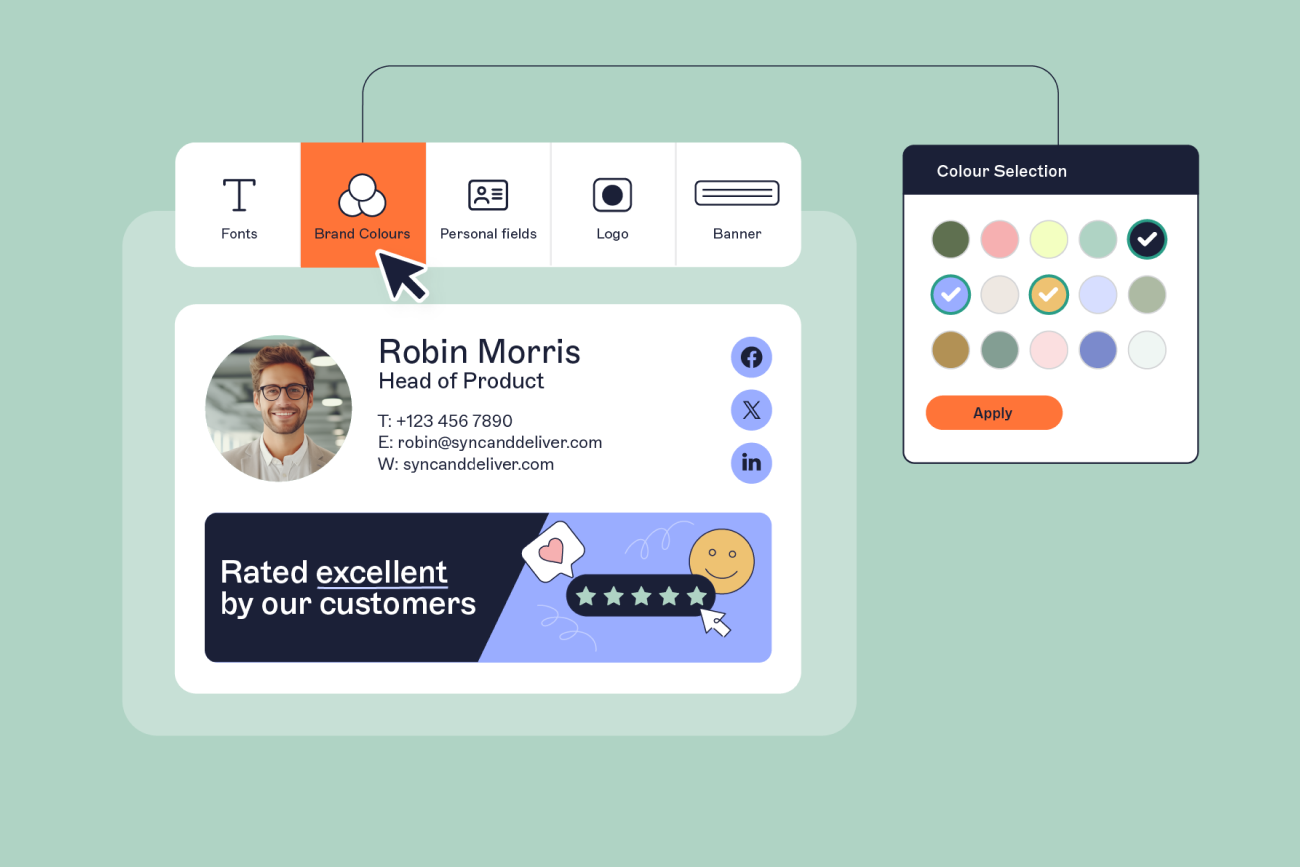
Brand Kits: Manage multiple sets of brand elements like logos, colors, and fonts in one place and reuse them across email signatures and video calls. Available to all customers.
Template Selector: A faster, redesigned way to pick a starting template, with previews that use your Brand Kit. Available to all customers.
Meeting Branding: Multiple themes for your video calls, and rules that let IT admins assign themes to specific people or groups. Make every meeting a professional, branded touchpoint. Available to customers on Exclaimer’s Pro plan.
Admin access to Diagnostics Logs, a warning for unsaved changes in the Signature Designer, and fixes for Outlook for Mac shared mailboxes and email signature placement.
The first edition of our monthly round-up covers the major launches, improvements, and fixes released so far in 2026.
Highlights
Manage brand assets in one place with Brand Kits
Available to all customers
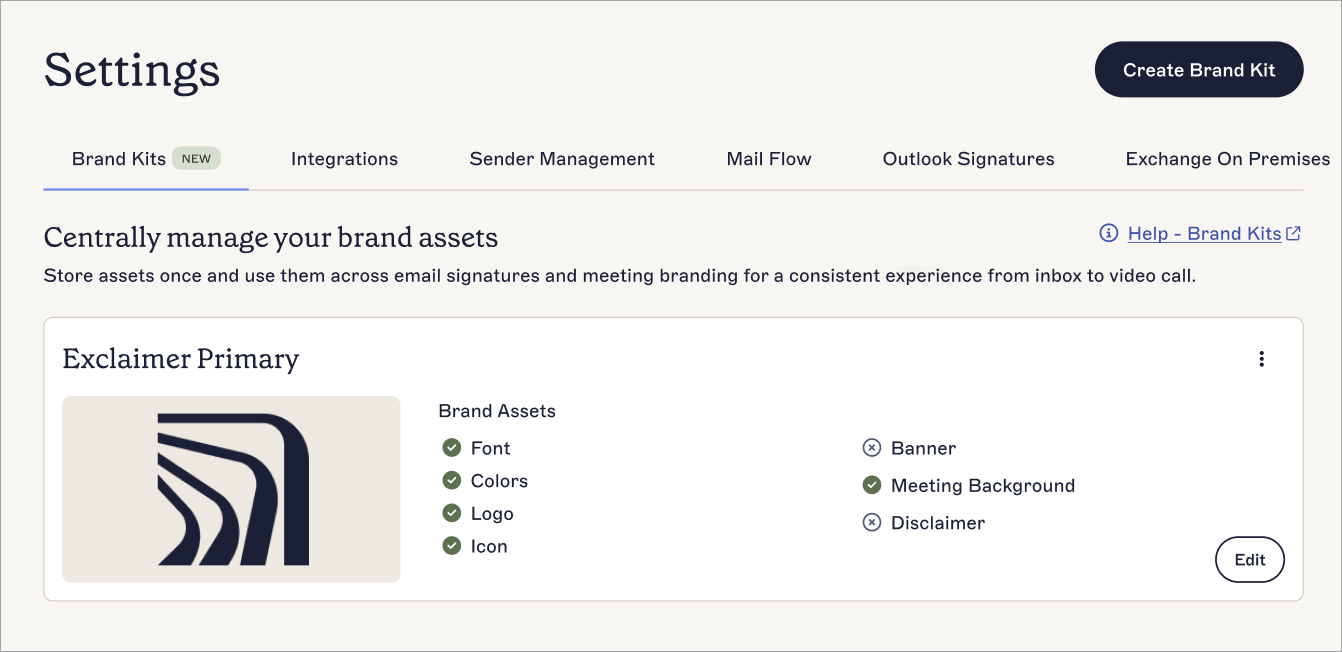
Brand Kits let you define and manage sets of brand assets (including logos, colors, fonts, and icons) in one place and reuse them across email signatures and video calls. If your organization runs several regions, subsidiaries, or brands, you can set up each one once instead of duplicating the work. When an asset changes, you update it in one place.
The number of Brand Kits available depends on your plan. Starter includes one, Standard includes up to three, and Pro includes unlimited Brand Kits.
Start from a branded template in the redesigned Template Selector
Available to all customers
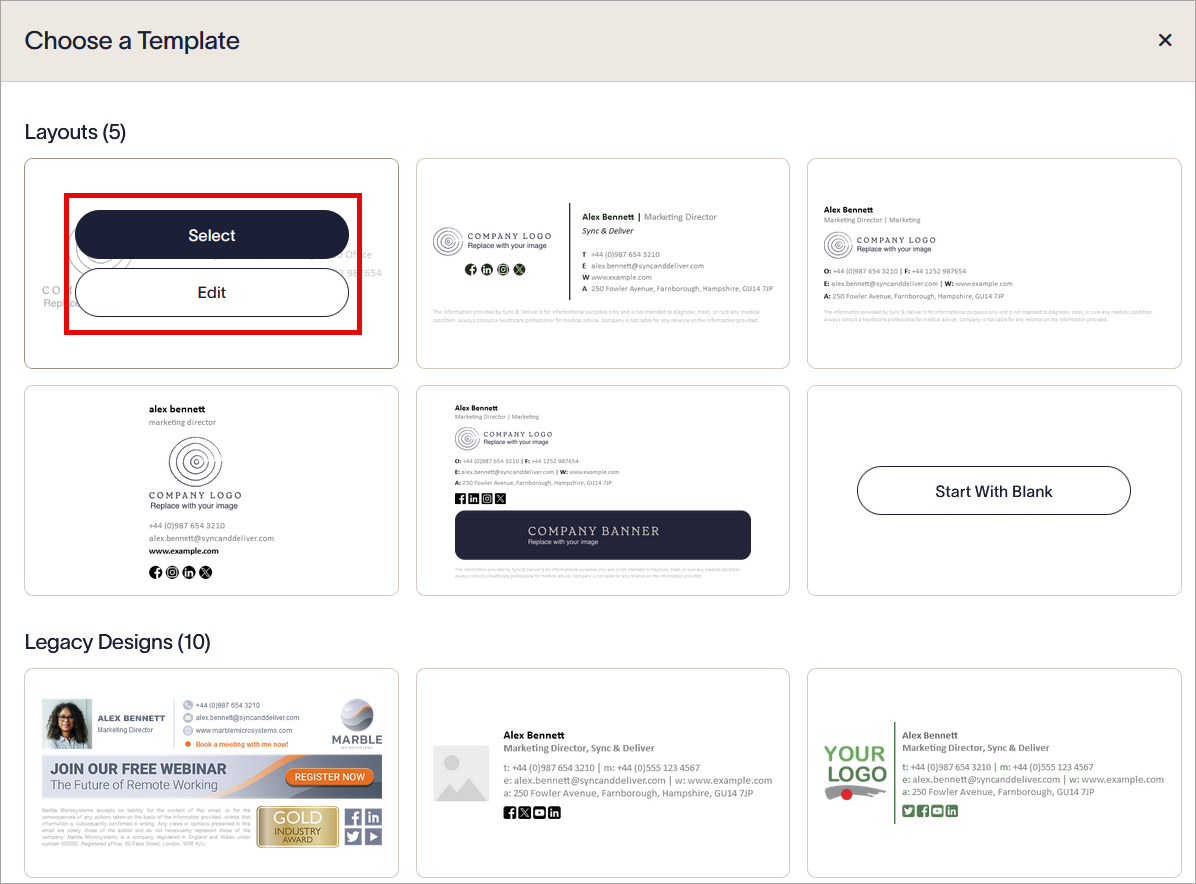
The Template Selector is the screen where you pick a starting template in the Signature Designer. It has a new look and loads faster, with the same templates and actions as before.
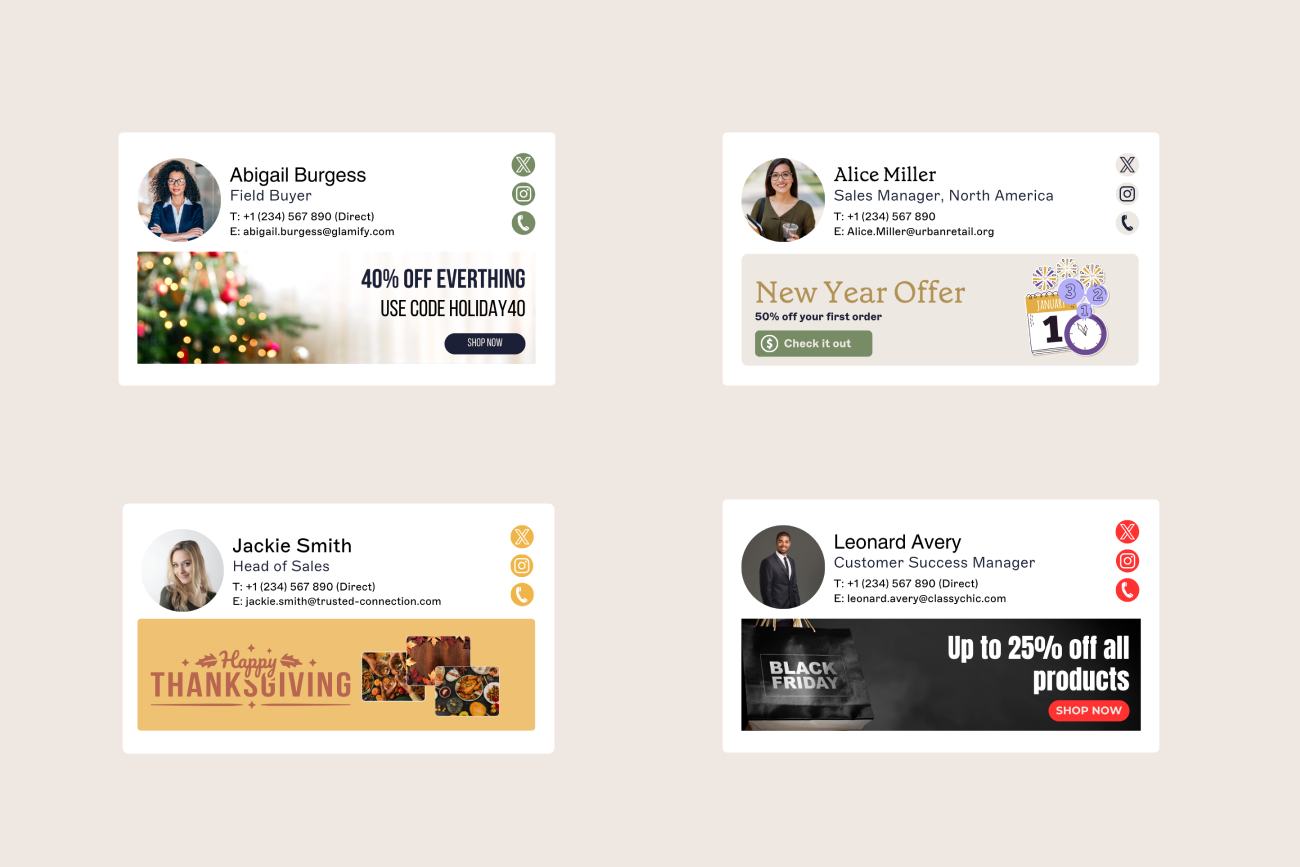
Templates now also use your Brand Kit. If you've saved fonts, colors, a logo, a banner, or a disclaimer in your Brand Kit, templates show them in the preview and use them right away, so you start from an email signature that already looks like your brand.
Meeting Branding: Multiple themes and rules
Available to all Pro users
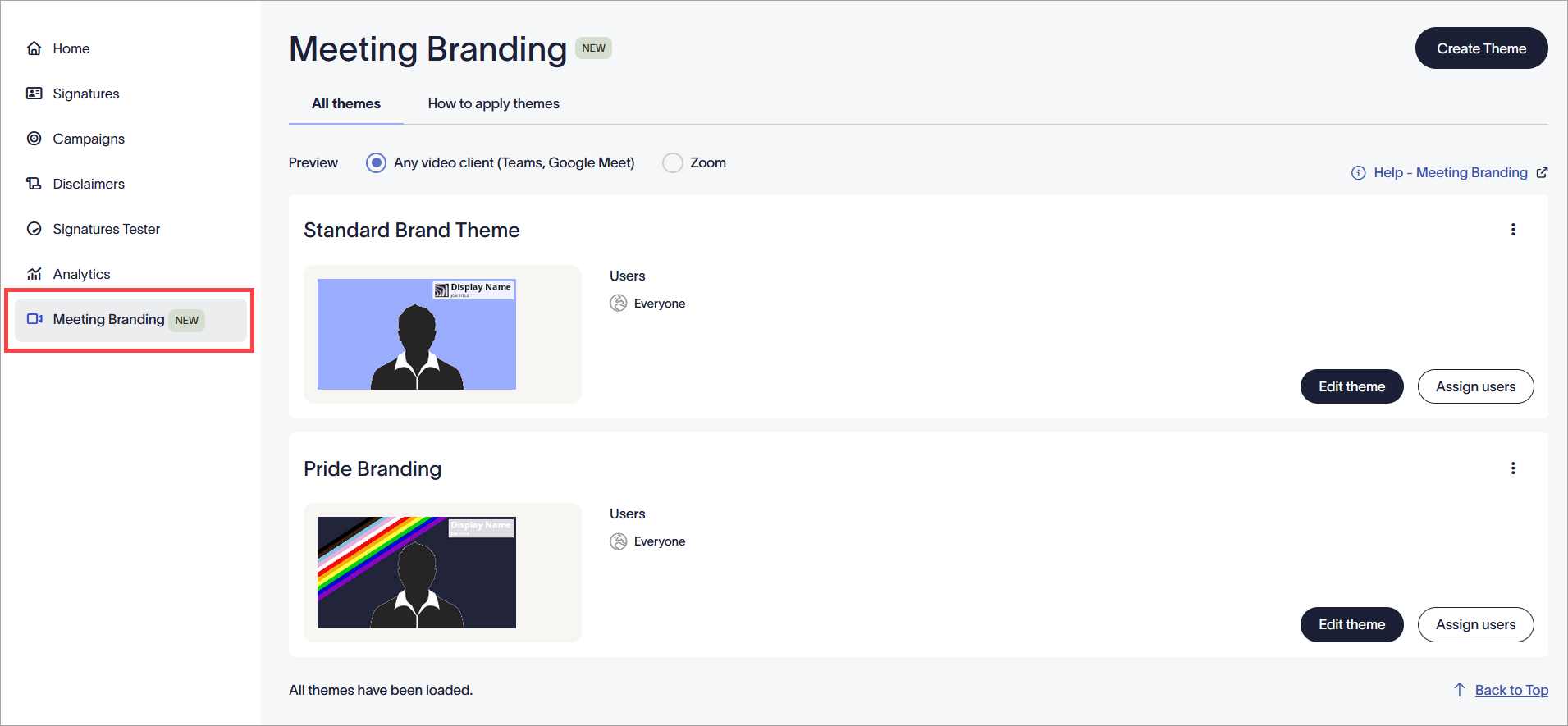
Meeting Branding now supports multiple themes, so one organization-wide look no longer has to fit everyone. Each theme can use different branding, and you choose whether it includes a mandated background.
Admins can use rules to assign these themes to specific people or groups. An assigned theme applies whether people get it through the Zoom integration or the User Details Editor.
With the Zoom integration, each person’s last-chosen theme is now saved and applied to their future meetings automatically, so they don’t have to pick it every time.
Improvements
Signature Designer
Unsaved changes now trigger a notification, and the save and close buttons have been revised, so it's clear when you have work to save before you leave.
The design tools on the left are reordered so basic, commonly used tools come first.
A new drop-down in the options lets you switch a design to a different Brand Kit in one click.
The Brand Kit image placeholder in templates now reflects image dimensions and leaves less white space, so you can see the size an image needs before you add it.
Brand Kits
Image uploads for Brand Kits now open a cropping tool with predefined crop areas, so every image you upload meets the required dimensions, with no resizing in another tool.
User Details Editor
Default values now appear as real input values instead of placeholders, so what you see in a field is its actual value, and you can edit it directly.
Locked fields now sit below editable fields.
A new sidebar lets you jump between sections of the user page, such as Meeting Branding, Contact Details, and QR Details.
QR Details now sits at the bottom of the page, so the main editable fields are visible without scrolling.
The Contact Details and Settings admin page now has a Save and Cancel bar, so you don't need to scroll to the top to save.
Admin settings and diagnostics
Admins now have full access to Diagnostics Logs, so they can troubleshoot without waiting for the Owner. They can view Message Capture settings, but only the Owner can edit them.
The "Start Synchronization" and "Enable Additional Attributes" options in Sender Management now explain more clearly what each setting does.
Onboarding and sign-up
New users now see an onboarding checklist that guides them through connecting Exclaimer, creating an email signature, and enabling it, so they can see which steps are done and what's next.
The connection dashboard now shows onboarding errors, including user sync and mail routing errors, when you return to it, so you can see what needs fixing in your setup.
New customers can now register for an account without creating a trial subscription, with guidance in the portal. This avoids an issue that could lead to duplicate or unexpected trials.
Fixes
Outlook
Outlook for Mac no longer shows an "Add-in not compatible" message for shared mailboxes and alternative accounts, so email signatures now apply when people send from them.
Email signature placement
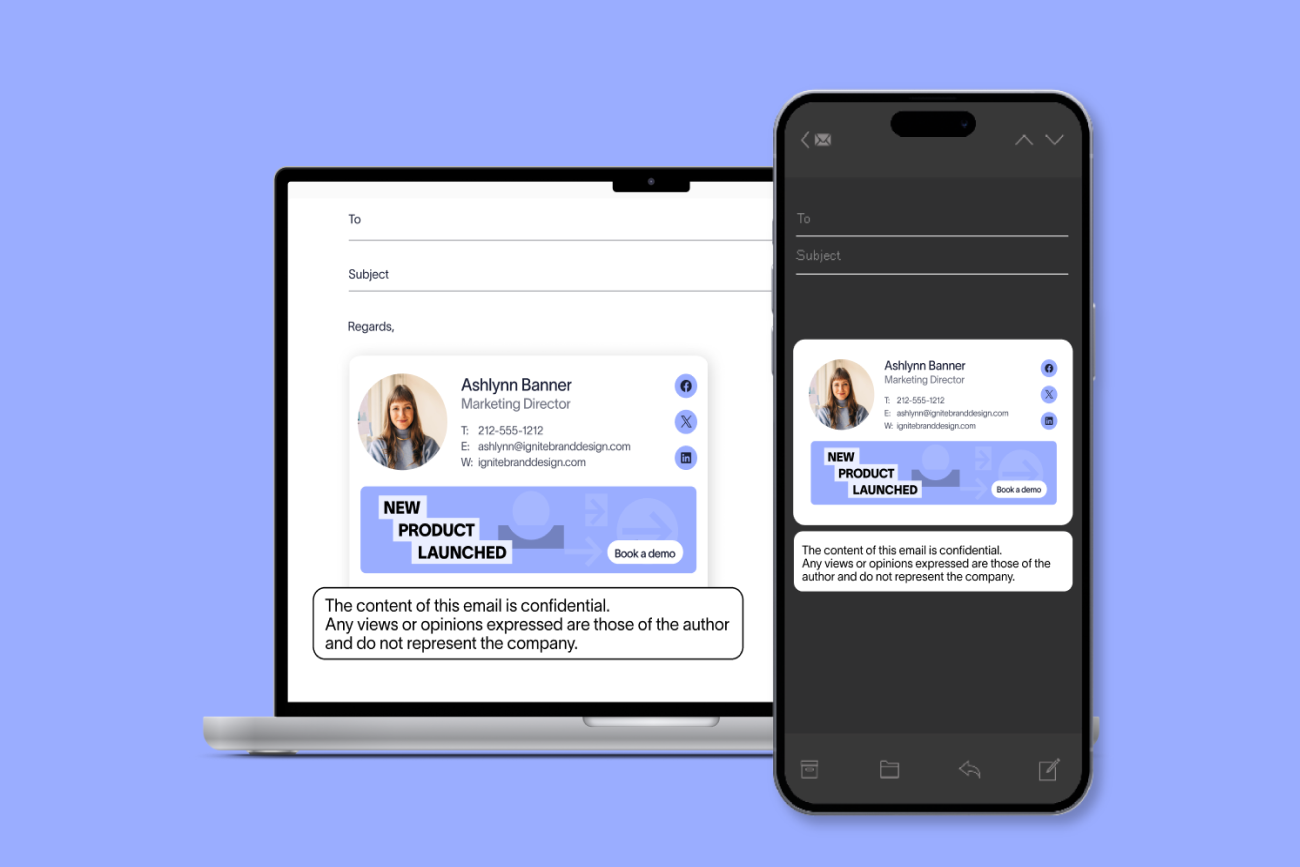
Email signatures could land in the middle of an email body when ordinary text ended with a colon after a date and time. Exclaimer now recognizes reply separators more accurately, so this no longer happens.
Meeting Branding
Long display names or job titles no longer extend past the edge of the name tag.
Setting the name tag background opacity to 0% no longer reverts to 85% after you save, so you can entirely remove the background of your name tag.
Portal, sign-up, and billing
Fixed an issue that prevented users whose email address includes a + from registering for an account or starting a trial.
Fixed a rare issue that prevented folder security settings from restricting users with the Editor role or lower when one of them was the first to open the web app after a restart.
Customers in the District of Columbia and Puerto Rico can now select these locations as their state when paying, so they can complete a self-service purchase.
Live certificates now generate correctly for a small number of impacted subscriptions, so mail keeps flowing through Exclaimer after a long trial period.
Questions or feedback? Click here.