Naimh is a seasoned marketer of 12 years, including in SaaS and tech. She’s an expert at simplifying complex technology concepts, bridging the gap between IT and marketing. Naimh specializes in turning tech speak into actionable insights, helping marketers get the most out of their tools and technology.
The top 20+ holiday email signature templates
TL;DR
A holiday email signature adds a seasonal banner, greeting, or offer to your existing sign-off, turning every email you send into light-touch marketing
This guide covers 17 templates and examples across Christmas and winter, Thanksgiving, New Year, Black Friday, and the 4th of July
Keep designs to two to three colors and one to two fonts, and pair every banner with one clear call-to-action
Common formats include a holiday opening-hours notice, a promotional banner, a festive image, or a limited-time discount code
Tools like Exclaimer help teams roll out and manage holiday designs company-wide without manual updates
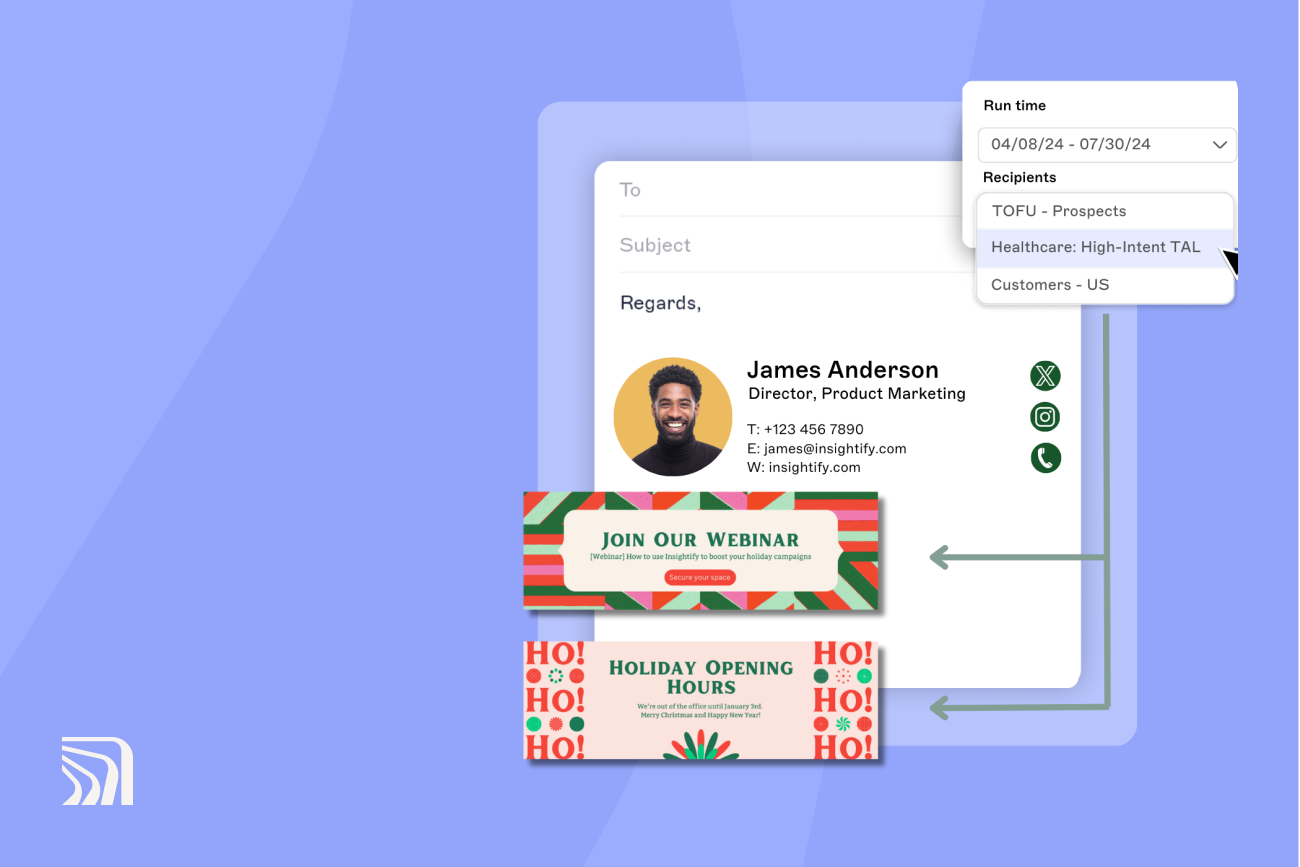
Signature scheduling lets you set a start and end date, so the design reverts automatically once the season ends
Test every design on mobile before it goes live: large images and oversized fonts that look fine on desktop often break on a smaller screen
During the holiday season, inboxes fill up with marketing emails, targeted ads, and special offers, and it's easy for any single message to get lost in that flood. That makes it harder for brands to reach their audience through the usual channels.
Business email doesn't carry that same fatigue. Using the trust and visibility already built into everyday email, marketers can help their message stand out as part of a wider holiday marketing strategy. That's where a holiday email signature earns its place.
This guide rounds up 17 holiday email signature templates and examples, from Thanksgiving and winter to New Year and the 4th of July, to inspire your next campaign. Every example is built for easy customization on Exclaimer's centralized platform, so your team stays on-brand, compliant, and consistent all season long. Want to build one of these?
Start in Exclaimer's email signature generator and add your own branding.
Why use holiday email signatures?
69% of consumers worldwide prefer using email to communicate with brands, yet many companies still overlook the email signature as a marketing surface during the holidays.
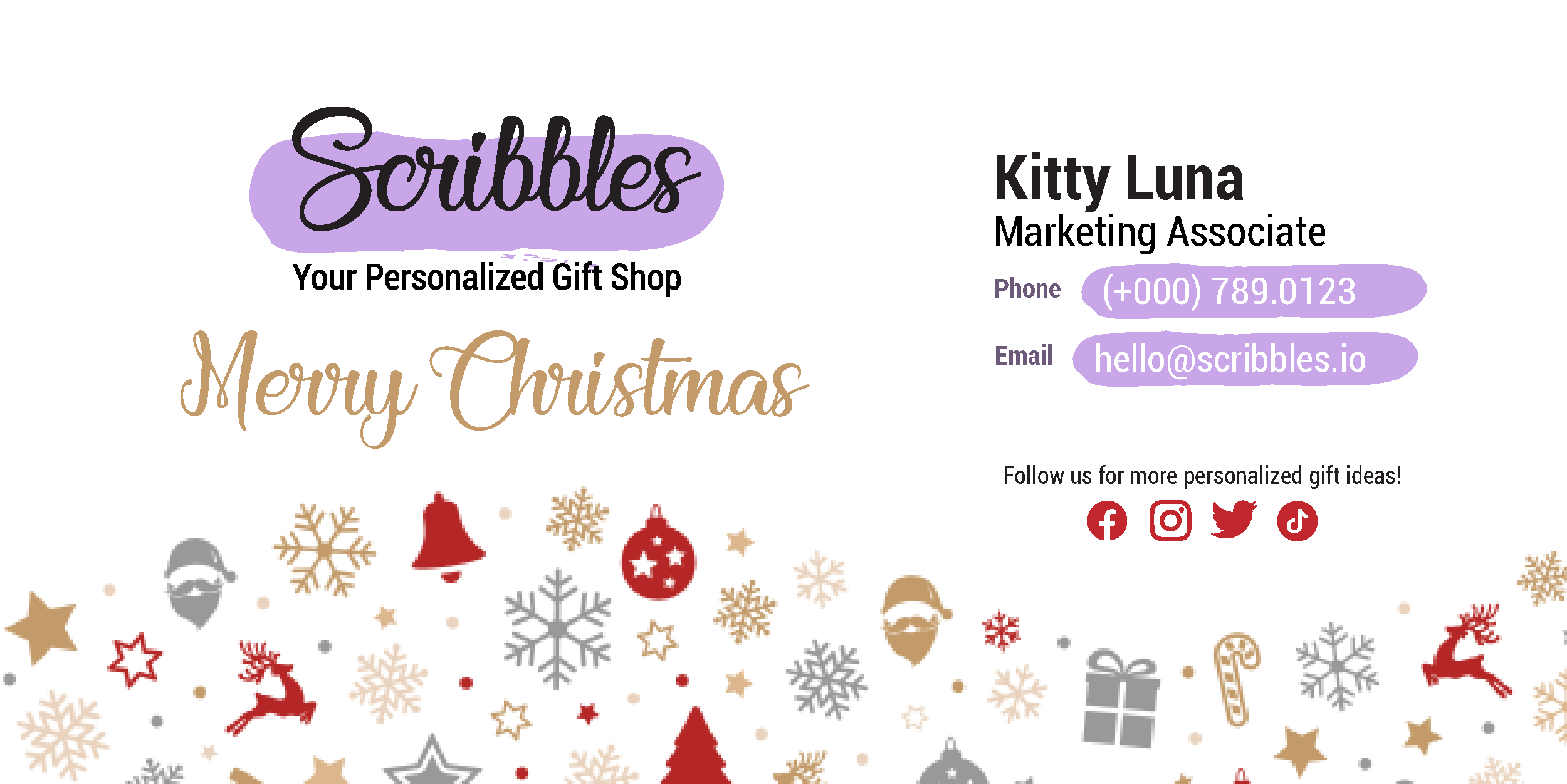
Personalizing business emails helps them stand out among the volume of marketing messages people receive daily. Adding a holiday email signature is a small change that grabs attention and leaves a lasting impression.
Four benefits stand out in seasonal campaigns:
Personalization: A holiday email signature lets you add a personal touch to your emails, which helps you connect with your audience in a more human way.
Brand image: A well-designed holiday email signature reflects positively on your brand, especially when it includes tasteful festive imagery rather than clutter.
Real engagement, not just impressions: Exclaimer customers typically see an average click-through rate of 4% on signature content, well above the 2.65% industry standard for mass email marketing. A holiday banner isn't just decoration; it's one of the higher-performing things in the email.
Stand out from competitors: A seasonal touch makes your message stand out from the flood of generic holiday marketing everyone else is sending.
Want something specifically for the Christmas season?
Spread some festive cheer with our creative Christmas email signature templates.
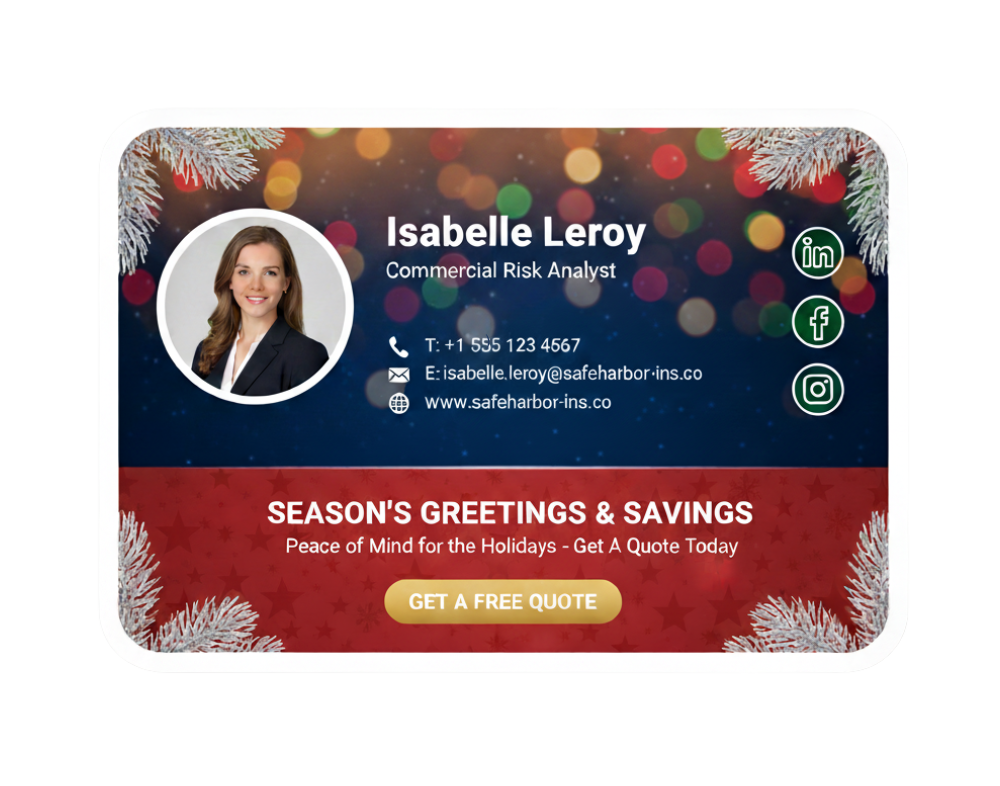
How do you keep a holiday email signature festive without it looking unprofessional?
Keeping a holiday email signature festive without tipping into unprofessional comes down to restraint: a couple of seasonal cues, applied consistently, do more than a signature crowded with every asset on hand.
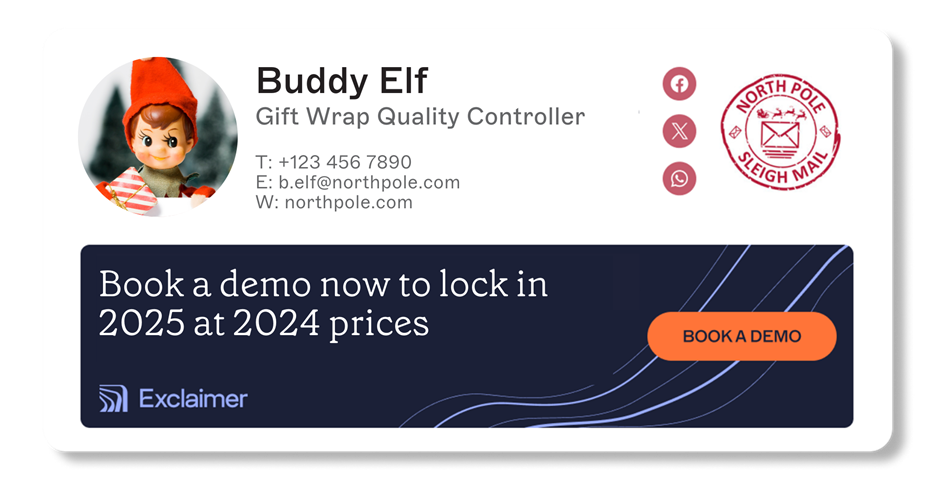
Keep it simple. A cluttered or complex email signature overwhelms recipients, especially during a season when their inbox is already full. Cap the design at two to three colors and one to two fonts.
Add seasonal elements sparingly. Snowflakes, Christmas trees, or reindeer add a touch of holiday spirit, but stacking several at once starts to look unprofessional rather than festive.
Use high-quality images. Blurry or pixelated images reflect poorly on your brand's attention to detail, so any image in a holiday email signature should match your brand's existing image quality bar.
Include a promotional element. A call-to-action button linking to your website or a seasonal landing page turns the signature into a working part of the campaign, not just decoration.
Keep the core information intact. A holiday theme shouldn't crowd out the signature's main job: name, job title, company name, phone number, and email address still need to be there and easy to read.
Design for mobile first. Optimize the layout for mobile viewing. Large images and oversized fonts that look fine on desktop often break or crop on a phone screen.
Refresh your social content for the season. Point to a recent seasonal post or article, and consider a festive theme on your social media icons to match.
Separate internal and external designs. For larger organizations, an internal signature can carry different details, like an extension number and building location, that an external one shouldn't.
Tailor the signature by department. Sales might get a template promoting an offer; customer service might get one with seasonal opening hours. Match the message to what each team's audience actually needs.
Revisit the design through the season. A signature that works on day one of December can look dated by the third week. Check a live Christmas email signature periodically through the season and adjust as needed.
"You can adapt a design to something a bit more quirky, a bit more fun, especially around public holidays or smaller events. For a Halloween theme, we changed the social media icons to adapt to a different logo, changed the banner color, and added a bit of humor. Readers will consider that humor part of your brand, part of your company. It's a genuinely good way to experiment with how you're viewed as a brand. You can be as playful or as simple as you want. Just bear in mind there are some limitations on what we can and can't do here, but that's what our team is for. We can advise on that if you have questions."
Examples of holiday email signature templates
A winter or Christmas email signature adds warmth and festive spirit to every message while keeping your brand professional and consistent. The templates below are grouped by what they're built to do, so you can match one to your actual campaign goal rather than just picking whichever looks nicest.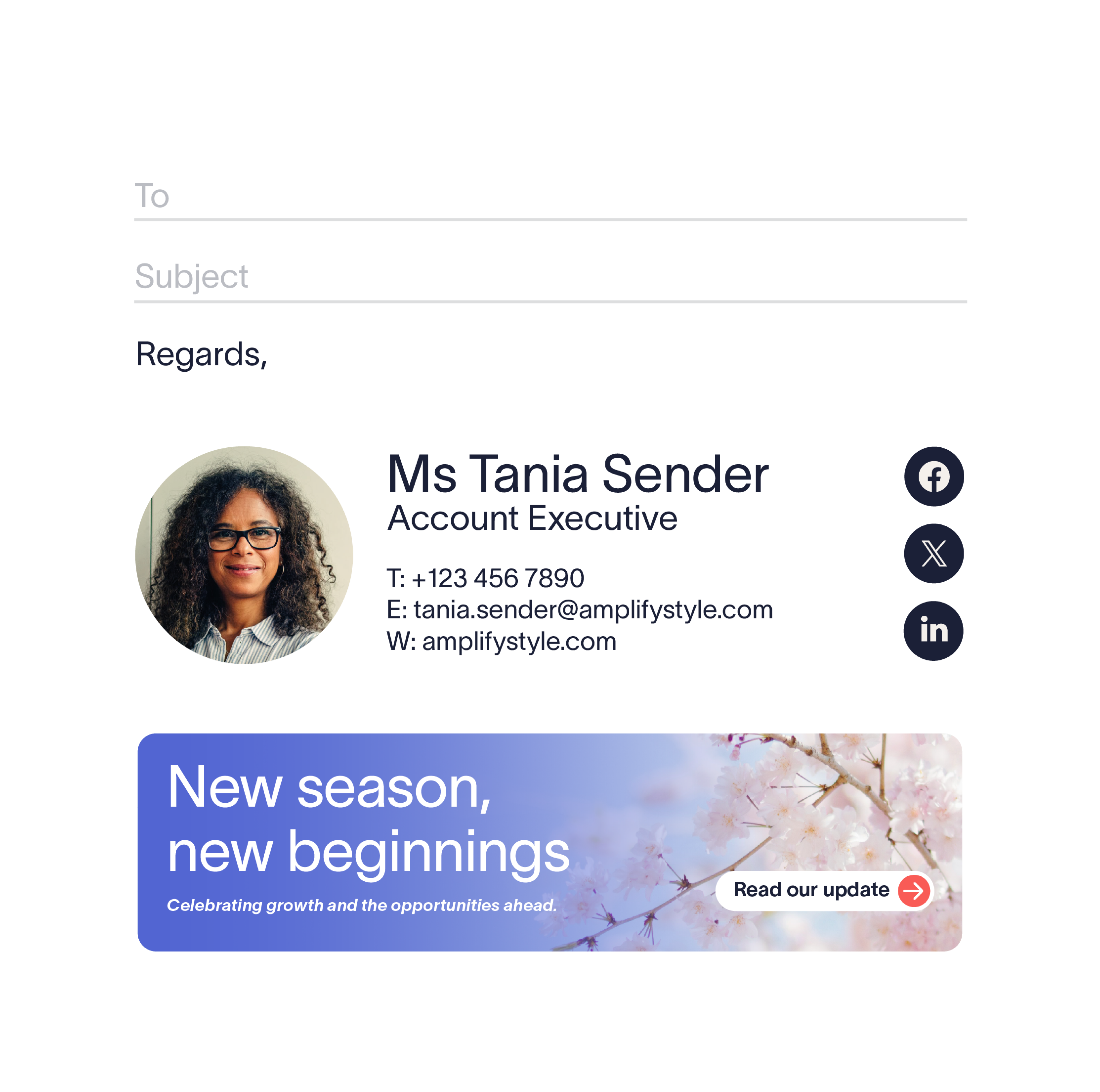 Short on time? Find the template that fits your situation:
If you want to... | Use this template |
|---|---|
Tell clients when you're open over the holidays | "Add your holiday opening hours," below |
Push clicks on a live sale | "Highlight holiday offers," or New Year's "Offering a special discount" |
Announce a store closure | "Add a festive image" |
Run a rewards or loyalty deadline | Thanksgiving's "Promoting seasonal offers" |
Drive bookings (travel, hospitality) | Thanksgiving's "Driving holiday bookings," or New Year's "Boosting New Year bookings" |
Run urgency-led Black Friday messaging | Black Friday's "Maximizing retail promotions" |
Update the banner without a full redesign | Black Friday's "Add sparkle to your holiday promos" |
1. Add your holiday opening hours
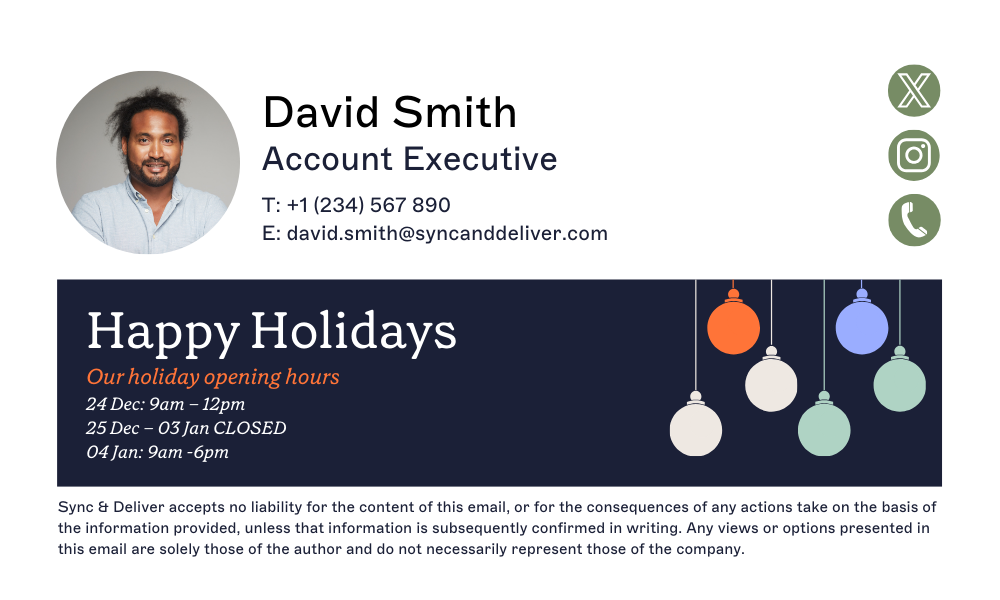 Best for: Letting clients know when you're open, without a separate announcement
This template pairs a "Happy Holidays" message with your holiday opening hours, so clients know exactly when the company is open. A simple ornament design adds a seasonal touch while keeping the layout professional.
2. Highlight holiday offers
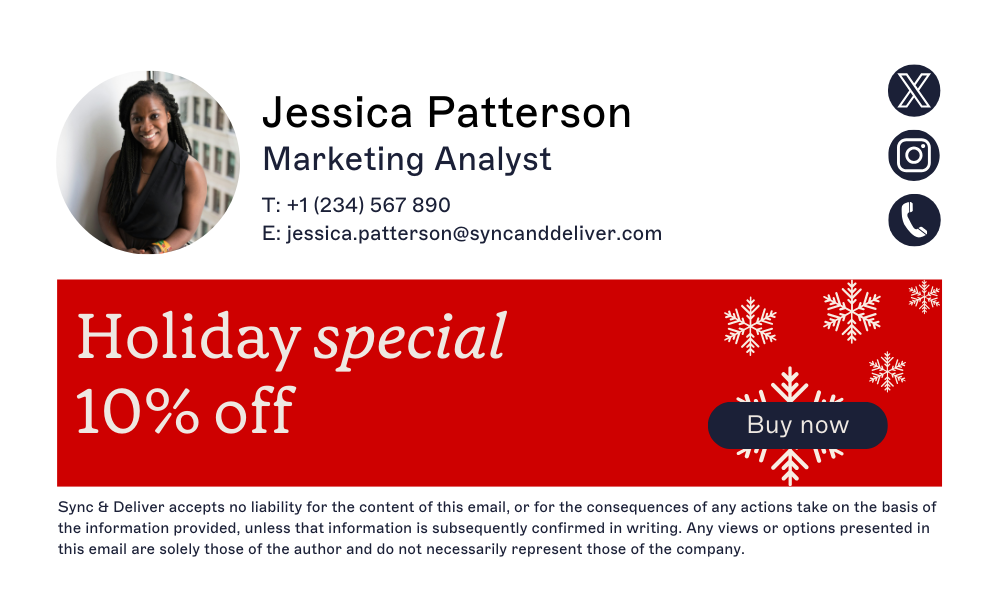 Best for: Driving clicks on a live promotion
A clear special-offer message sits on a bright red background with festive snowflakes, and a bold "Buy now" button gives recipients a direct next step. It's built for marketing communications aimed at boosting holiday sales, not just seasonal decoration.
3. Link to your holiday store
 Best for: Sending traffic to a seasonal storefront or landing page
A festive message on a snowy, snowflake-dotted background pairs with a "Shop Now" button that leads straight to your products or promotions, blending holiday warmth with a clear commercial purpose.
4. Add a festive image
 Best for: Communicating a holiday closure without a separate email
A "Happy Holidays" banner, a reopening date, and a "Learn more" button keep customers informed about a store's holiday closure directly from the signature. Gold ornaments on a marble-style background add a festive, professional finish.
5. Add a promotional code

Best for: Retail and e-commerce campaigns with a time-limited offer
A blurred Christmas tree background sets the holiday mood, and a "Shop Now" button encourages interaction with the promotional code front and center. It keeps a professional look while spotlighting a limited-time holiday offer.
Other examples of holiday email signatures
Holiday email signatures aren't limited to Christmas. Thanksgiving, New Year, Black Friday, and the 4th of July all give you a reason to adjust tone, imagery, and messaging while staying on-brand.
Thanksgiving email signature templates
Thanksgiving is a chance to show appreciation in every interaction. A well-crafted Thanksgiving email signature helps you express gratitude while keeping your professional tone intact.
Design tips:
Include a warm banner with a subtle autumn color scheme, or a small pumpkin or leaf icon beside your name.
Add a short message such as "We're thankful for your partnership."
1. Using a Thanksgiving-themed banner
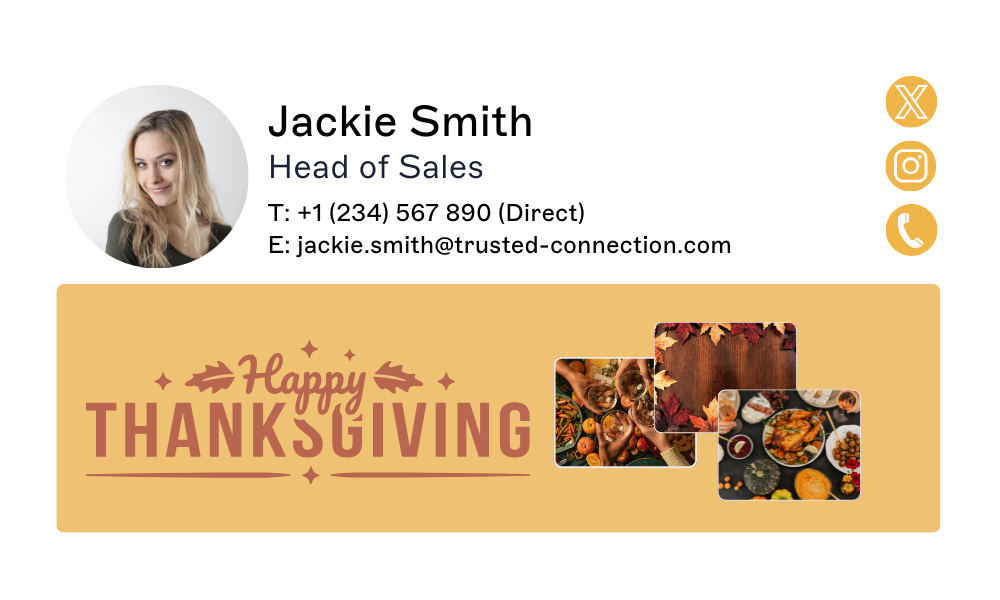 Best for: A general seasonal greeting across the company
Professional contact details pair with a "Happy Thanksgiving" message and imagery of traditional Thanksgiving foods. The festive colors and icons keep the tone friendly without losing professionalism.
2. Driving holiday bookings
 Best for: Travel and hospitality businesses running seasonal promotions
A Thanksgiving feast image pairs with a promotional message and a strong call-to-action, making this a fit for travel businesses looking to convert seasonal browsing into bookings.
3. Promoting seasonal offers
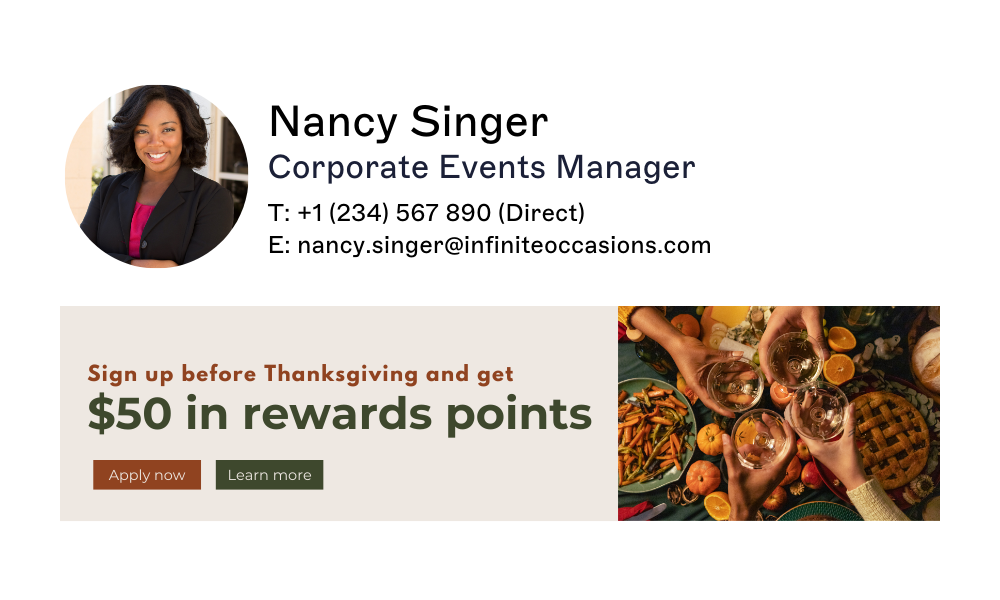 Best for: Rewards or loyalty campaigns tied to a deadline
The message "Sign up before Thanksgiving and get $50 in rewards points" gives recipients a reason to act now. A festive image of people toasting adds warmth, and distinct "Apply now" and "Learn more" buttons keep the options clear.
4. Providing holiday cheer
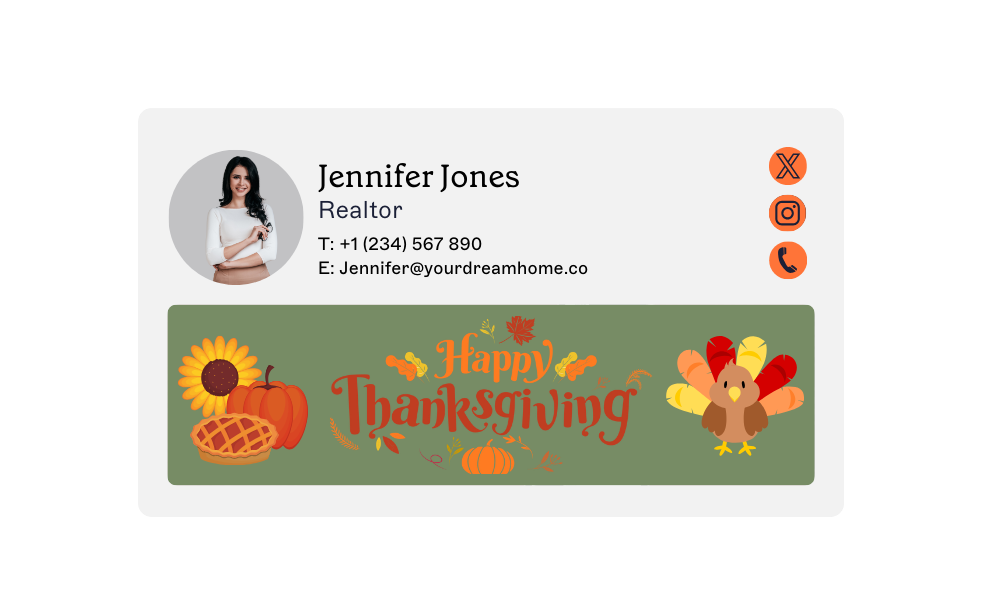 Best for: Real estate and other relationship-driven businesses
Turkey, sunflower, and pumpkin-pie illustrations sit alongside contact details and a "Realtor" title for credibility, with a colorful "Happy Thanksgiving" banner adding a welcoming touch.
New Year email signature templates
A clean, professional New Year email signature reflects optimism and brand consistency. A simple "Happy New Year" banner, or a festive greeting below your contact details, celebrates the season without overwhelming the message.
Design tips:
Keep banners accessible and mobile-friendly; avoid heavy image files.
Update email disclaimers and sender details automatically using directory sync.
Use a "Happy New Year" image that complements your brand's existing color palette.
1. Using a graphical banner
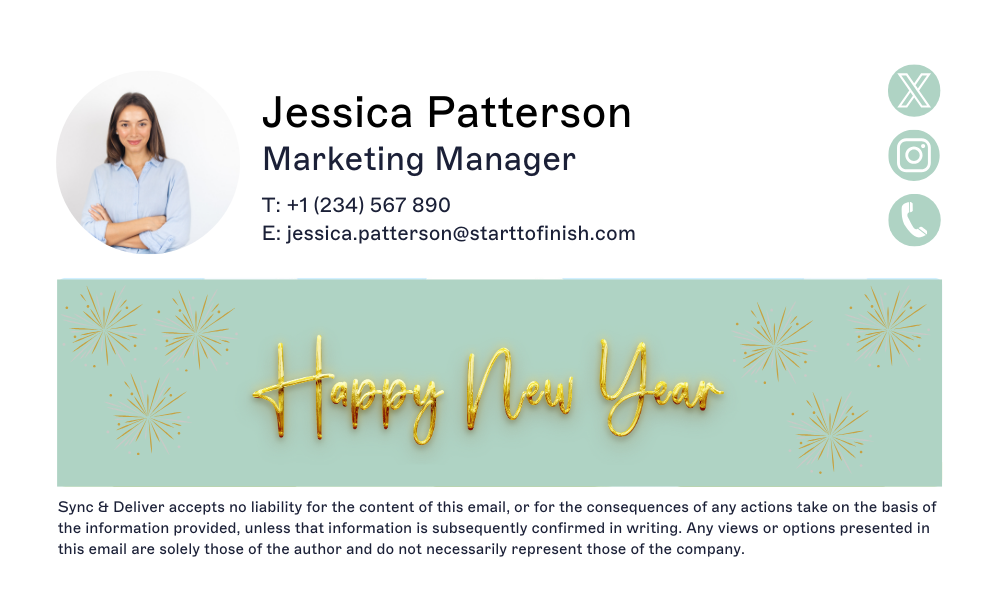 Best for: A formal, brand-safe year-end message
A "Happy New Year" message in gold with festive sparkles adds a joyful but classy element to the contact details, and a disclaimer at the bottom keeps the overall tone formal.
2. Boosting New Year bookings
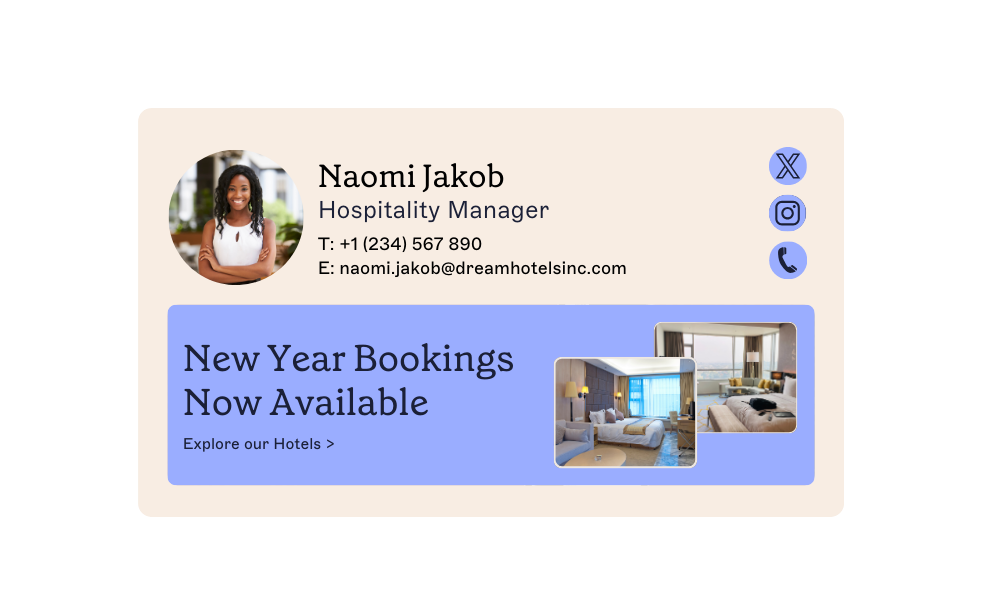 Best for: Hospitality businesses promoting availability
A clean, inviting design carries the message "New Year Bookings Now Available," with hotel imagery that encourages recipients to explore booking options without losing a professional layout.
3. Offering a special discount
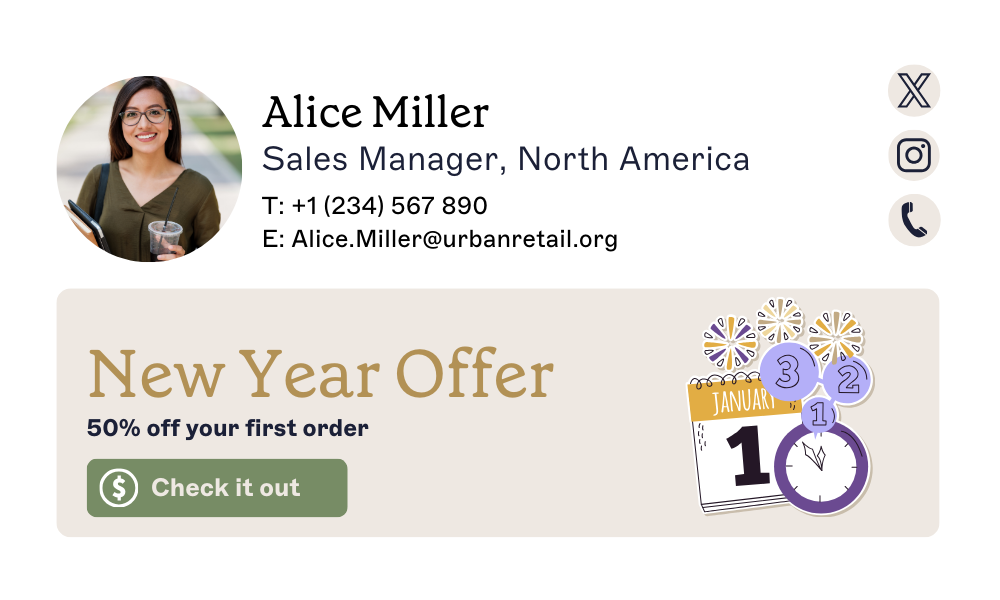 Best for: Retail campaigns tied to a specific date
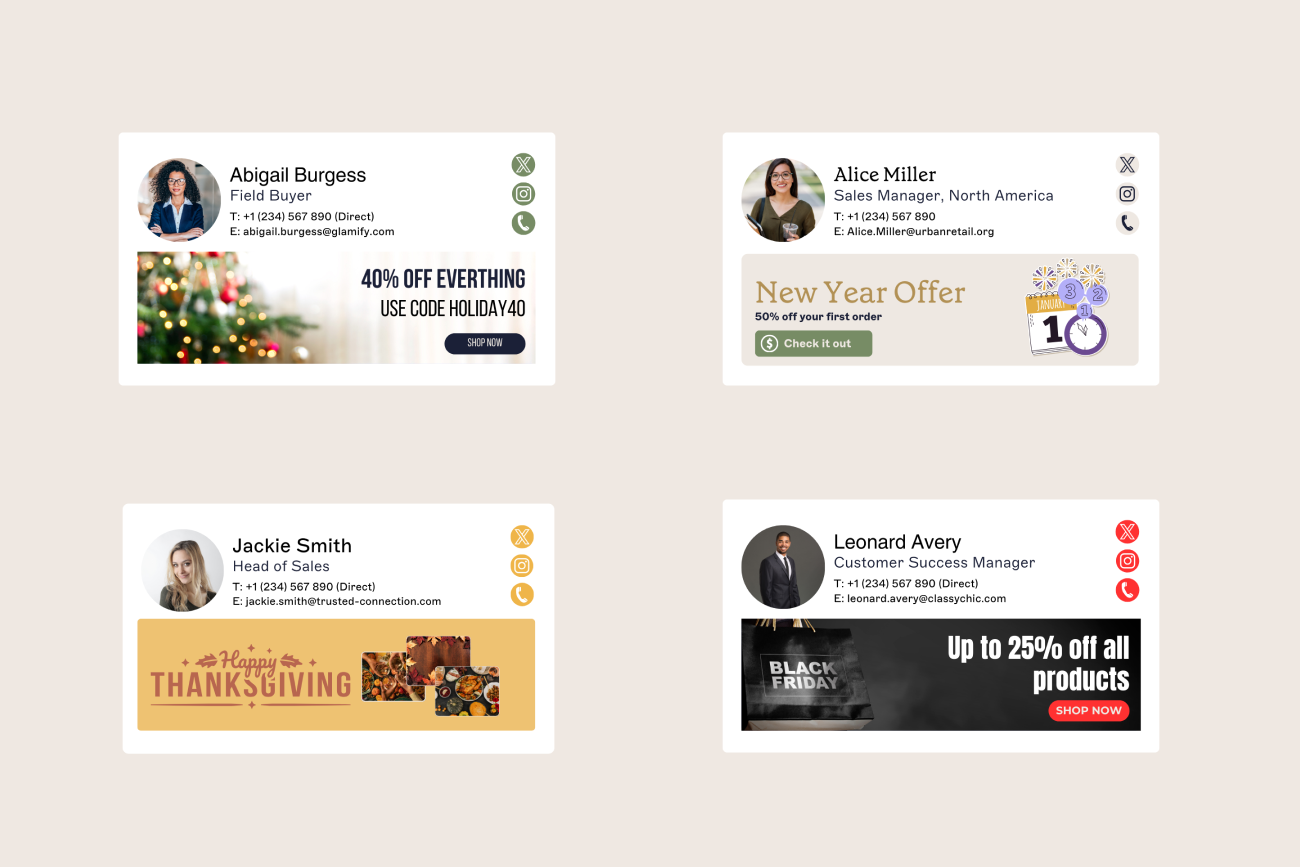
A bold 50% discount headlines the "New Year Offer," with a calendar showing January 1st and celebratory icons adding seasonal specificity. A "Check it out" button gives a direct next step.
4. Engaging customers with a sale
 Best for: Furniture and home-goods retailers
Professional contact details sit alongside a "New Year Sale Now On" banner and a clickable "Shop now" button, with a product image of a stylish sofa adding visual appeal to the promotion.
Tip
With Exclaimer, you can schedule a signature design to run through the first week of January, then automatically revert to your standard signature.
Black Friday email signature templates
A distinct Black Friday email signature can boost sales during one of the busiest shopping events of the year. Eye-catching visuals and a clear call-to-action matter more here than in most other seasonal signatures, since the whole point is urgency.
Design tips:
Use bold contrast, black, gold, or red, to reflect the event's urgency.
Include a countdown banner or a call-to-action (CTA) like "Shop the Black Friday sale, ends soon."
Keep banners accessible: no flashing text, no oversized images.
For B2B teams, swap "Shop Now" for "View Offer" or "Book a Demo."
1. Maximizing retail promotions
 Best for: Retail brands running a straightforward percentage-off sale
A bold "Up to 25% off all products" message on a dark background, paired with a red "Shop Now" button, grabs attention instantly. A Black Friday shopping-bag image strengthens the promotion.
2. Using an eye-catching design
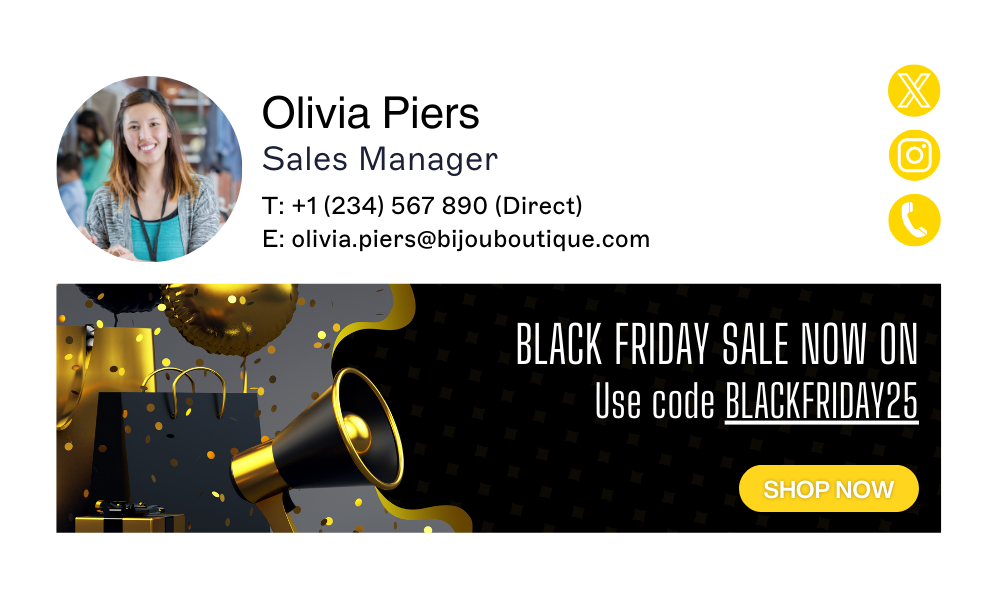 Best for: Campaigns that need a discount code to stand out
A black-and-gold background with balloons and confetti frames a clear discount code, and a prominent yellow "Shop Now" button keeps the action easy to spot.
3. Add sparkle to your holiday promos
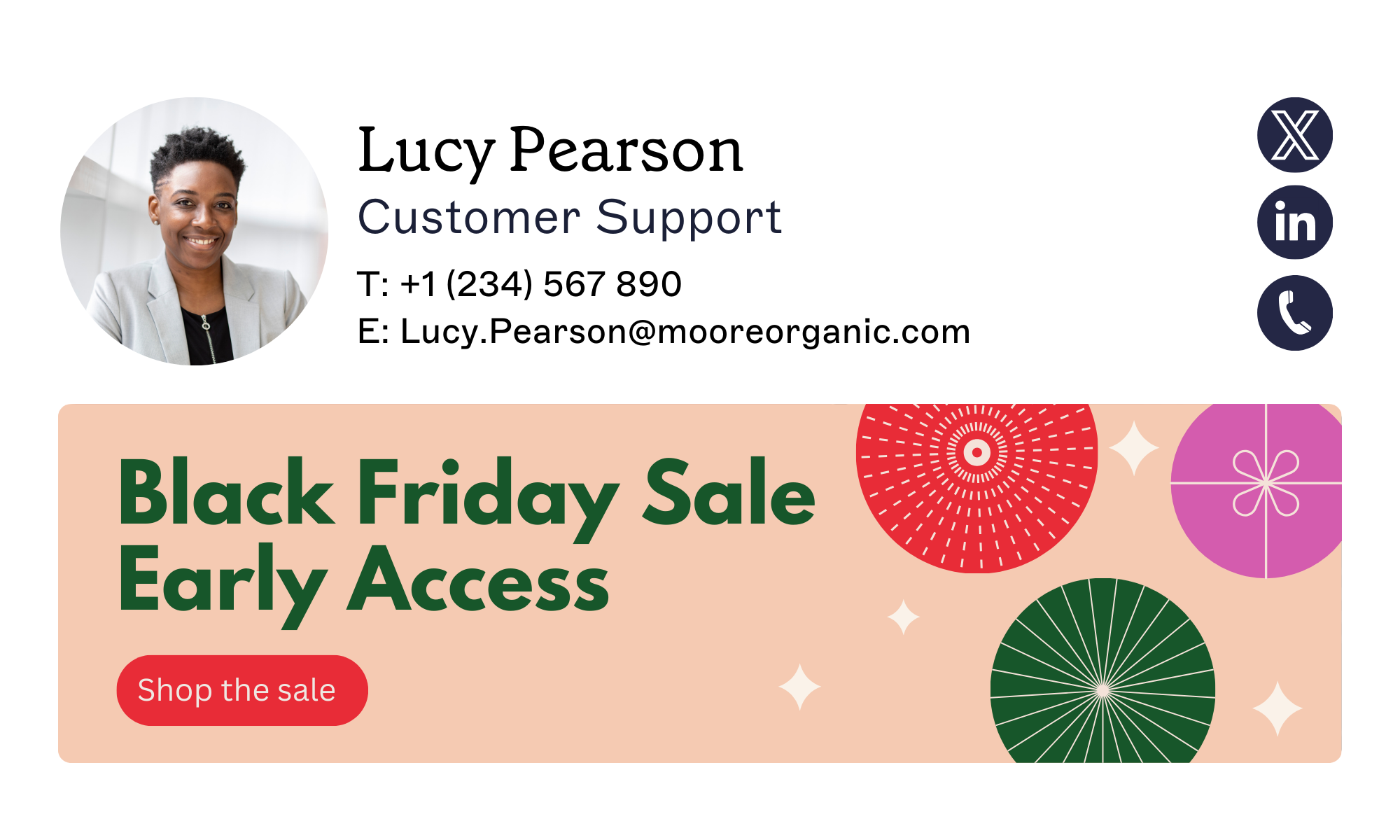 Best for: Teams that want a light seasonal update without a full redesign
If a full Black Friday redesign isn't worth the effort, simply update the existing banner to flag the seasonal offer instead.
4th of July email signature template
The 4th of July is a chance to mark company culture, patriotism, and community spirit through a professional holiday email signature, without straying from brand compliance.
Design tips:
Use red, white, and blue accents, or a discreet flag motif, to keep it celebratory but professional.
Add a short seasonal greeting, such as "Wishing you a safe and happy 4th of July from all of us at [Your Company]."
Feature your company logo and disclaimer underneath to maintain compliance and brand consistency.
Include a small CTA if relevant, for example "Explore our summer savings" or "Learn how we're celebrating innovation this Independence Day."
1. Strike the right balance between festive and formal
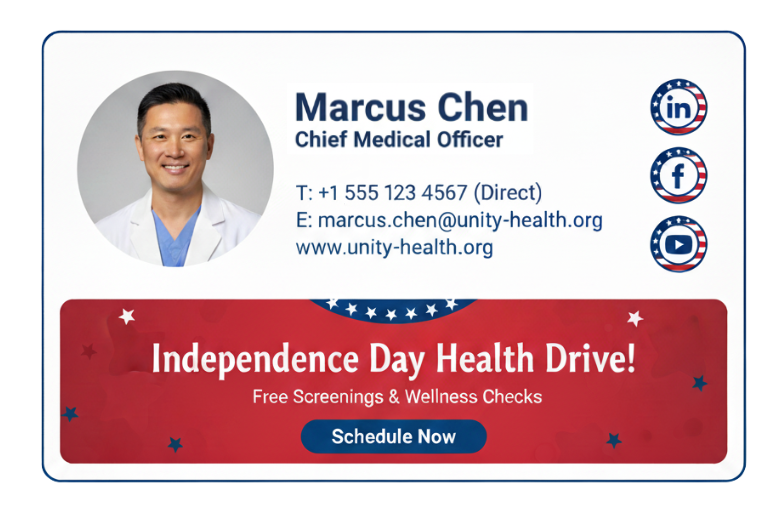 Best for: Community or health-focused campaigns tied to the holiday
A bold red banner with patriotic star accents highlights an "Independence Day Health Drive" campaign, and a clear blue "Schedule Now" button drives engagement. It's a solid fit for promoting limited-time offers or community events tied to the 4th of July.
Tip
Let Marketing update the festive content while IT retains full oversight by scheduling a signature design to run through the first week of January, then automatically revert to your standard signature.
How do you schedule a holiday email signature, and revert it afterward?
The design work is only half the job. The other half is making sure the festive signature actually goes live company-wide on time, and comes back down without someone remembering to do it manually in January.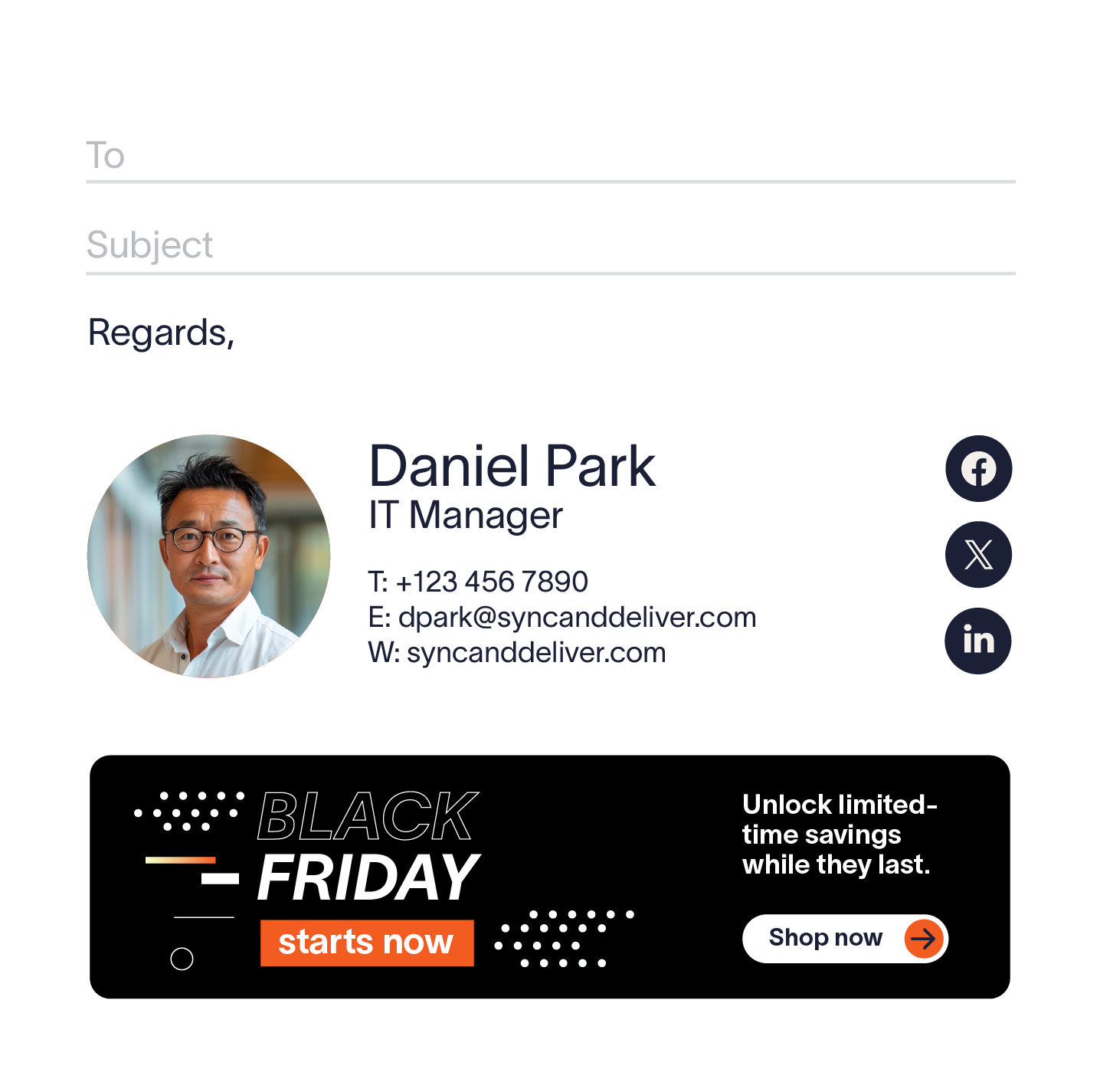 Manually swapping signatures for every employee doesn't hold up past a handful of people, and it's easy to forget the reversal once the season is over. Signature scheduling is a named feature on Exclaimer's platform built for exactly this: apply a different signature for a defined window, seasonal campaigns and time-limited promotions included, and it reverts to the standard signature automatically when the window closes.
Tip
Set a start and end date on the holiday signature design once. It applies automatically for everyone in scope, then reverts to the standard signature the moment the window closes. Nobody has to remember to switch it back.
Schedule an email signature design for the exact dates a campaign runs, whether that's the two weeks around Christmas, the days around Black Friday, or the single day of the 4th of July. Marketing can update the seasonal content directly, while IT keeps oversight of who the design applies to and when.
How do you manage holiday email signatures across a whole company?
Exclaimer gives IT and marketing teams a way to run efficient, secure, and professional email communications through the busiest stretch of the year.
Save time. IT teams automate email signature updates instead of manually applying them, freeing up time during the season's busiest stretch.
Empower marketing. Marketing can handle signature updates directly, cutting IT's workload while keeping the flexibility to make quick promotional changes.
Keep communications consistent. Every email reflects current holiday promotions and store details, with updates pre-scheduled to line up with marketing campaigns.
Maintain brand image. Signatures that stay current avoid the awkward look of a Black Friday banner or old office hours lingering into the new year.
Support multiple locations and multiple holidays. If your company operates across regions, not every office celebrates the same holidays on the same dates. Manage signatures by location or department from one platform, so a UK team can run a Boxing Day message while a US team runs Black Friday, without either office seeing the other's banner.
Strengthen trust. Unified, branded email signatures make it harder for attackers to impersonate your organization.
See Exclaimer in action
Holiday email signatures are a straightforward way to add a personal touch to professional communications during the festive season. They elevate your branding, promote offers, and share information your audience actually needs.
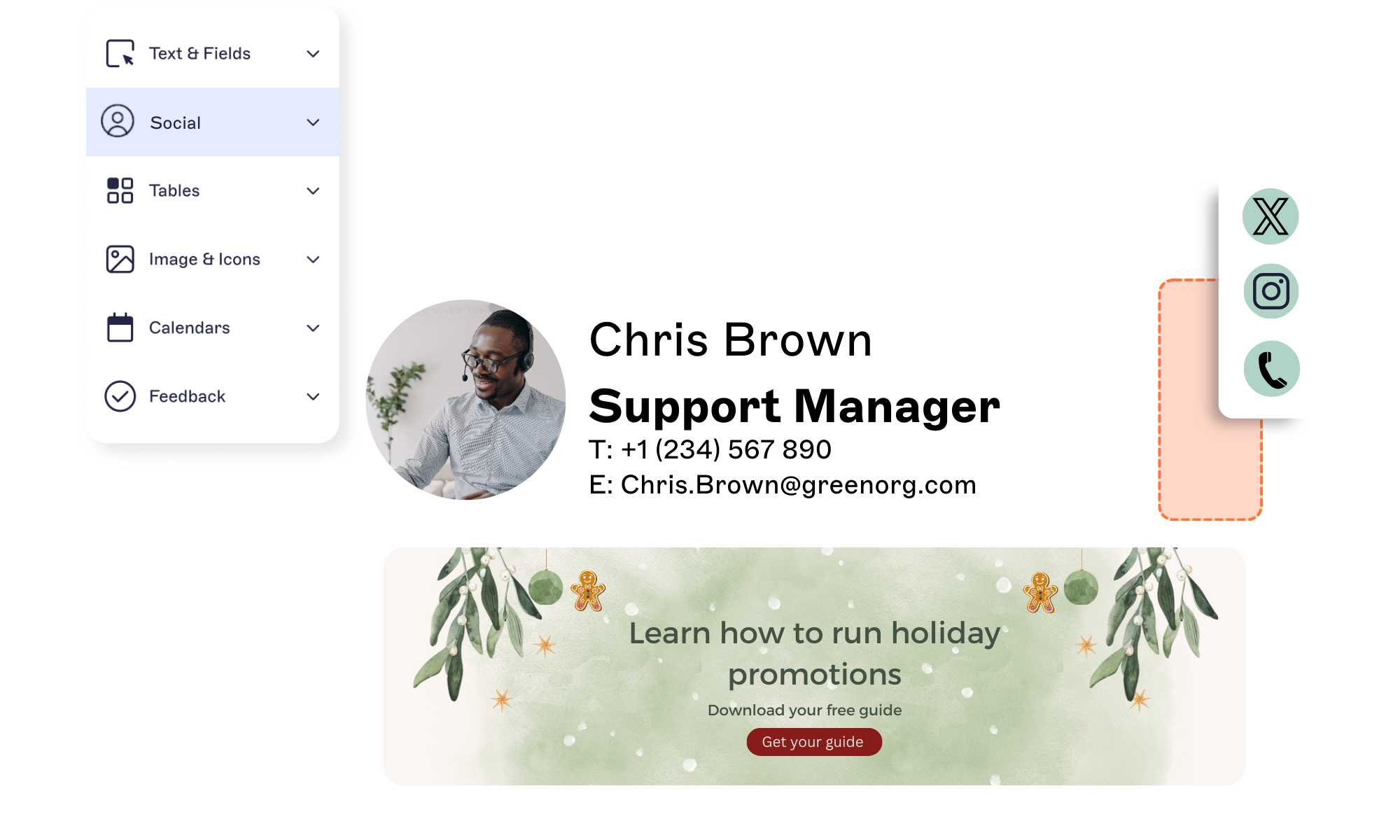 From Thanksgiving and Christmas to the 4th of July, every email is a chance to connect. With Exclaimer, design, automate, and deploy holiday email signatures without adding extra work for IT, and see the same design applied across every inbox in the company.
Get a demo of Exclaimer to see how easy it is to launch your next festive campaign, and schedule it to revert on its own once the season ends.