James is an experienced product specialist with a strong background in the IT and SaaS industry. As Senior Product Marketing Manager at Exclaimer, he plays a key role in showcasing the value of centralized email signature solutions and transforming them into a powerful communication tool for organizations.
What's new in Exclaimer: September 2026
Key takeaway
New HR system integrations: Connect Workday, UKG Ready, BambooHR, SAP SuccessFactors, or ADP Workforce Now as an employee data source, so email signatures and meeting themes stay in step with HR records. Available to customers on Exclaimer’s Pro plan.
User Details Editor in Outlook: Once an admin enables it, employees can edit their details directly from the Outlook add-in.
Simpler setup: No device code when connecting email routing, single sign-on for invited colleagues, and a live email signature preview during registration.
Improvements to Brand Kits, Analytics, Starter plans, and screen reader support.
Fixes for Signature Designer, the portal, Apple Mail attachments, and the User Details Editor.
Along with this month’s changes, this edition covers major updates released earlier in 2026.
Highlights
Connect Workday and UKG Ready as employee data sources
Available to Admins on the Pro plan
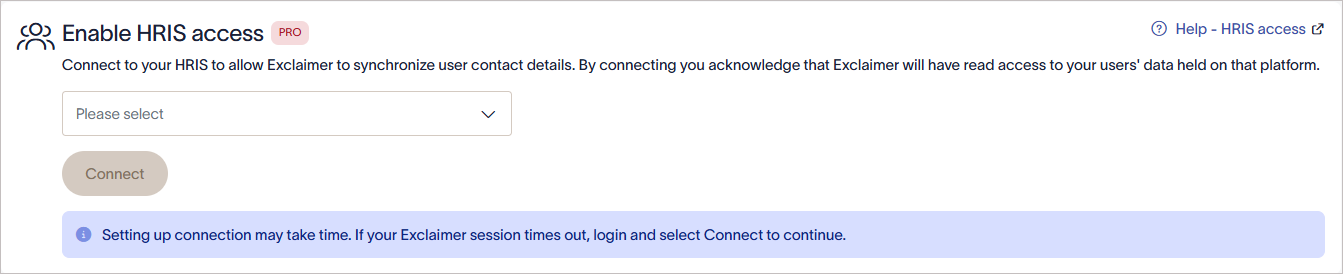
You can now connect Workday, UKG Ready, BambooHR, SAP SuccessFactors, or ADP Workforce Now as an employee data source. Once connected, employee attributes sync automatically from the HR system into your email signatures and video meeting themes. When someone joins, changes roles, or moves, their details update automatically.
This suits organizations whose HR system is their system of record and that don't want to depend on directory data or manual CSV uploads.
To get started, go to Settings (the cogwheel), then Sender Management, then Enable HRIS access. Select your HR system, then follow the steps to connect it.
Open the User Details Editor from the Outlook add-in
Available to all customers. Must be enabled by an Admin
Employees can now jump from the Exclaimer Outlook Add-In straight to the User Details Editor and update their own details in seconds, without hunting for a bookmark or asking IT for the link. The add-in follows the same rules as the User Details Editor, so admin-managed fields stay locked.
Simpler setup for new users
Connecting Exclaimer, signing up, and inviting colleagues now take fewer steps.
No device code when connecting. The email routing connection flow now uses API and token authorization instead of a device code. That removes a step and means fewer requirements up front for new users.
A better invite experience. Colleagues invited to a trial now go through the same registration flow as everyone else. They can now also sign in with single sign-on (SSO).
A live email signature preview. New sign-ups who upload a company logo now see a live preview of their email signature during registration, with their name, title, and logo.
Improvements
Brand Kits
No more resizing before you upload. Brand Kit uploads no longer have fixed dimension restrictions, so you can add a logo or image as it is. Images can be anywhere from 25 x 25 to 600 x 600 pixels, icons must still be square, and Meeting Backgrounds keep their dimension requirements.
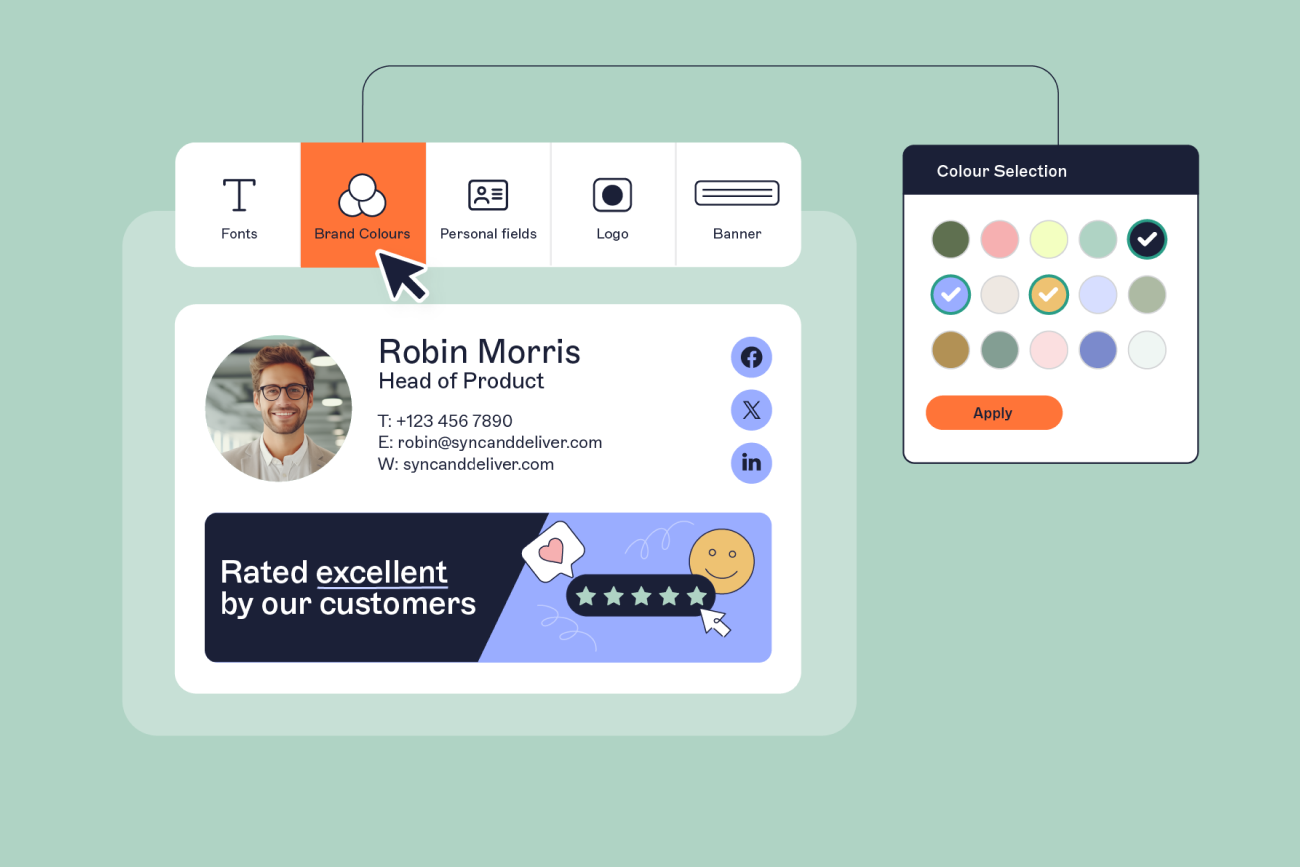
Brand Kit setup from the Template Selector. New users can now create a Brand Kit without leaving the Template Selector. The logo, font, and color you enter show up in the branded templates right away and are saved to a Brand Kit for reuse.
Plans and Analytics
Template import on Starter plans. Importing templates is now standard on Starter, so you no longer need to ask Support to turn it on.
Analytics on and off. Admins and Owners on Pro can now turn Analytics on or off with a toggle in the top right corner. Existing subscriptions keep their current setting, so analytics stays off for anyone who previously asked us to turn it off. It’s on by default for new Pro customers.
Accessibility
Better screen reader support. We changed how email signature layouts are rendered, so screen readers now read email signatures in the right order.
Fixes
Signature Designer
Saving one email signature while several were open in different browser tabs could rename the others. That no longer happens.
Hyperlinking a small selection of text could link the whole text element and overwrite an existing link. A hyperlink now applies only to the text you selected.
Changing font size units or picking a color could reload the property panel mid-change and apply the wrong value. The panel no longer refreshes after every text change, so the value you choose is the one applied.
Images in the Gray8 format could stop email signatures from rendering and cause errors in the Outlook Add-in. Both issues are fixed.
Portal and connection
The Launch AppSource button no longer needs a page refresh before it works when you connect client-side, so you can carry on with setup without reloading.
Users with the Designers role or lower could get stuck on an infinite loading screen when opening the portal. They can now open the portal normally.
Email and the User Details Editor
Apple Mail on iOS couldn't open attachments with Turkish characters in the file name after Exclaimer processed the email. The fix is now enabled for all customers.
Uploading a CSV that included Microsoft 365 fields no longer stops the User Details Editor from loading for Google Workspace customers, so users keep self-service access to their details.
Questions or feedback? Click here.